Istrippedmyoilbolt
Members
-
Joined
-
Last visited
Everything posted by Istrippedmyoilbolt
-
Yes, it's the same engine bay 🙂 funny enough, i also have similar issues as the guy in the post you mentioned, my battery also went flat and brought up the ESP light with codes 00810, 01423, and 00778 😁 But for now, i'm interested in the fuel pump
-
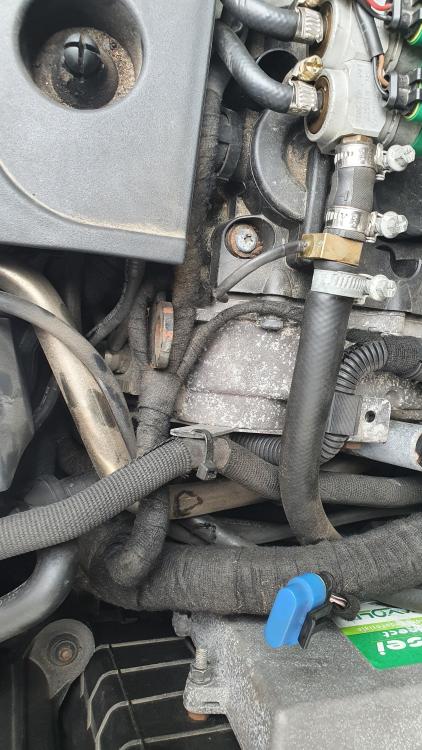
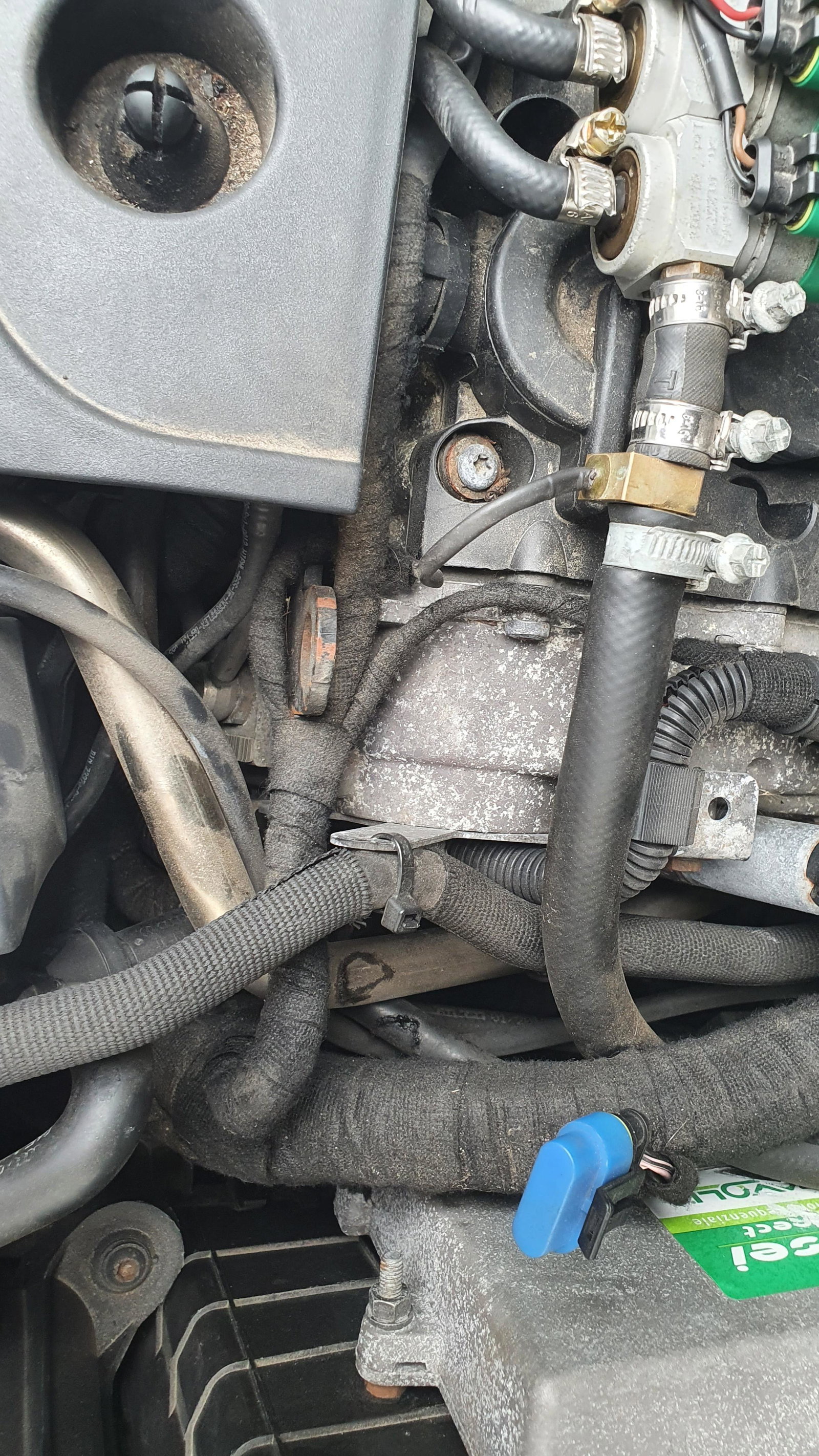
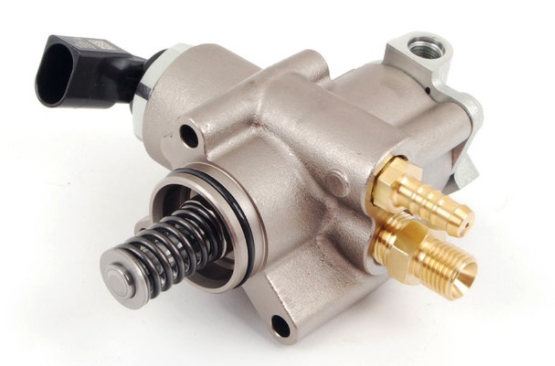
The lpg system works fine, I just mentioned that it's converted to lpg because the lpg injectors are in the photo 😁 Disregard the lpg system, I'm asking about the EA113 engine's high pressure fuel pump, which is known to bust through the cam follower on it, I can't find any info on how to replace the follower on this particular style of pump (which i can't find anywhere else on the net). i'll drop a pic on how it's SUPPOSED to look like on other engines, but mine doesn't, and it's in a different place?
-
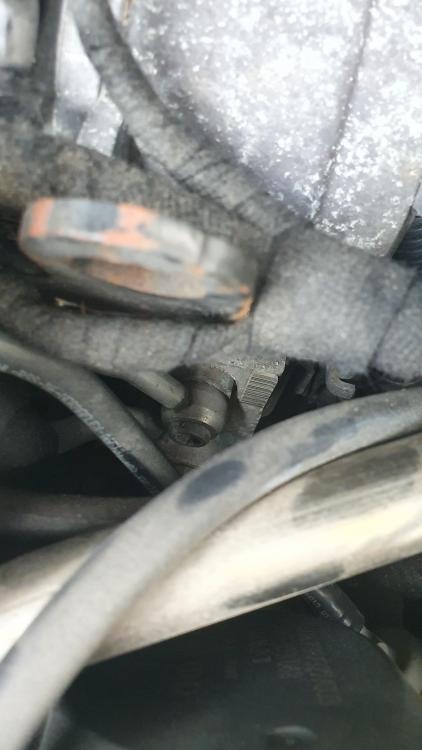
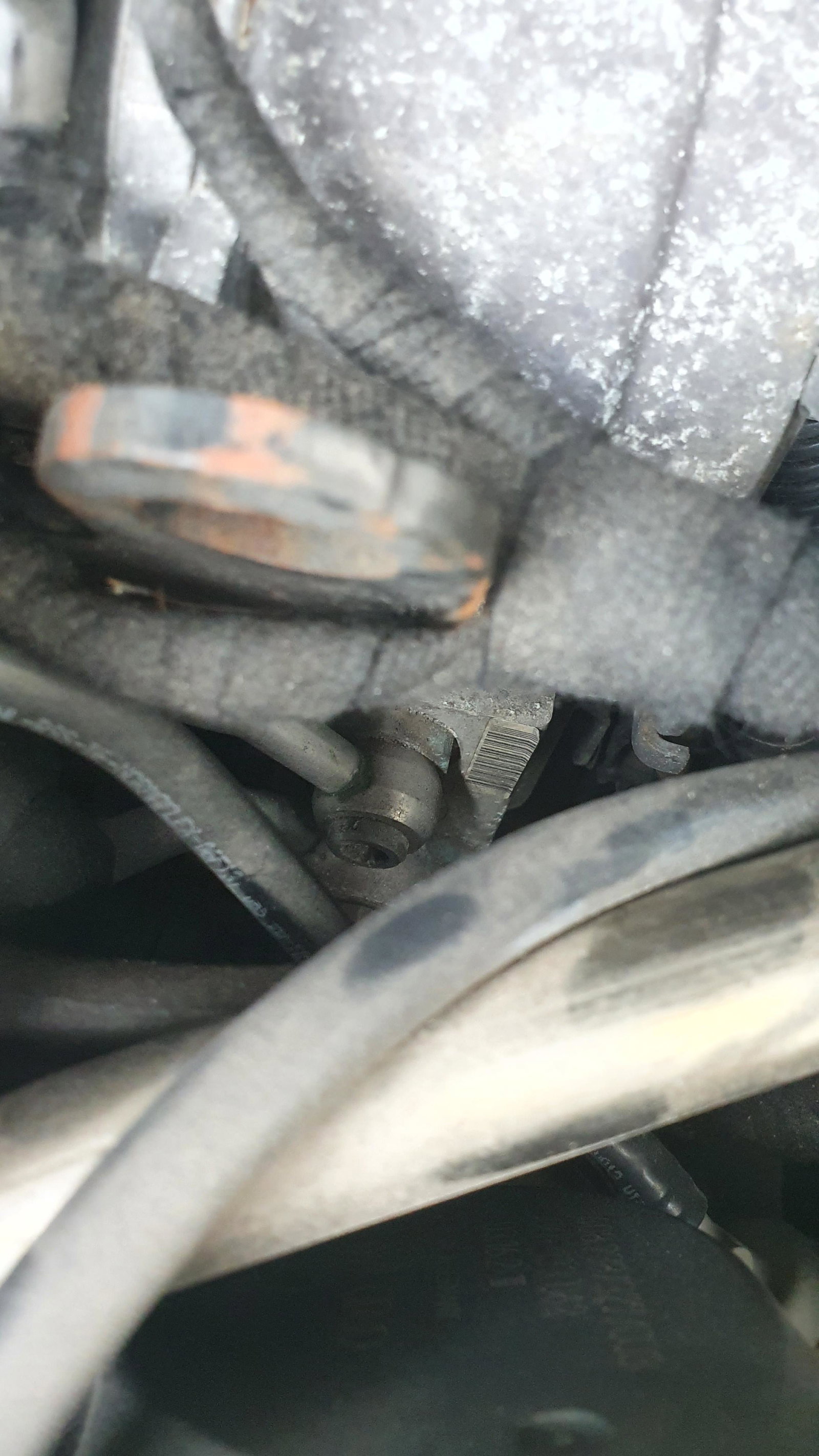
Hey there, I have an a3 8p 2003 with a 2.0 fsi 150hp lpg converted engine, I looked at a lot of guides on how to change the hpfp cam follower, but everytime i open my bonnet i get confused, because my fuel pump is not located where it is on most other engines? I managed to take a couple of bad photos of the (what i think it is) fuel pump, but it appears to be the shape of a rectangle. On it is a banjo bolt and two xzn (triple square) bolts, so i presume it's the pump. Any ideas on how to change the cam follower on this particular model? The clearance to work on it is also terrible, i can barely even take semi-clear photos of it. Any help is greatly appreciated!