Cass1usclayton
Members
-
Joined
-
Last visited
Everything posted by Cass1usclayton
-
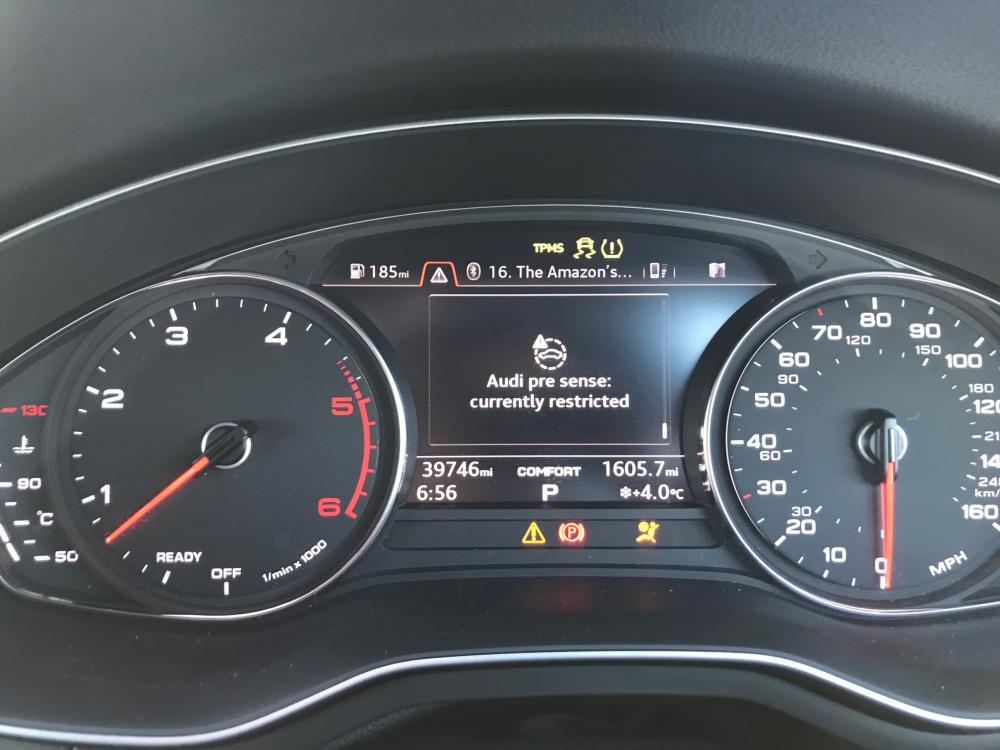
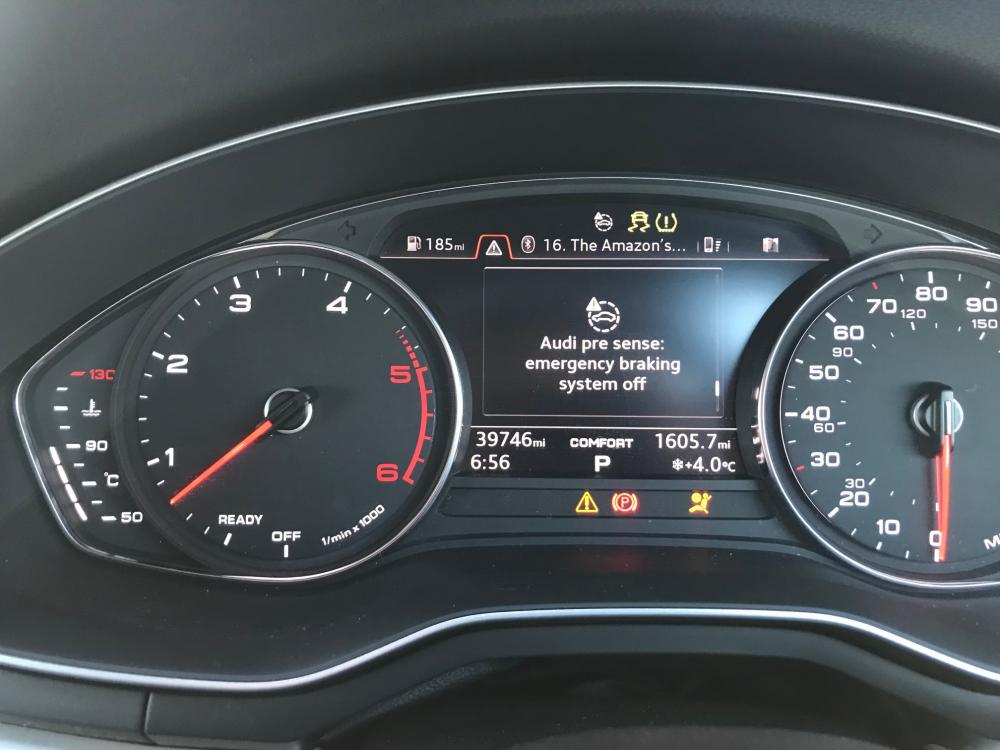
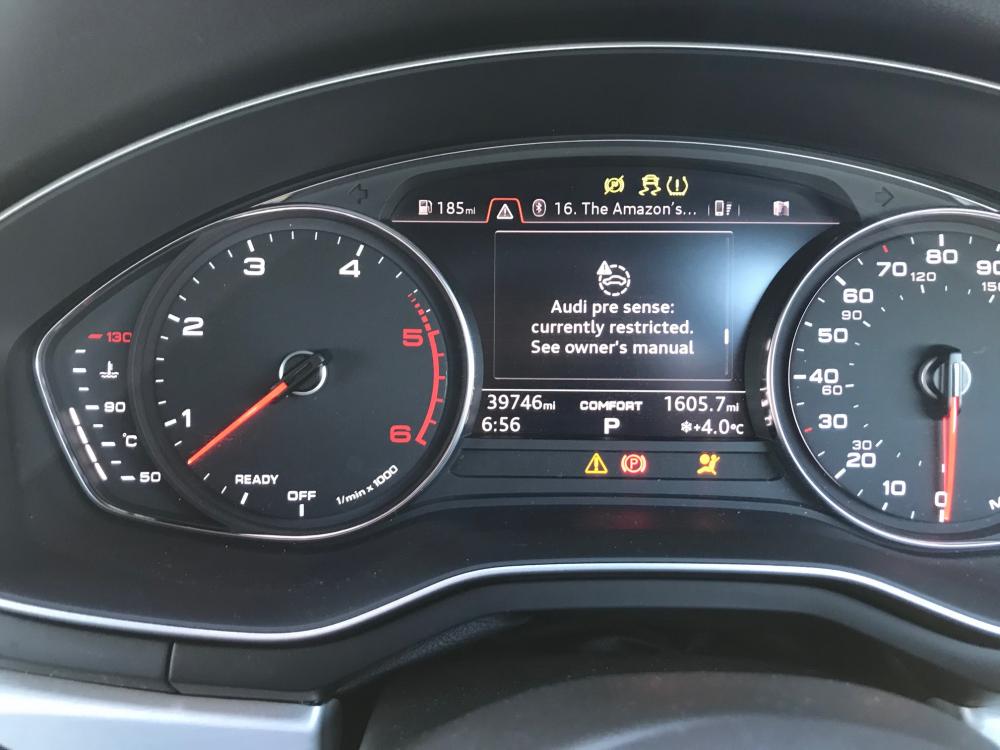
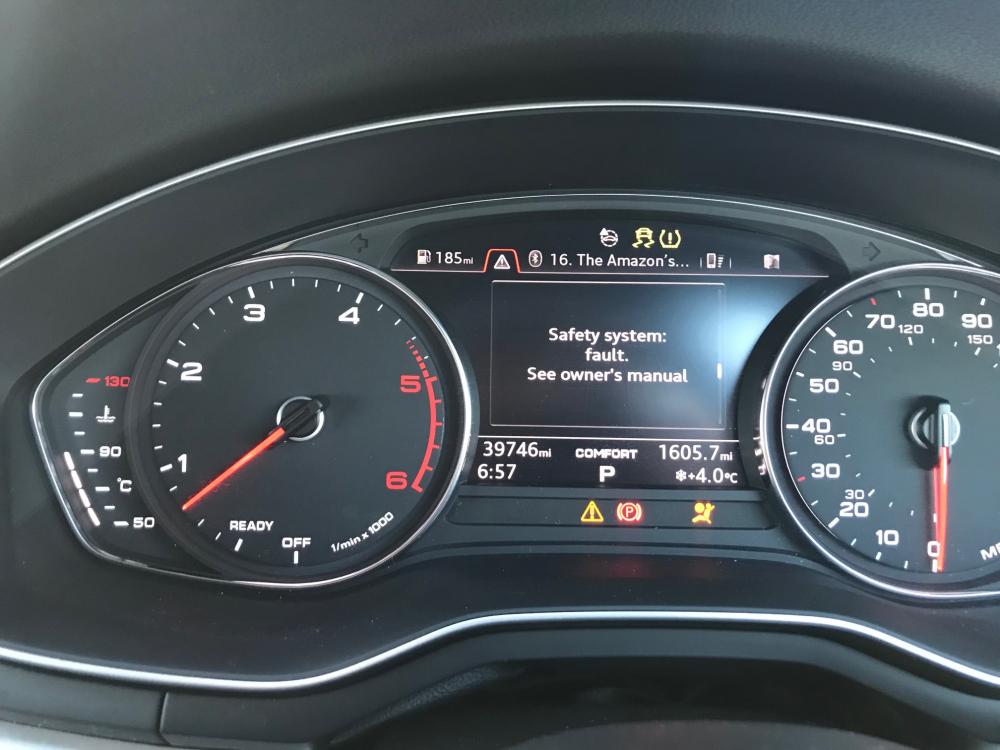
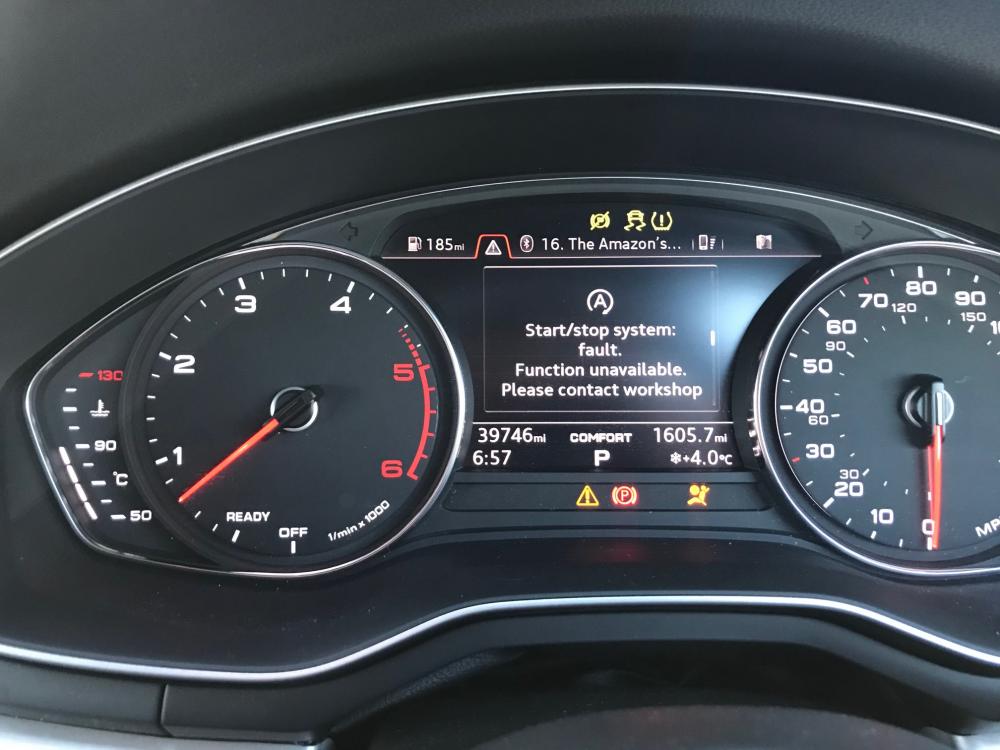
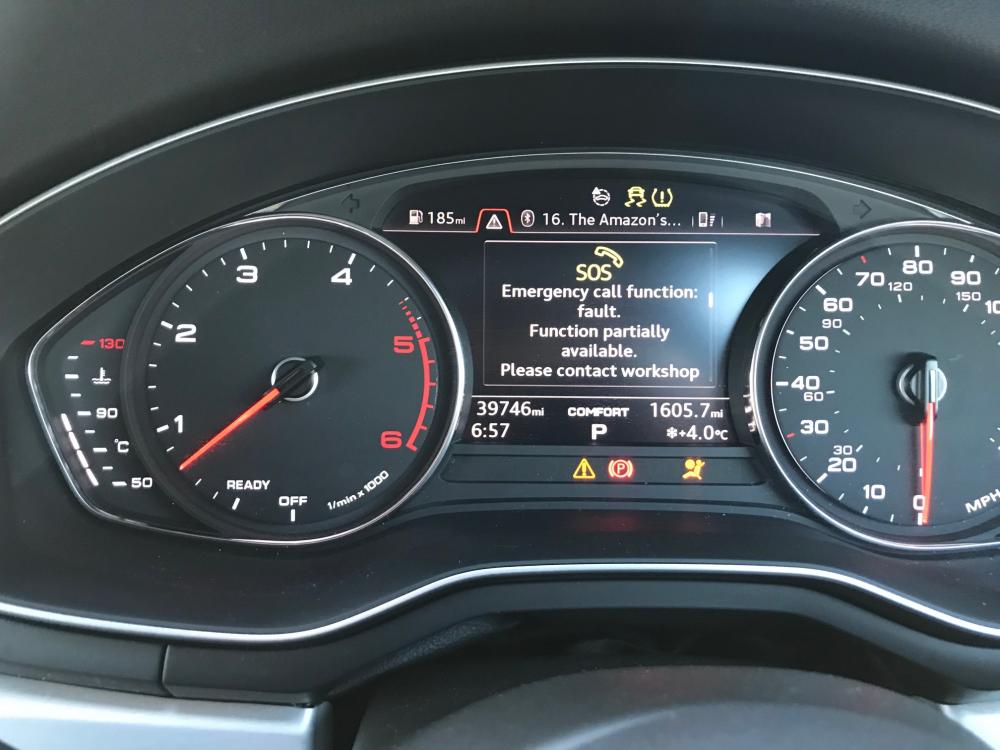
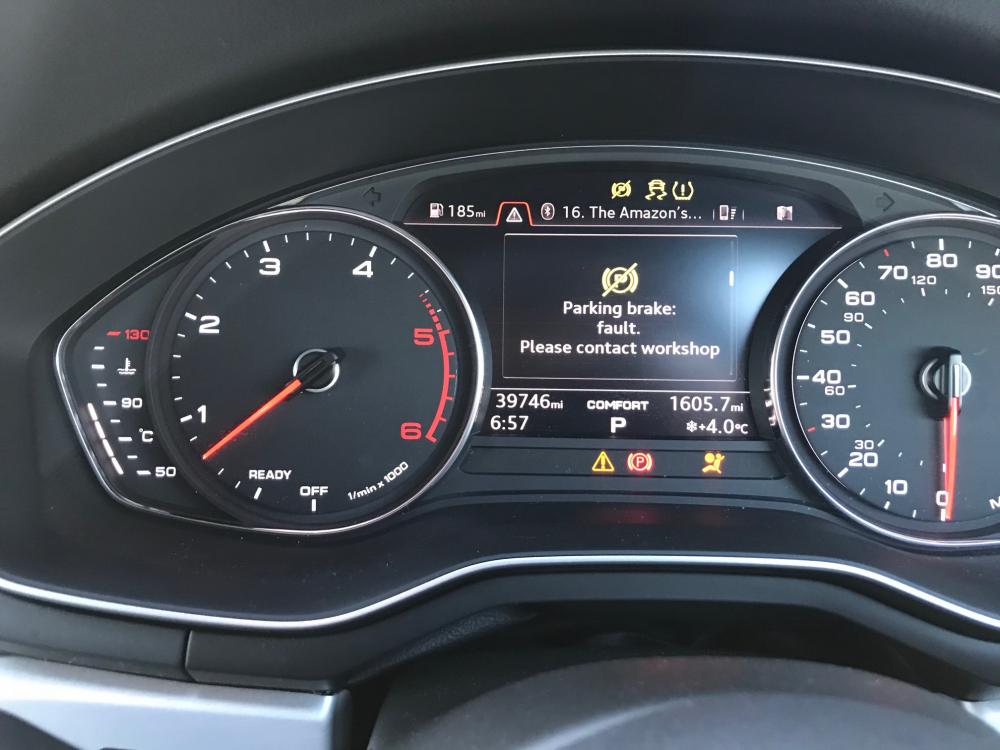
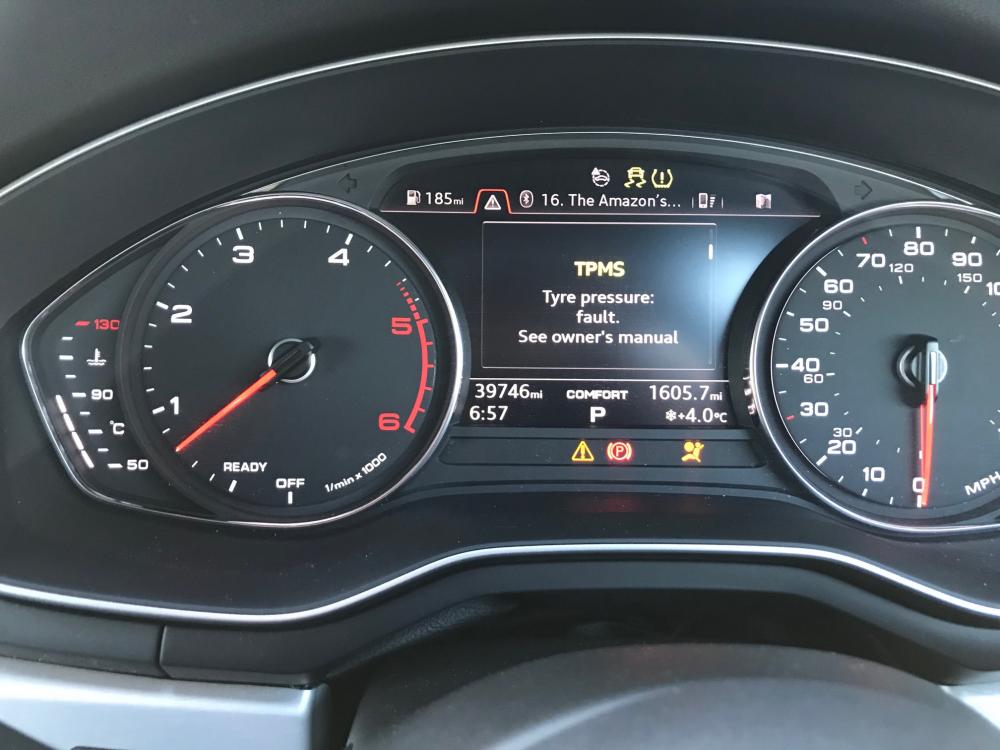
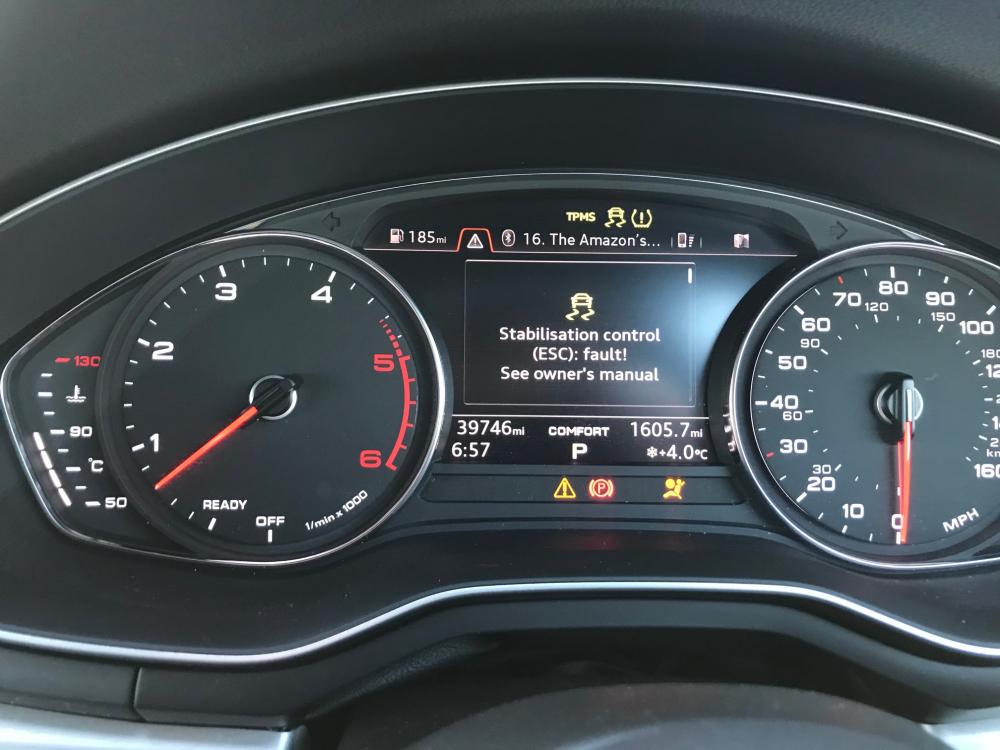
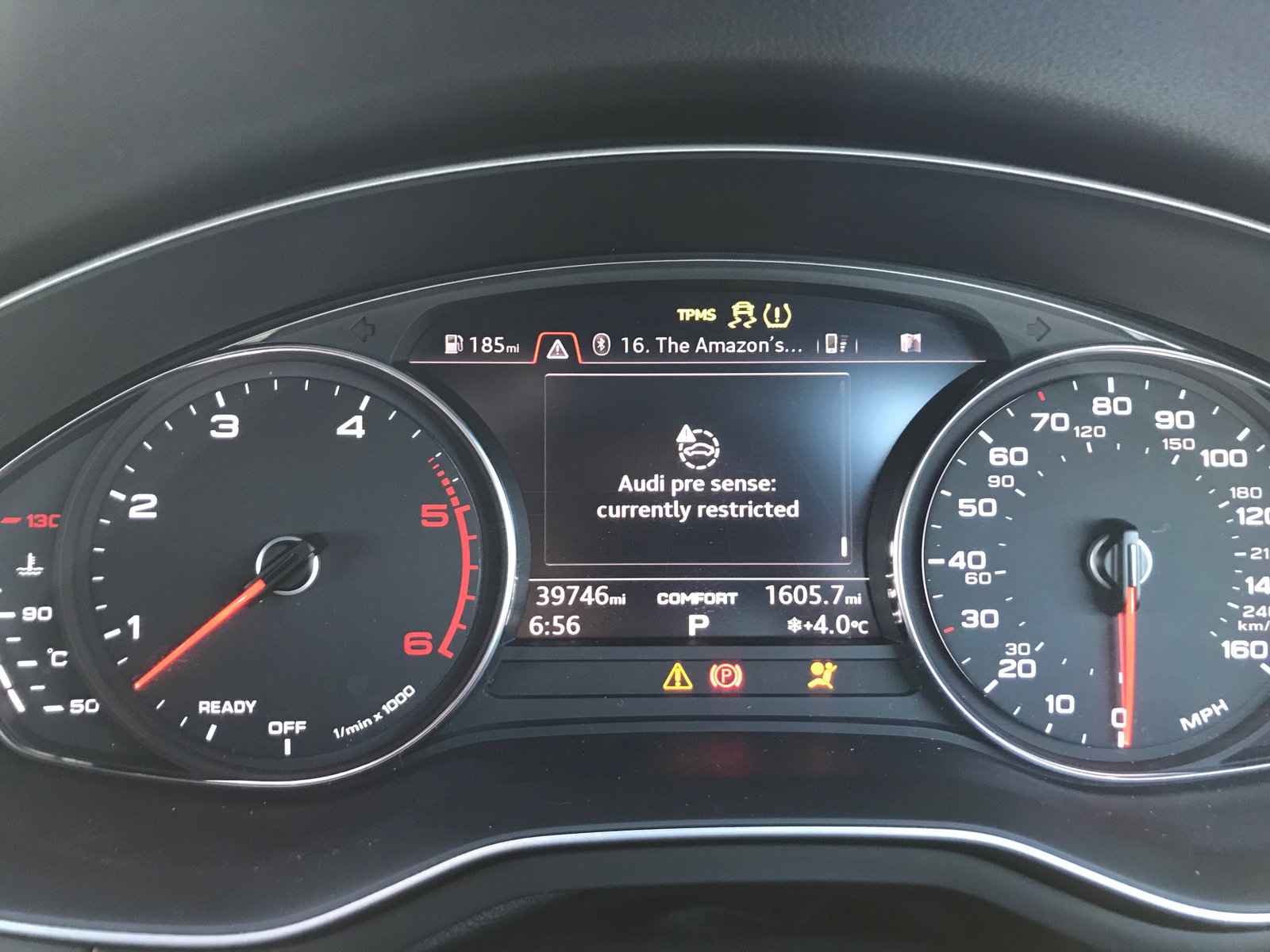
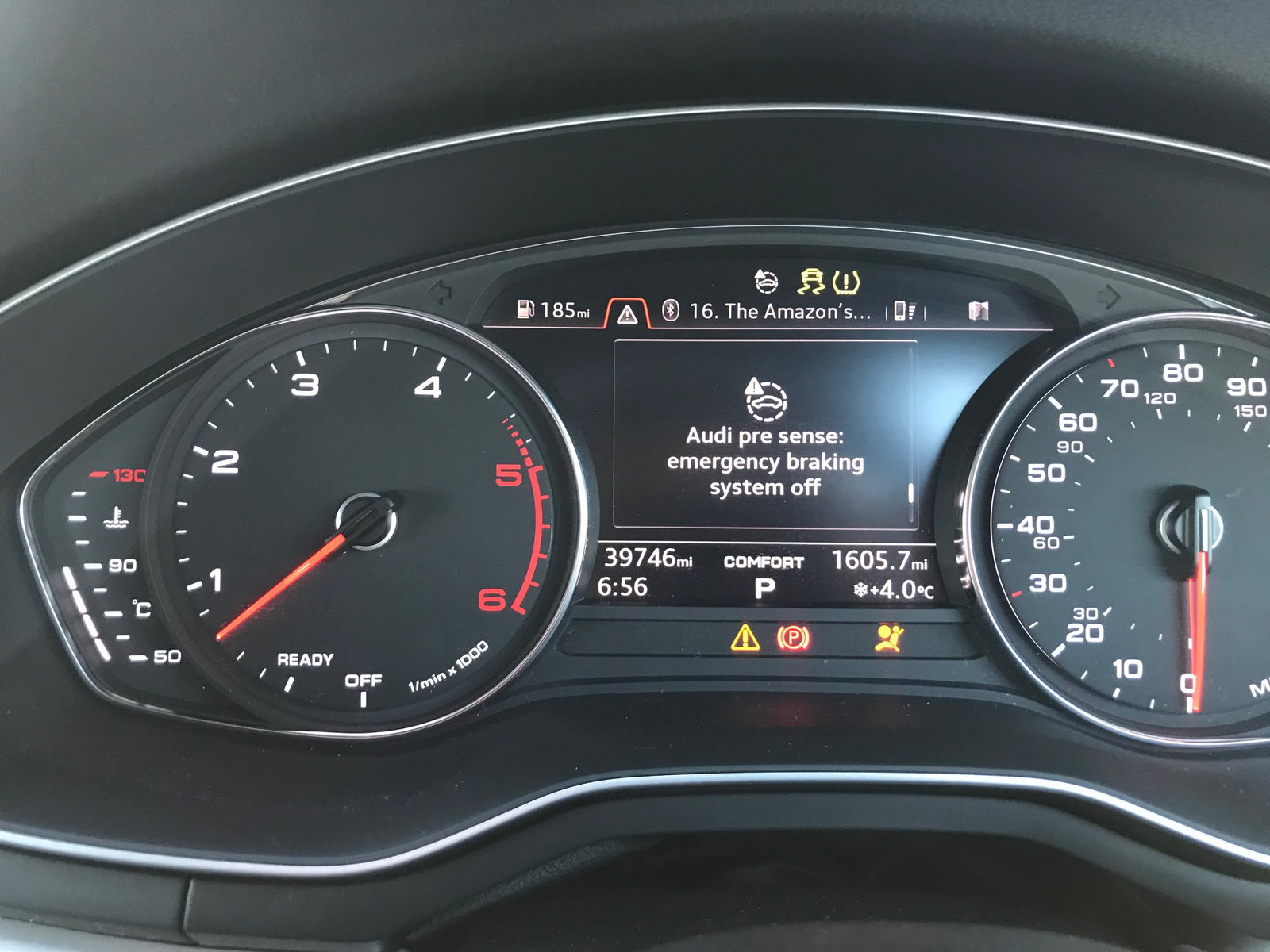
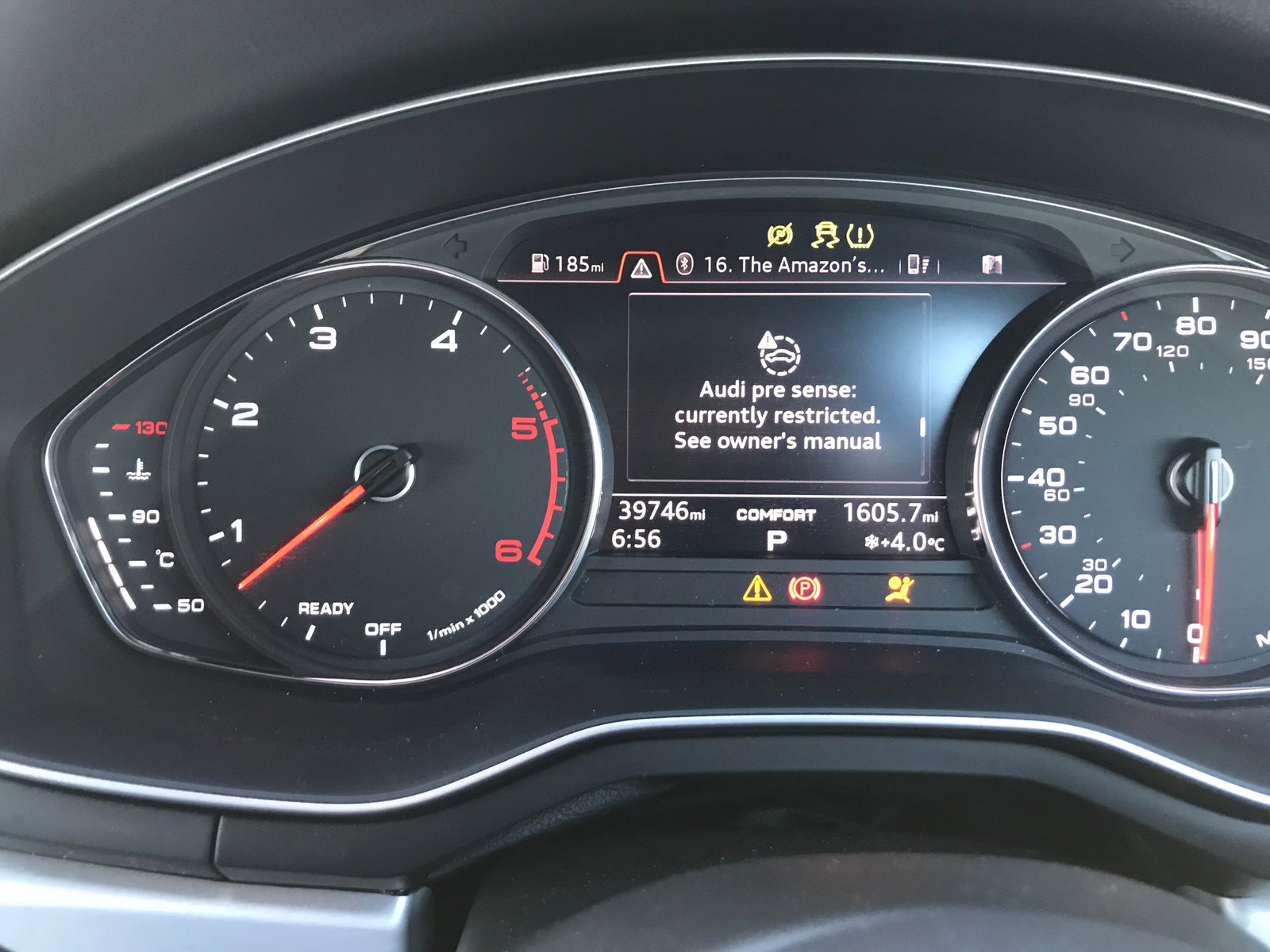
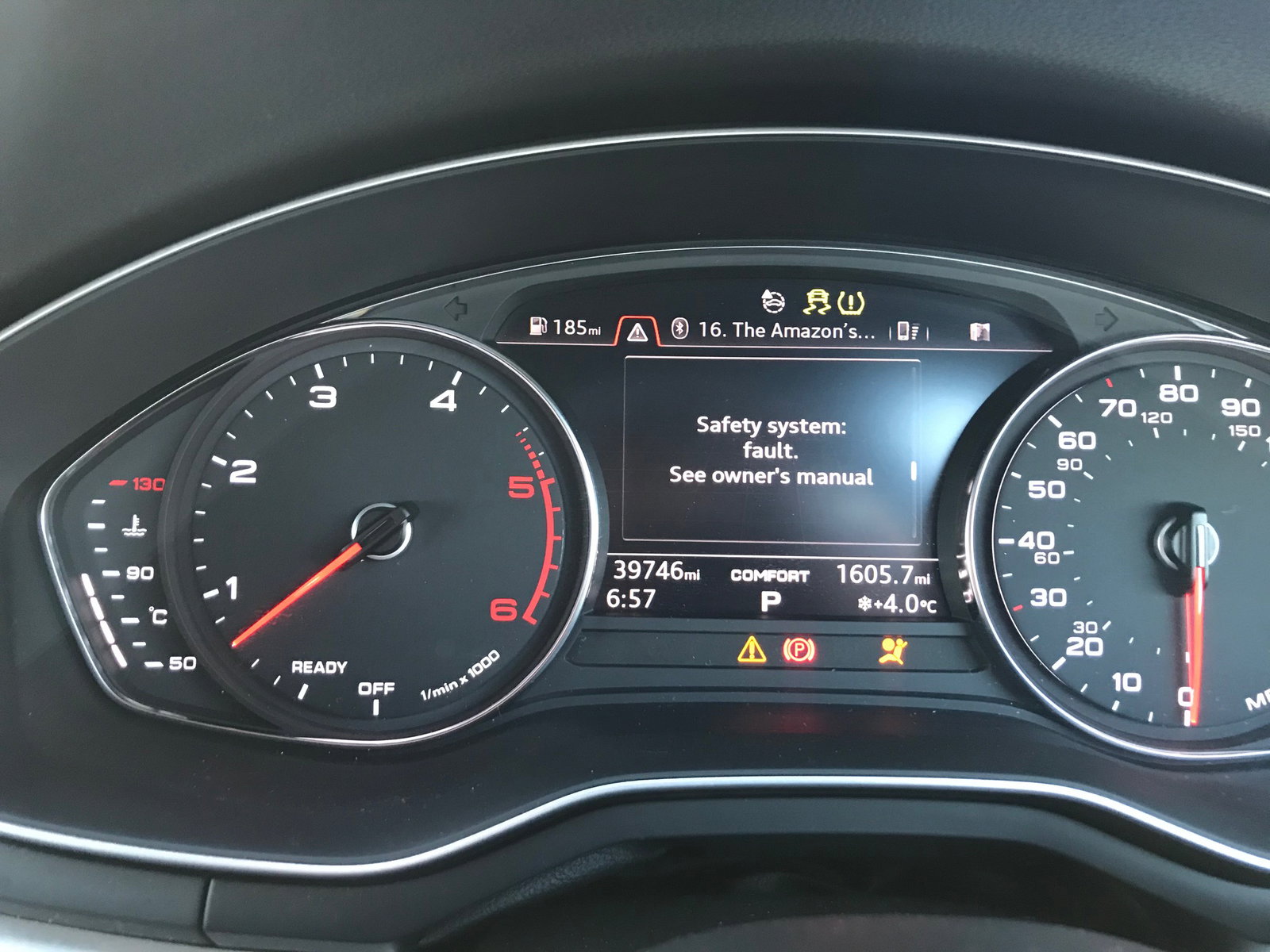
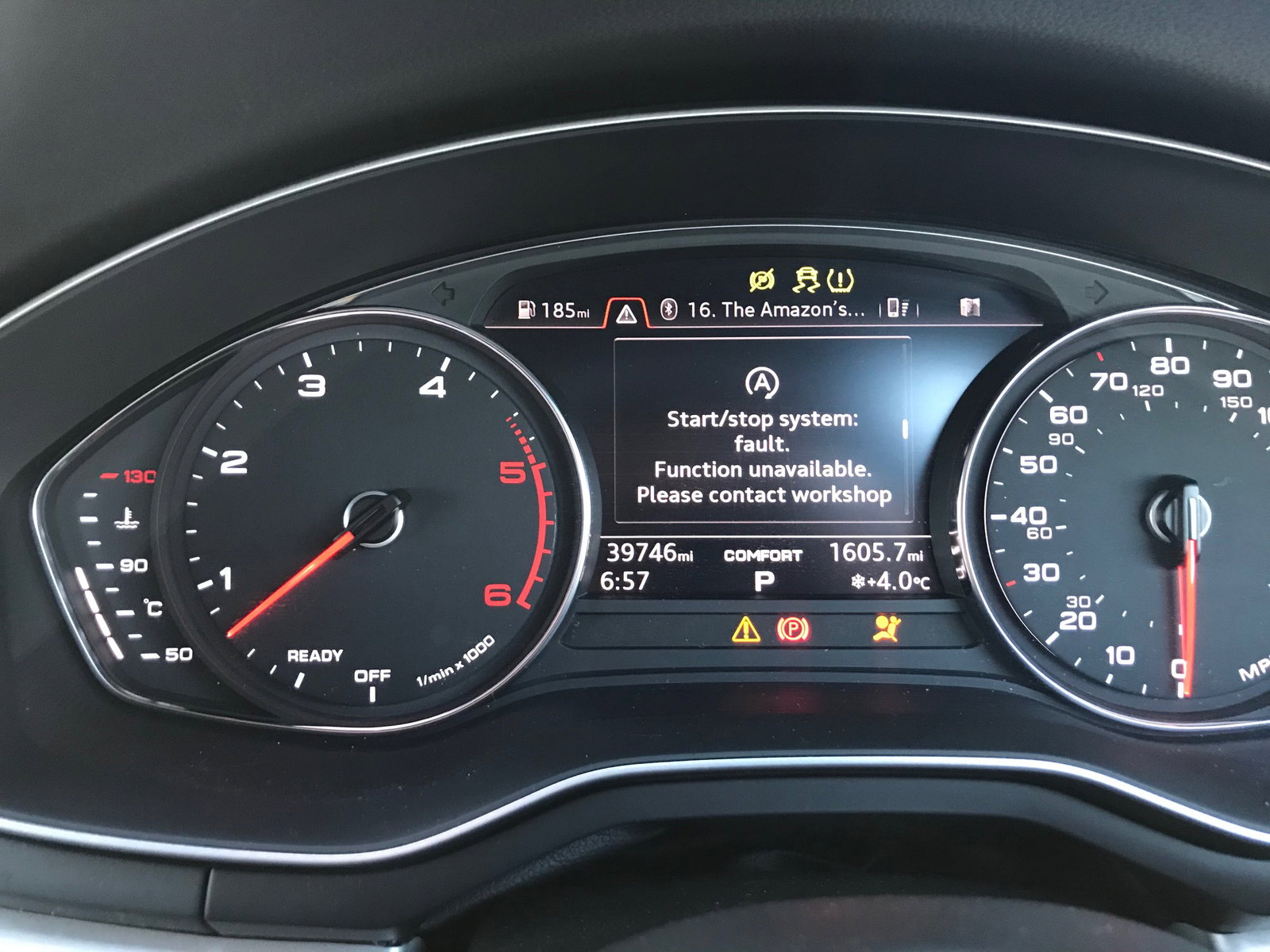
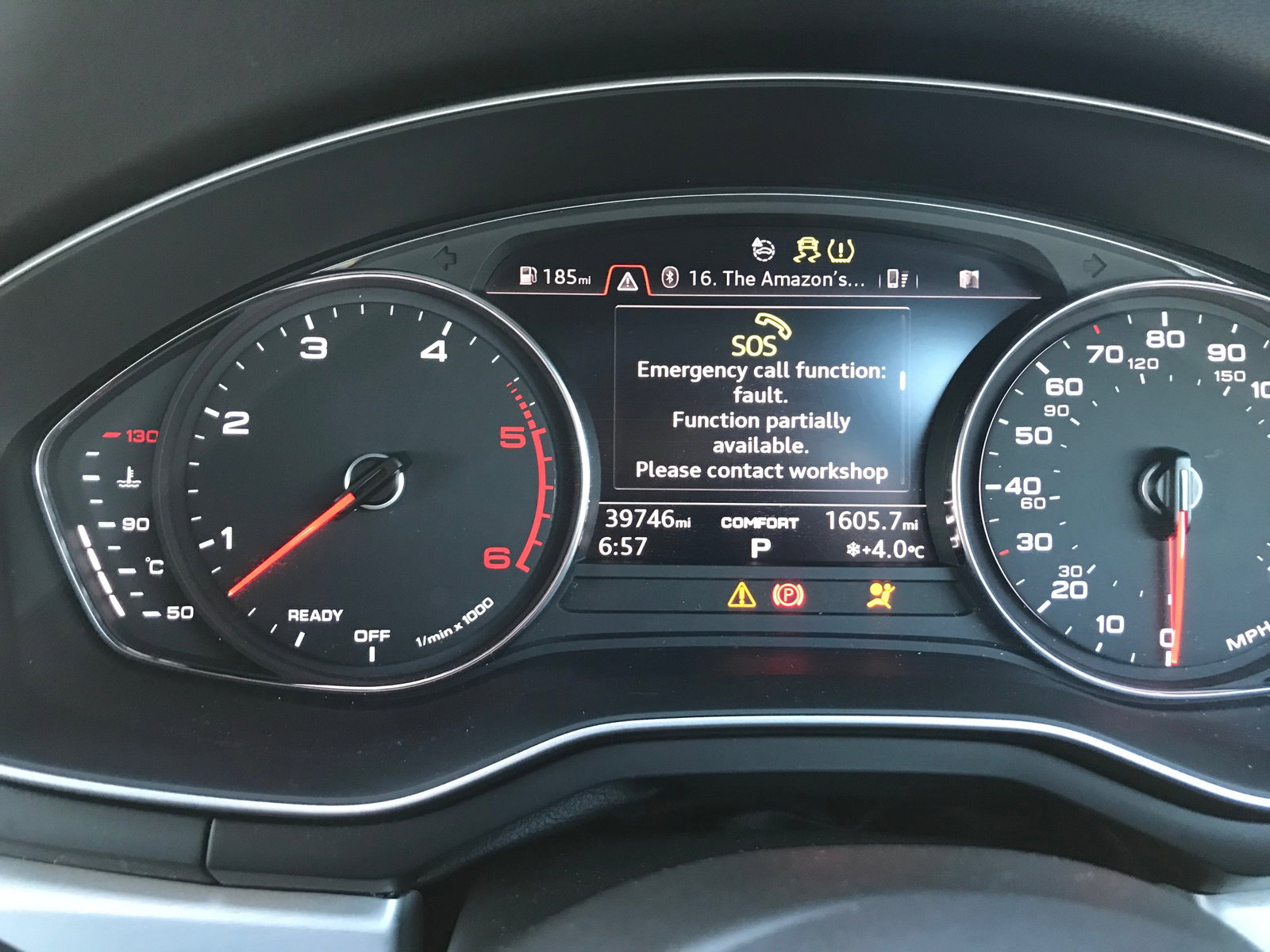
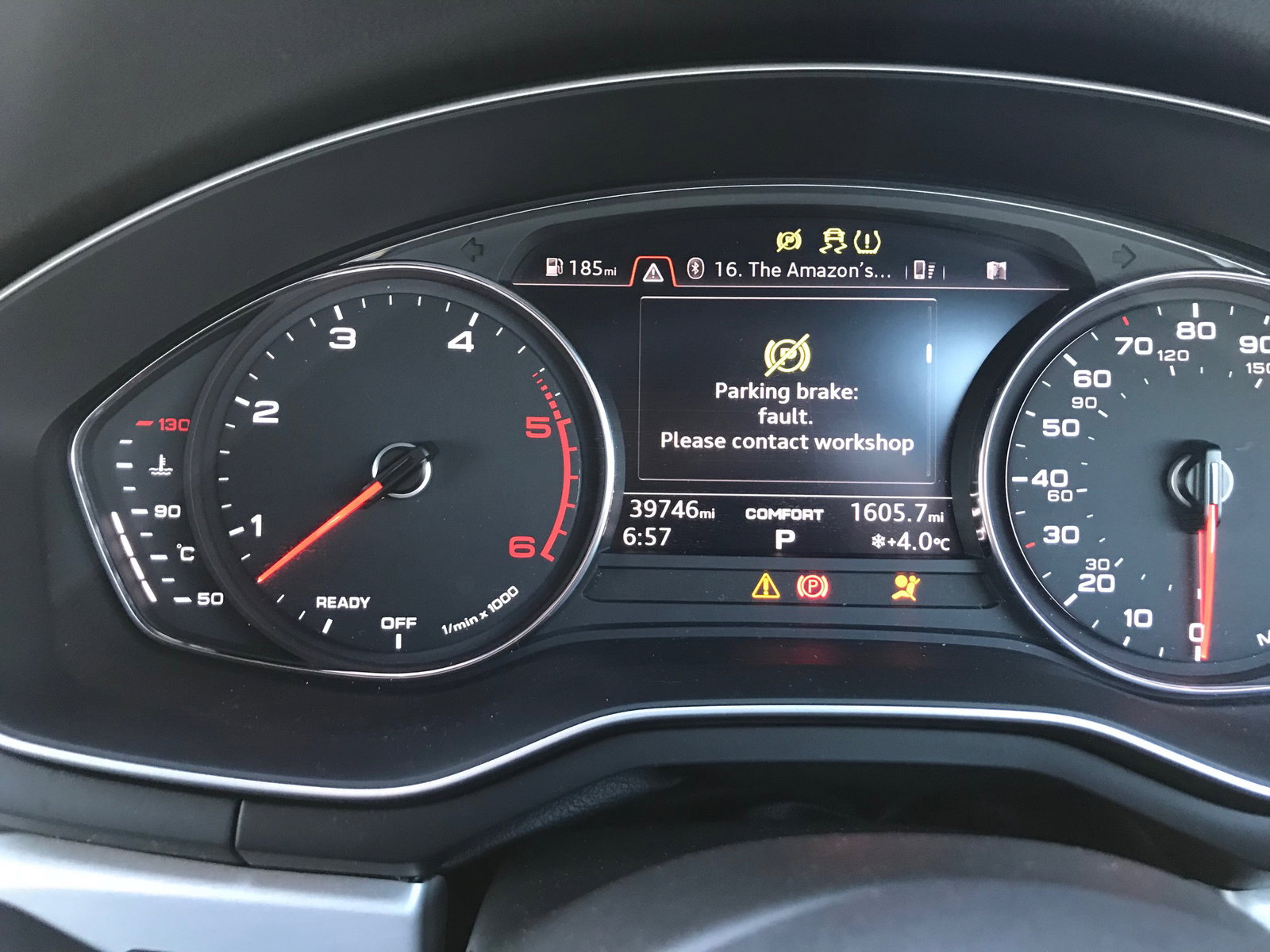
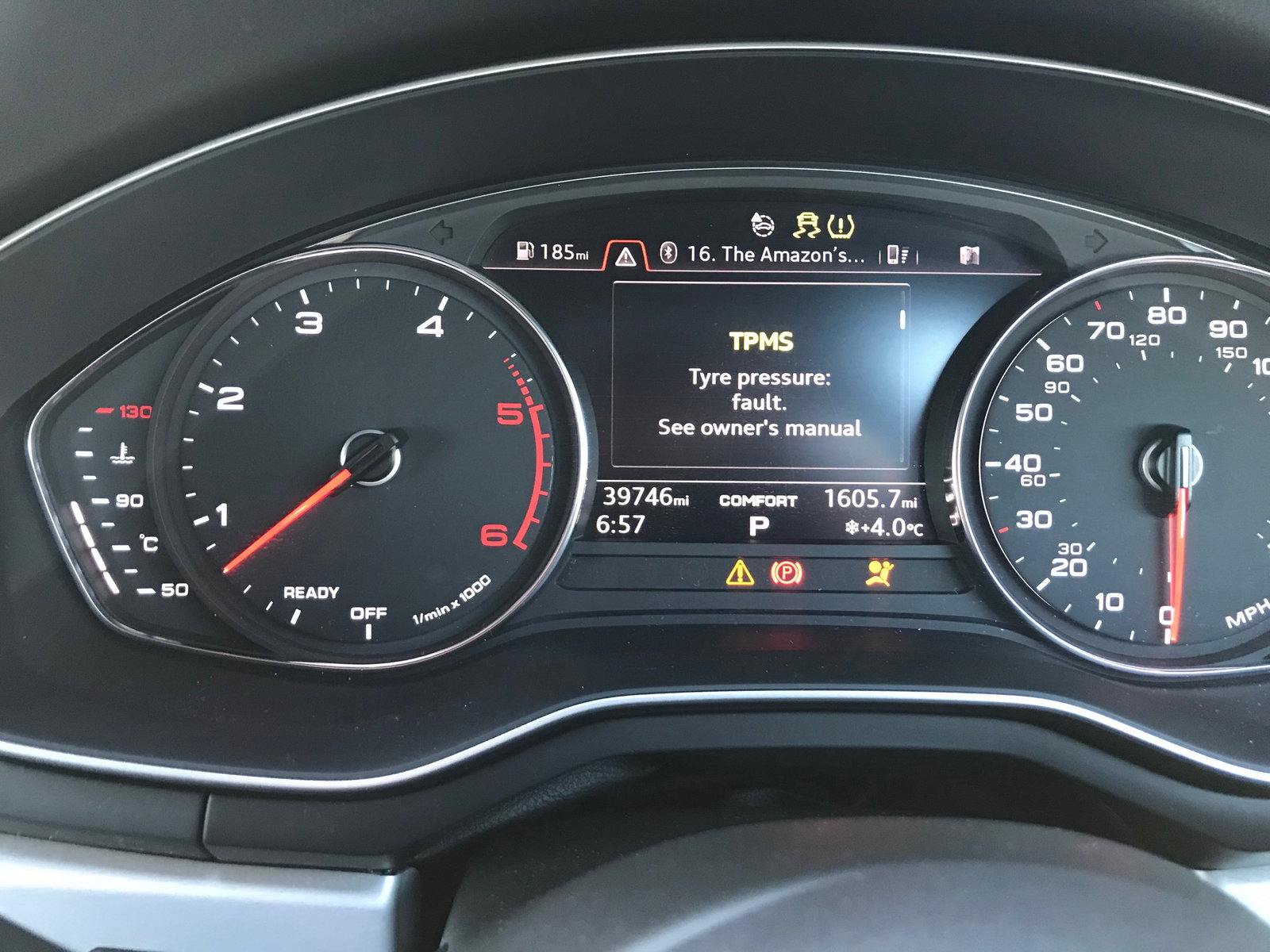
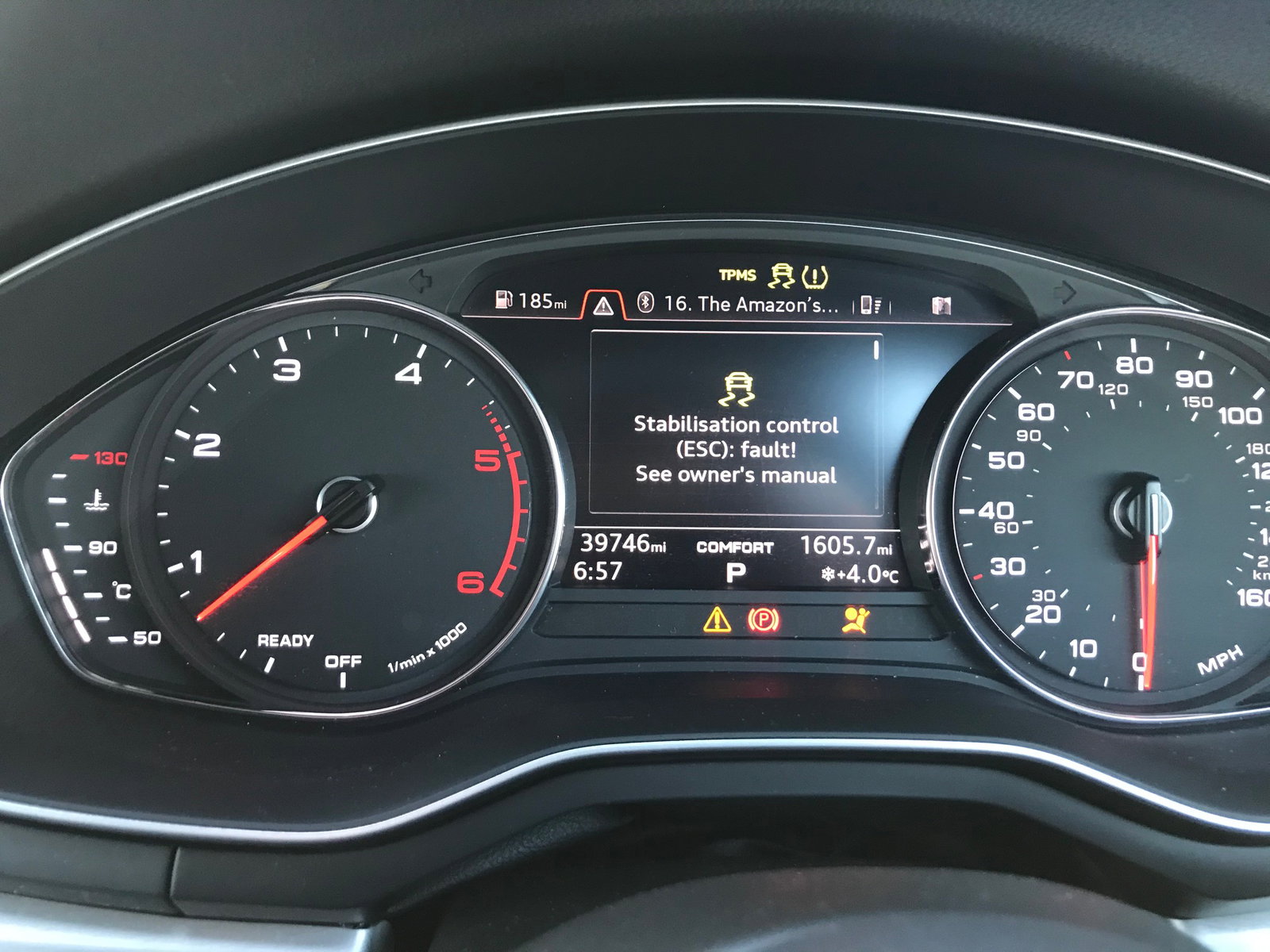
Driving on cruise control at 70mph (through average speed check cameras) I was in the outside lane about to pass an artic in the middle lane, as the front of my car passed the back wheels of the artic my car slammed full on and I mean full on, the only other time I have felt my brakes as strongly was when I let my wife drive once (who drives a manual) and she used her clutch foot on the brake. I was then sat on the motorway looking in my rear view mirror at other cars bearing down on me and anchoring on also, my car would not move, the dashboard lit up like a Christmas tree and cycled through a list of issues; Airbag light, Parking brake light, exclamation mark triangle, Pre sense fault, emergency braking system off, safety system fault, start stop system fault, Emergency Call function fault, parking brake fault, TPMS Fault and Stabilisation control fault, then the car decided it was ok to go again so I set off, all the faults remain on the dash screen but at least the car moves, Audi tells me this is down to an airbag sensor fault and want to charge me £1100 for the privilege of replacing it, I asserted that this is surely a recall issue but they say they only recall if more than 5 cars exhibit the same fault so I'm just wondering if anyone else has?