Eamop
Members
-
Joined
-
Last visited
Everything posted by Eamop
-
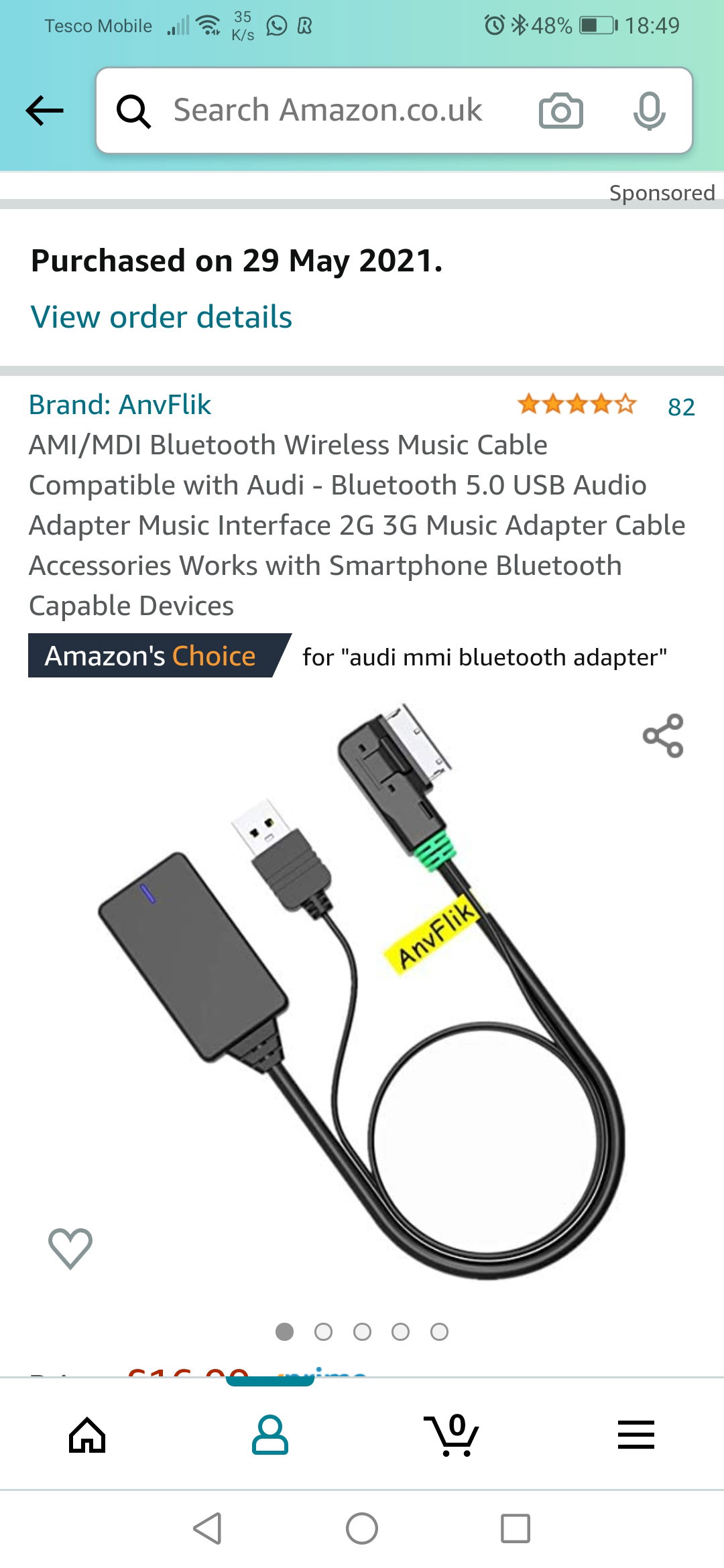
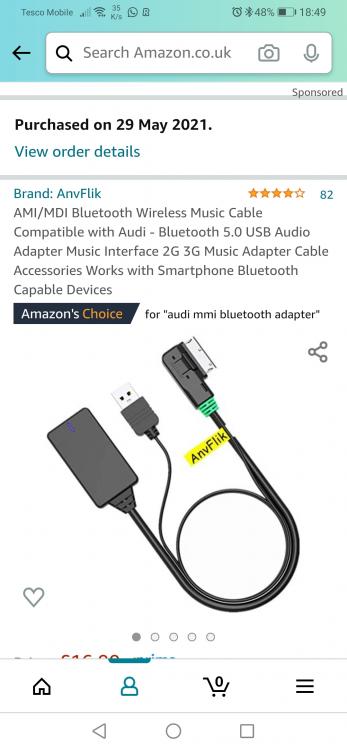
So I bought this on amazon cost very little and turned my mmi into a Bluetooth aux in works perfect streaming from amazon music👌
-
Thanks for reply. Is it possible to change the stereo for the newer model multimedia set up with the controller at the gear lever has anyone done this
-
Thanks pal I'm very happy with the power and drive of the car to be honest, can't seem to get my phone to play music through the stereo though other than that I'm happy
-
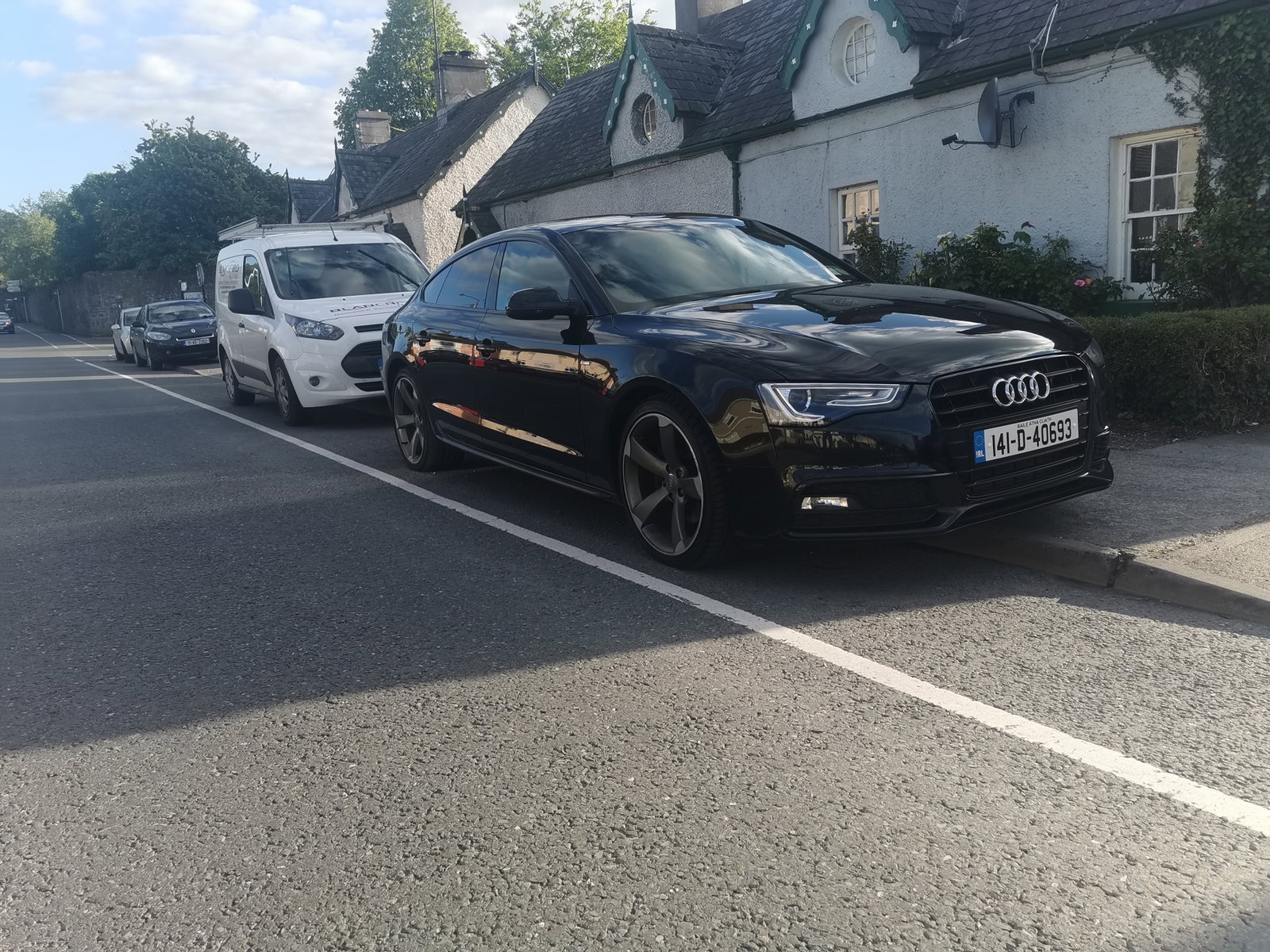
Probably asked already if so my bad Just bought an a5 sportback. It's a 2014 3.0 tdi auto black edition. It doesn't have Bluetooth audio, just phone calls. But I do have the mmi in the glove box however it won't let me play music via amazon/Spotify any advice how to get it to do this or can I put in an aux port it doesn't have one in the armrest thanks
-
So first Audi very happy man how's everyone doin