




Skip to content
View in the app

A better way to browse. Learn more.

Audi Owners Club (UK)

A full-screen app on your home screen with push notifications, badges and more.

To install this app on iOS and iPadOS
  1. Tap the Share icon in Safari
  2. Scroll the menu and tap Add to Home Screen.
  3. Tap Add in the top-right corner.
To install this app on Android
  1. Tap the 3-dot menu (⋮) in the top-right corner of the browser.
  2. Tap Add to Home screen or Install app.
  3. Confirm by tapping Install.

KN088Y

Members
  • Joined

  • Last visited

Everything posted by KN088Y

  1. I have a 2005 A4 B7 2.0tfsi quattro has anyone done the pcv delete is it worth doing? And what gains do you find
  2. The driver side vent closest to the window seem to be lowing out cold air con the 2in the middle of the dash and the passagner window are blowing warm air out any idea? Really annoying in this heat 😂
  3. KN088Y posted a topic in Audi A4 (B7) Forum
    Hi all Have a problem I have a red brake warning light on the display and the other top right is flashing the car drive and it brakes like normal no changes the fluid is ok and brake pads are fine It's showing no fault code on the obd reader Any ideas?
  4. KN088Y posted a topic in Audi A4 (B7) Forum
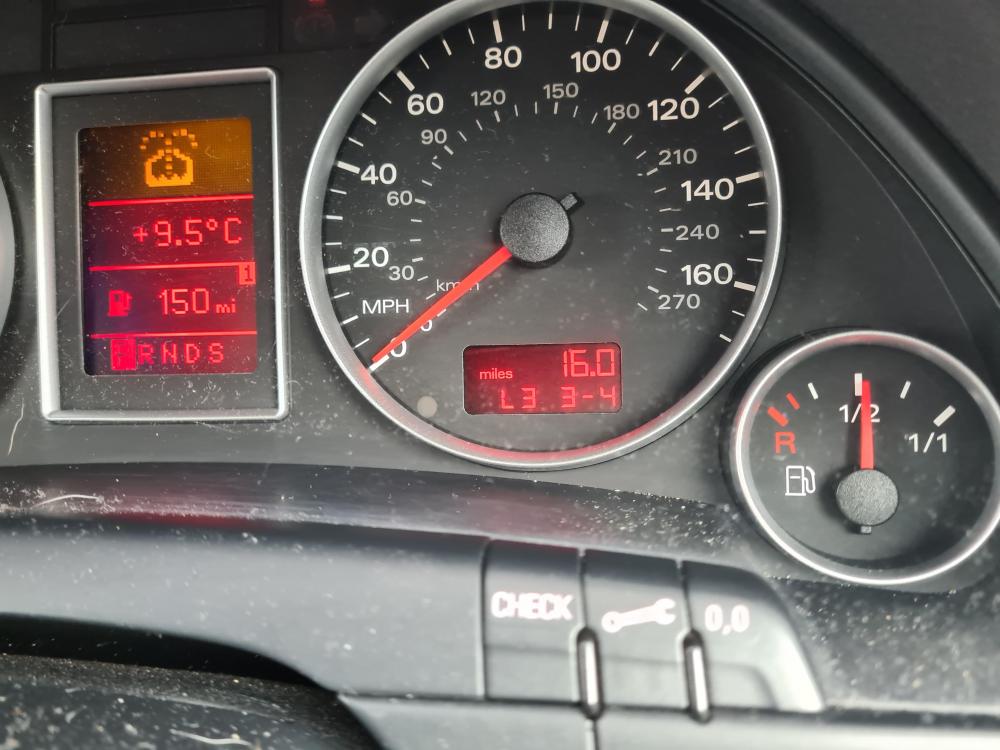
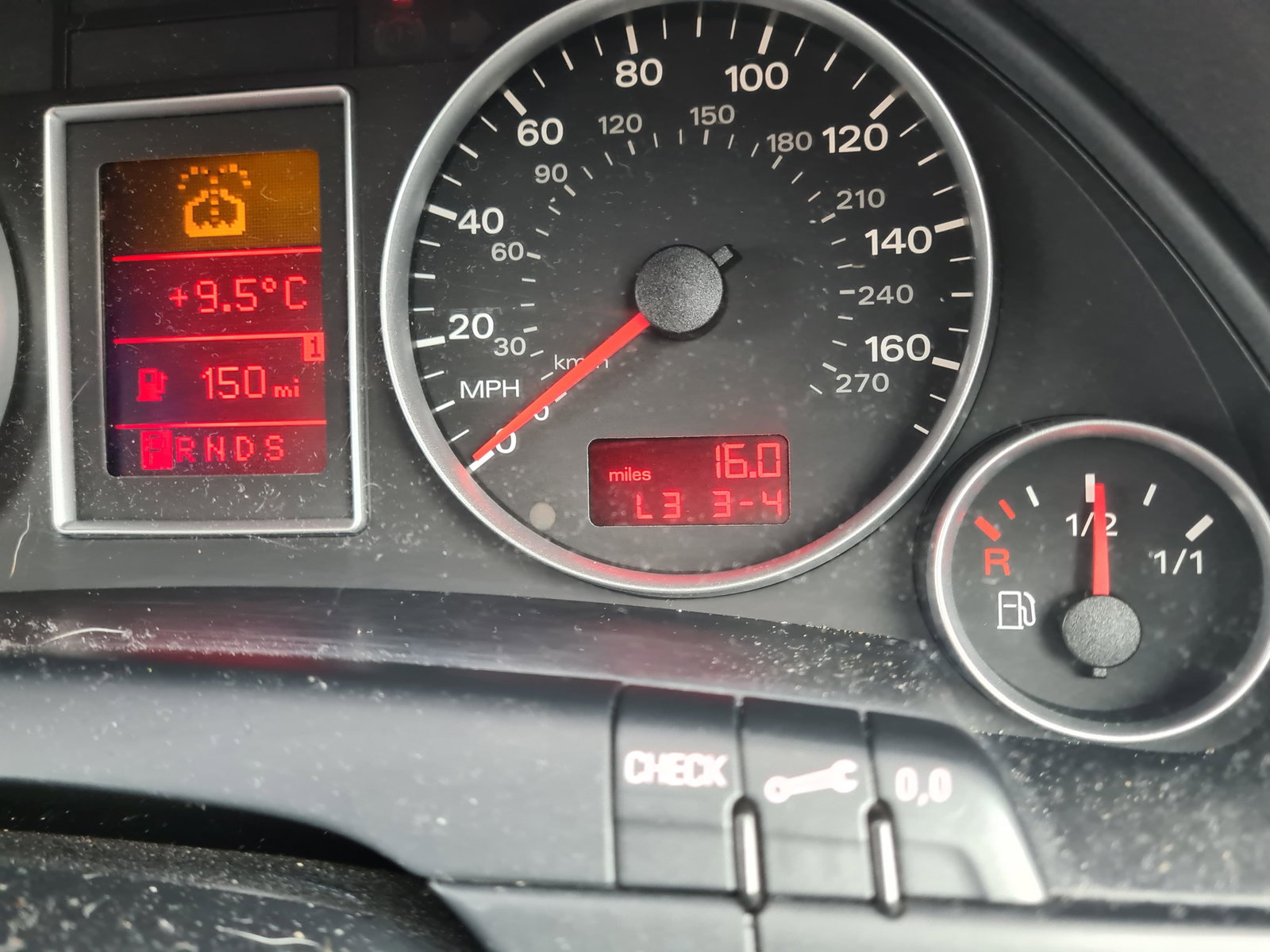
    Hi all Need some help I have a A4 Avant b7 2006 2.0tfsi I have a code on my dash and I can't seem to find anything anywhere about it Where my mileage should be displayed it has a code L3 3-4 plug my reader in and no fault stored car runs and drives fine And idea or advice would be very appreciated


Background Picker
Customize Layout

Account

Navigation

Search

Search

Configure browser push notifications

Chrome (Android)
  1. Tap the lock icon next to the address bar.
  2. Tap Permissions → Notifications.
  3. Adjust your preference.
Chrome (Desktop)
  1. Click the padlock icon in the address bar.
  2. Select Site settings.
  3. Find Notifications and adjust your preference.