Thomas79
Members
-
Joined
-
Last visited
-
Thanks I'll take a look.
-
Hi, As the title suggests. I'm looking for the best value OBD for the B8. Not the most expensive, as I don't want to dive into the world of coding for the ten year old diesel. Essentially I want to be able to switch off the Service Due! message (As its been serviced) and maybe play around with a few simple mods (Needle Sweep etc) Do the basic plug in machines do this (Around £30-£50) or would a Plug in, Bluetooth App like a FIXD OBD be a better investment? Or, like on other VAG forums, would someone local be willing to meet up and perform a few tricks in exchange for 🍻? Thanks
-
Thomas79 changed their profile photo
-
Thanks Steve. Appreciate it.
-
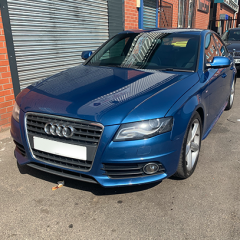
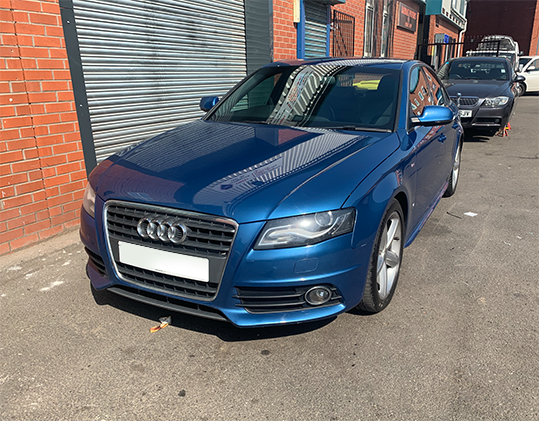
Hi. Just a quick intro. I'm Tom from West Yorkshire. Owned many various VAG cars over the last 20 years. GF has just purchased a 2010 B8 2.0 TDi 170, so thought I'd join a group of enthusiasts. Thanks