DAB71
Members
-
Joined
-
Last visited
Everything posted by DAB71
-
Hi all, my A6 windscreen wipers just stopped dead tonight whilst driving home. I've checked the fuse and it's fine, everything else works and the arms can be moved by hand smoothly with no sensation that something is seized or jammed. I'm really stuck for time so can anyone recommend a good mobile mechanic in the Harrow area I could contact ? Any help really appreciated.
-
So I definitely need the original Audi leads but I have 2 more questions, how do I find out which version MMI it is and how do I install them, they seem to be connected above the glove box.
-
Thanks for the reply, so if I buy a genuine lead I should be okay then ? The phone is set up okay so that would confirm the lead is the issue.
-
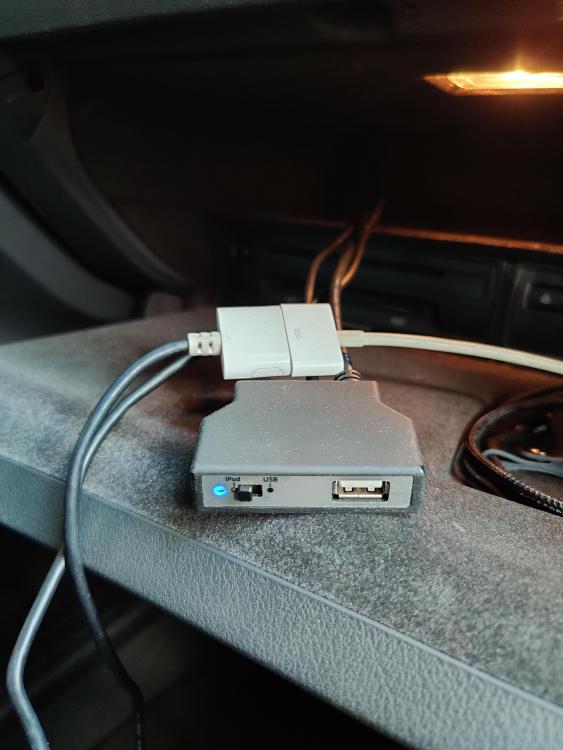
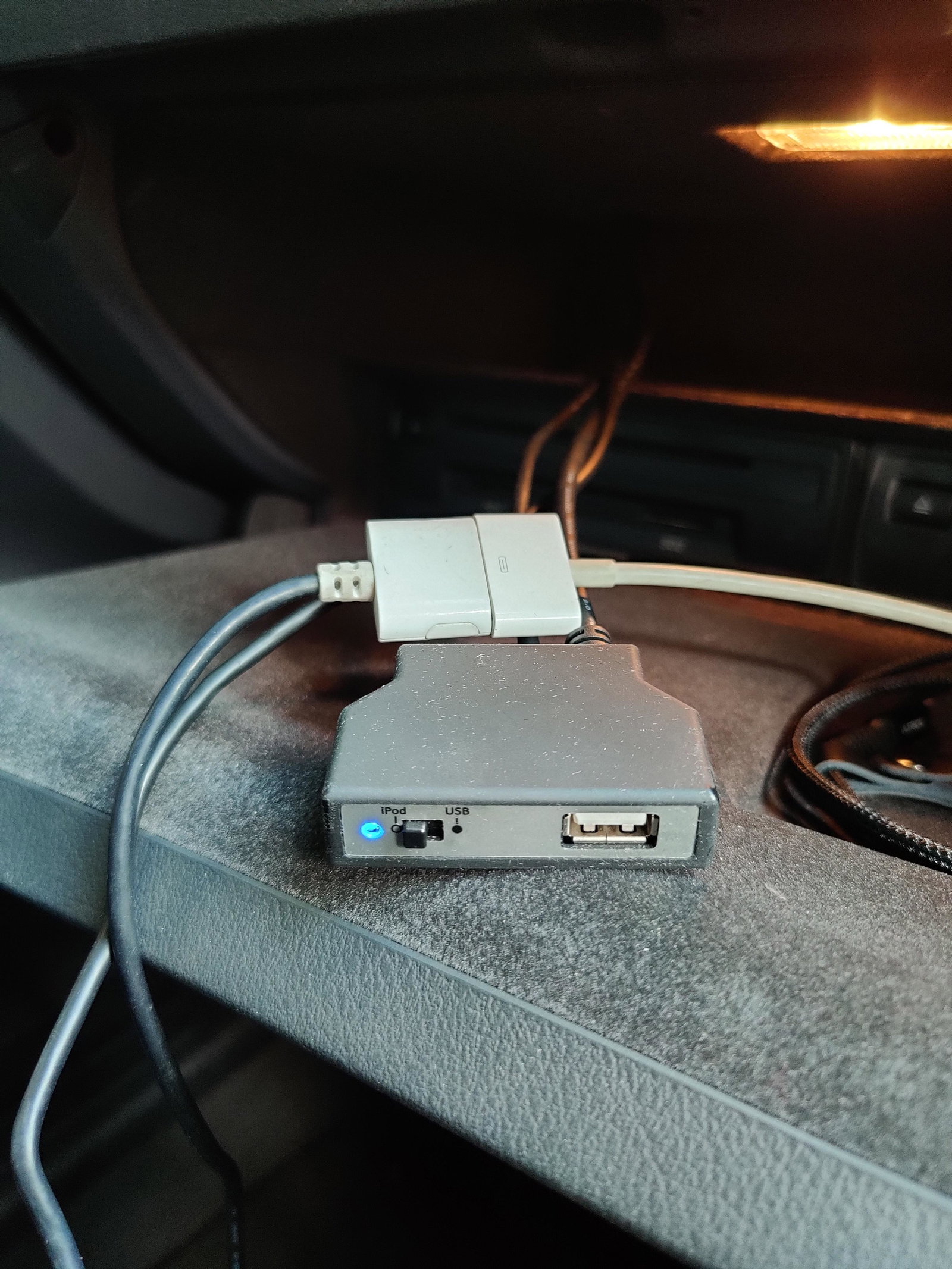
Hi guys, I've recently brought an A6 off of my brother in law and it has the mmi leads installed. There is an iPod connection then a USB with a switch ( see image) the iPod connection works fine but the usb will not recognise my phone when connected with phone manufacturers charging lead, am I missing something ?