Bigladrik
Members
-
Joined
-
Last visited
-
-
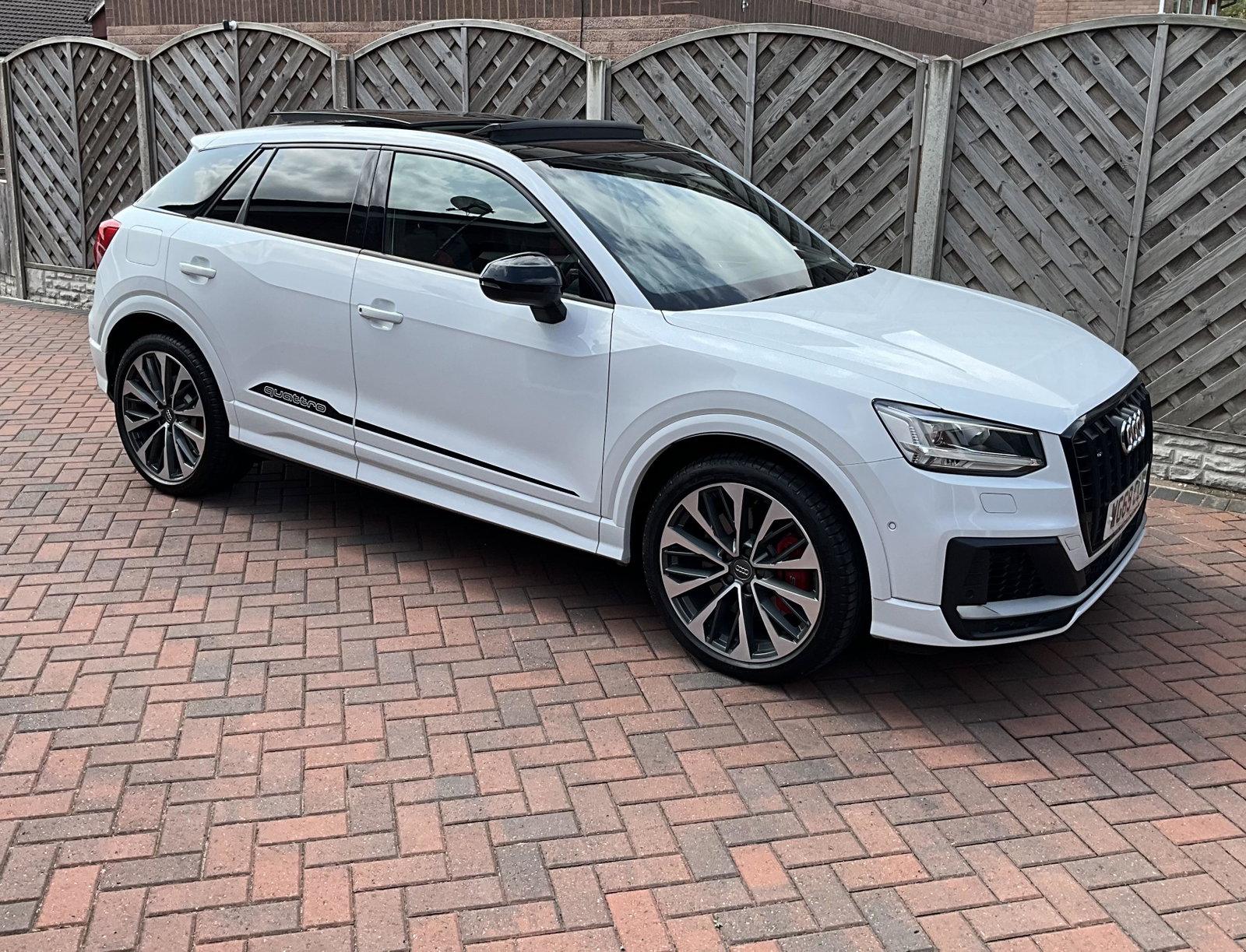
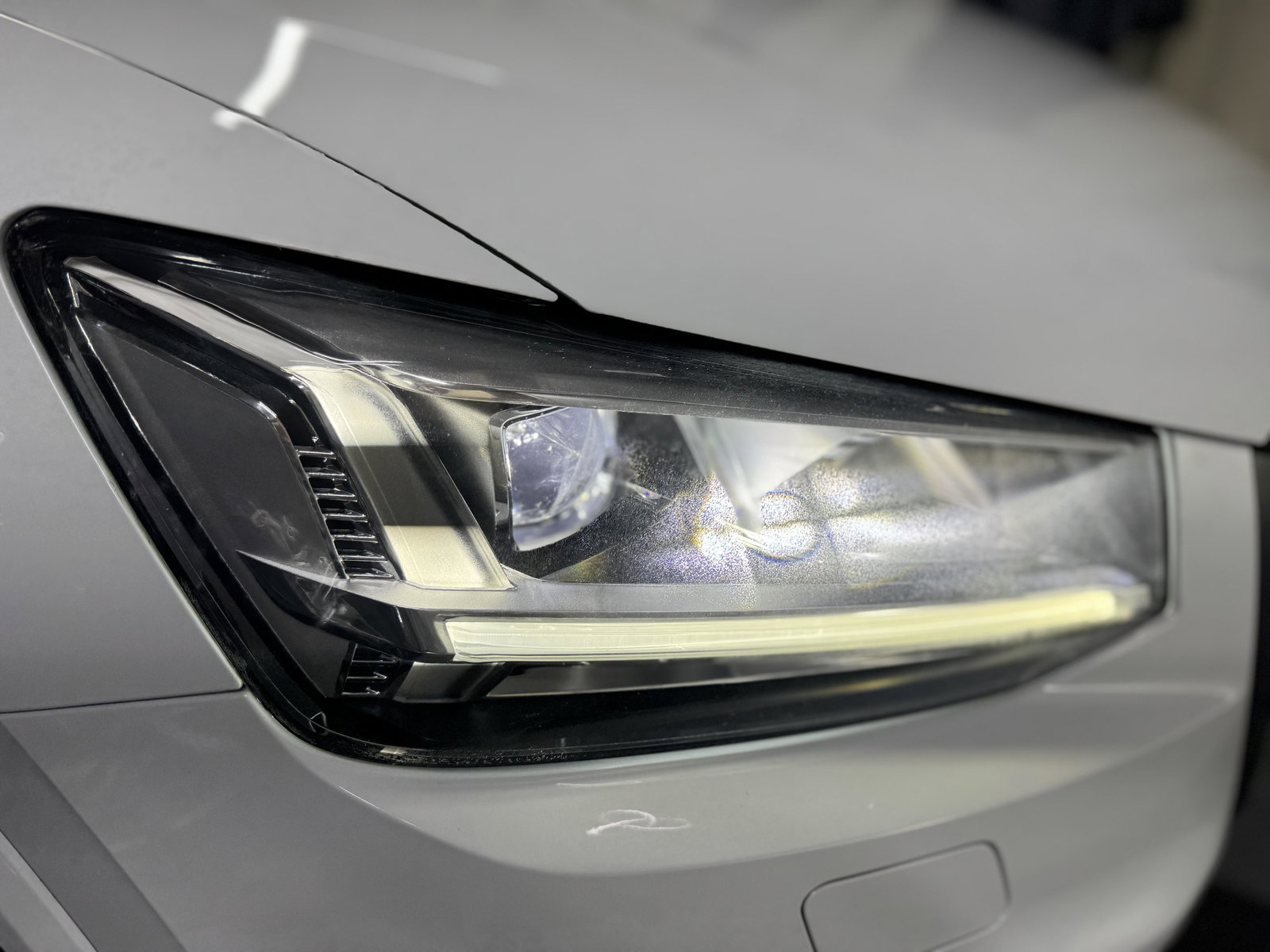
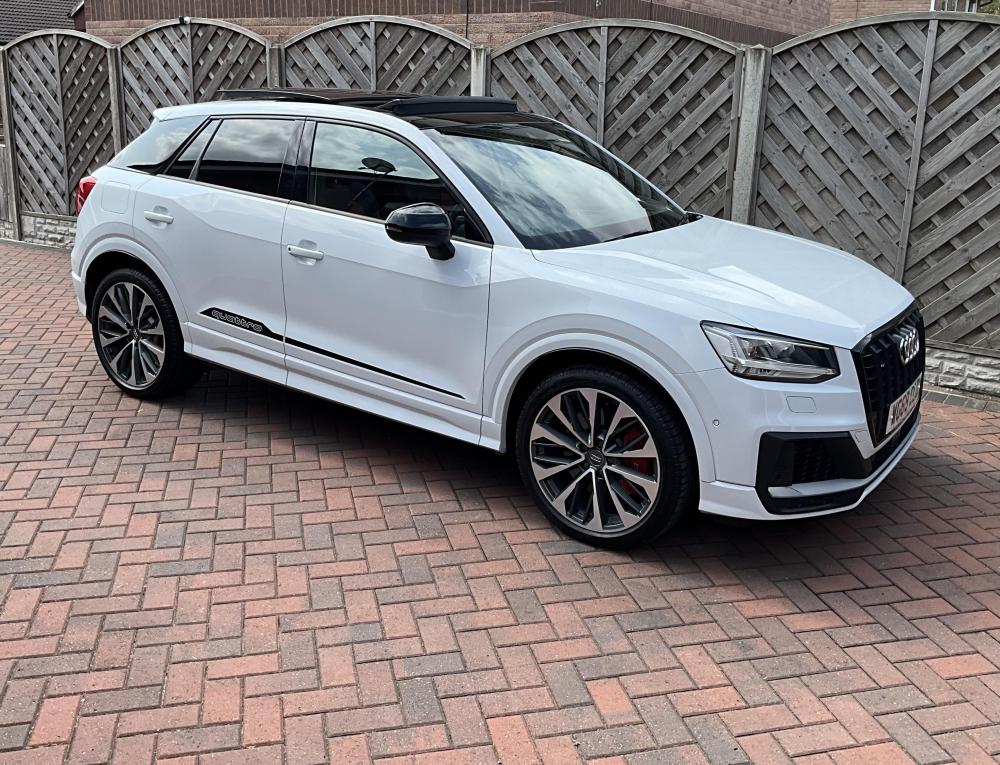
Just to be clear this is any old 6 year old car it’s only done 23k miles and is mint (apart from the headlights)
-
I would like to know if anyone else has had this issue what did they do (if anything) to remedy this please rephrase I’m thick
-
Are you sure, this surface damage is to no degree on the outside of the lens? please rephrase I’m thick
-
-
I’m not asking for advice I’m asking is this a common fault based on other members experiences
-
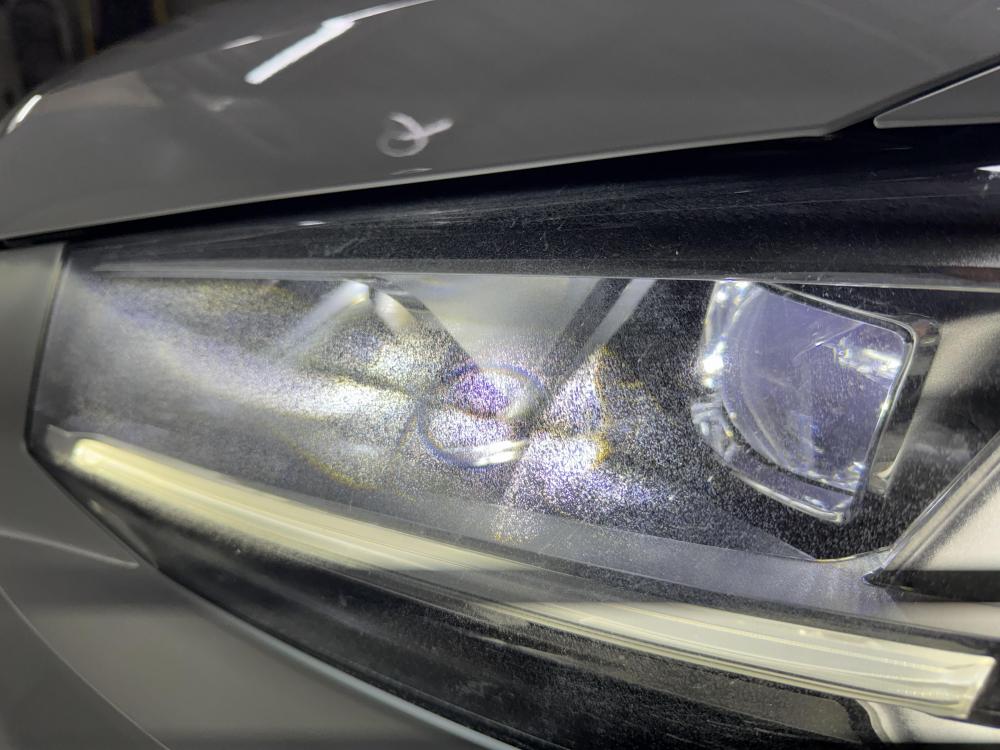
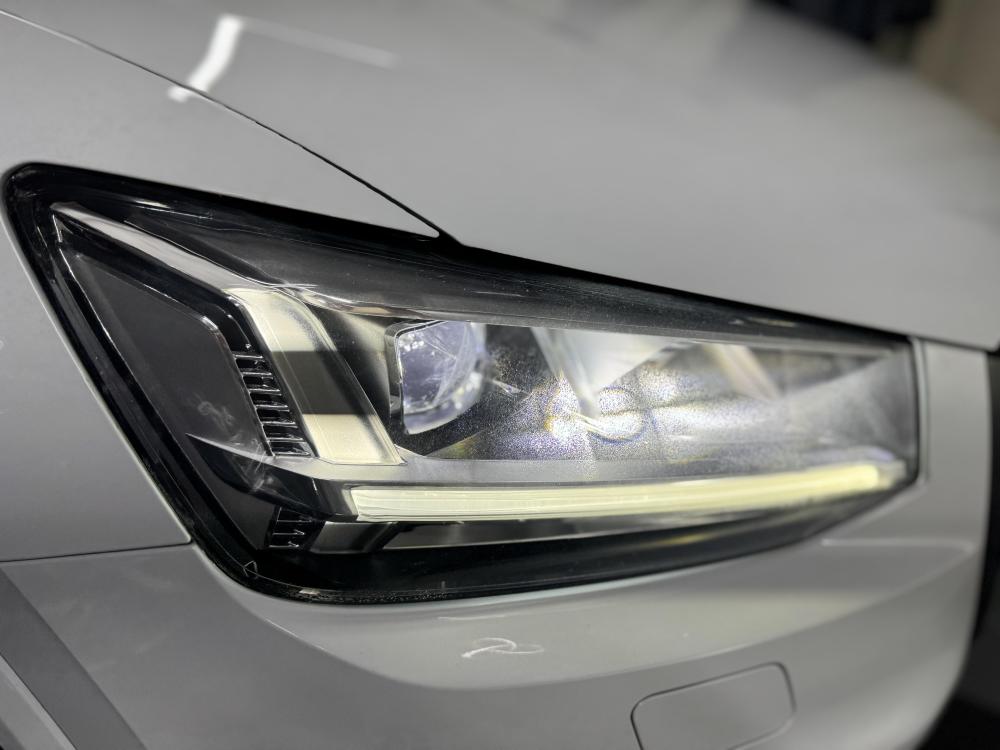
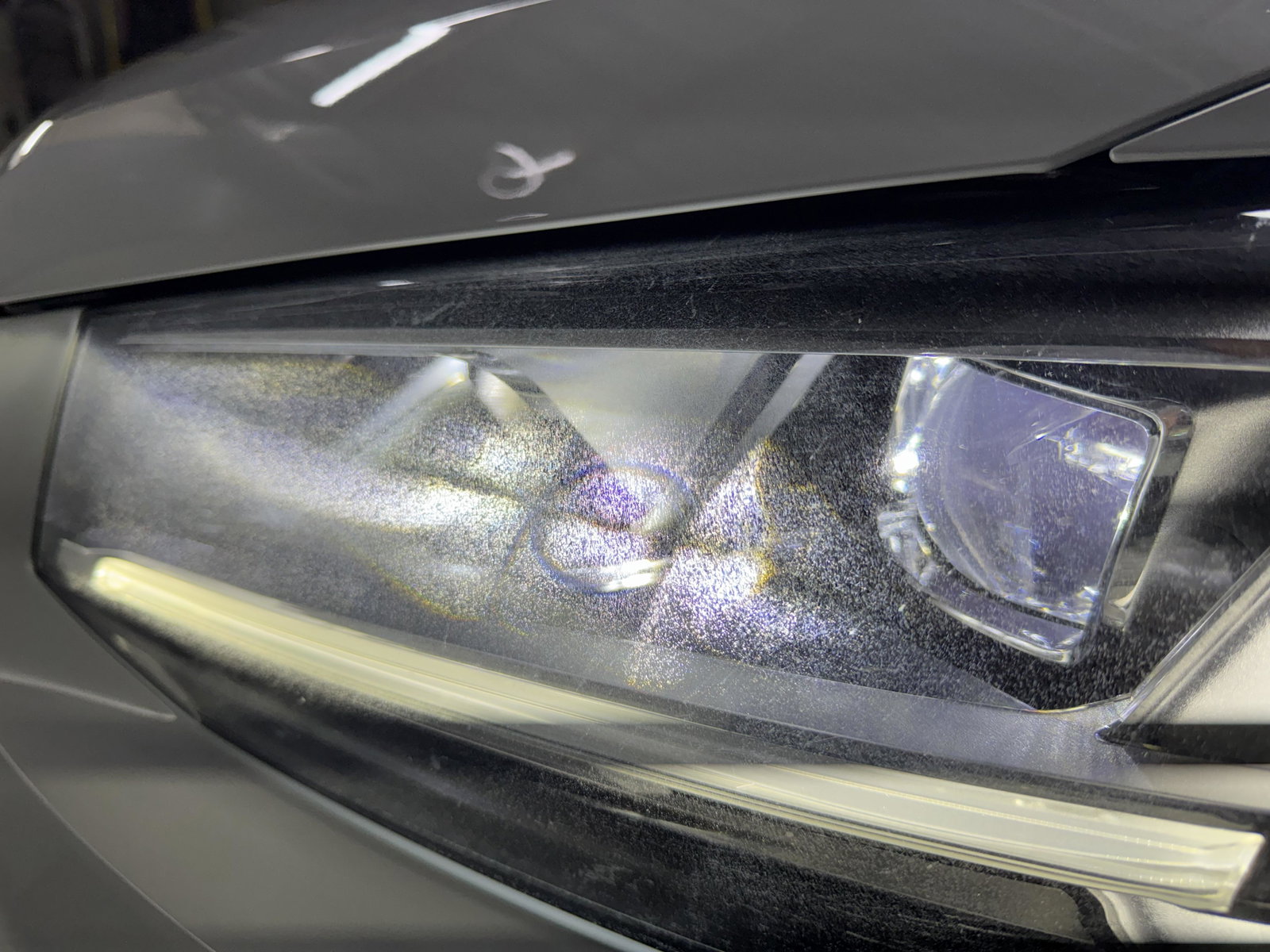
Hi the damage must have been caused prior to my ownership as I haven’t polished them. Also he informed me the damage was to the inside of the lenses, how can that happen?
-
Punctuation police?
-
It was the Audi tech who stated that the issue is a common problem caused by polishing with a dry cloth no mention of any polish does the video link work that I posted
-
Thanks for your reply the issue is on the inside of the lights is this just your opinion or are you a professional
-
Hi has anyone experienced an issue with their headlights lenses see attached photos I took my car to Doncaster Audi and they have stated it’s a known issue and the lenses should only be cleaned with a damp cloth polishing is not recommended https://uk.planmyservice.com/workshop/65E96AAC-DDC1-4ABB-AD42-4583202A341F/12057582/13187414N19RAW19122025