Skip to content
View in the app

A better way to browse. Learn more.

Audi Owners Club (UK)

A full-screen app on your home screen with push notifications, badges and more.

To install this app on iOS and iPadOS
  1. Tap the Share icon in Safari
  2. Scroll the menu and tap Add to Home Screen.
  3. Tap Add in the top-right corner.
To install this app on Android
  1. Tap the 3-dot menu (⋮) in the top-right corner of the browser.
  2. Tap Add to Home screen or Install app.
  3. Confirm by tapping Install.


Mrheisenburg

Established Member
  • Joined

  • Last visited

Everything posted by Mrheisenburg

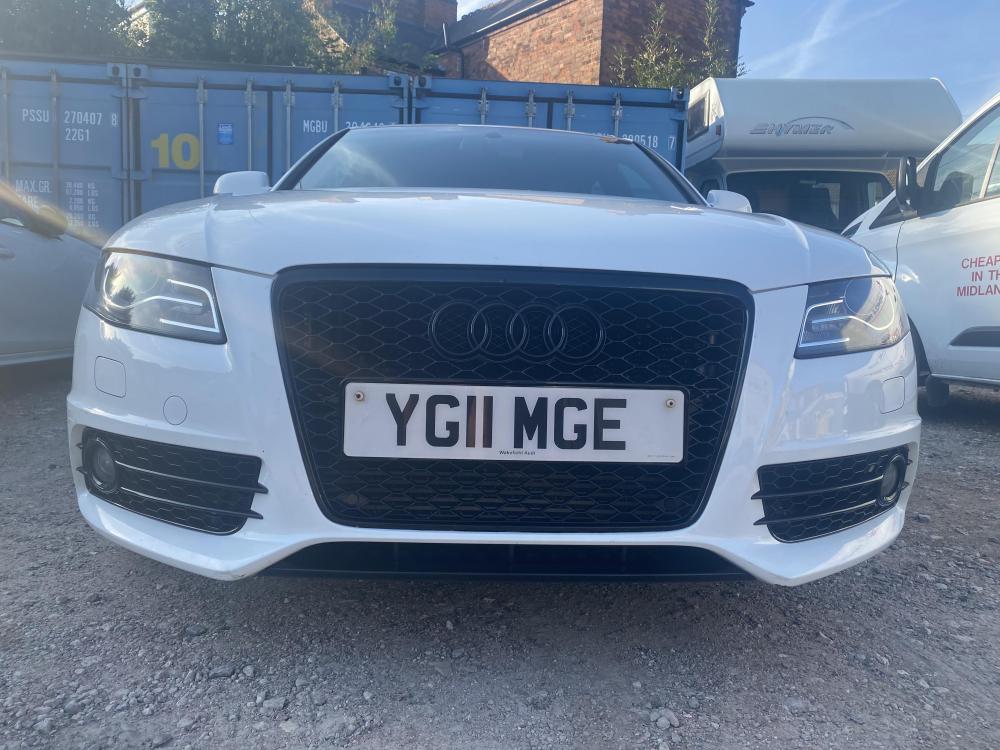
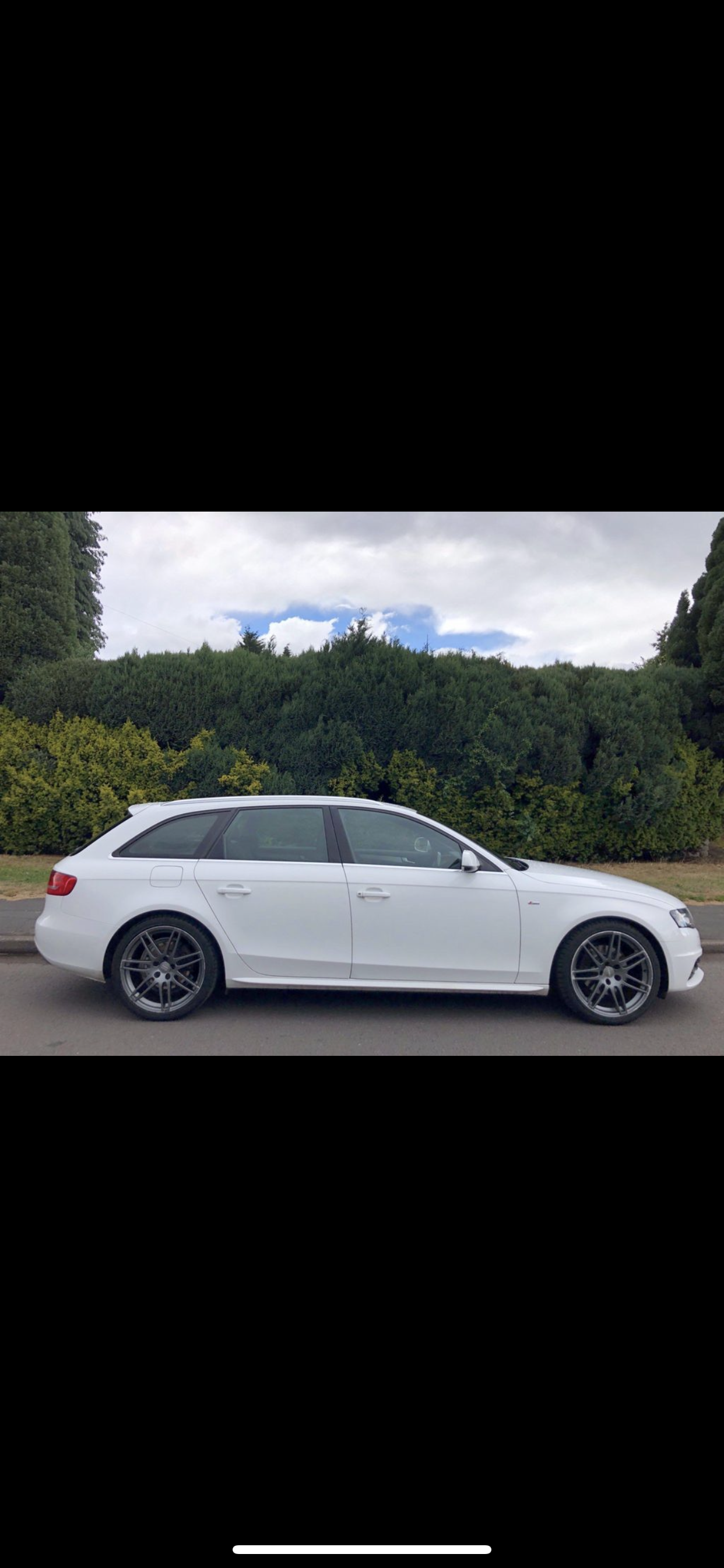
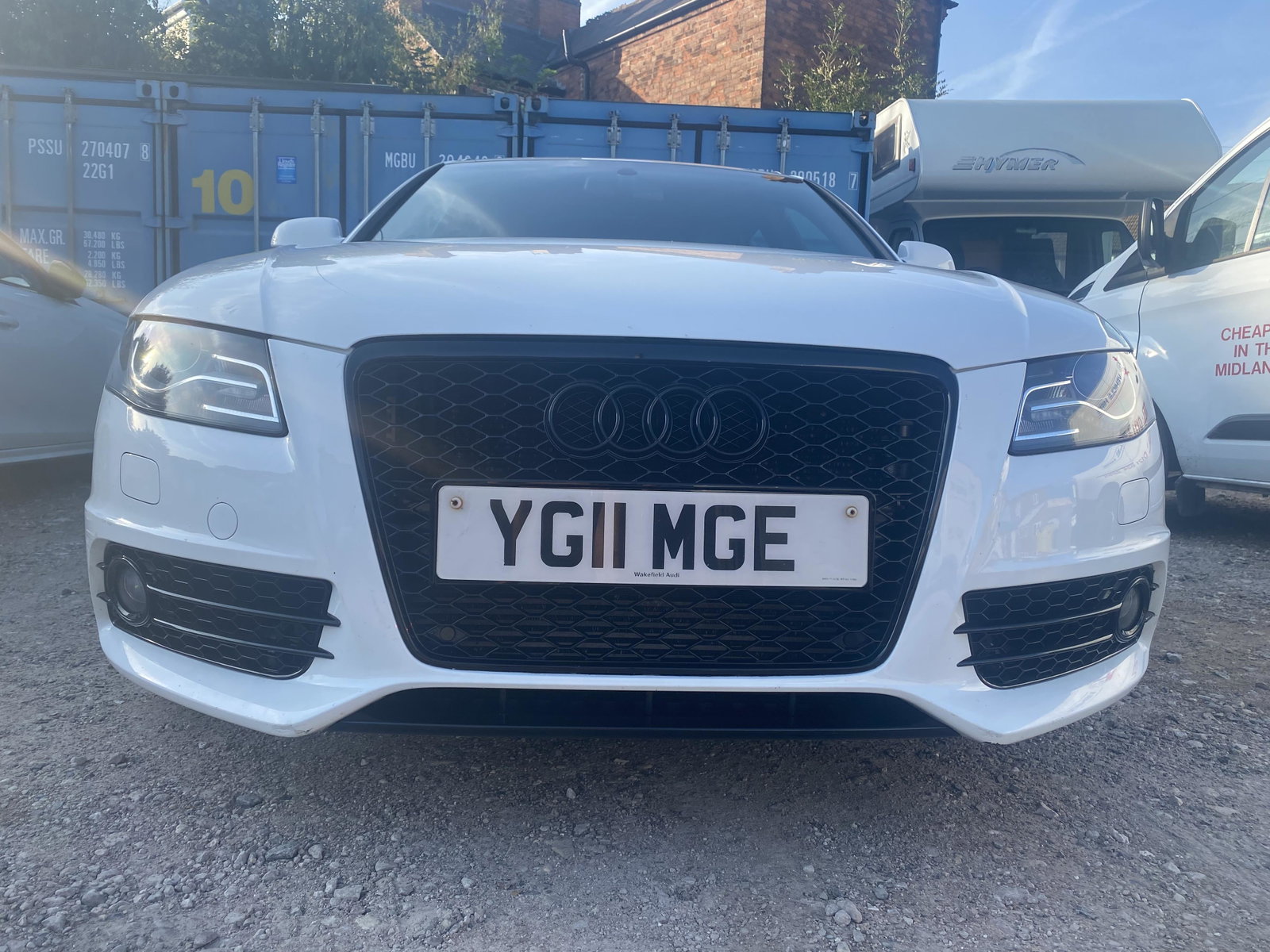
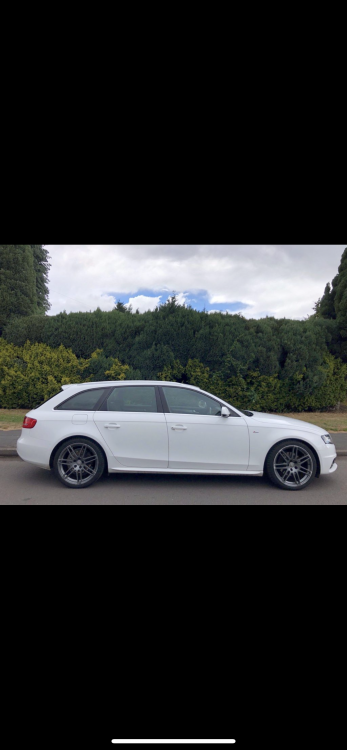
  1. Hi everyone…. After 12 years of Alfa’s I’m now in the camp of the four rings.. I’m now the proud owner of a white (Ibis?) B8 A4 Avant S Line Special Edition. Love the car, looking forward to learning more from all you good people on here….
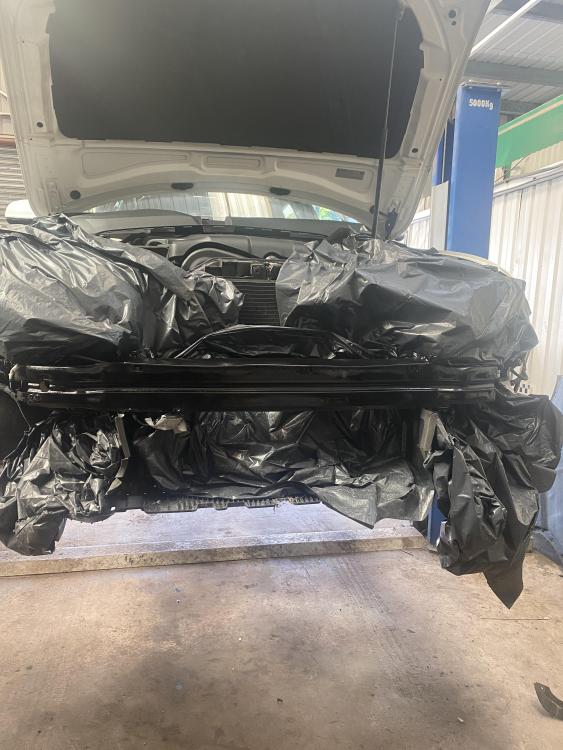
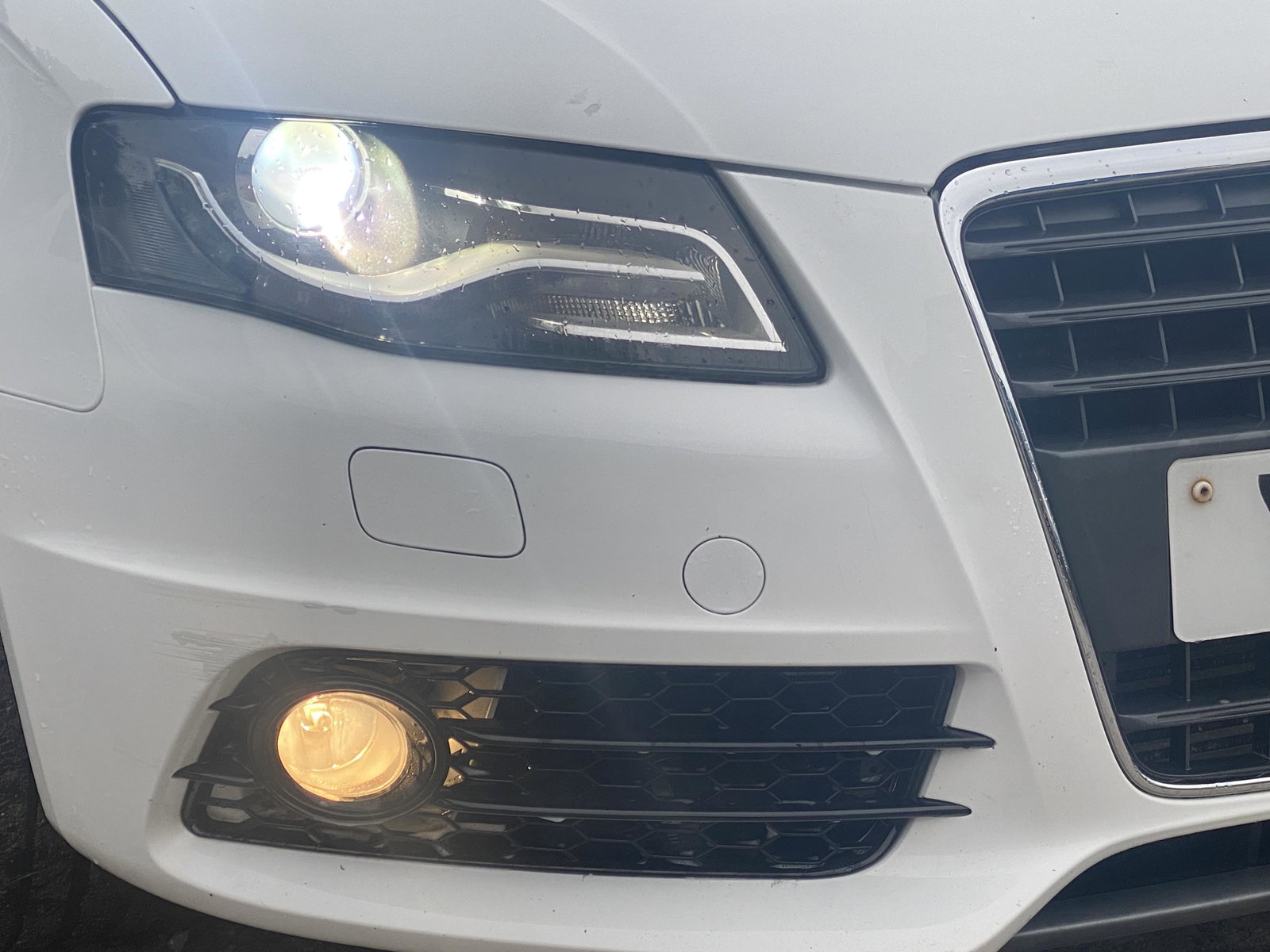
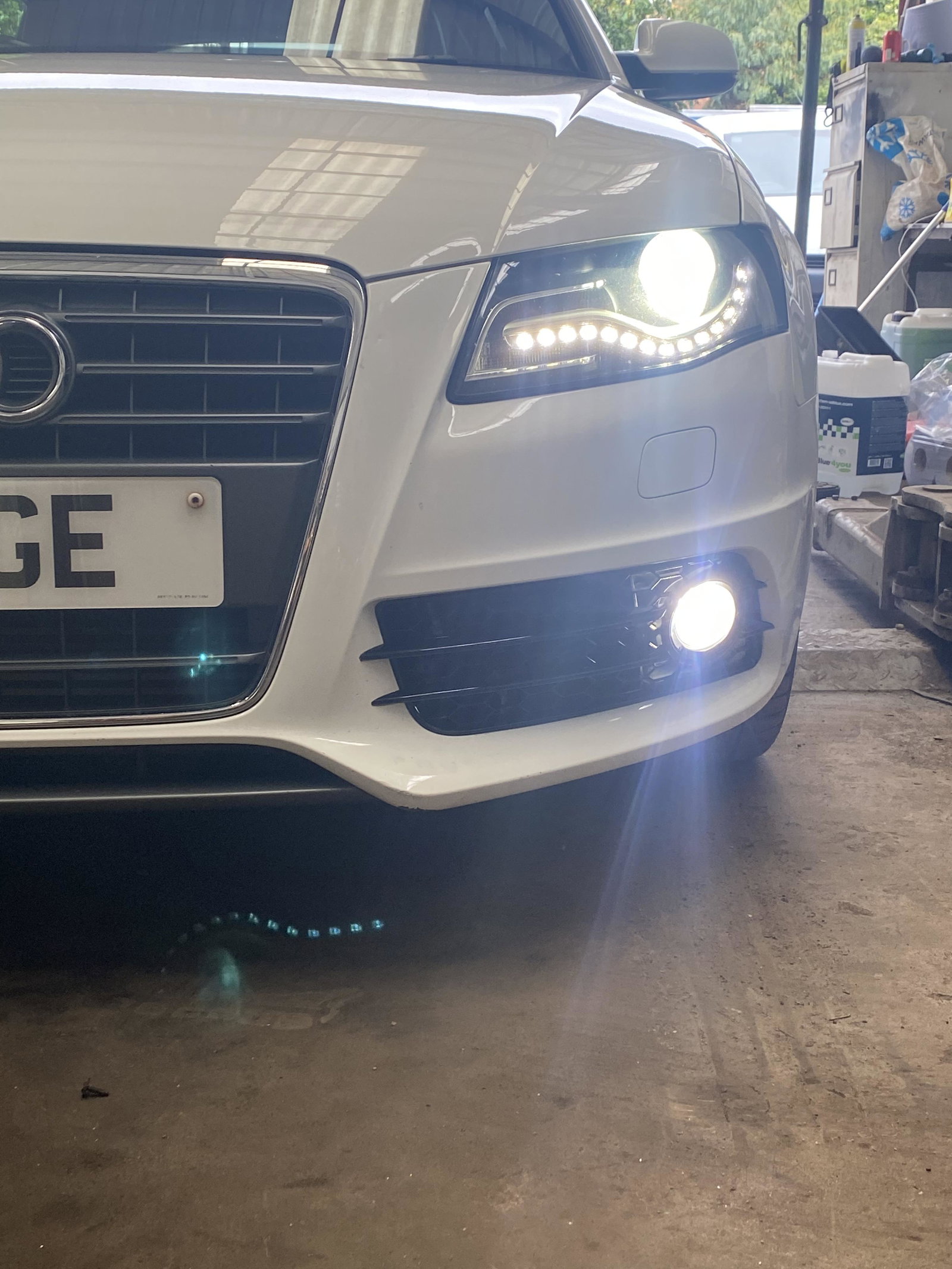
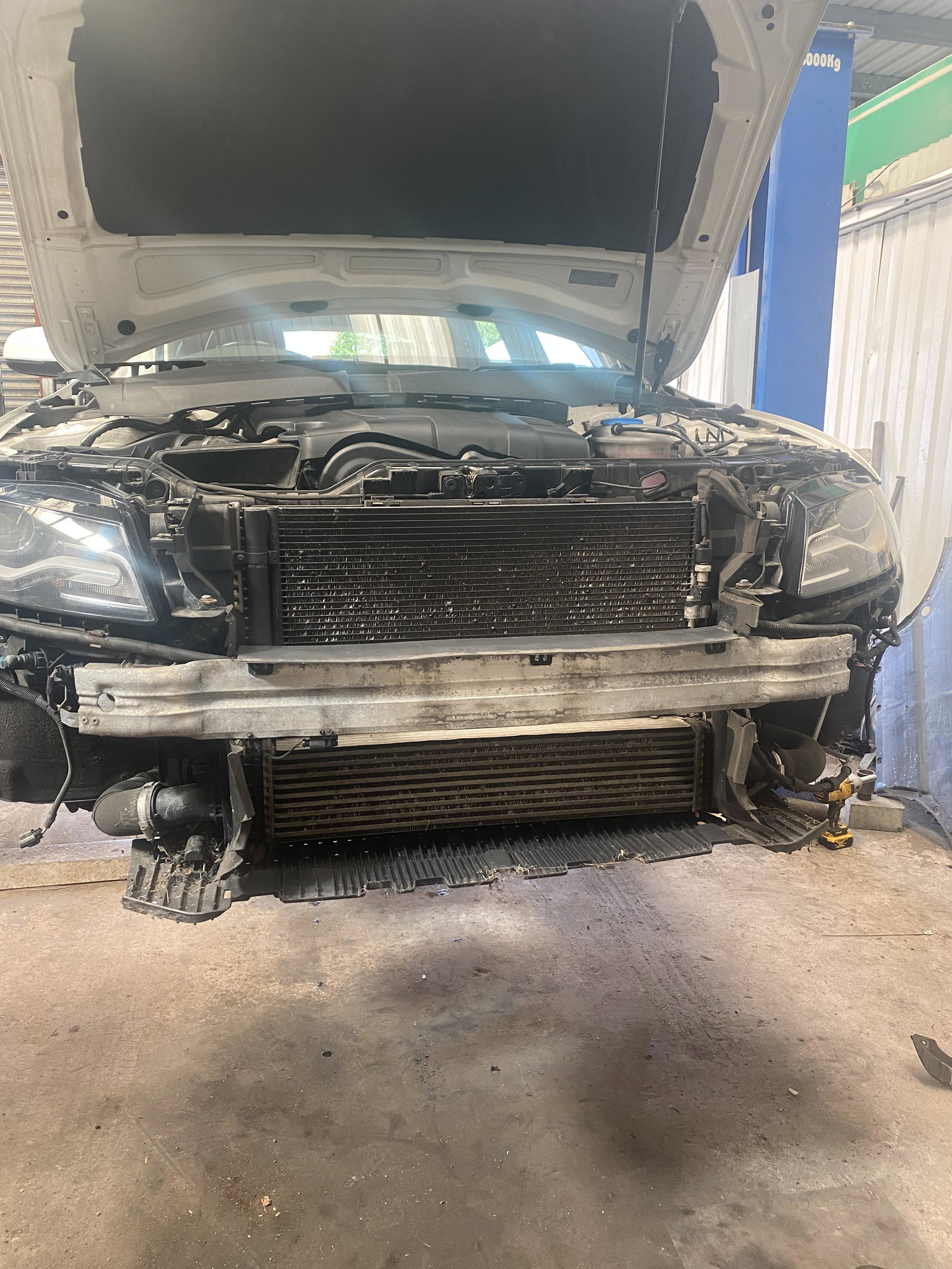
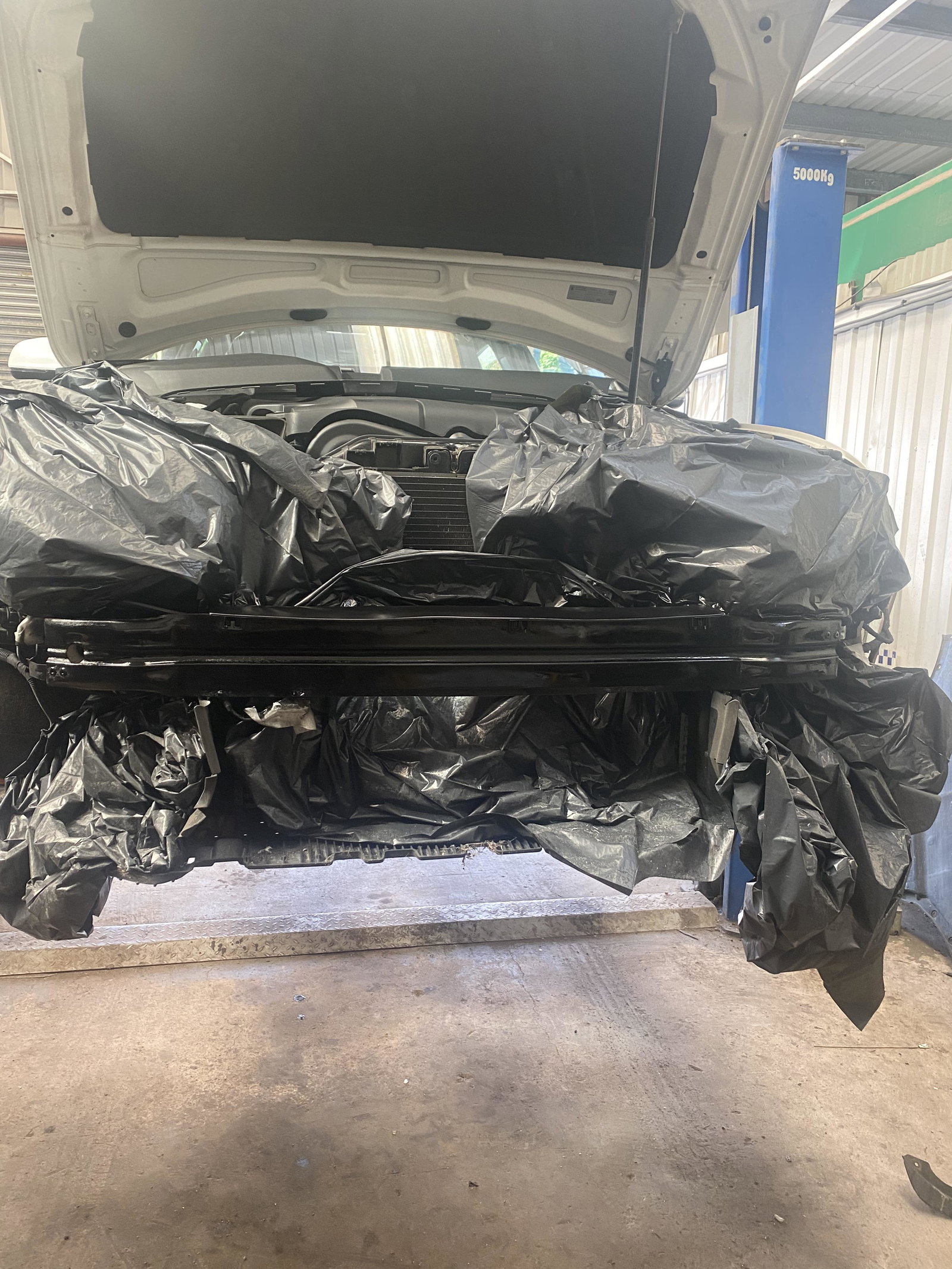
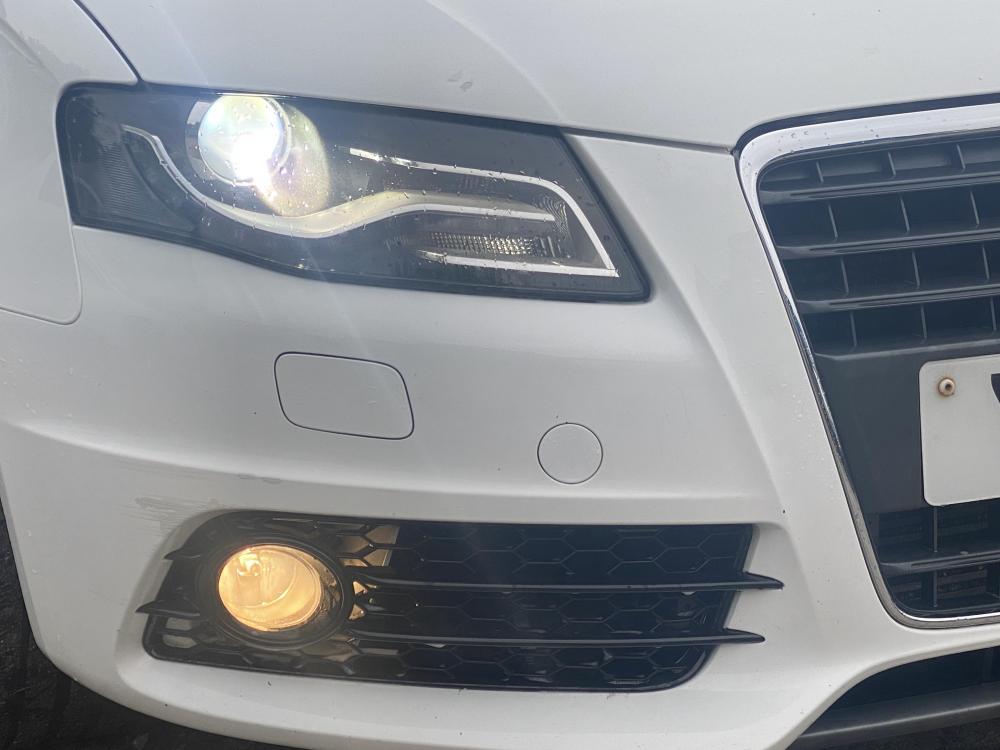
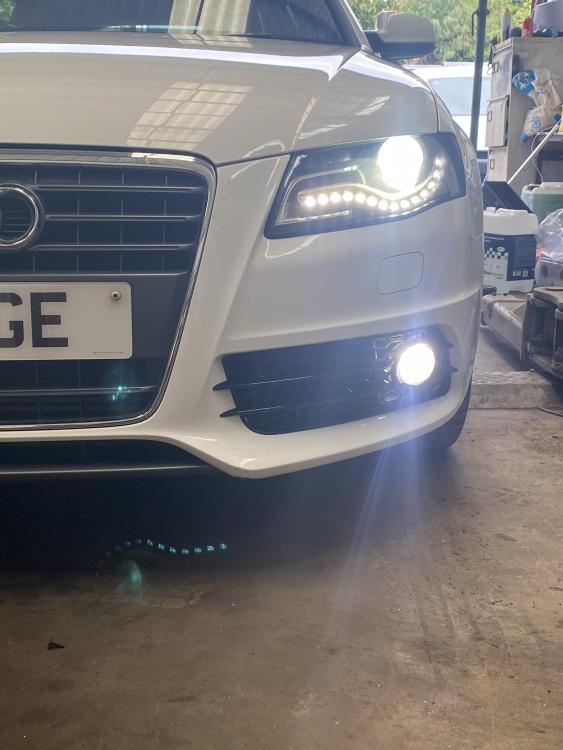
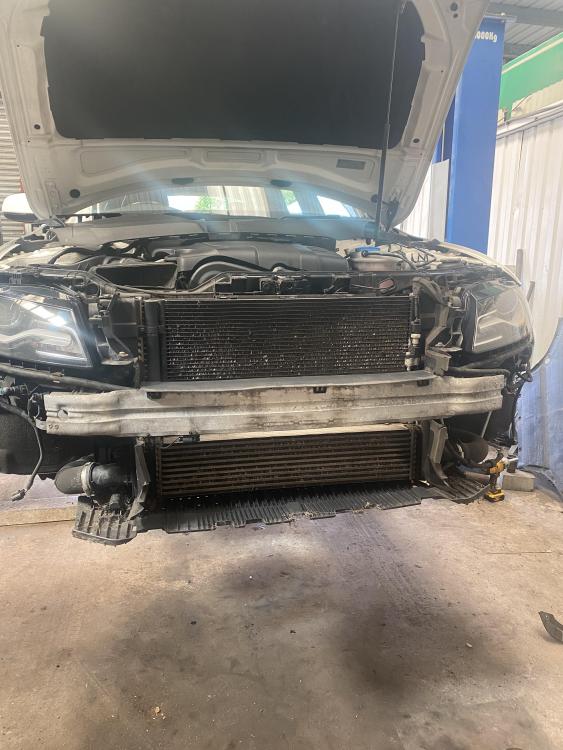
  2. Hi everyone. First time Audi owner here, A4 Avant S Line Special Edition. Lovely car, you can see the previous owner couldn’t park so all the 19” alloys are kerbed, booked in a couple of weeks to get sorted. Rear windows are booked for a tint in a couple of weeks. Only had the car just over a week and had the spanner’s on it already. Replaced the fog light grilles to remove the chrome ring and replaced front grille to black out. Changed fog lights for LED’s aswell as number plate lights and interior lights.

Background Picker
Customize Layout

Account

Navigation

Search

Search

Configure browser push notifications

Chrome (Android)
  1. Tap the lock icon next to the address bar.
  2. Tap Permissions → Notifications.
  3. Adjust your preference.
Chrome (Desktop)
  1. Click the padlock icon in the address bar.
  2. Select Site settings.
  3. Find Notifications and adjust your preference.