Spothe
Members
-
Joined
-
Last visited
Everything posted by Spothe
-
Thanks Steve, but it is a second hand deal - the seller has told ne to buy them and he'll refund the money, but I just need the actual part numbers Thanks again Paul
-
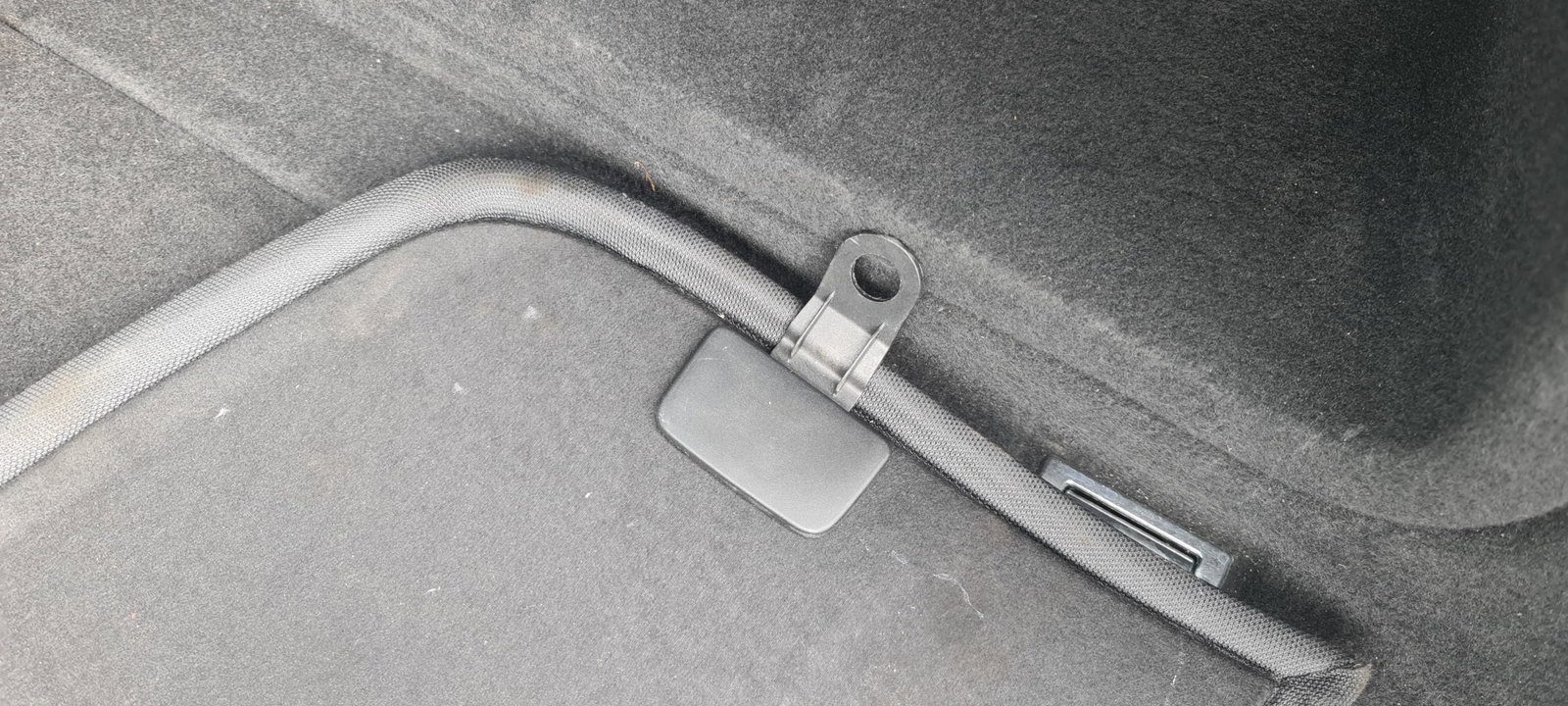
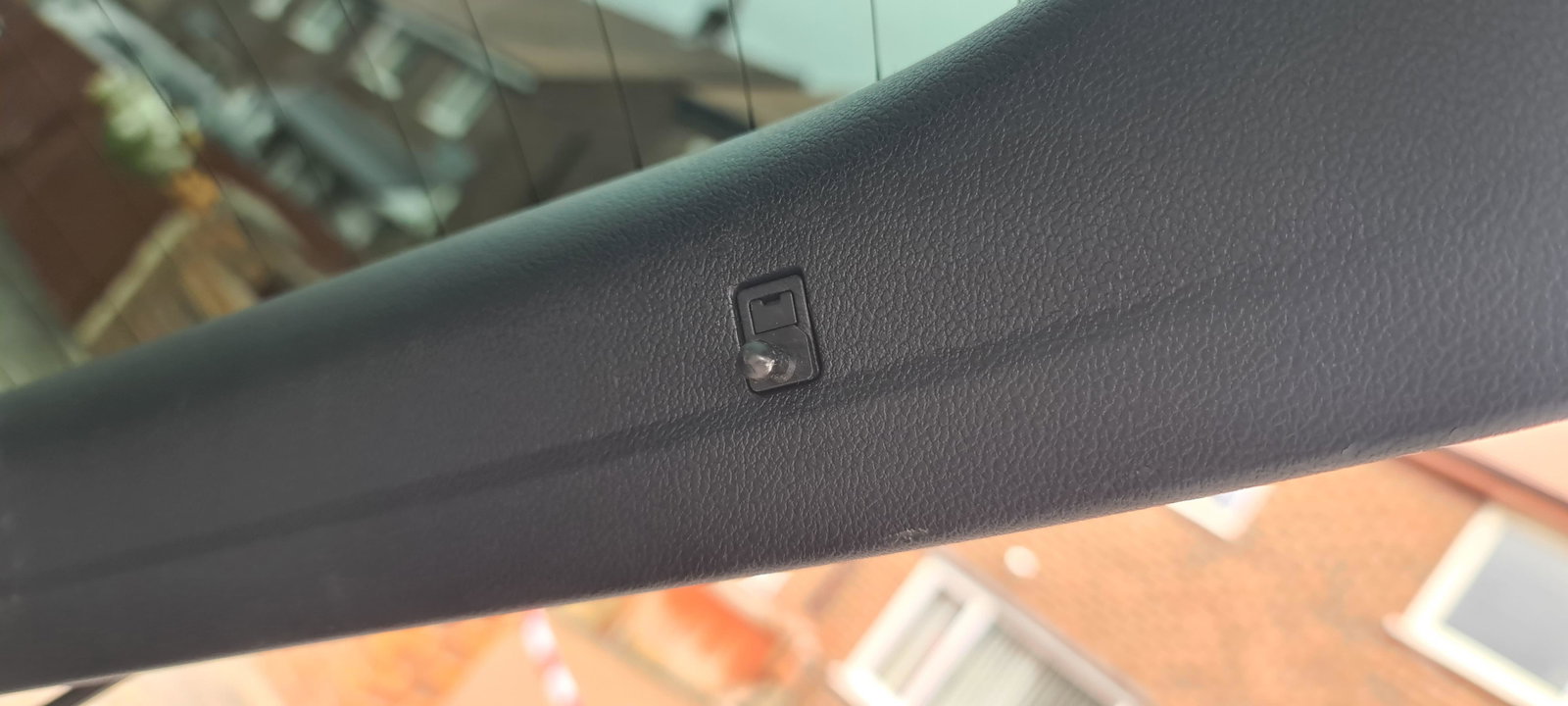
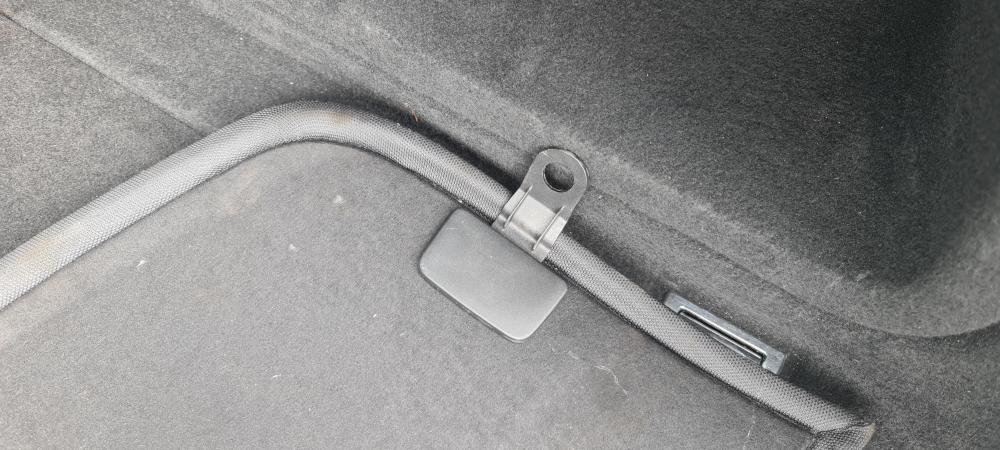
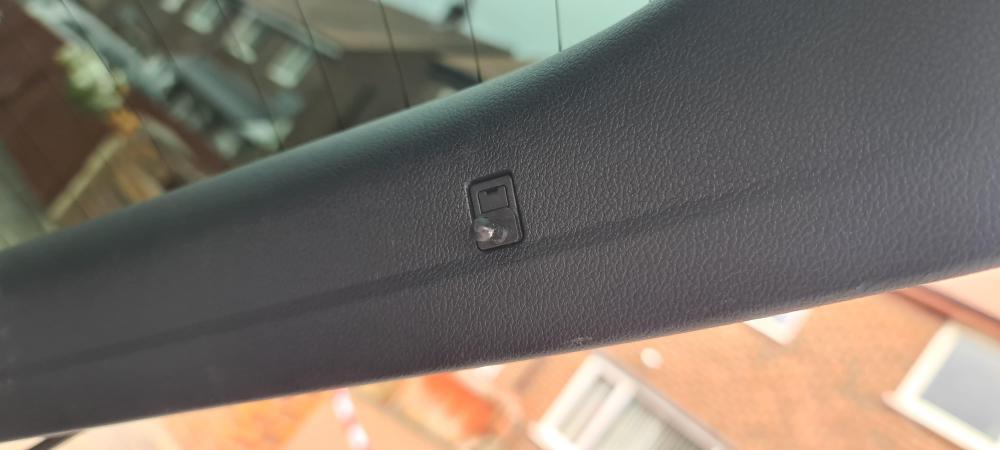
Please can anyone help? I've just taken ownership of a 2016 A5 197 Quattro Sline and love it. The only thing is, the rear parcel shelf doesn't have the left and right clips that fasten it to the hatchback. Does anyone know the product code so I can order a couple? I know it's going to be expensive but I need them! Thanks in advanc Paul
-
Superb, will do, and thanks again
-
Thanks David. It isn't new, it's a 2016 model, but thank you anyway 👍
-
Hi, new member on here just saying hello, picking my A5 2.0 S line Quattro up on Sunday. Can't wait and I'll post photos asap. Not going down the detailing route, but does anyone have a preference on polish/wax for Mythos Black? Thanks in advance