




Skip to content
View in the app

A better way to browse. Learn more.

Audi Owners Club (UK)

A full-screen app on your home screen with push notifications, badges and more.

To install this app on iOS and iPadOS
  1. Tap the Share icon in Safari
  2. Scroll the menu and tap Add to Home Screen.
  3. Tap Add in the top-right corner.
To install this app on Android
  1. Tap the 3-dot menu (⋮) in the top-right corner of the browser.
  2. Tap Add to Home screen or Install app.
  3. Confirm by tapping Install.

Jasonpaul_71

Members
  • Joined

  • Last visited

  1. Update fitted new door control Modules recommended by Audi and they work perfect now 😊
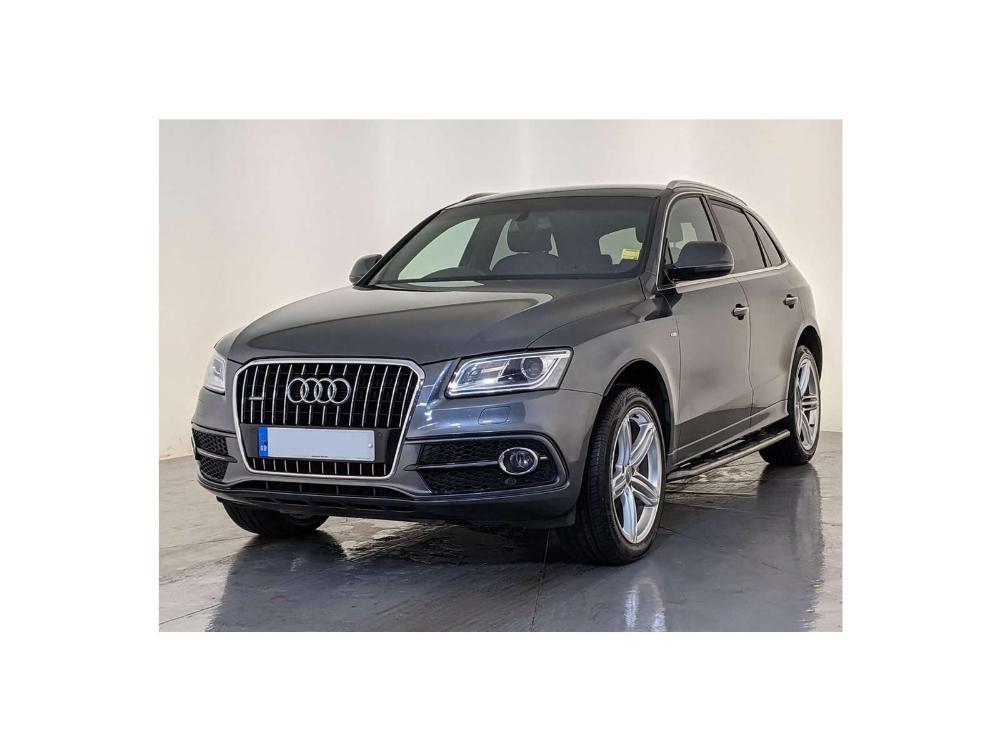
  2. I Have a Q5 2016 plate that from the factory did not come with the power fold option as standard. I have purchased power fold mirrors had them fitted and the mmi coded to work them however they still do not fold. Everything else the heated and the mirror movment works as it did on my manual mirrors. I have been advised my door contol units need to be replaced but speaking to a very helpful audi parts department the part number for mine and the partnumber for a car i know same year year thast did come with power fold mirrors as the same. Please can anyone assist i am at a loss what i need to do not to get the power fold mirrors to work. Has anyone manage to retro fit any Jason


Background Picker
Customize Layout

Account

Navigation

Search

Search

Configure browser push notifications

Chrome (Android)
  1. Tap the lock icon next to the address bar.
  2. Tap Permissions → Notifications.
  3. Adjust your preference.
Chrome (Desktop)
  1. Click the padlock icon in the address bar.
  2. Select Site settings.
  3. Find Notifications and adjust your preference.