chibaba
Members
-
Joined
-
Last visited
-
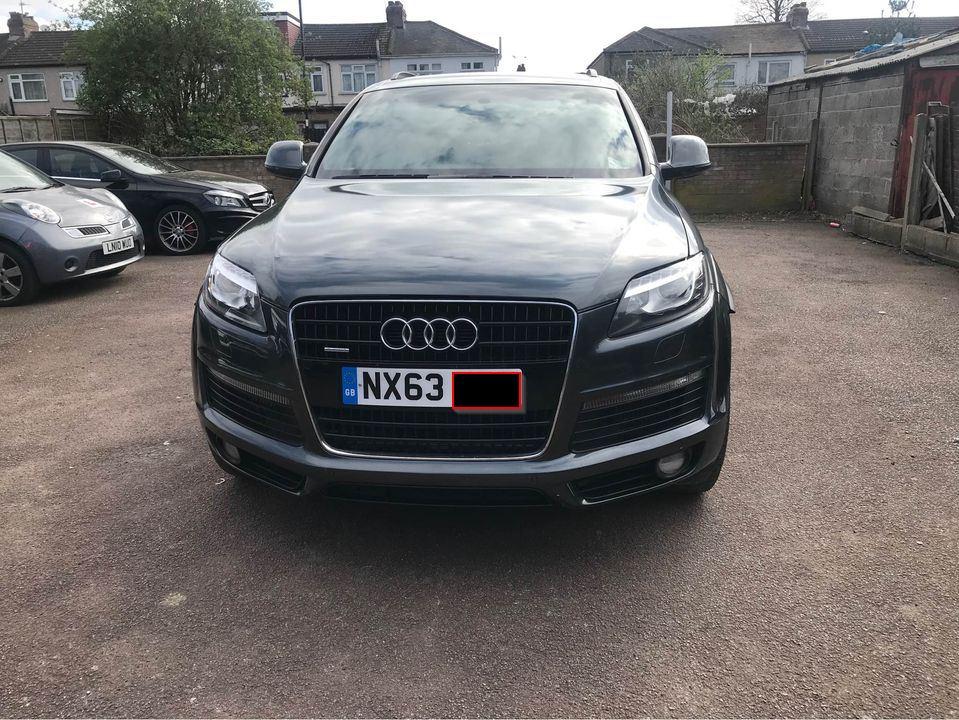
Thanks Steve, the mechanicals are on my list, I plan on getting a full service and gearbox flush done. I have a ml350 at the moment and it responds fantastically to fluid changes so I'll be doing the same. Is the front of the car normal for this age? It seems all I'm seeing on similar age cars etc is DRL and honeycomb grill where as this has normal clear indicators
-
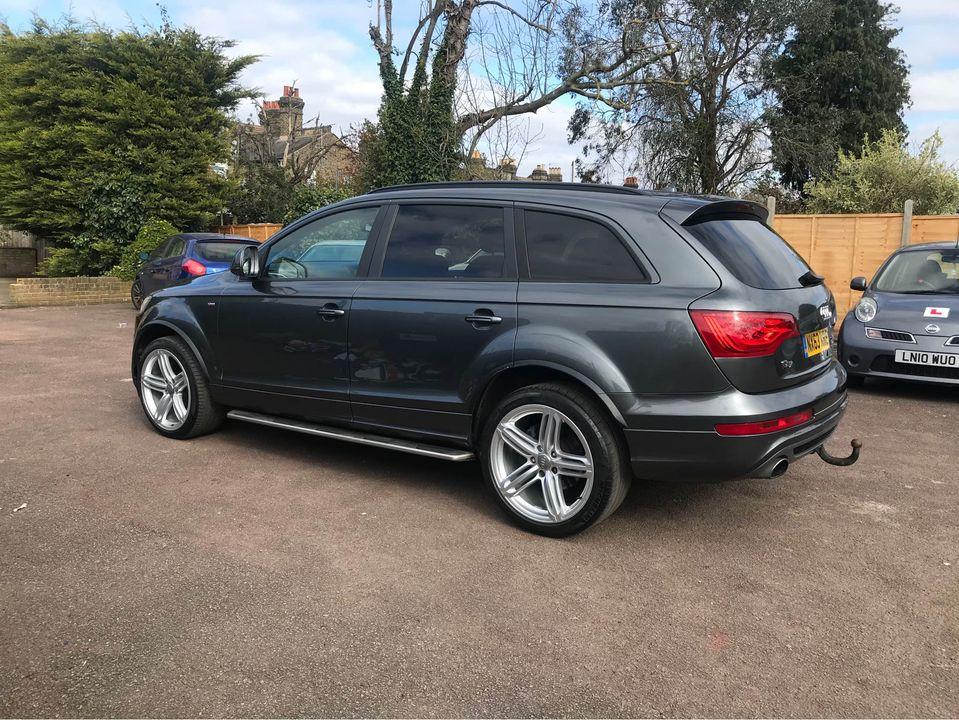
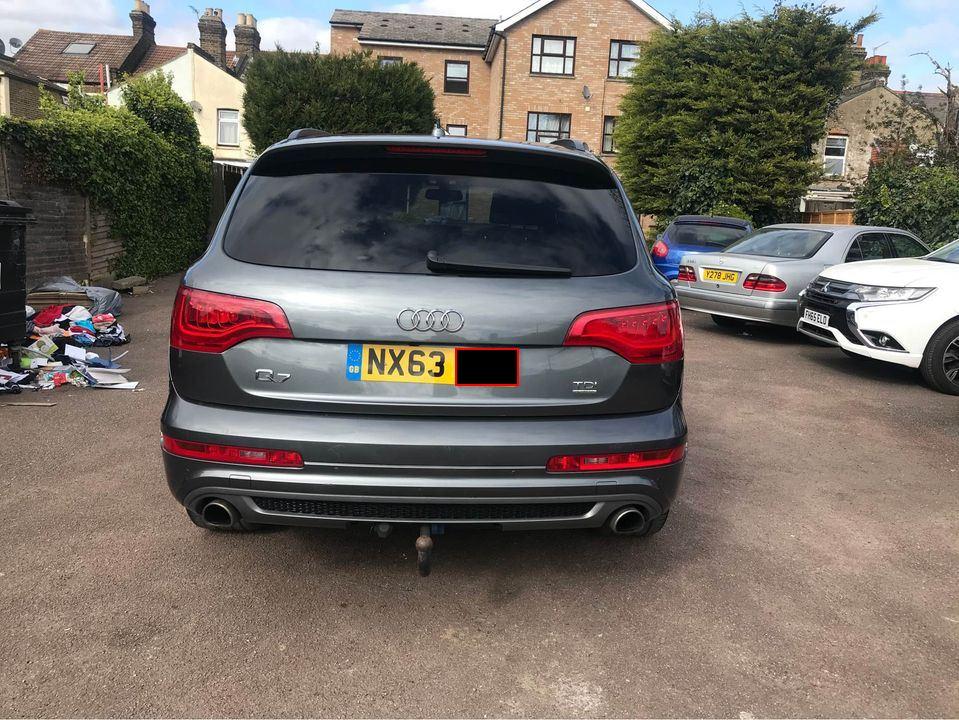
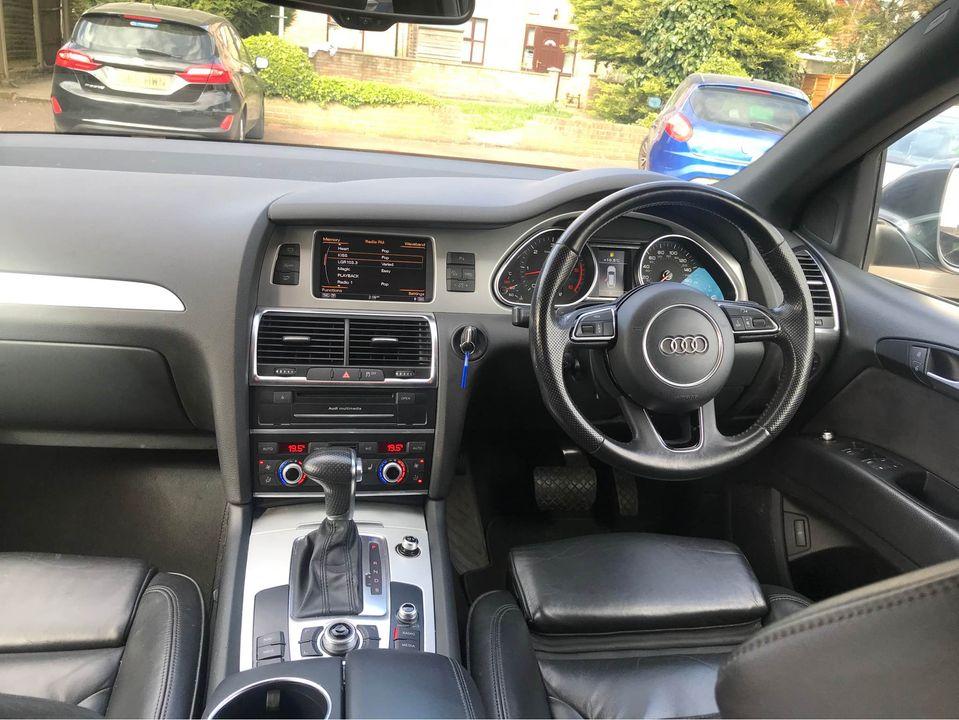
Hello lovely people, Im getting my first Audi moving from being a Merc fan for nearly a decade. I've seen a 2013 S line Plus and its ticking all the boxes. The only query I have is that the front of the car look prefacelift like an 09 model. I was expecting DRL and a more aggressive front bumper as most of them have. Can you advise if this is the case or not? BTW everything about the car checks out i.e. history checks etc Can you also let me know key things to look out for apart from the obvious tyres, service history etc...