Jordmh
Members
-
Joined
-
Last visited
Everything posted by Jordmh
-
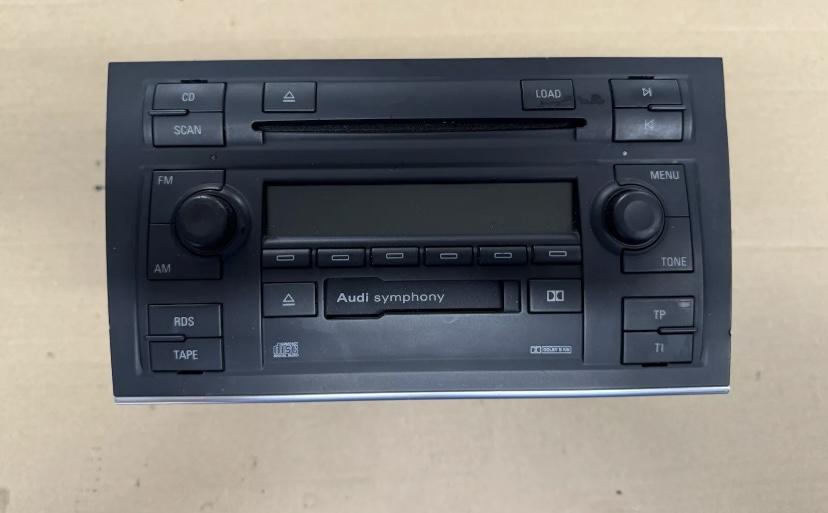
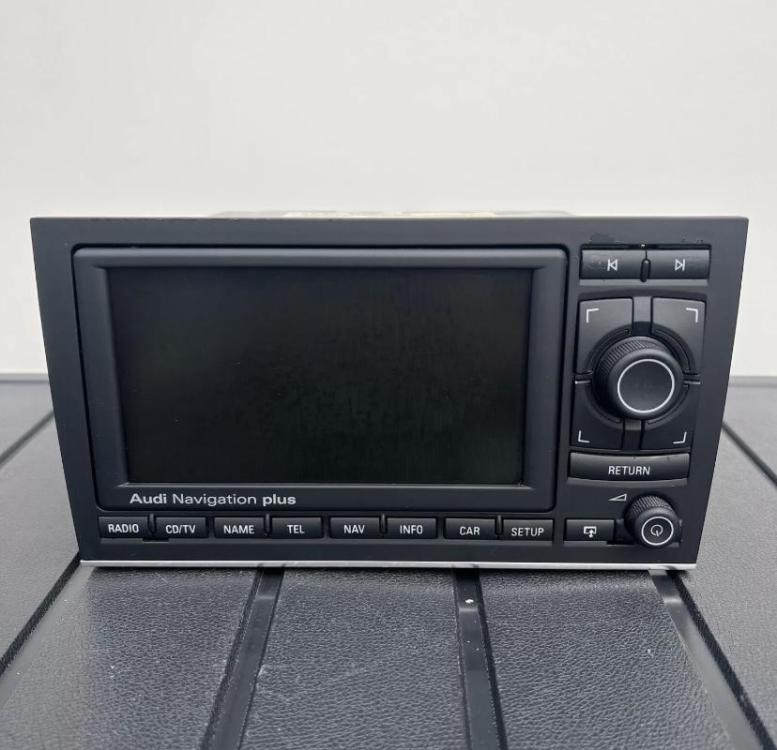
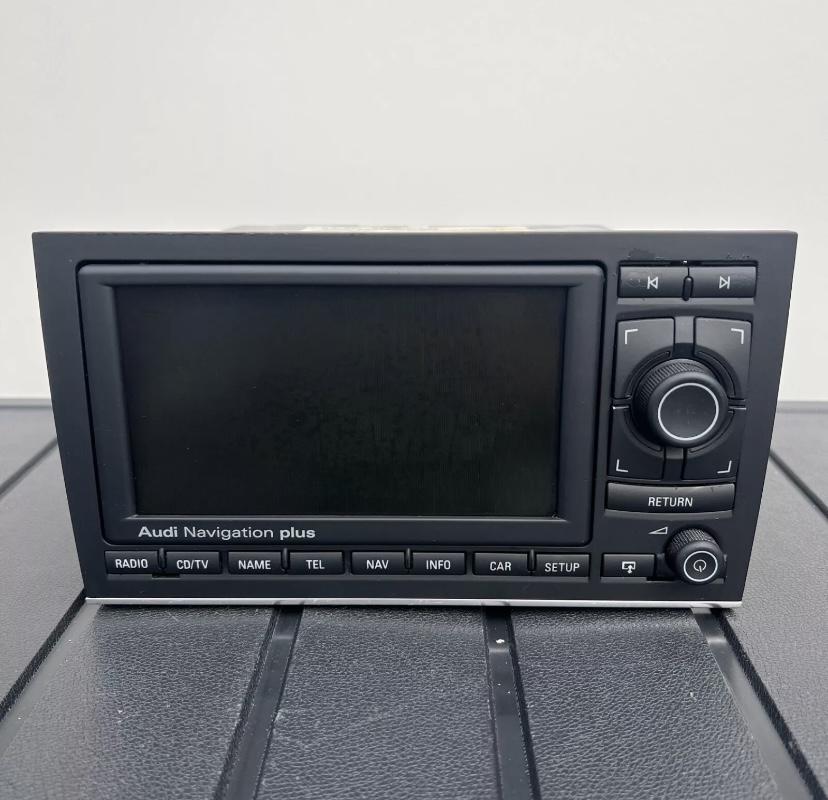
Hello everybody. ill be celebrating 18 years of ownership of my A4 cabrio this year. Part of me knows I should change the car but I just can’t bring myself to let it go! It still turns heads on a sunny day (when it’s clean!) something I’ve always wanted to do is upgrade the head unit from a symphony 2 to an RNS-E with nav and Bluetooth phone. everytime I’ve looked into it I’ve quickly gone out of my depth. can anybody recommend somewhere in southwales or border areas that could do it for me? Everyone I’ve approached has tried to persuade me to go down the aftermarket/carplay route, I know this would be easier and probably cheaper but I’m keen for it to look original to the car. Anyone have any suggestions or experience of doing it? Thanks in advance! Jordan
-
Hello Thinking of swapping my the symphony unit in my 2006 B7 A4 cabrio for an RNS-E. Does anyone have personal experience of doing this swap? How difficult is it to do? I believe I’d need a GPS antenna and possibly a Bluetooth module also? To what extent is it plug and play? I assume I’d need a loom adapter? I don’t know anybody who would have the ability to mess around with the ECU coding. So I’d need to seek help from a garage to do that. im being encourage to just get a cheap car play interface from eBay, but I prefer the idea and look of having the OEM unit. im in south wales if anyone knows of any garages or installers who could help me. thanks for any advice offered!