JonA4
Members
-
Joined
-
Last visited
-
Good advice thanks. I was thinking it was the bit with the coil and that is beyond my soldering skills! will talk to a pro. Anyone any recs in the Oxfordshire/Berkshire/south Bucks area?
-
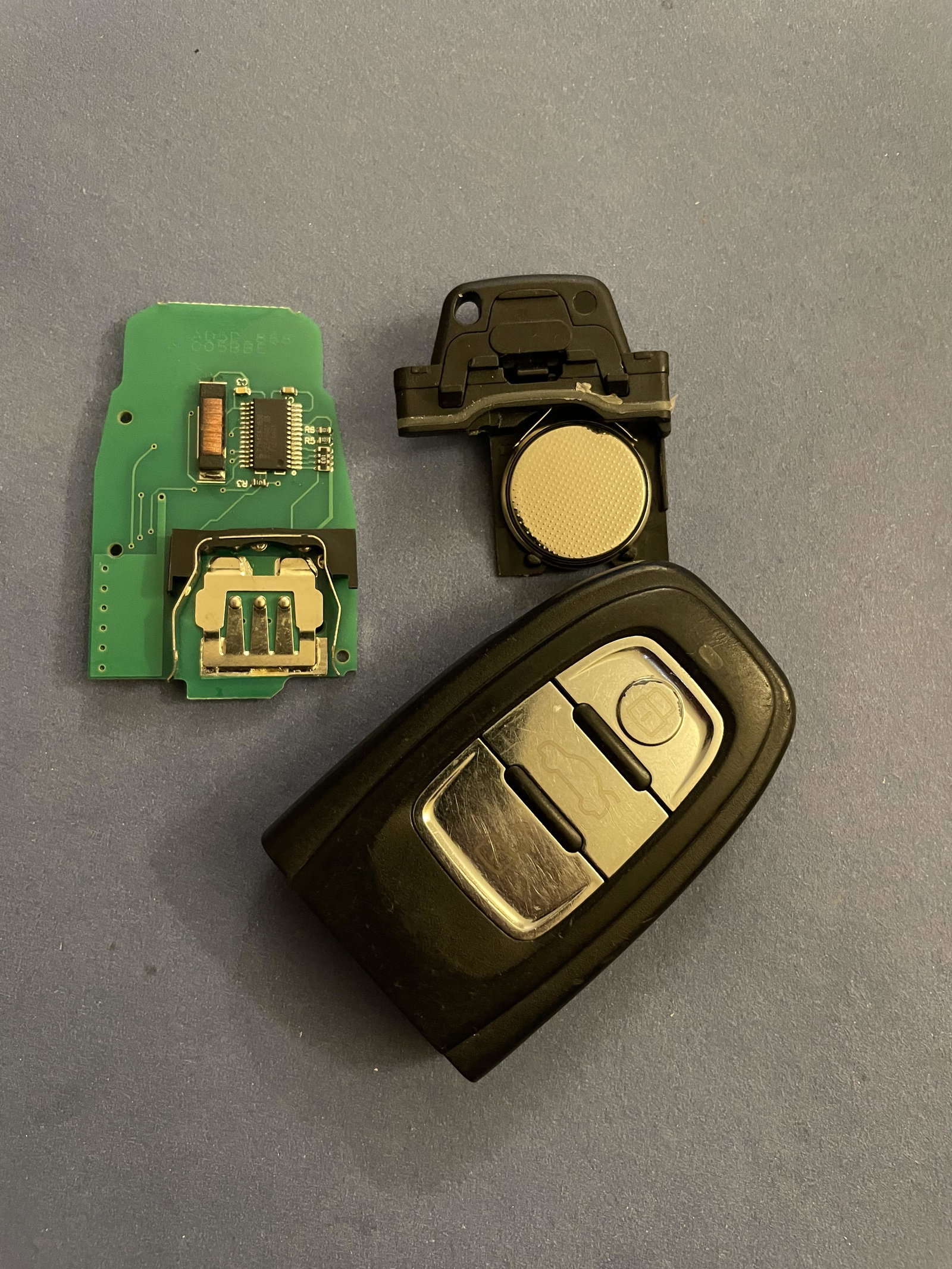
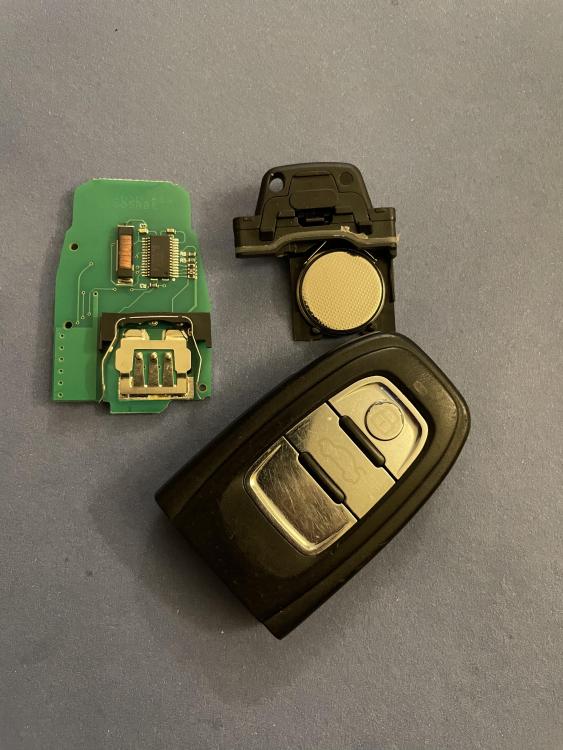
Hmm, So where is the transponder chip? I was expecting a little glass capsule but not seeing anything like that. Youtube has not been my friend on this one!
-
Anyone know what would need to be done in terms of pairing or programming a replacement transponder to the car. Presumably can't be automatic otherwise anyone could start your car with a transponder off ebay? Or am I missing something? I don't want to buy a transponder chip and then I don't have the kit to program it. Any advice appreciated, thanks.
-
Thanks Steve, Is re-programming a DIY job? I have OBD2 cables for my Subaru and Alfa but never dabbled with the Audi!
-
Hi all, 2011 A4 Avant S Line. I have one key that works fine. The spare key has a good battery and will unlock and lock car but when inserted in the dash there is no response whatsoever. So I am assuming this is a transponder chip issue (the good fob will start the car without an battery in it). Any suggestions on a fix that doesn't involve a trip to an Audi dealer? Just to clarify, this the fob that has to be inserted in the slot in the dash, not an "advanced" key. Thanks