




Skip to content
View in the app

A better way to browse. Learn more.

Audi Owners Club (UK)

A full-screen app on your home screen with push notifications, badges and more.

To install this app on iOS and iPadOS
  1. Tap the Share icon in Safari
  2. Scroll the menu and tap Add to Home Screen.
  3. Tap Add in the top-right corner.
To install this app on Android
  1. Tap the 3-dot menu (⋮) in the top-right corner of the browser.
  2. Tap Add to Home screen or Install app.
  3. Confirm by tapping Install.


RyanL

Members
  • Joined

  • Last visited

  1. RyanL changed their profile photo
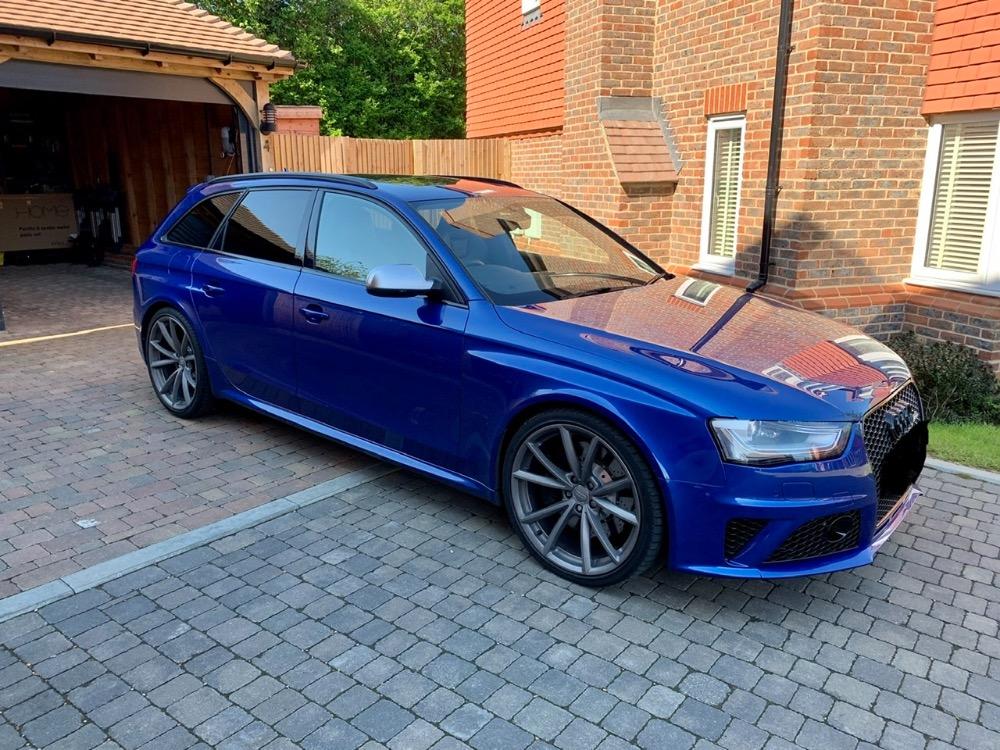
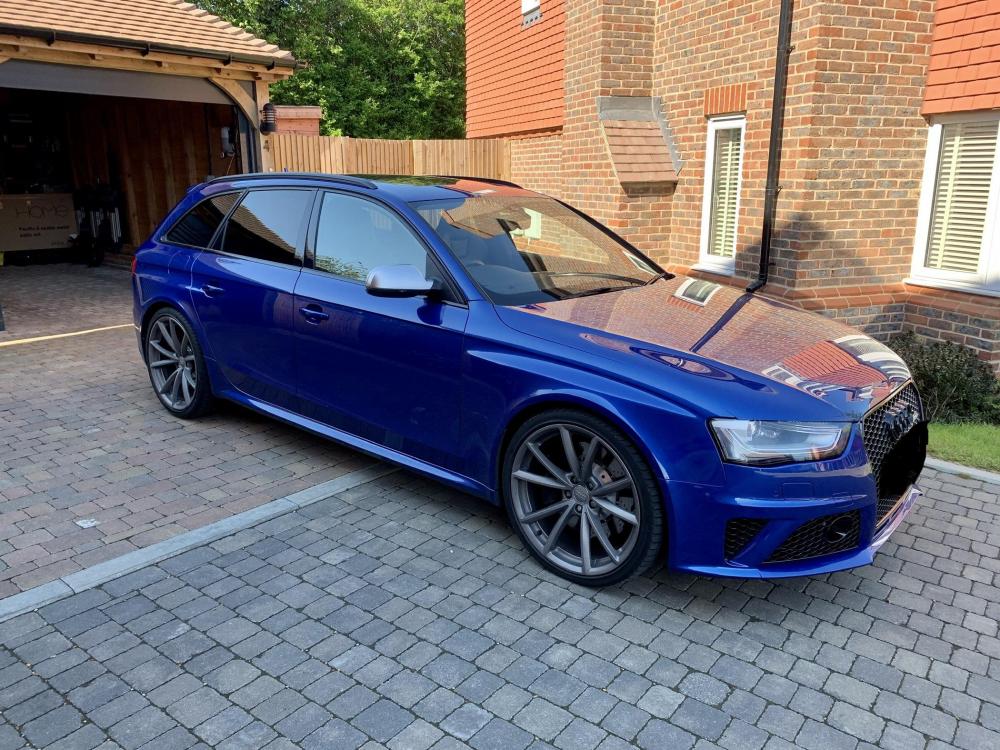
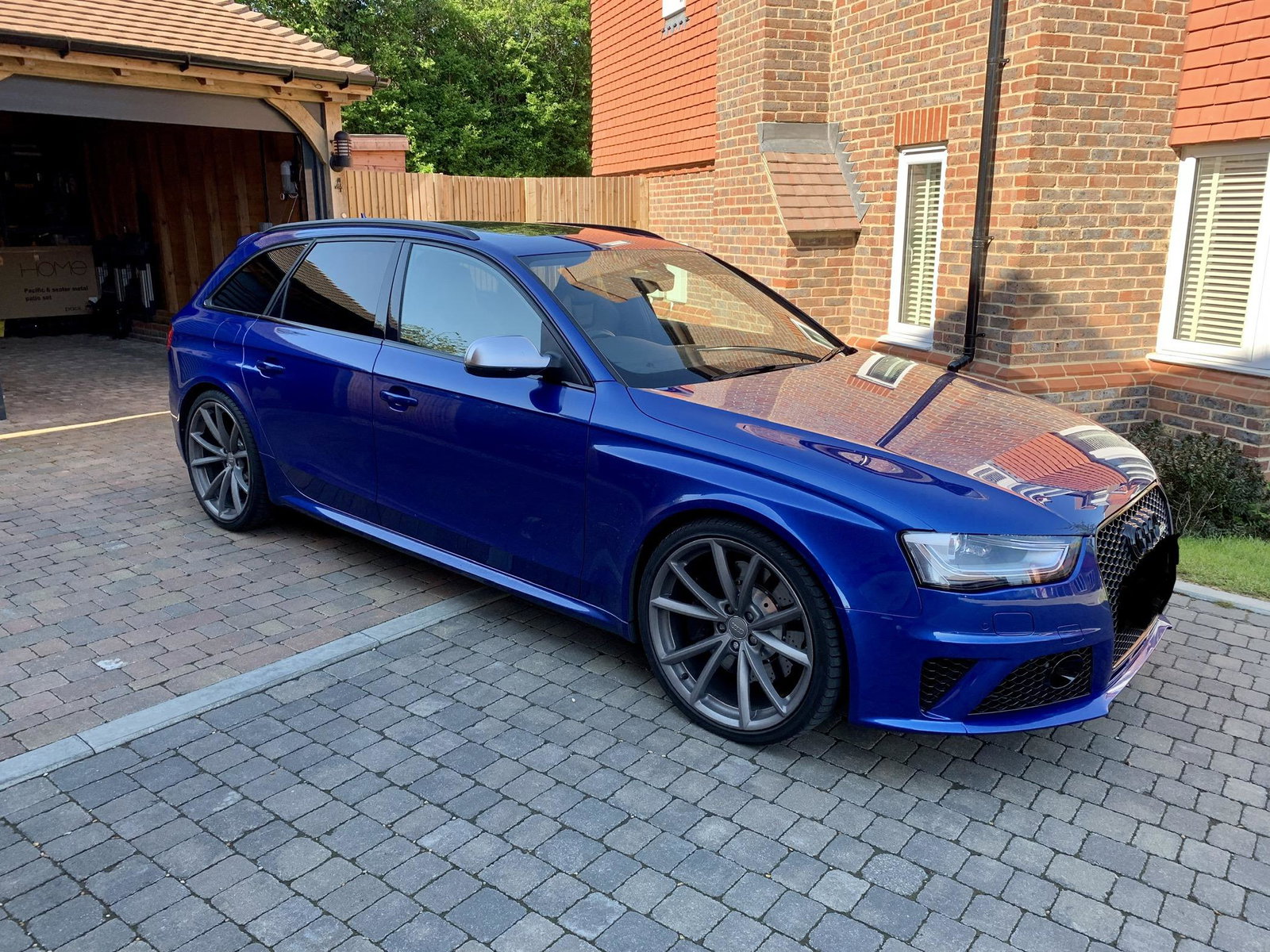
  2. Hi all. New user here. I got my dream Audi a while back but never got round to joining an owners club until now, so hello everybody. I bought my Audi RS4 B8 in 2019, have had my share of issues, such as needing a new rear diff!! But all good now (I hope). Anyways, I’m looking forward to picking the clubs brains and experiences as I look to potential future upgrades and problem solving on going maintenance. pic of my car below, is this where we add them?

Background Picker
Customize Layout

Account

Navigation

Search

Search

Configure browser push notifications

Chrome (Android)
  1. Tap the lock icon next to the address bar.
  2. Tap Permissions → Notifications.
  3. Adjust your preference.
Chrome (Desktop)
  1. Click the padlock icon in the address bar.
  2. Select Site settings.
  3. Find Notifications and adjust your preference.