Stuart A5
Members
-
Joined
-
Last visited
Everything posted by Stuart A5
-
Hi All, It’s been a while since the original post but thought I would give an update incase anyone else has similar problems in the future. After a few visits to the local Audi dealer and delays waiting for parts, today the Electonic Control Unit was replaced under warranty. This has fixed the issues with the camera and has also fixed a fault where the microphone for the hands free / voice control was not working.
-
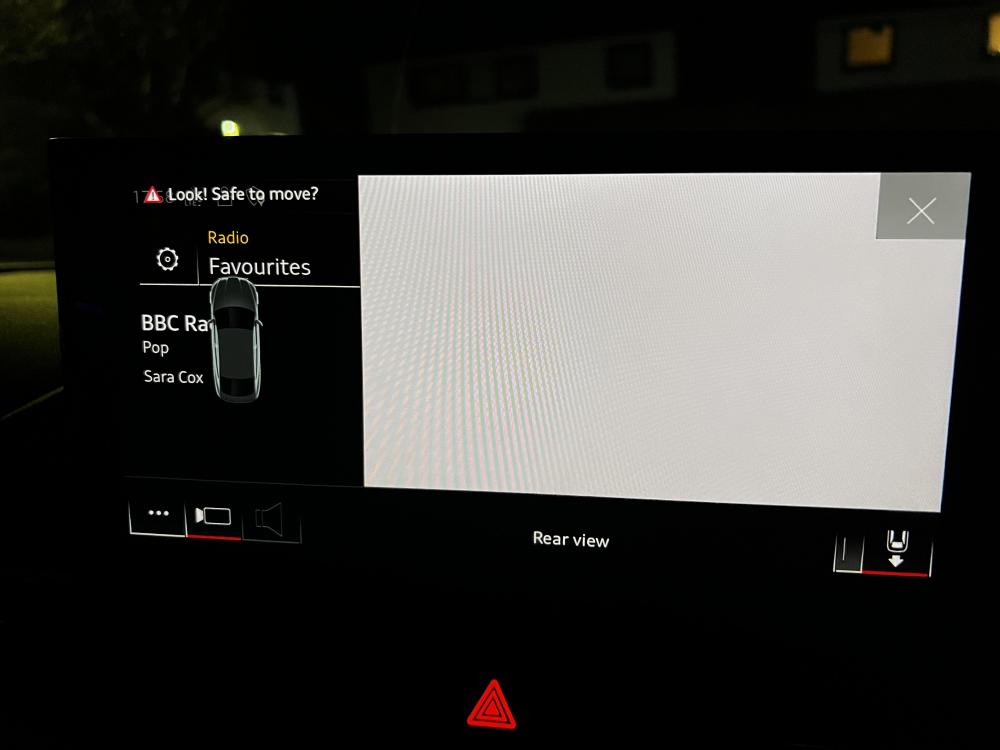
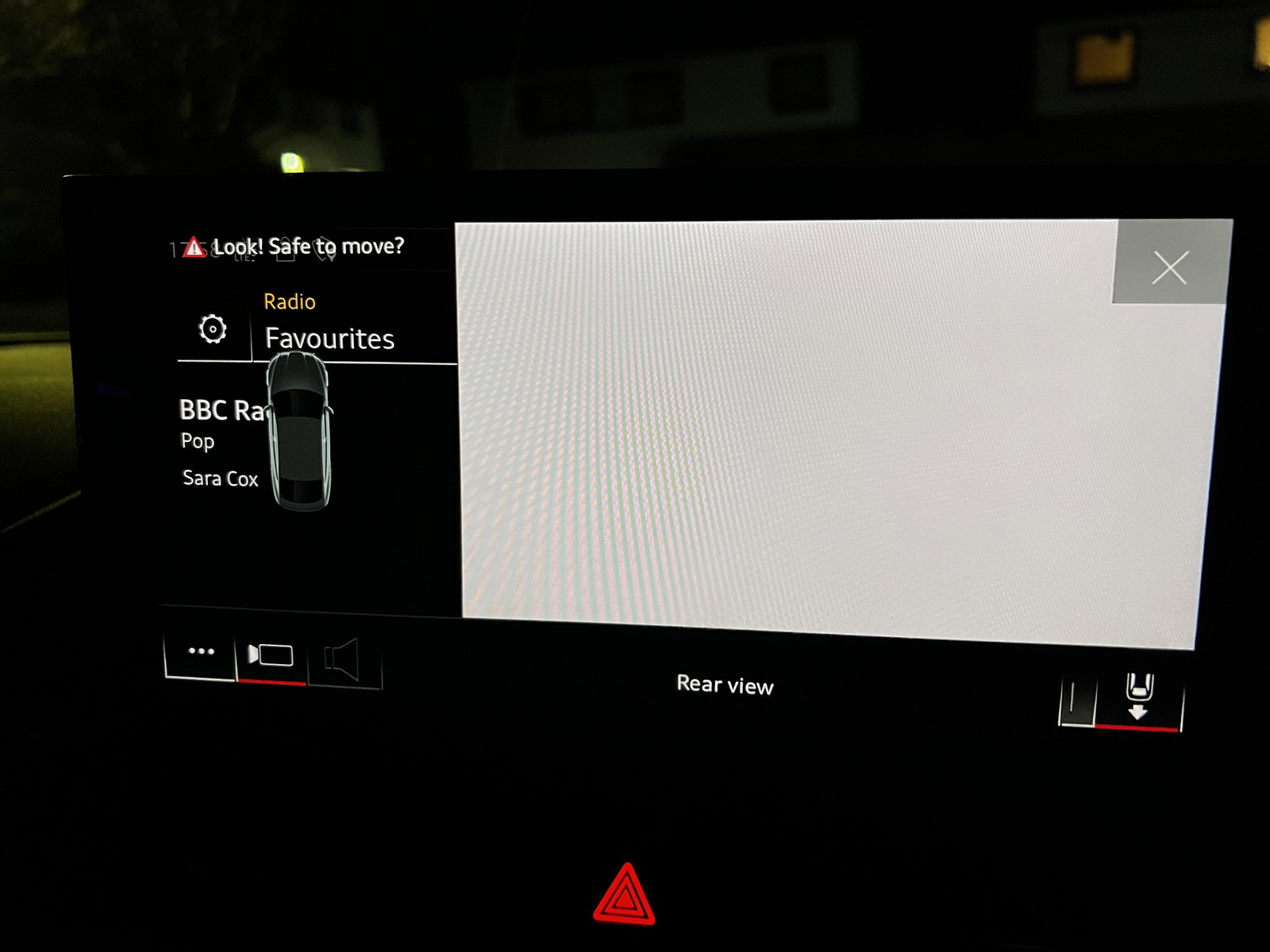
Hi everyone, I’m a new Audi owner posting for the first time and looking for some help and advice. My 2021 A5 has the 360° Camera fitted. However the camera does not display on screen all I get is a white screen display. There is no change when I cycle between camera views. I have tried power cycling the MMI, restoring factory settings, switching the car off and on again, various combinations of starting and stoping the camera mode but the problem persists. Hs anyone had any experience or got any suggestions on how to fix this? Thanks in advance