Aarona6sal
Members
-
Joined
-
Last visited
-
It seems I need the obdeleven adapter to use that app or mine isn’t compatible. I’ll keep looking.
-
Hi, I have an obd scanner that works via Bluetooth to make some coding changes to my car but can find an app that’s really compatible with the car. (2014) I’ve tried Carly and car scanner and others. Any suggestions?
-
Hello, yes service history is sketchy. Could it be a limcet box? There seems to be one fitted as it keeps coming up on WiFi network?
-
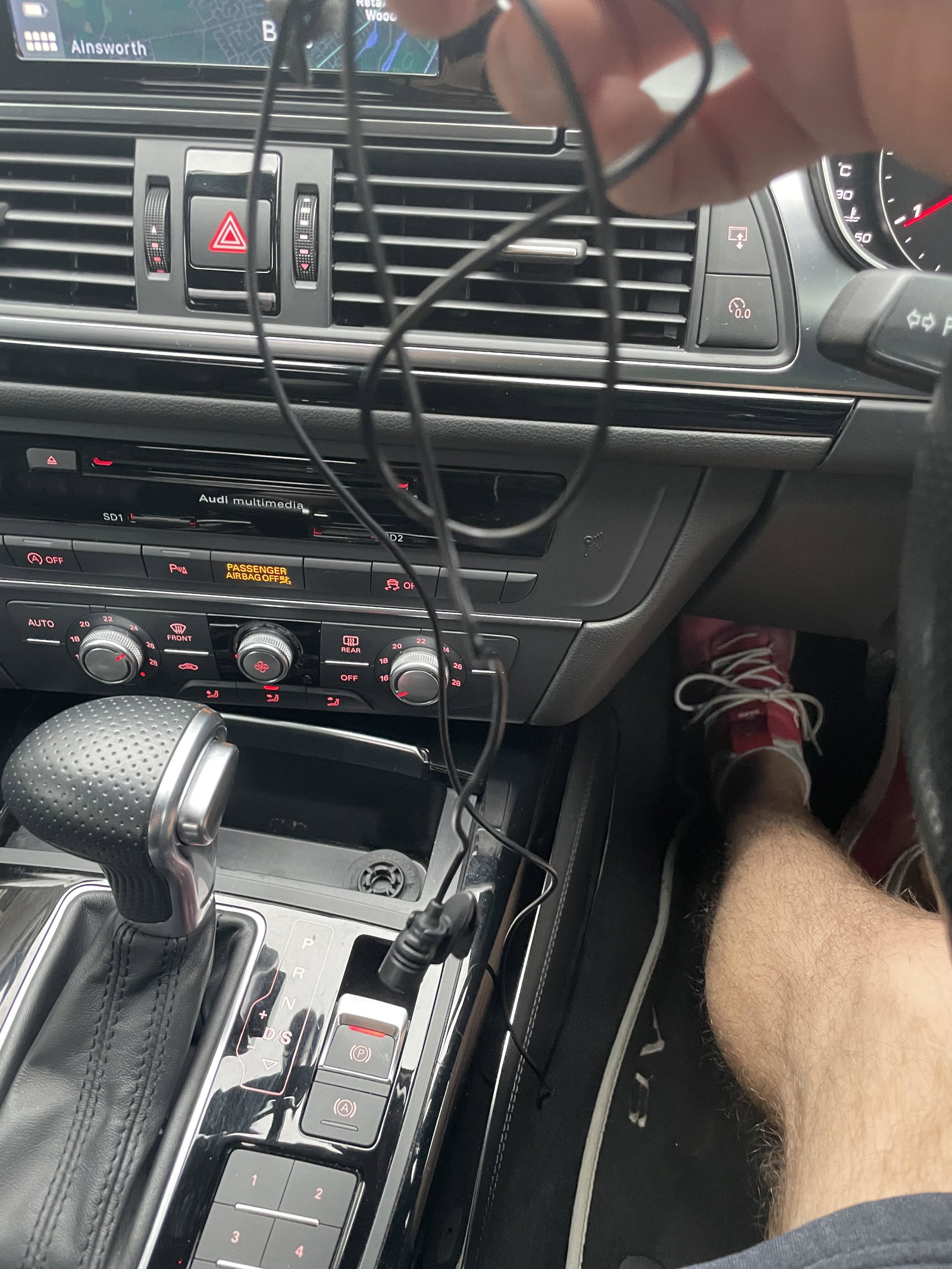
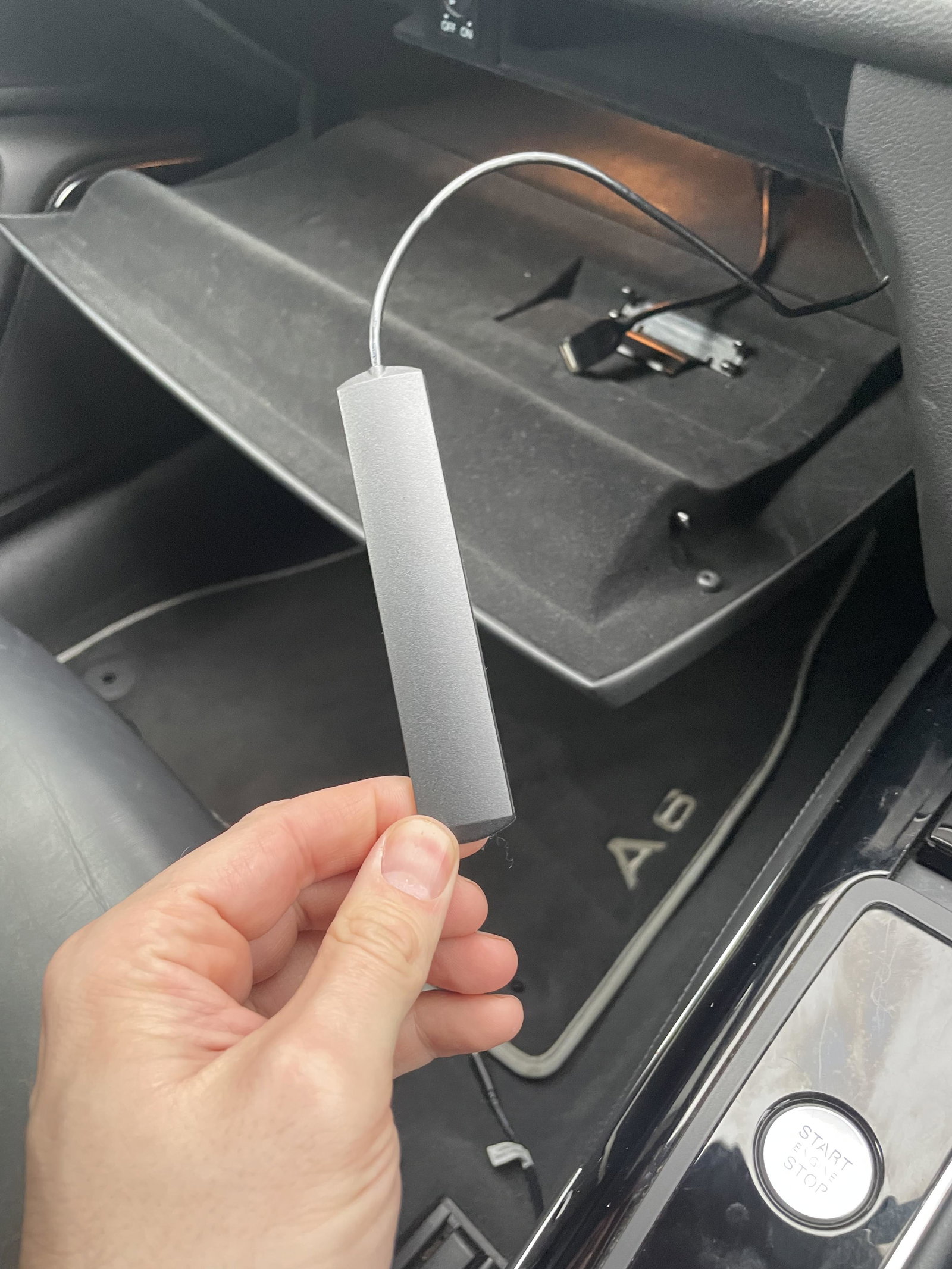
Just bought a6 and there seem to be some aftermarket products inside and I have no idea what they are for. The microphone goes under steering wheel behind the trim, but it’s nothing to do with car hands free system. Anyone know what they are for?
-
Hello. I’ve just bought an a6 sline black edition. 2014 It has the black grills and badges…. really happy with it. just wondered if anyone had any advice on painting callipers myself and secondly if there is a thread you could direct me to on any nice detailing hints or tips for extras I can put on/in. thanks I’m advance for your help. aaron