Skip to content
View in the app

A better way to browse. Learn more.

Audi Owners Club (UK)

A full-screen app on your home screen with push notifications, badges and more.

To install this app on iOS and iPadOS
  1. Tap the Share icon in Safari
  2. Scroll the menu and tap Add to Home Screen.
  3. Tap Add in the top-right corner.
To install this app on Android
  1. Tap the 3-dot menu (⋮) in the top-right corner of the browser.
  2. Tap Add to Home screen or Install app.
  3. Confirm by tapping Install.


Bangbangbenny

Members
  • Joined

  • Last visited

Everything posted by Bangbangbenny

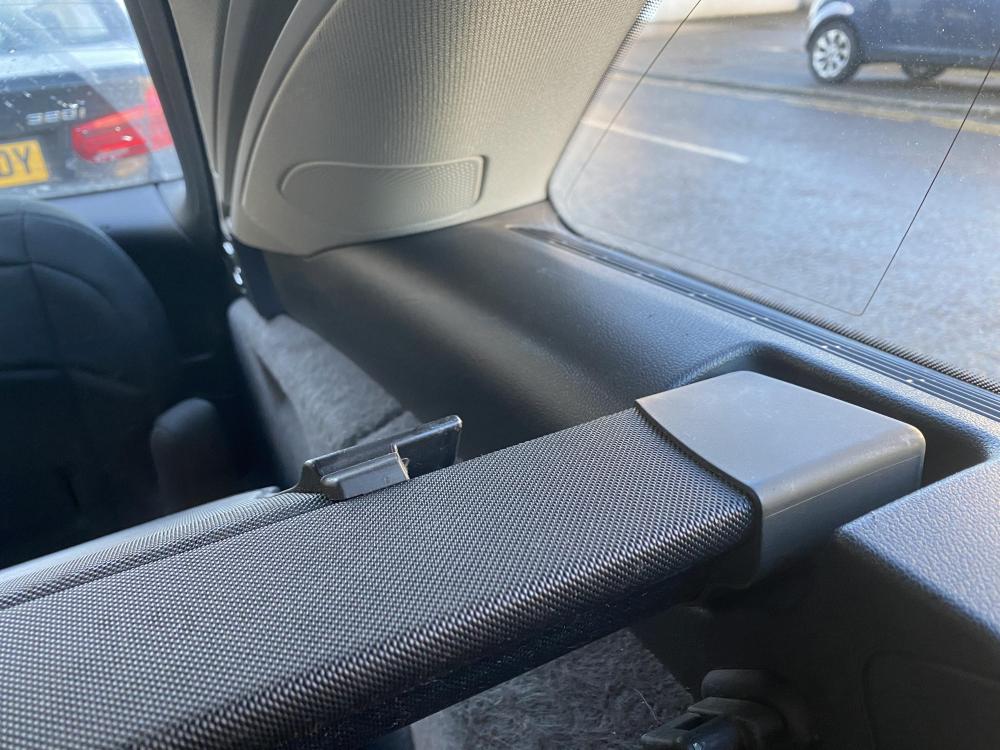
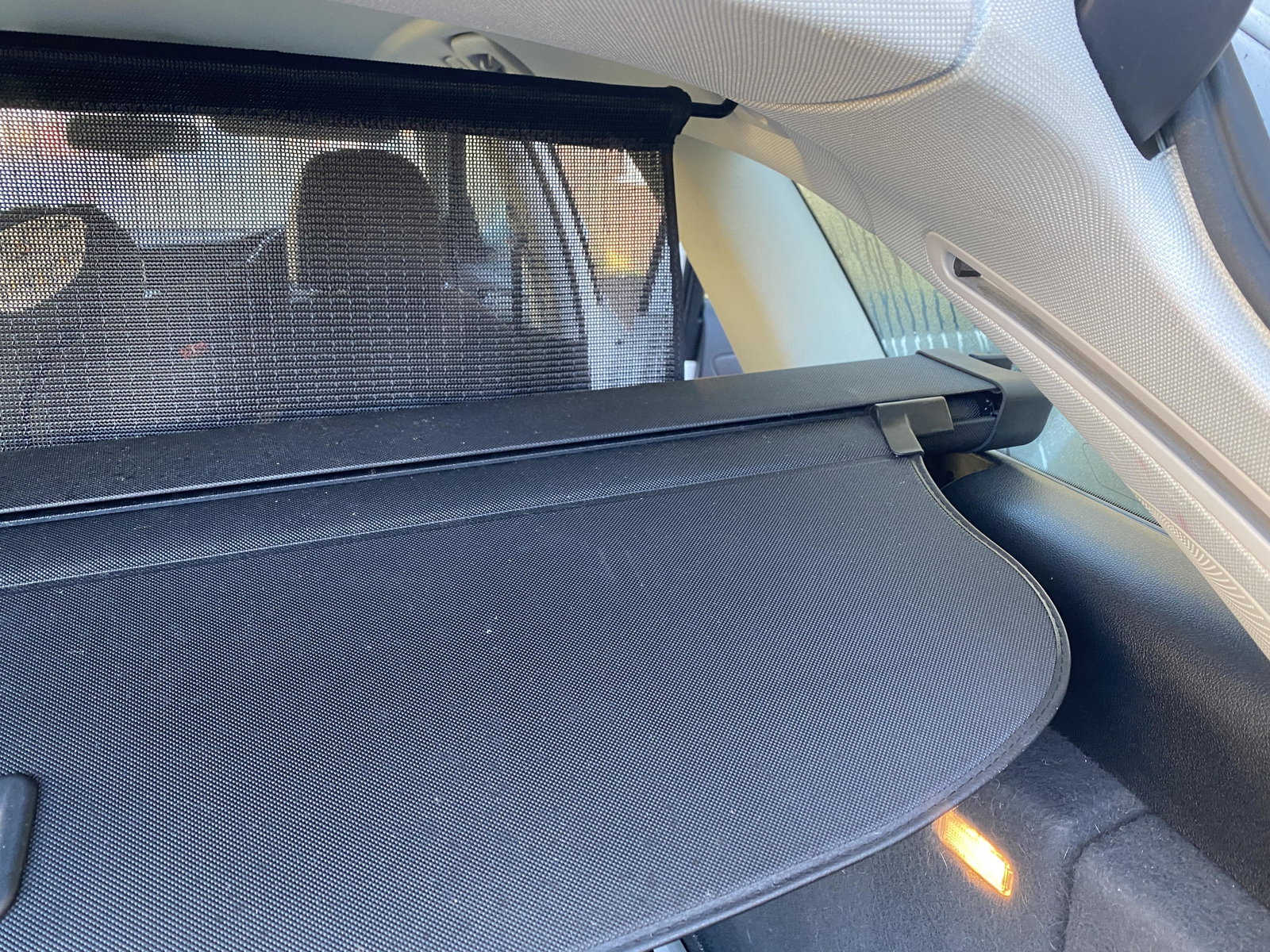
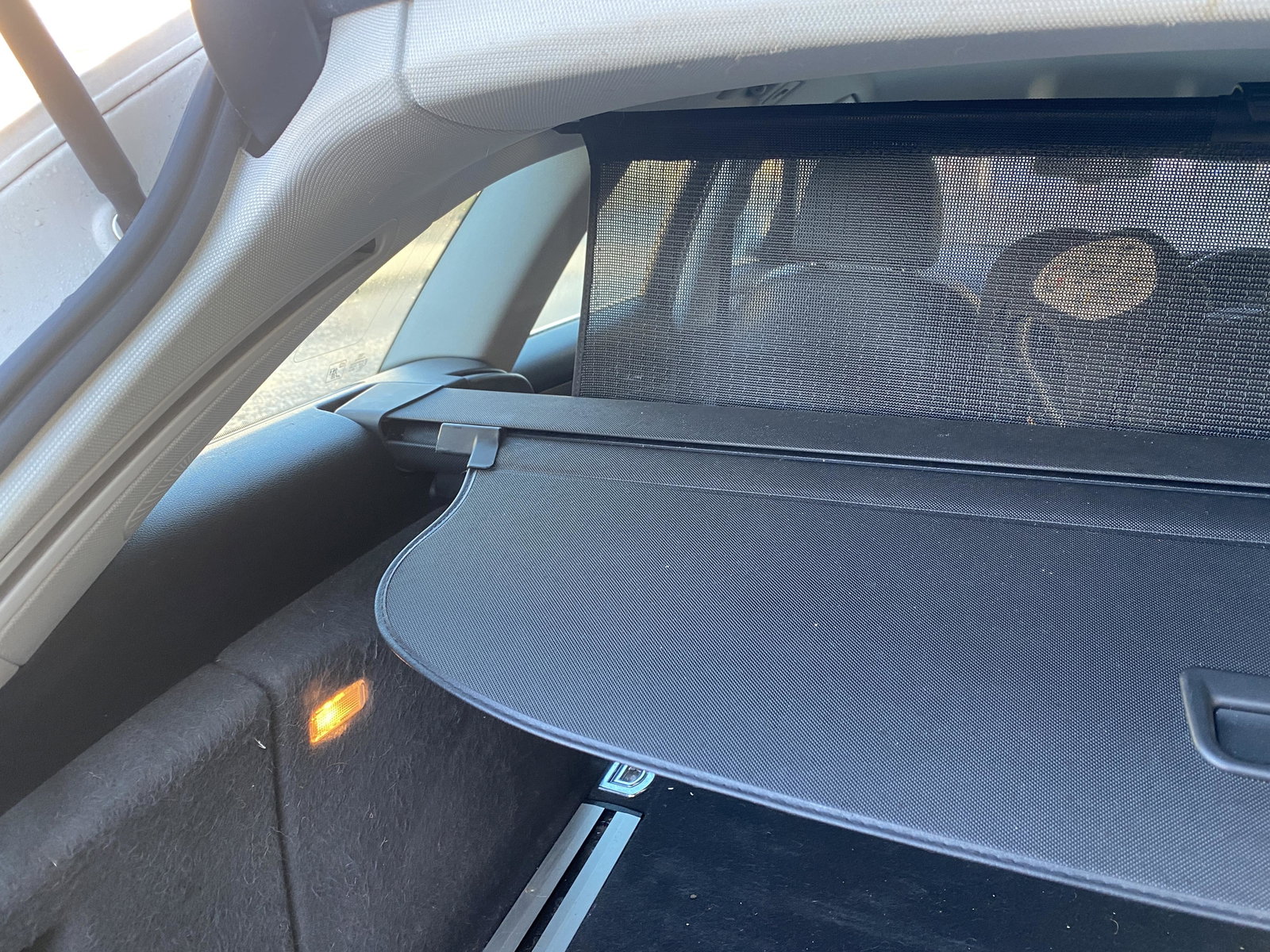
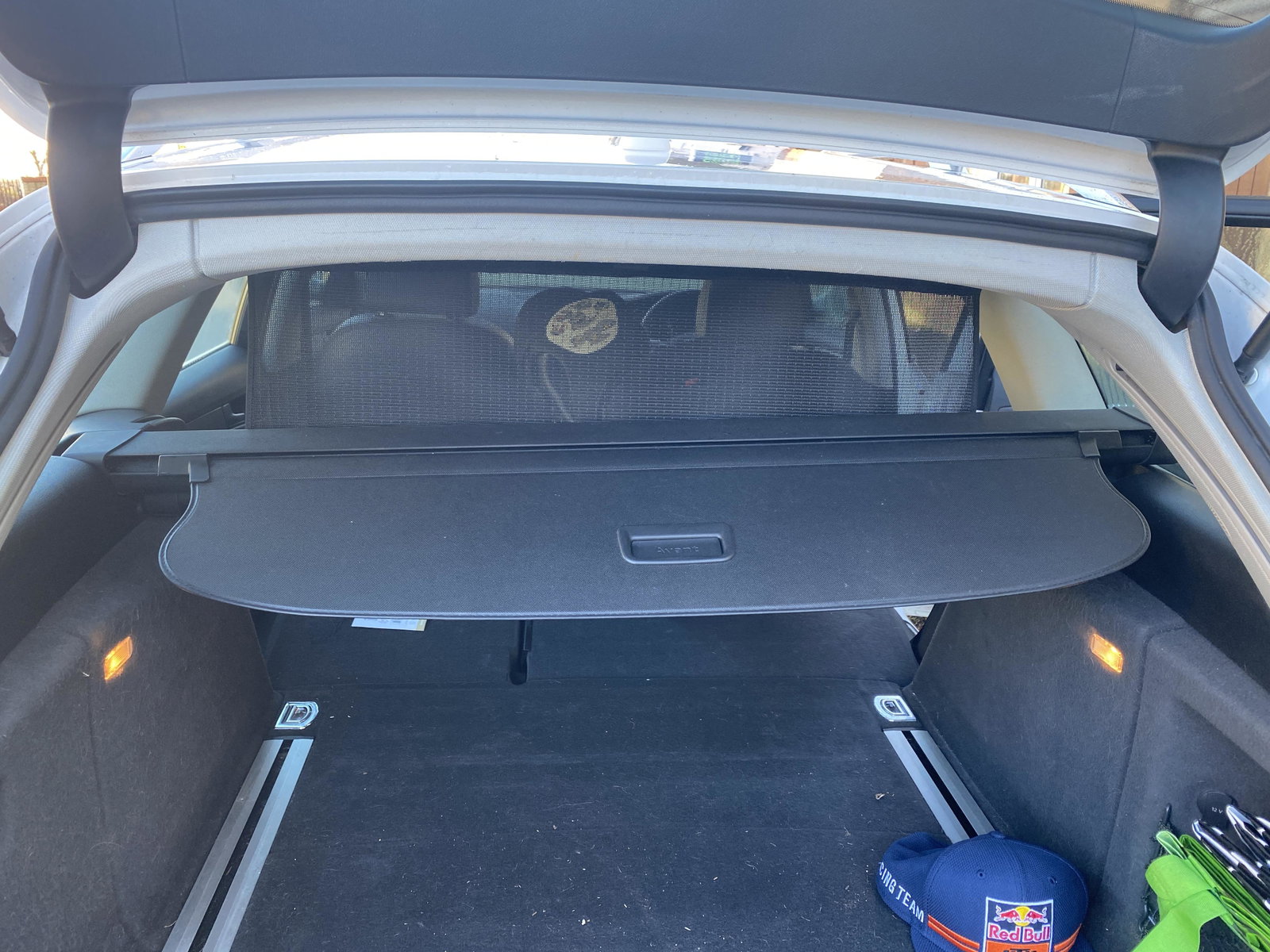
  1. My next question is whether the allroad and normal avant have different connectors for the boot, I've been to my local audi dealer and they couldn't get it to fit
  2. Hi mate, thanks your your reply, I've tried again and it just seems too wide to fit in both slots, I must be doing something wrong.
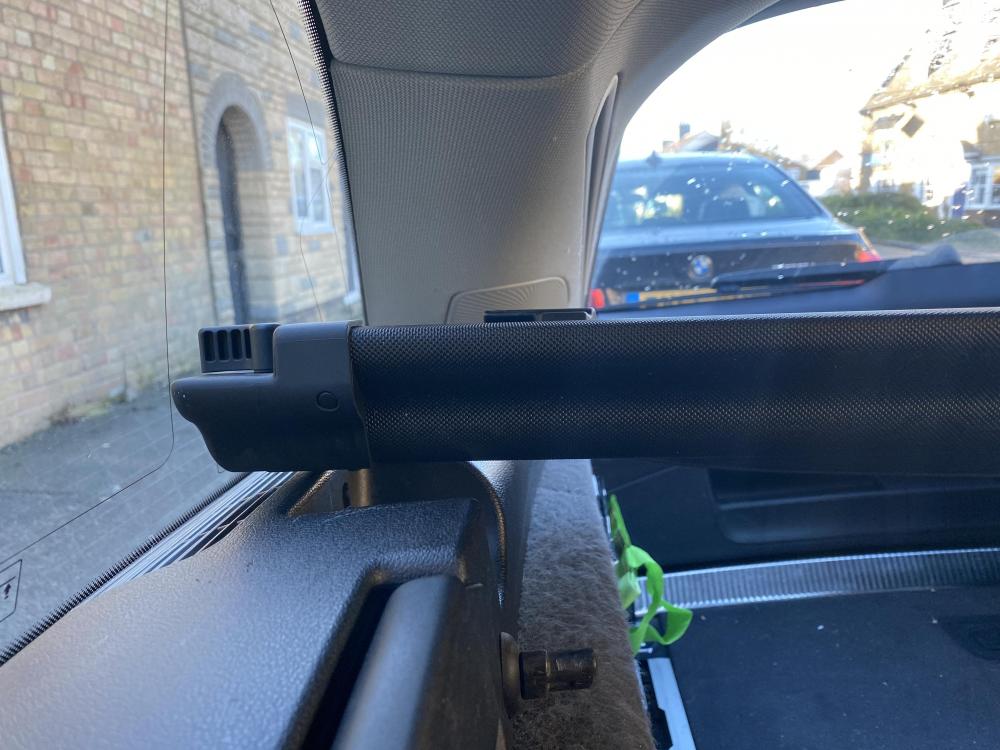
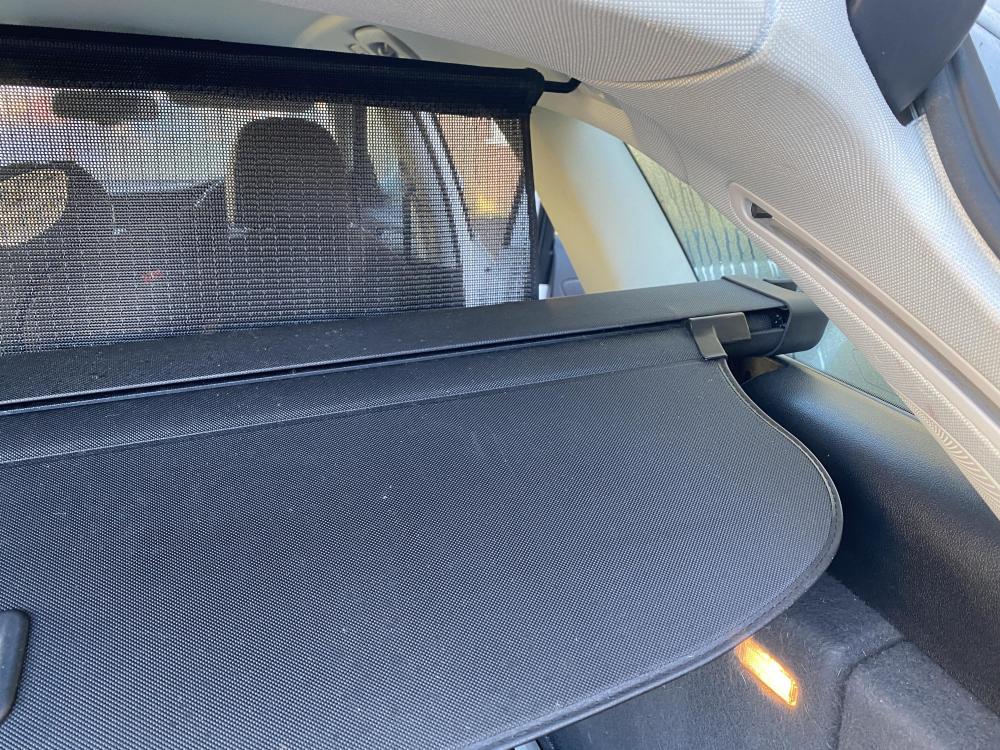
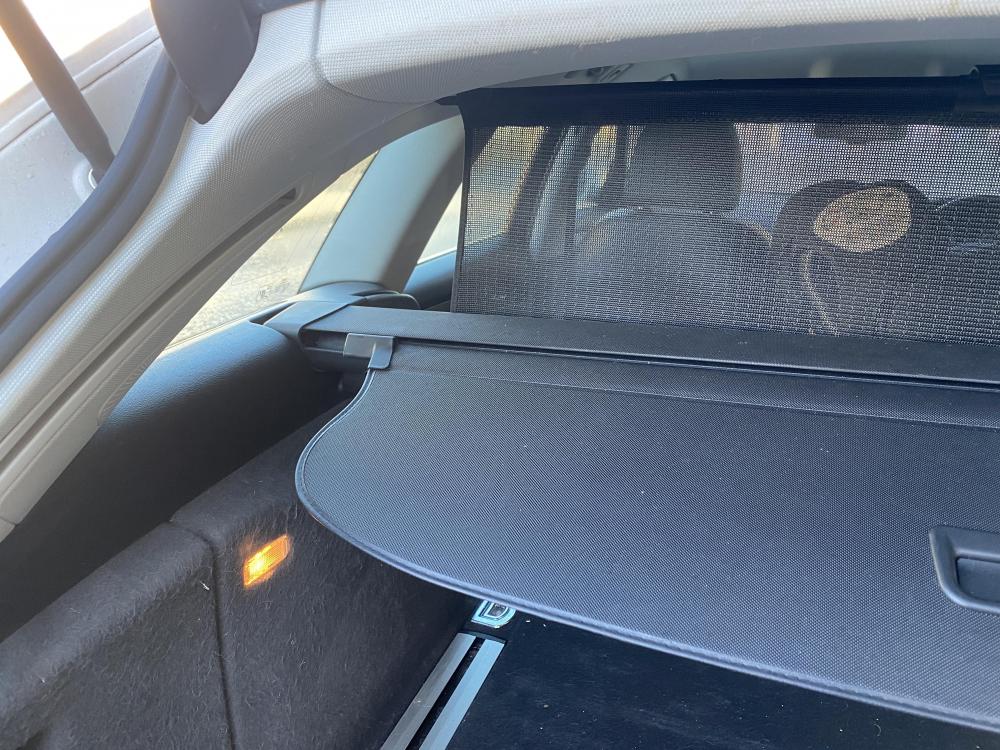
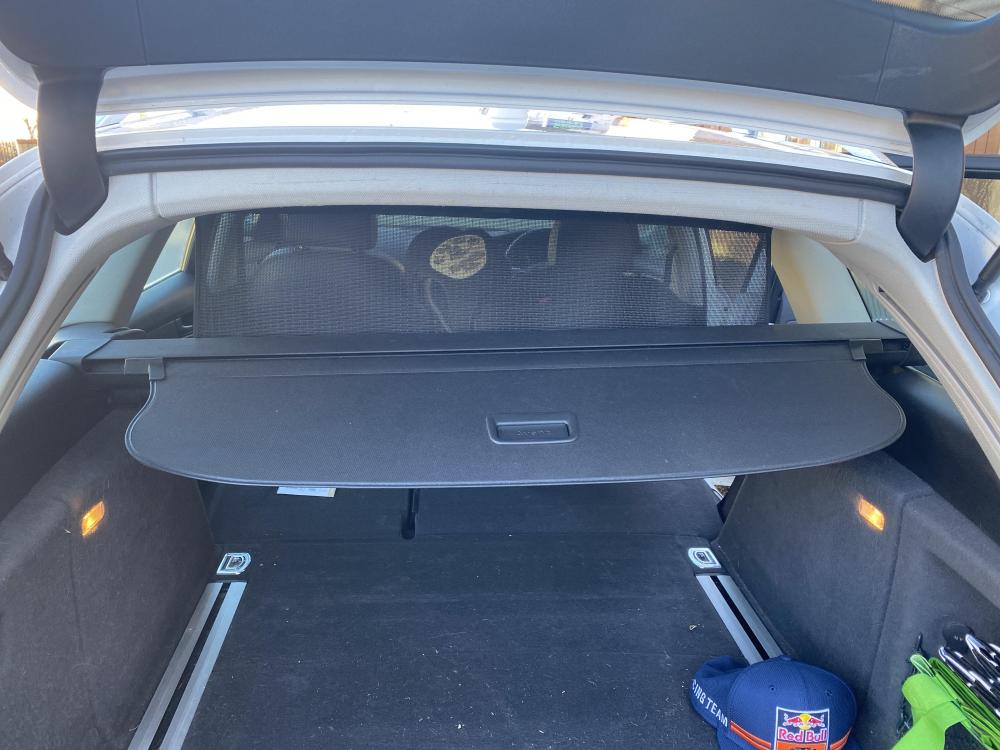
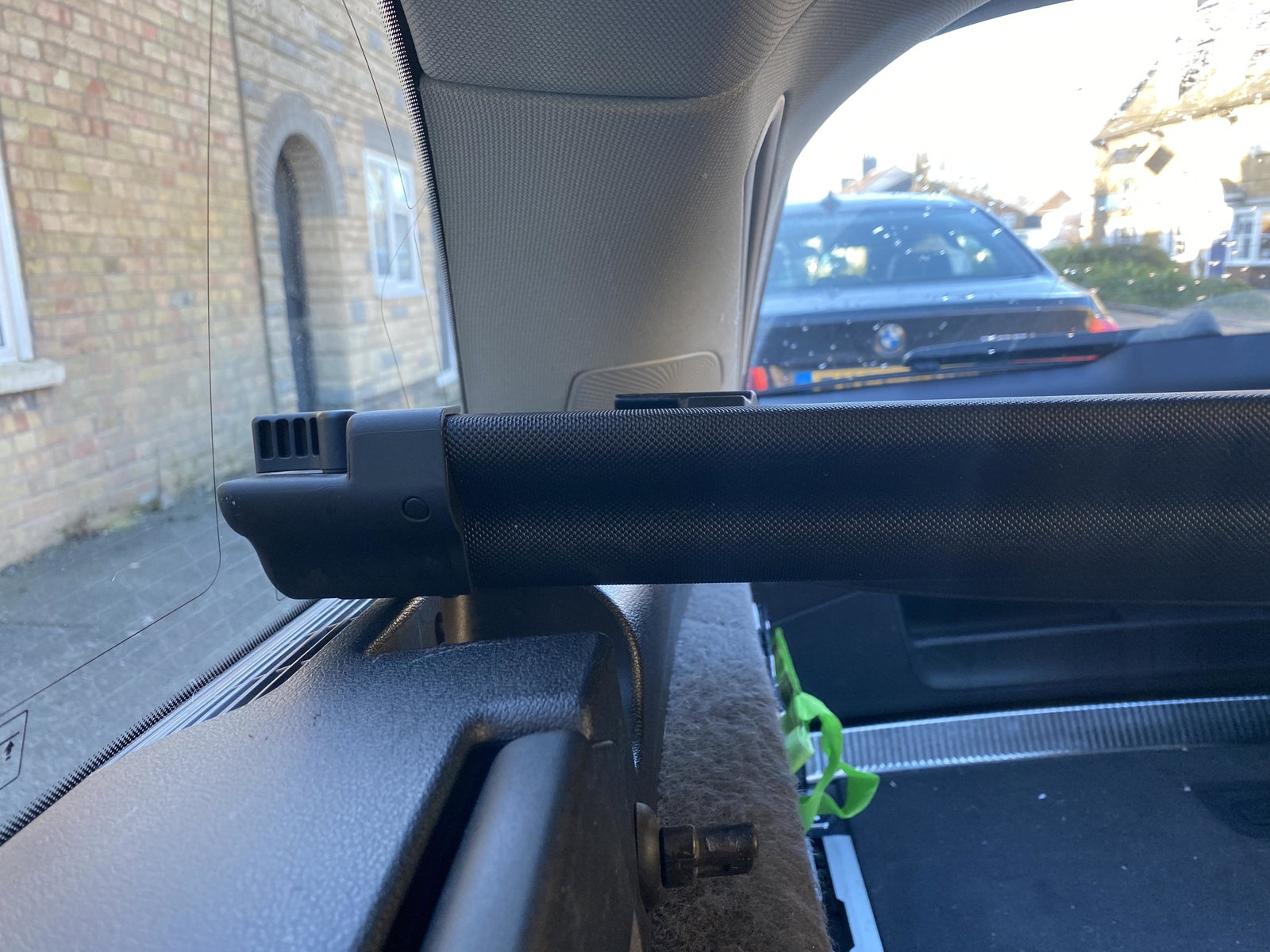
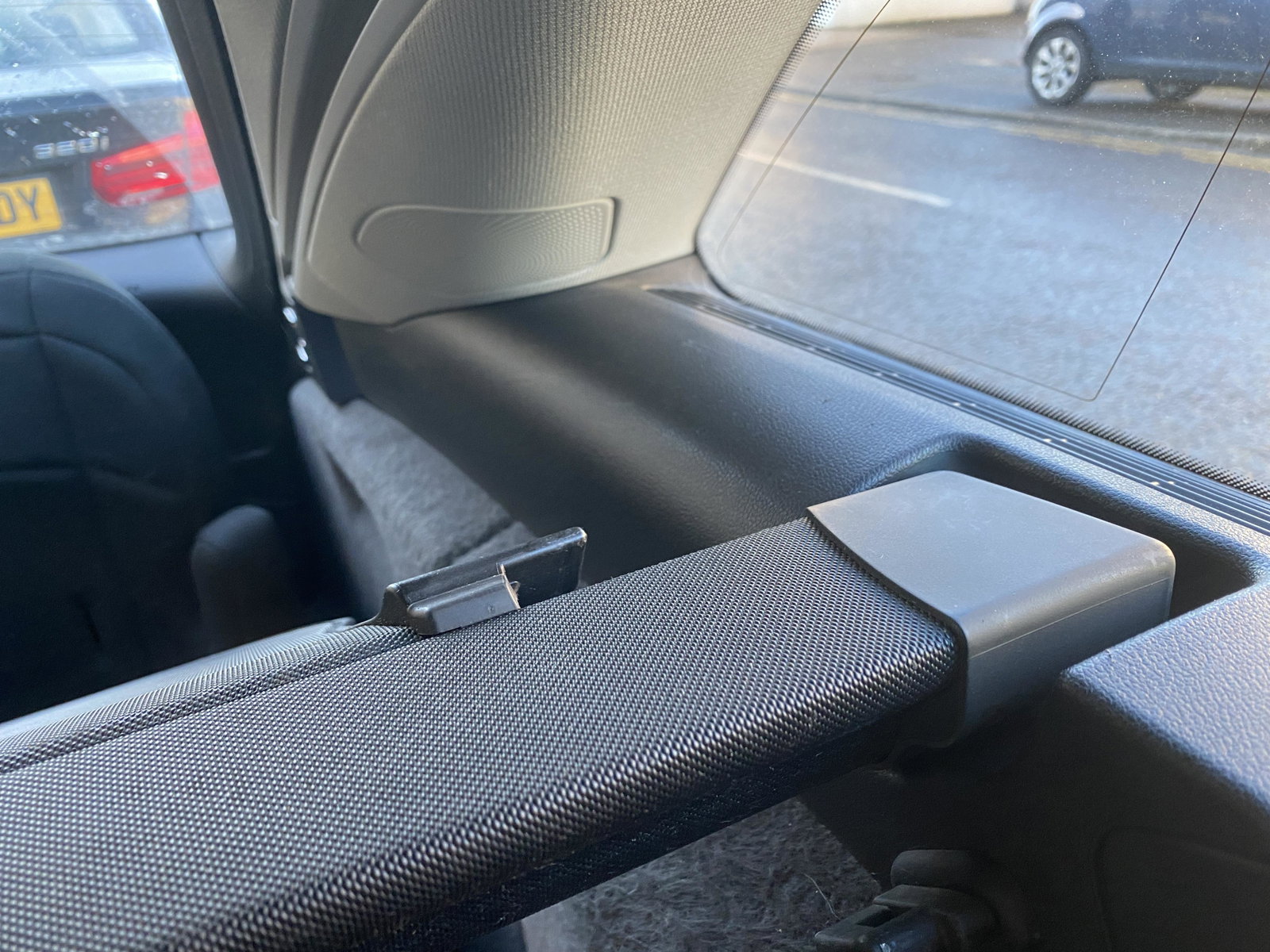
  3. Good morning, just seeing if people have had the same issue as myself, I brought my 2011 allroad without a load cover for the boot, I've brought this one below and it doesn't seem to fit in the space, it seems too wide for the gaps, I've tried pushing the clips in either end, is there a difference between the normal avant and allroad boots or is there a different between the b8 and 8.5, or am I doing something wrong to get it to fit? Advice would be appreciated
Background Picker
Customize Layout

Account

Navigation

Search

Search

Configure browser push notifications

Chrome (Android)
  1. Tap the lock icon next to the address bar.
  2. Tap Permissions → Notifications.
  3. Adjust your preference.
Chrome (Desktop)
  1. Click the padlock icon in the address bar.
  2. Select Site settings.
  3. Find Notifications and adjust your preference.