mr angry
Members
-
Joined
-
Last visited
-
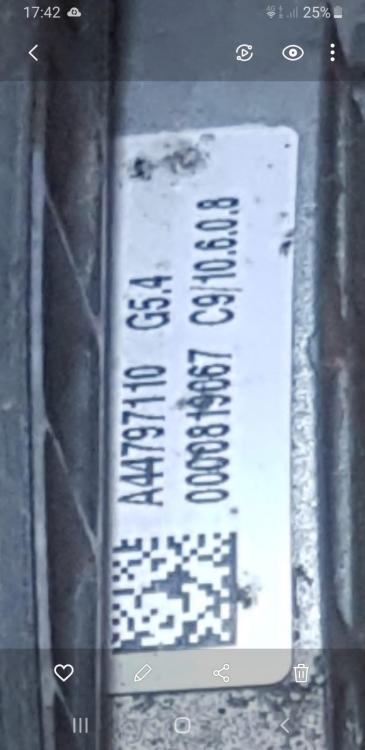
I have searched everywhere and was given the part number as "4H0959455AD" from a garage who want £1500 to sort it which seems a lot. Is there any way of confirming the part number and where best to buy the controller?
-
This is the label for the controller but looks like it may be integral to the fan itself
-
I have an issue with a 2015 A4 quattro Avant 3.0tdi that I hope someone can help with. The cooling fan (nearside of the two fans) will briefly spin for a couple of seconds as soon as the drivers door is opened, then stop. When ignition is turned on or engine running, the fan will run on full speed regardless of whether car is hot or cold after been left overnight and continue running. On turning the car off it will run for just under a minute then stop. A scan of the car revealed fault code P0480 indicating a fault in cooling fan 1 control circuit. I have checked the 5 amp fuse in the fusebox under the scuttle panel which I think is for the fan signal control (unsure) and it is continuous and not blown. With the fuse removed the fan will not run when door opened or ignition on or engine running. The EML is not on I dont want to be just guessing and throwing parts at this so keen to hear if anyone else has experienced this or can suggest the best way forward in diagnosing.