




Skip to content
View in the app

A better way to browse. Learn more.

Audi Owners Club (UK)

A full-screen app on your home screen with push notifications, badges and more.

To install this app on iOS and iPadOS
  1. Tap the Share icon in Safari
  2. Scroll the menu and tap Add to Home Screen.
  3. Tap Add in the top-right corner.
To install this app on Android
  1. Tap the 3-dot menu (⋮) in the top-right corner of the browser.
  2. Tap Add to Home screen or Install app.
  3. Confirm by tapping Install.

Steve Ed

Members
  • Joined

  • Last visited

  1. Thanks all, I managed to get it changed
  2. Does anyone know the part number for the driver side door speaker, non B&O, think mine needs replacing. A5 2017 s-line sportback Thanks
  3. Does anyone know the part number for the driver side door speaker, non B&O, think mine needs replacing. Thanks
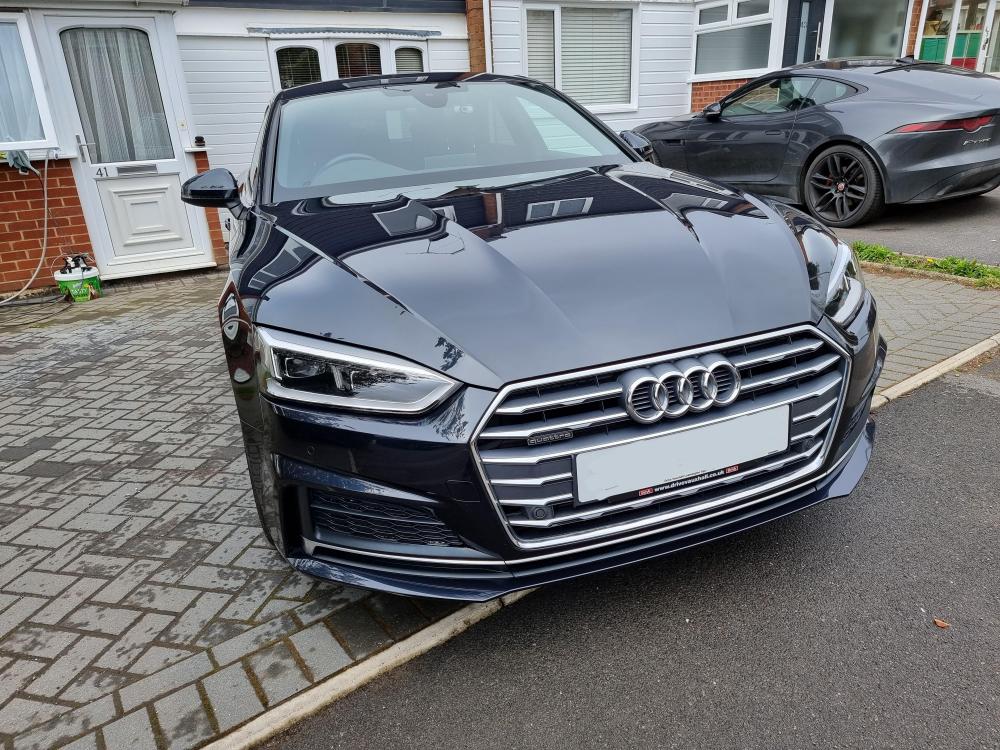
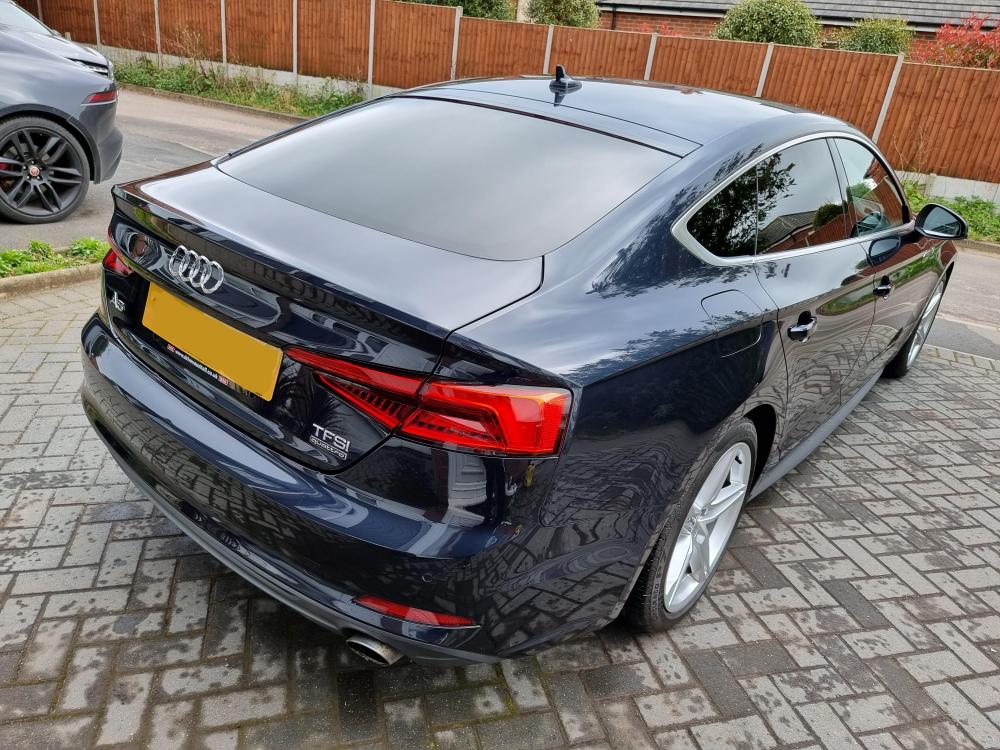
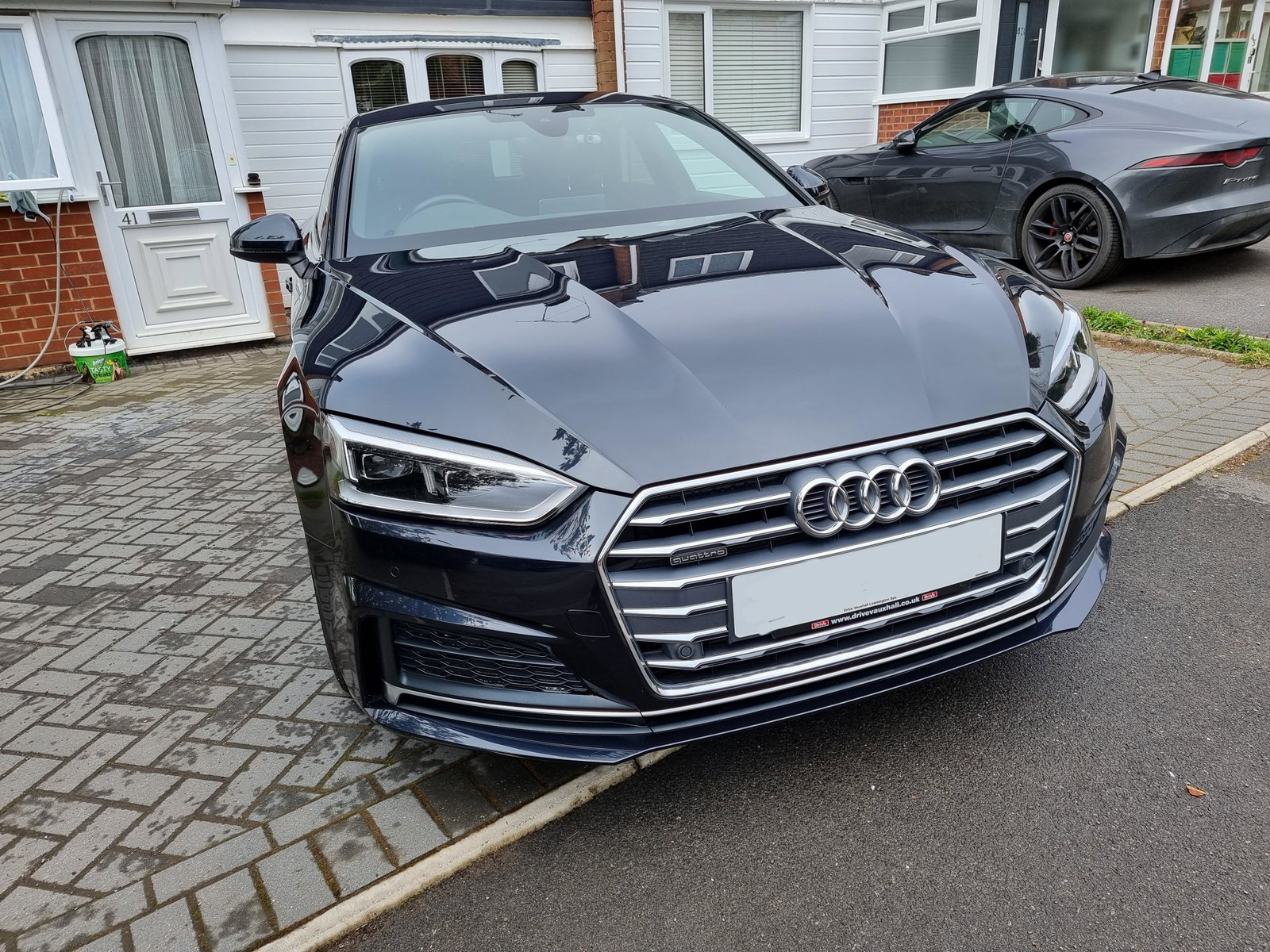
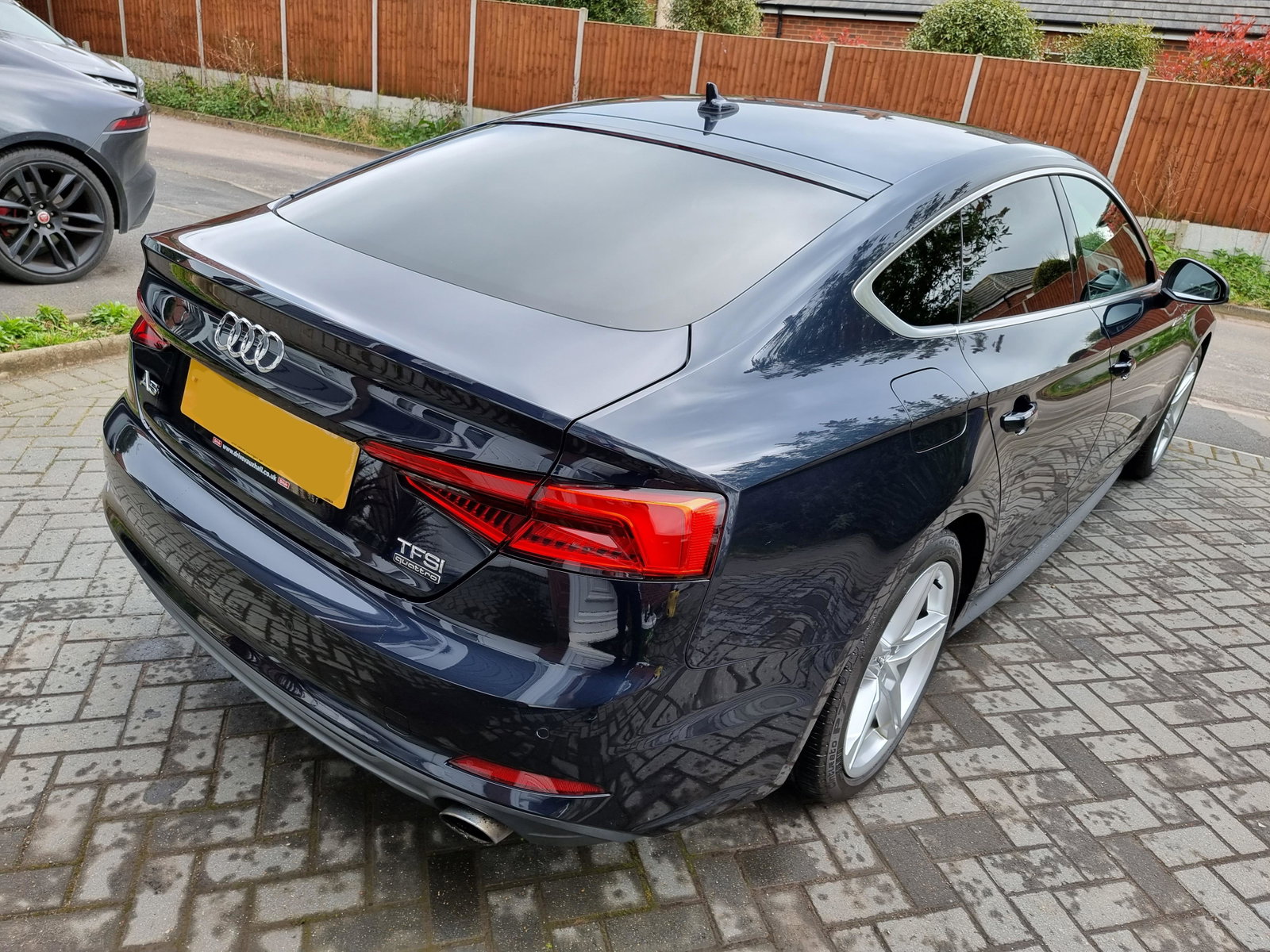
  4. Hello all, new to the luxury of owning an audi, I have bought a 2017 A5 2.0 tfsi 249bhp, love it so far, firstly I am looking to update the mmi software and sat nav software if someone can point me in the best/cheapest way possible. Thanks
Background Picker
Customize Layout

Account

Navigation

Search

Search

Configure browser push notifications

Chrome (Android)
  1. Tap the lock icon next to the address bar.
  2. Tap Permissions → Notifications.
  3. Adjust your preference.
Chrome (Desktop)
  1. Click the padlock icon in the address bar.
  2. Select Site settings.
  3. Find Notifications and adjust your preference.