Zac
Members
-
Joined
-
Last visited
Everything posted by Zac
-
I got a new seat alls working as intended. Thanks everyone it was completely missing and the guy at scrapyard was confused as to why too ha ha. Couldn’t workout why or how the last owner had done it.
-
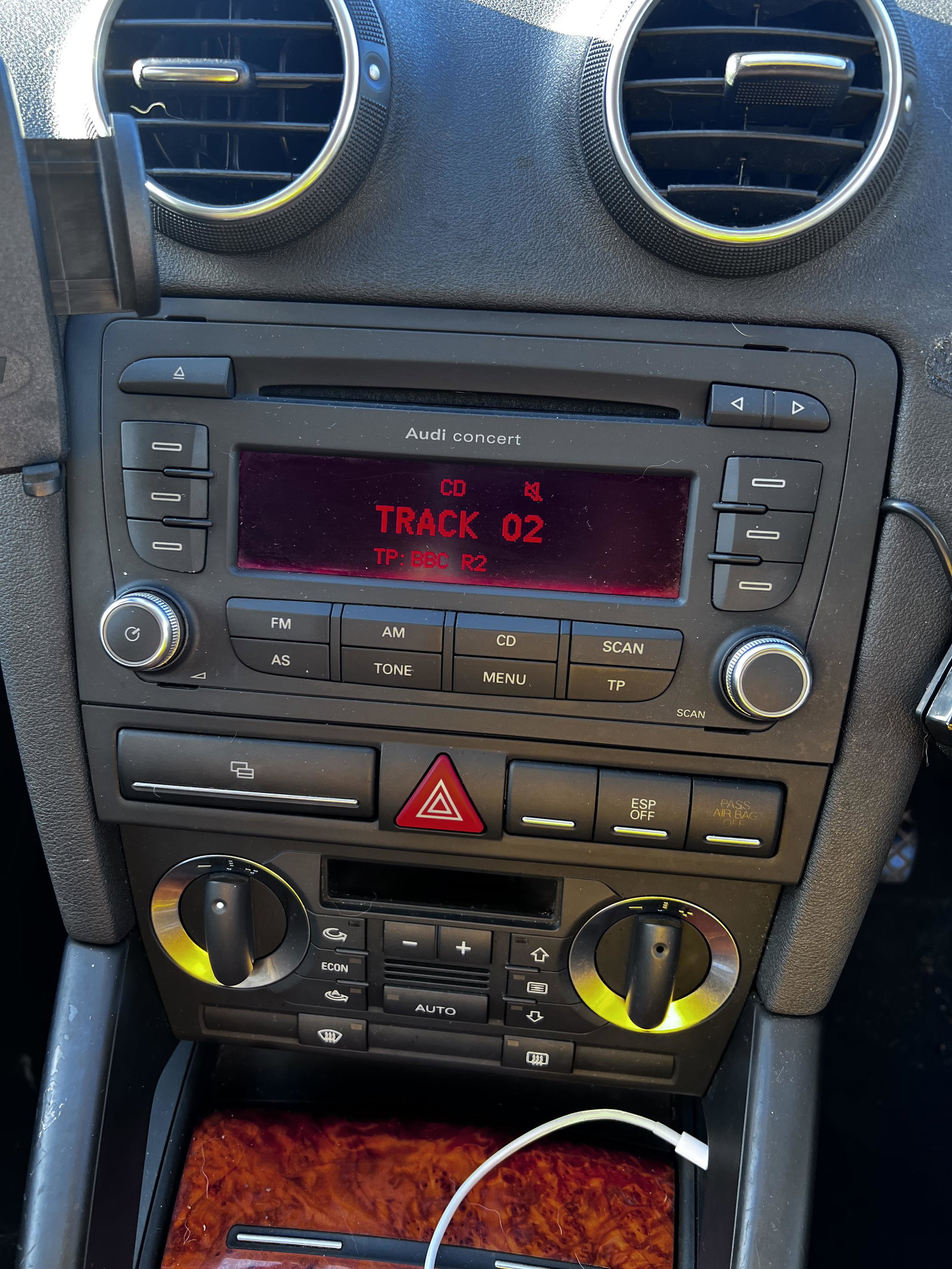
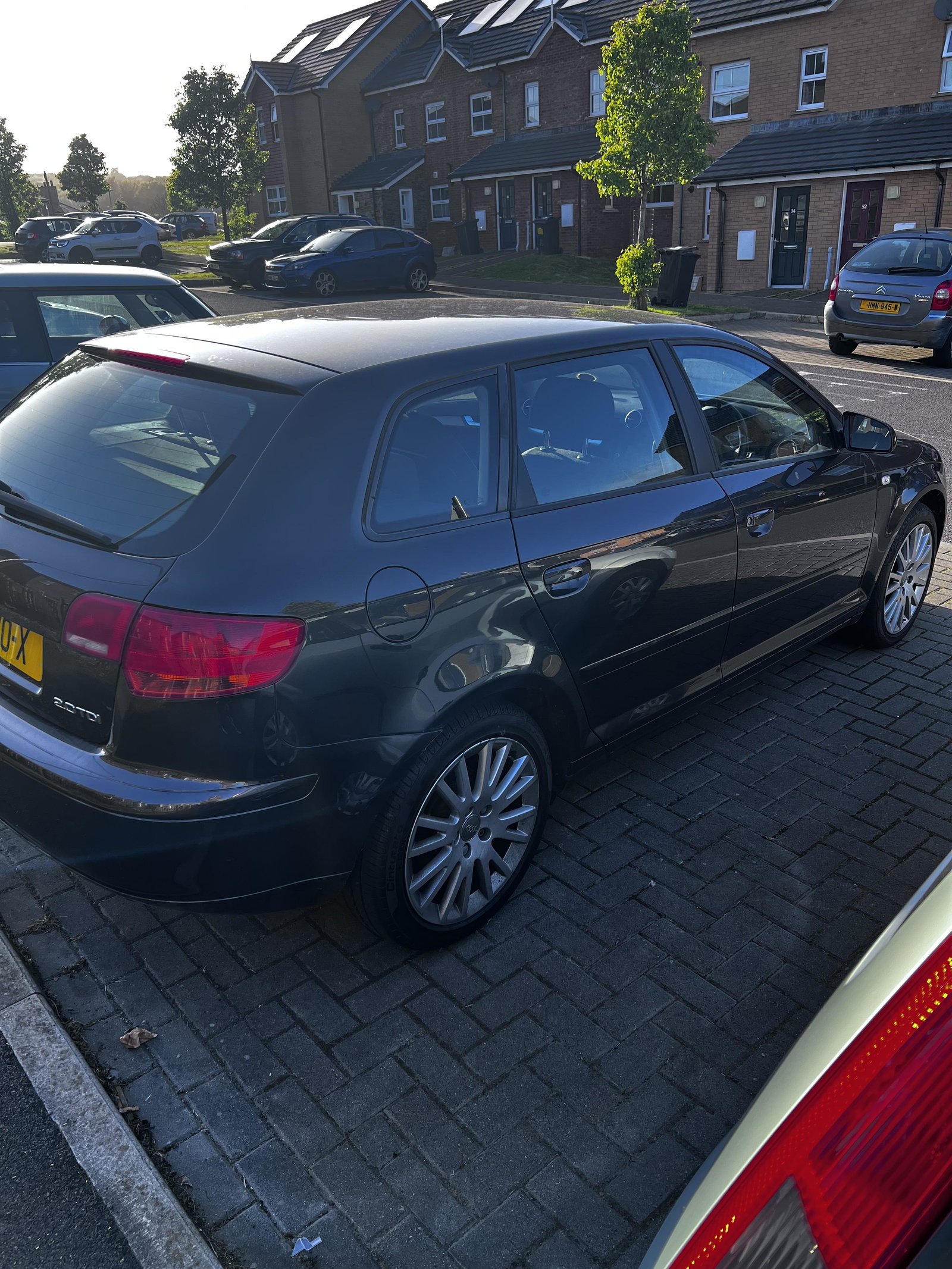
I don’t know what I need to install an aftermarket radio. I need to find the wiring harnesses and faceplate to match. Also the amplifier thing to stop speakers not getting power. I think this is right but not sure ha ha. Any help appreciated. Im new to cars. It’s a 2007 Audi A3.
-
No it’s definitely the original seat as it has the right controls on side like lumbar support. the place the adjustable bar should be has the correct place for it to go as the passage seat. It’s just missing. I don’t know what part to get or where from. I can order a handle easy enough but I need the bar it attaches to as well. I’d be happy if I could just move the seat without it but can’t.
-
I bought the car a week ago and just got in it. Went to adjust the seat and it’s not there. Don’t even know what to search for a replacement. Any ideas?