danb1979
Members
-
Joined
-
Last visited
-
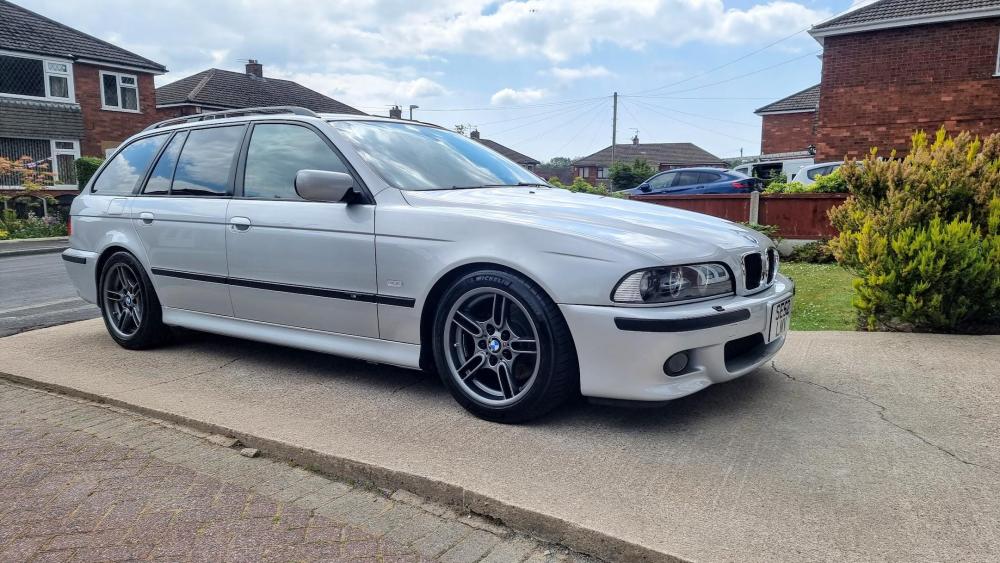
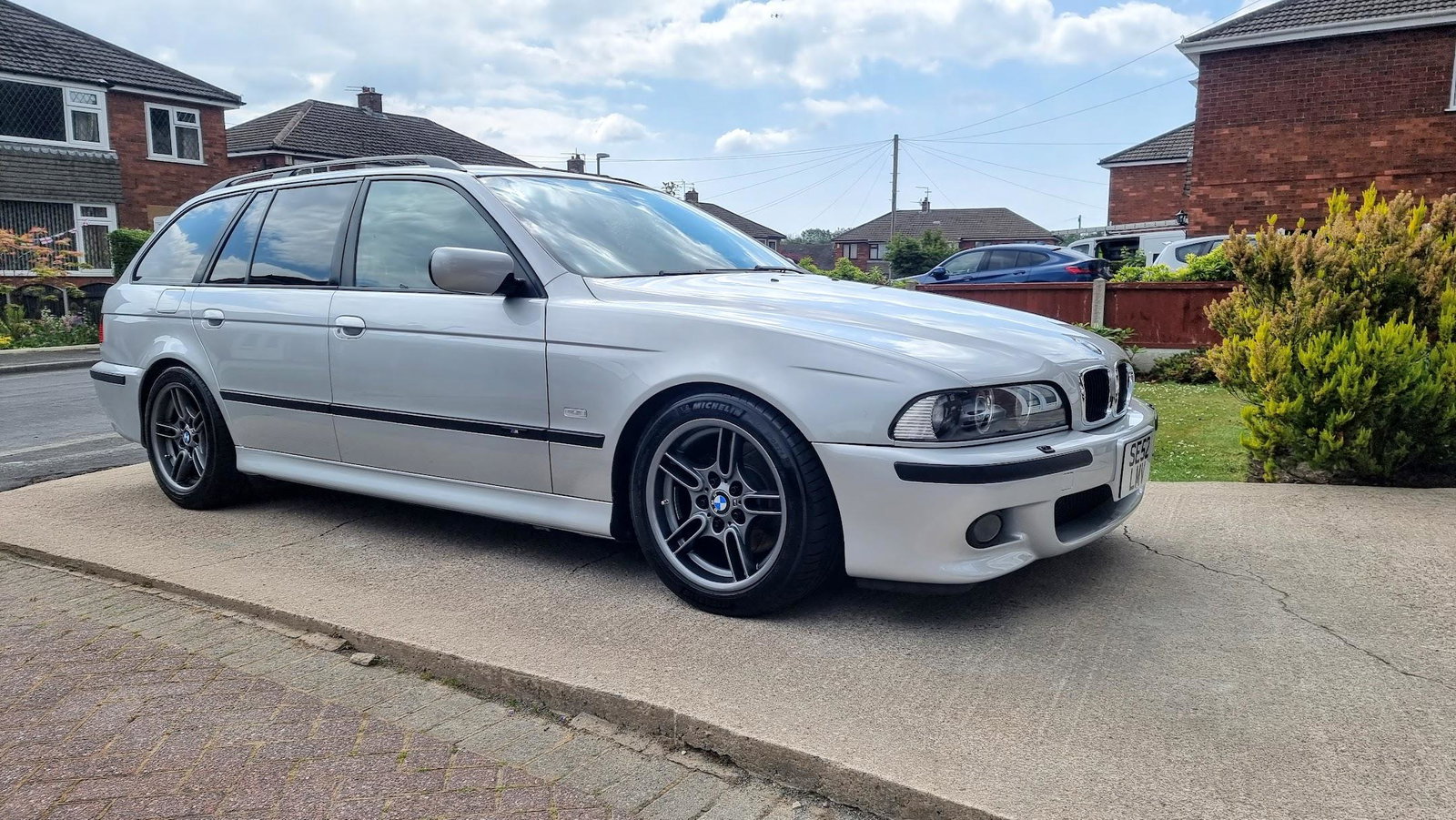
Hi New to Audi's so doing my research / due diligence before I start to look any further I'm interested in something like this: https://www.autotrader.co.uk/car-details/202205065409377?fromSavedAds=true&advertising-location=at_cars Know nothing re these cars; so have a few questions... What gearbox is in these (ZF, CVT etc)? Is the engine belt or chain driven and on that; is the change schedule for the chain (age/miles etc)? What are the standard servicing costs roughly and are the suspension/brake parts readily available and easy to source as I'm used to with the previous BMWs I've owned? I'm looking into Jap imports due to me owning quite a few of them and most recently; a Jap import BMW E39 530i Sport Touring Cheers
-
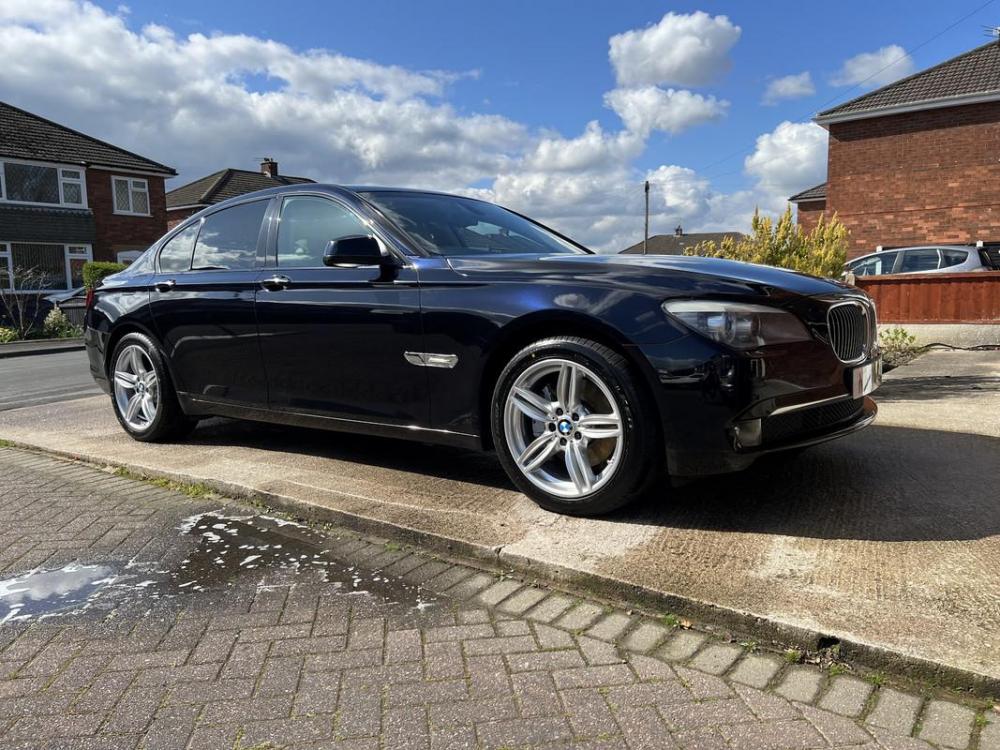
Howdy Wanted to introduce myself into the forums 🙂 I'm currently on the look-out for a new car to replace a previous BMW F01 730D and before that, a Jap import BMW E39 530i Sport Touring I'm now on the look for a new to me replacement for my previous F01 and have seen a few Audi A6 Avant 3.0 TFSI estates that really appeal to me, Jap imports (which I'm happy with due to their overall condition etc) But knowing nothing about Audi; I'm on here ton investigate them and what their potential issues are, what I need to look for and also what the general costs can be with these for standard servicing/parts/essentials etc Cheers - Dan 👍🏼