Darren King
Members
-
Joined
-
Last visited
Everything posted by Darren King
-
I will have a look 👍🏻
-
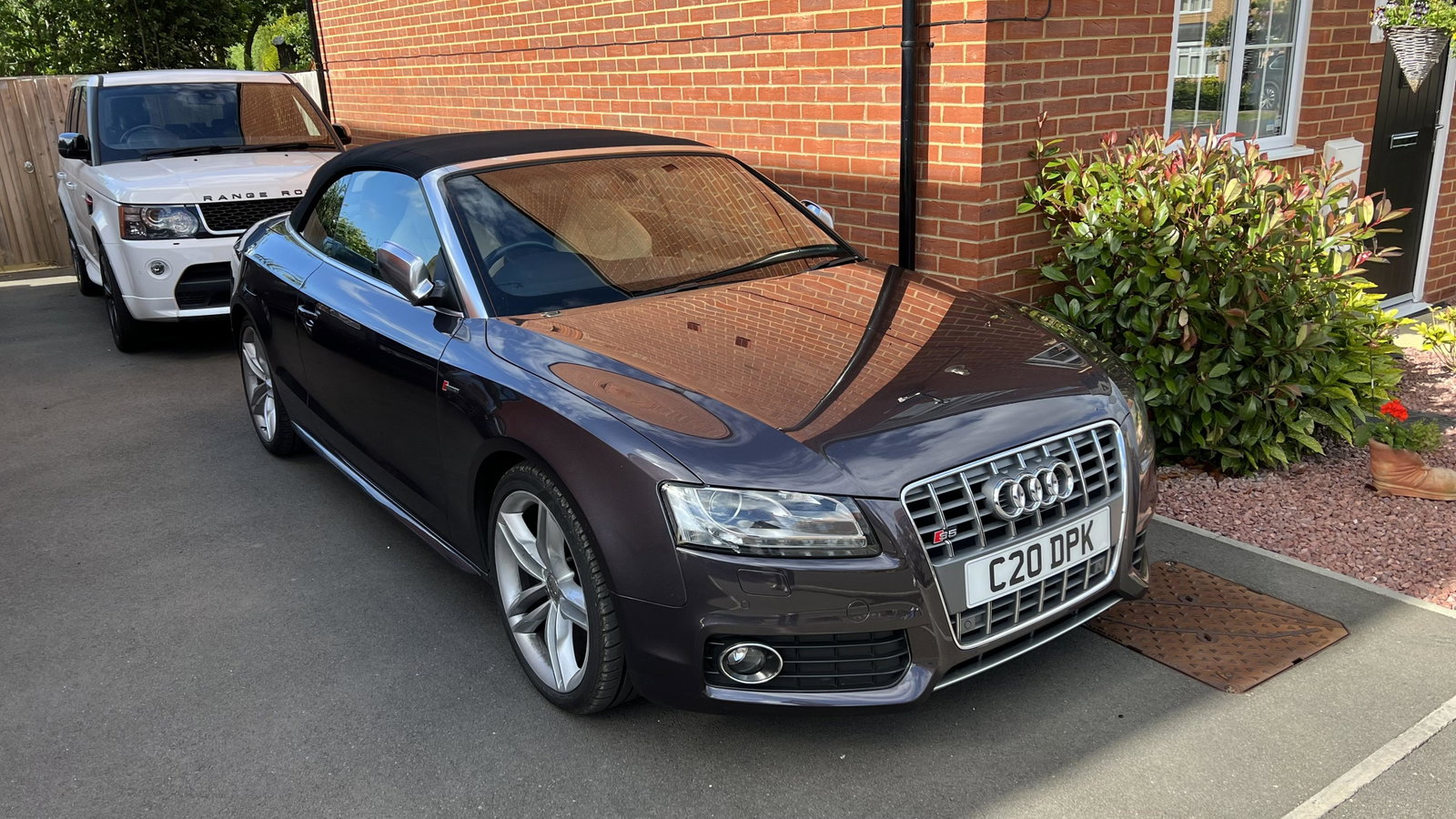
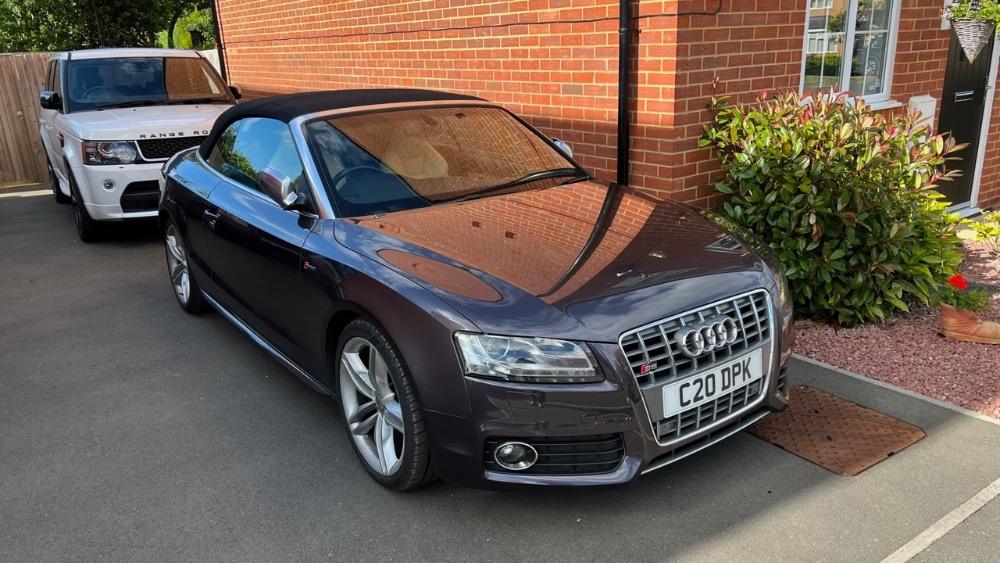
Hi all, Our 2010 S5 cabriolet developed an intermittent fault where the reversing camera & sensors would only work every now & again. When it malfunctioned you got a long beep and the ‘P’ button under the air on section would flash & nothing worked. We took it to a garage that specialises in Audis & after plugging in their computer said it was the module which they duly replaced (400 +VAT) Had it back a few days & it’s started doing it again! The cars going back to the garage on Monday. Does anyone have any ideas what could be wrong? (Before anyone says they didn’t change anything I’ve already started to think that!)
-
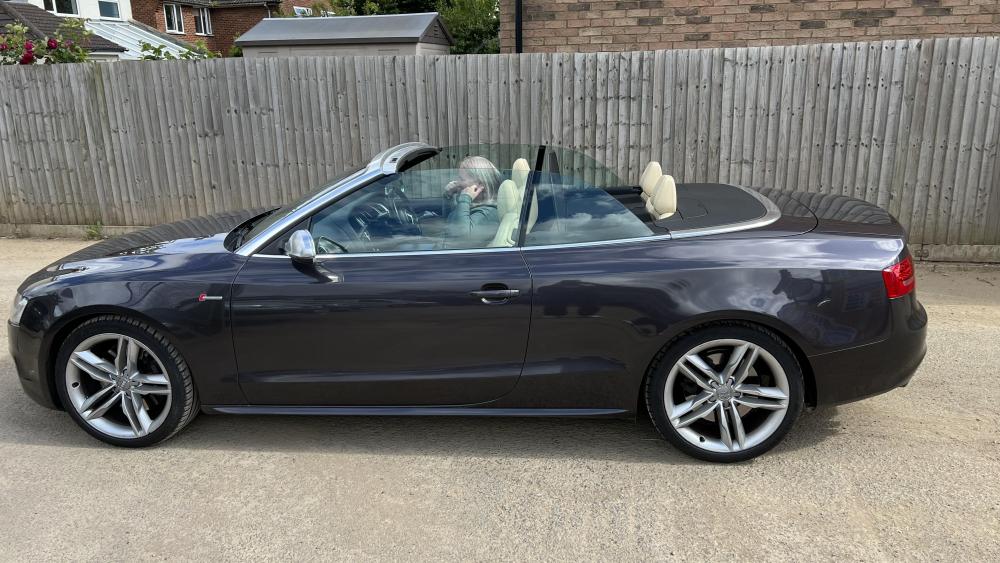
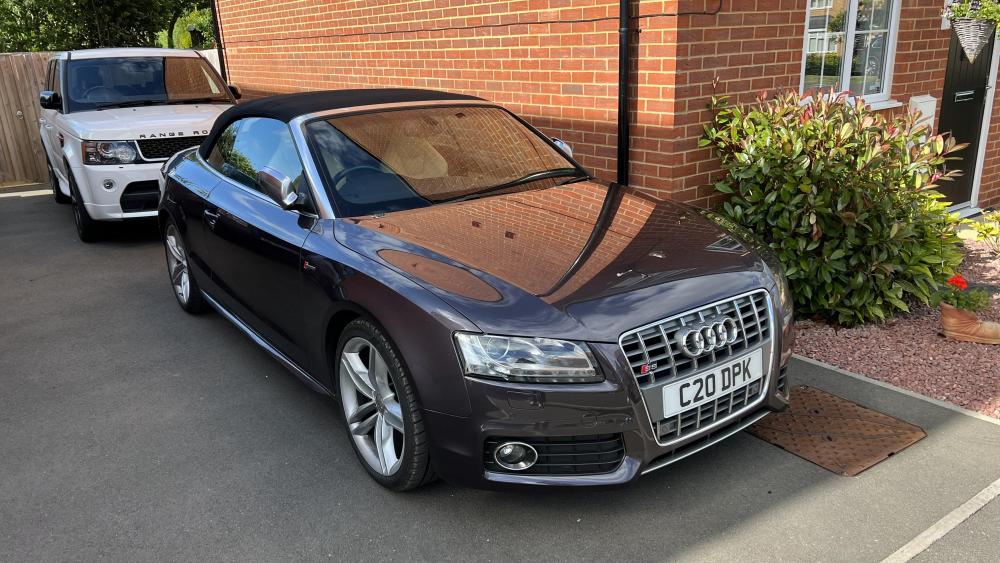
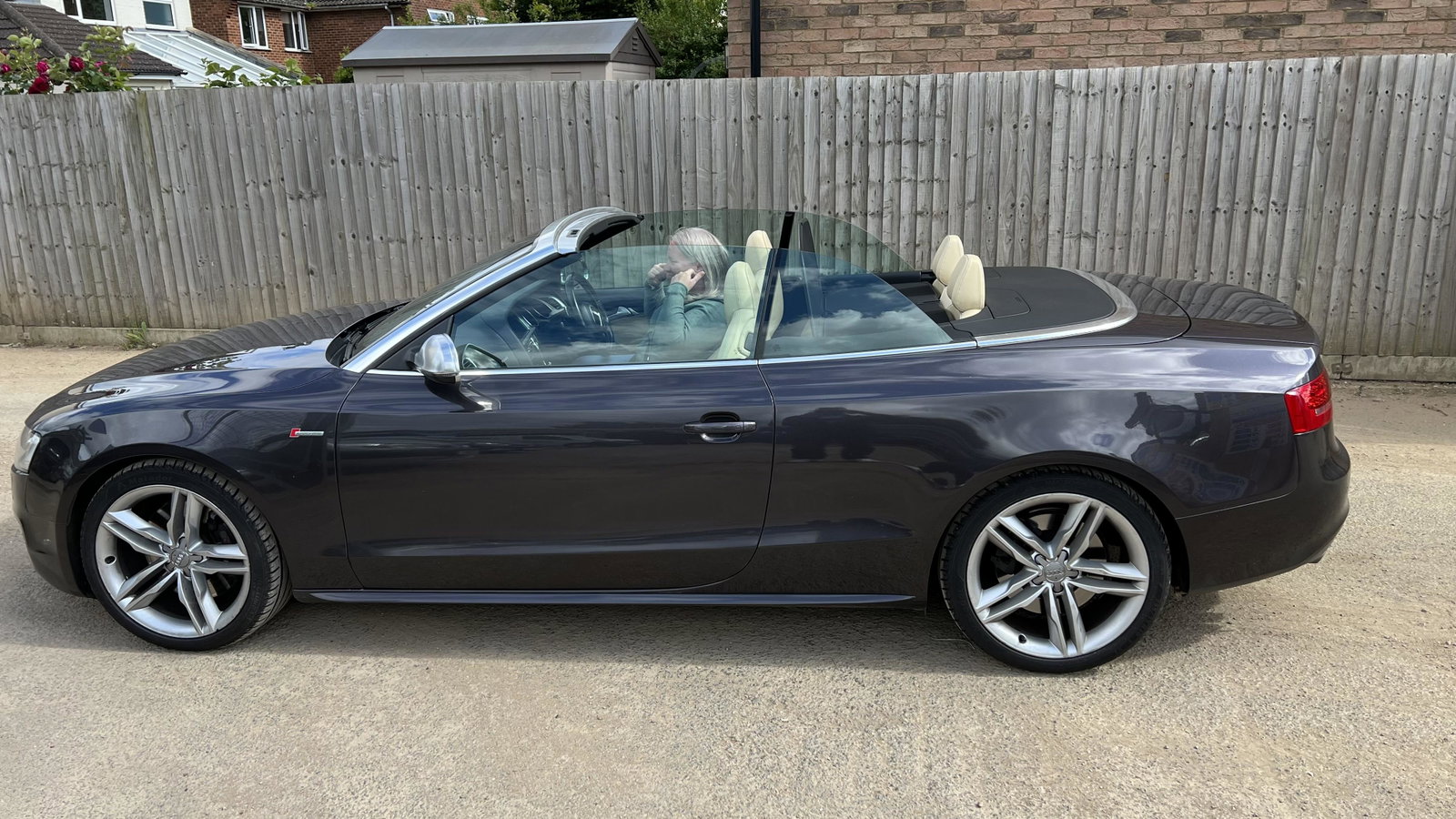
Hello! New to the club as we got our 2010 S5 cabriolet last week. What a lovely car we love it especially with the sun out! Got the sports diff on it with the nappy leather with a nice metallic grey which I’m told is Audi exclusive (Badges on the doors seem to confirm this)