Skip to content
View in the app

A better way to browse. Learn more.

Audi Owners Club (UK)

A full-screen app on your home screen with push notifications, badges and more.

To install this app on iOS and iPadOS
  1. Tap the Share icon in Safari
  2. Scroll the menu and tap Add to Home Screen.
  3. Tap Add in the top-right corner.
To install this app on Android
  1. Tap the 3-dot menu (⋮) in the top-right corner of the browser.
  2. Tap Add to Home screen or Install app.
  3. Confirm by tapping Install.

RayKay

Members
  • Joined

  • Last visited

Everything posted by RayKay

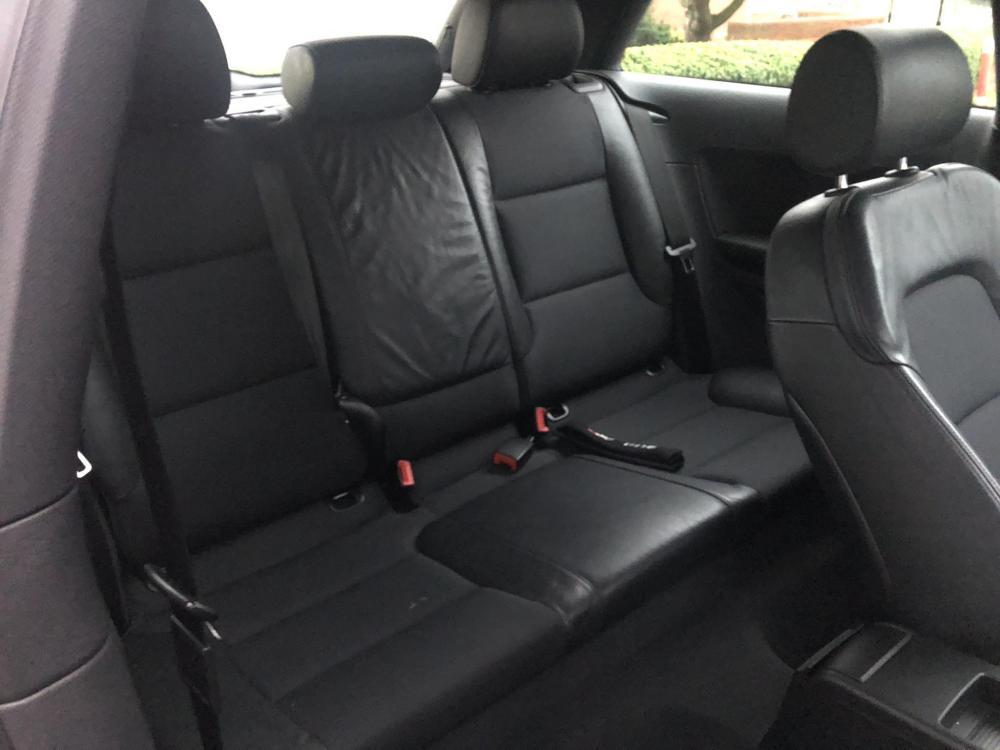
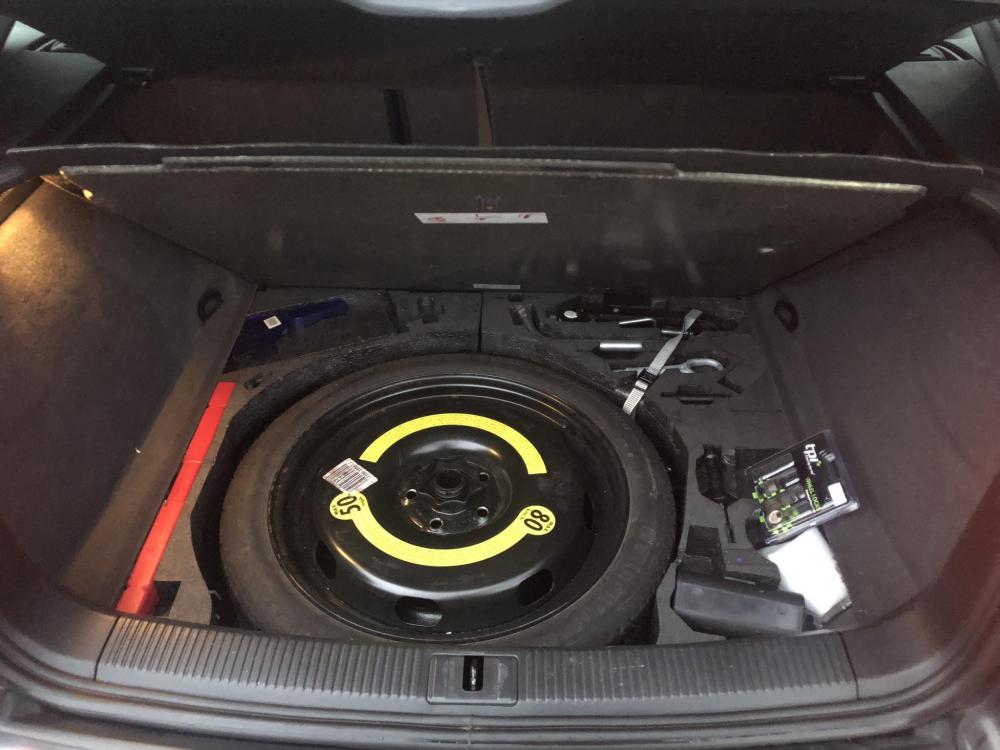
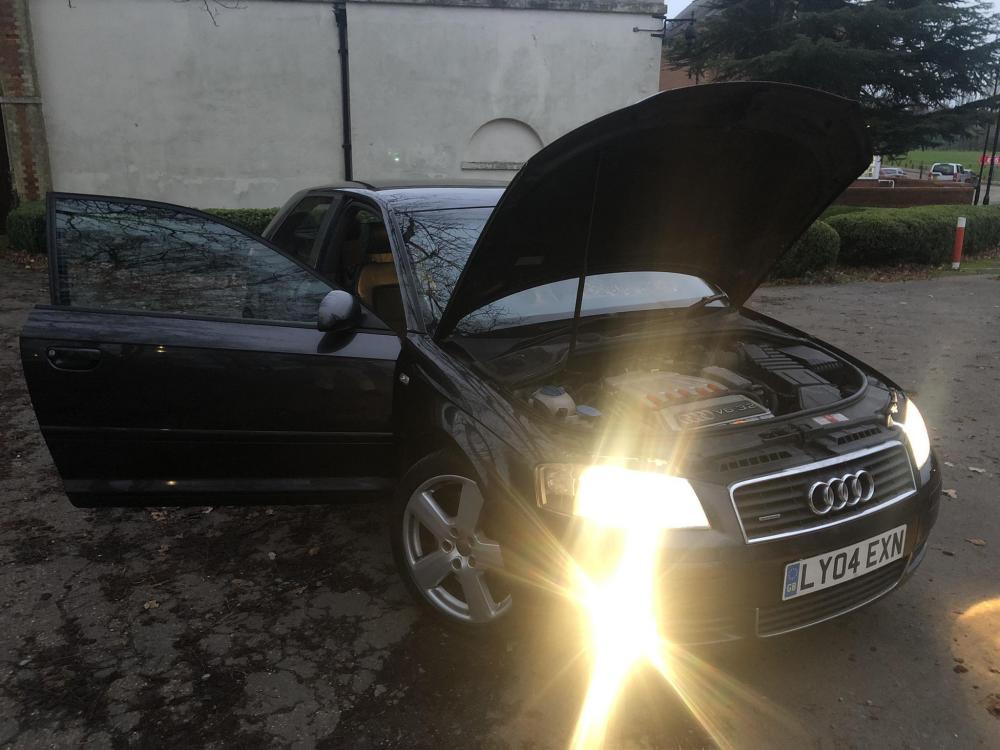
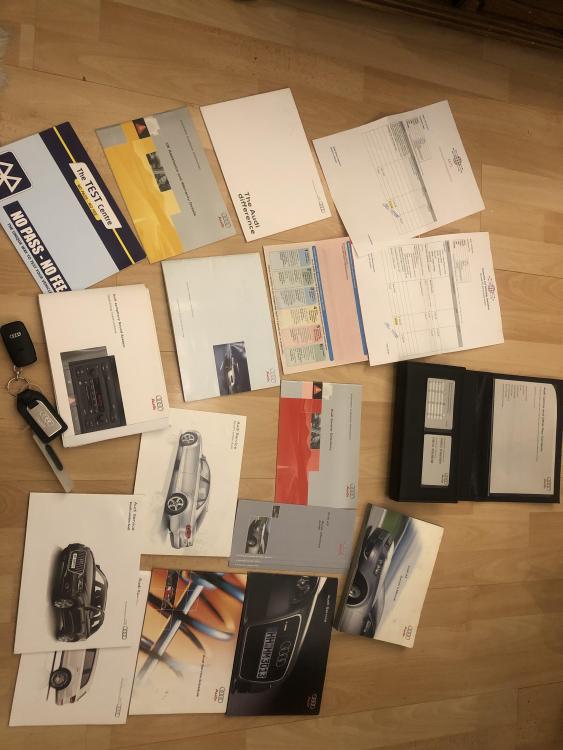
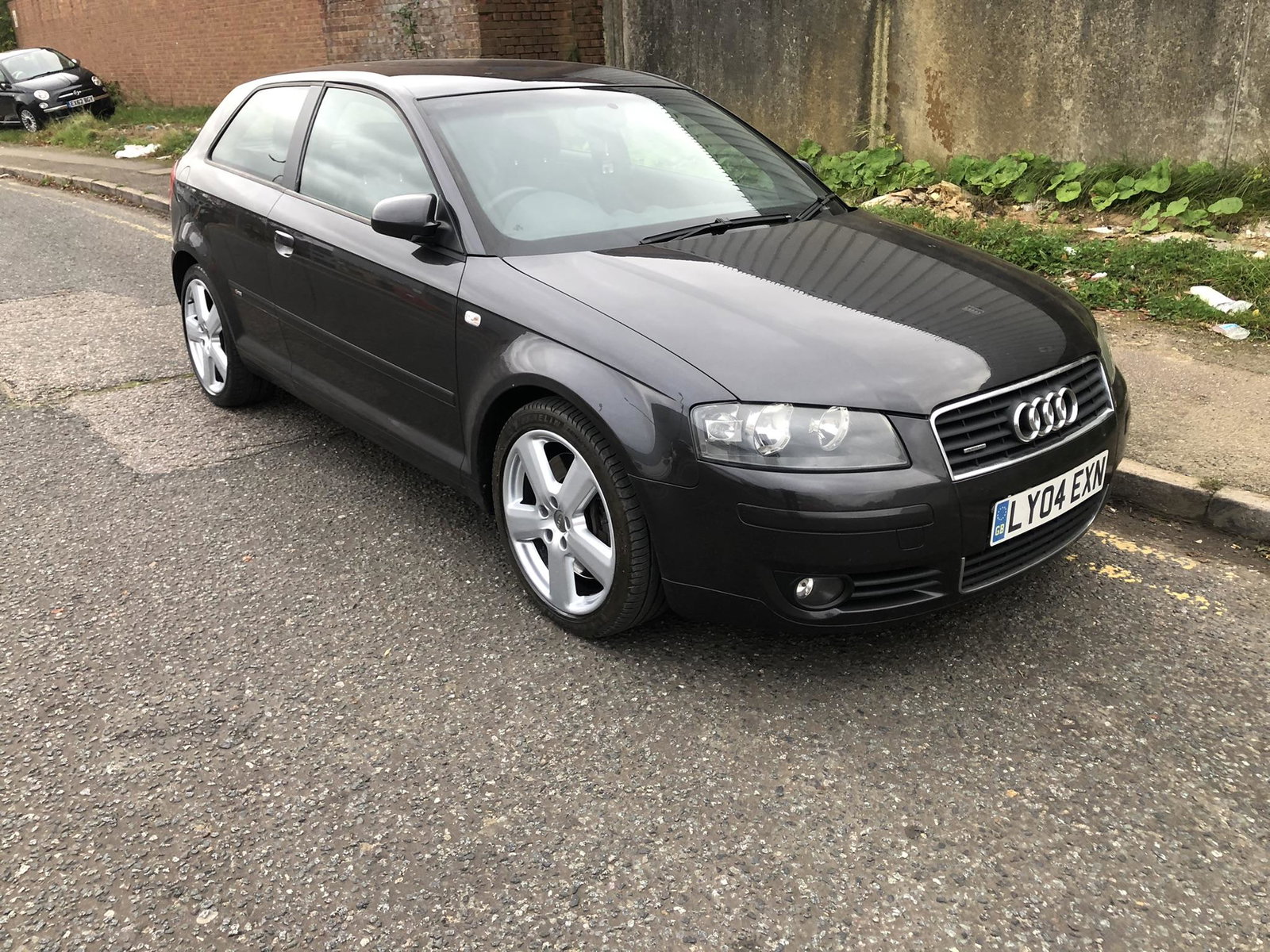
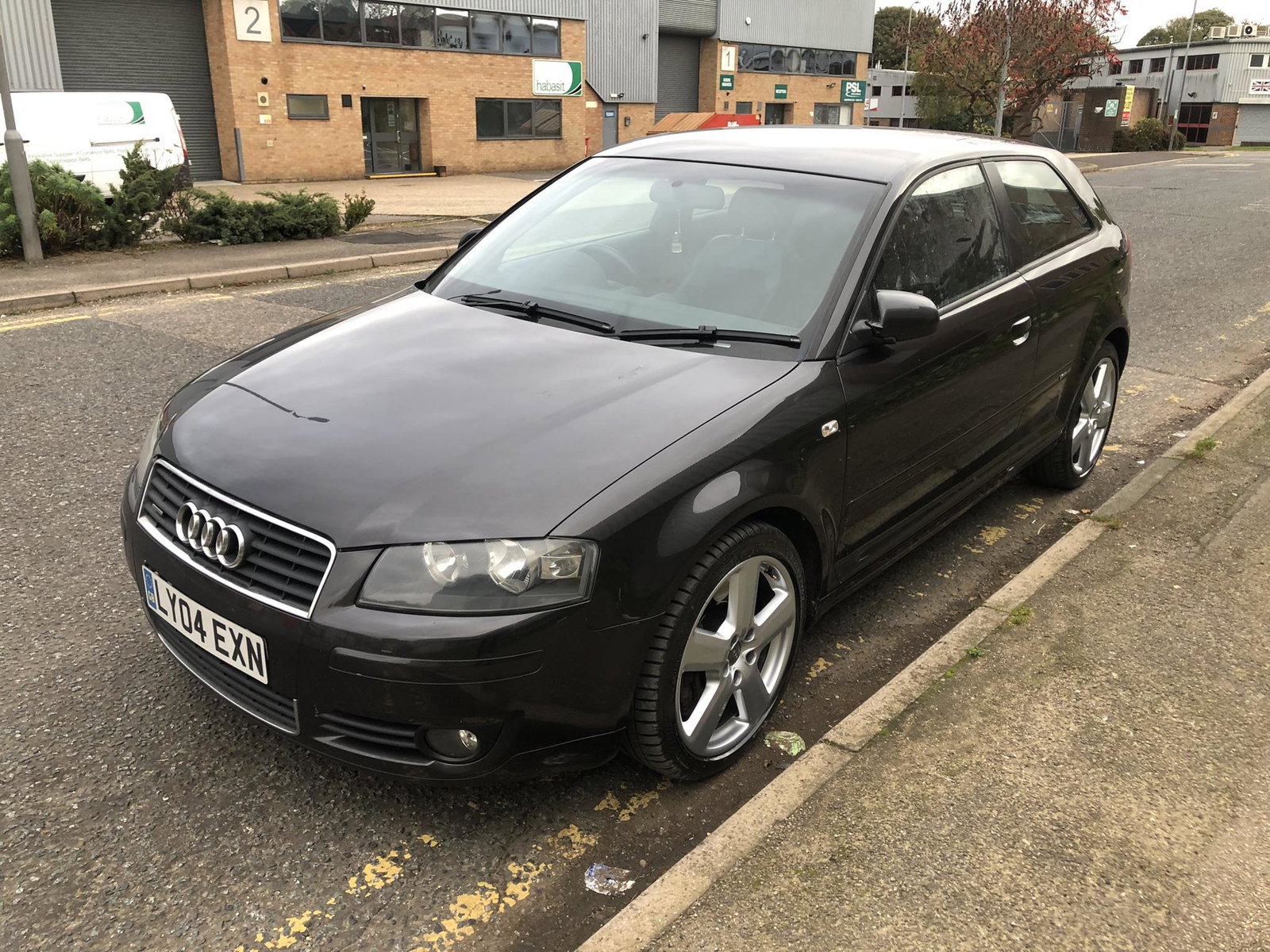
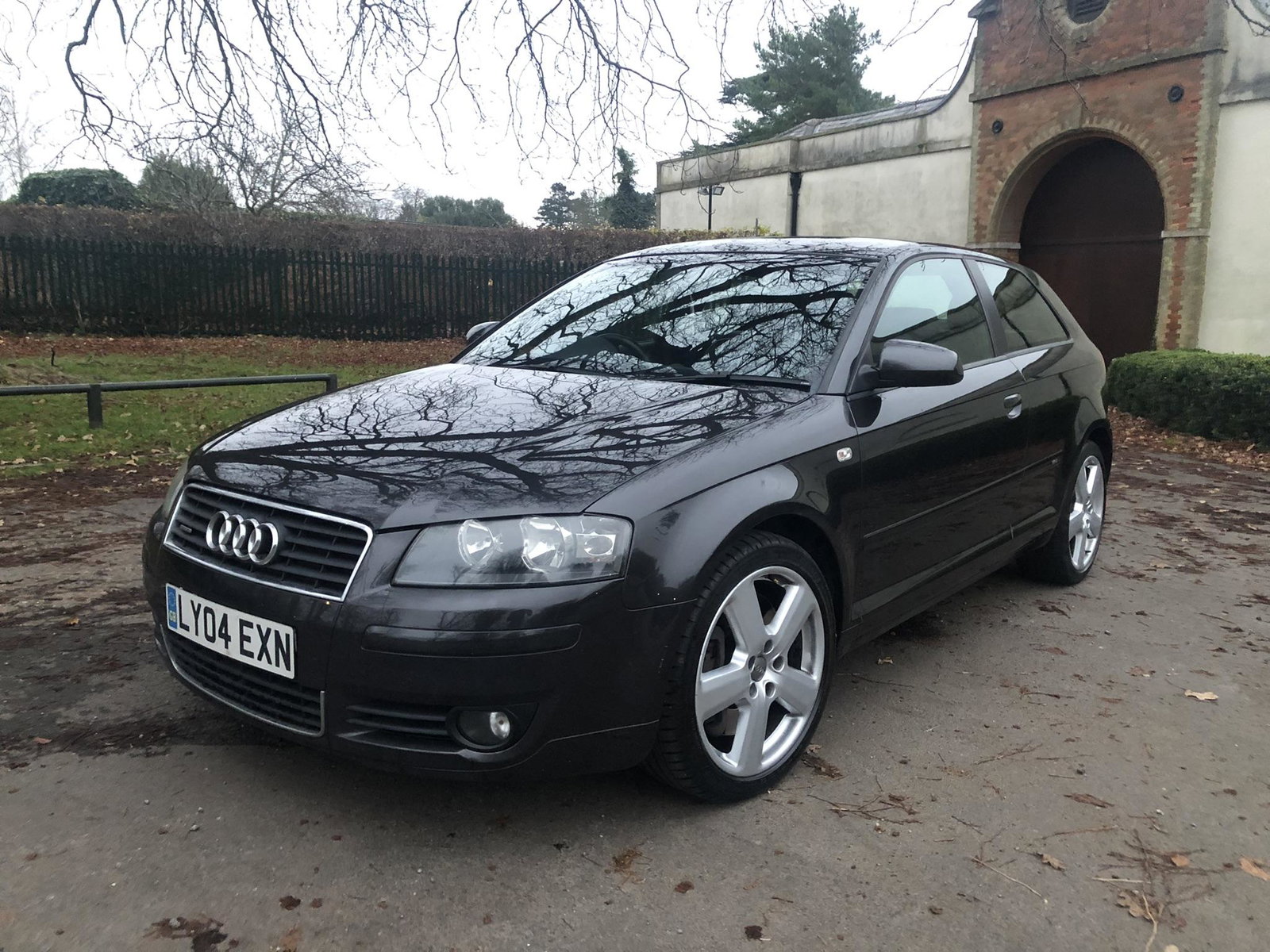
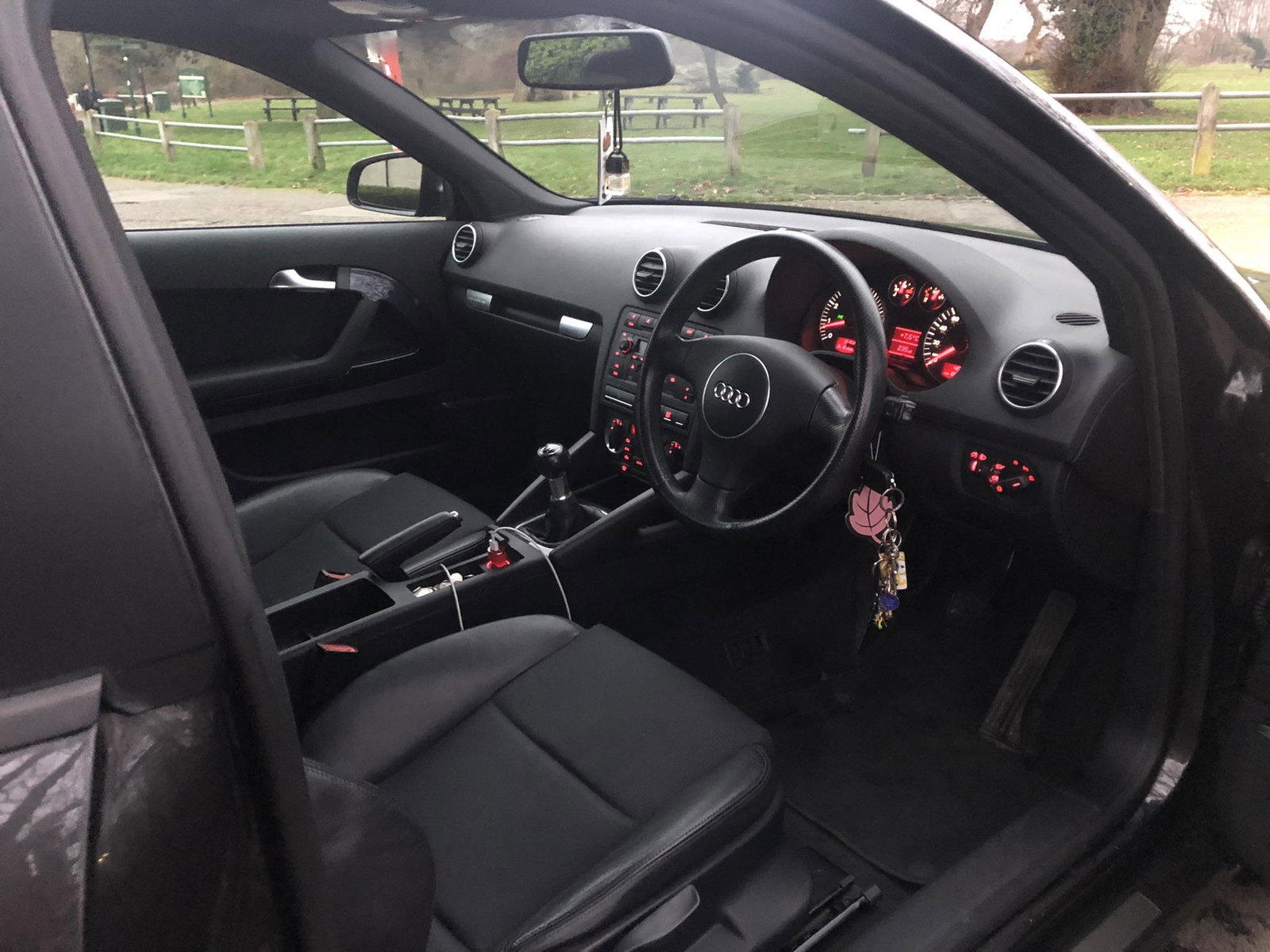
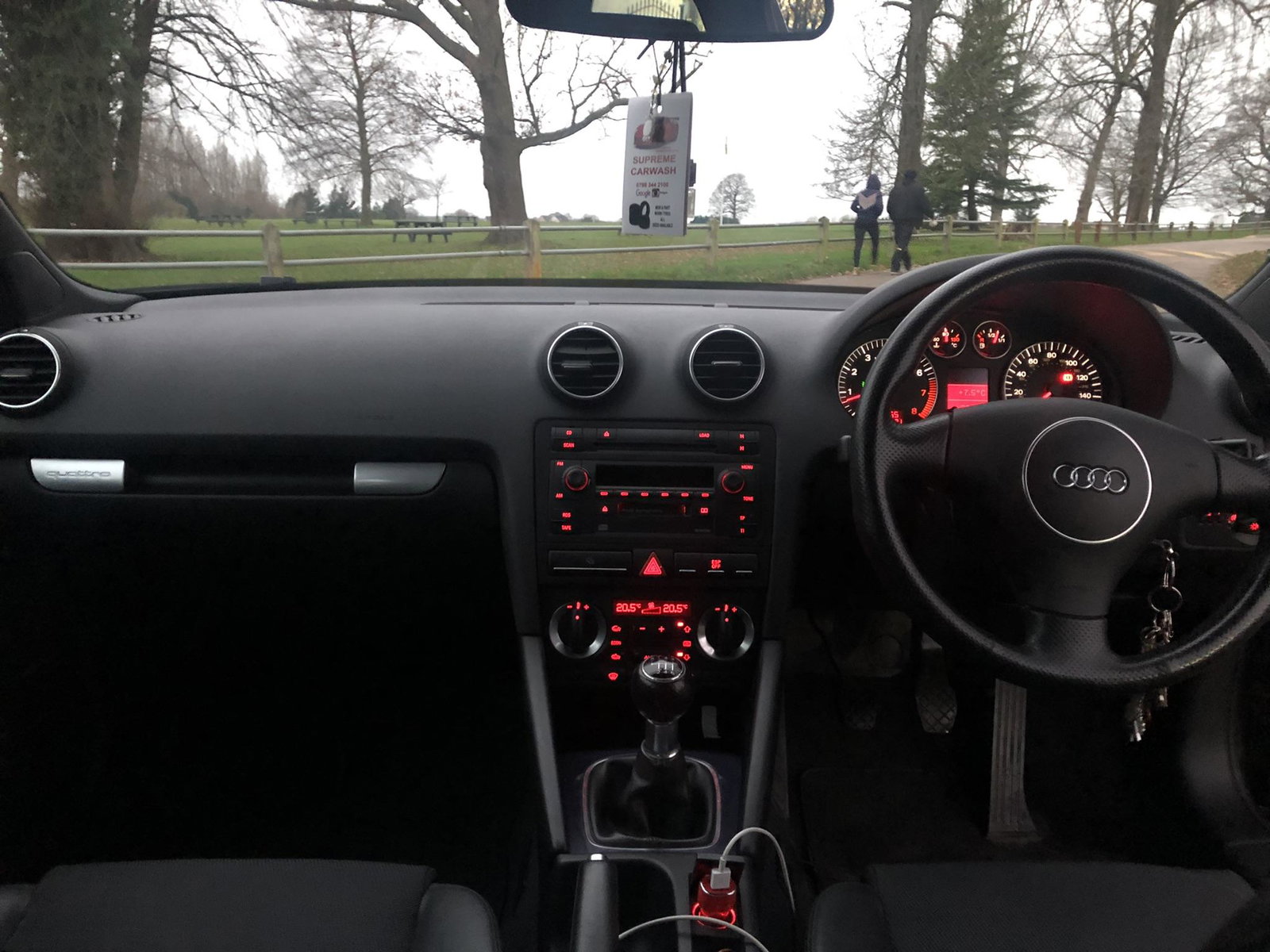
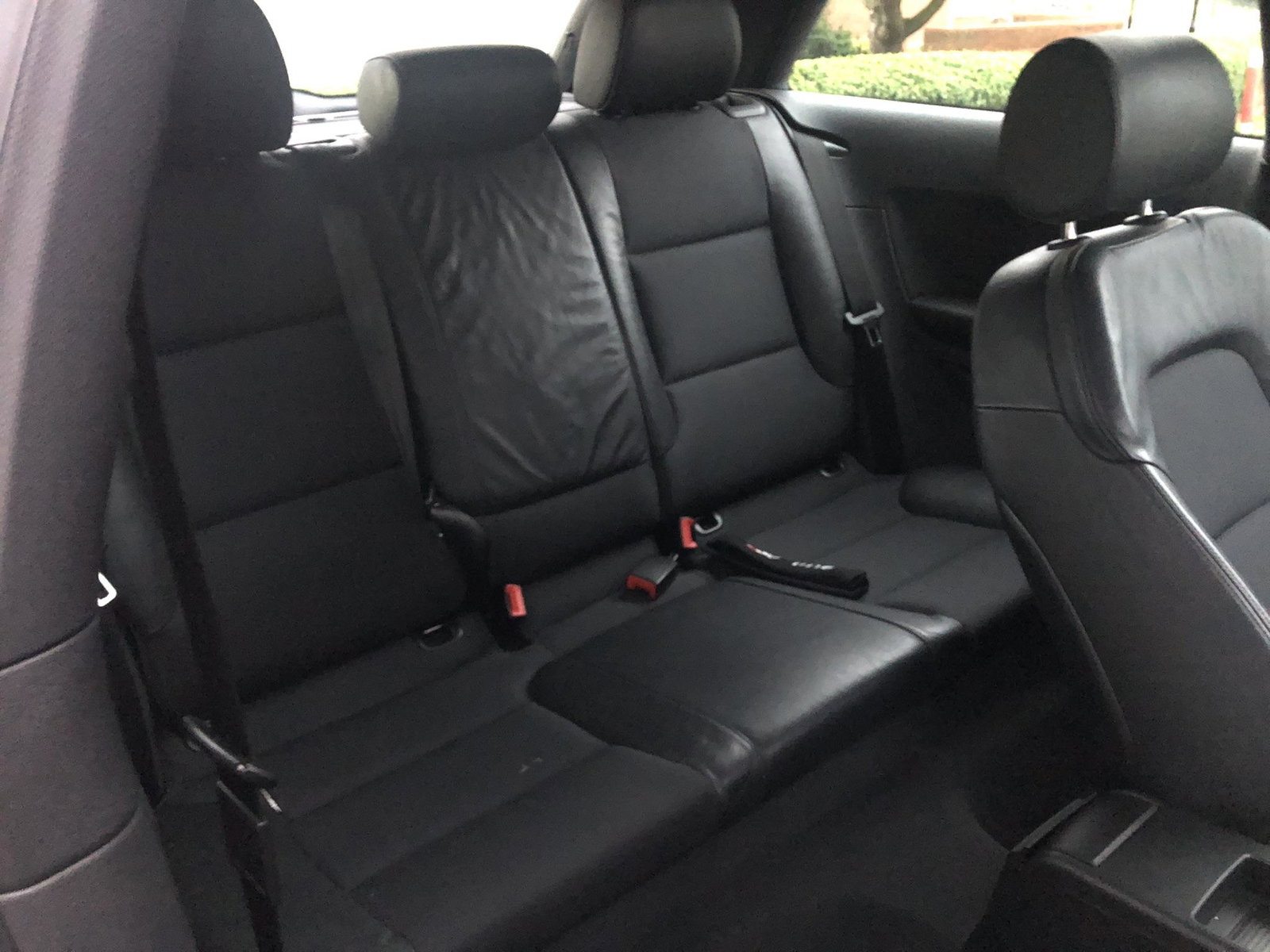
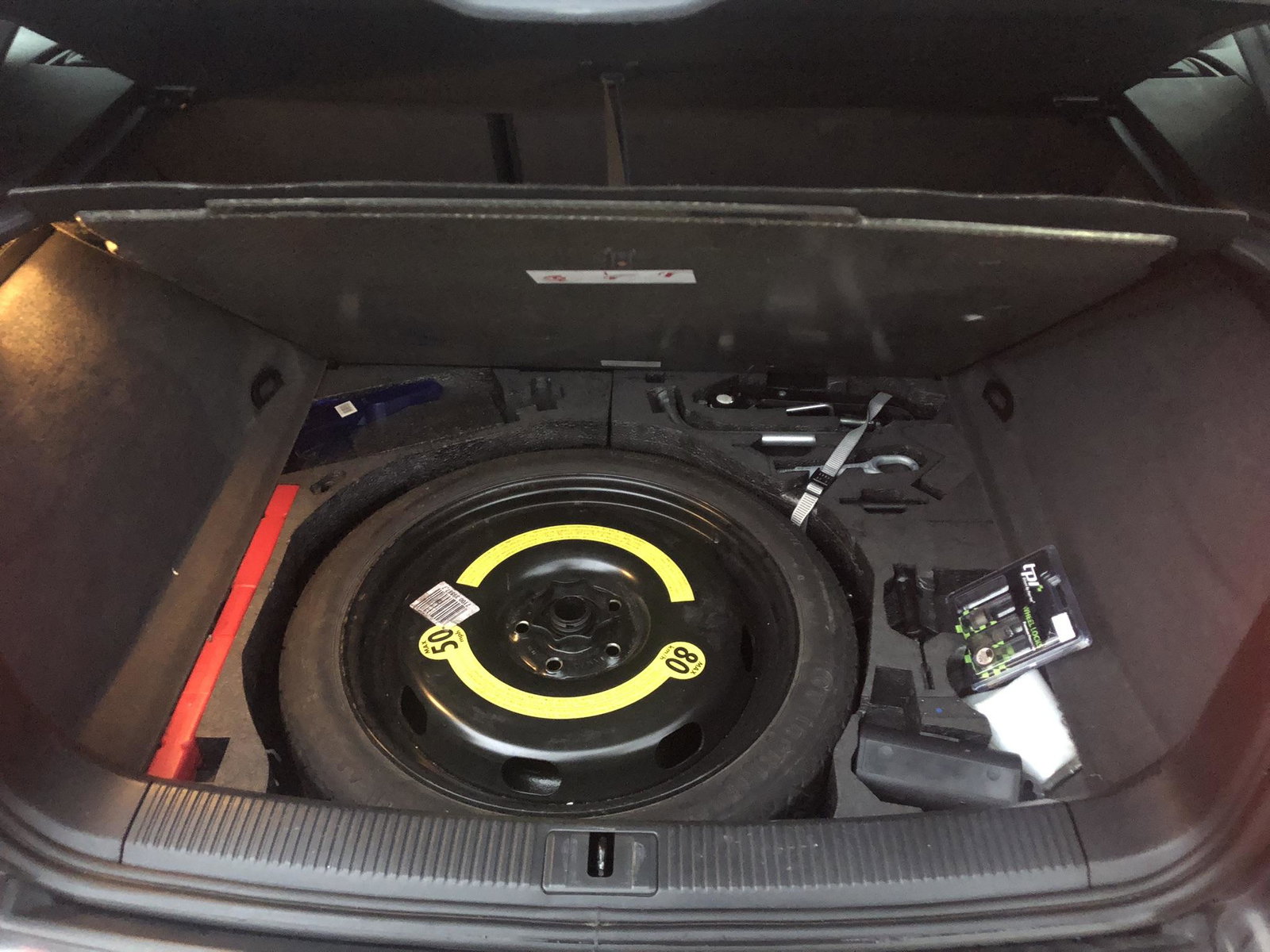
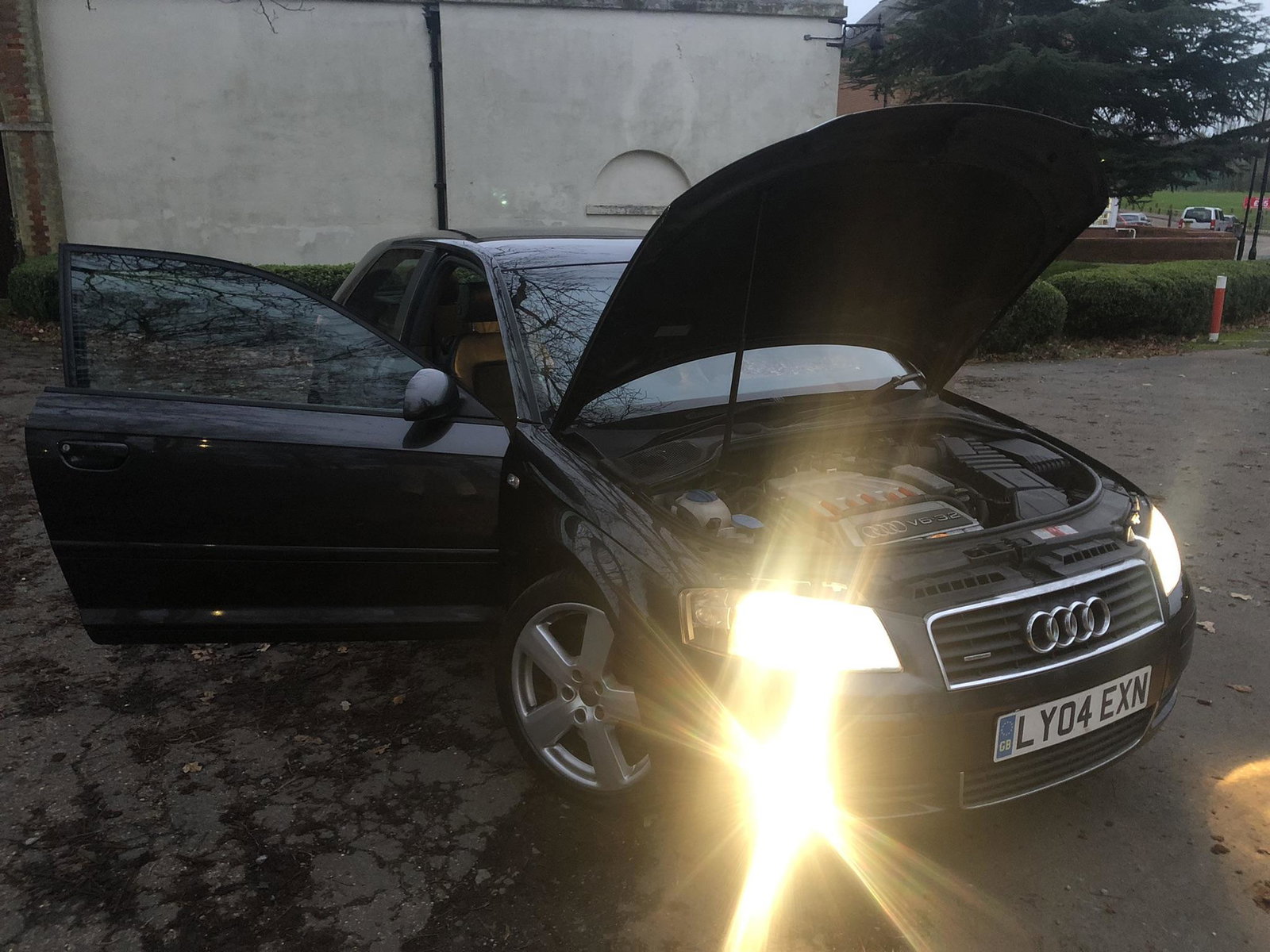
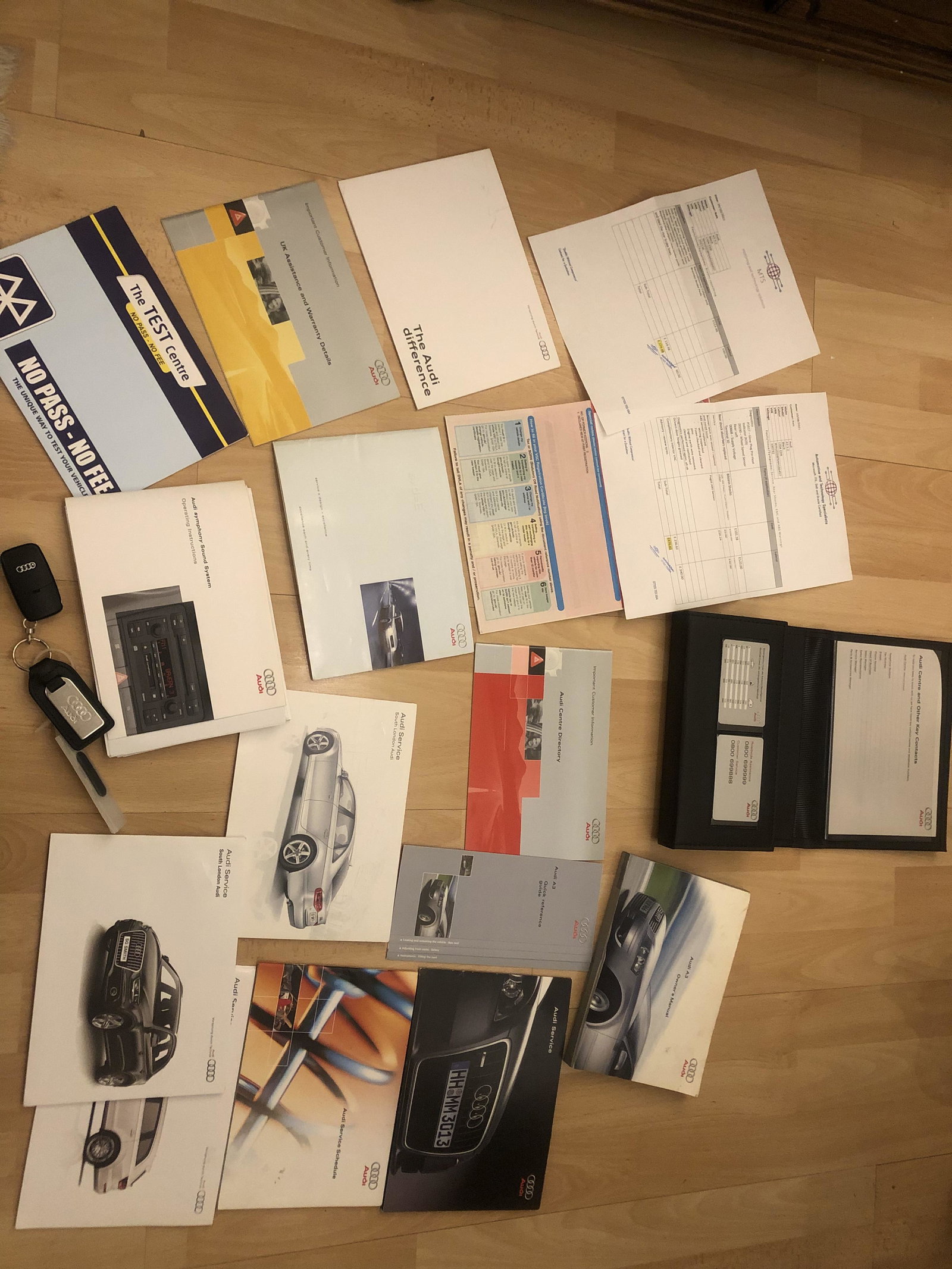
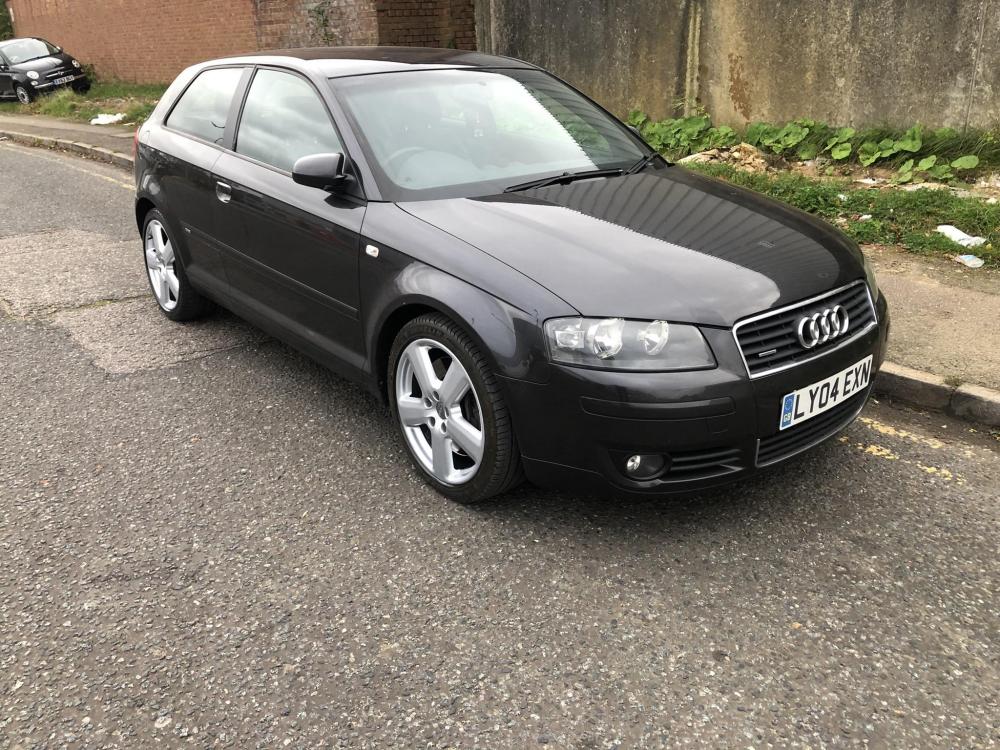
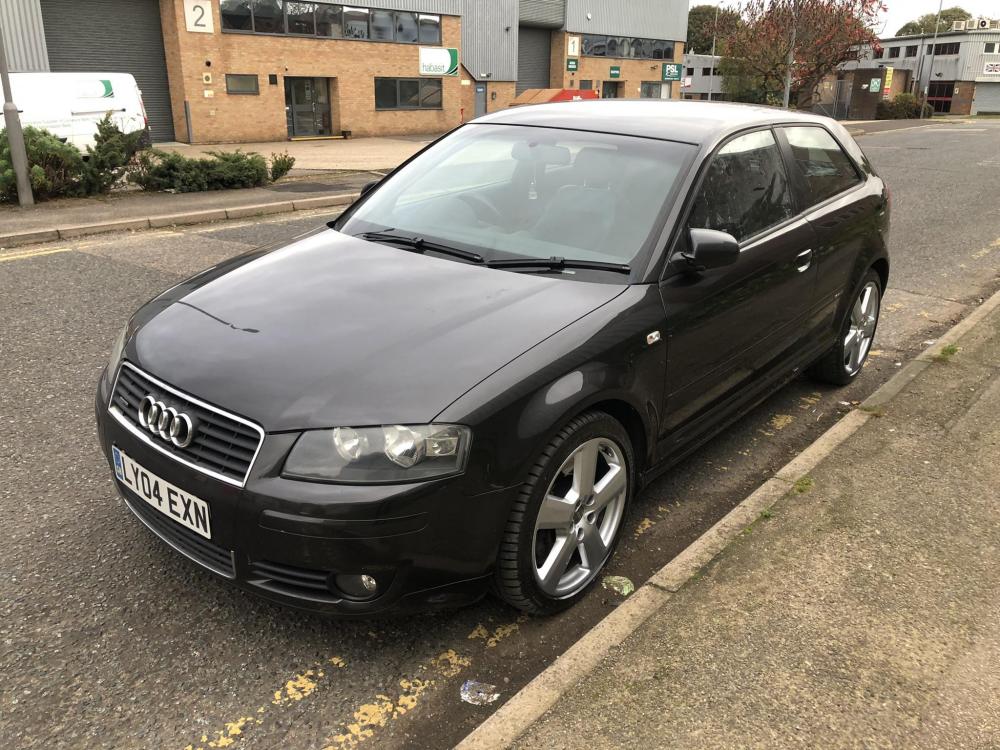
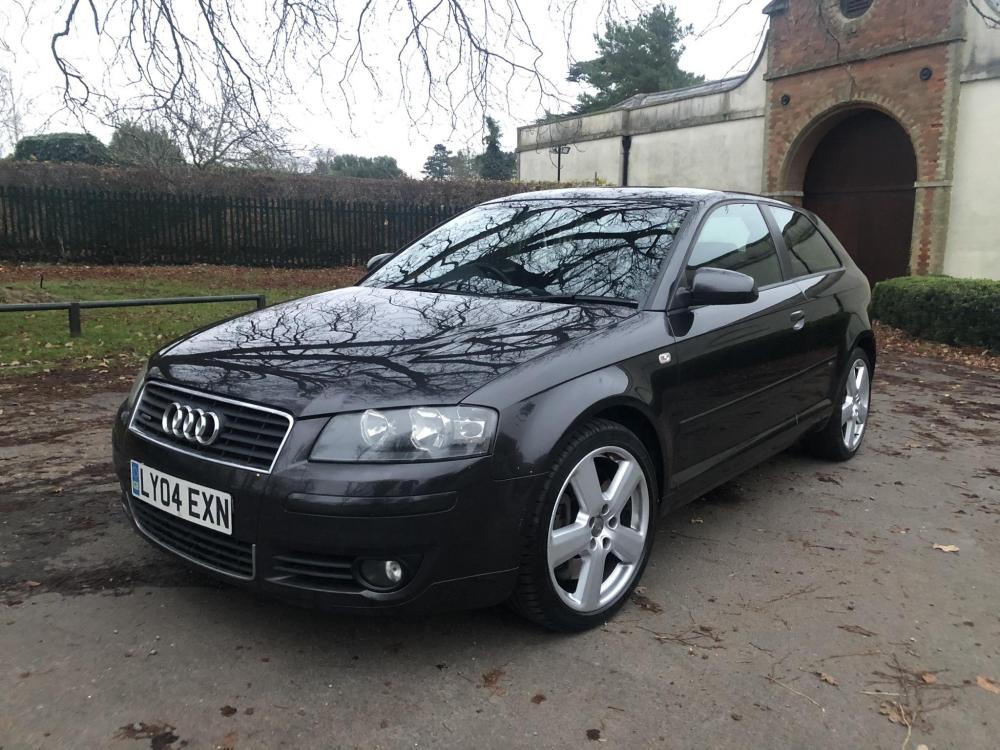
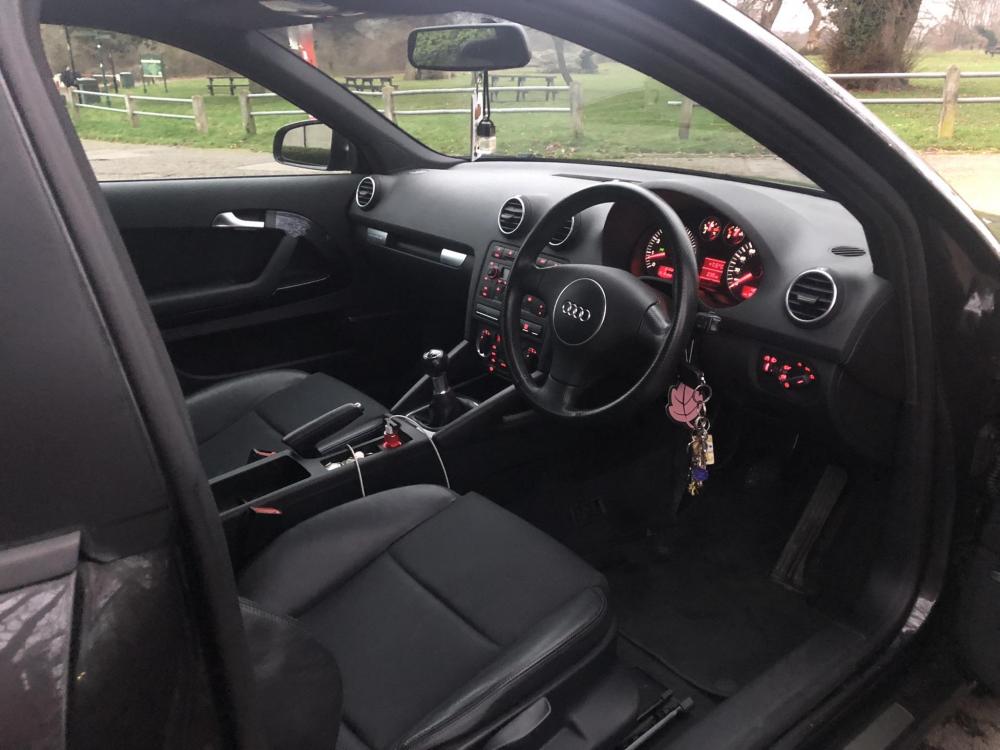
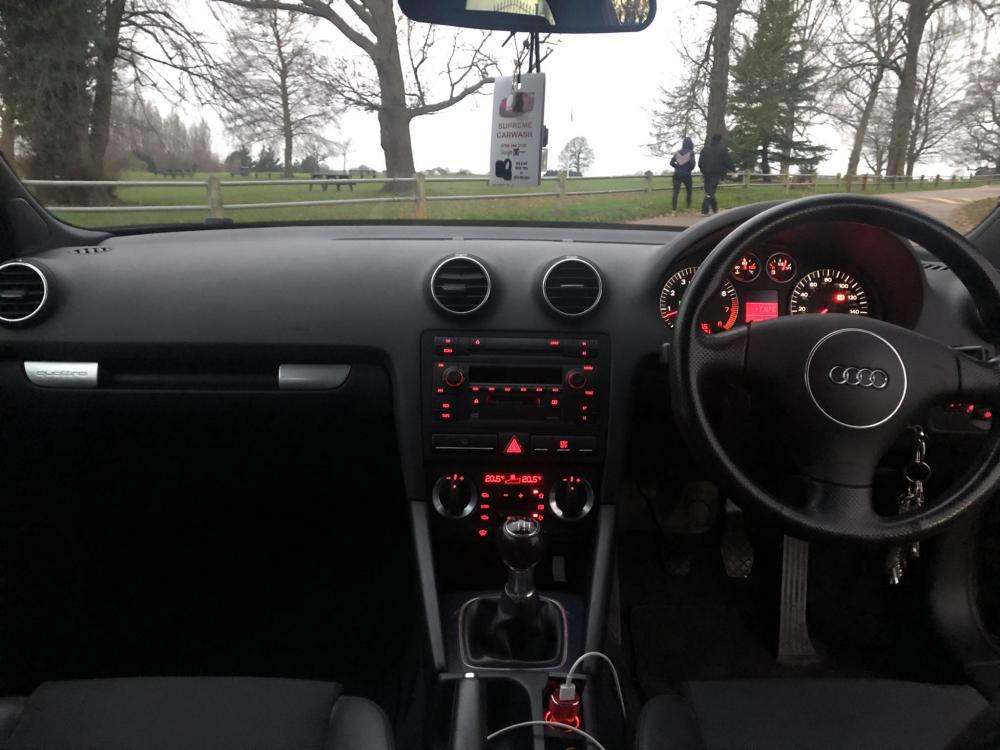
  1. For Sale is my beloved A3 3.2Quattro 6speed Manual it’s been a gem but as for certain circumstances have to let it go, Has Service History with all paperwork and spare key with code band, Electric Windows and Electric Folding Mirrors, Bose Sound System with 6CD Changer, Half Leathers, Grey with the Amazing 5spoke 18inch Alloys For an 18year old car it’s in very Good Condition just two minor spots of rust but not major, Service Light has just come on the Car which can get done unless the next owner prefers in doing themselves, is my daily drive which may increase the Mileage which is 112,600+ Has had the Timing Chain few years back by Audi Specialists Gearbox is silky smooth as an Audi should be Hopefully finds the rightful owner who’d enjoy this car and look after it £2700ono
Background Picker
Customize Layout

Account

Navigation

Search

Search

Configure browser push notifications

Chrome (Android)
  1. Tap the lock icon next to the address bar.
  2. Tap Permissions → Notifications.
  3. Adjust your preference.
Chrome (Desktop)
  1. Click the padlock icon in the address bar.
  2. Select Site settings.
  3. Find Notifications and adjust your preference.