




Skip to content
View in the app

A better way to browse. Learn more.

Audi Owners Club (UK)

A full-screen app on your home screen with push notifications, badges and more.

To install this app on iOS and iPadOS
  1. Tap the Share icon in Safari
  2. Scroll the menu and tap Add to Home Screen.
  3. Tap Add in the top-right corner.
To install this app on Android
  1. Tap the 3-dot menu (⋮) in the top-right corner of the browser.
  2. Tap Add to Home screen or Install app.
  3. Confirm by tapping Install.

Deekster

Members
  • Joined

  • Last visited

Everything posted by Deekster

  1. Anyone recommend where to go for a spare key for a late 2018 A1? Don’t want a blank so needs programmed in the price? Live near Glasgow. Would like to avoid the stealers👍 Cheers Deekster
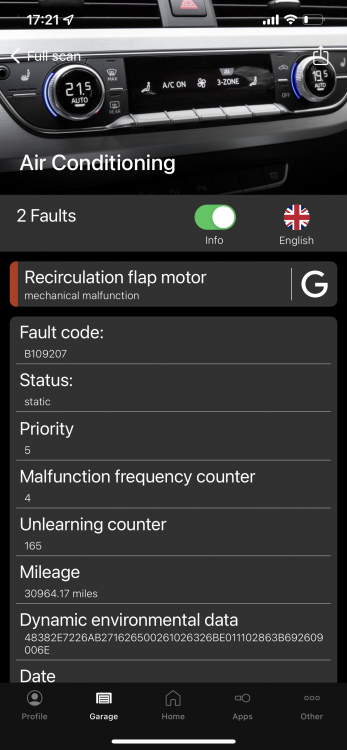
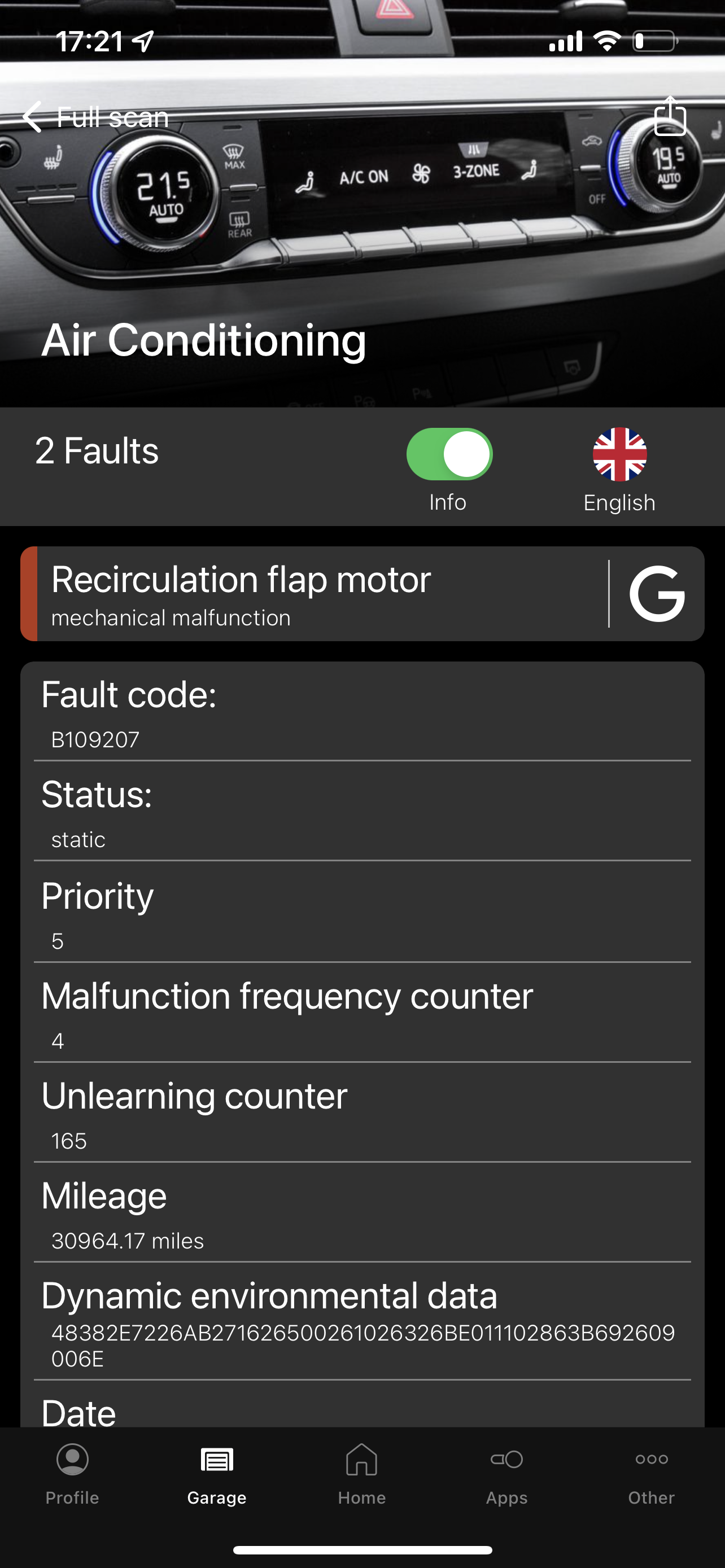
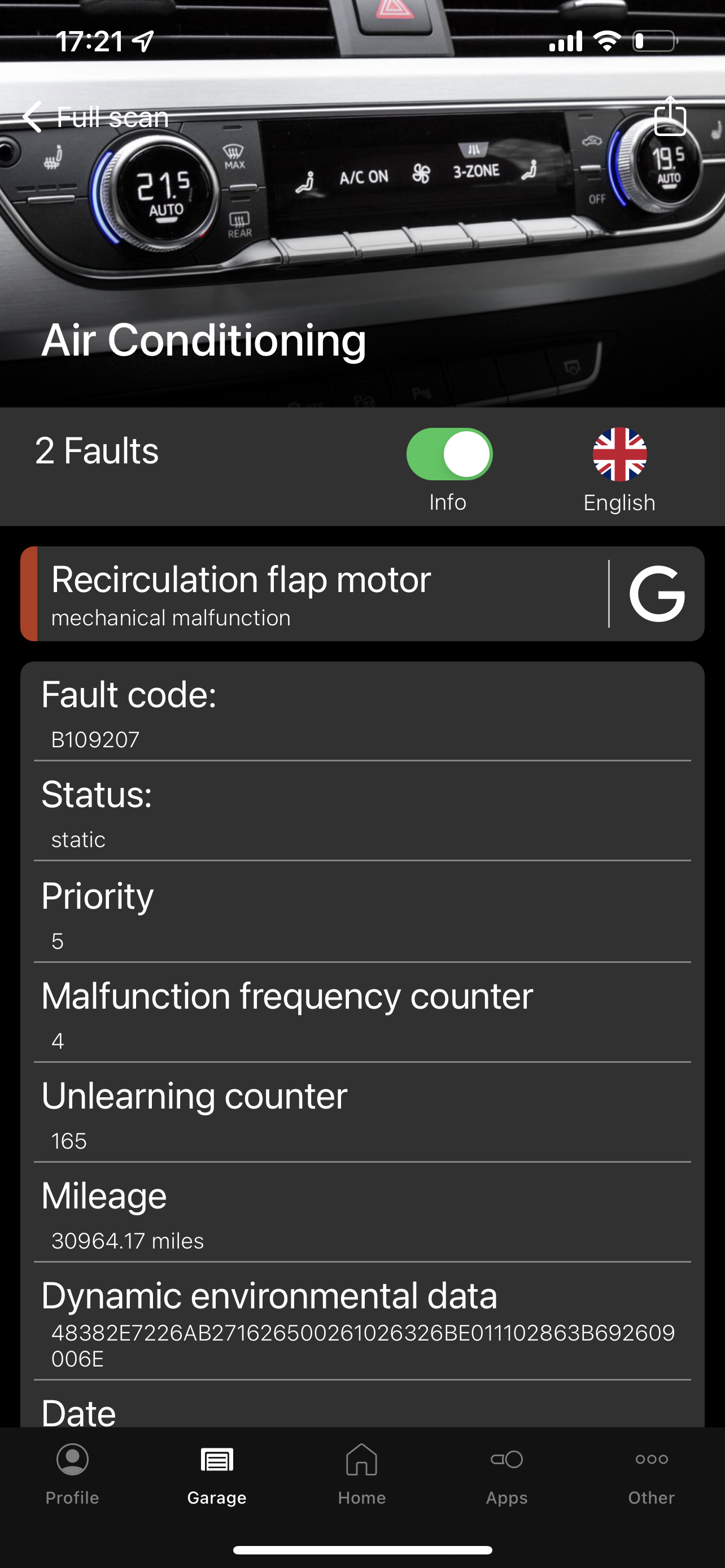
  2. Hello, New member looking for help on replacing the Recirculation flap motor on a B9 S5. OBDEleven scan image shows issue. Have read a few post on this problem, all good info, even an Audi service sheet which someone uploaded, which is great, but anyone got photos? Where is it for starters? Cheers Deekster
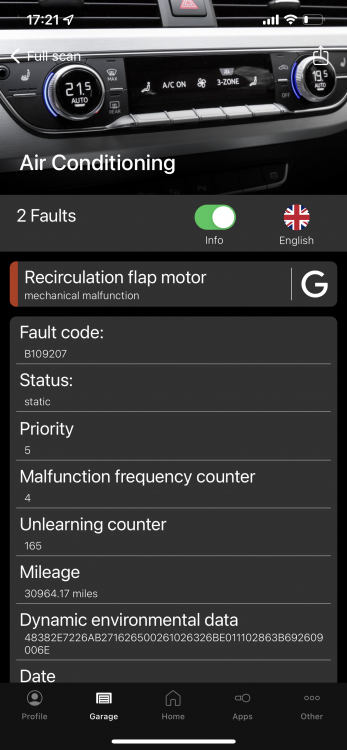
  3. Hi, Saw your post which discusses the same issue I have just found on my 2017 S5. Scan image shown. I downloaded the manual but was wondering if you had any photos showing the flap motor location? Thanks

Background Picker
Customize Layout

Account

Navigation

Search

Search

Configure browser push notifications

Chrome (Android)
  1. Tap the lock icon next to the address bar.
  2. Tap Permissions → Notifications.
  3. Adjust your preference.
Chrome (Desktop)
  1. Click the padlock icon in the address bar.
  2. Select Site settings.
  3. Find Notifications and adjust your preference.