Steve 1908
Members
-
Joined
-
Last visited
Everything posted by Steve 1908
-
Hi Steve Think its a bit too far gone for that... the entire glass is out 🤷♂️ There must be a way somehow... Audi managed it originally lol
-
Hi Gareth. Thanks for your reply. I did think of that (sort of).... my neighbour and his dad have a couple of old Classic Austins and did ask him, but he didnt know anyone. I was thinking about getting a plastic one sewn in, if it couldn't be bonded back in... until I can safely afford a new roof skin.
-
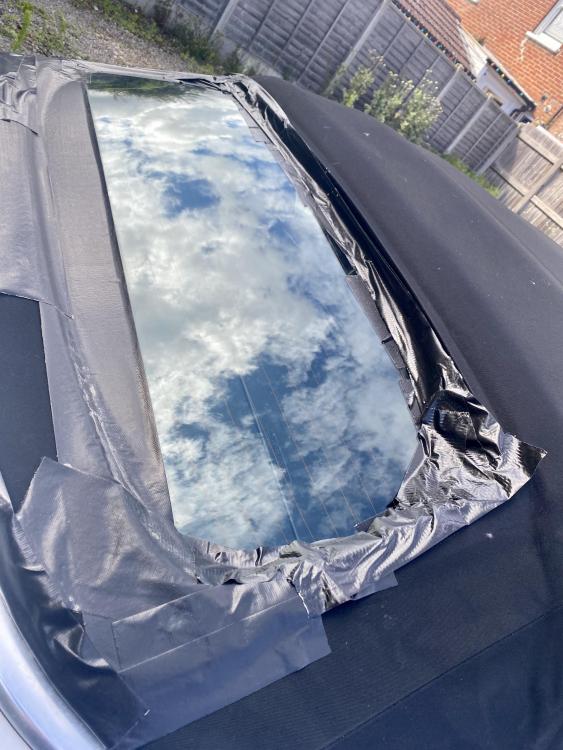
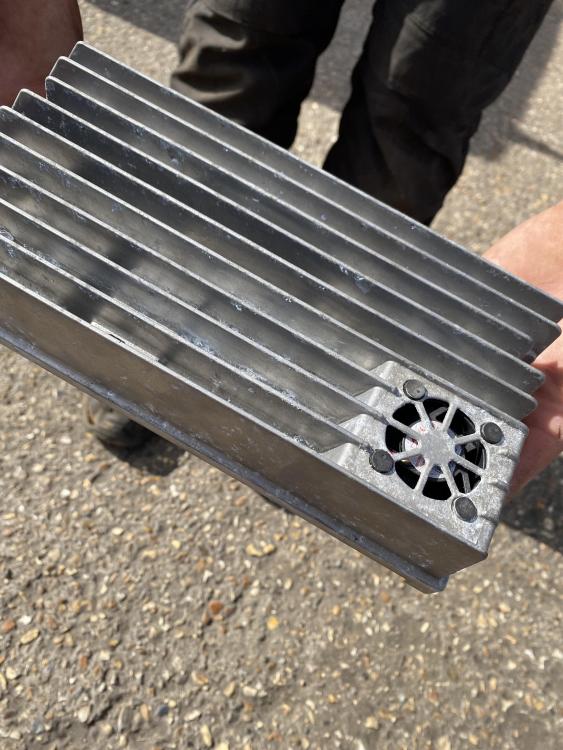
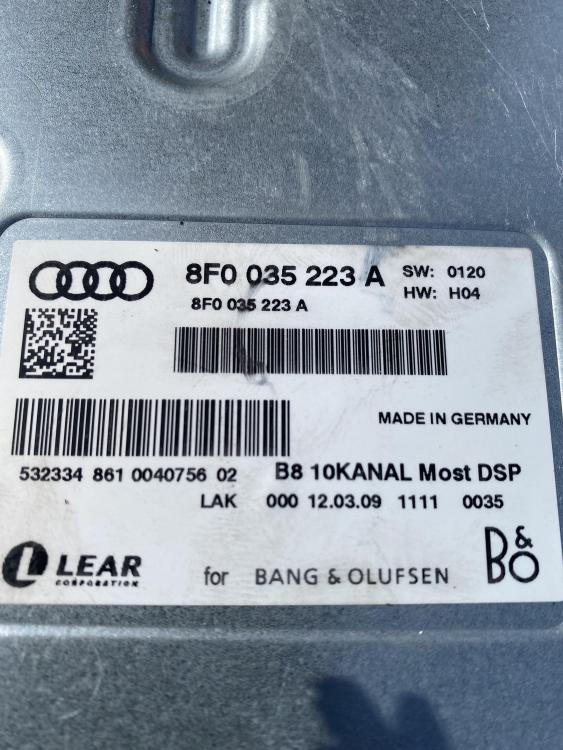
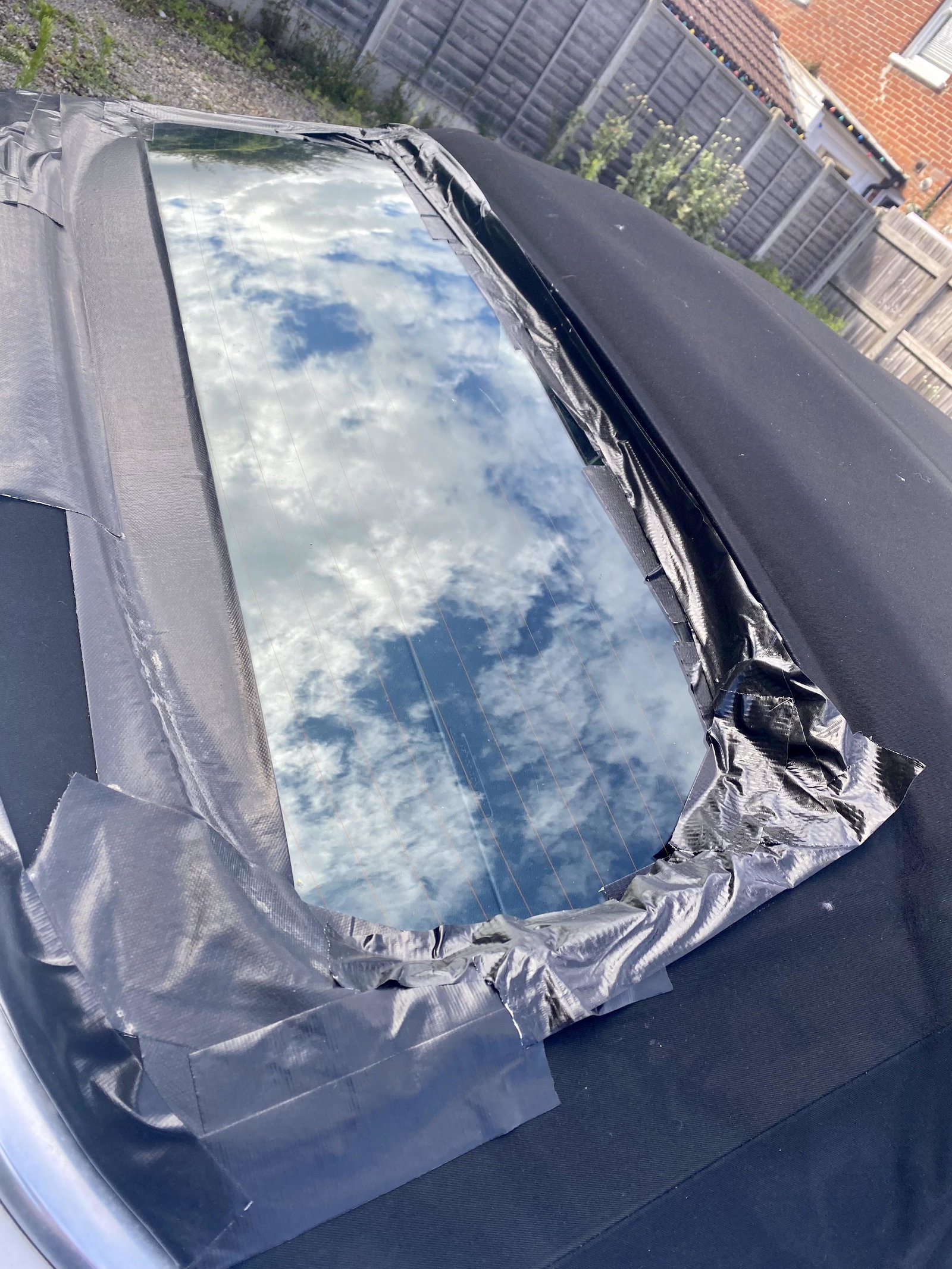
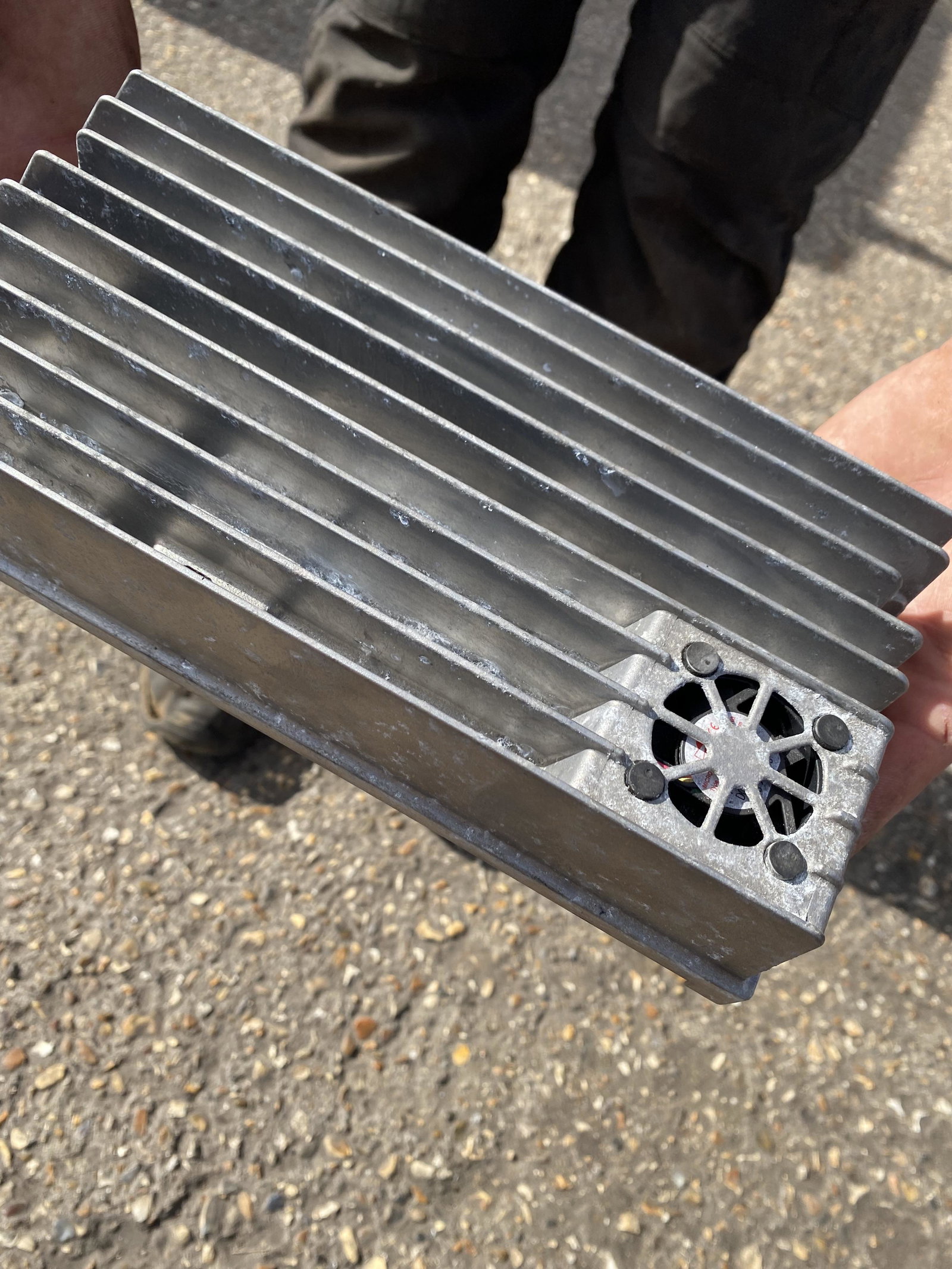
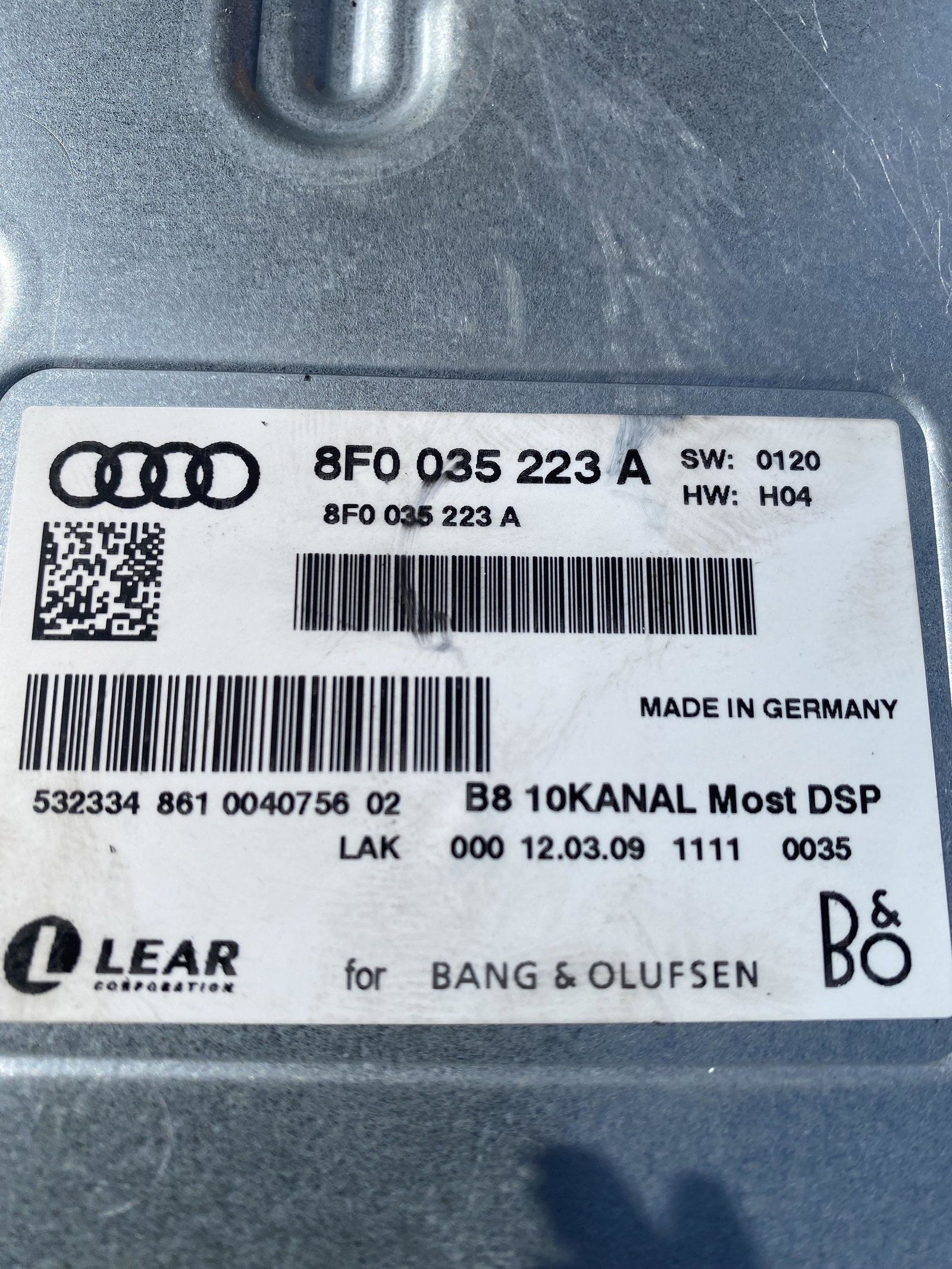
Hi Everyone Newbie here and have searched the threads, but cannot find The answer. I have a 2009 A5 Ragtop and, as it's just a summer and weekend car, I parked it last October until January. The rear glass had become unbonded from the roof material and water had got into the boot area... a LOT of water,,,, you can imagine the damage. The roof also stopped working, but after 5 hours with a diagostic computer that was rectified with a new sensor that had corroded. The main question I have, seeing as now the whole glass is just hanging in on a wing and a prayer and lots of duct tape ...Has anyone had any success repairing / refitting/ rebonding their rear glass? - I'm sure I can't be the only unlucky sufferer. Also, water got into the amp and an electronics friend is trying to repair simply because I've ben unable to find one on ebay or a salvage yard. The numbers on mine are 8F0 035 223 A I have found others that look similar but wondering if anyone knows if they would be compatible? Thank you (in advance) for any advice Guys (& Gals) - Steve