Paddy M
Members
-
Joined
-
Last visited
Everything posted by Paddy M
-
Hi Steve, How would I go about getting the codes? Would I get my mechanic to plug back in the computer and take it down and/or take pictures of what it says?
-
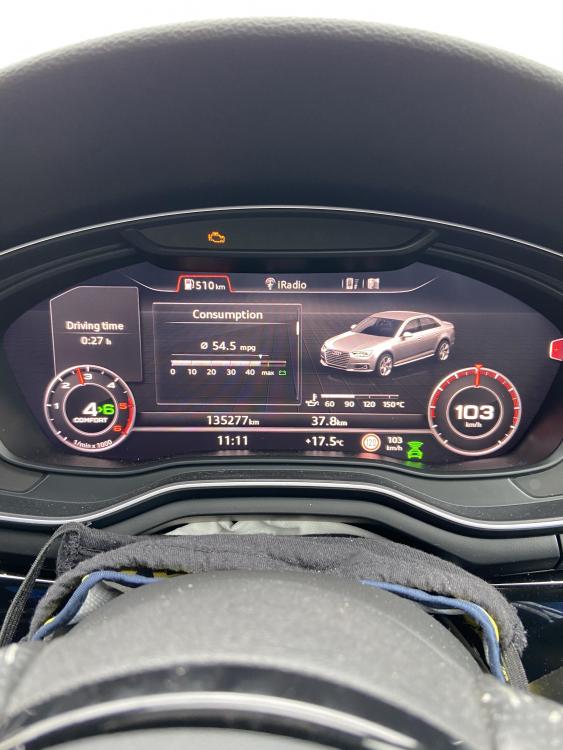
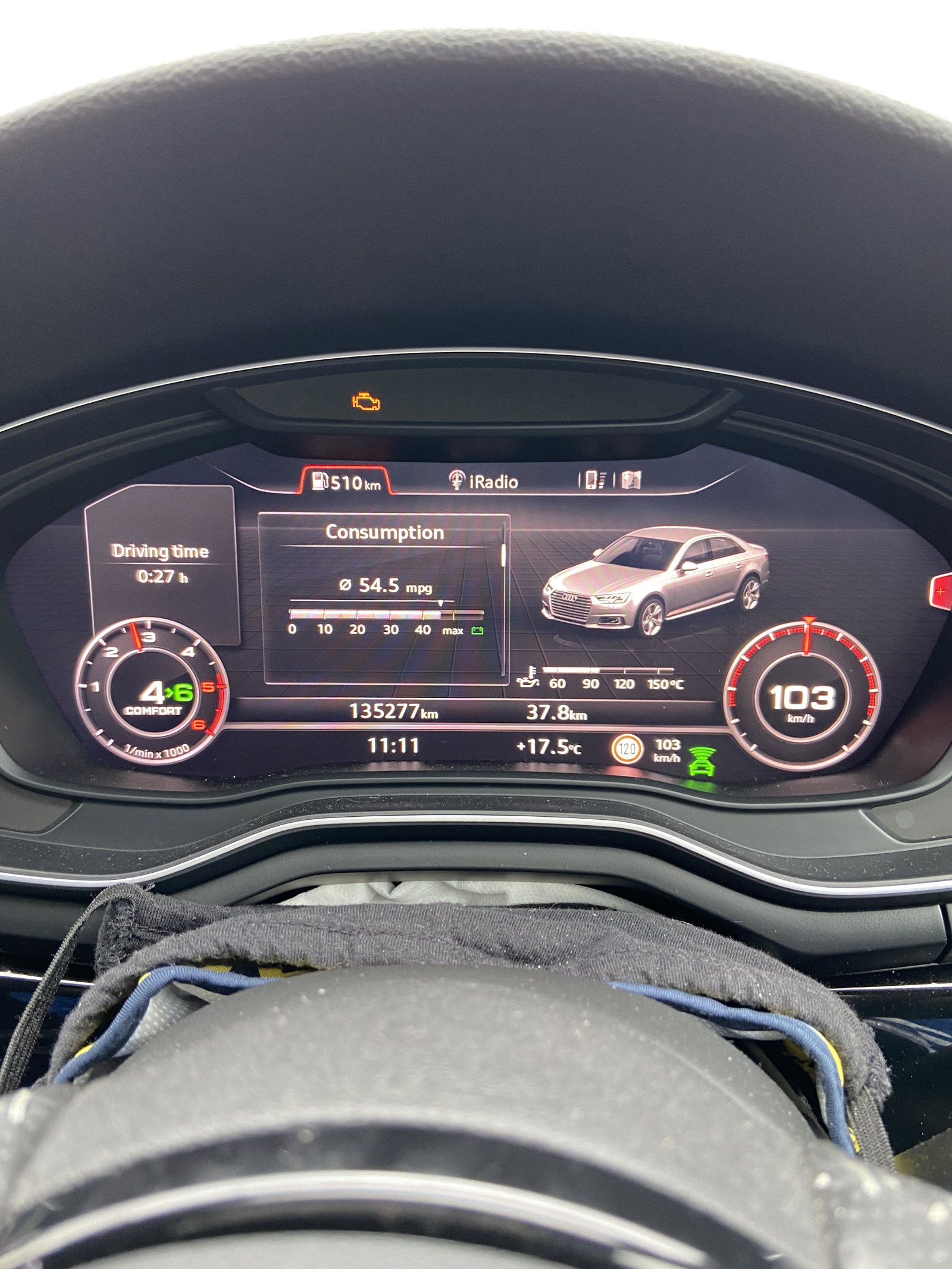
My fan has been coming on regularly over the past few months. I have a short commute to work each day (10miles) but drive my car on the motorway for 3hrs every weekend as I stay at my girlfriends. The engine light came on and the computer said it’s DPF issues. I’m not sure what I should do. My mechanic said to remap my car and delete the EGR as he says it’s a sensor issue (don’t want to do this). Should I bring my car to a DPF cleaning specialist or should I bring my car to an Audi garage to get them to sort the issue? I’m afraid Audi will charge through the roof to fix a problem that might be quiet small. I tried to force a regeneration in my car yesterday but the light stayed. My car is running perfectly atm. Any advice is really appreciated