Kk2602
Members
-
Joined
-
Last visited
Everything posted by Kk2602
-
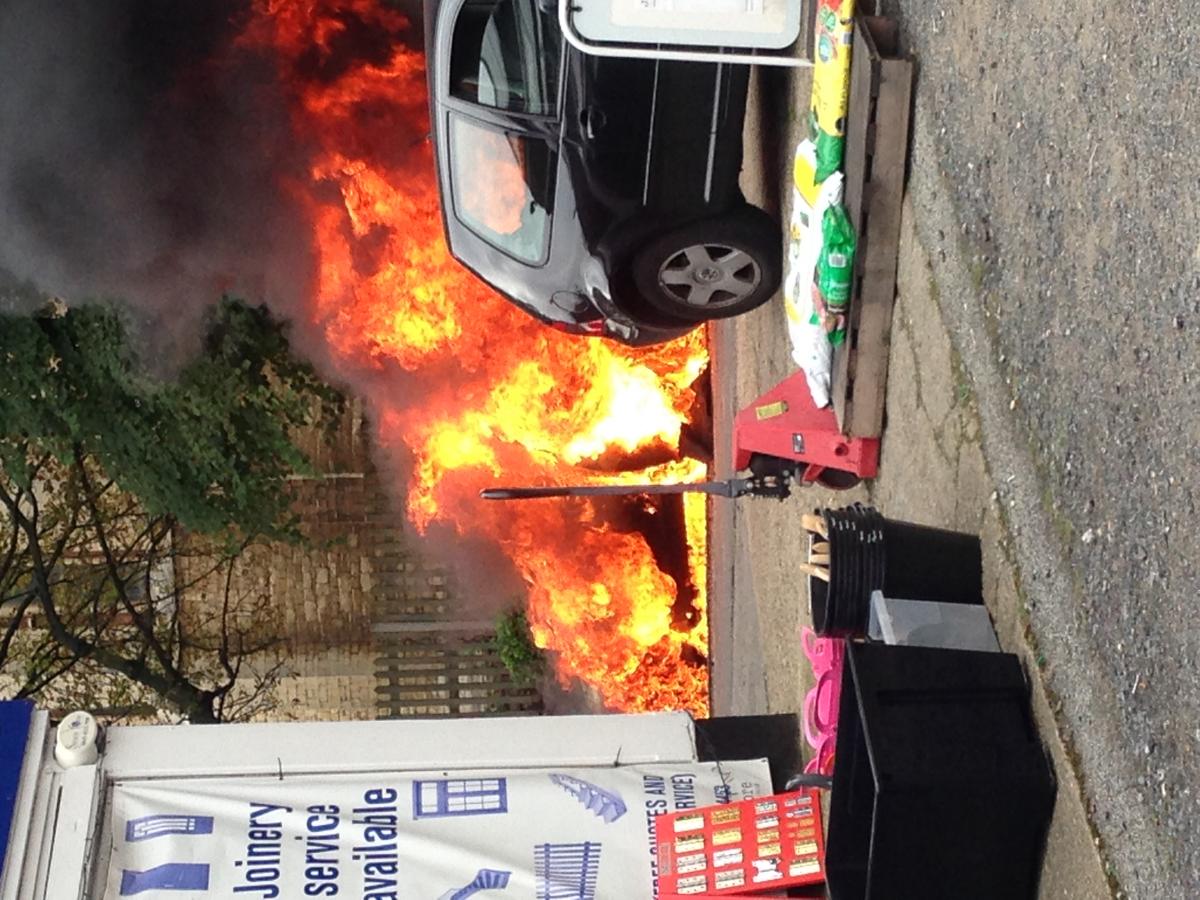
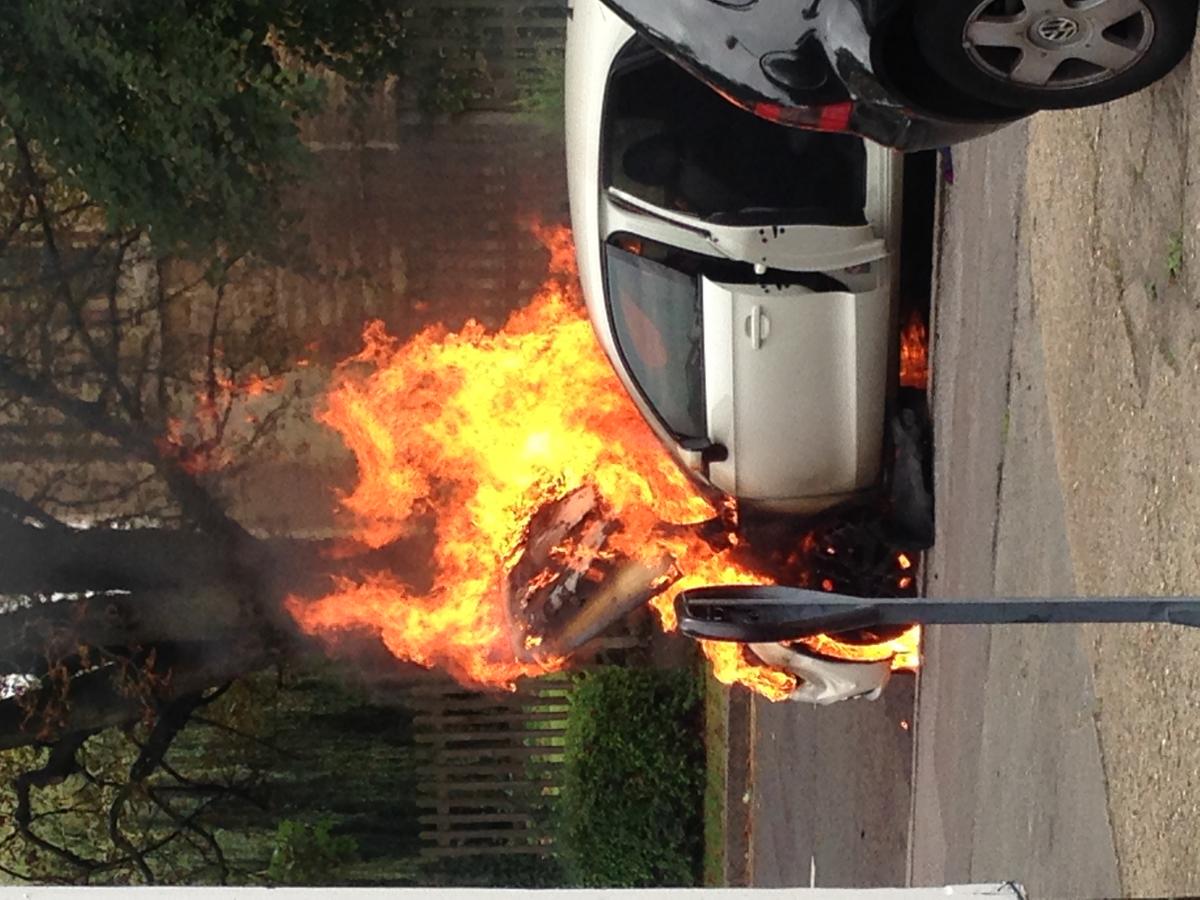
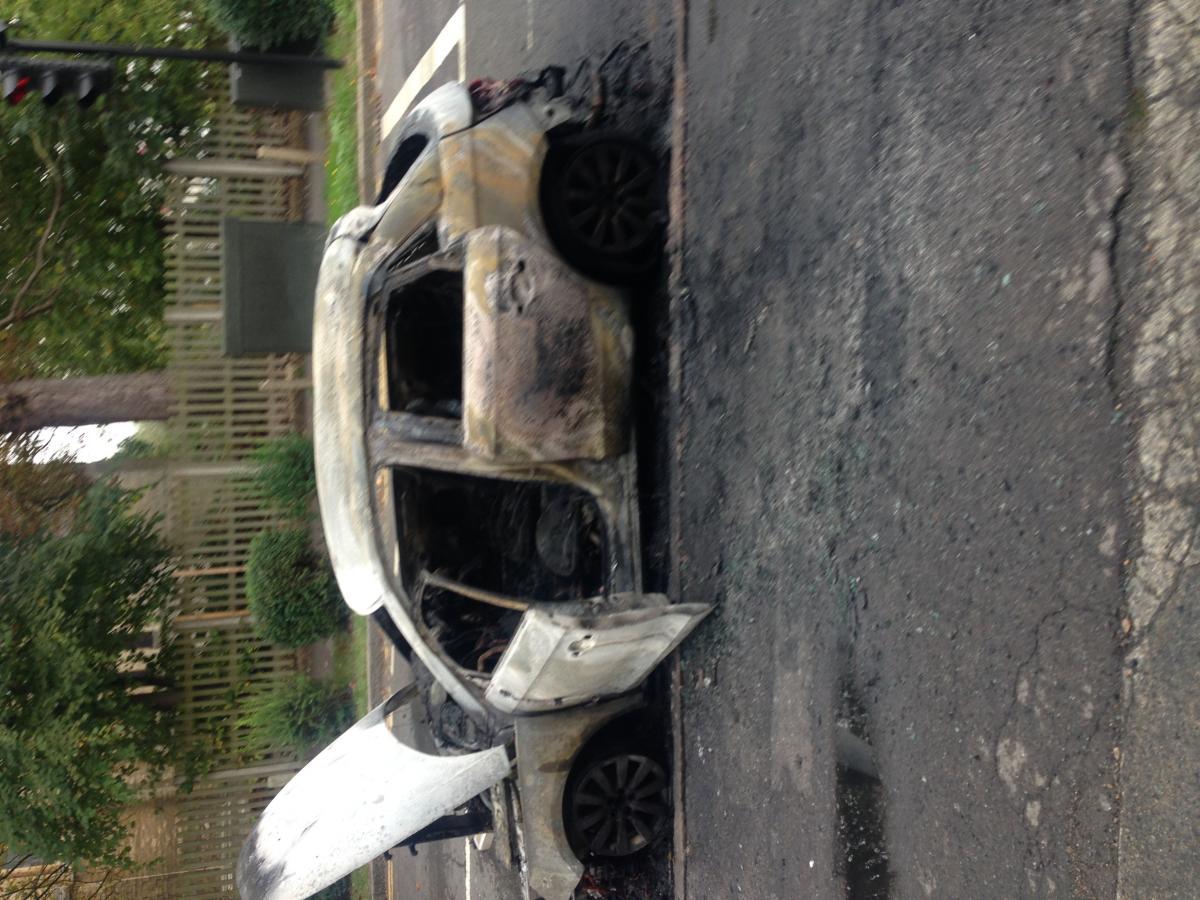
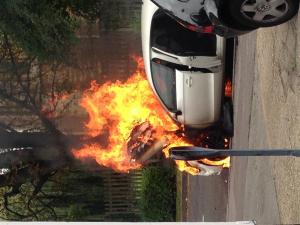
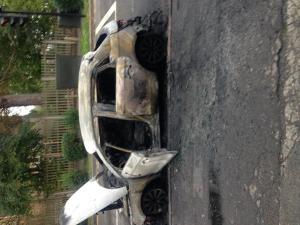
i bought a brand new Audi A1 in NOVEMBER 2012 (less than 2 years ago) ... my car caught fire and blew up whilst i was driving, out of nowhere. we managed to get out in time but were only minutes away from death. the car was completely burnt out and i lost a lot of personal belongings. The car was being financed through audi directly and was just under 2 years old, from new, with full service history (last service 6 months prior to incident). Audi are trying to wash their hands of the problem saying it is not a manufacture fault depsite not being able to find out what the fault was, leaving me without a car and in the cold - asking me to go through my insurance which will up my premiums to a fortune. I have also found other people online who have experienced this. I think its a disgrace for such a big company to try and wash their hands and not take responsibility of such a huge issue. has anyone had any similar problems with this or have any advice for me? thanks,
-
Jeff, this has just happened to myself. I would appreciate if you could get in contact with me to speak about what happened? Did you report the matter audi etc? Would appreciate a response