Audi_Guy
Members
-
Joined
-
Last visited
Everything posted by Audi_Guy
-
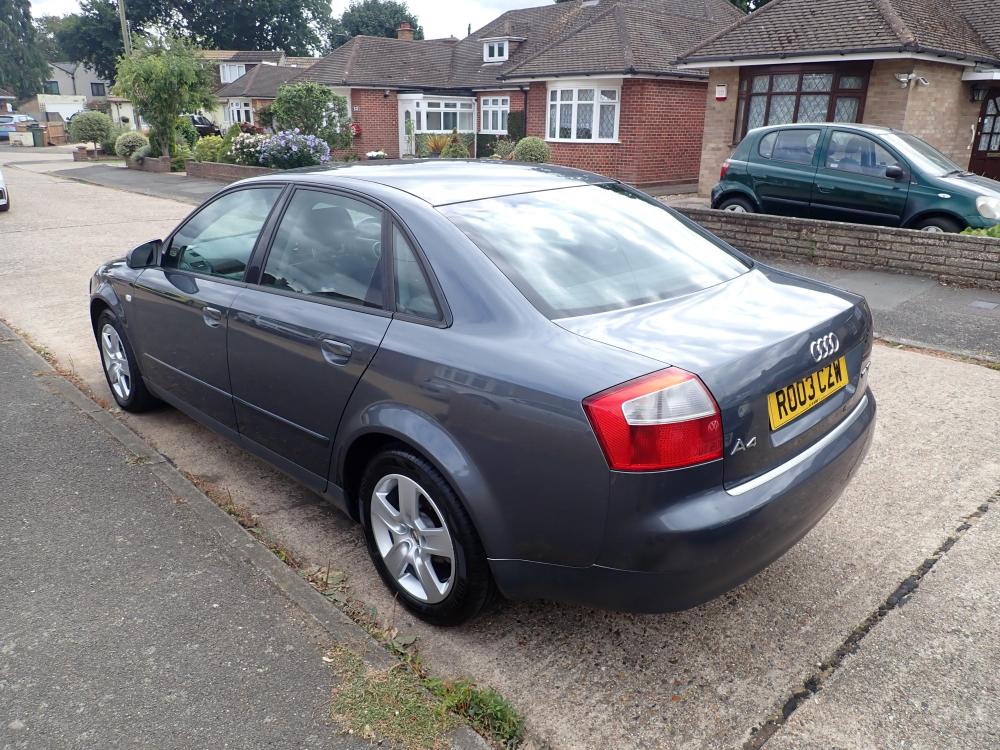
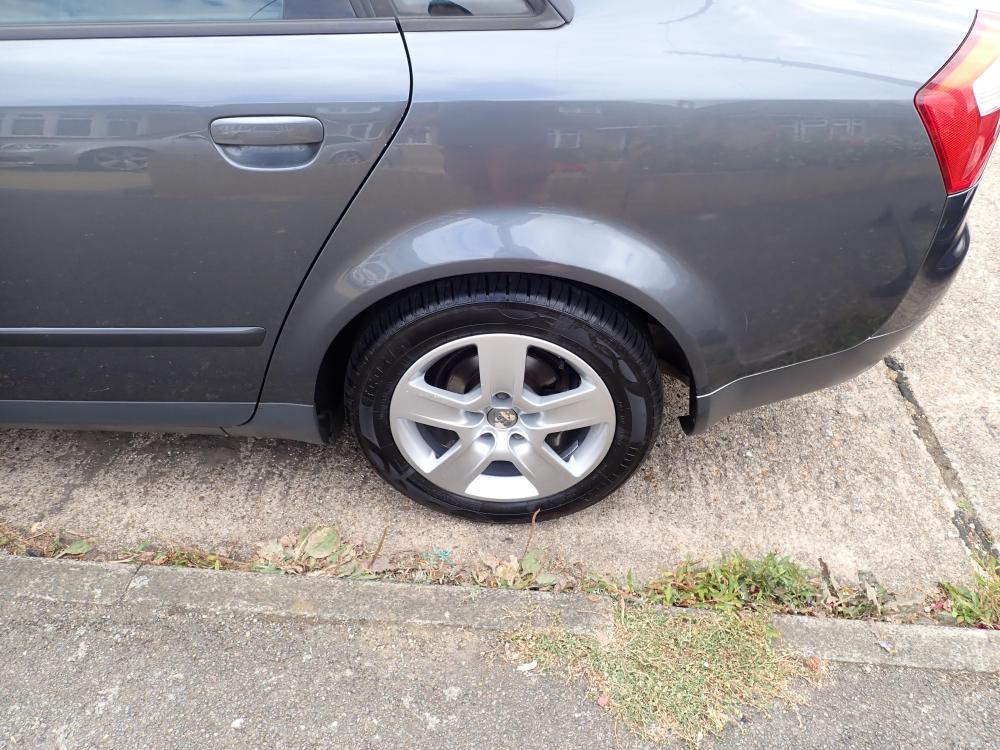
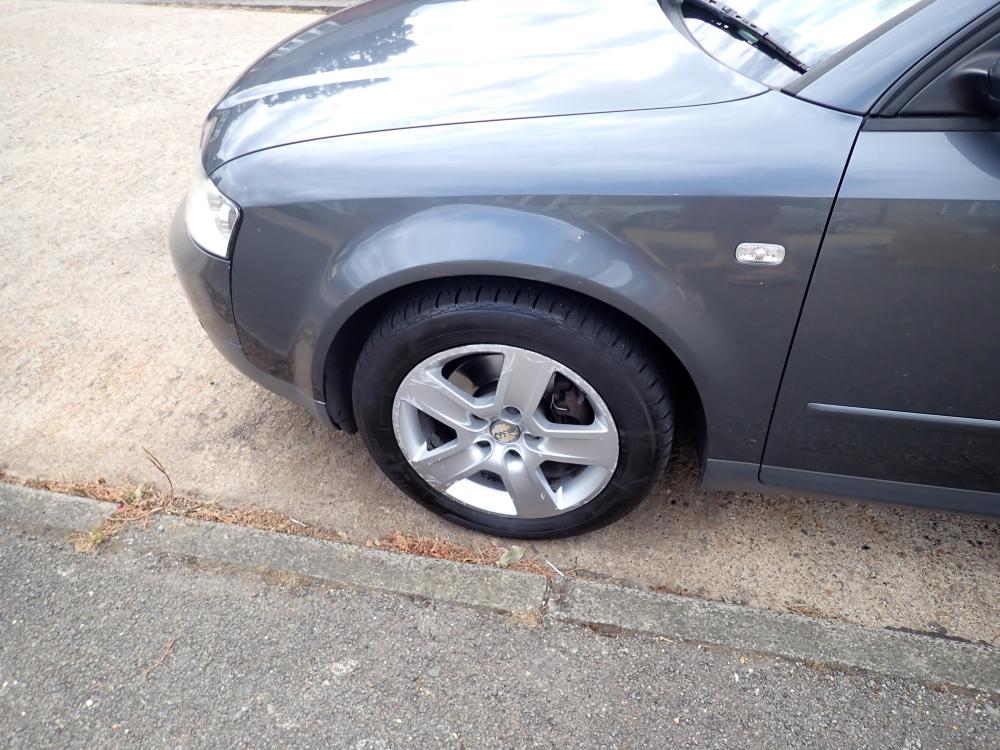
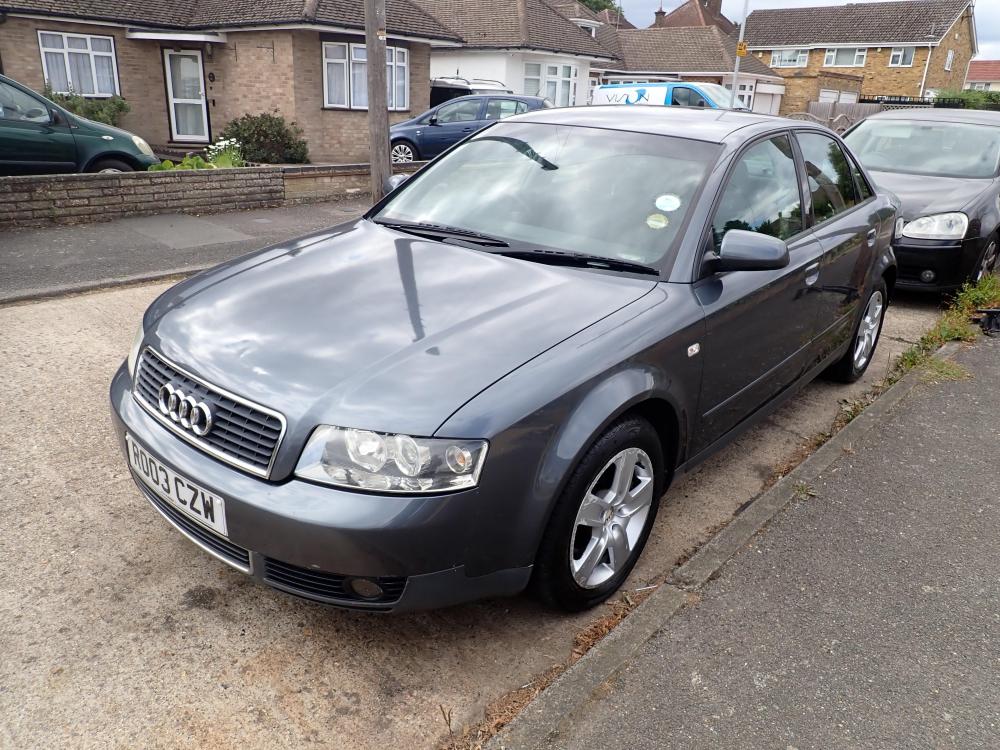
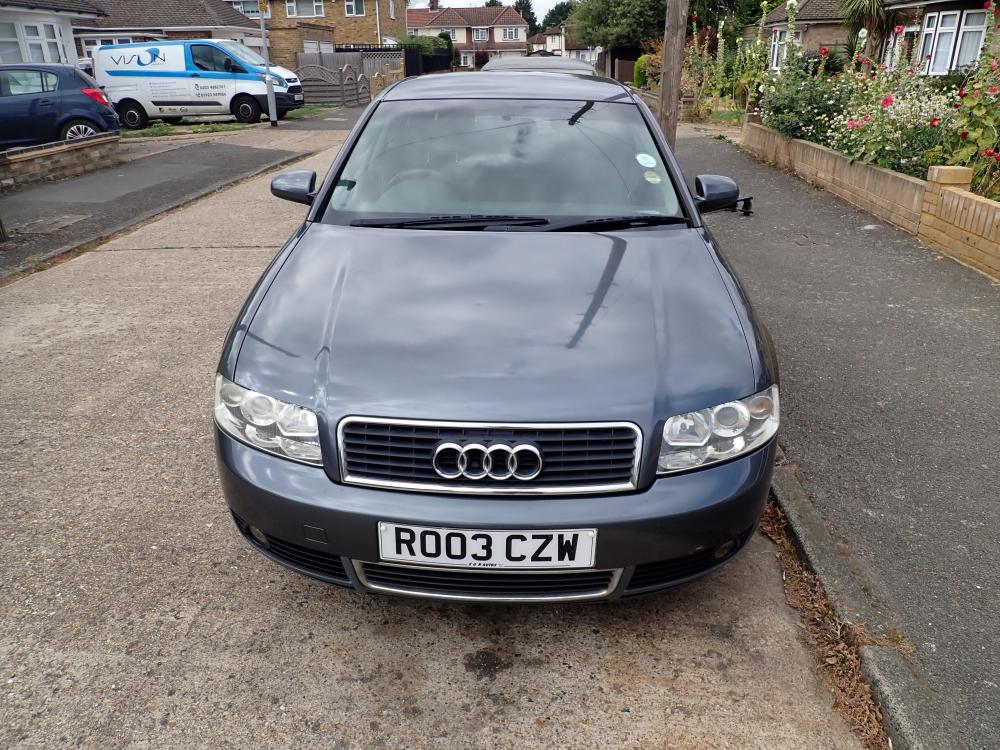
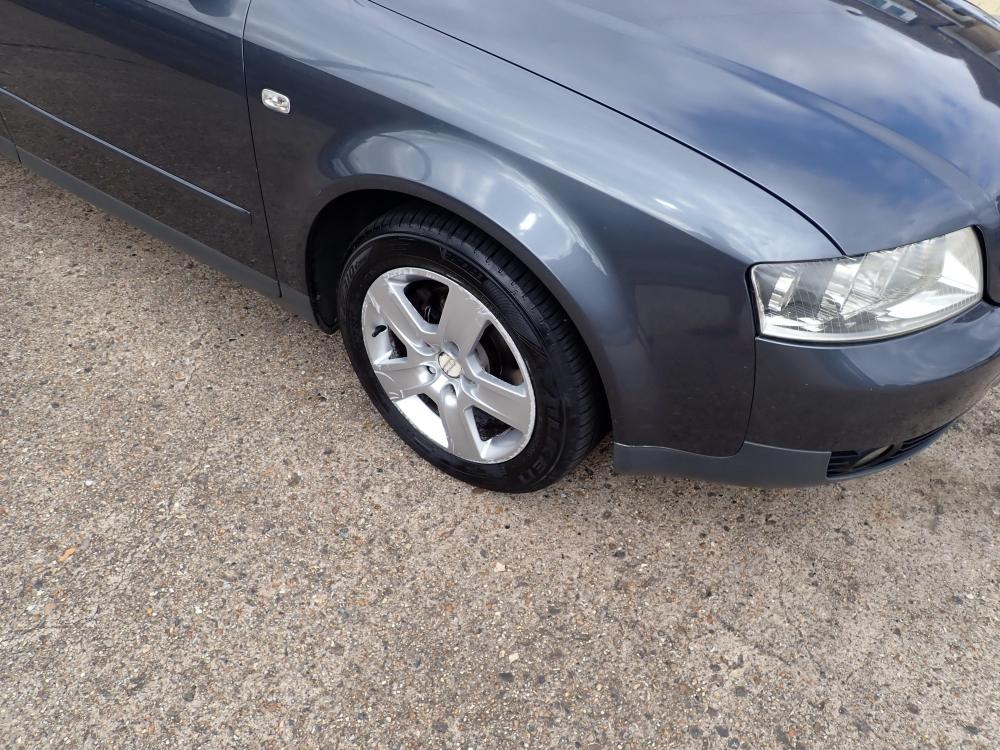
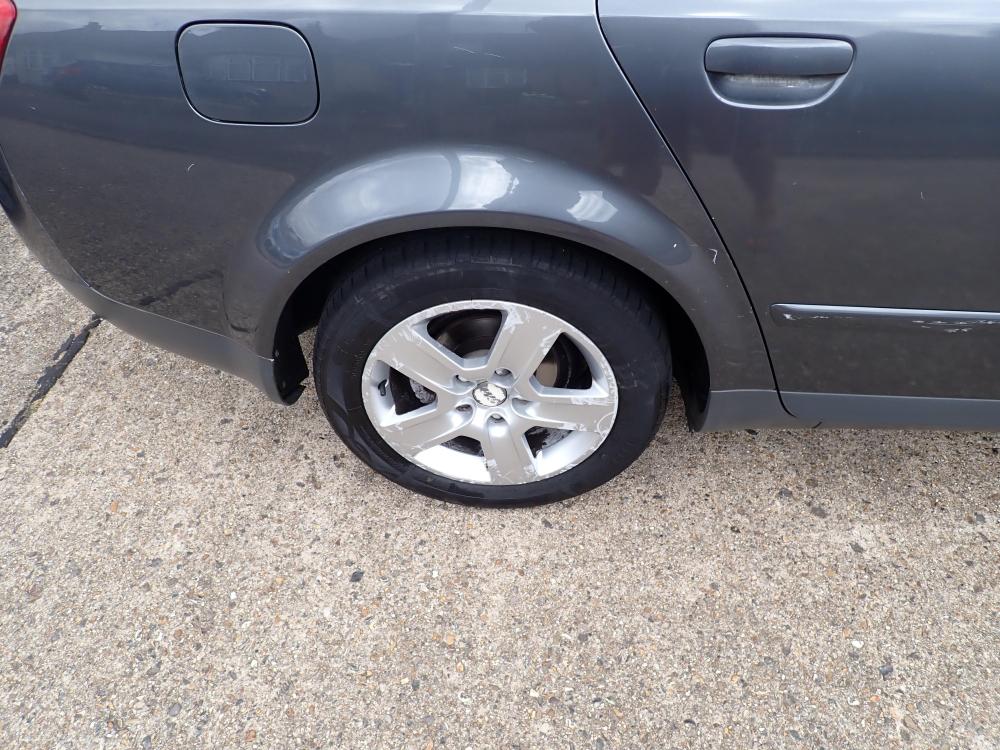
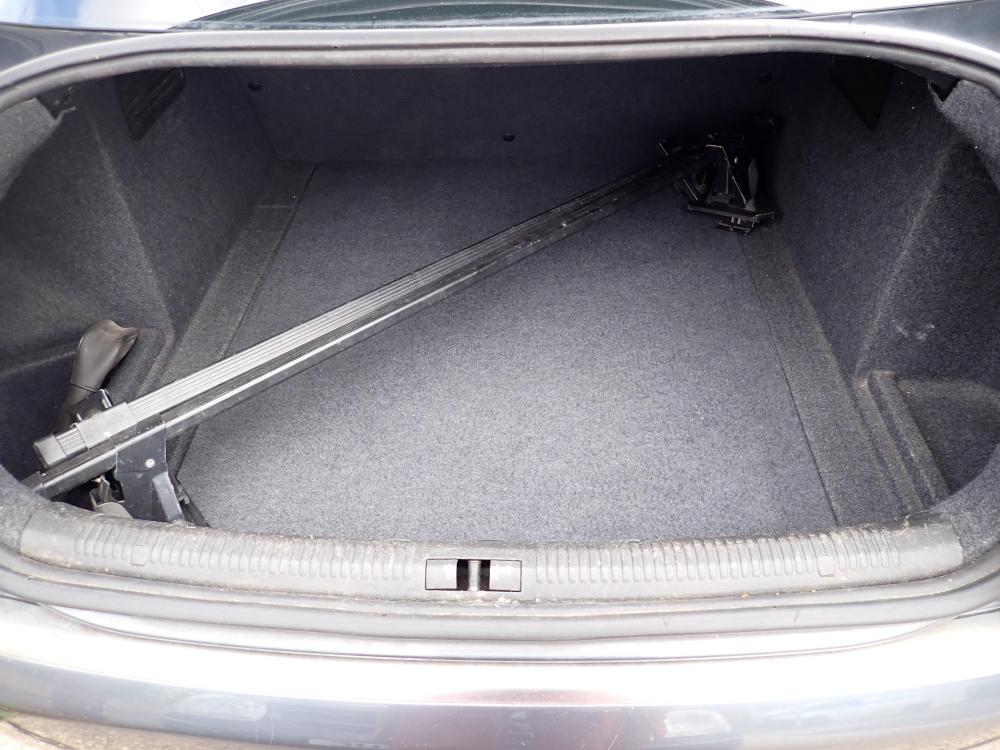
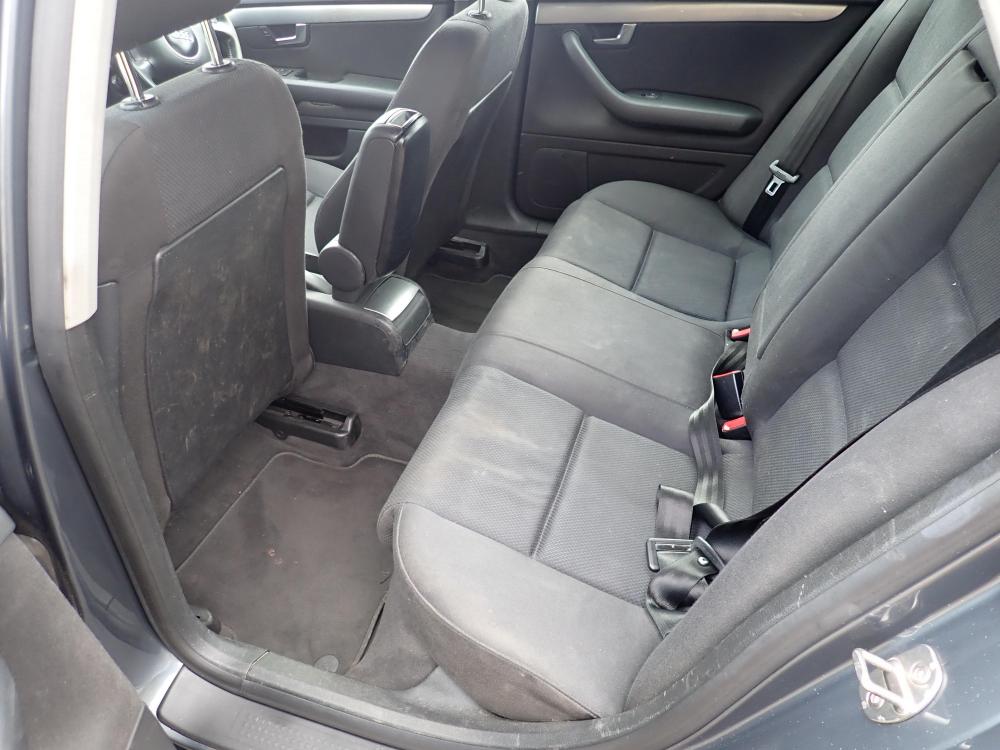
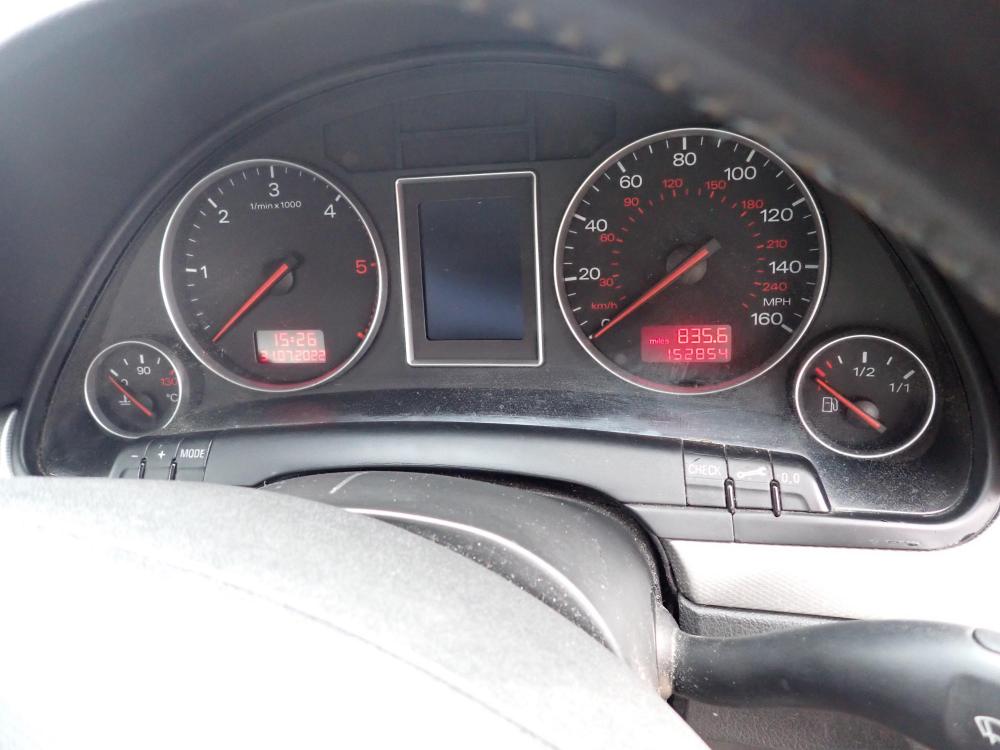
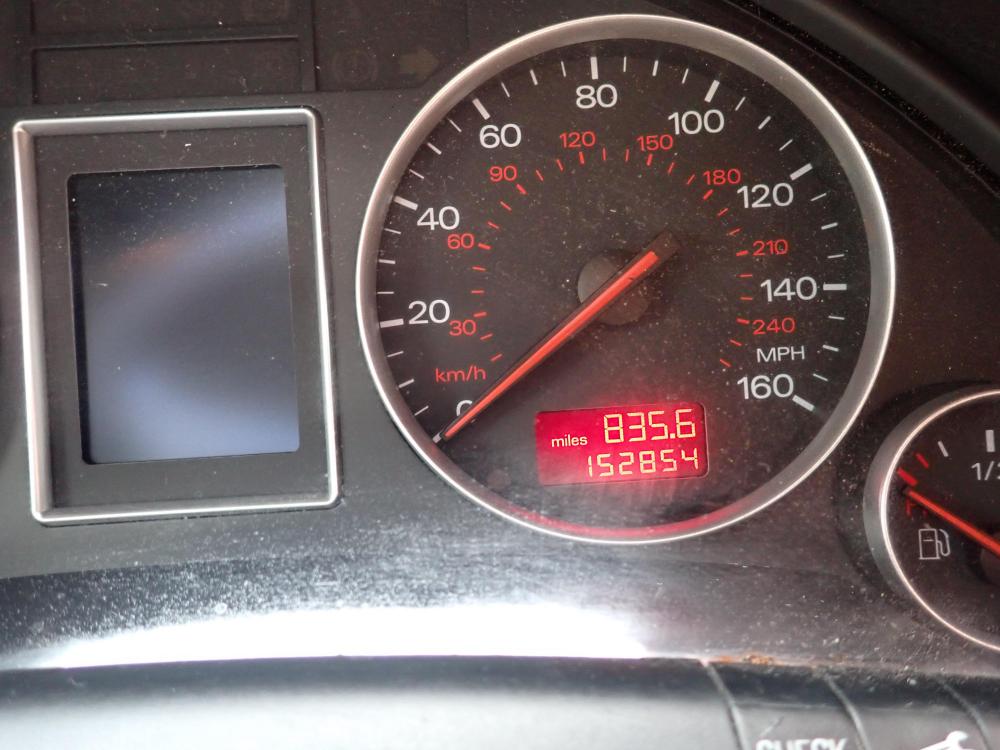
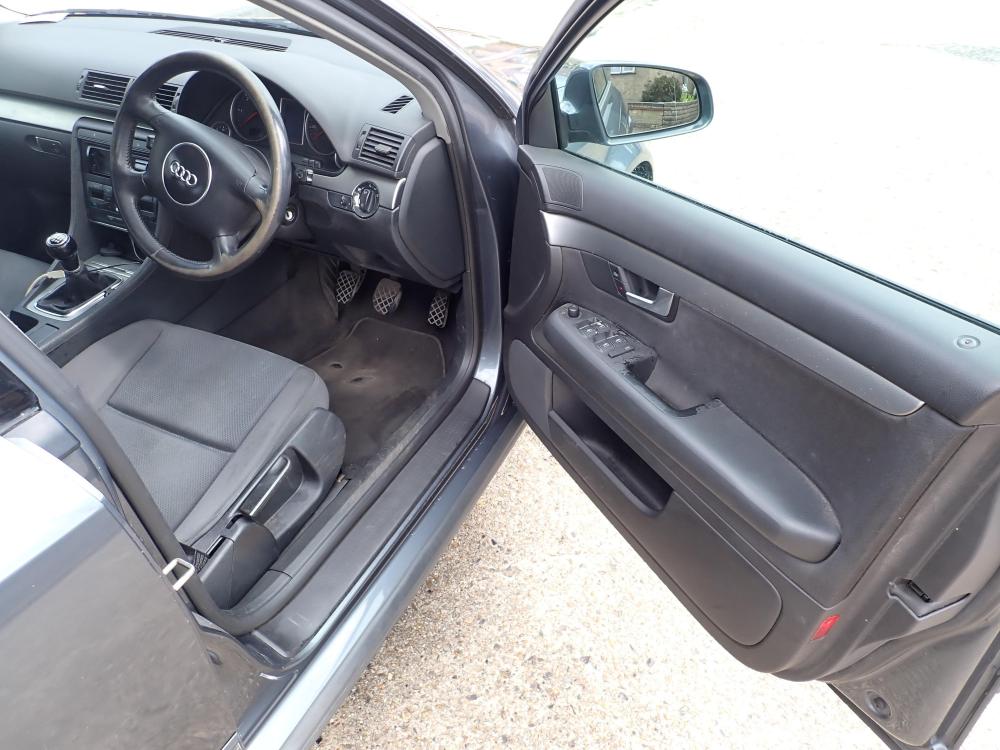
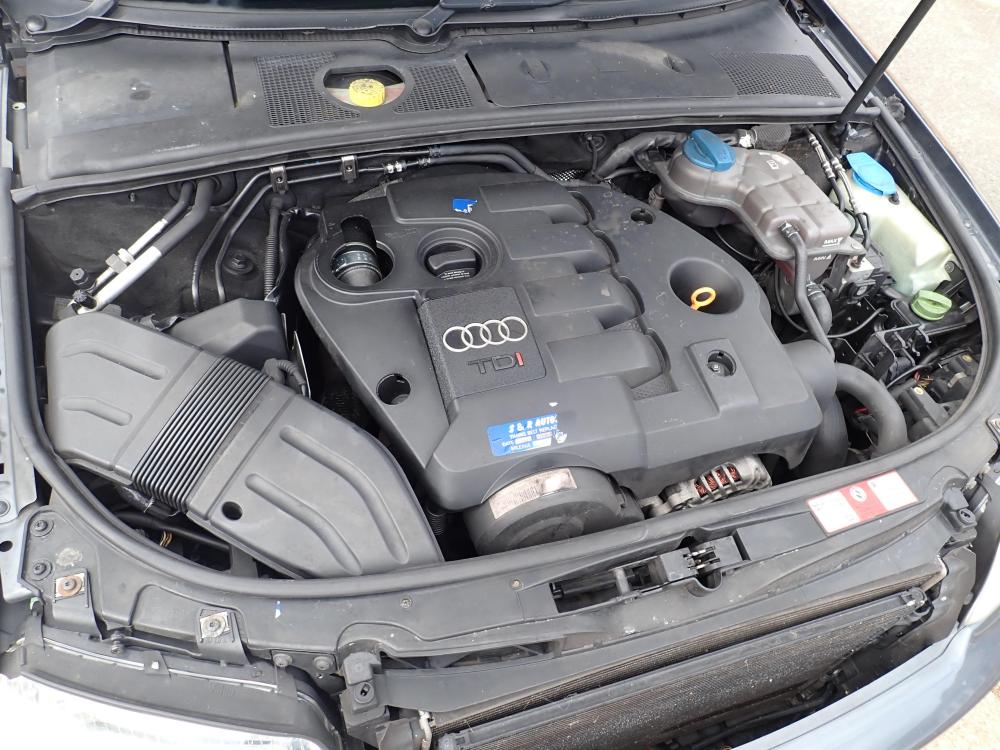
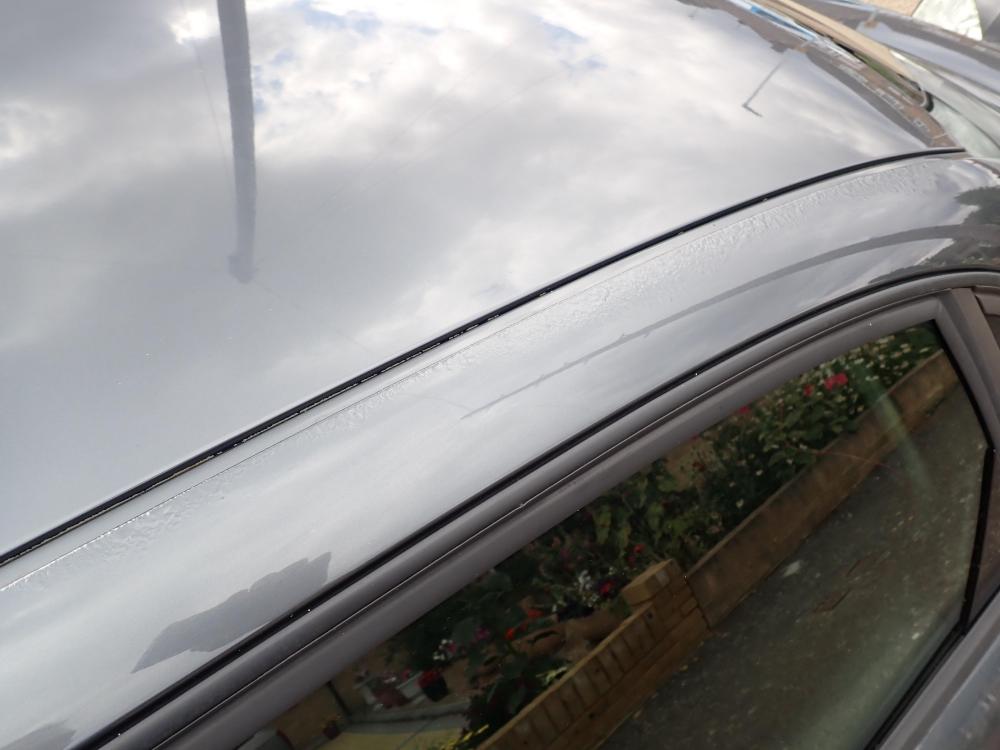
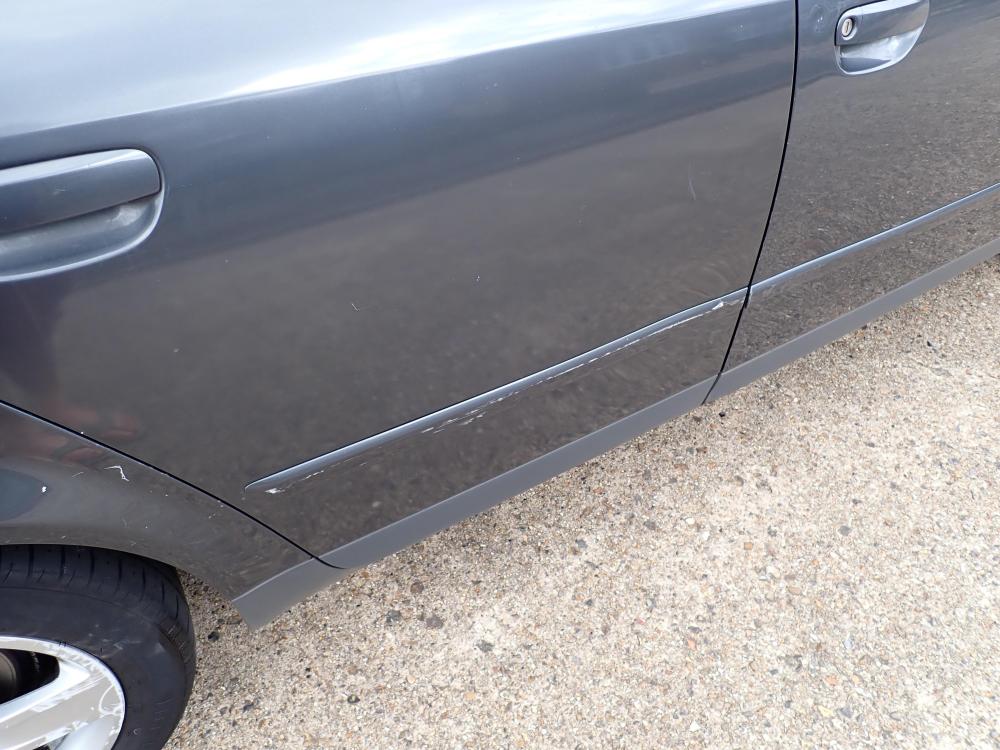
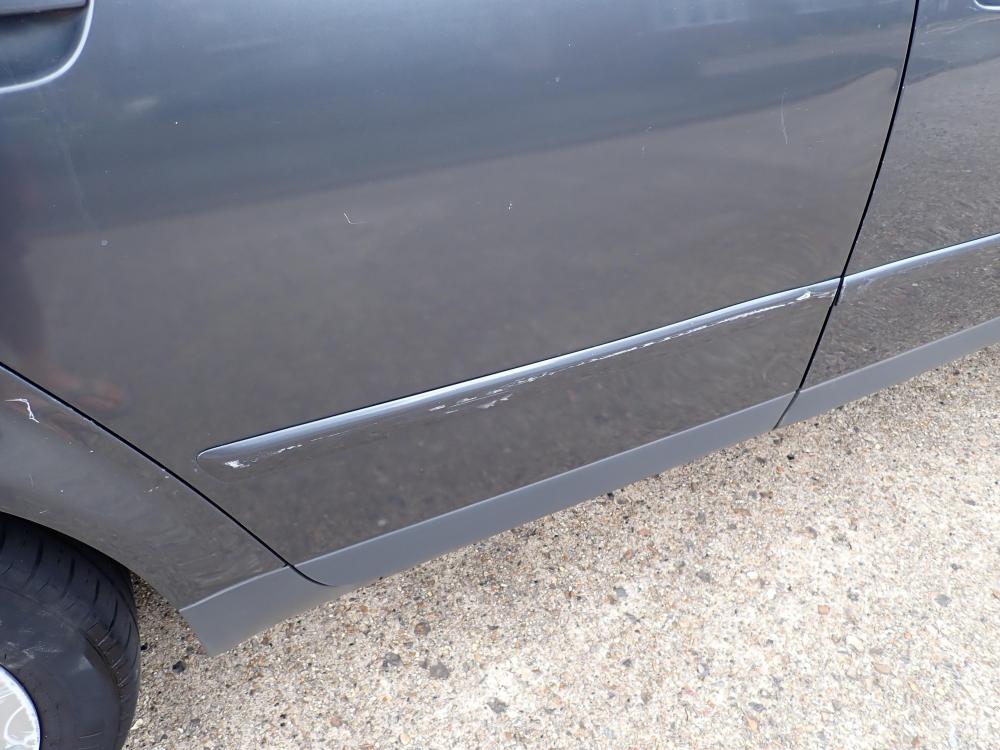
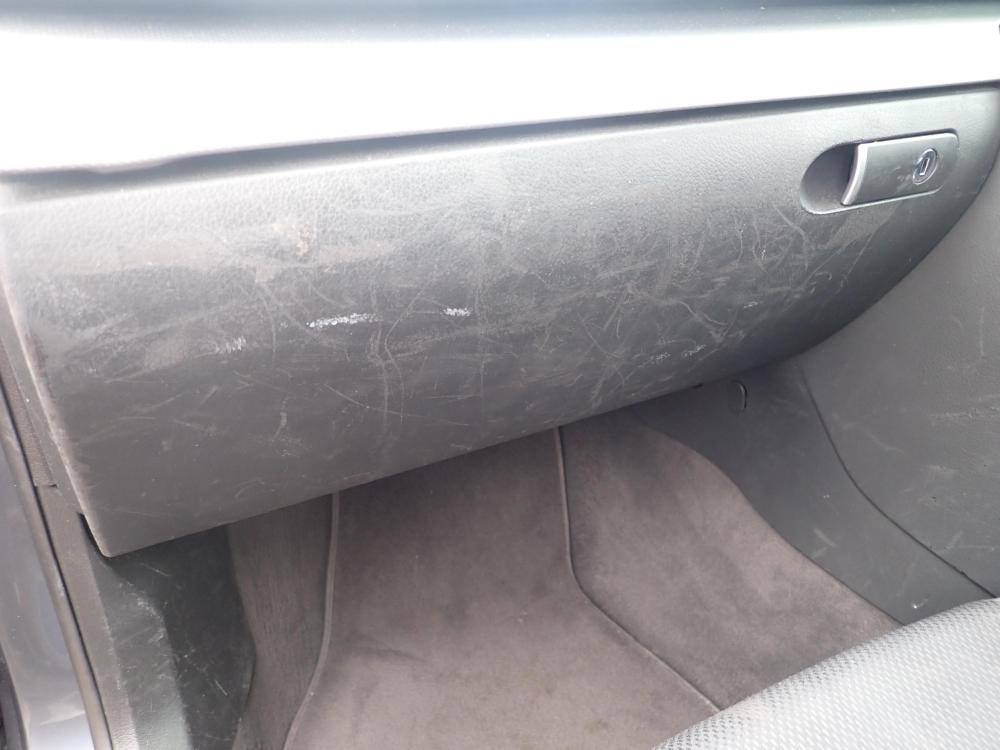
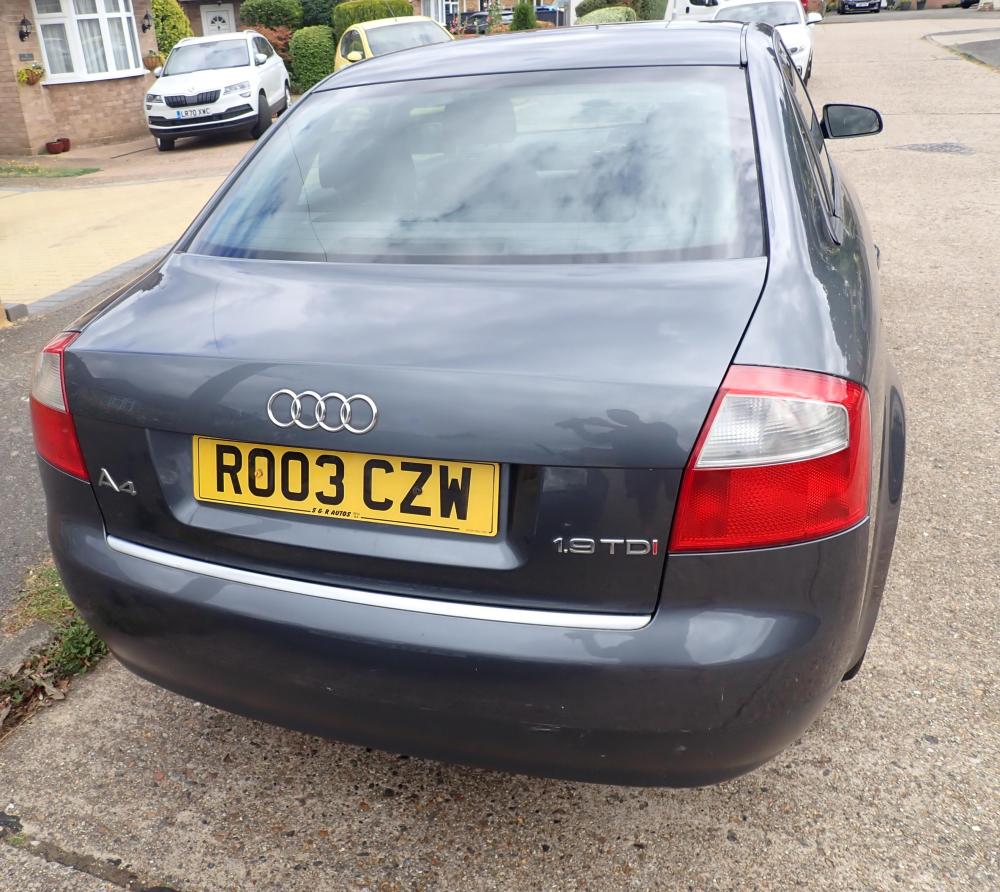
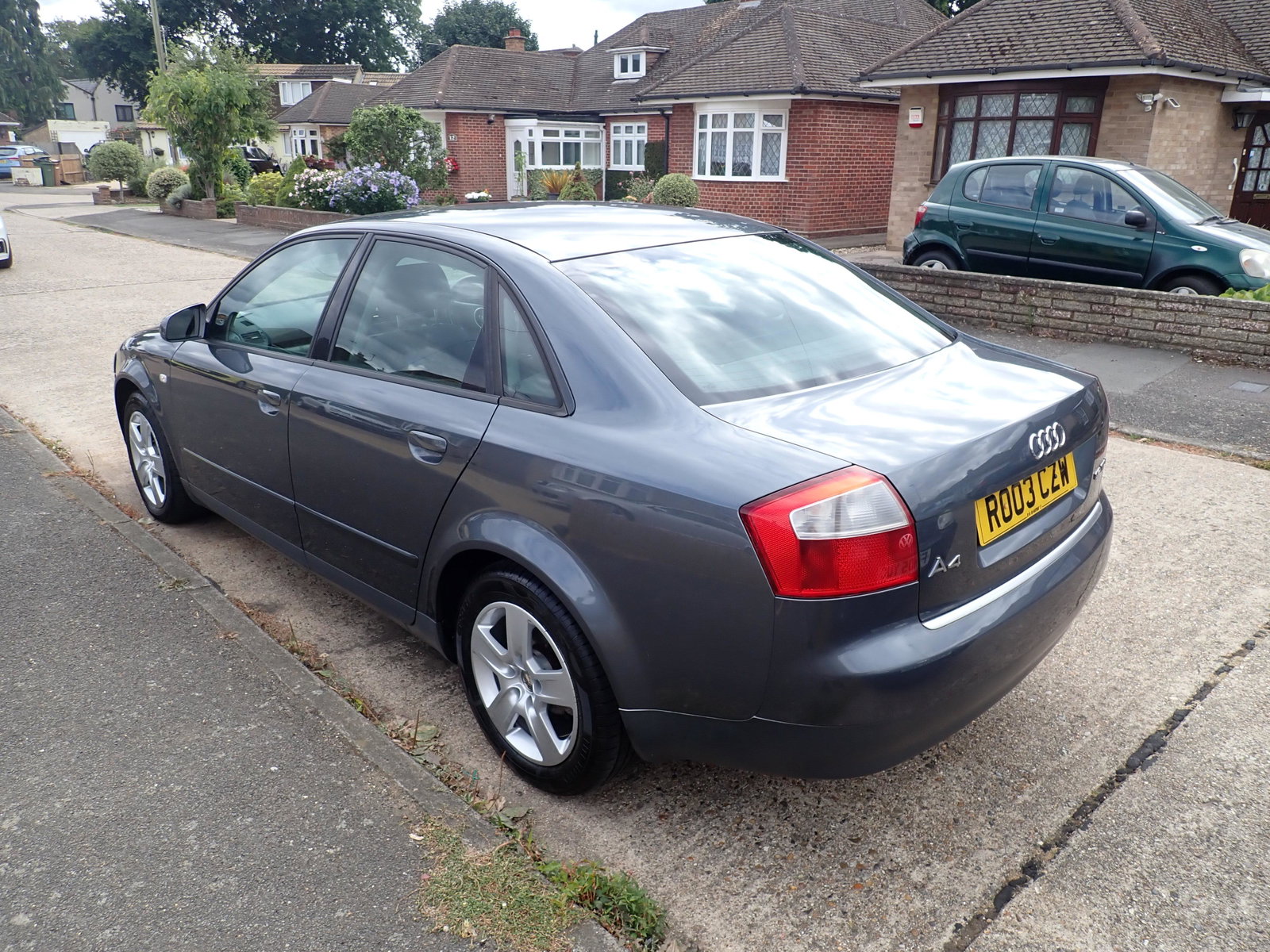
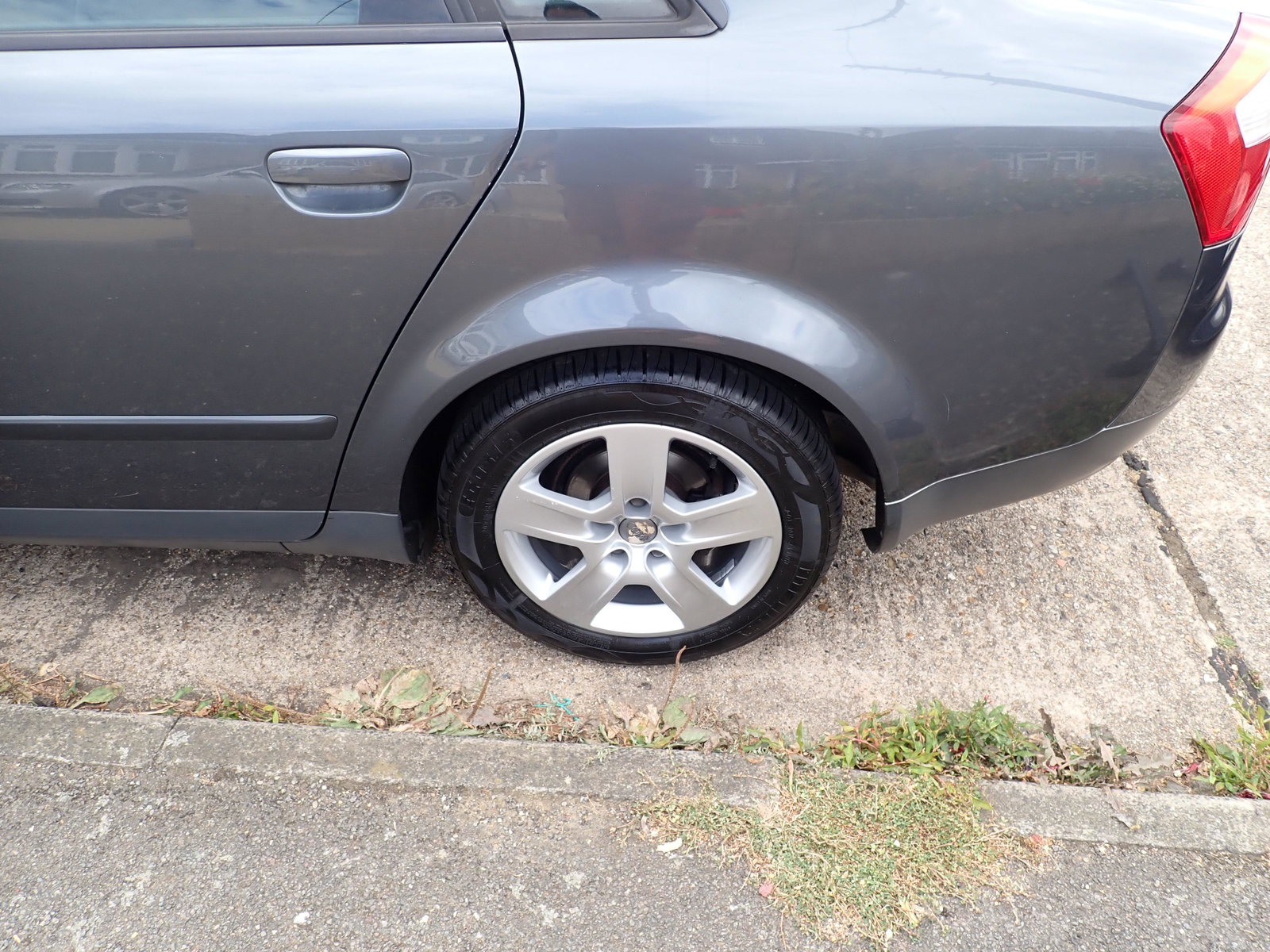
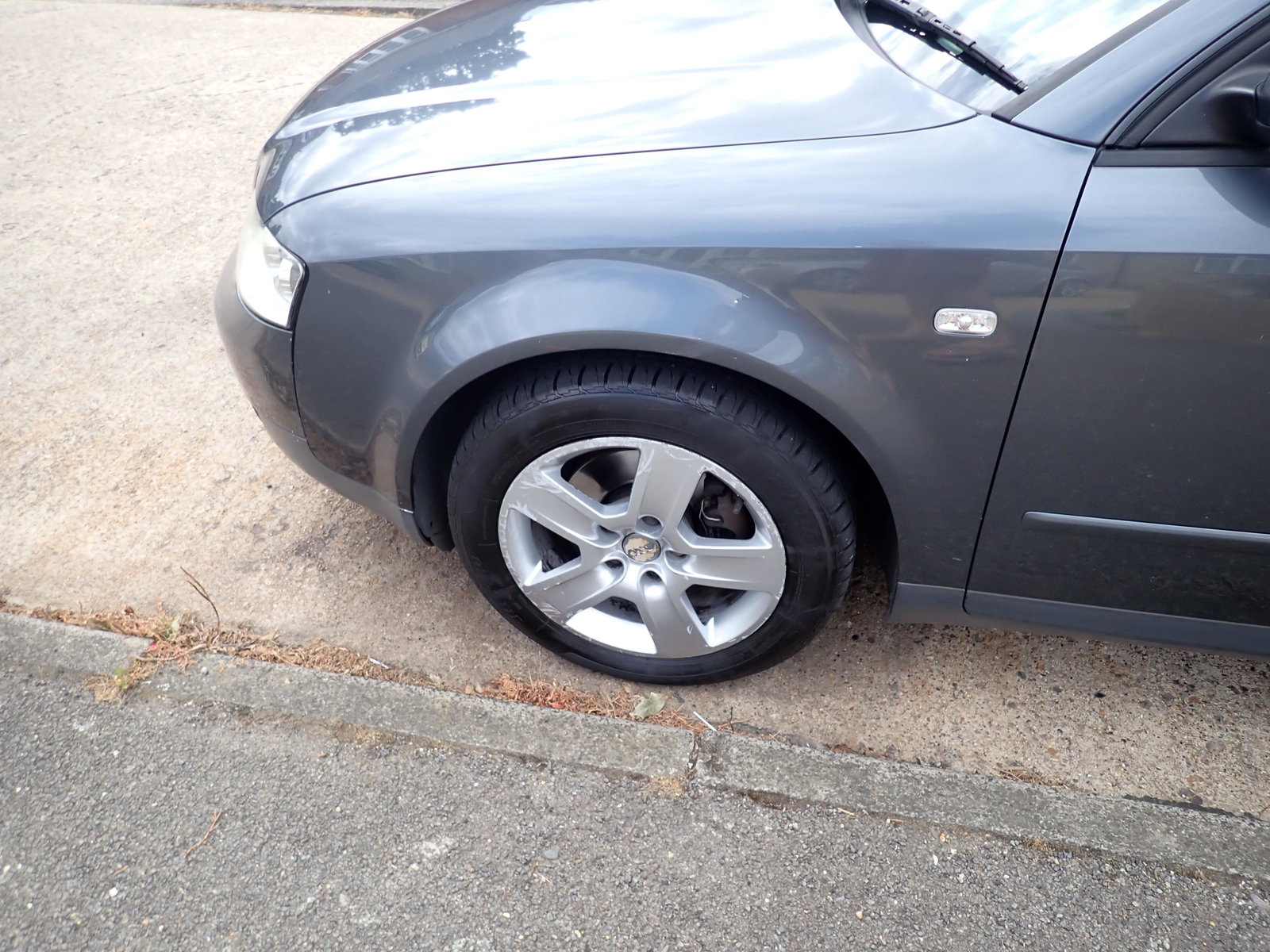
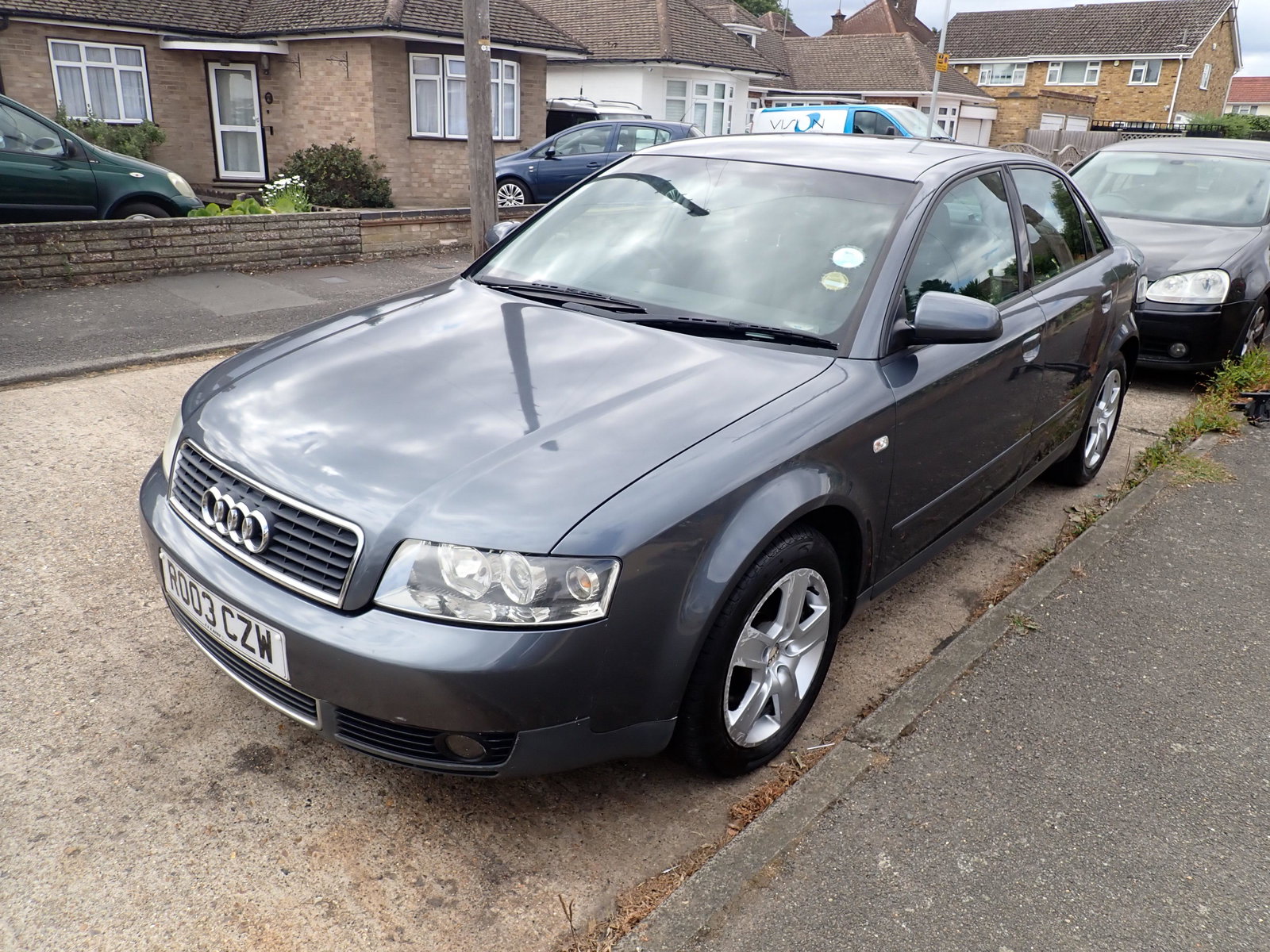
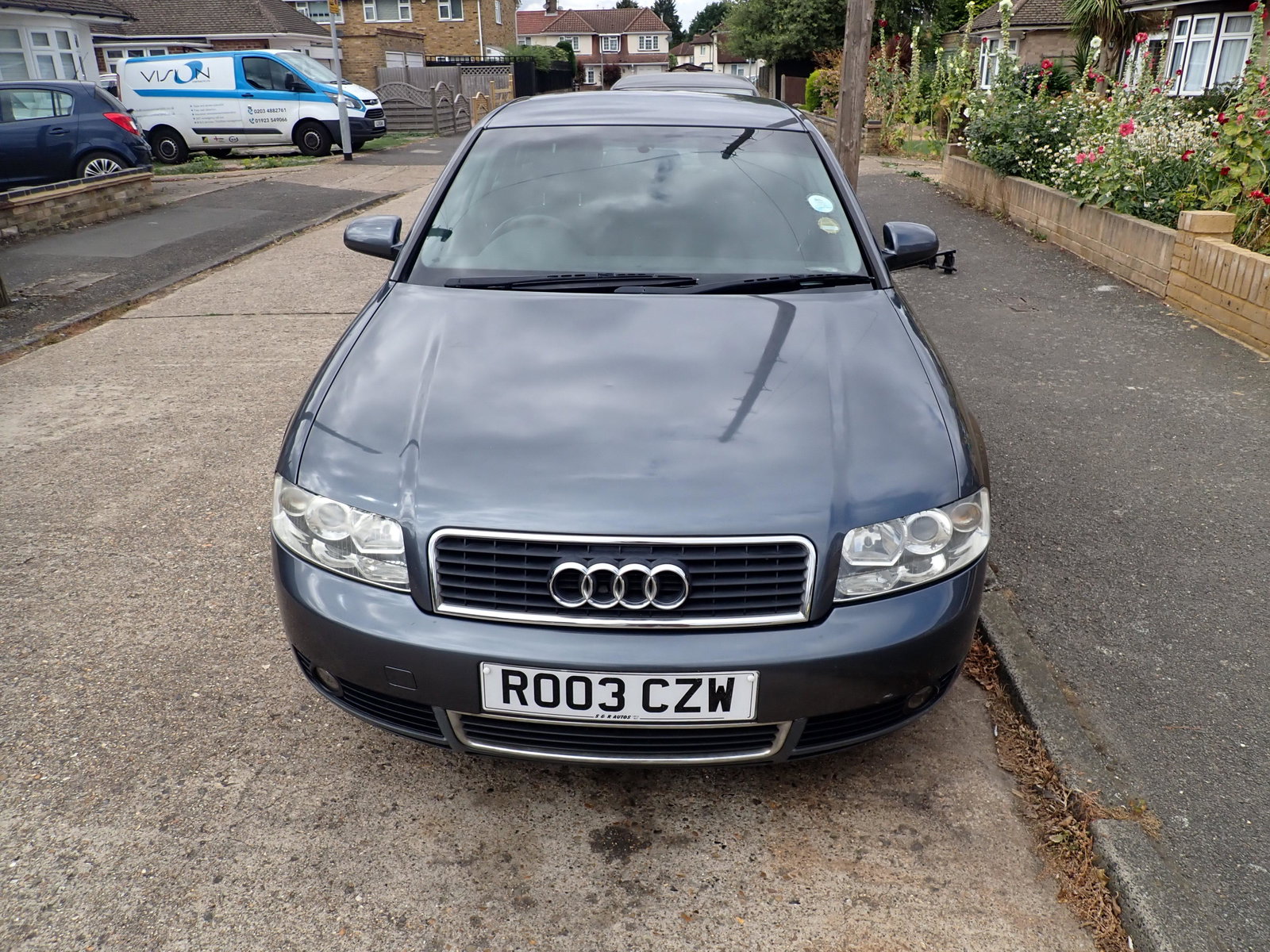
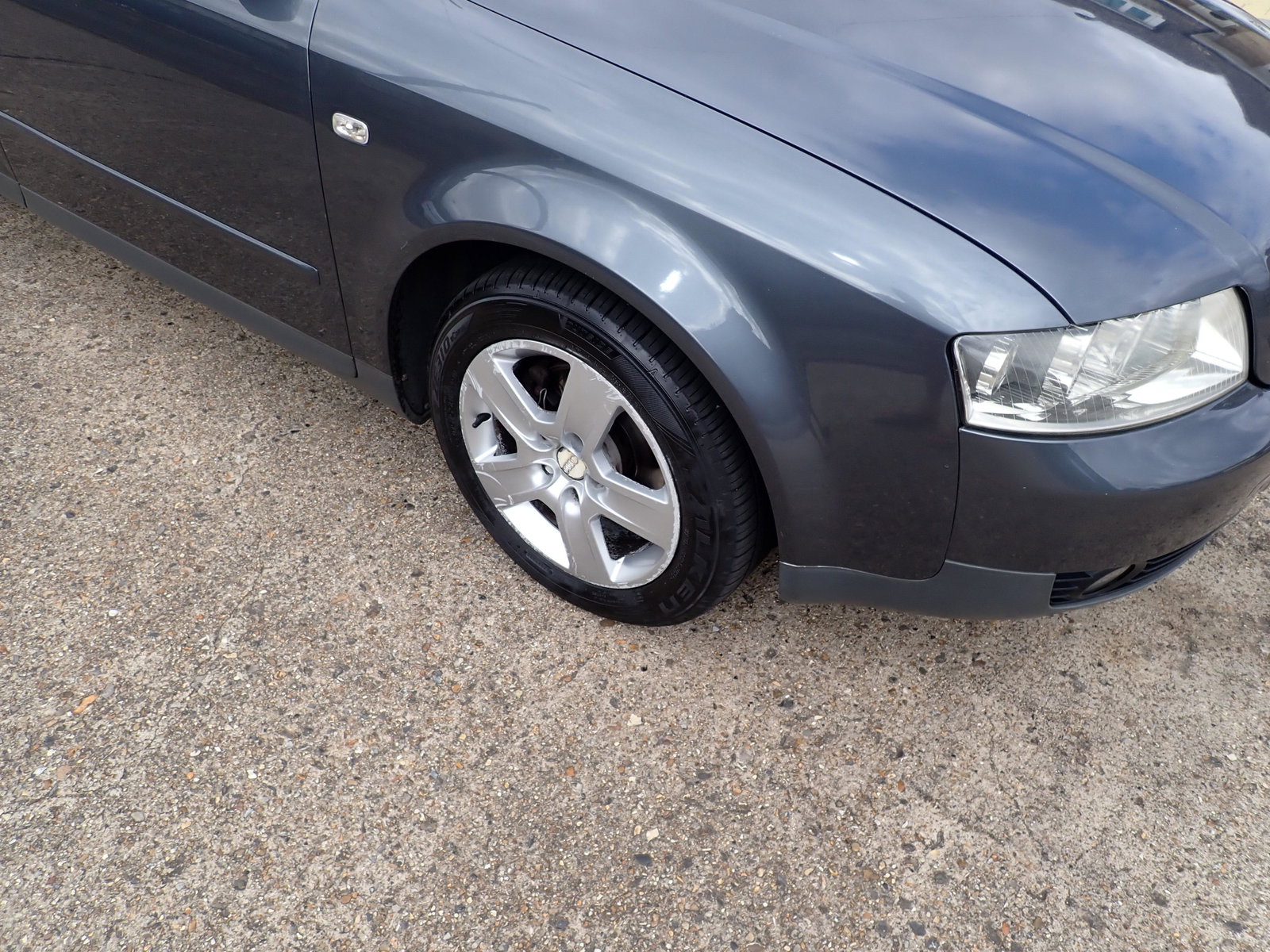
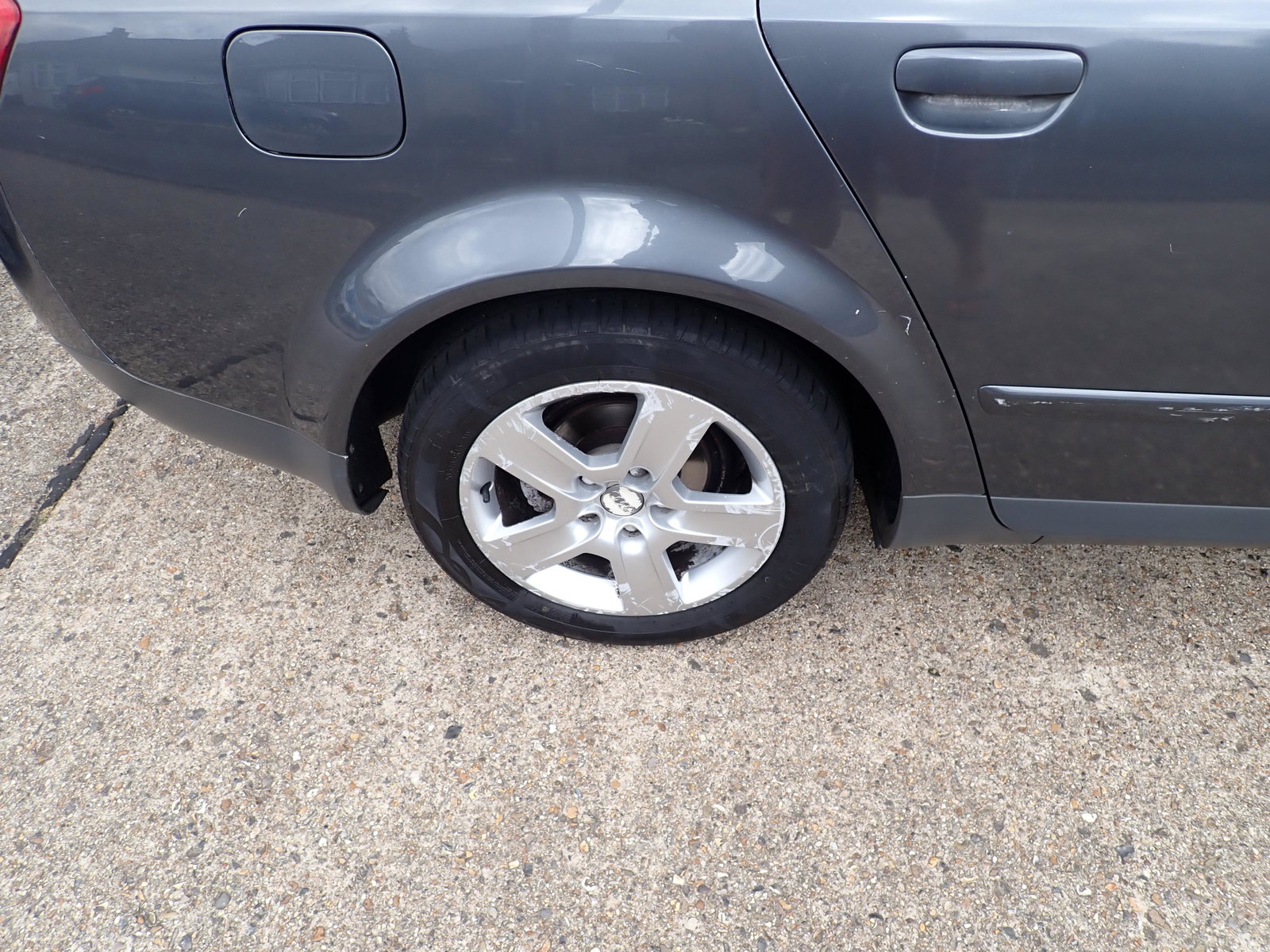
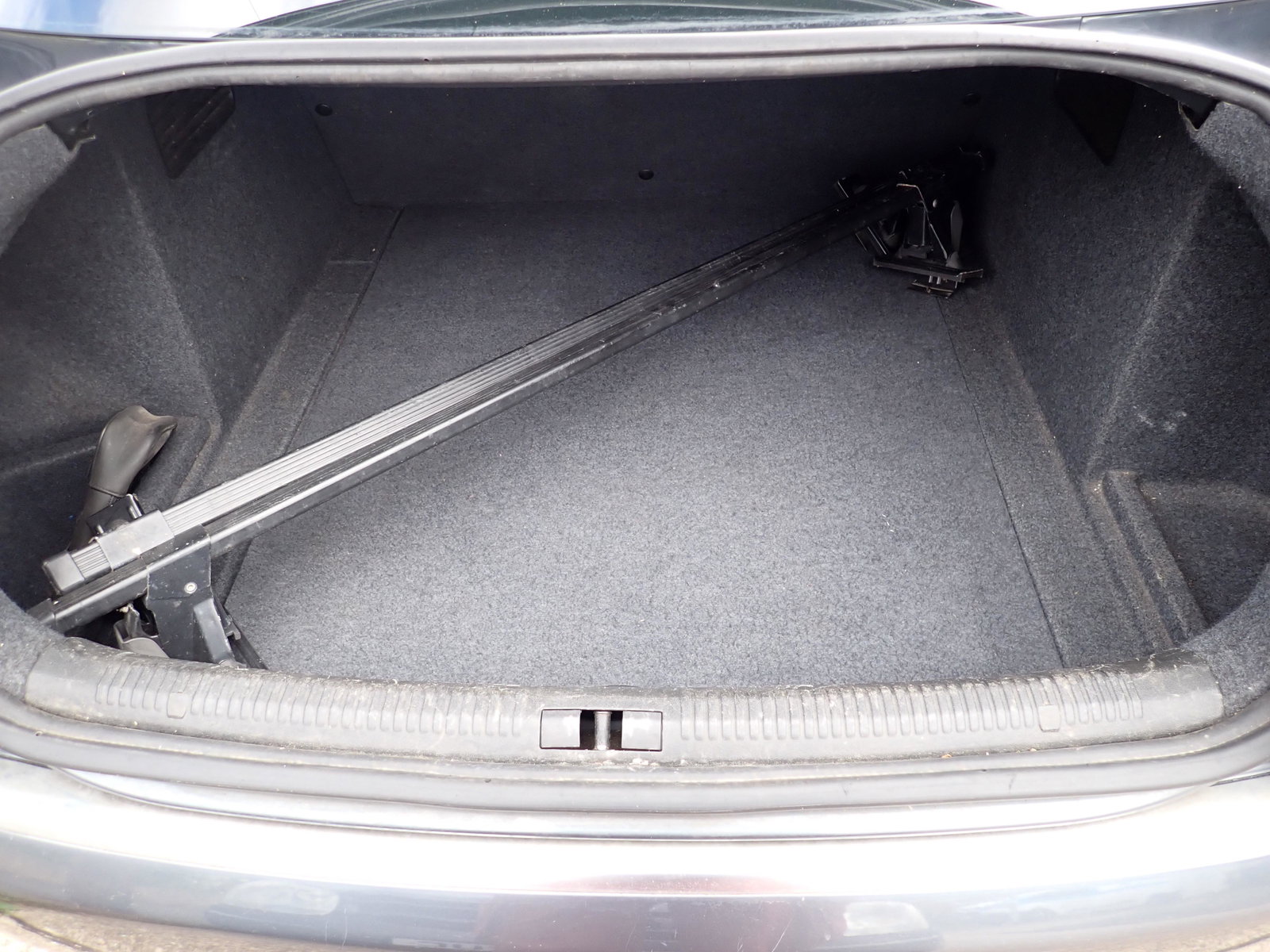
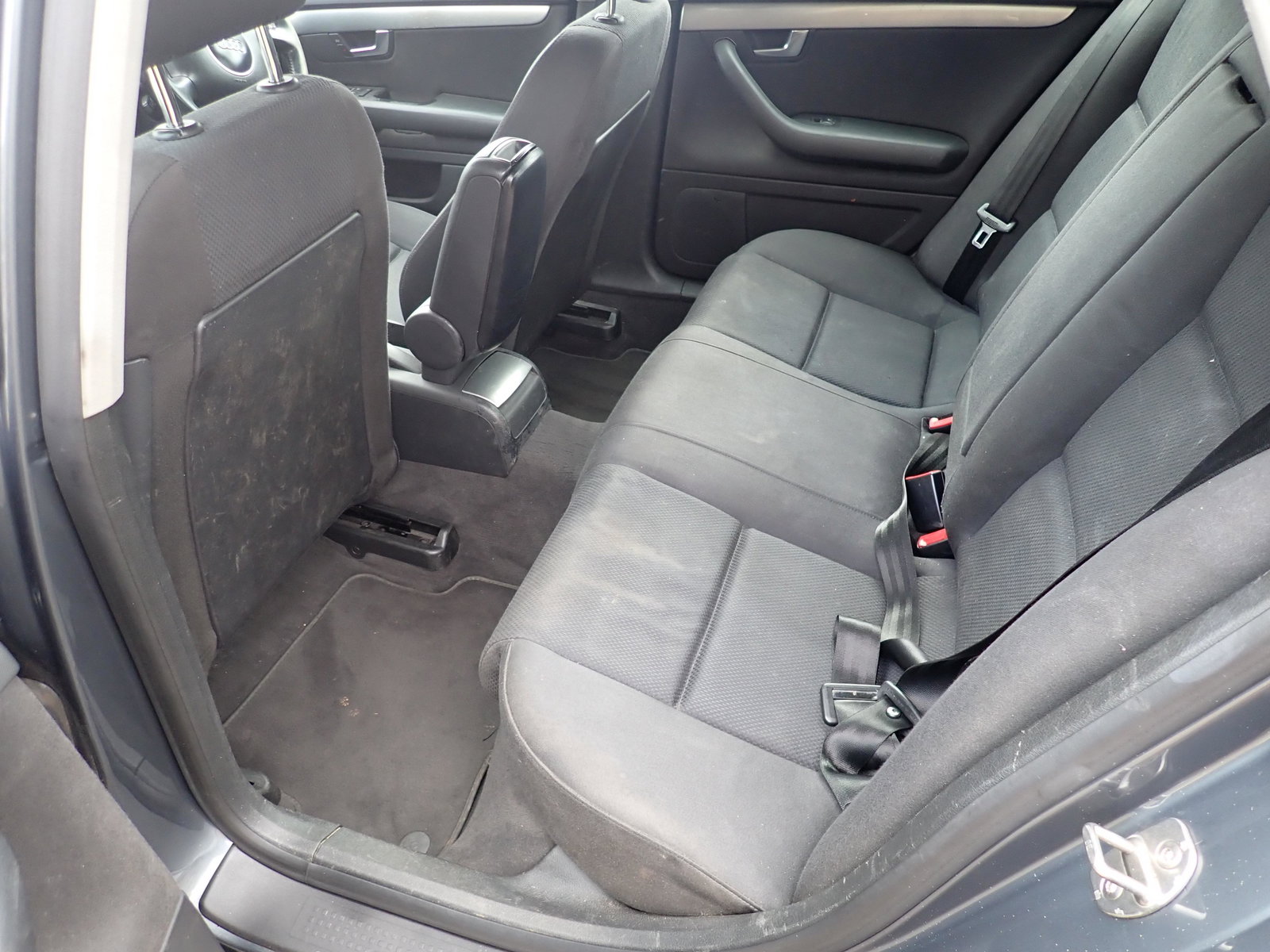
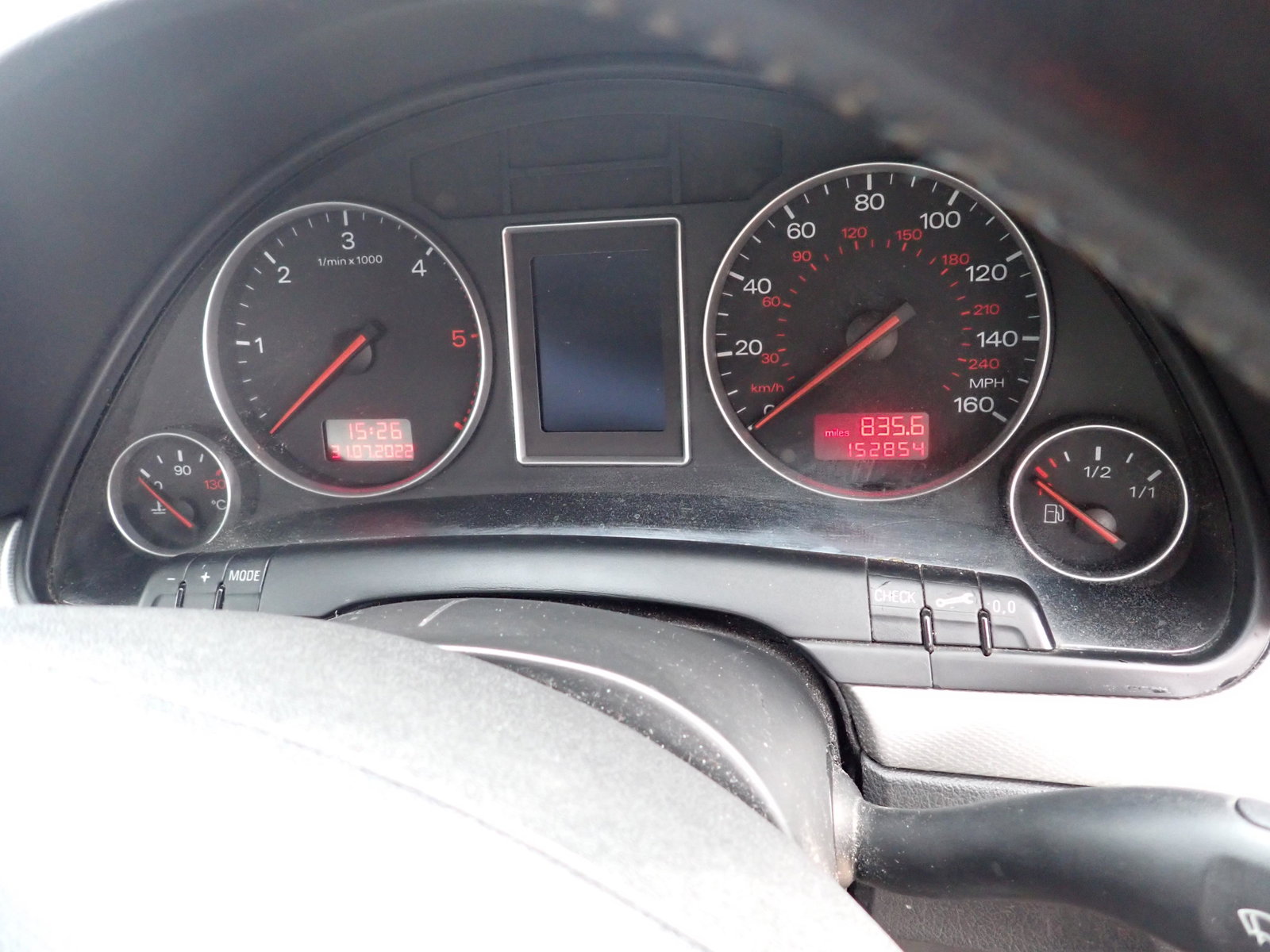
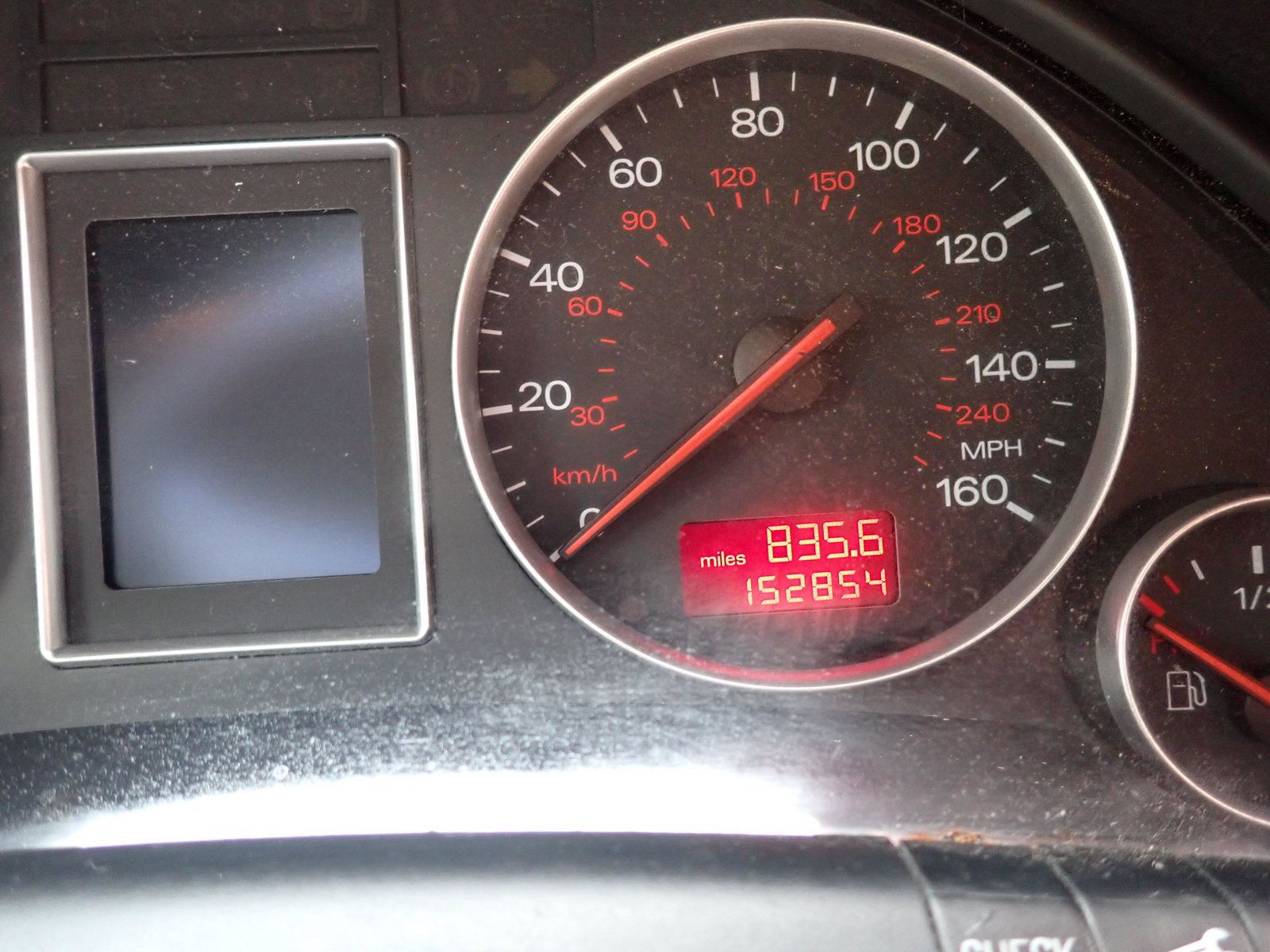
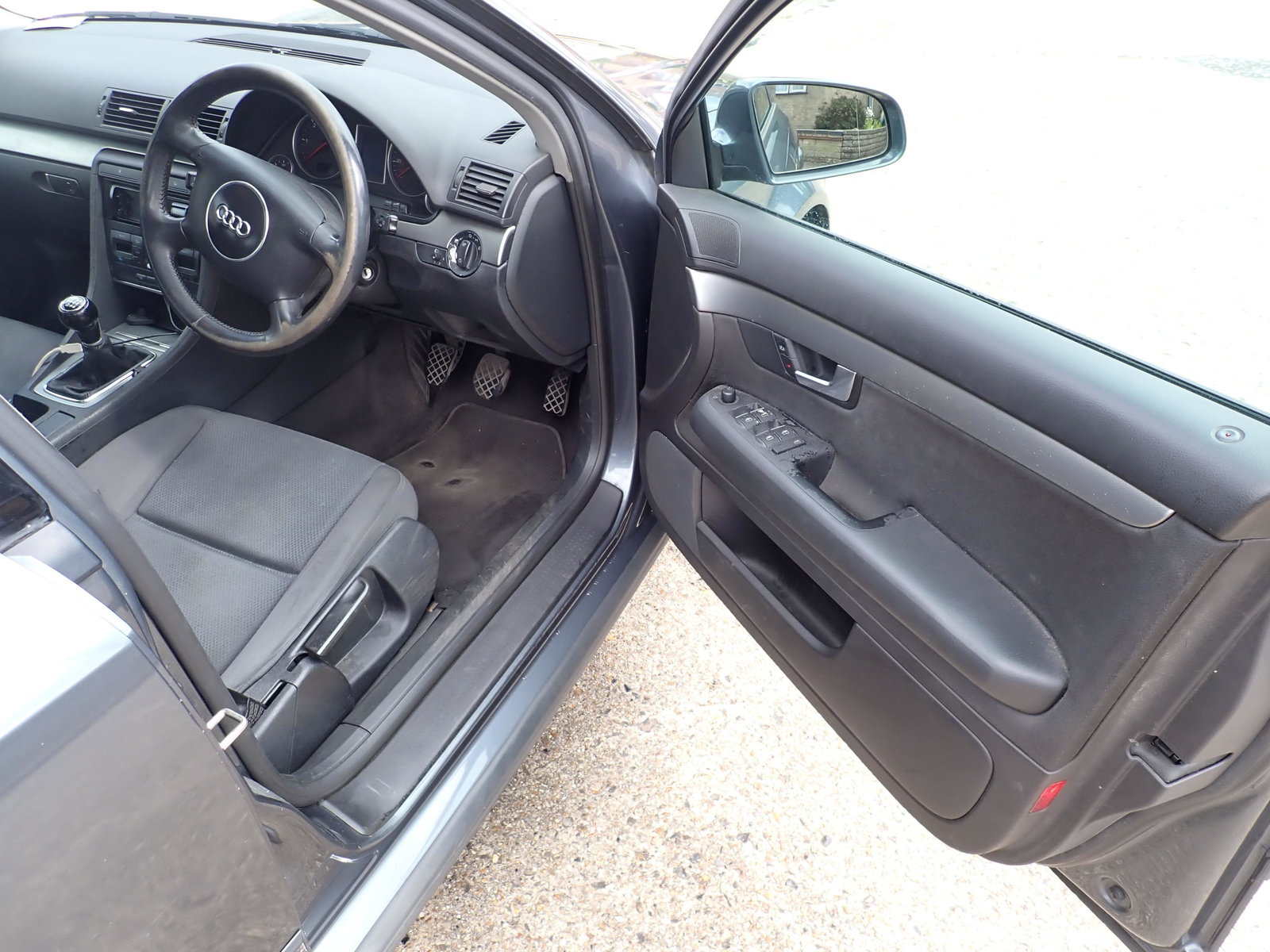
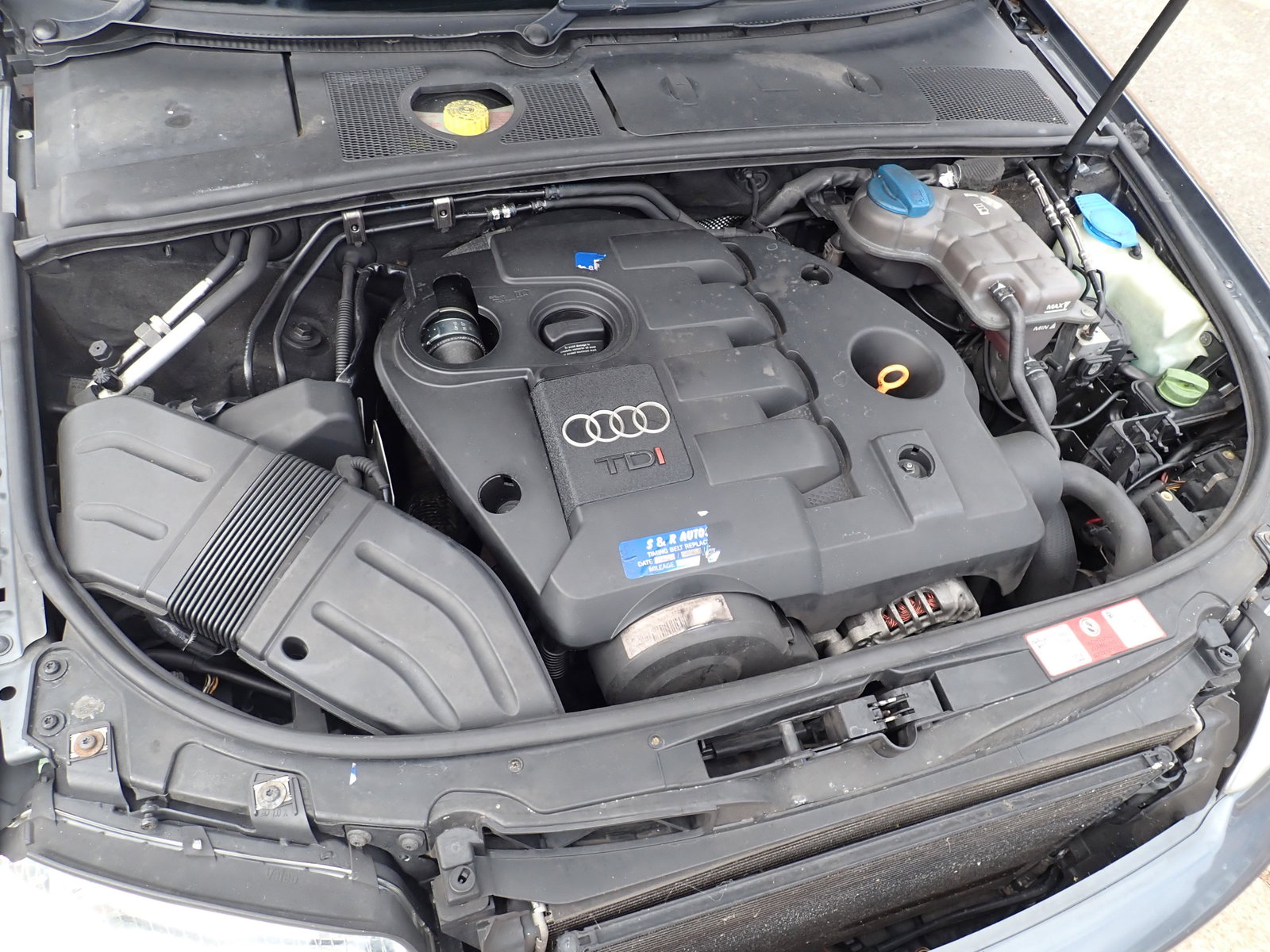
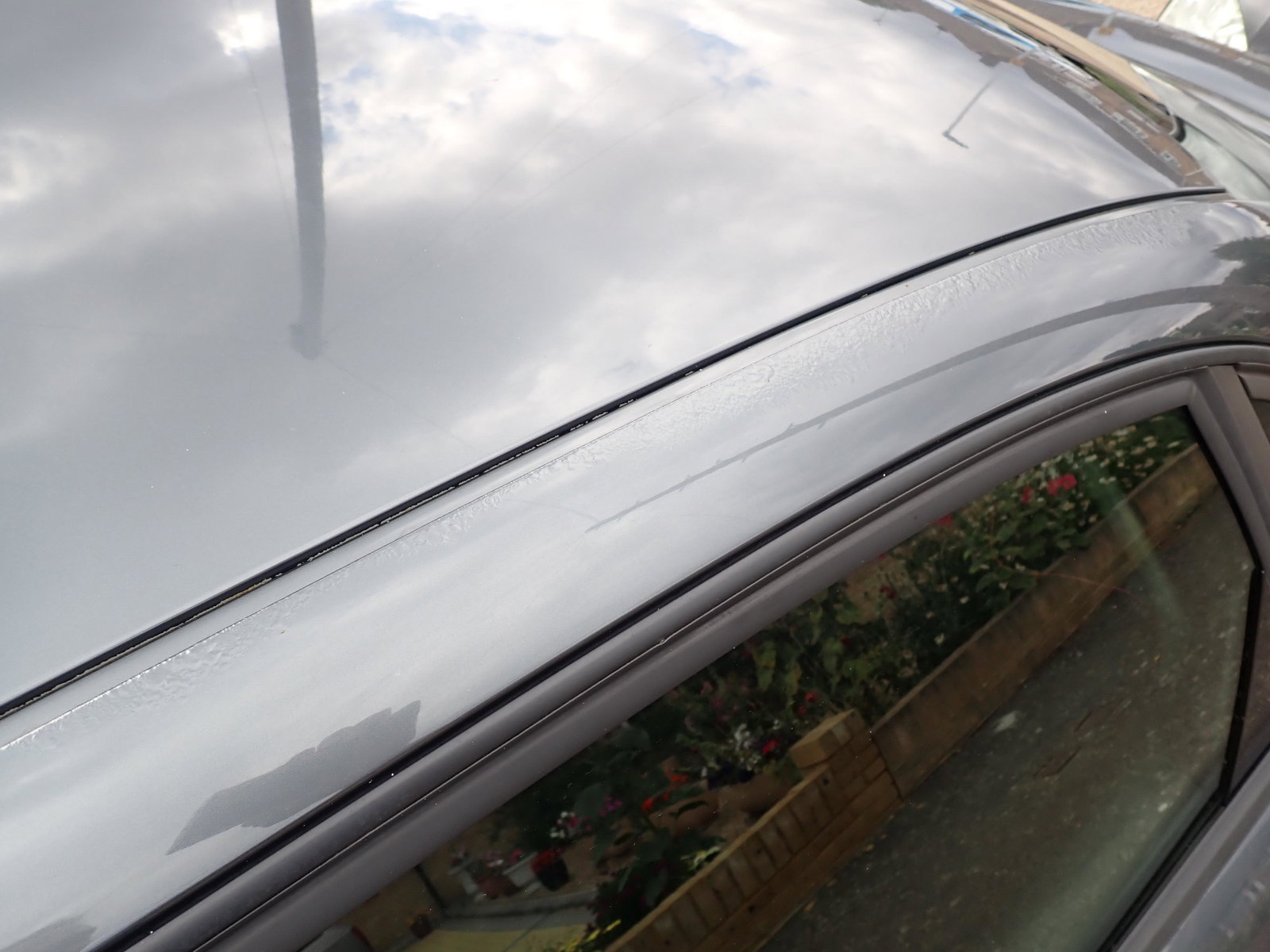
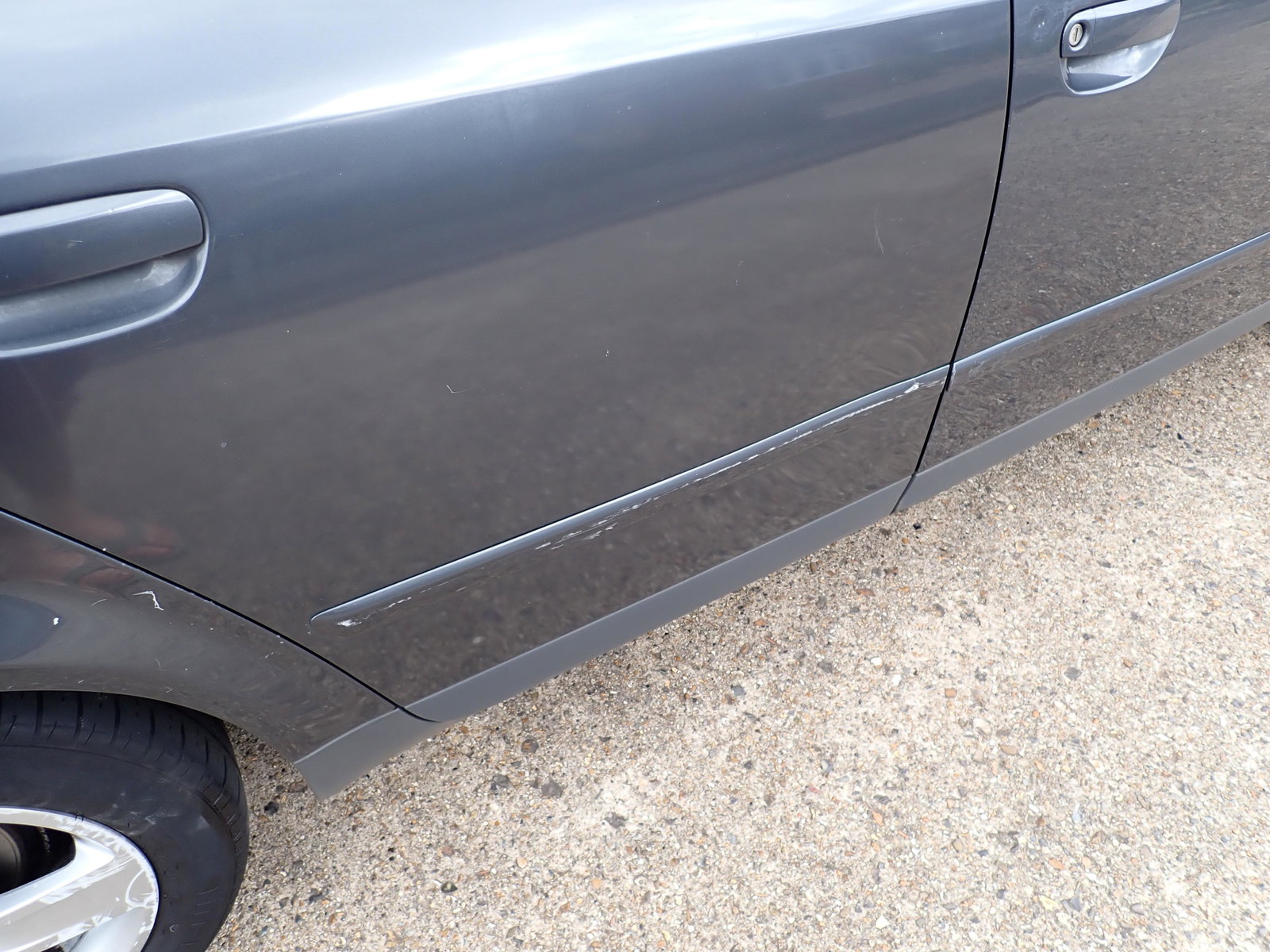
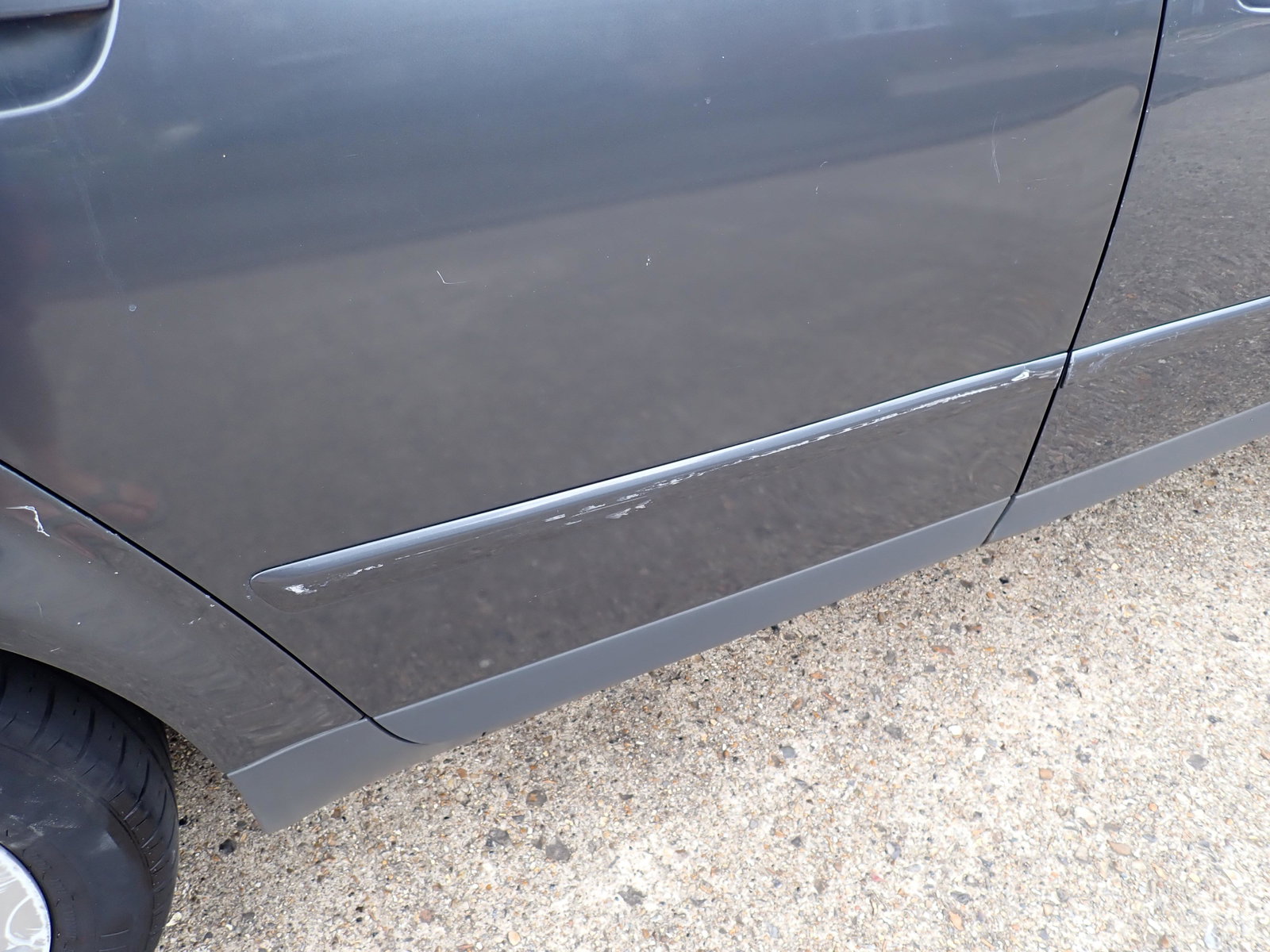
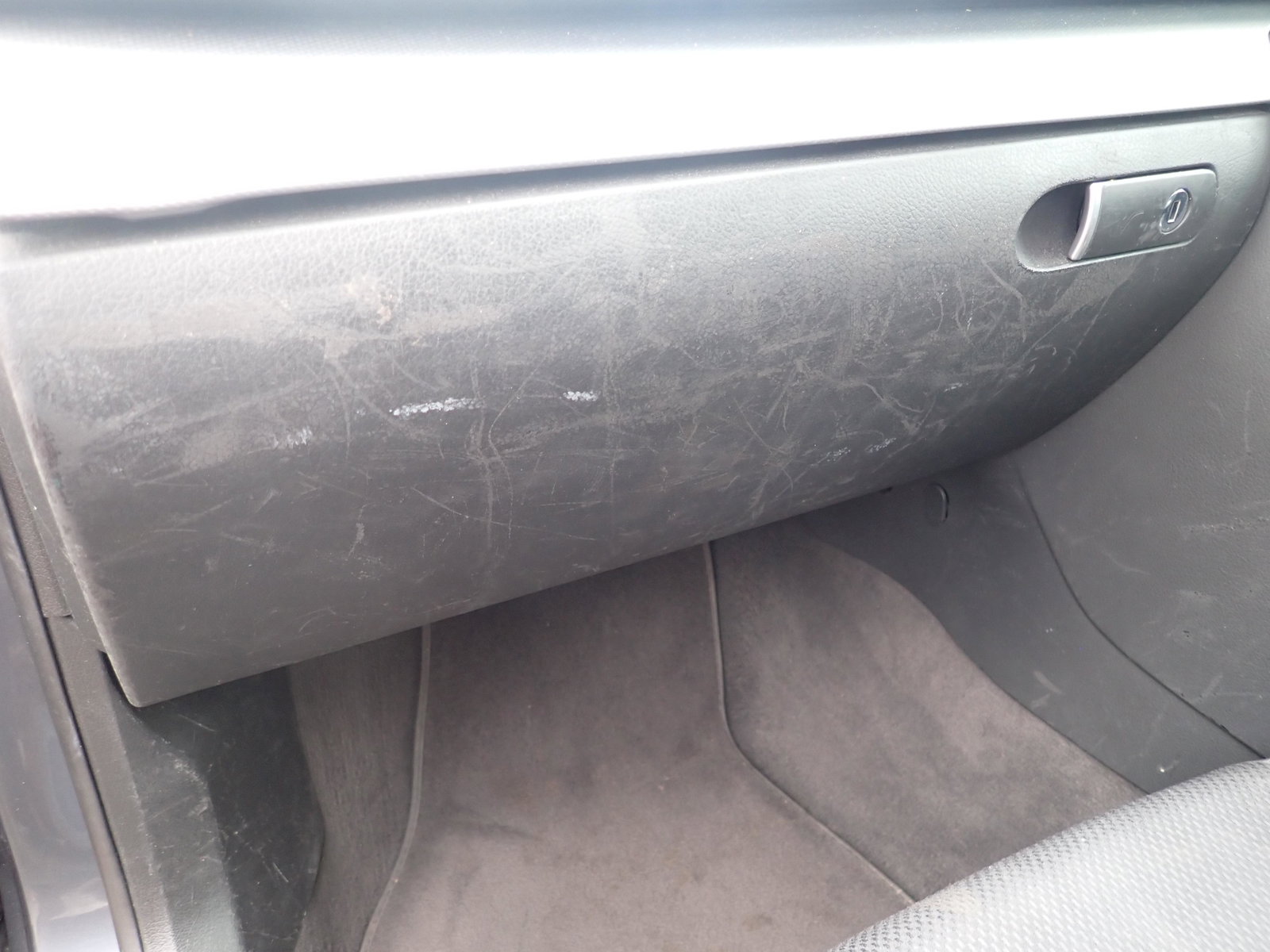
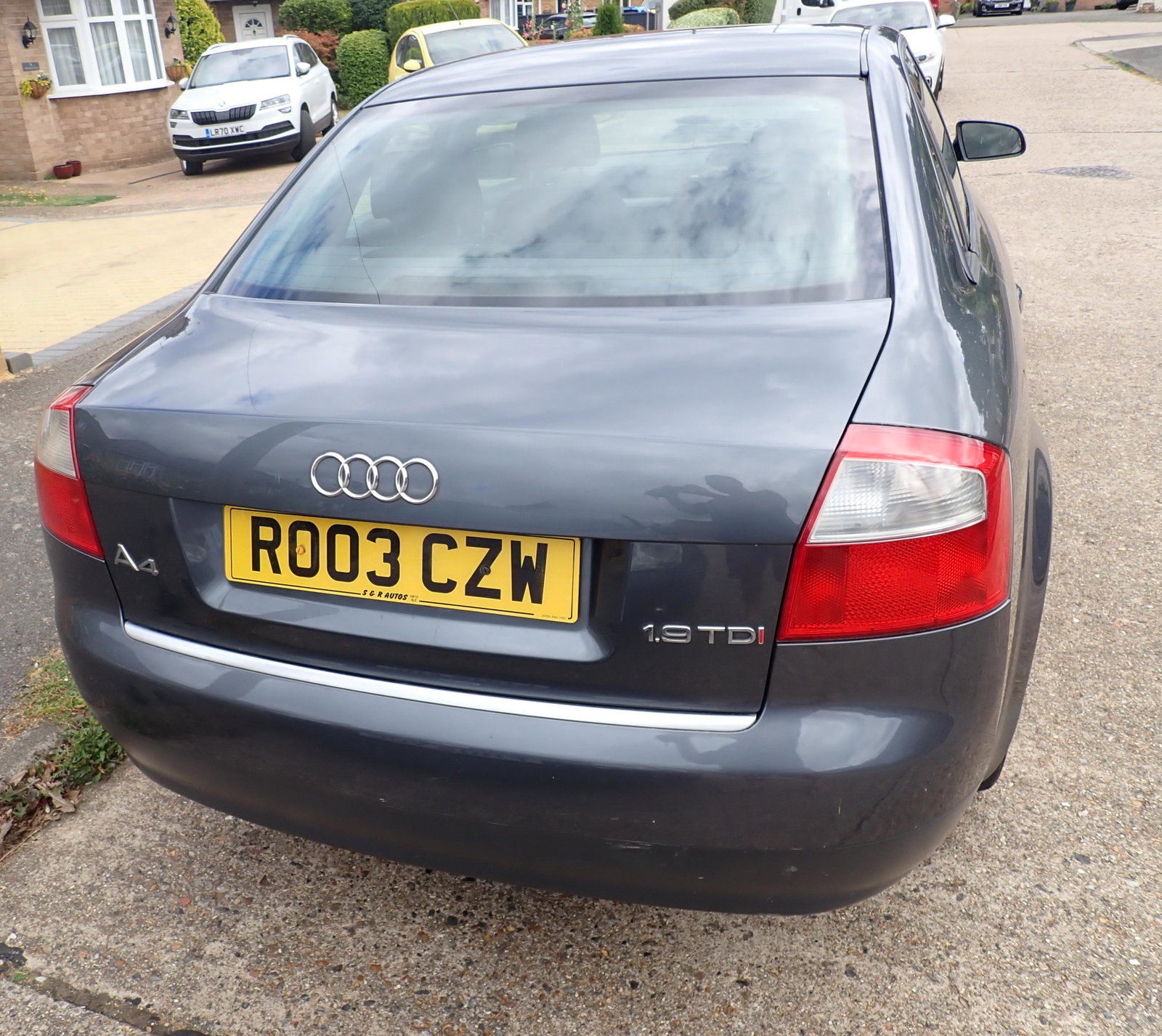
Hi All, For sale, a 2003 A4 B6 TDI SE PD130 Saloon 153k miles 1.9 PD130 6 speed manual 2 previous owners, I am the third since 2019 11 months MOT Cambelt and water pump replaced in Oct 2021 at 149k Partial service history - there is a service book and I have some receipts since I have owned it Cruise control, electric windows and mirrors Thule roof bars included EGR delete Drives and stops well, good on fuel, good for a run around Some of the bad points Some marks and scratches on the body work, still looks presentable for 19 years old though Some corrosion on the roof gutters, I gather this is a common issue Boot lock sometimes doesn't open on the remote on hot days, need to use the key Interior has marks and scratches from the previous owner There is a whine from the gearbox, it hasn't got worse in 3 years of ownership Aircon doesn't work, I haven't investigated but might need a regas? Usual glove box hinge issue Fuel gauge is not accurate - since the instrument cluster was changed - it under reads Aftermarket Sony USB radio fitted, but needs an aerial so doesn't pickup radio well. Original radio included but needs code. Only 1 key supplied Price is £750 ono Located in Uxbridge, West London Thanks for looking