murrellp
Members
-
Joined
-
Last visited
-
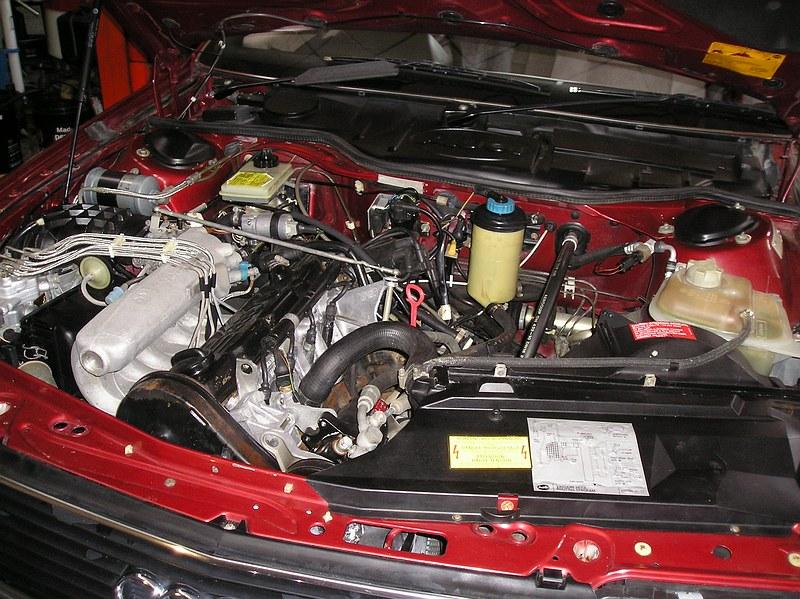
Hi all. I discovered a connector disengaged from the fuel metering device. When I reconnected it, the car started (hooray!) and after one initial drop in revs, idled perfectly. I repeated the procedure three times from a cold start with the same result. Looks like we're back on the road. Still doesn't explain why the car would eventually start and then run, but I'm not looking a gift horse in the mouth. Thank you all for your advice and input.
-
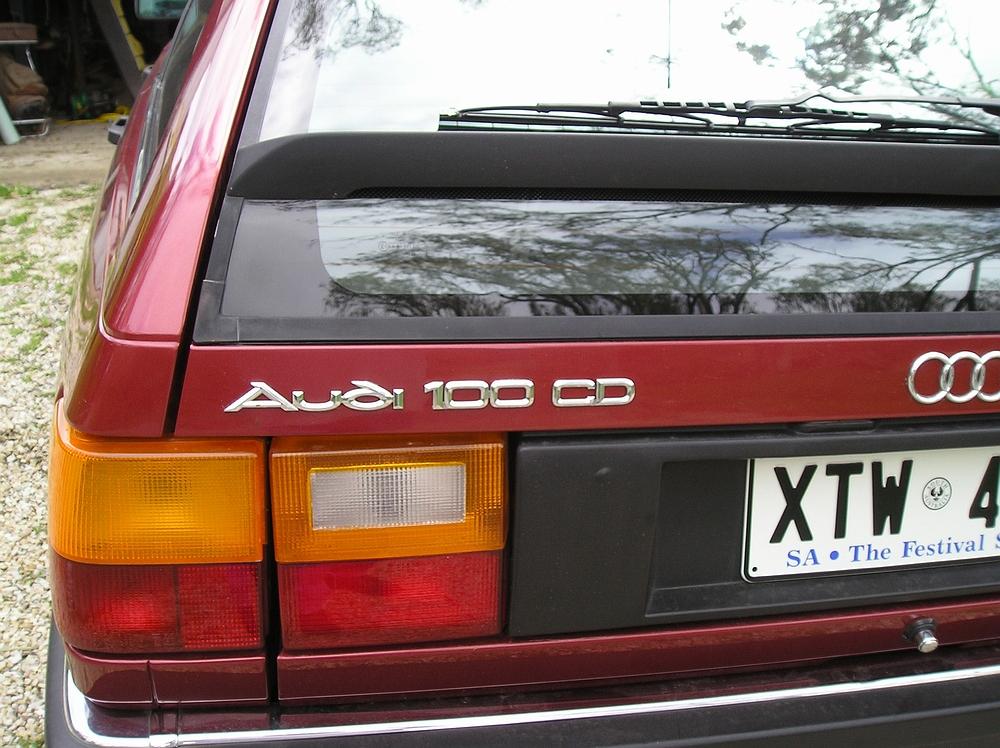
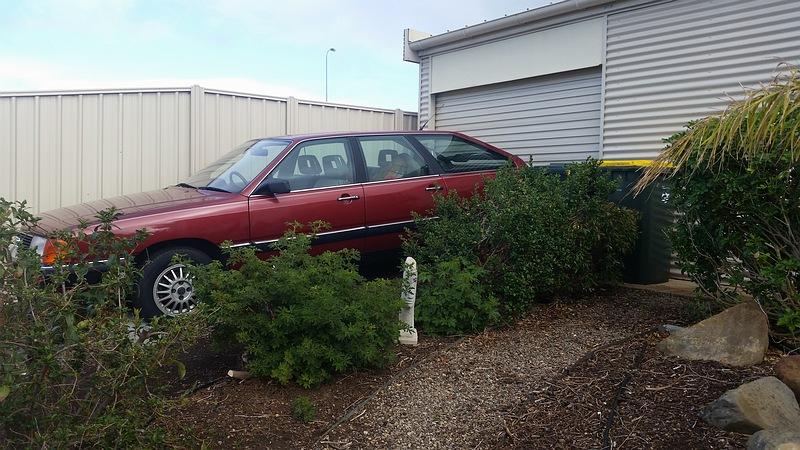
Hi everybody. New to the site and wondering if anyone has any input. I have a 1988 100CD Avant wagon (second owner and had it since 2012, first owner was a Volkswagen dealer principal). It is in amazingly original and excellent condition (every panel still wears the original factory-applied paint). Recently, it became difficult to start (it will start after six to eight attempts, and then runs perfectly). I suspect it's an issue with the cold start valve which the workshop manual suggests "is not a user repairable item" and, of course, new replacements are not available. It's in with my repairer (a Euro specialist) but I haven't heard from him for a week, so it doesn't bode well. The car is way too good to despatch, especially for such a comparatively minor problem, so I'm hoping someone can give me suggestions. I've attached a couple of photos of the car, FYI.