Sam66
Members
-
Joined
-
Last visited
Everything posted by Sam66
-
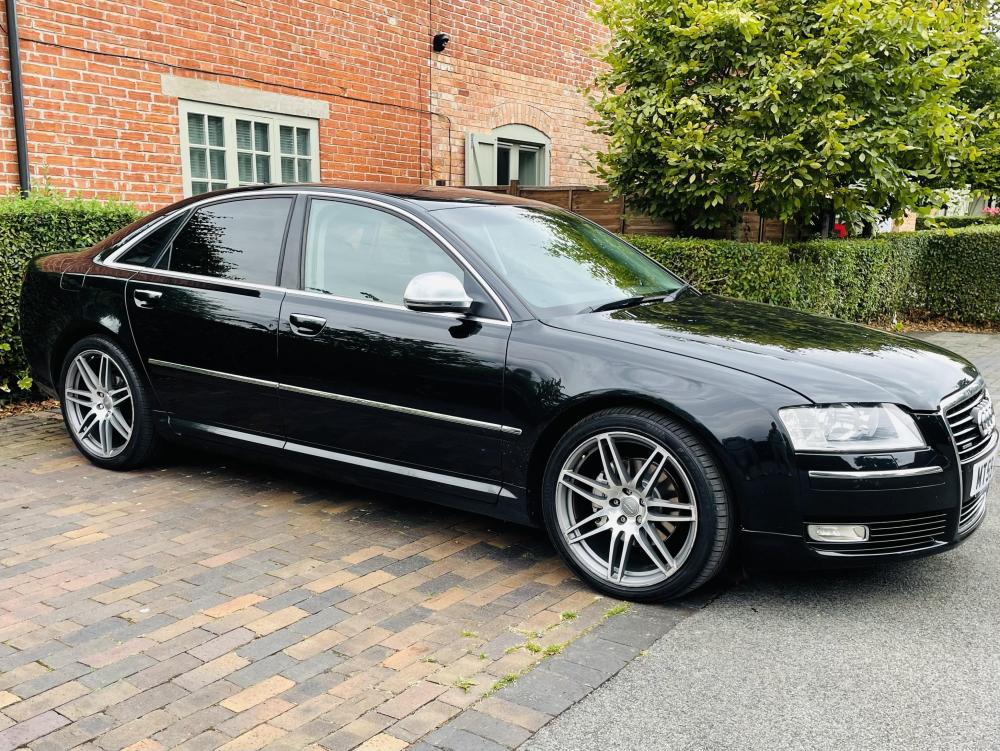
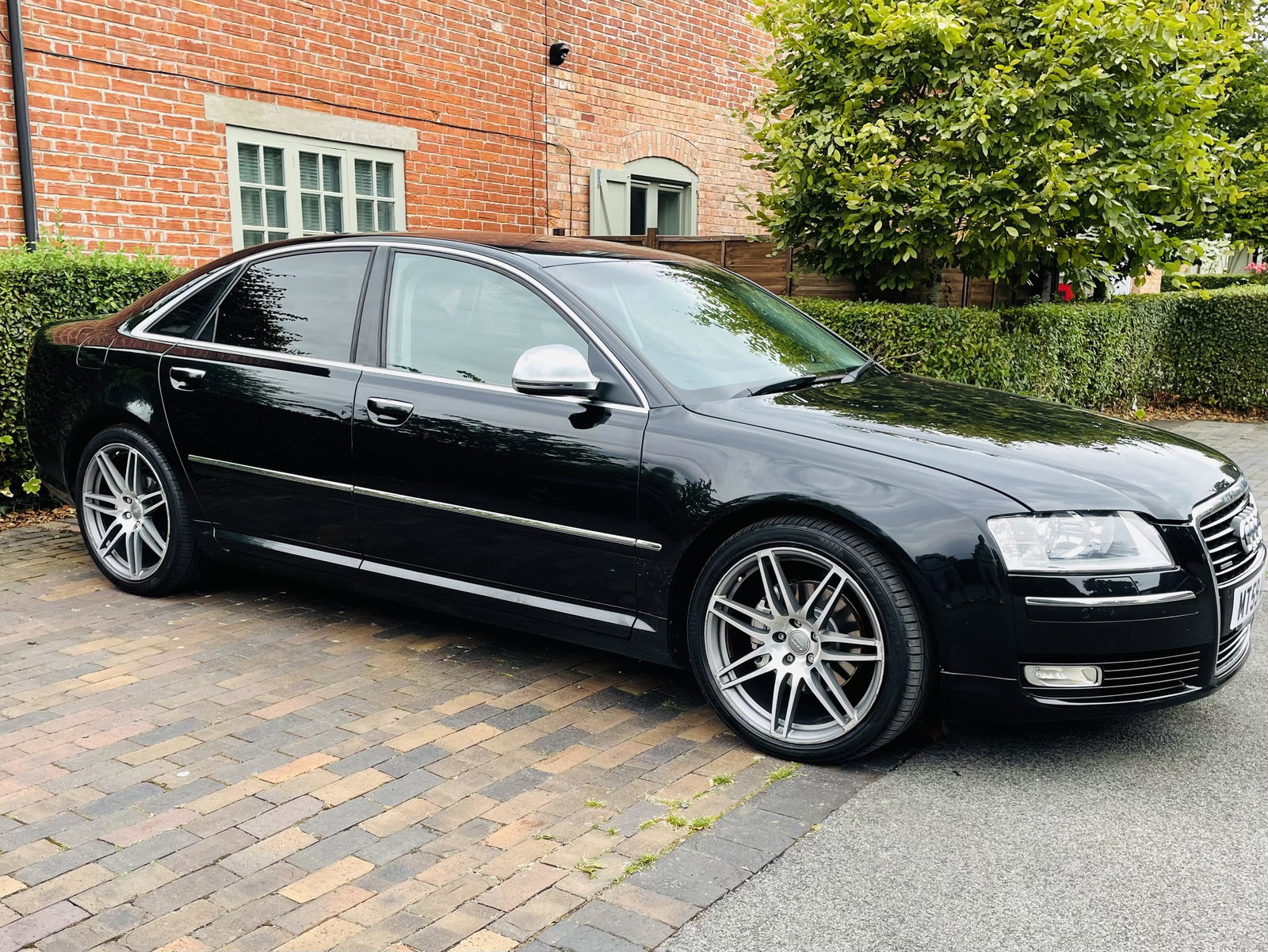
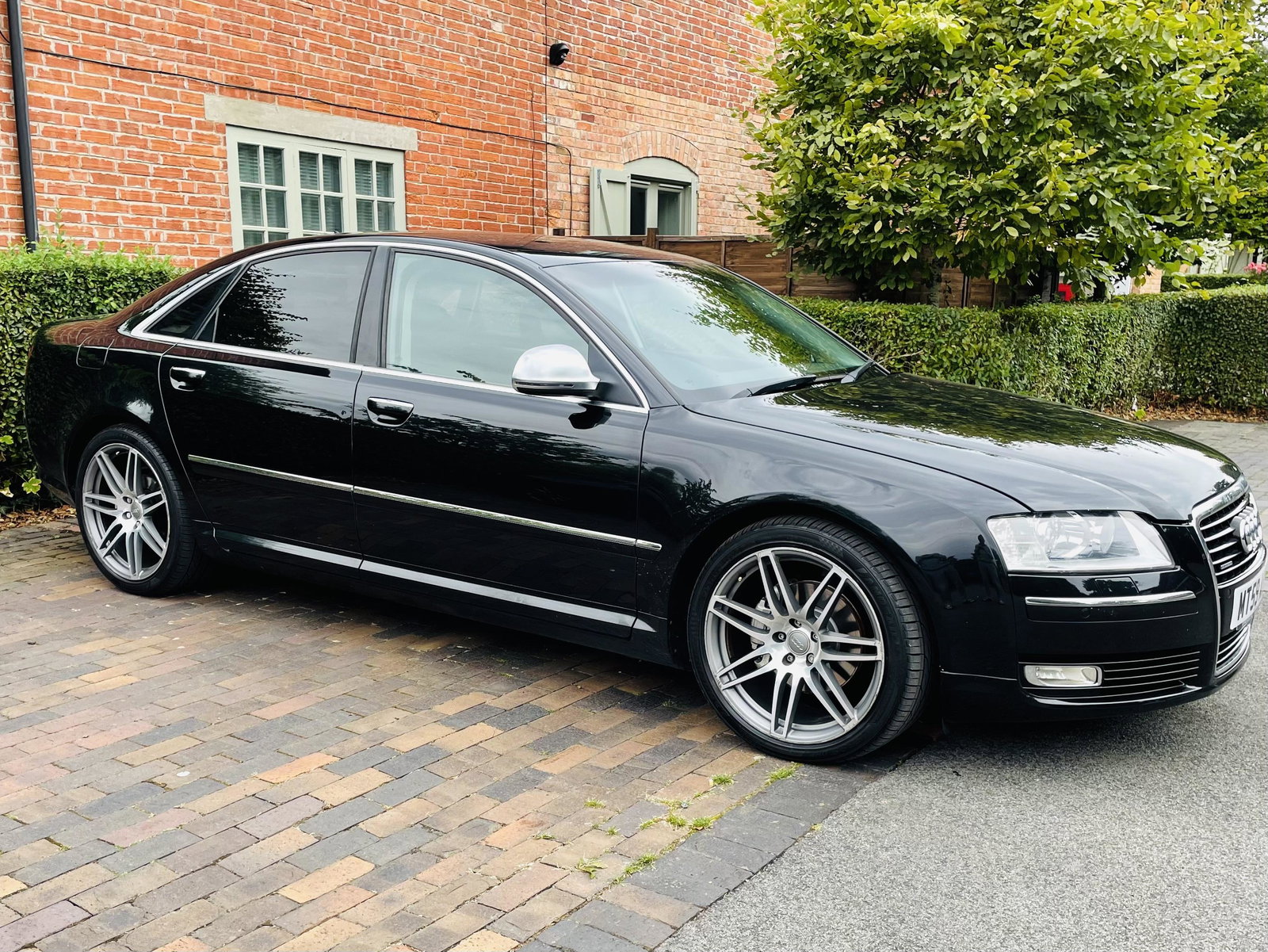
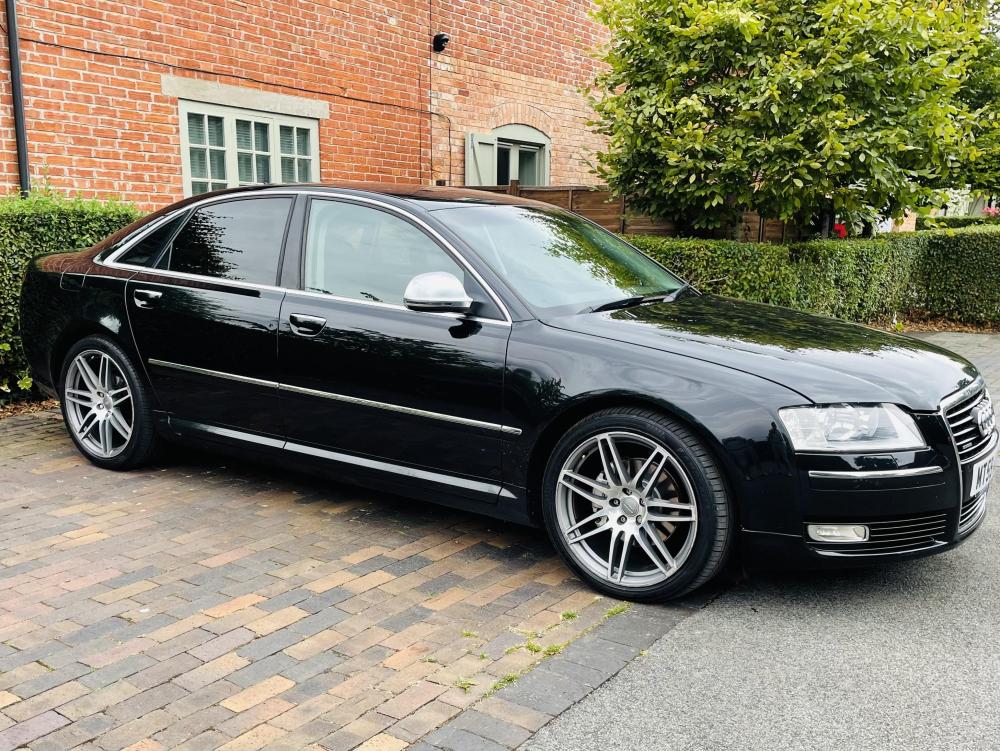
Would anybody be interested in purchasing or even swapping the wheels or mirrors from my new A8? Just purchased the car and looking to change thanks for your time Sam
-
-
Hey everyone, my names Sam. I live in Warwickshire in the midlands. Have owned my 2010 Audi A8 for a couple of weeks now and I love it! My first time owning any Audi (apart from an old A4 years back) 3.0 Tdi D3 233bhp (I believe this is right? Please correct me if not!!) Yet to discover my engine code? This car is fantastic, but obviously due to its age, there are a few issues/faults that I have noticed or have developed since buying it. I know my way around a car and engine fairly well, but obviously there is a limit to my problem solving abilities! Thats part of the reason I am here but I am also keen to have a look at the other members cars and their experiences owning/working on/modifying them! My first port of call (pending carrying out essential repairs/maintenance) is to purchase (or swap) some new wheels and wing mirrors!! However… current issues as far: Rear windscreen crack (low priority) Faulty front O/S wheel bearing (top priority) Leaking washer fluid system from front N/S fog light area (medium priority) Thats about as much as I have to mention for now, thanks for having me and I look forward to contributing to the club. All the best, Sam