




Skip to content
View in the app

A better way to browse. Learn more.

Audi Owners Club (UK)

A full-screen app on your home screen with push notifications, badges and more.

To install this app on iOS and iPadOS
  1. Tap the Share icon in Safari
  2. Scroll the menu and tap Add to Home Screen.
  3. Tap Add in the top-right corner.
To install this app on Android
  1. Tap the 3-dot menu (⋮) in the top-right corner of the browser.
  2. Tap Add to Home screen or Install app.
  3. Confirm by tapping Install.

m10rsj

Members
  • Joined

  • Last visited

Everything posted by m10rsj

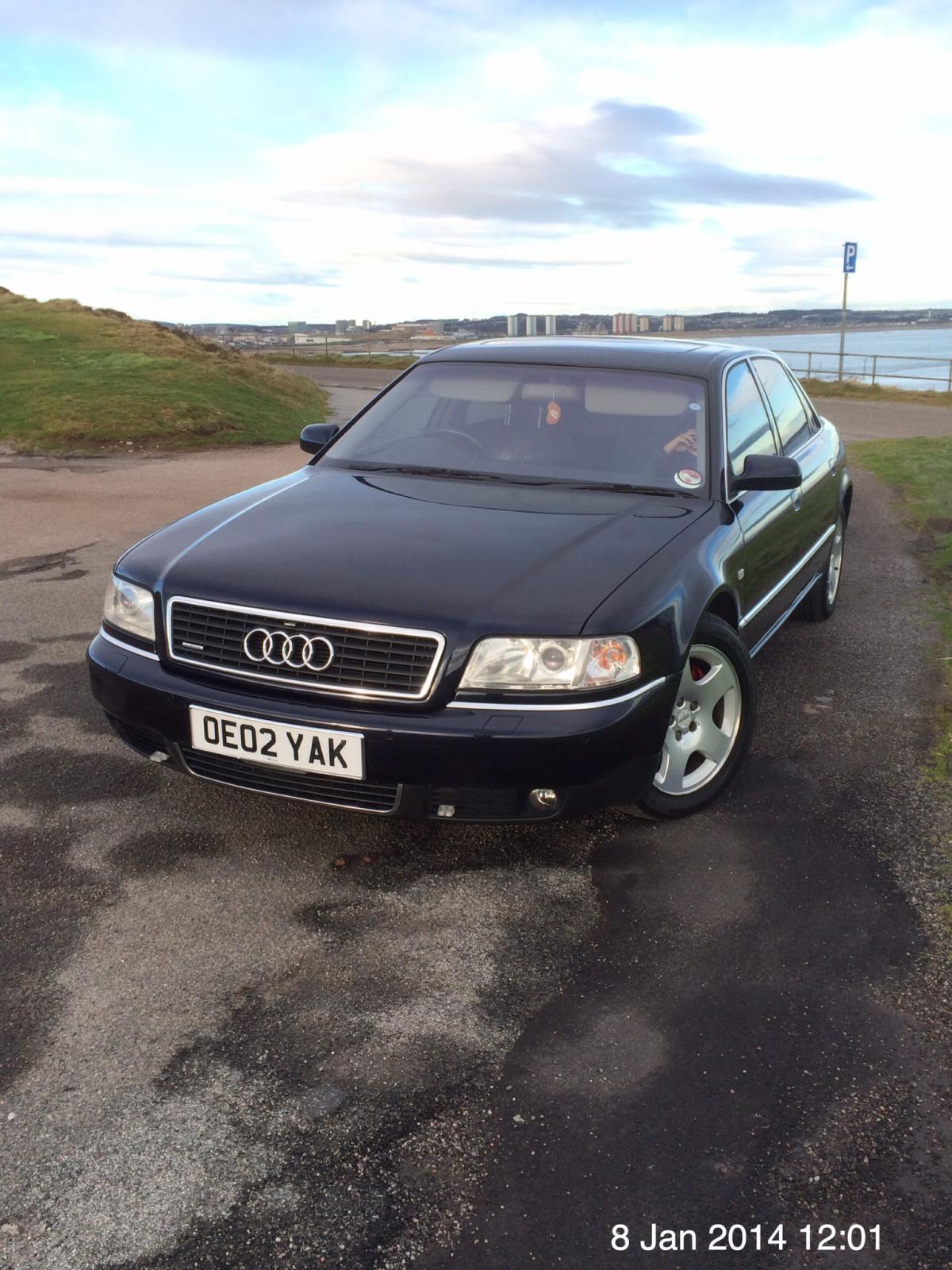
  1. Just joined this club and come across your post I have an a8L 4.2 myself it's a 2002 model with 78000 miles on the clock it also has full entertainment system in the back Which means rear passengers can control sat nav ,stereo,DVDs,radio,tv ,plus game consoles Plug and play Xbox ,play station this was certainly some car in its day and still is I have had it a year now and just love it this is my tenth audi ant see past them Had newer ones but like this one the best so far But I have always wanted this car It came from balmoral estate so well looked after


Background Picker
Customize Layout

Account

Navigation

Search

Search

Configure browser push notifications

Chrome (Android)
  1. Tap the lock icon next to the address bar.
  2. Tap Permissions → Notifications.
  3. Adjust your preference.
Chrome (Desktop)
  1. Click the padlock icon in the address bar.
  2. Select Site settings.
  3. Find Notifications and adjust your preference.