AudiB9
Members
-
Joined
-
Last visited
Everything posted by AudiB9
-
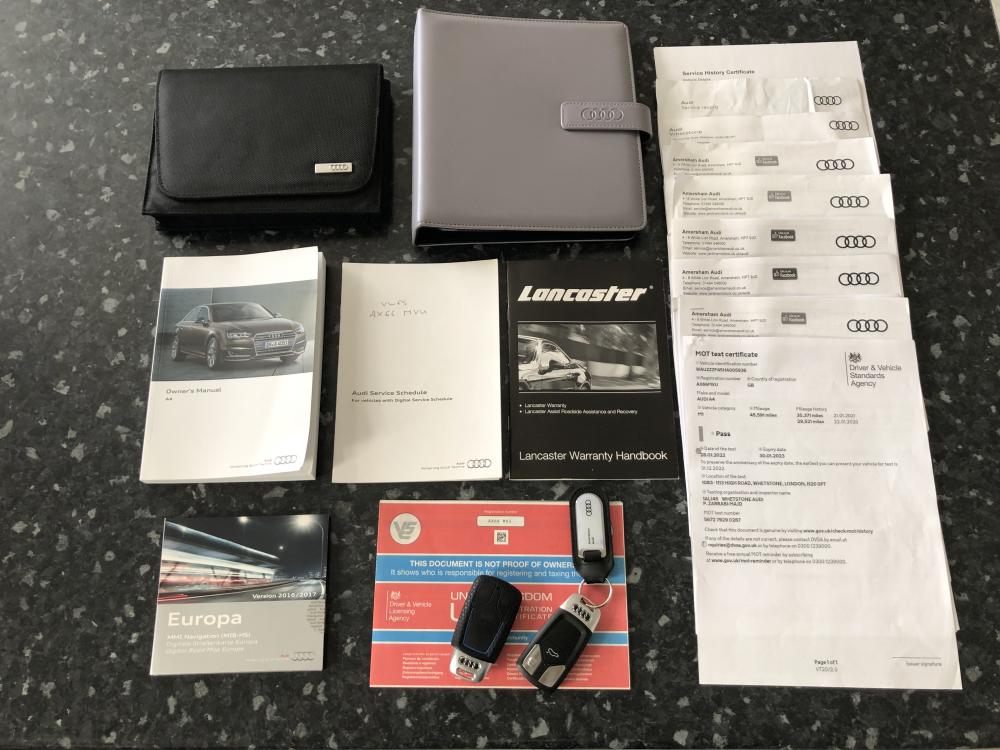
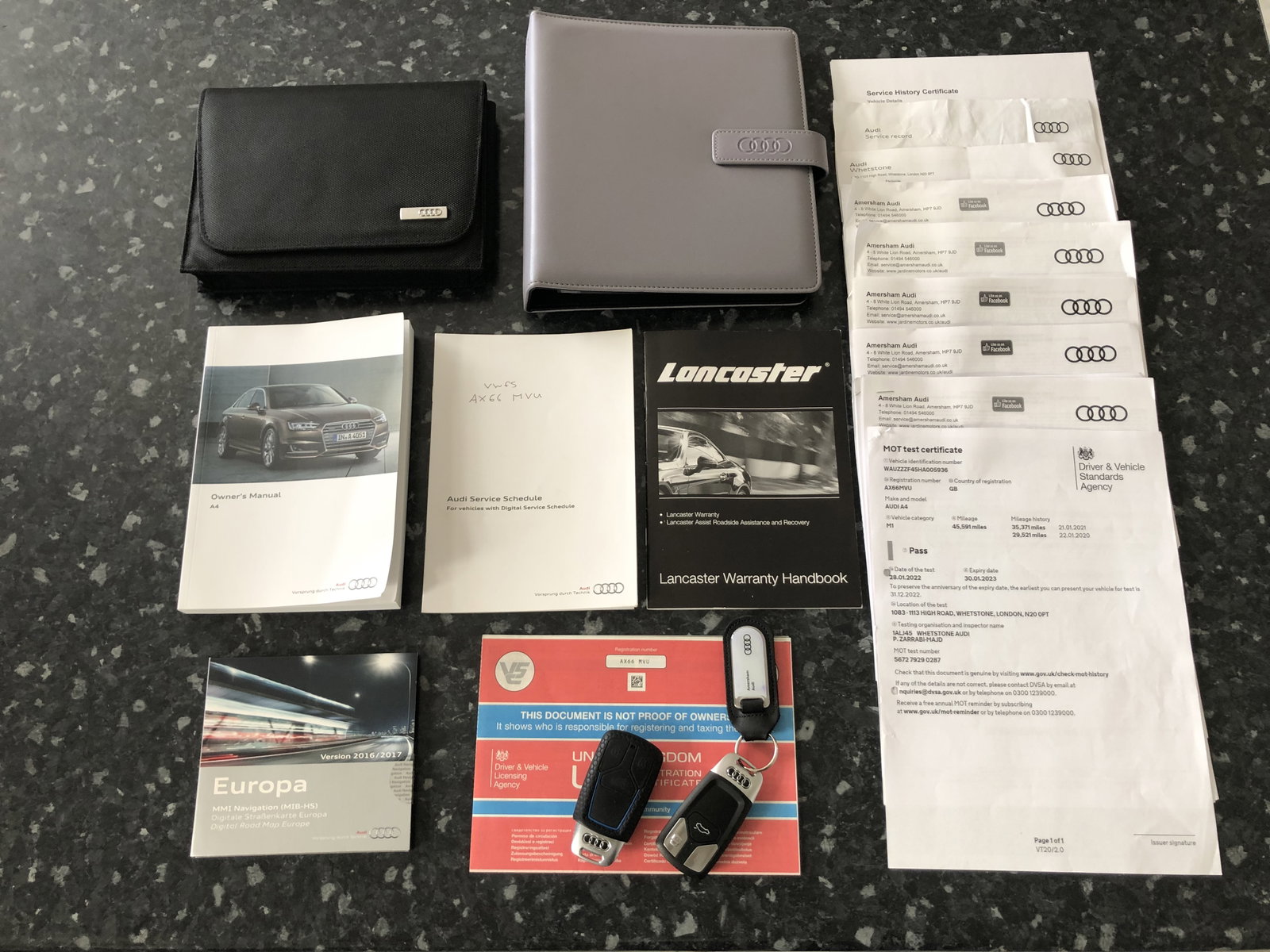
Thanks for the points Gareth. Was bought from Audi in February 2019 from their Approved Used Car section. It currently has 3 Former Keepers showing on the V5. Recent work carried out Timing Belt and Water Pump by Audi.
-
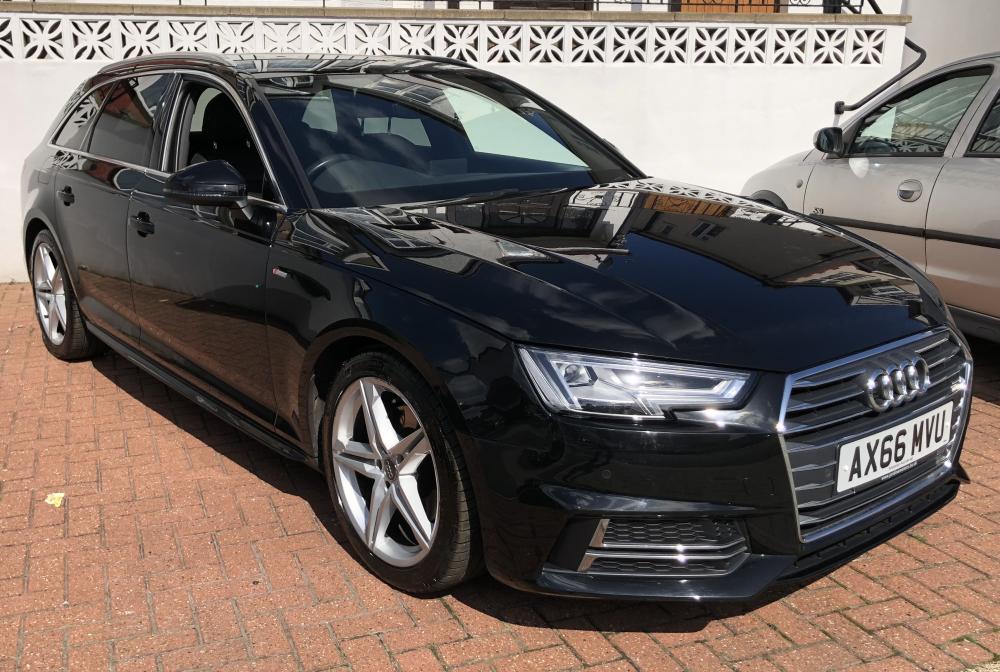
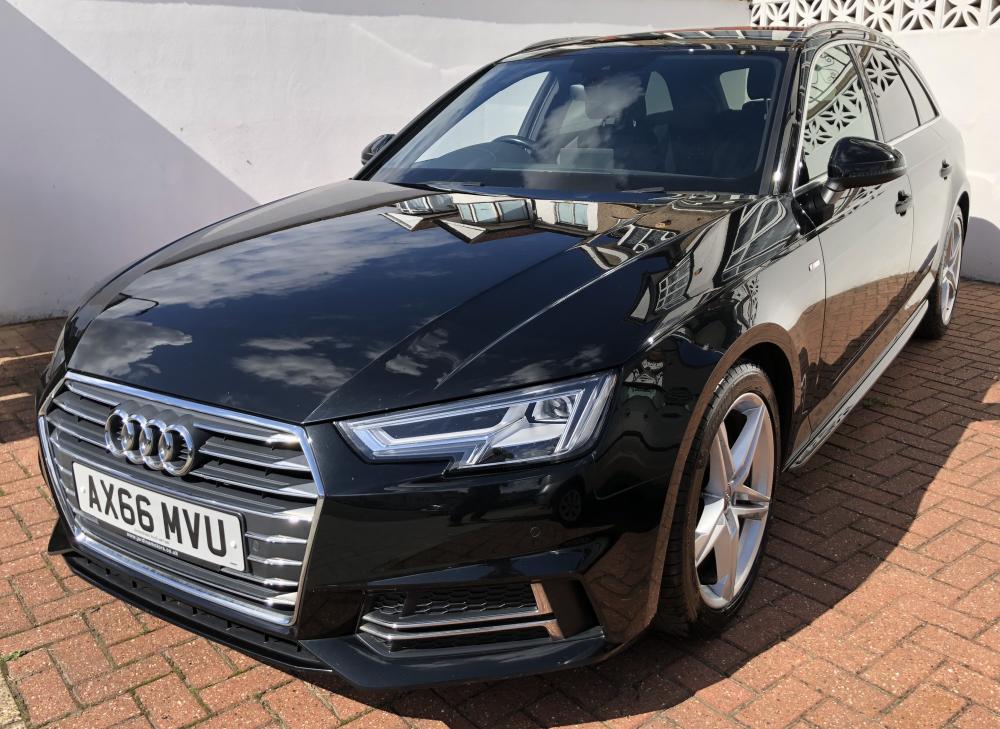
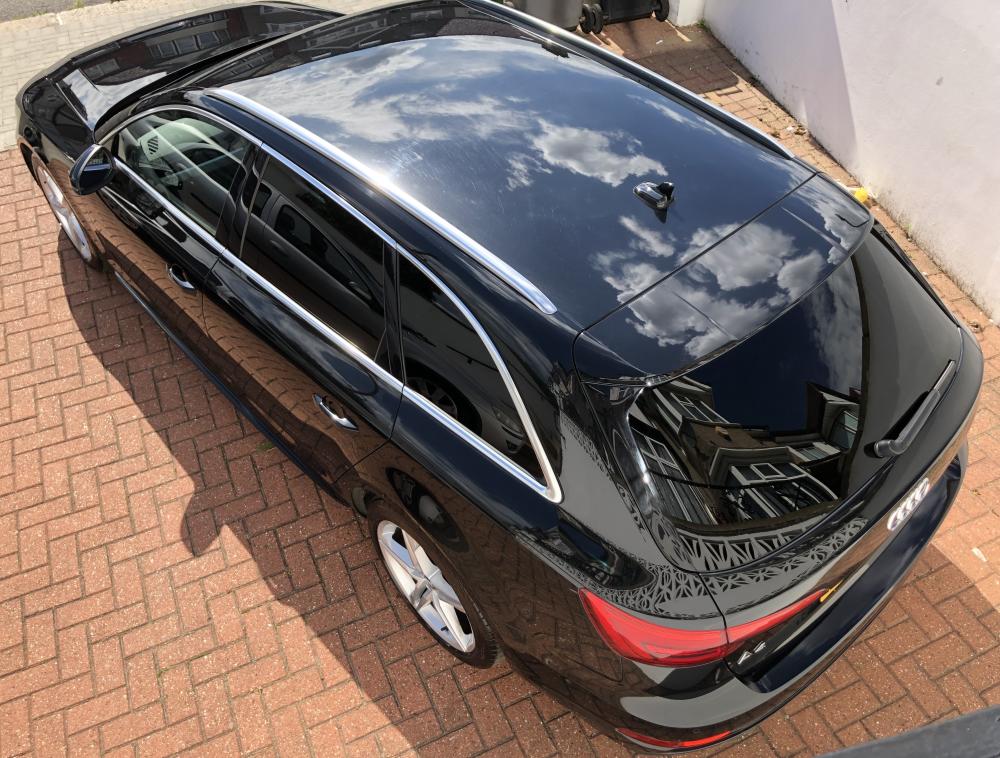
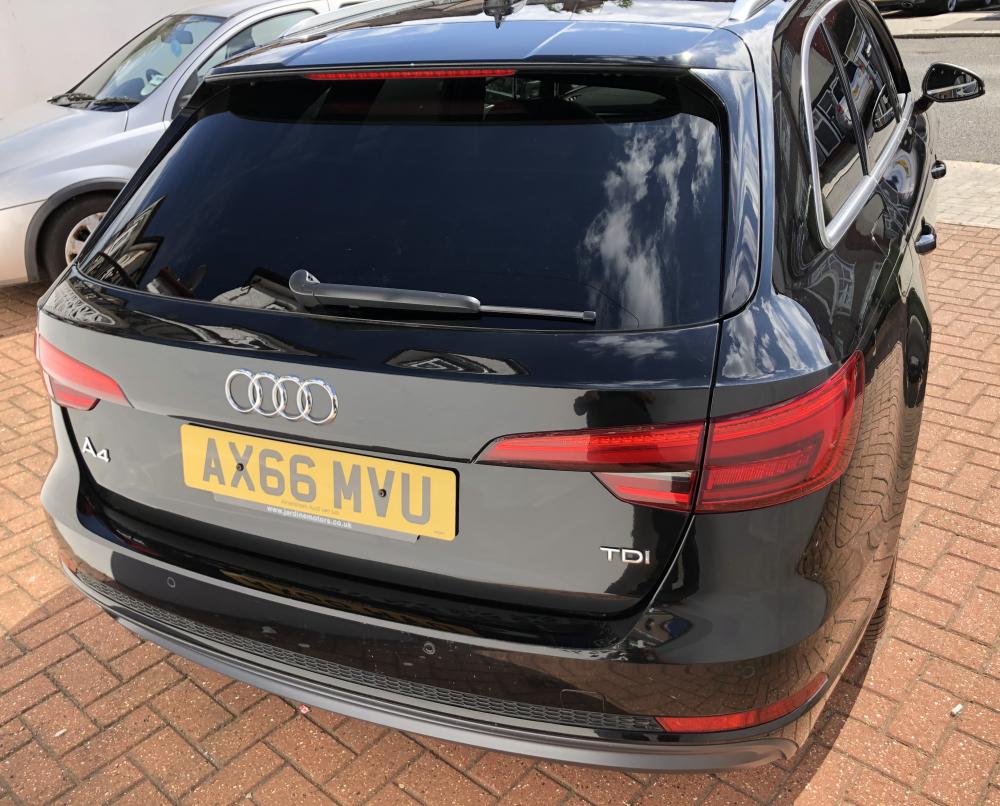
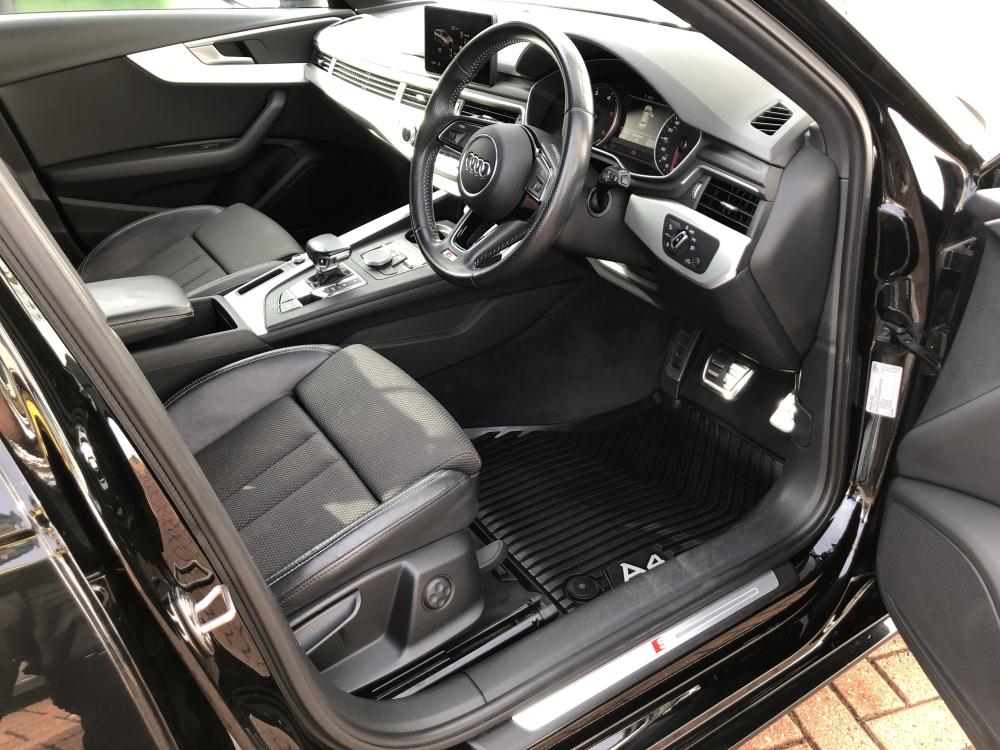
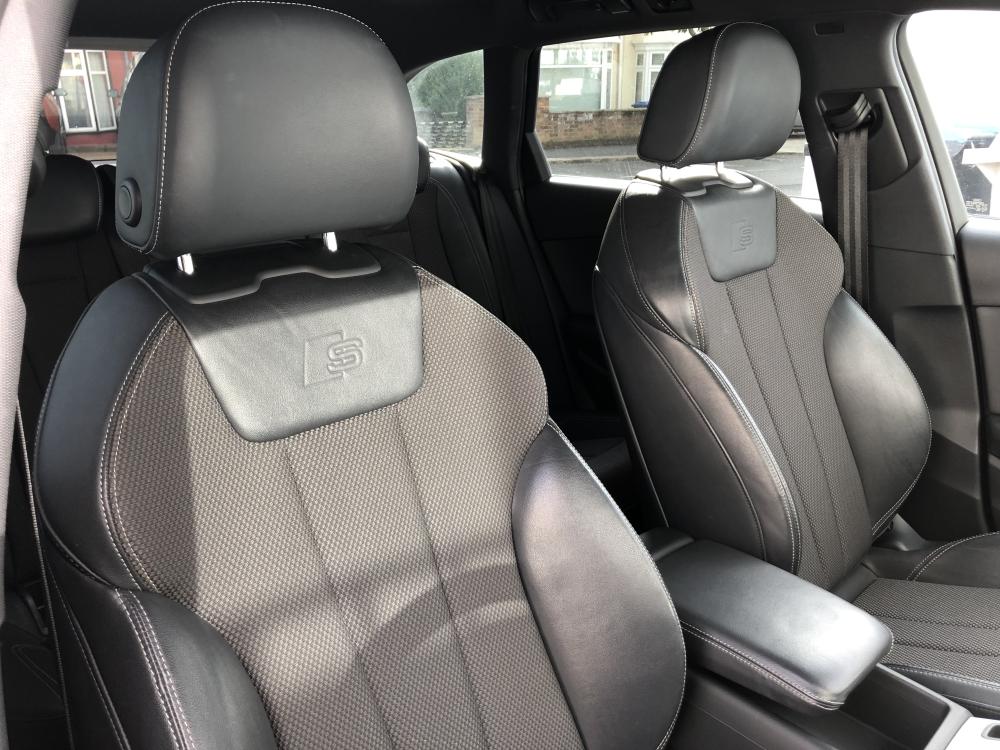
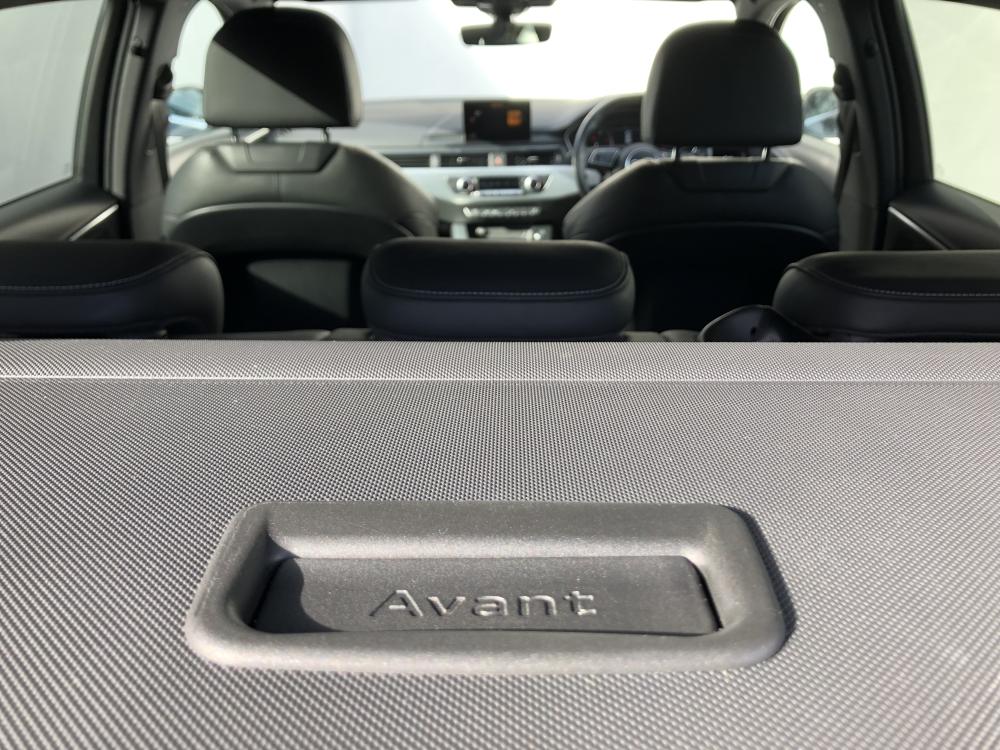
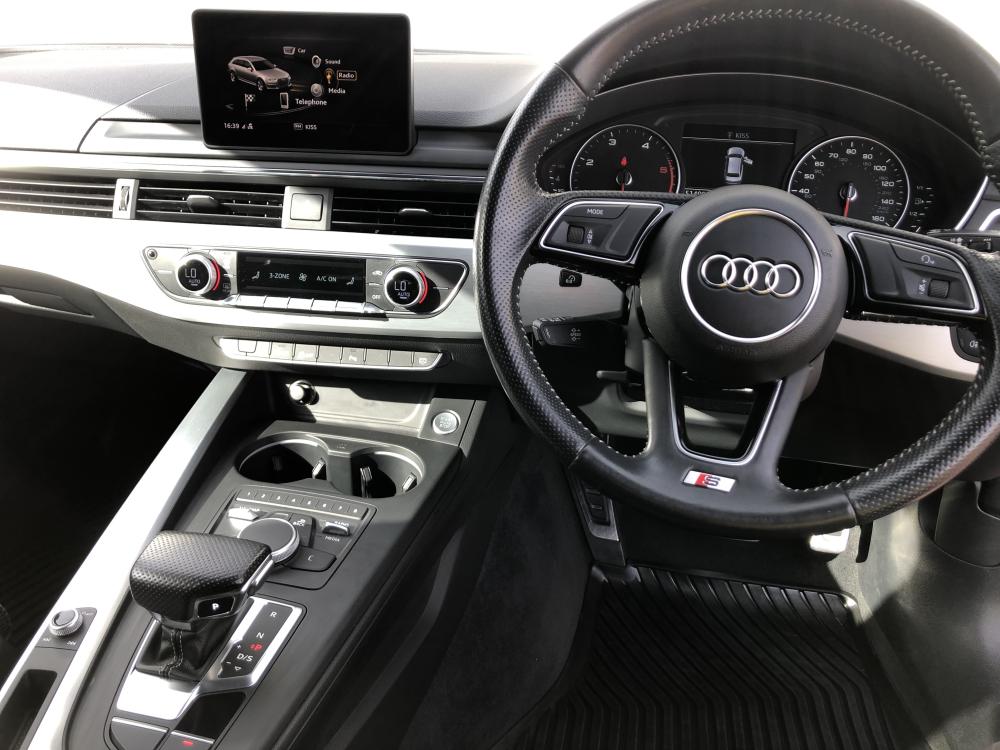
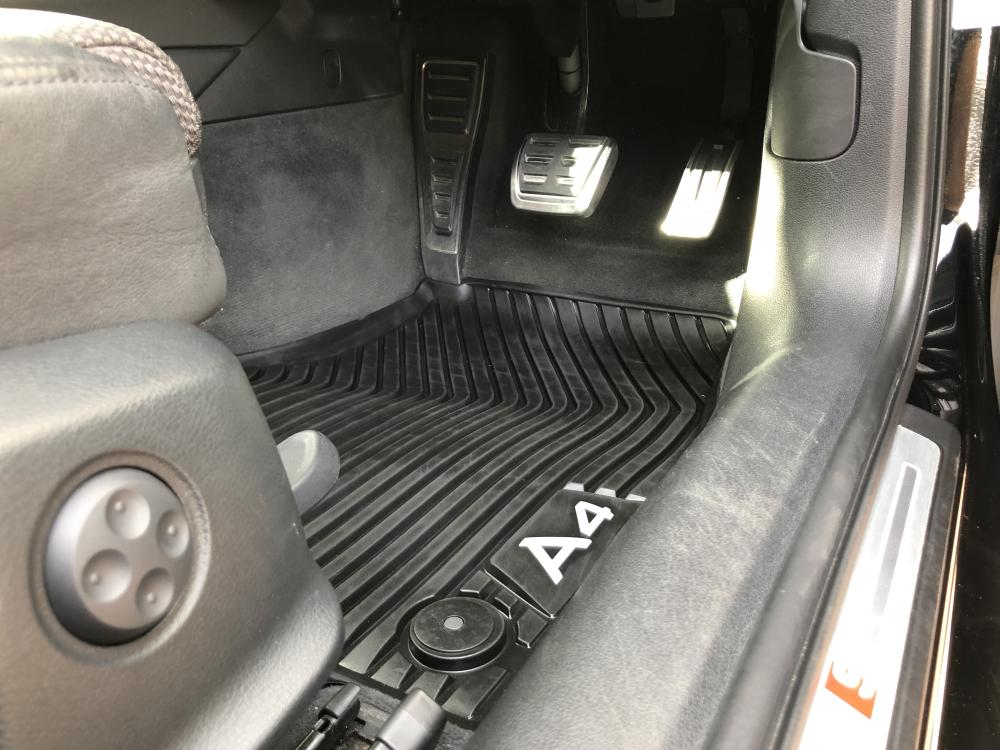
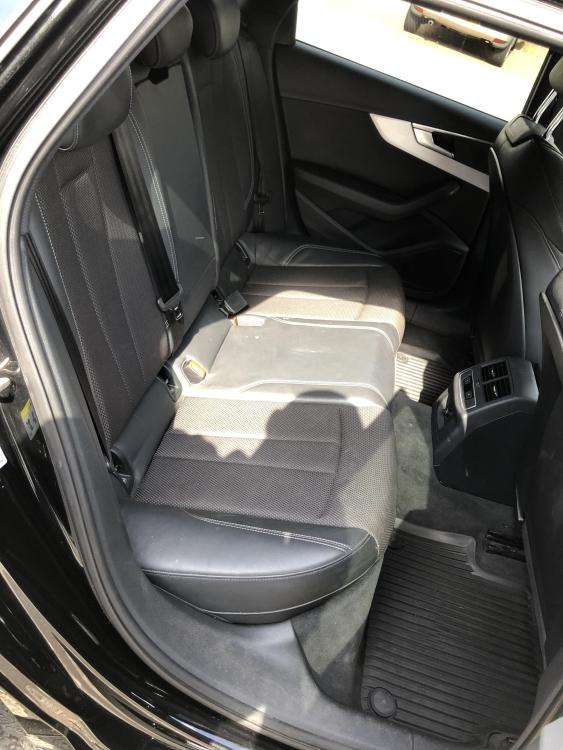
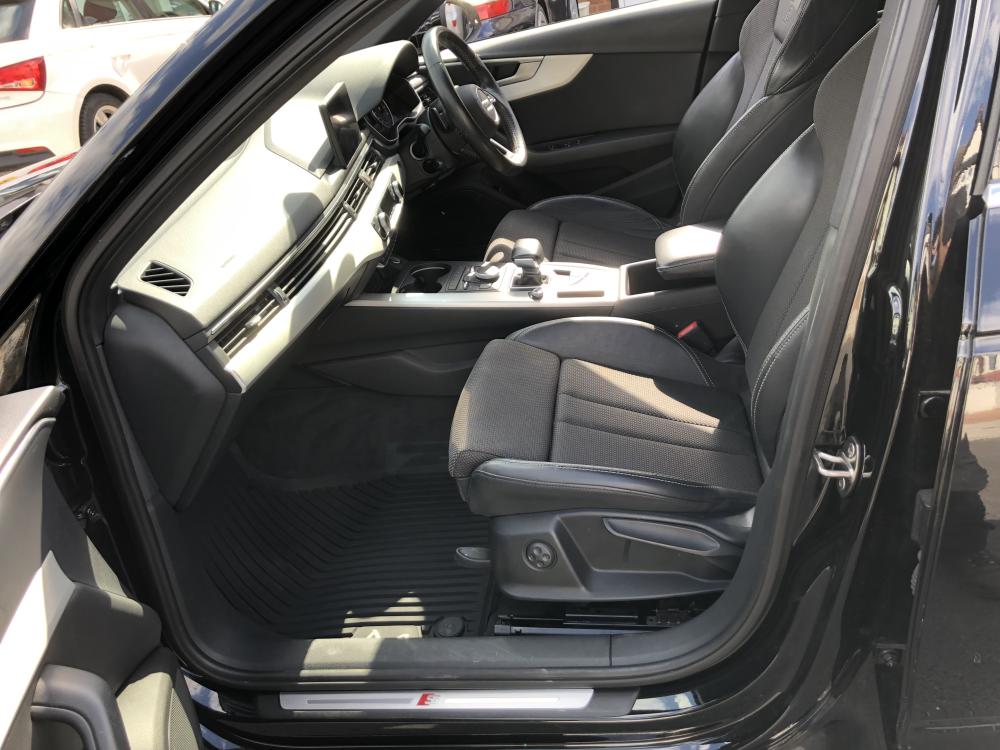
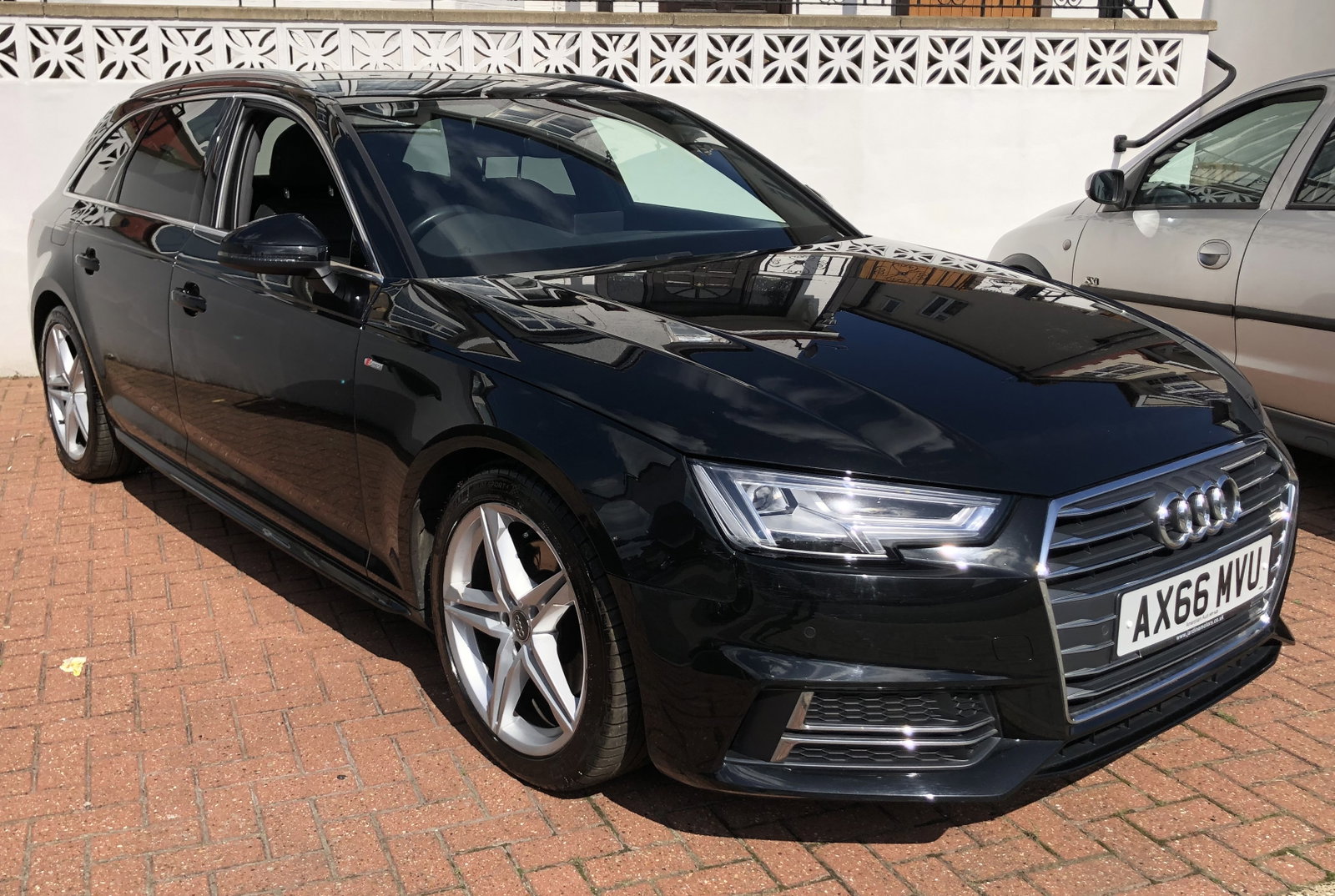
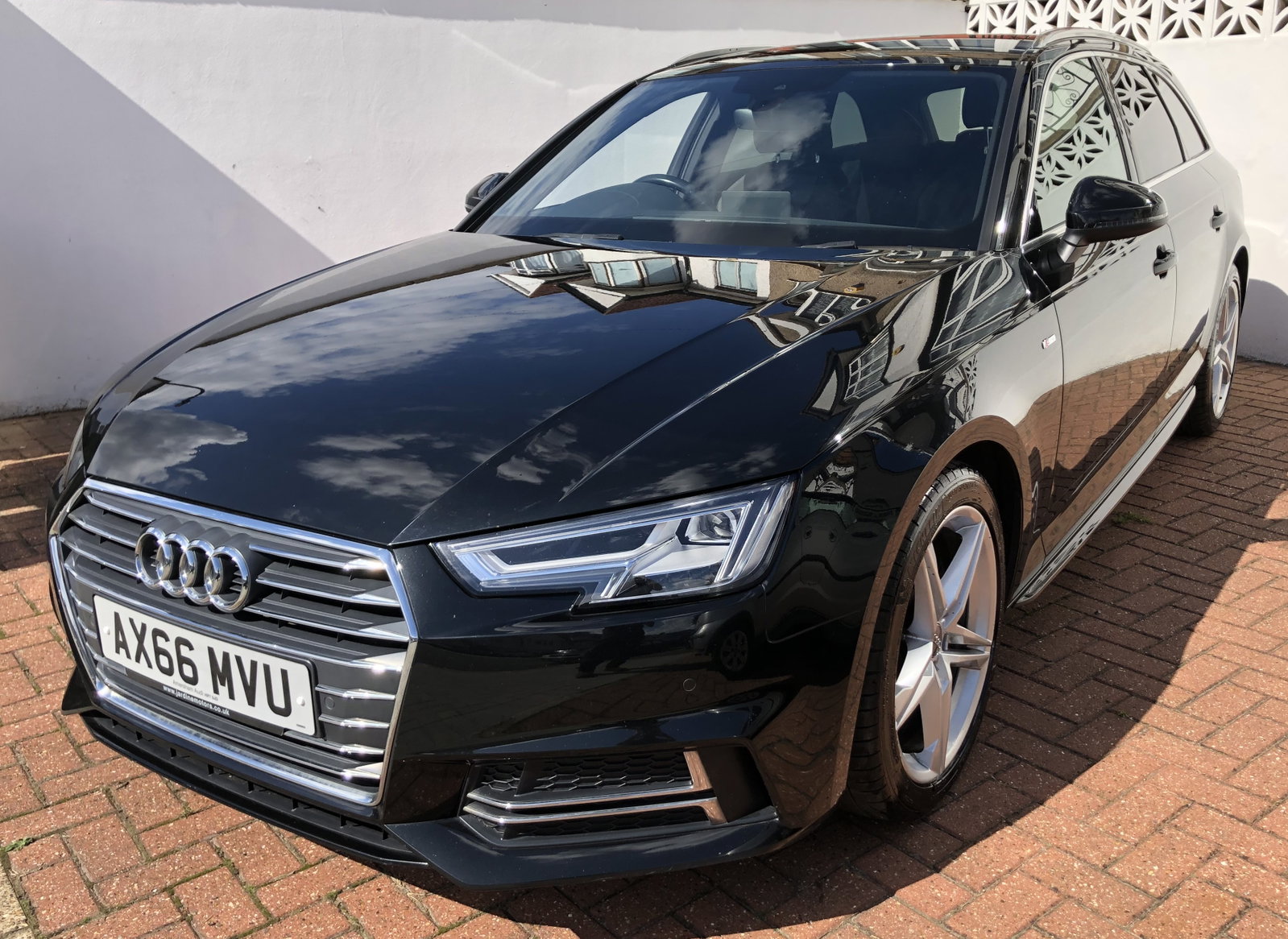
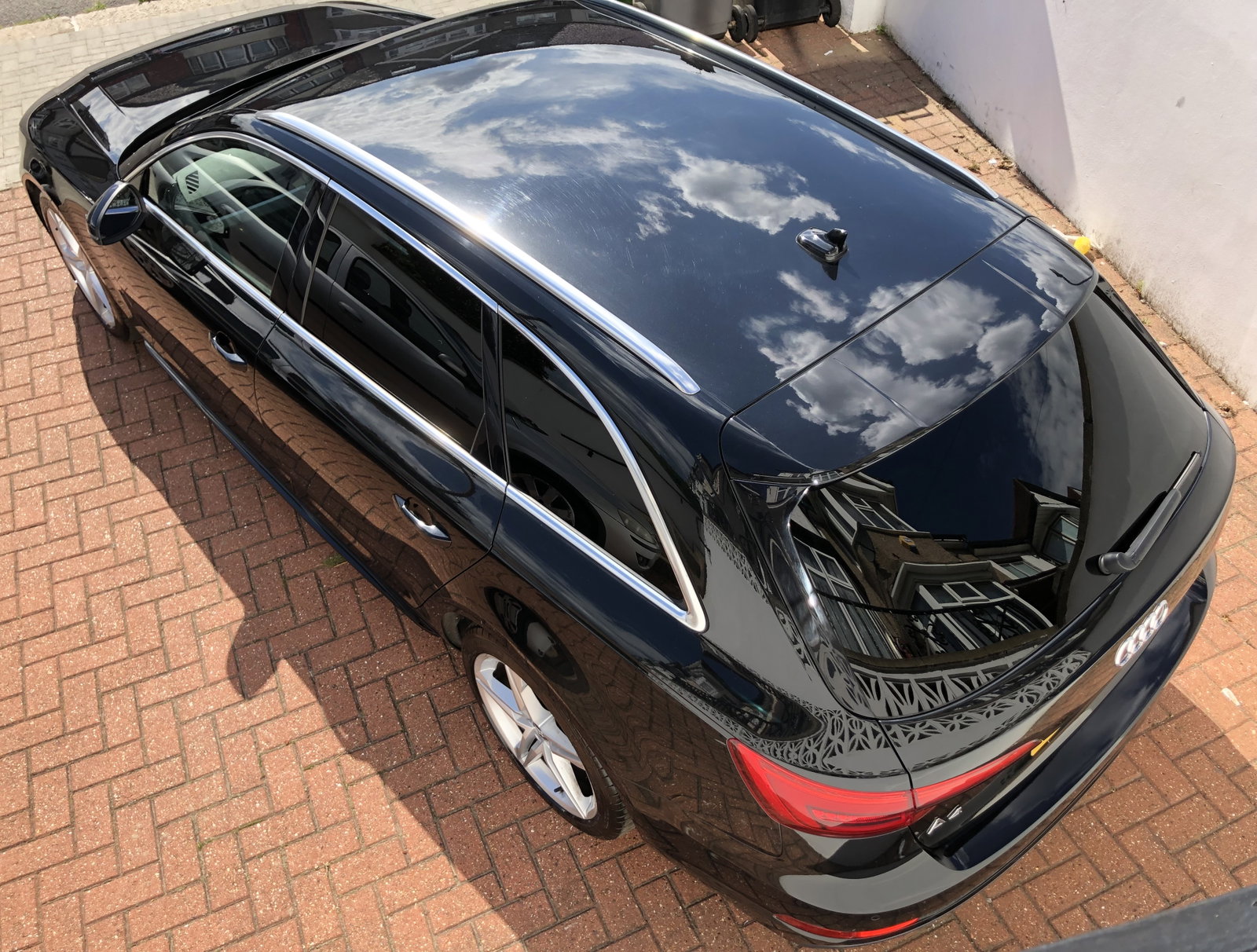
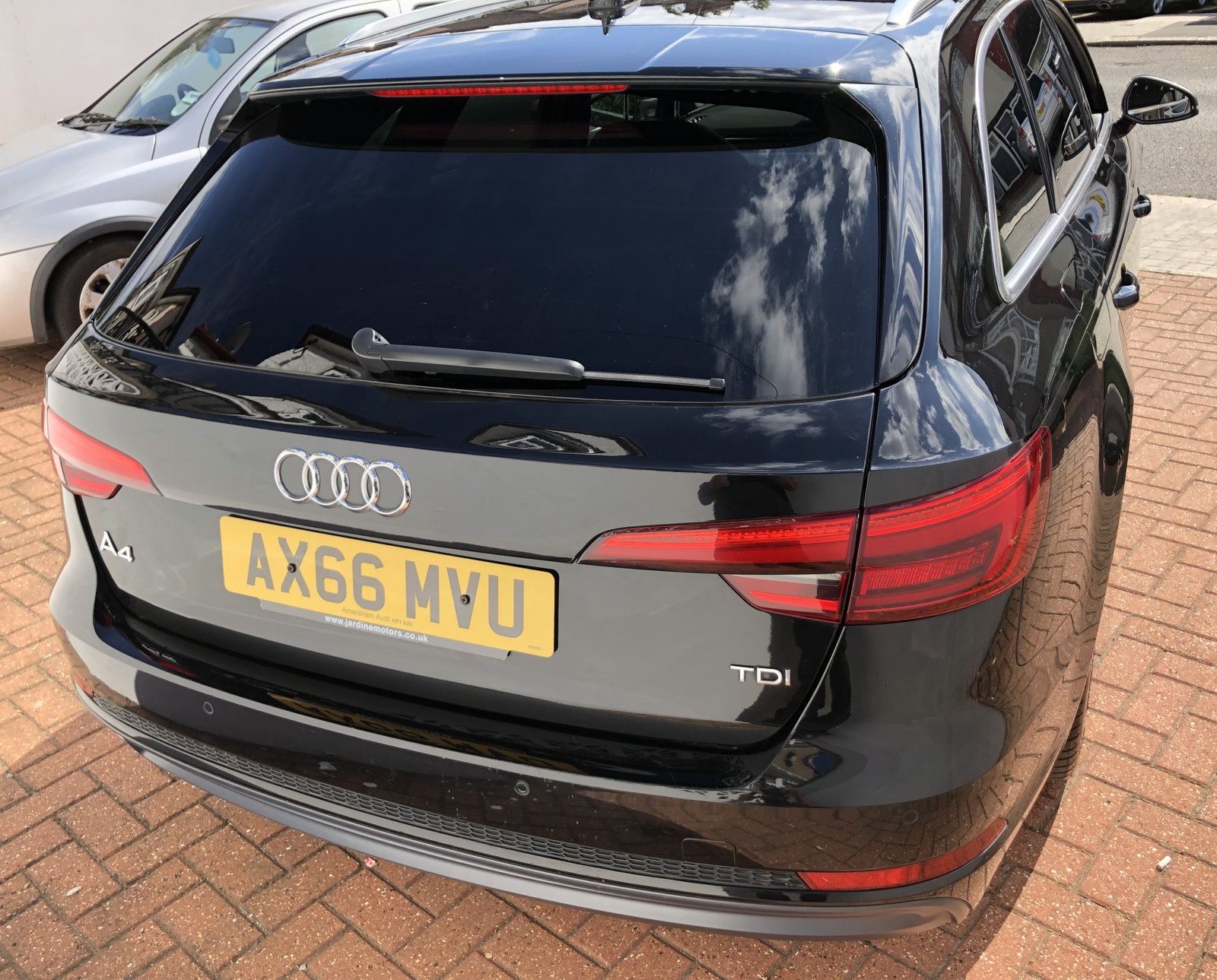
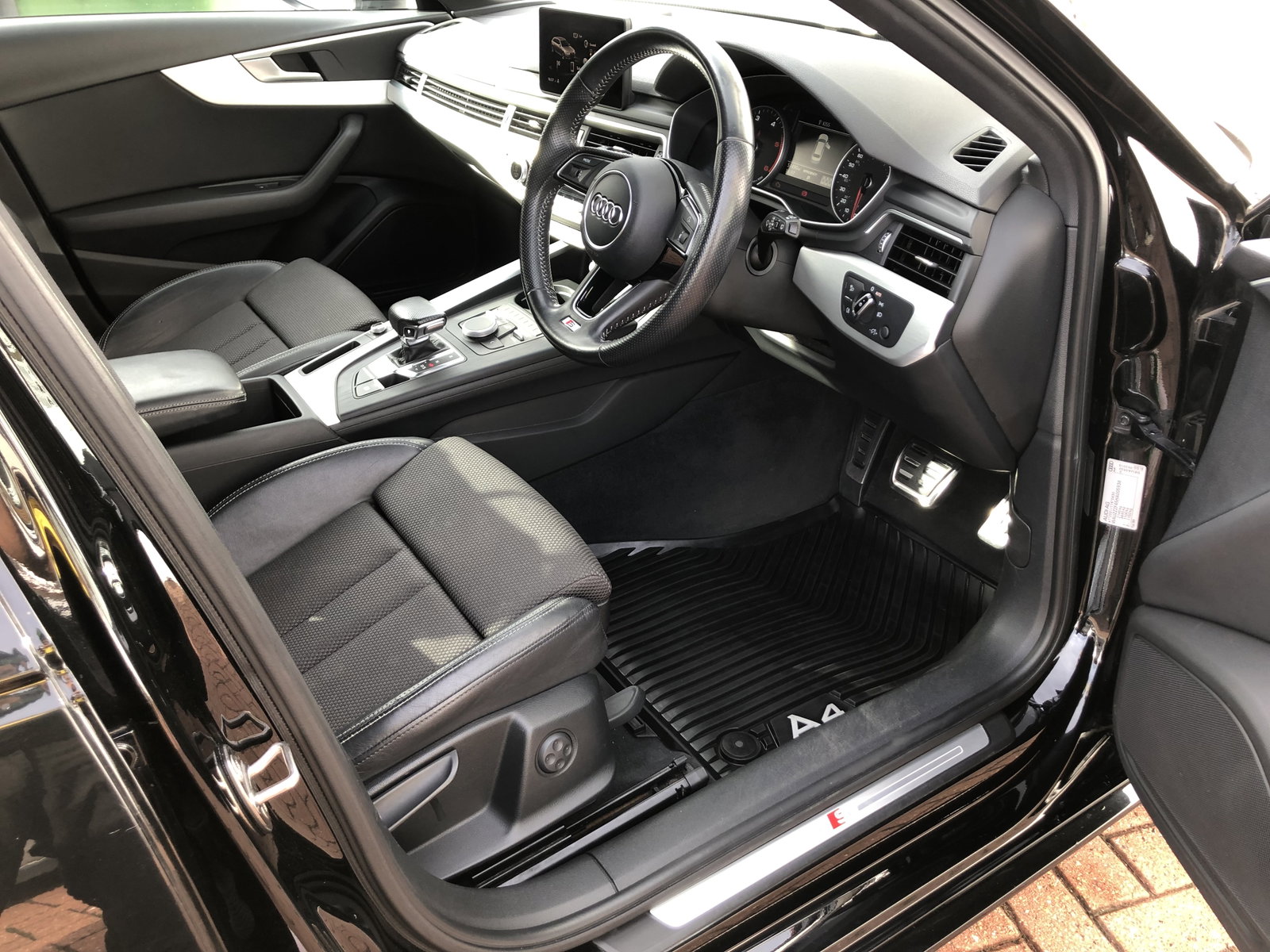
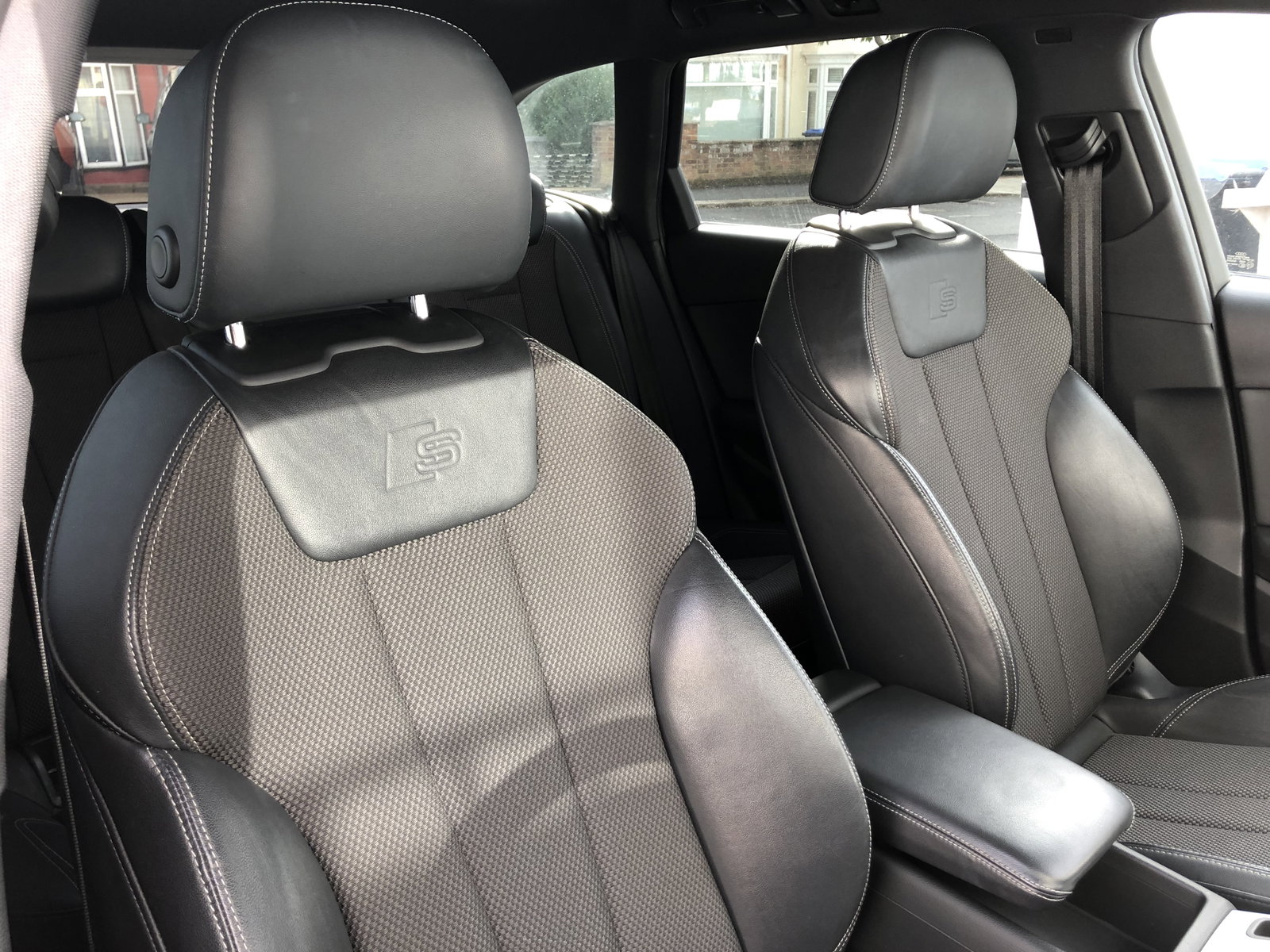
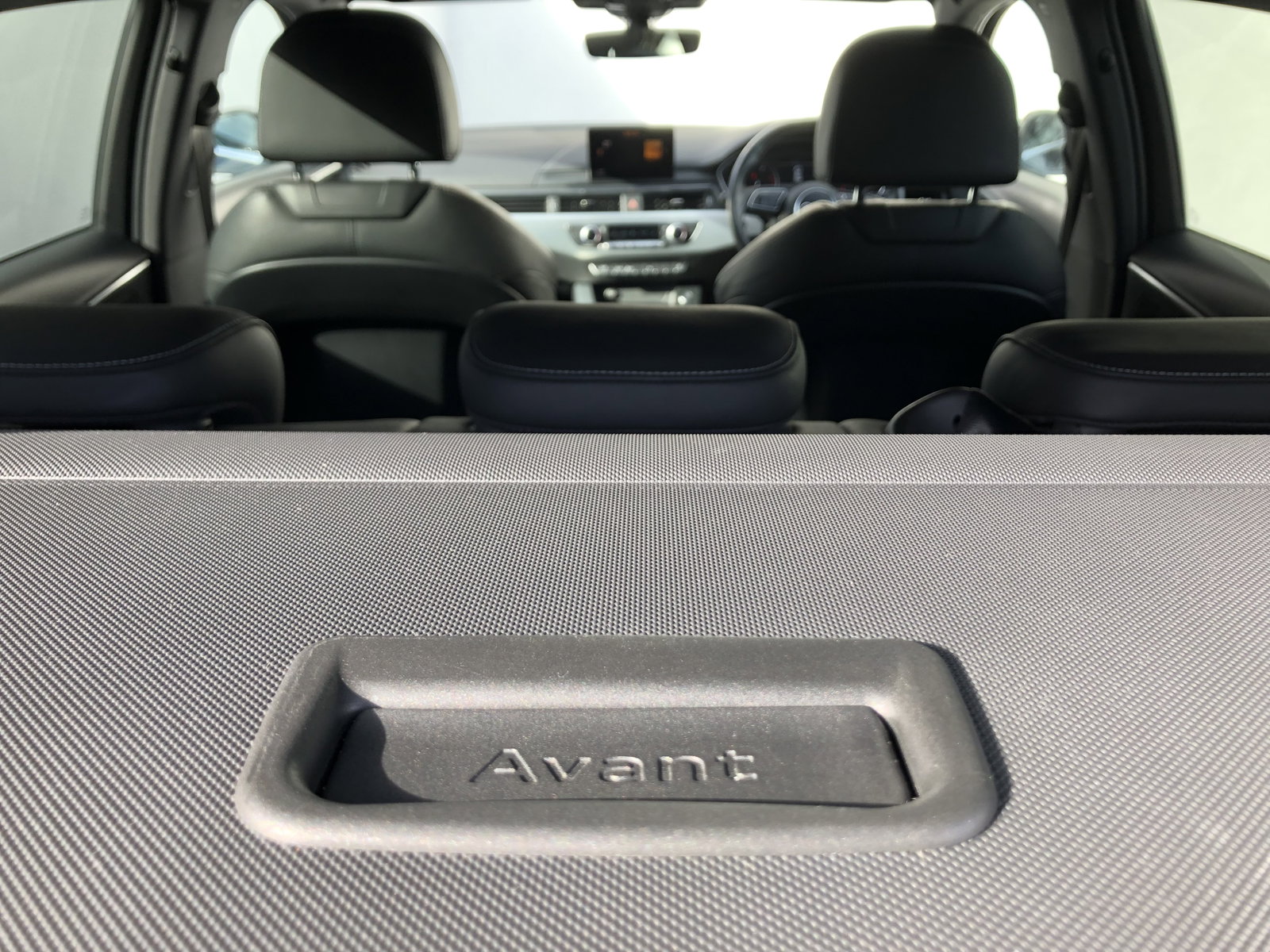
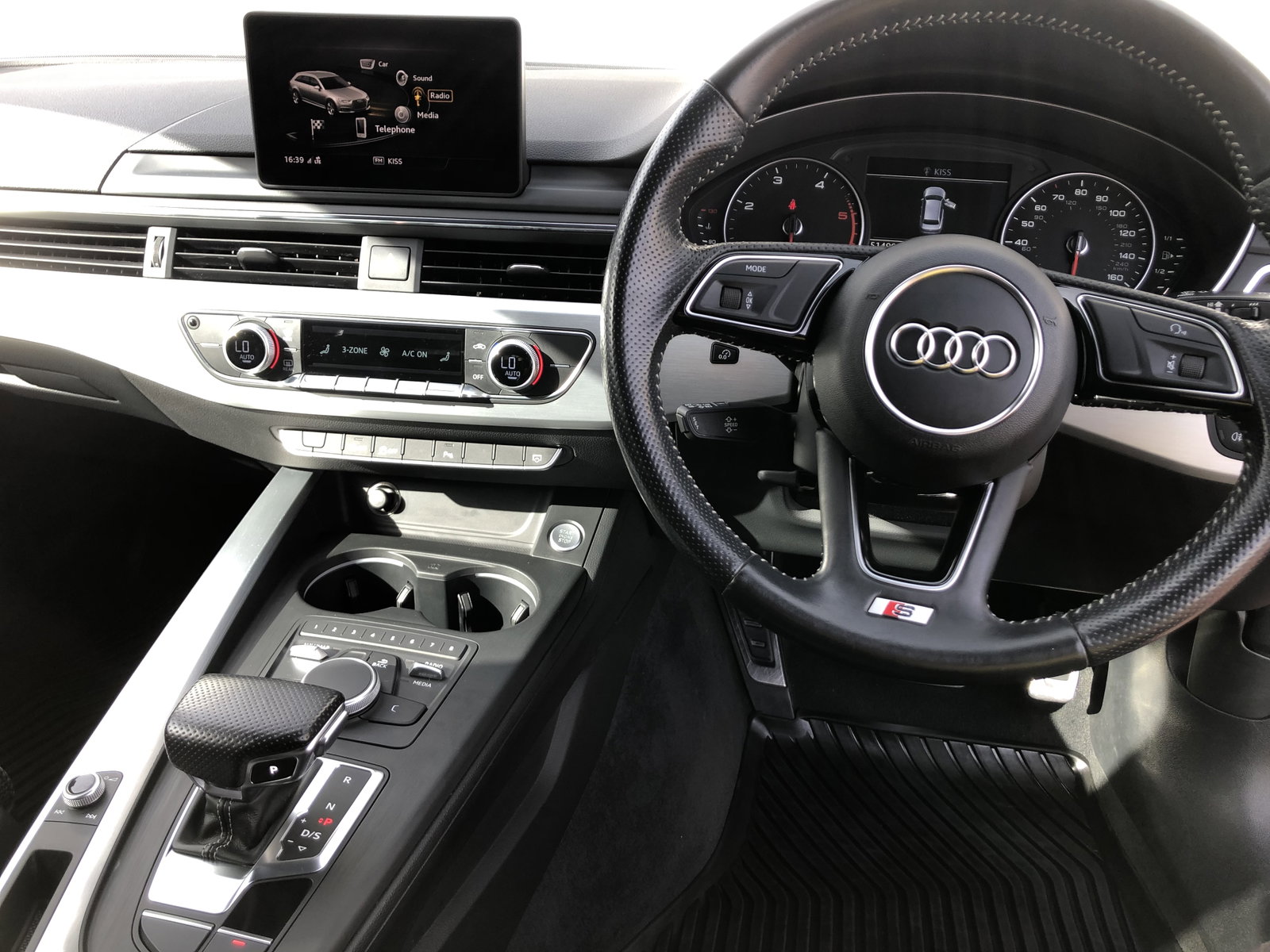
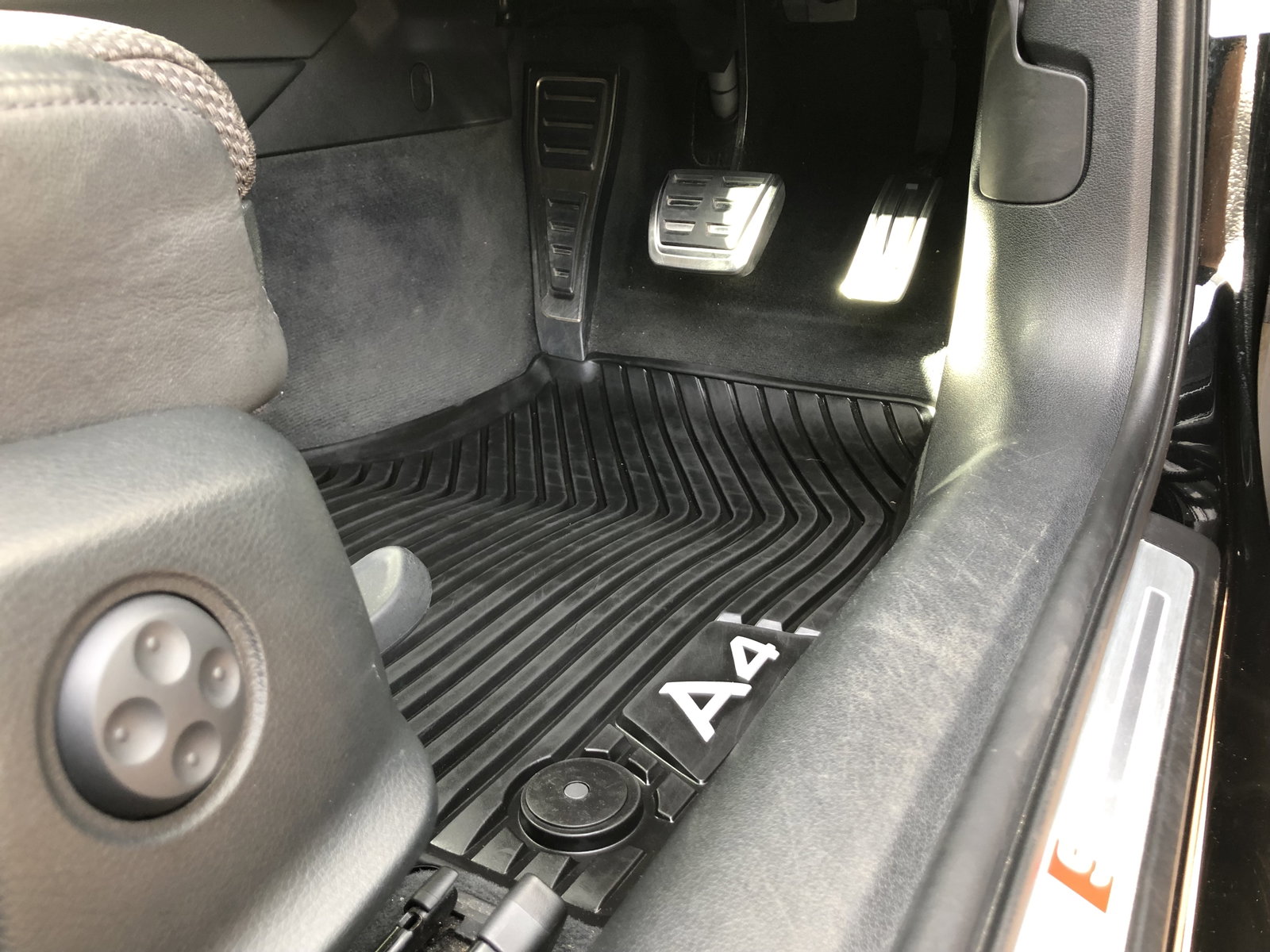
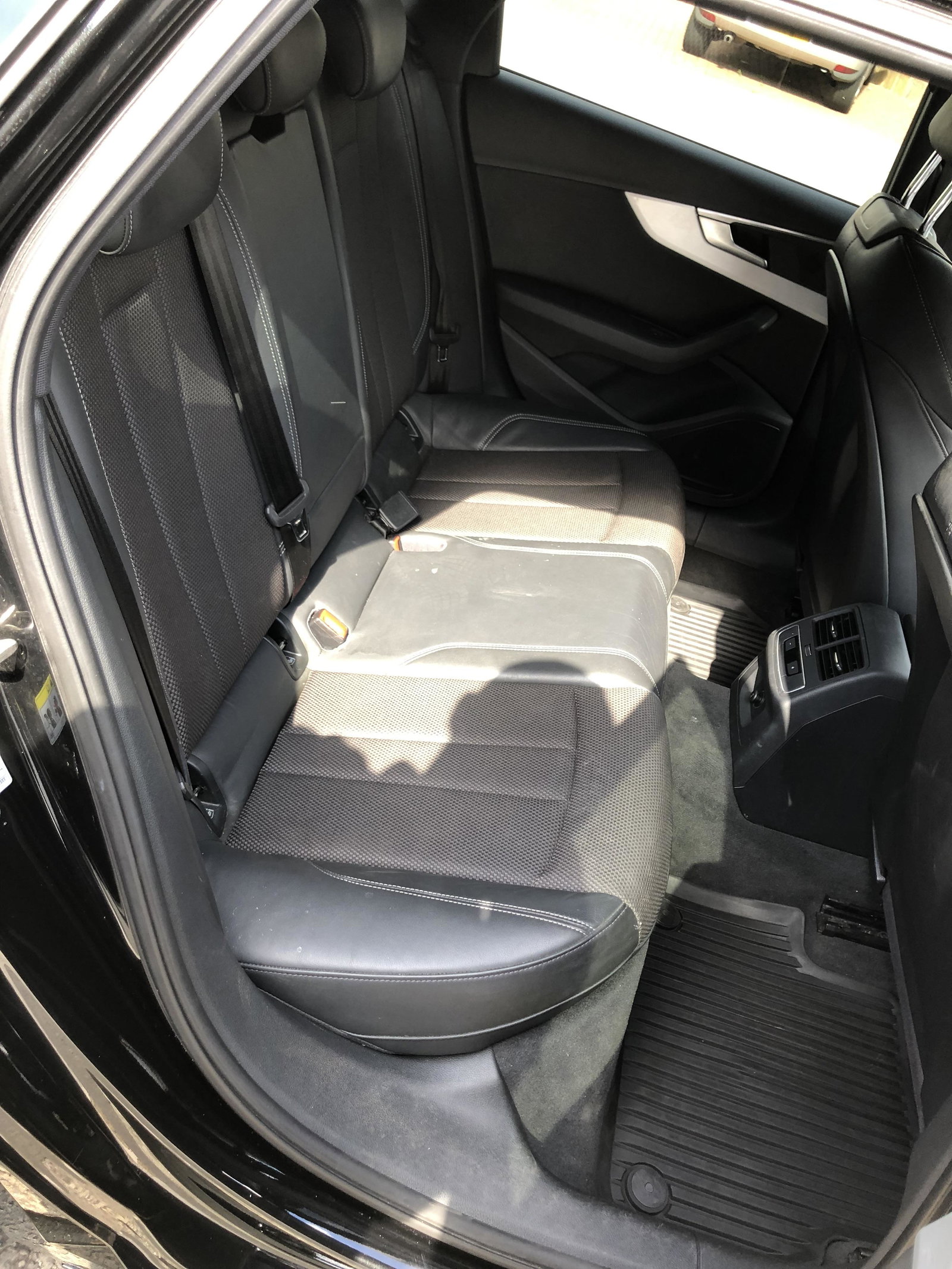
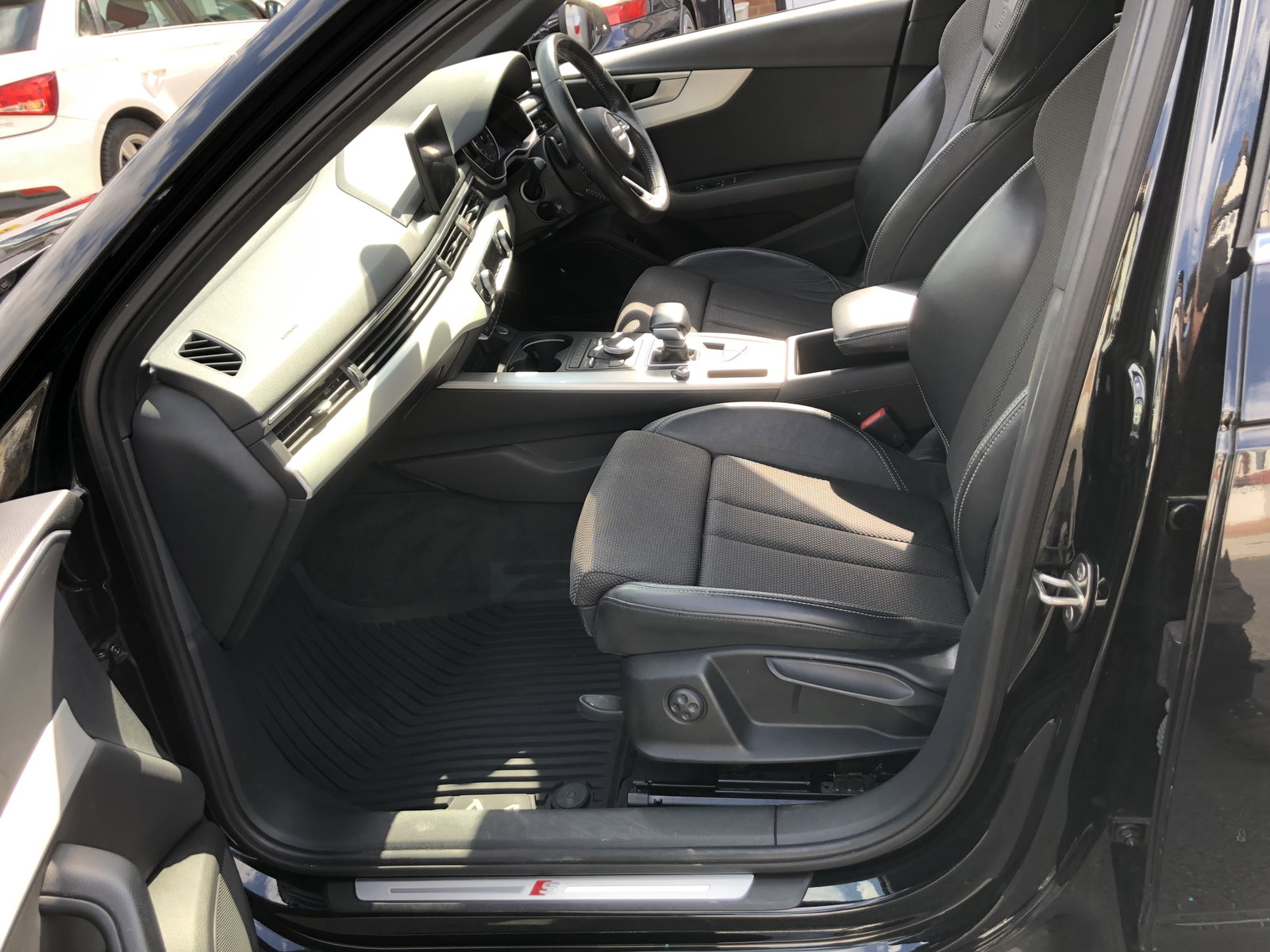
Comes with Transferable 4 Months Warranty ULEZ Compliant Euro 6 2017 Audi A4 Avant S-line 2. 0 TDI Auto S Tronic Road Tax * only 30 Road Tax for the year* 51K Miles Only Mot till January 2023 Full Audi Service History Excellent Colour Combination with Black Metallic Mythos Paint Colour with Half Black Leather Interior with S line Logo Sports Seats with Electric Lumbar Support Apple Car Play Satellite Navigation with Mobile Bluetooth Connectivity Front and Rear Parking Sensors Electric Tailgate Aluminium Roof Rails 18" Audi 5 Twin Spoke Alloy Wheels with Michelin Pilot Sport Tyres Auto-Dimming Rear-View Mirror Deluxe 3-Zone Electronic Climate Control Illuminated Door Sill Trims with S Audi Logo Entry Lights Door Mirrors - Electrically Adjustable Power Fold Heated with Built-in LED Indicators Pedals and Footrest - Stainless Steel Genuine Audi A4 Rubber Mats and Boot Mat Spare Wheel (This is rare as many don't have one) For Sale for £16,400. If interested, then send me a message.