BlackAudi
Members
-
Joined
-
Last visited
-
I permanently sorted this bug out by changing the front wheel speed sensor harness.
-
Apologise for late response. My problem goes away completely after changing out the abs sensors wiring harness. Took me more than a year to figure out these sickening issues after various diagnostics and parts unnecessarily.
-
Hey guys, my 2016 c7.5 had been suffering the same crazy ‘Christmas lights’ symptoms for more than a year. Changed 3 speed sensors, steering column (had free play anyway) yet it persisted. Finally decided to try changing speed sensors cables (dame there’s lots of stripping works😅) and it’s all good now.
-
I had just replaced my C7.5 2015 Water pump, Radiator, Hose 😅
-
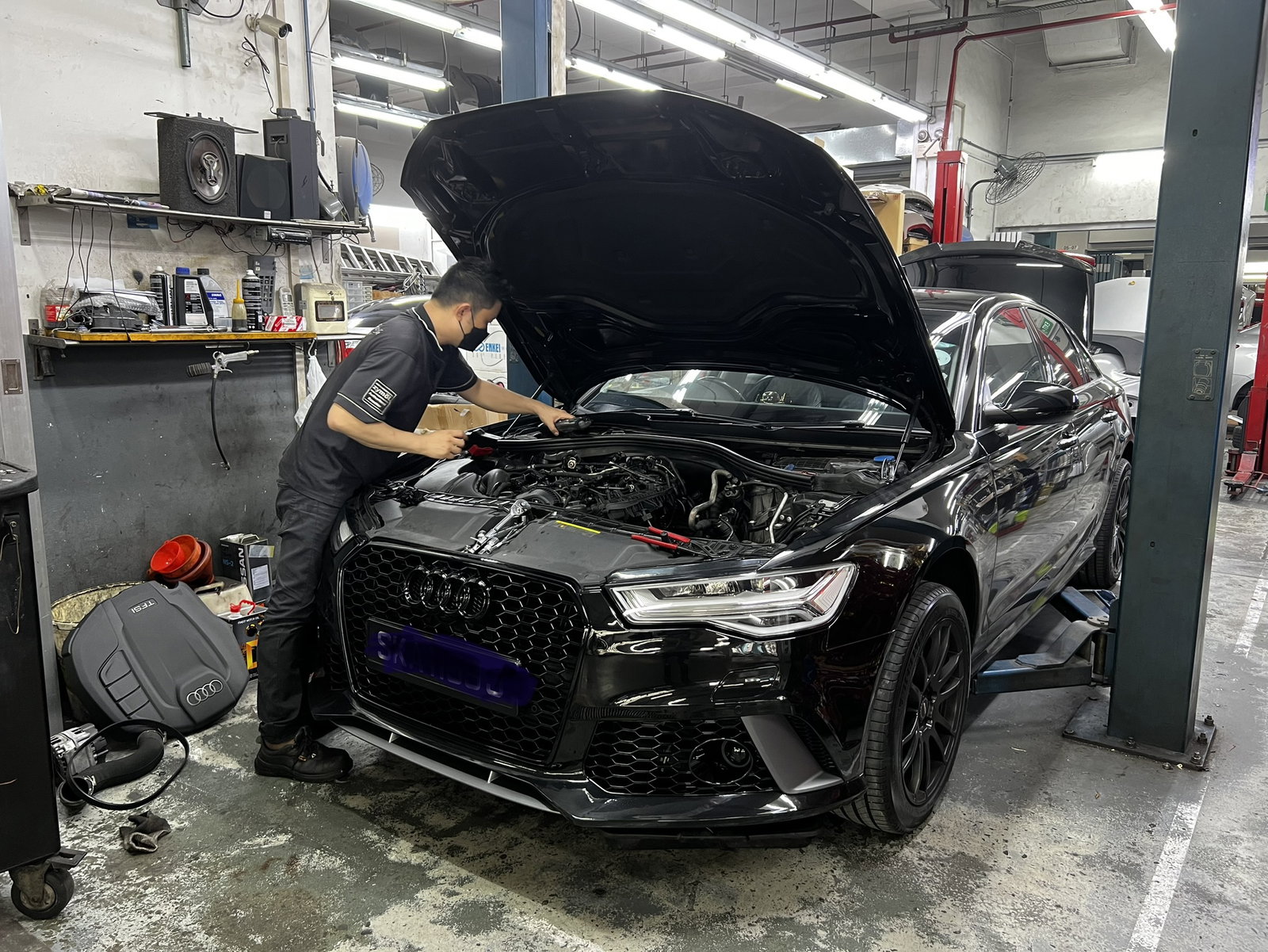
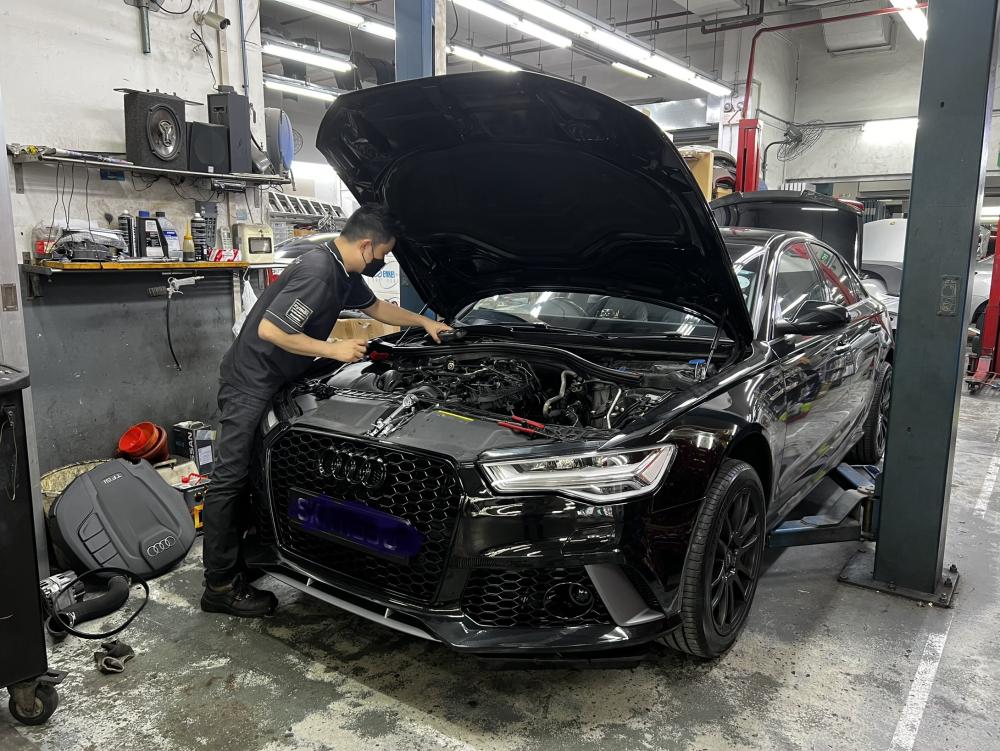
Hi ya all, newbie here and that’s my boy mouth wide open with the doctor in sunny 🌞 Singapore 😁
-
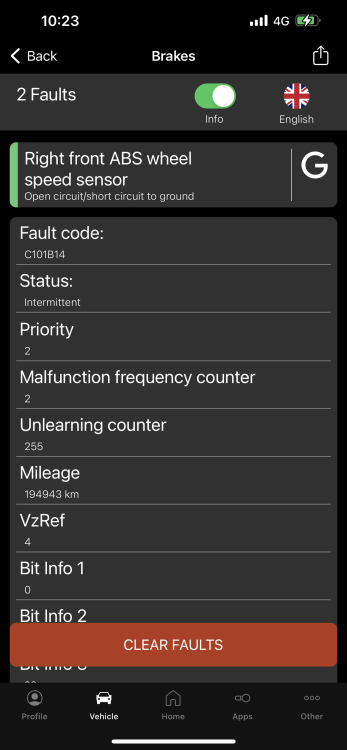
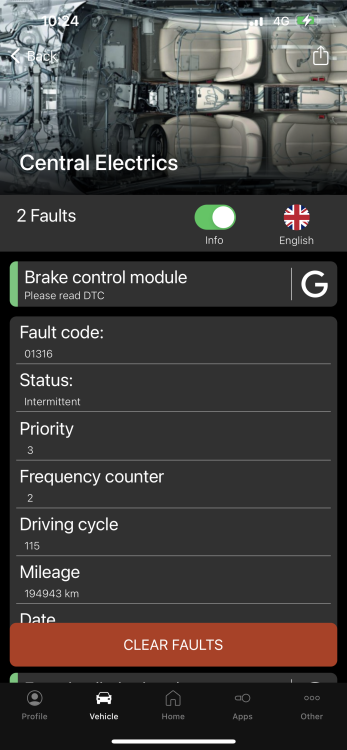
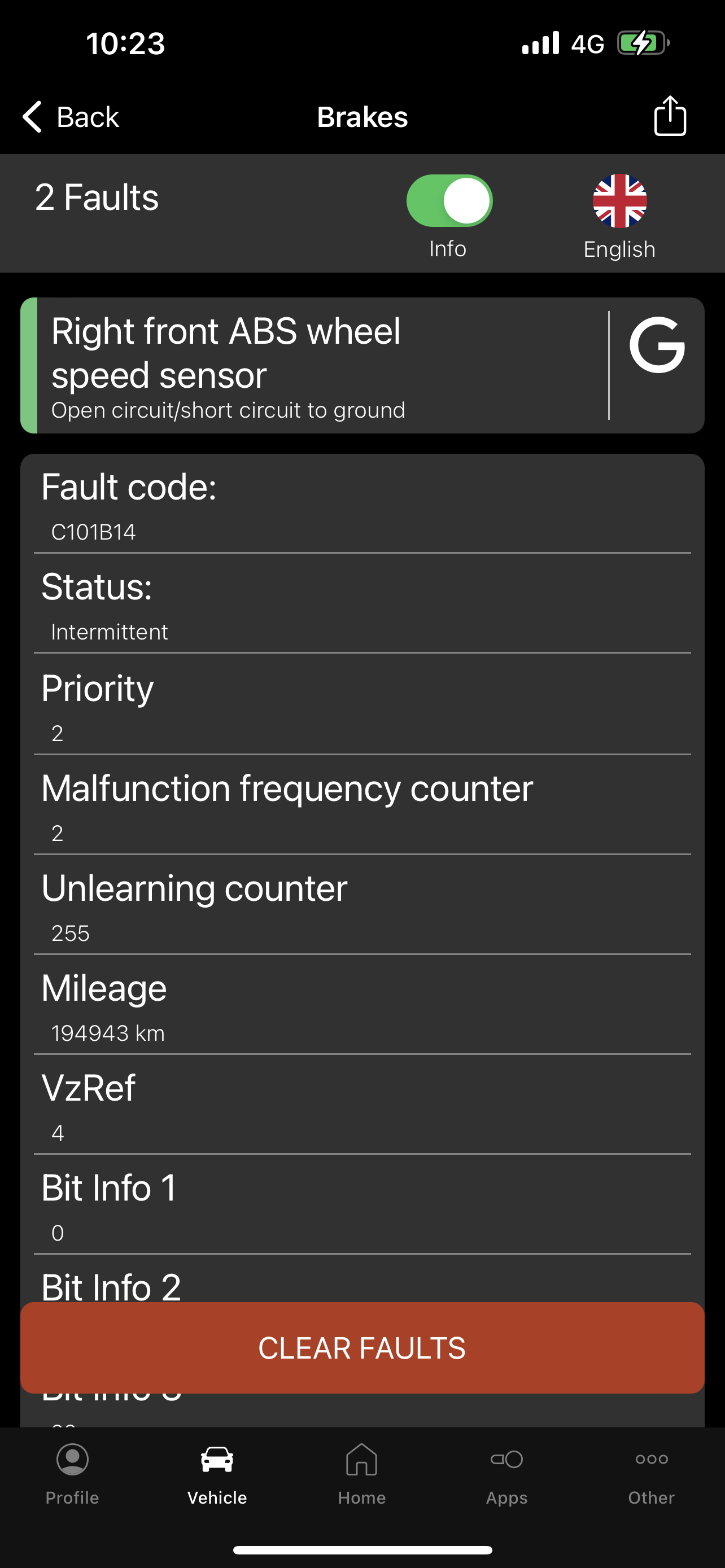
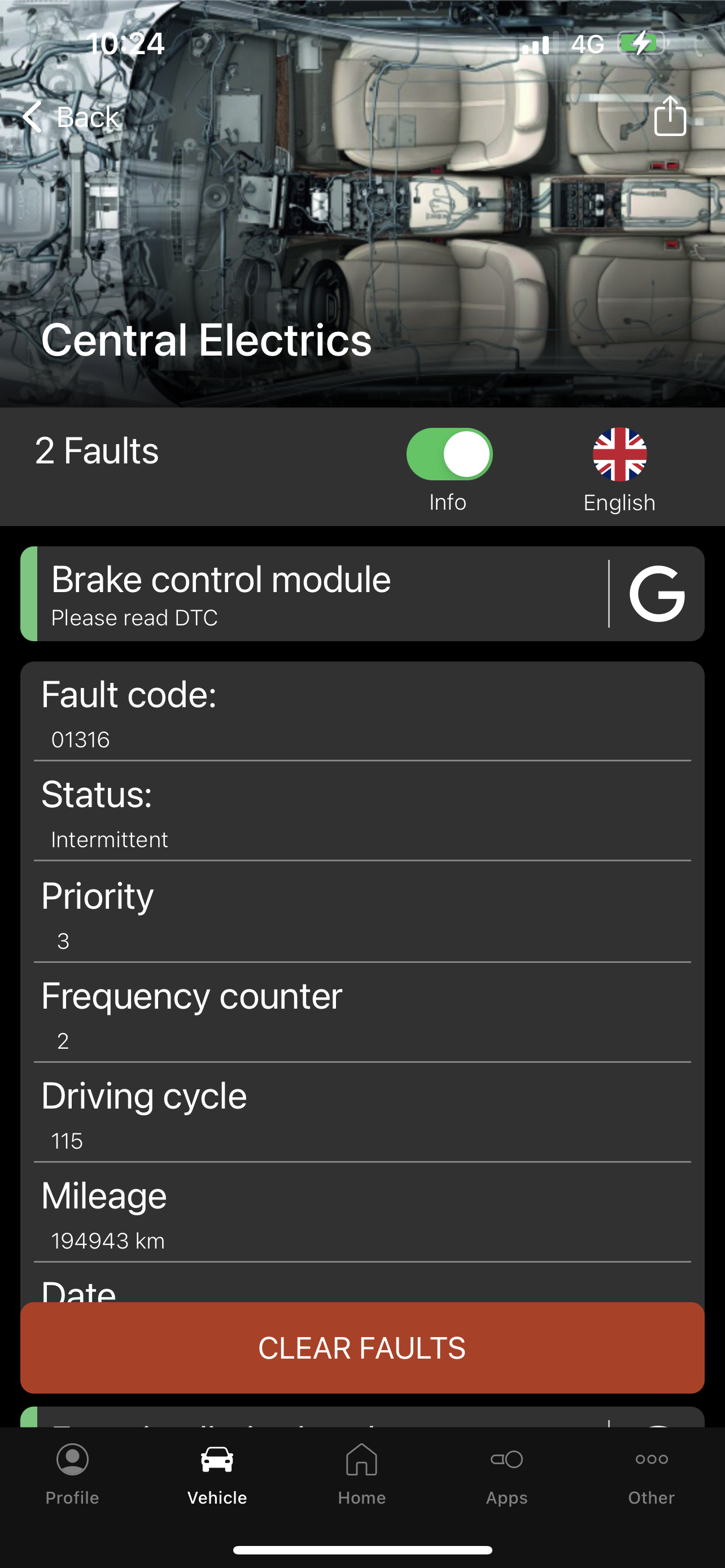
Hi, I had the same issues on my A6 C7.5 and it wouldn’t stop popping up now and then. These Christmas lights only comes on turning full right and OBD 11 scans shows consistent right wheel speed sensor and open circuit. Vartar AGM Battery, 2 wheel speed sensor Bosch / Original Vag, wheel hub/ bearings, Audi factory reflash but no avail. Workshops also run out of ideas. My final guess is the wheel speed harness but we don’t see any bad wiring undercarriage.