Nathan1994
Members
-
Joined
-
Last visited
-
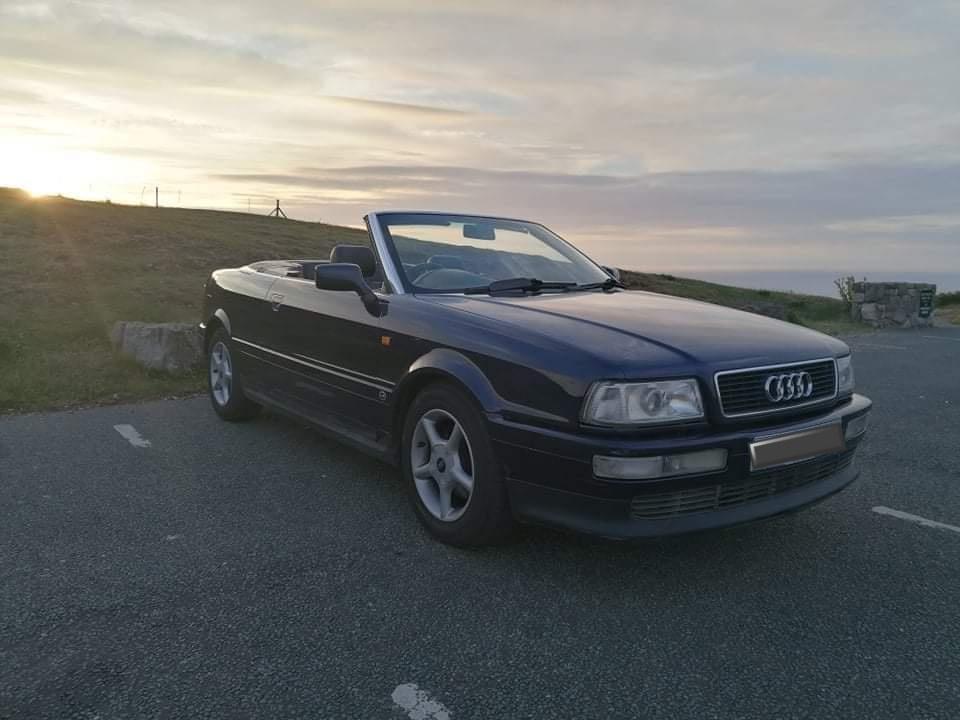
Hello, I'm new to this forum, therefore not sure where to put my enquiry lol. (Its taken me 40 mins to get to this stage 😂) I am great full for any help I can get! I have a 1996 cabriolet 2.0 E proline, my father and I have done a lot of mechanical work on beauty, but faced 3 issues we can't manage to complete. 1st problem: fog lights won't turn on (all bulbs are fine) 2nd problem: airbag warning light constantly on ( been told to check wiring underneath seats... can't find any cables / wiring. We even taken seats out and that was to repair the leather) 3rd problem: driver & passenger seat belts won't retract. Garages I have contacted are refusing to mot the car until these issues are resolved! Apologies for the long post! I appreciate any advice given, I hope you have all had a lovely Christmas, hope to have an Audi meet up in the future! 😁