Hot Diggity D
Members
-
Joined
-
Last visited
Everything posted by Hot Diggity D
-
You can't pull the vent out to slip anything behind it on my A1. I've had to give up and go for a window mount! Bizarre that even as late as 2011 Audi didn't think this might be an issue worth considering further. You can't stick anything to the dash either. It's window or nothing.
-
I've had the tyres replaced since this photo with Goodyear Vector 4Seasons all round. They have changed the ride comfort immensely, taking the sharper edges off the sports suspension which the almost-dead tyres were exaggerating to full effect, whilst retaining a decent amount of road feel which I crave. My piles will almost certainly thank me later for finding a healthy middle ground. Aside from the fact the previous owner obviously lived down a driveway with a whacking great bush protruding onto the drivers side, there's little else that has annoyed me as yet. Are there any other simple upgrades one may recommend? Perhaps slightly less expensive than £600! For reference it is a 1.4 TFSI Sport.
-
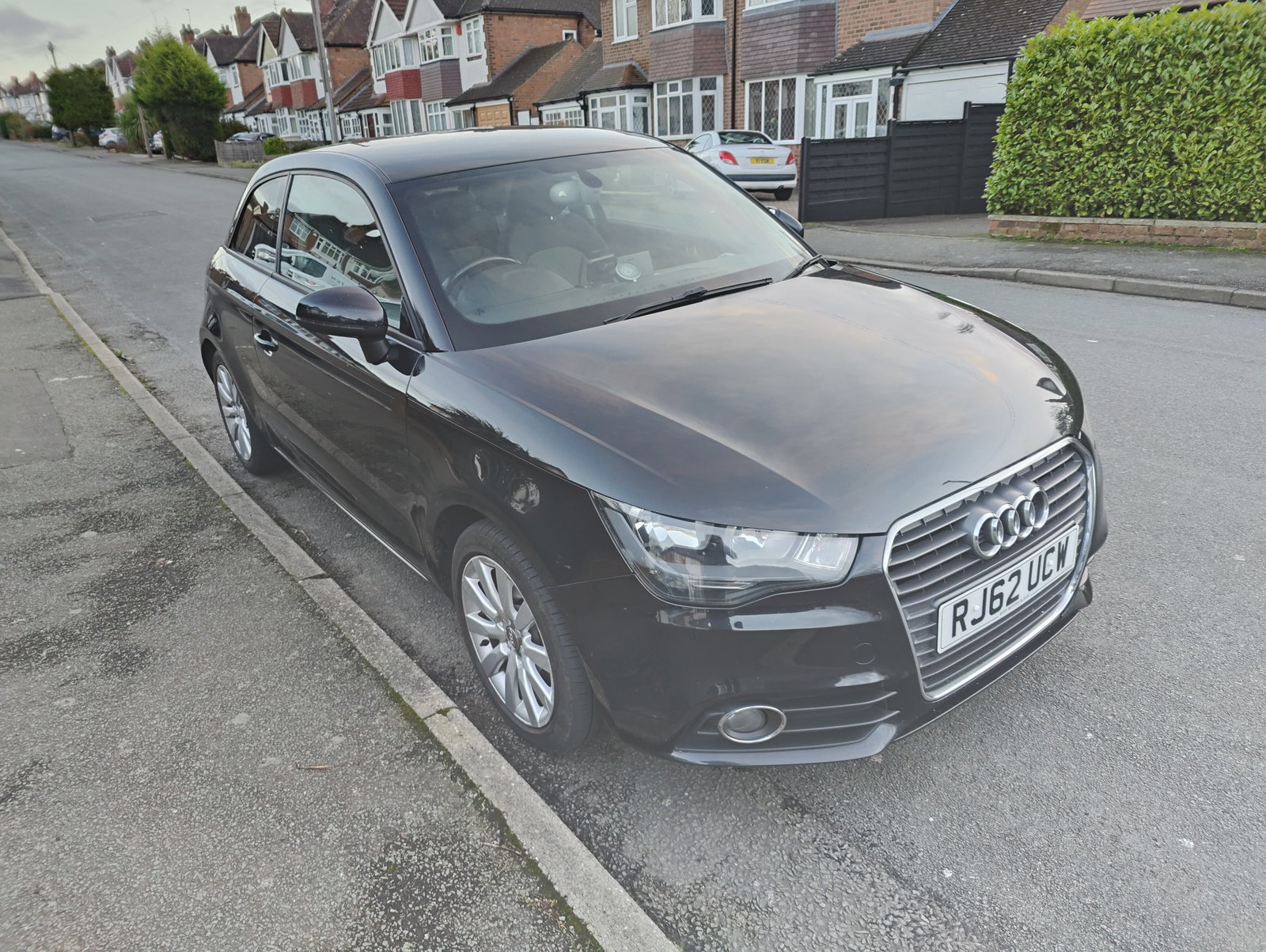
I am now officially the owner of an Audi. I no longer say "I'll pick you up in the car" but "I'll pick you up in the Audi". I assume I will be stuck with this affliction for the rest of my days, because given my experience so far I imagine once you go four rings, you never go back. Here he is, the wee tyke...