Skip to content
View in the app

A better way to browse. Learn more.

Audi Owners Club (UK)

A full-screen app on your home screen with push notifications, badges and more.

To install this app on iOS and iPadOS
  1. Tap the Share icon in Safari
  2. Scroll the menu and tap Add to Home Screen.
  3. Tap Add in the top-right corner.
To install this app on Android
  1. Tap the 3-dot menu (⋮) in the top-right corner of the browser.
  2. Tap Add to Home screen or Install app.
  3. Confirm by tapping Install.

Audi Cabrio

Members
  • Joined

  • Last visited

Everything posted by Audi Cabrio

  1. Done 👍🏽
  2. Thanks Gareth, I’m in Brighton East Sussex. I didn’t really think location was important to share and discuss ideas etc but yes you’re right it’ll probably help.👍🏽 Thanks again 👍🏽👍🏽 Kevin.
  3. That’s a great idea thank you i automatically thought it would show up as in the UK. I’m in the south 👍🏽
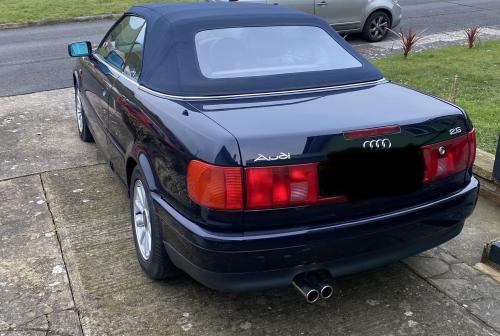
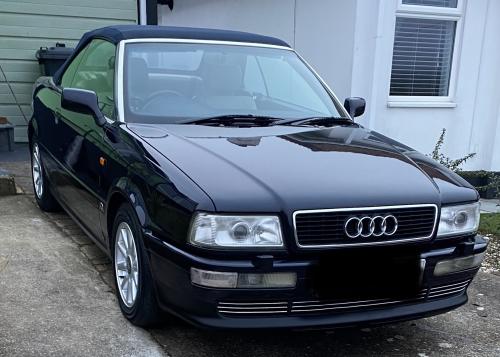
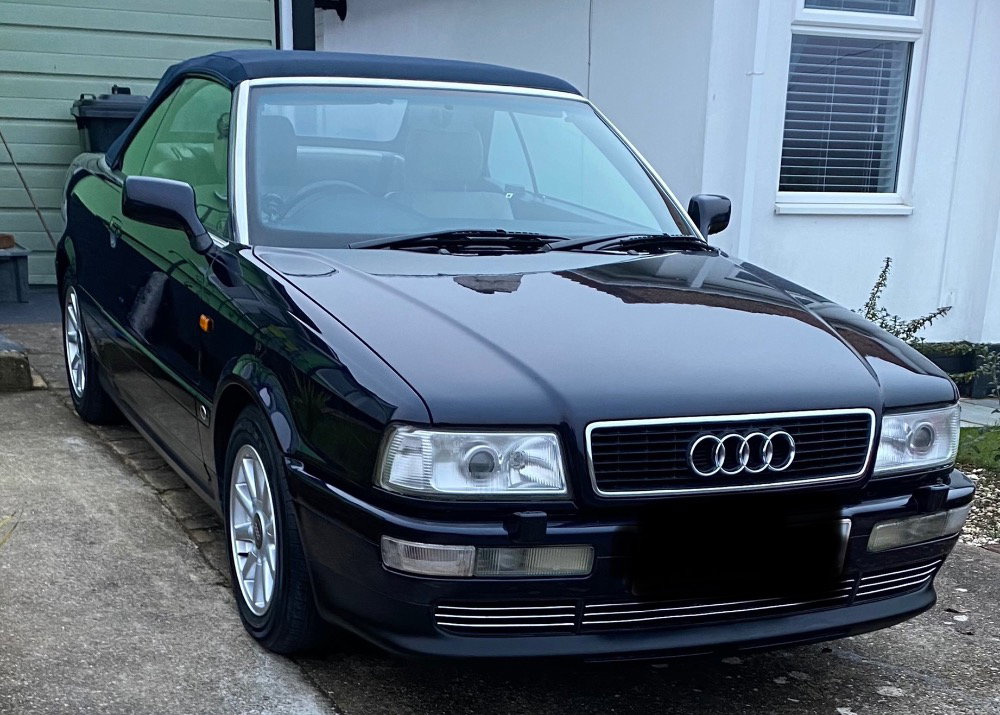
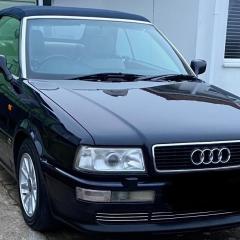
  4. Any Audi 80 cabriolet’s want to connect? I have a 1996 2.6 V6 and in the process of restoring etc👍🏽
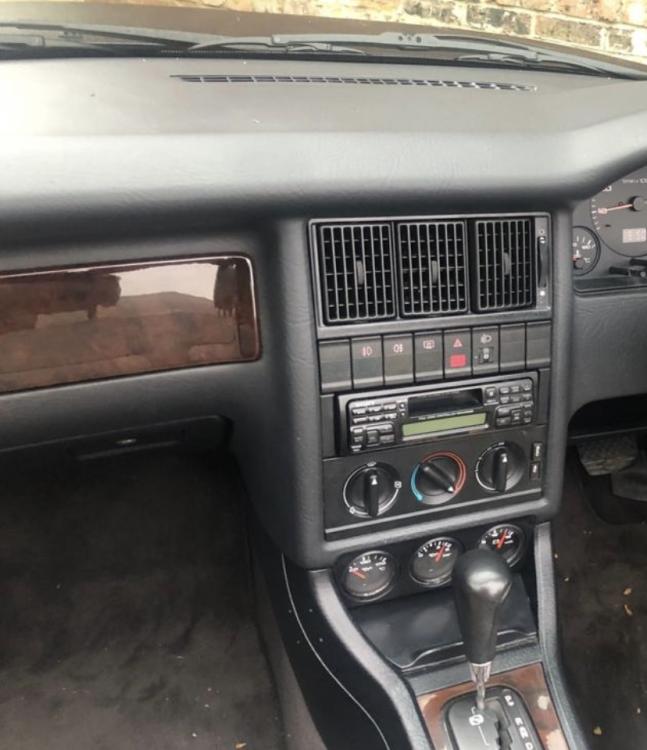
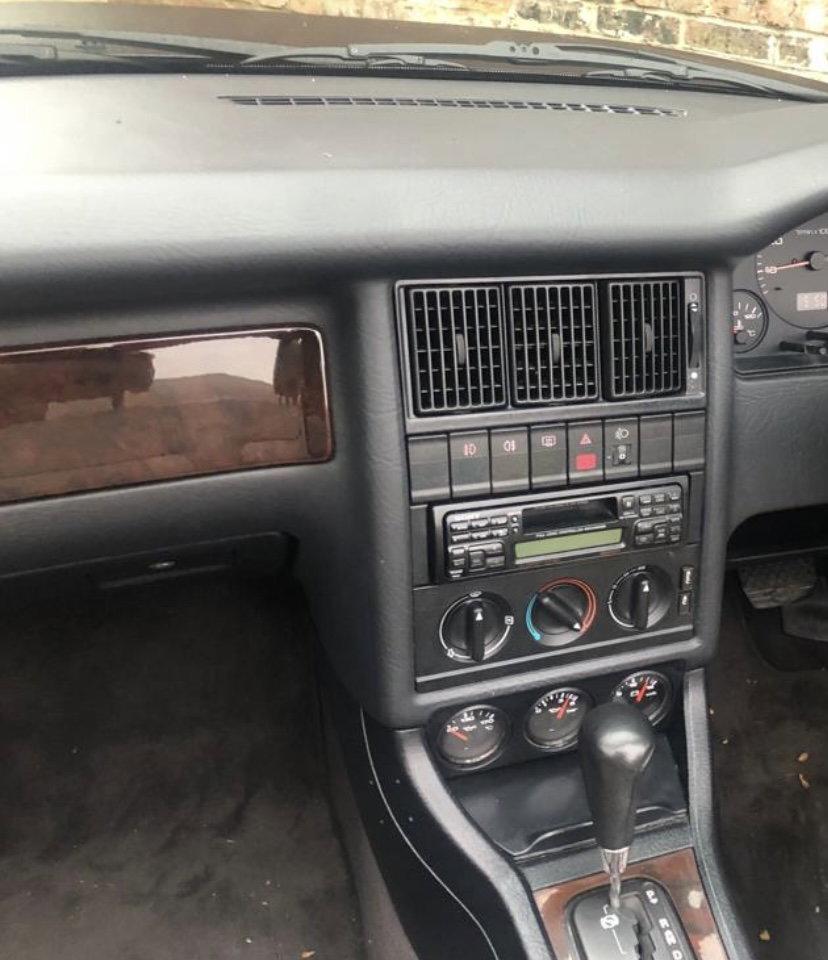
  5. Hi, just looking for a bit of help. I want to dip my ashtray cover, heating surround and the VDO surround to match existing i know how to remove the heating surround - any ideas on how to remove the others? Many thanks, Kevin.

Background Picker
Customize Layout

Account

Navigation

Search

Search

Configure browser push notifications

Chrome (Android)
  1. Tap the lock icon next to the address bar.
  2. Tap Permissions → Notifications.
  3. Adjust your preference.
Chrome (Desktop)
  1. Click the padlock icon in the address bar.
  2. Select Site settings.
  3. Find Notifications and adjust your preference.