




Skip to content
View in the app

A better way to browse. Learn more.

Audi Owners Club (UK)

A full-screen app on your home screen with push notifications, badges and more.

To install this app on iOS and iPadOS
  1. Tap the Share icon in Safari
  2. Scroll the menu and tap Add to Home Screen.
  3. Tap Add in the top-right corner.
To install this app on Android
  1. Tap the 3-dot menu (⋮) in the top-right corner of the browser.
  2. Tap Add to Home screen or Install app.
  3. Confirm by tapping Install.

Dai Quattro

Members
  • Joined

  • Last visited

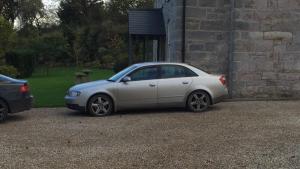
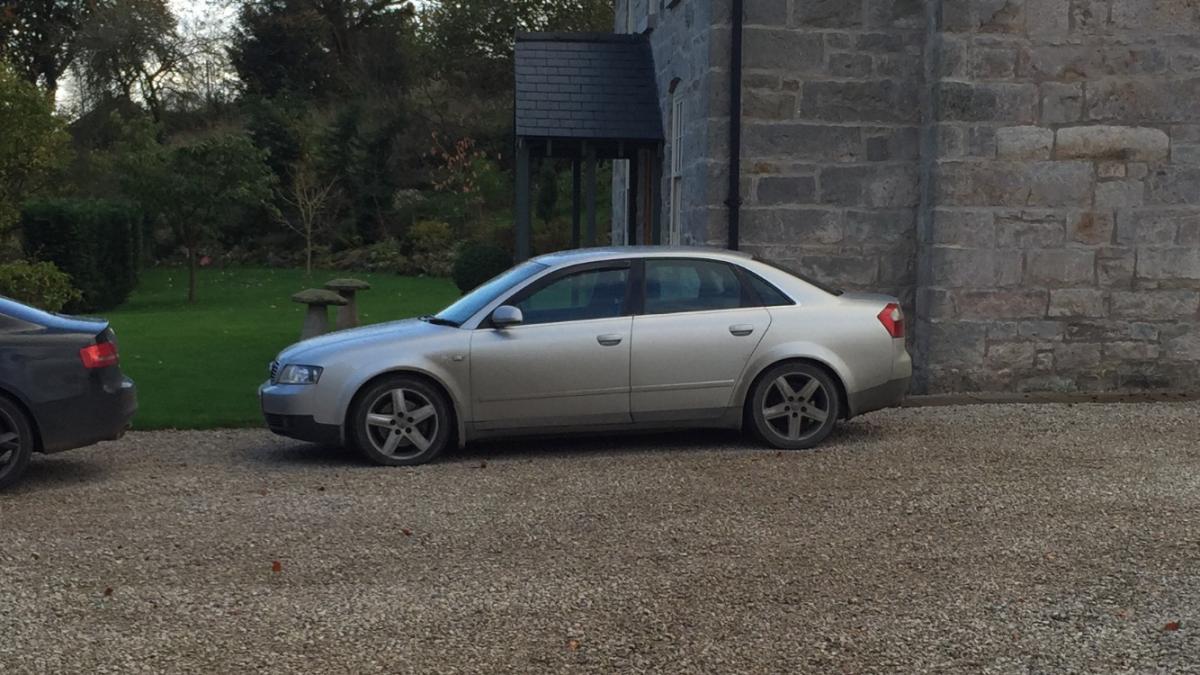
  1. Hello chaps! I'm new to this Forum, I have a Y reg A4 2.5TDi Quattro, a couple of days ago I took my car to a friends garage to have it plugged in to VCDS to see if I could activate coming/leaving home lights, however, the car has already got this function enabled, I'm guessing from new as the car is very high-spec. The fog lights work, headlights work, but no sign of any coming/leaving home lights. I'm sure all you guys know Audi's very well, so do you have any advice/solutions? Much appreciated, Kyle.

Background Picker
Customize Layout

Account

Navigation

Search

Search

Configure browser push notifications

Chrome (Android)
  1. Tap the lock icon next to the address bar.
  2. Tap Permissions → Notifications.
  3. Adjust your preference.
Chrome (Desktop)
  1. Click the padlock icon in the address bar.
  2. Select Site settings.
  3. Find Notifications and adjust your preference.