firsttimeaudi
Members
-
Joined
-
Last visited
Everything posted by firsttimeaudi
-
Thank you for the warm welcome, Steve 🙂
-
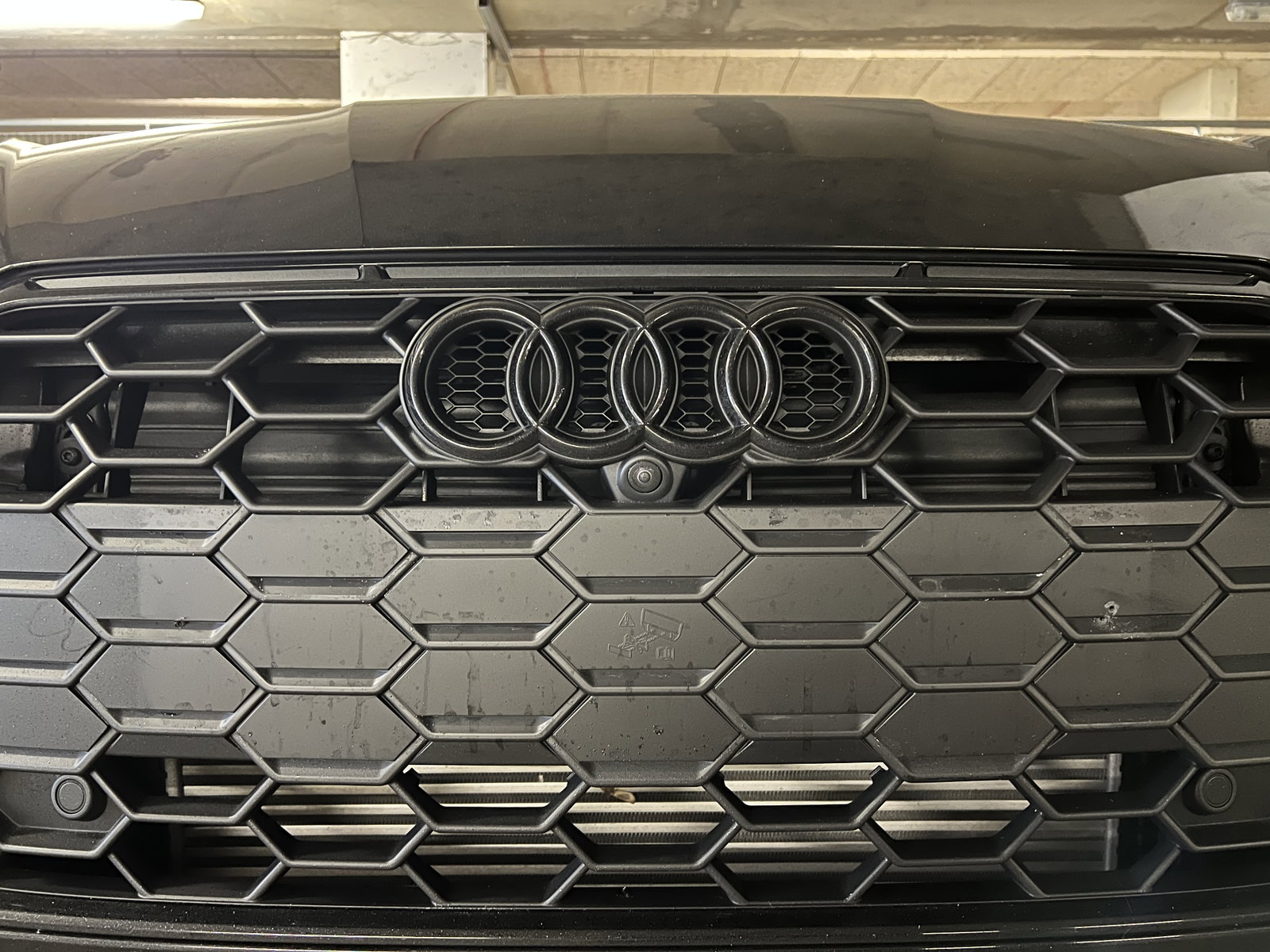
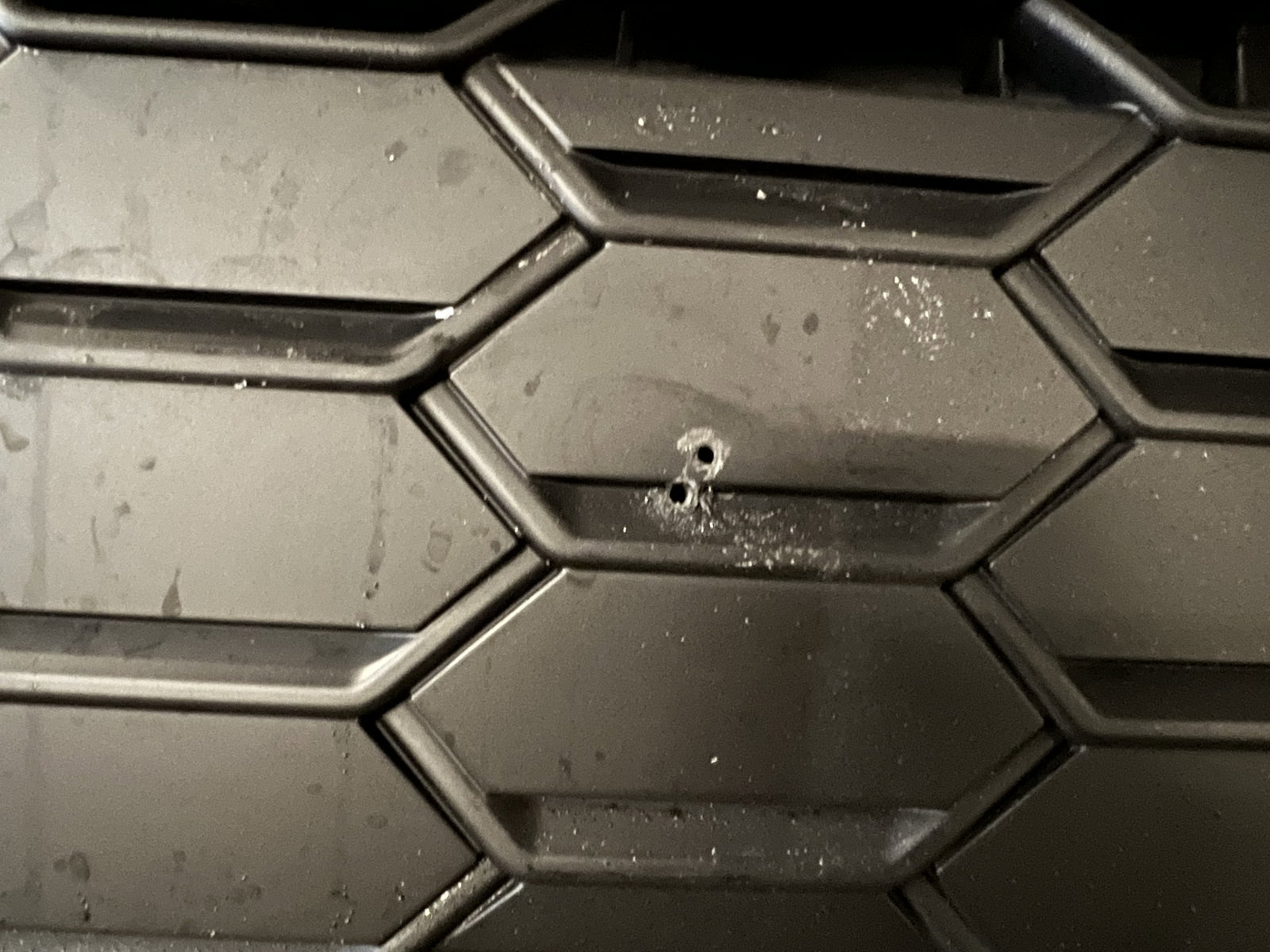
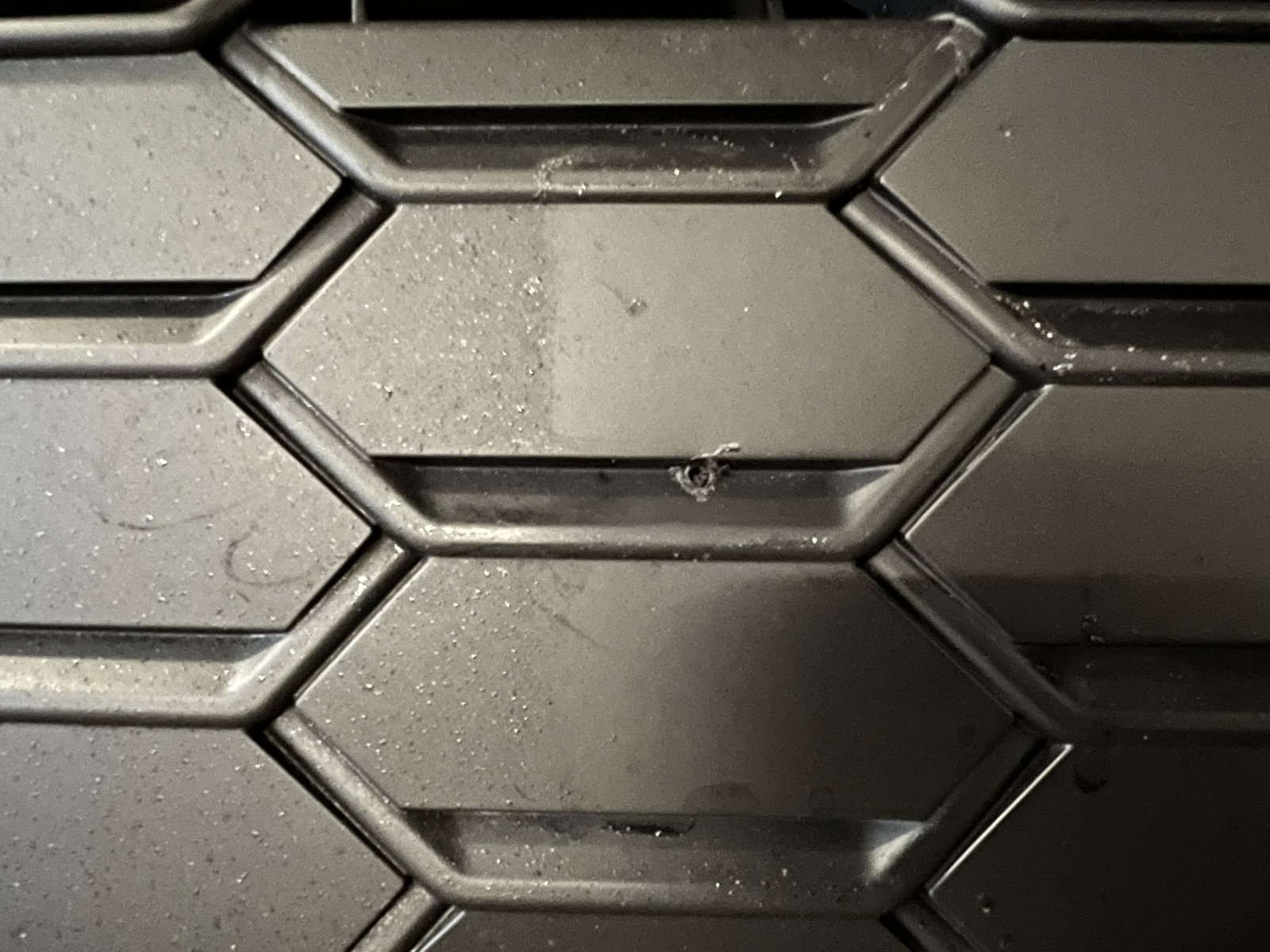
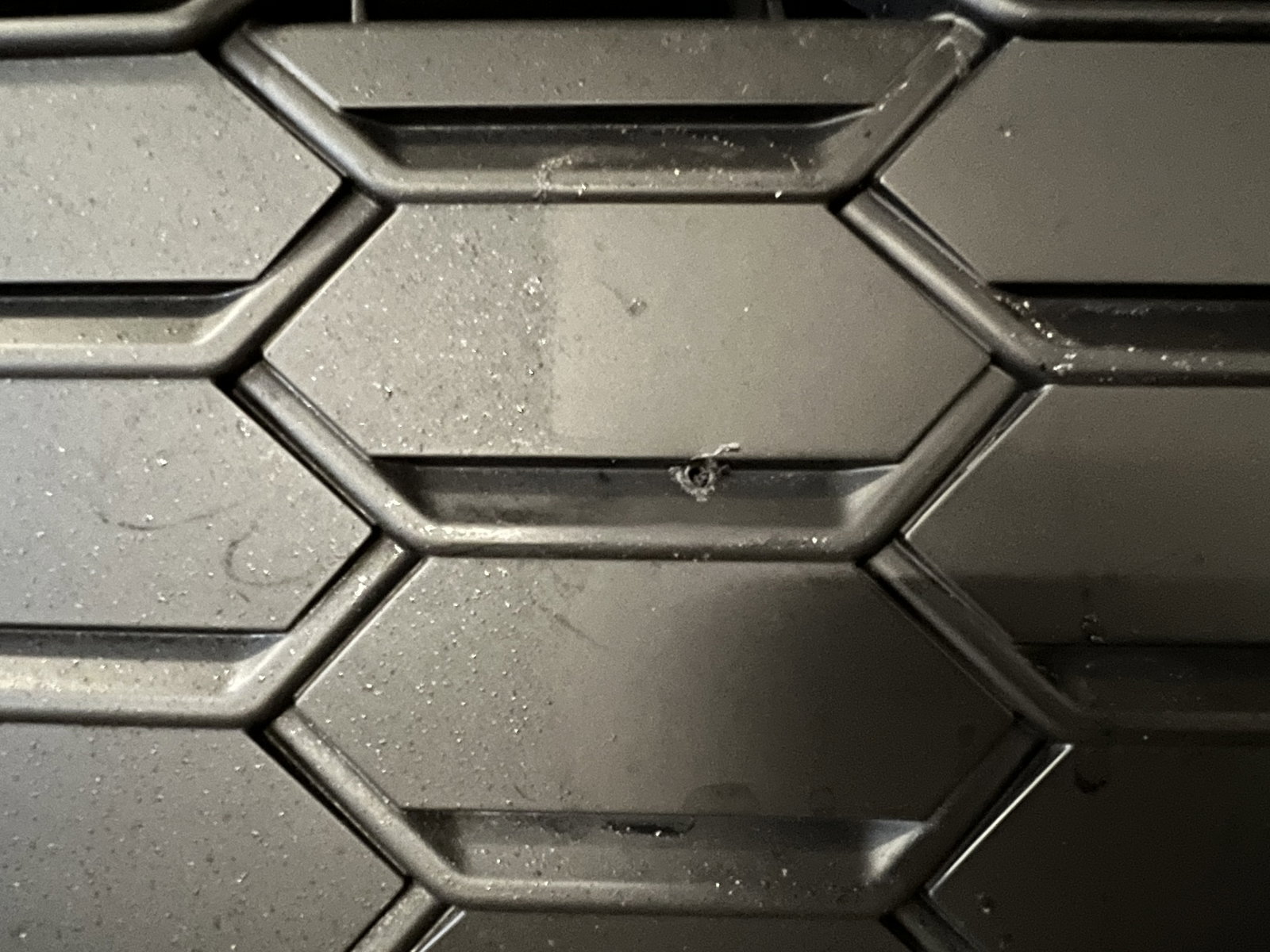
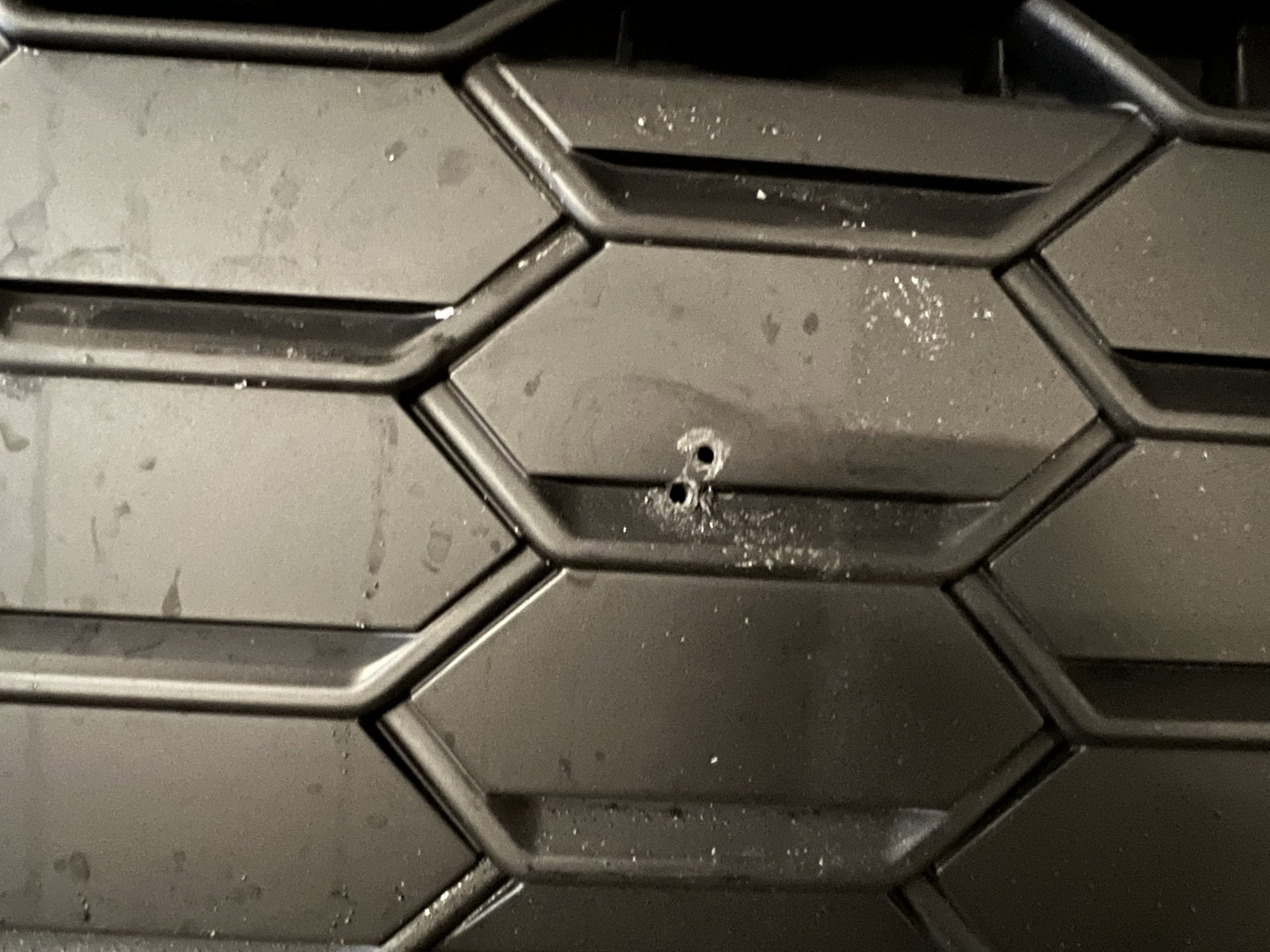
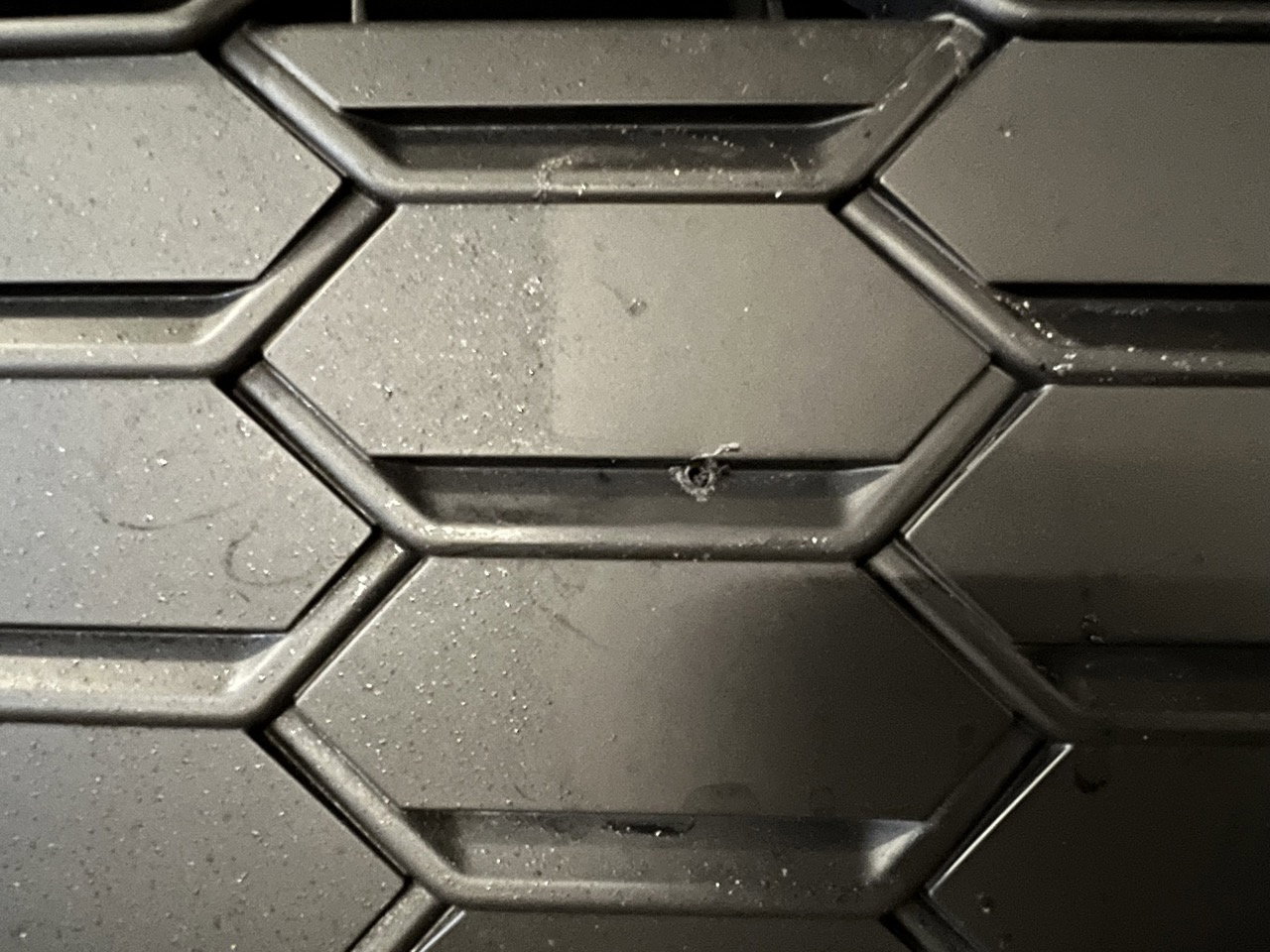
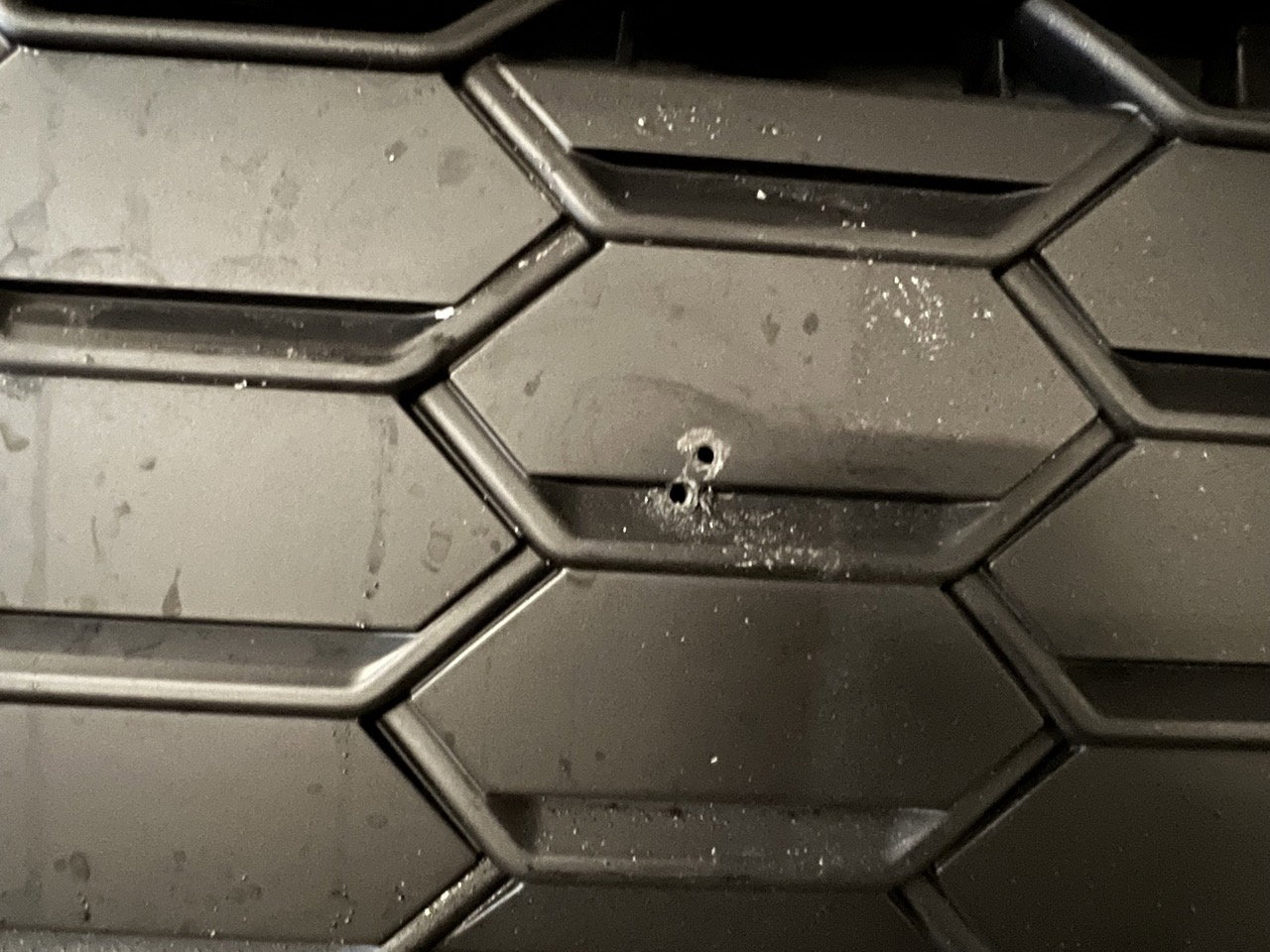
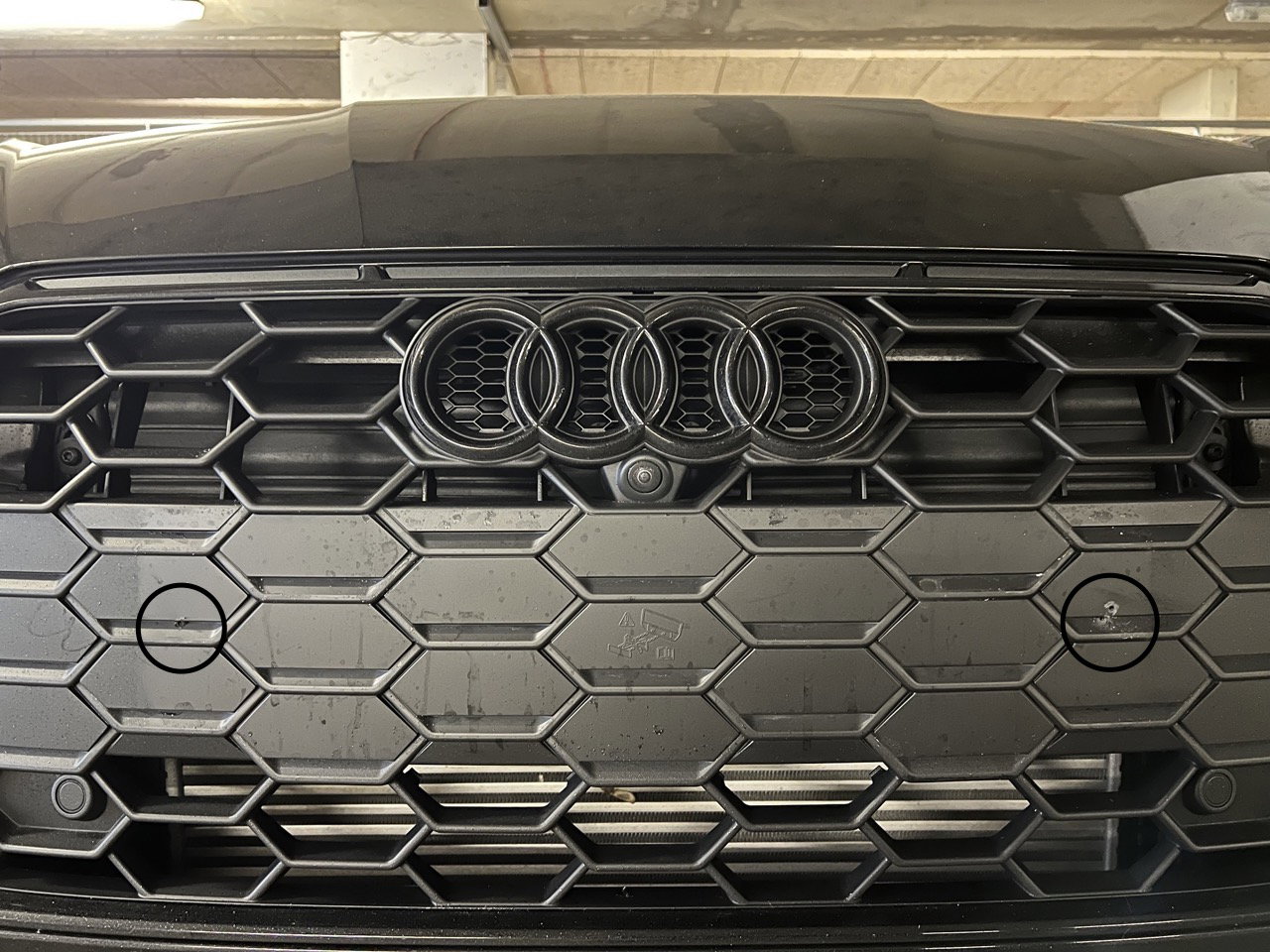
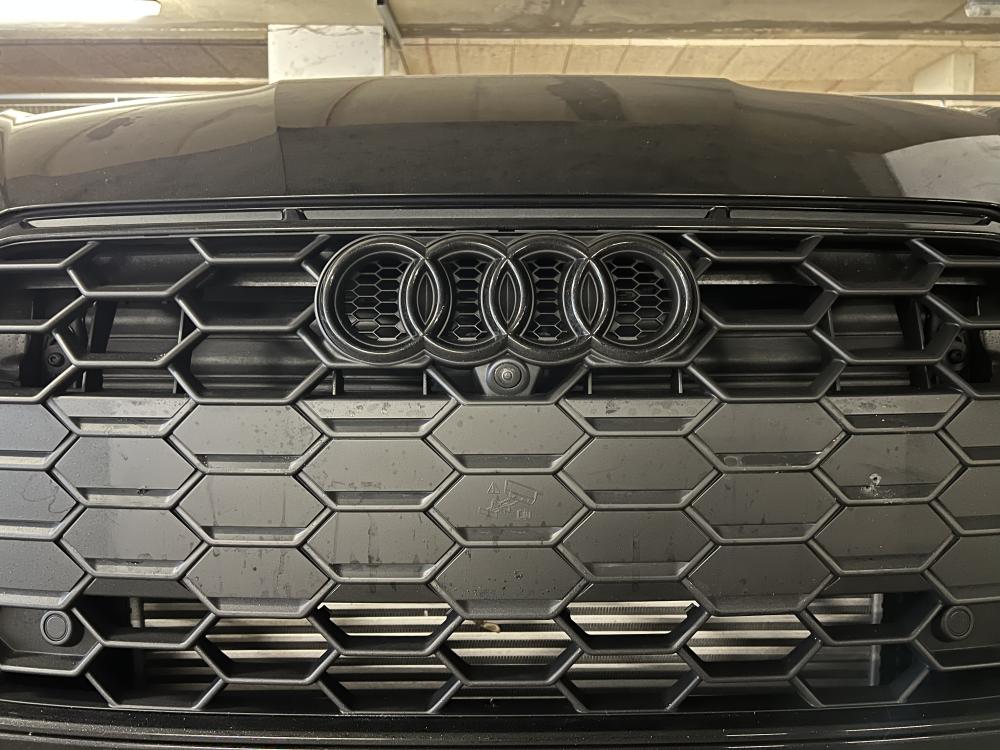
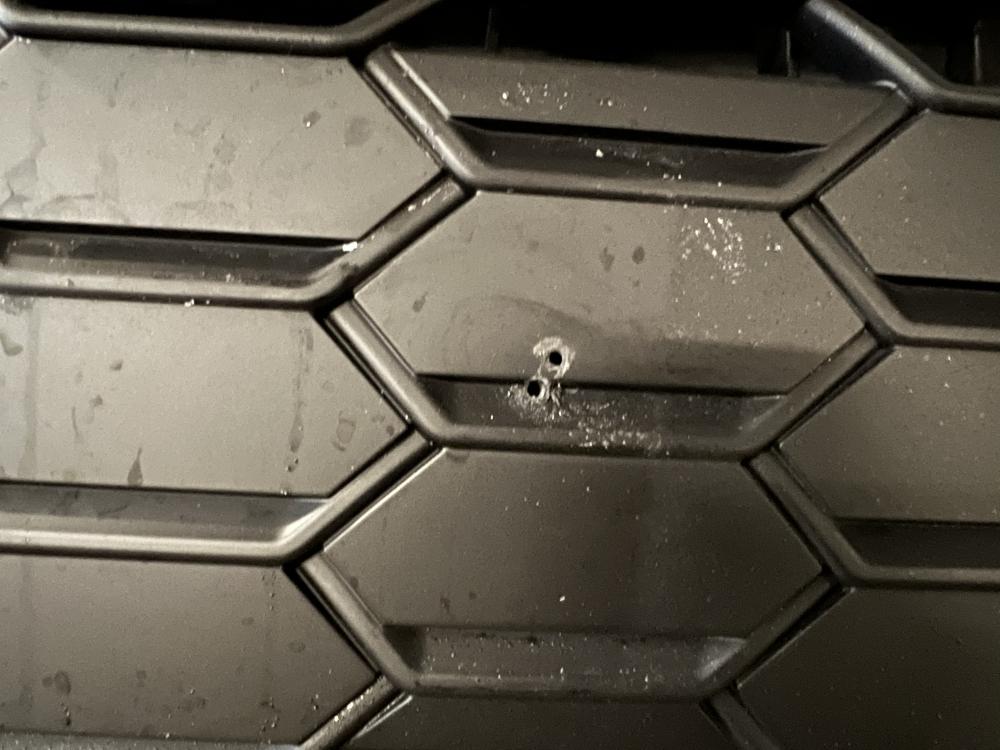
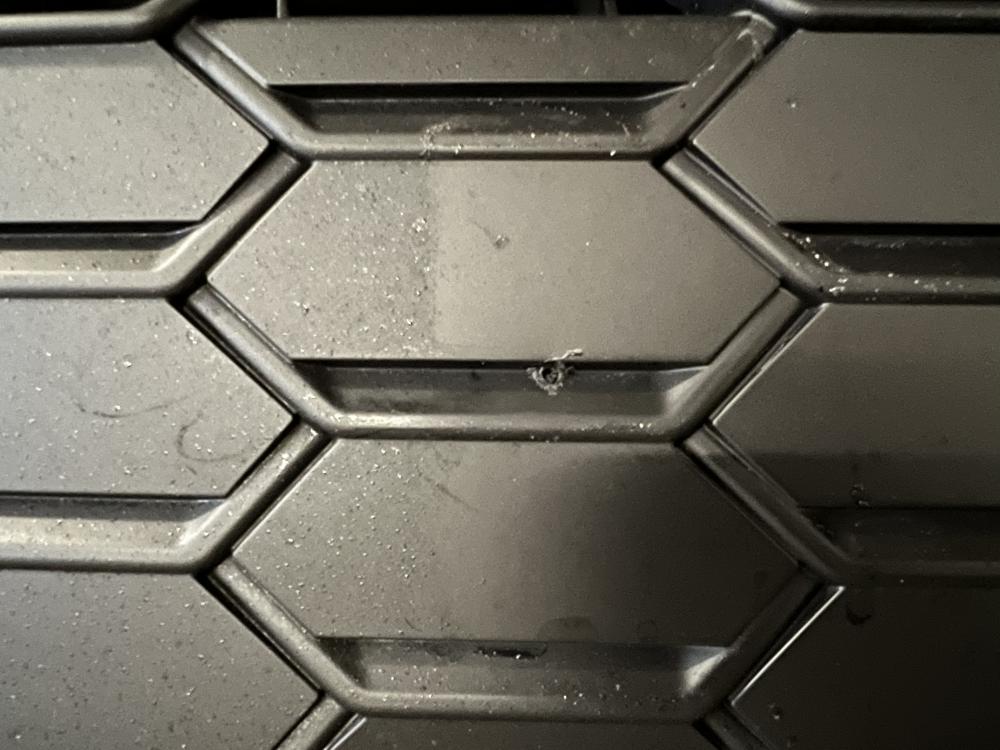
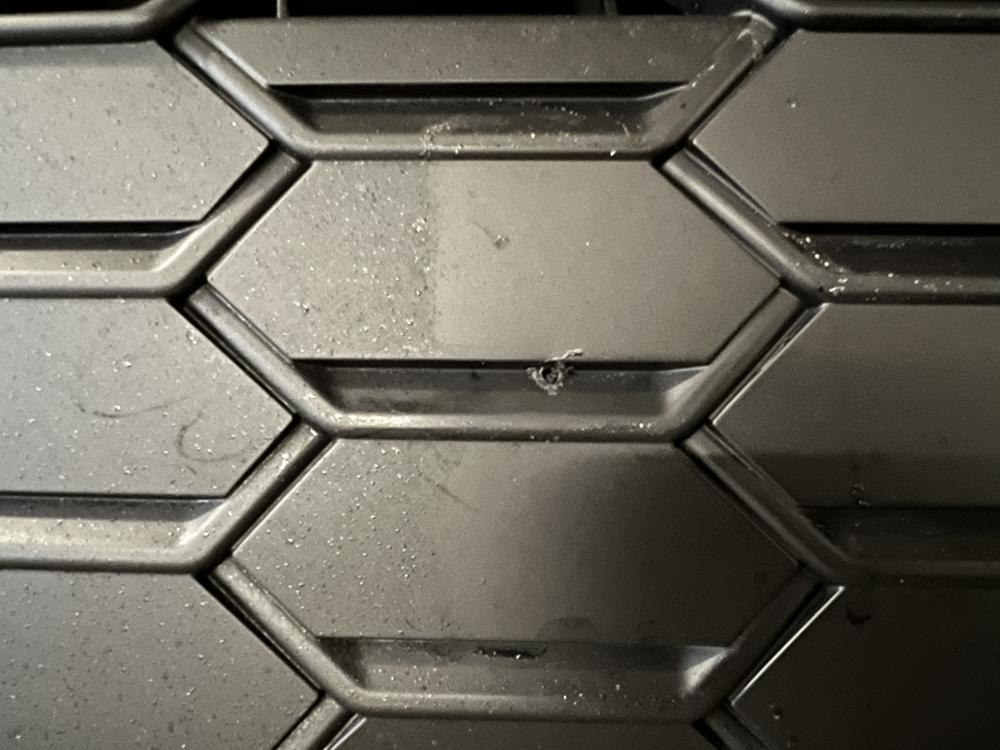
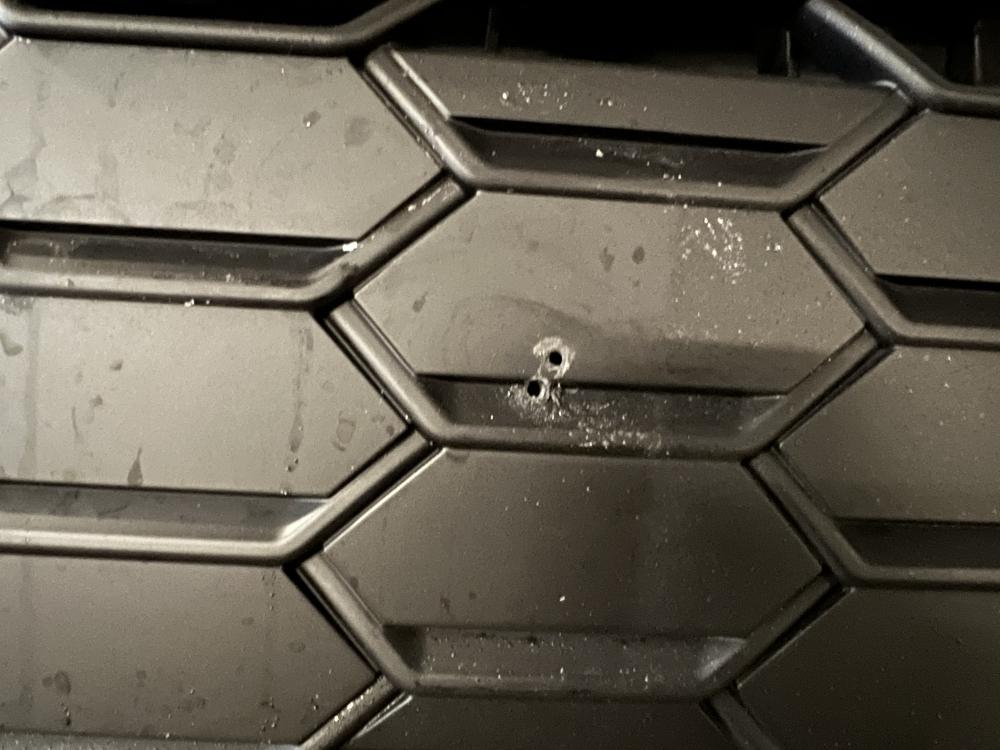
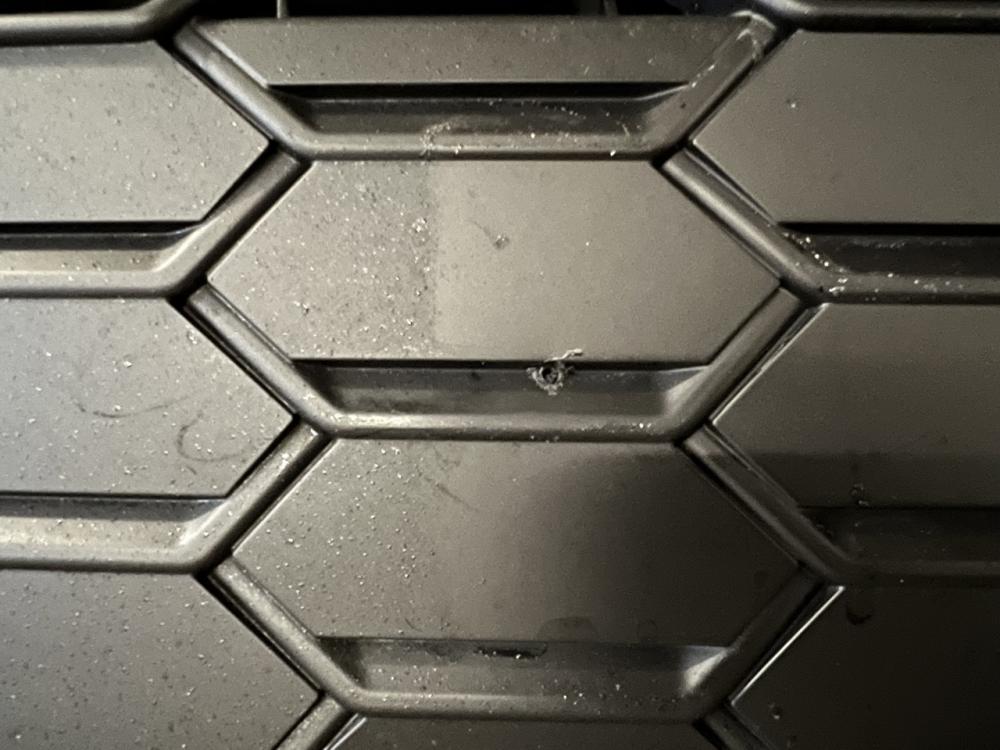
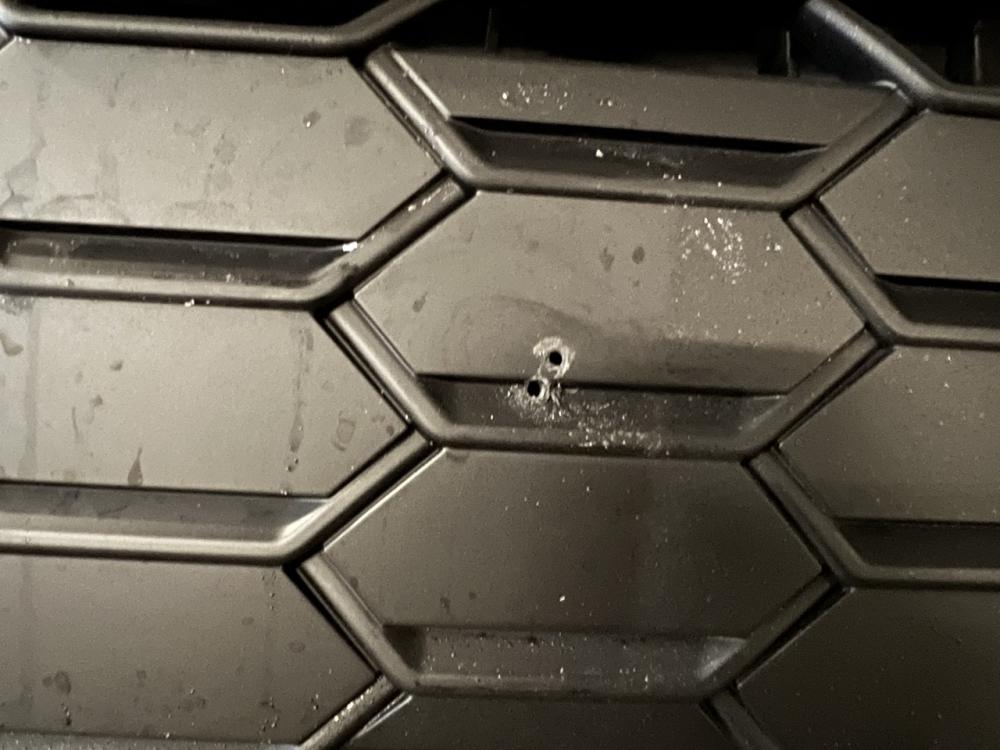
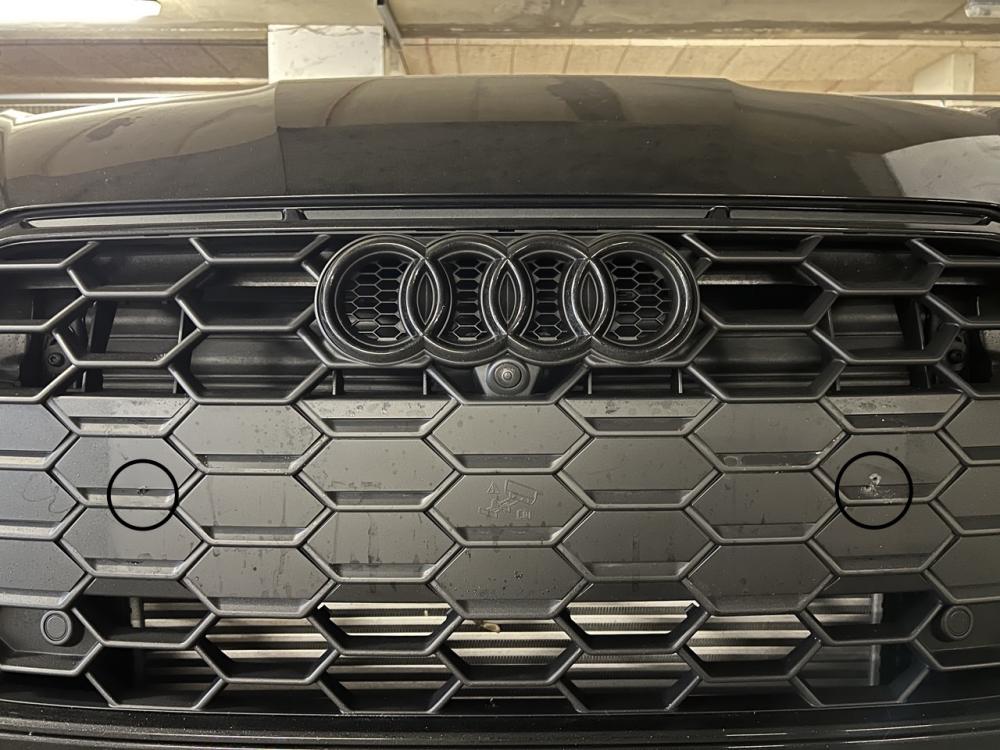
Hi guys, I would like some help and advise. I bought a new A5 and the dealer has drilled holes in the front bumper for the plate. I found the spacing of the holes very odd so decided to unscrew to check if it has a holder or not. Lo and behold, there are holes directly in the honeycomb pieces. Can I replace just the honeycomb pieces? is there anything I can do? The holes are so wide that they are nearly at the edge of a standard plate (20.5inches) I cant even have a small plate on.
-
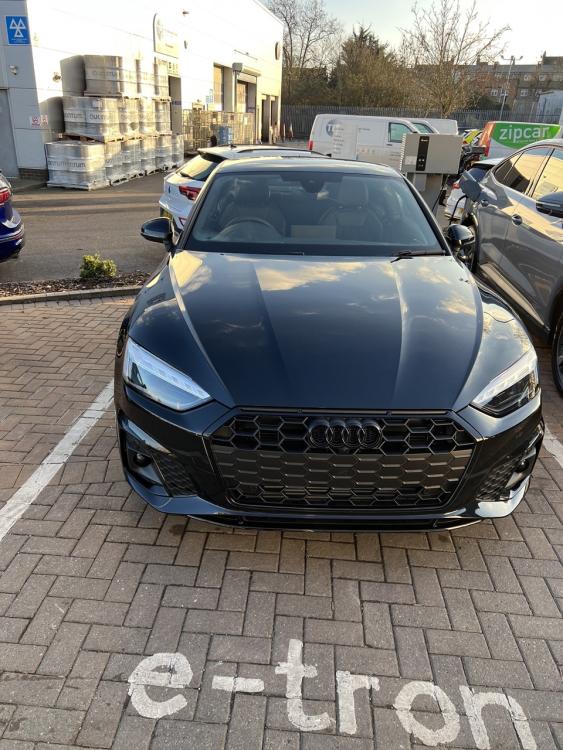
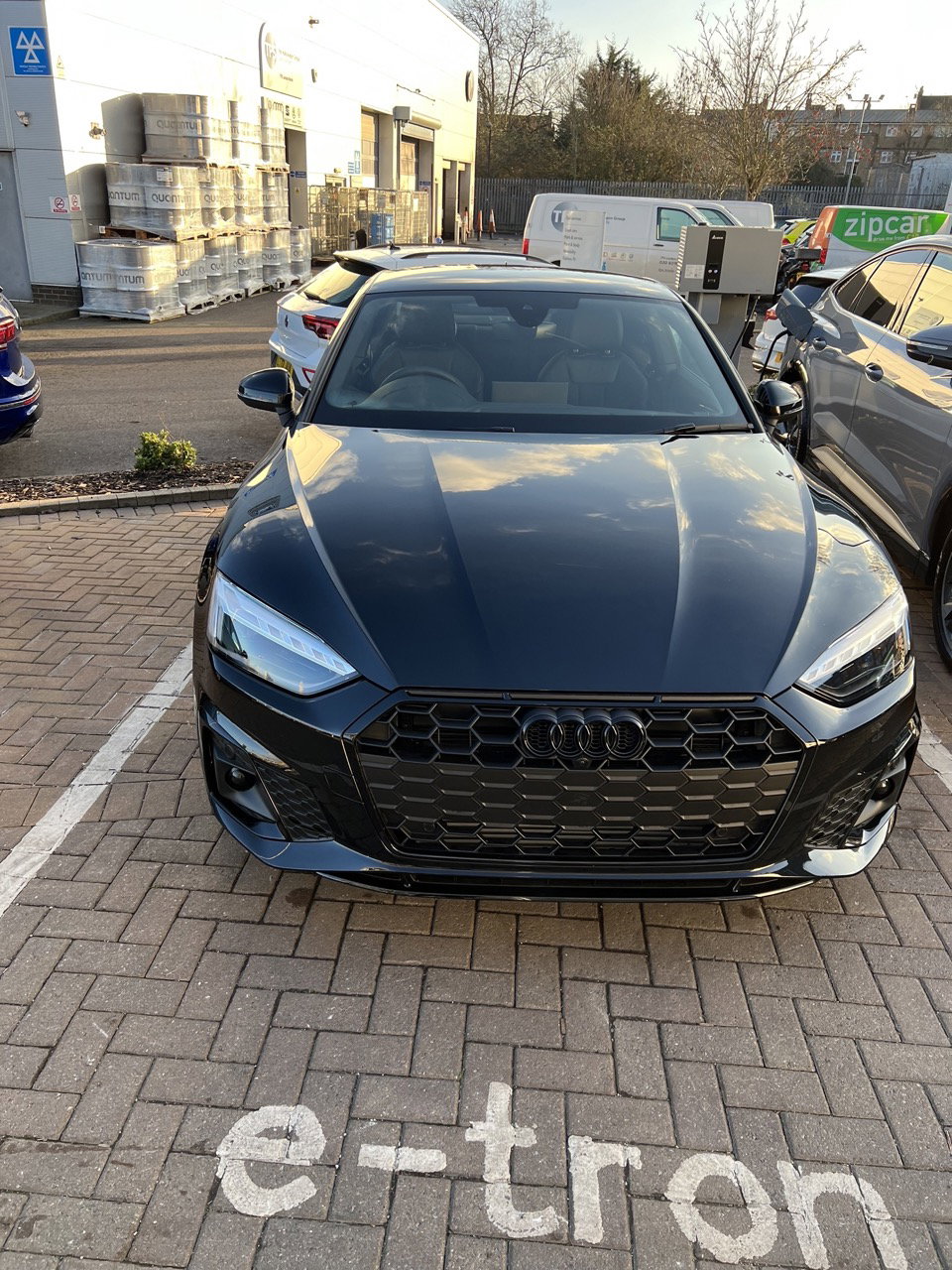
Hi guys! I have been looking at various Audi forums reading about various things and I thought I would join one. I am from London, UK. I have Audi A5 Black Edition TFSI 40 2023 model. It is my first Audi (not my first car, i am in my late 30s). I will post more pics later.