.jpeg.86afa5d6361c2b19a8d6df8effd67634.jpeg)
Client76
Members
-
Joined
-
Last visited
Everything posted by Client76
-
-
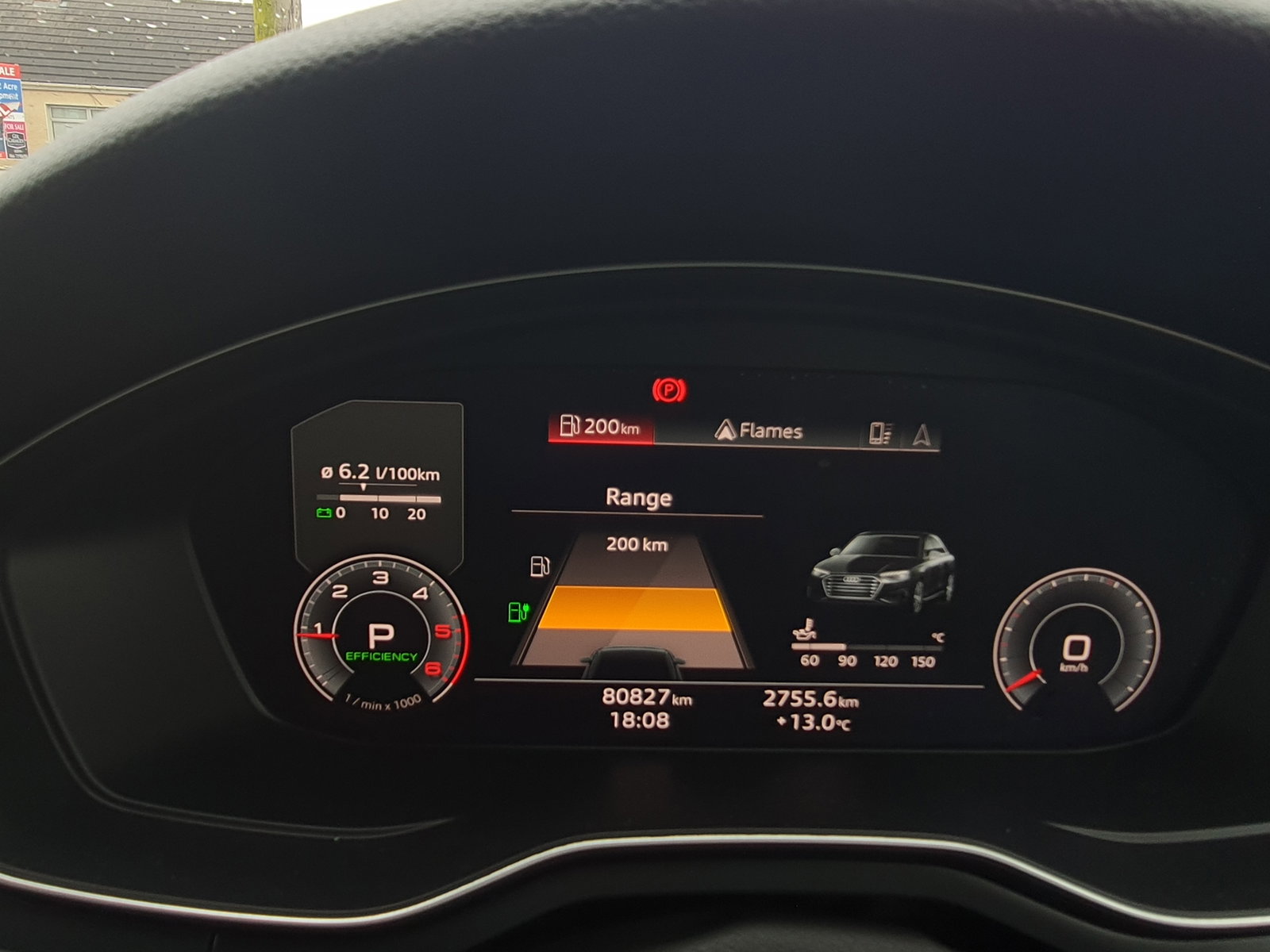
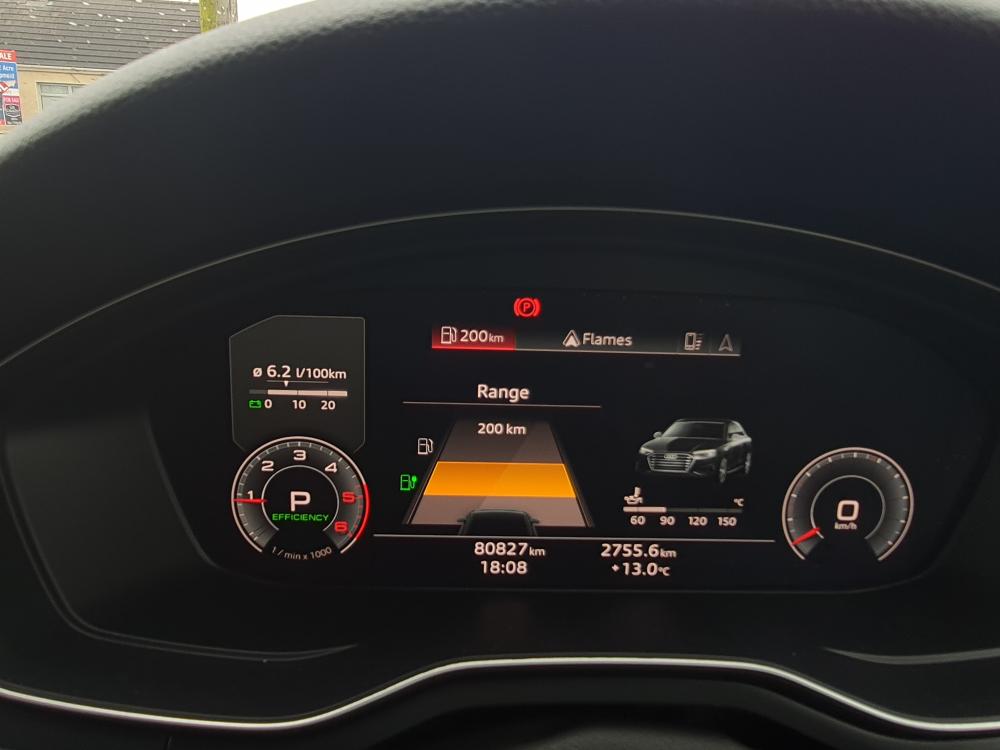
Hi everyone. I'm very new to Audi. Trough the month of owning my first Audi I'm quite familiar with all settings I can access and adjust, but today I have noticed something I've never seen before. I got that piece of information on my screen. I was exited to see something I've not seen yet. But. I don't know how and why I got that info and what it means. I guess that just a fancier visualisation of range left 🙄 But I can't find my way to bring it back (I just pressed OK on steering wheel and message disappeared. Any ideas what/why/how? It may sound funny for most of you, but I'm really lost with this finding... 😵💫
-
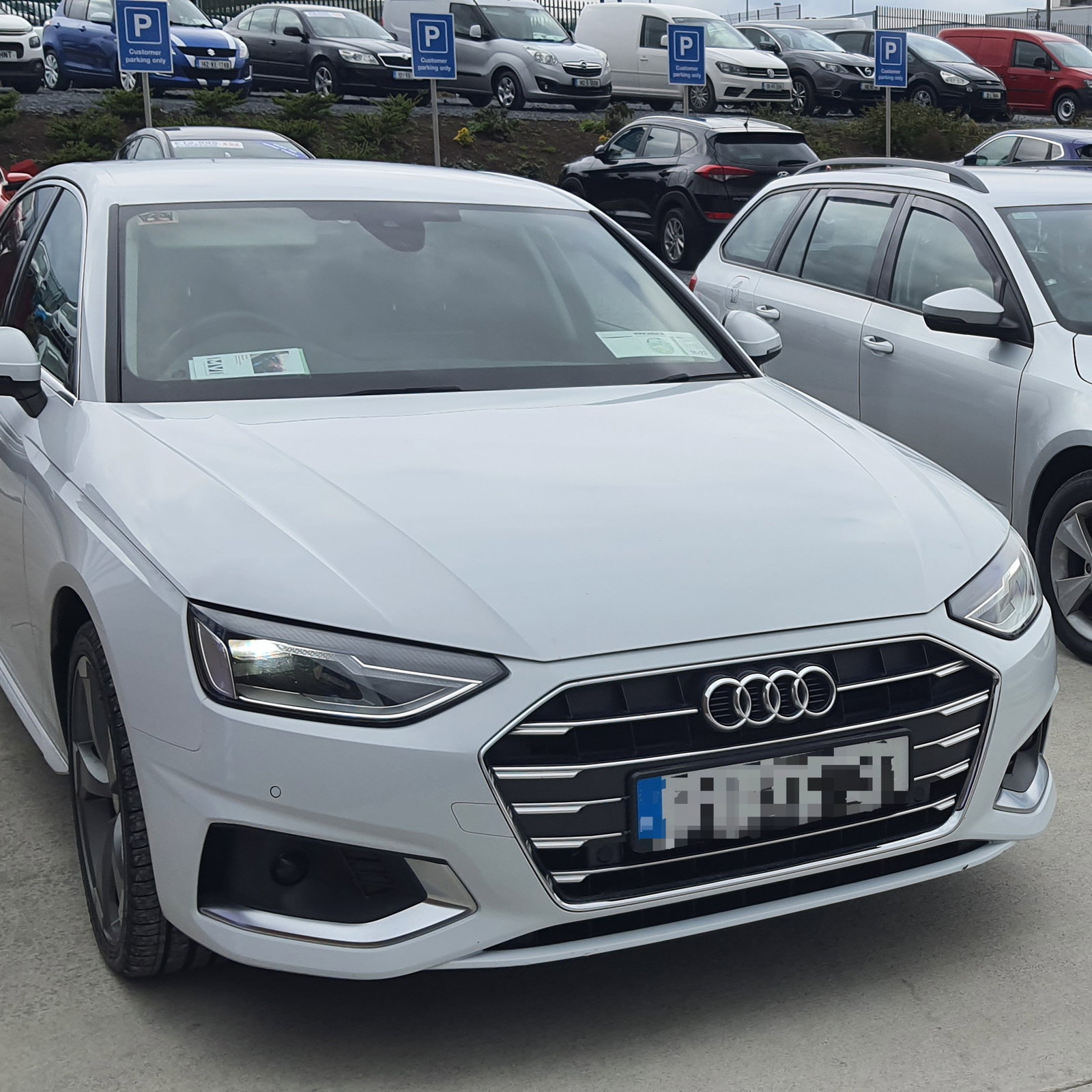
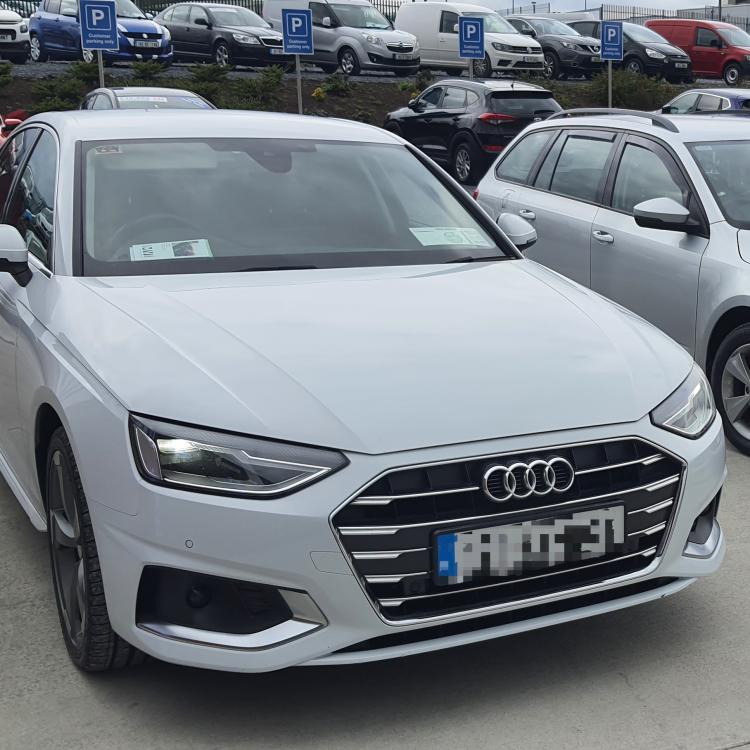
My first Audi 🙃 Not the beast on the road, but I really like my new A4 🙂
-
-
Hello from Ireland! Recently got my Audi A4 2019 (second hand). Lovely car 🙂
.thumb.jpeg.636d484b89d6d9ab69bd35527858d012.jpeg)