RAW
Members
-
Joined
-
Last visited
Everything posted by RAW
-
No one ever replied @johnnybb2000 and in the end I got one of these second user off of EBay Kenwood Dmx7017dabs And Kenwood drv-n520 Dash Cam The unit worked well and I would also advise looking at the Connects2 website https://connects2.com/ for the interconnects, steering wheel controls, as I bought some cheaper ones off of EBay and wasted a lot of time never getting them to work. I could never get the DAB to work properly and again I think that was to do with the connections as you need some Fakra to DIN type connector as well for the aerial, there's not a huge amount of space to work with unless you take the whole Dash off which I wasn't prepared to do !! Good luck. PS I don't have the car anymore
-
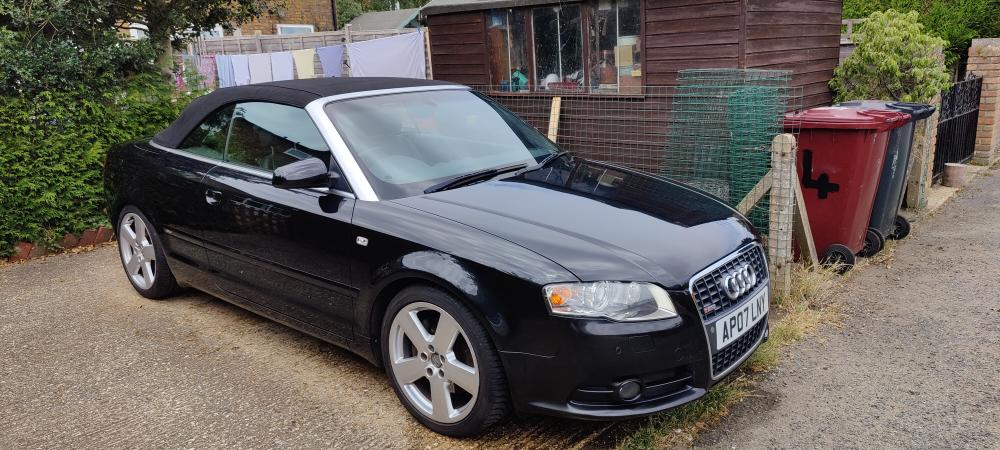
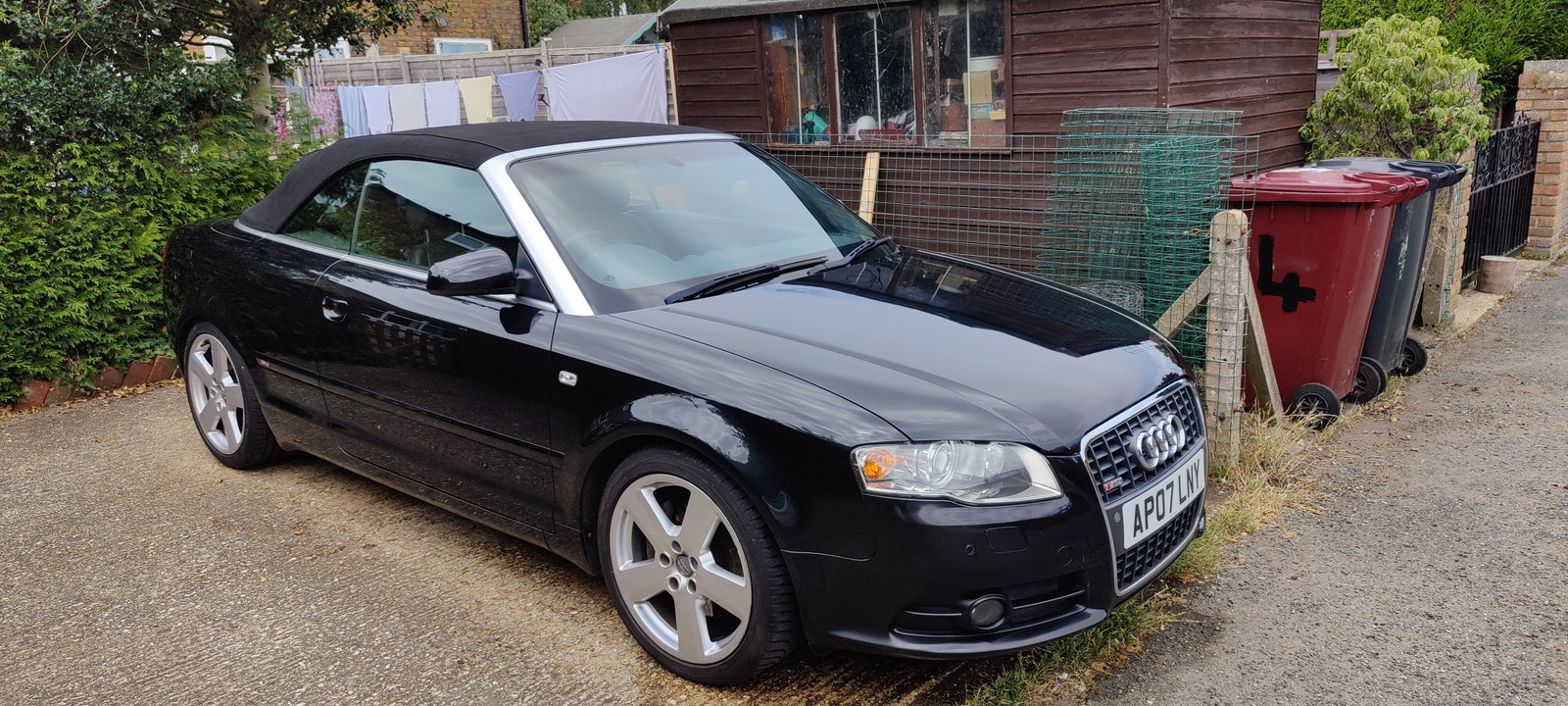
Hello, New here so thanks in Advance for any replies to this thread. I have a 3 litre Audi A4 B7 Cabriolet and am considering upgrading the head unit as obviously the 2007 one is dated and also the screen is giving out Has anyone done this and have any head units they recommend. Needs to be Android Auto 12 ideally and would be better if it had some engine diagnostics too but not essential. There are a lot of, quite frankly, rubbish head units on Ebay so any recommendations would be helpful. Have done a search already on here but the search string I put in had no relevant results. Thanks Robert