rozzaa146
Members
-
Joined
-
Last visited
Everything posted by rozzaa146
-
Thank you for making the change, I tried to find the edit button but struggled! No need to pardon, it maybe the case but that is why I am more than happy to have offers sent to me and go from there 🙂
-
Price reduced to £15500.
-
Thank you for THE advice, I have updated 🙂
-
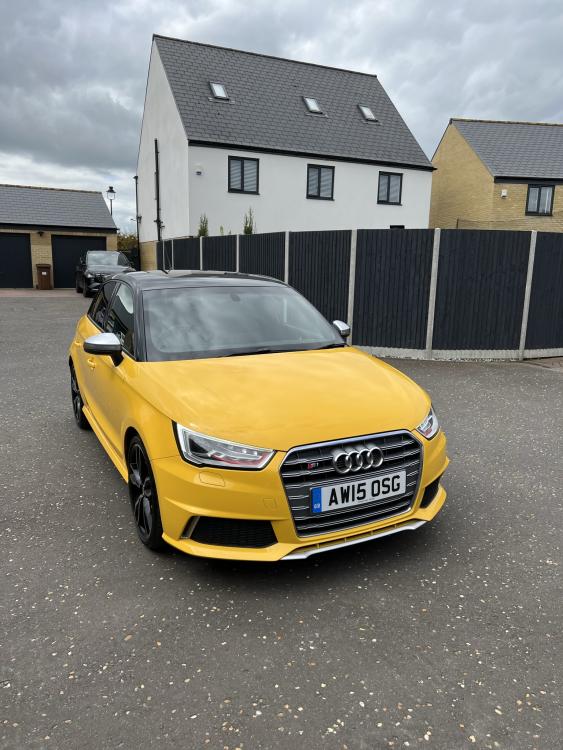
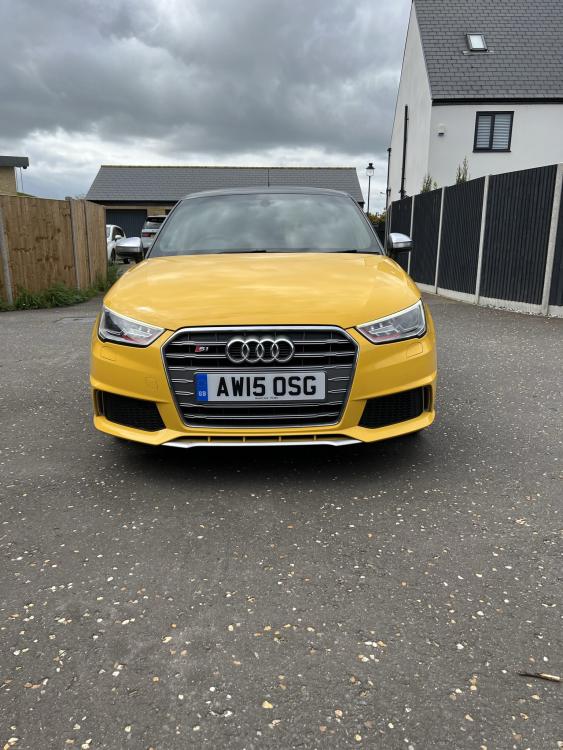
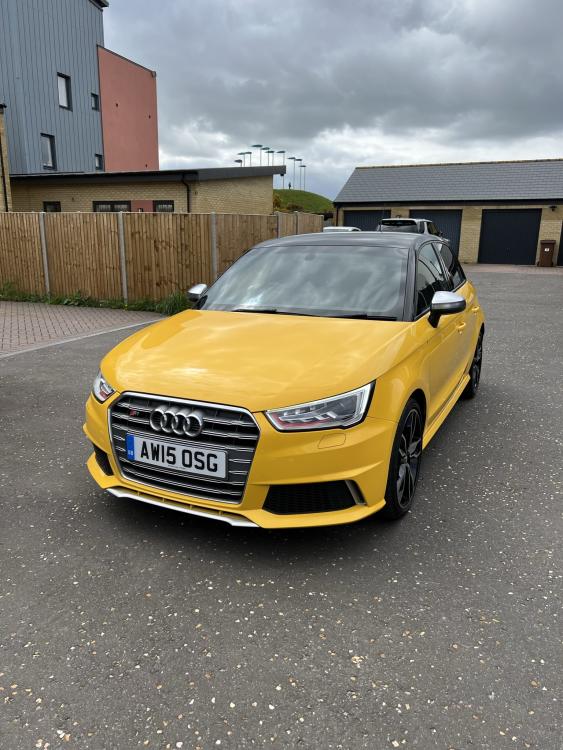
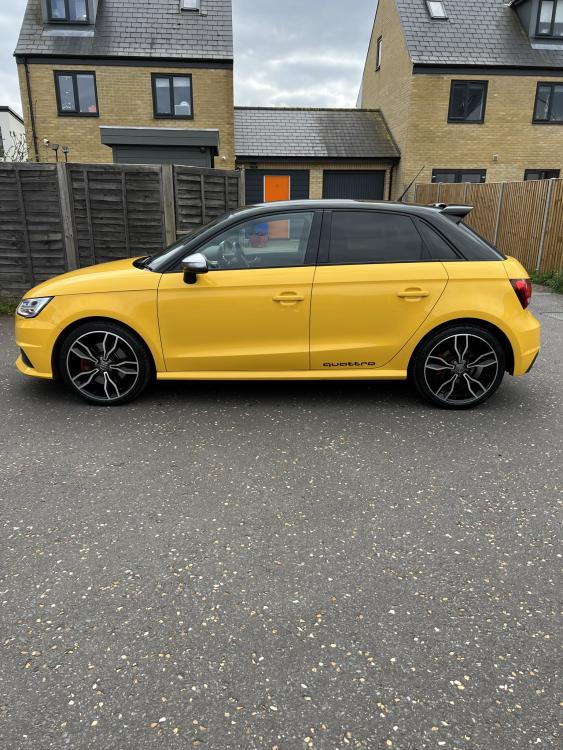
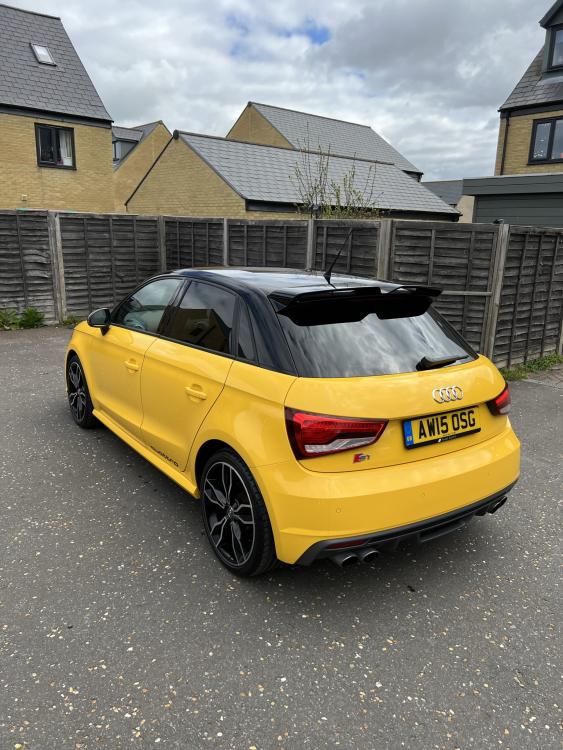
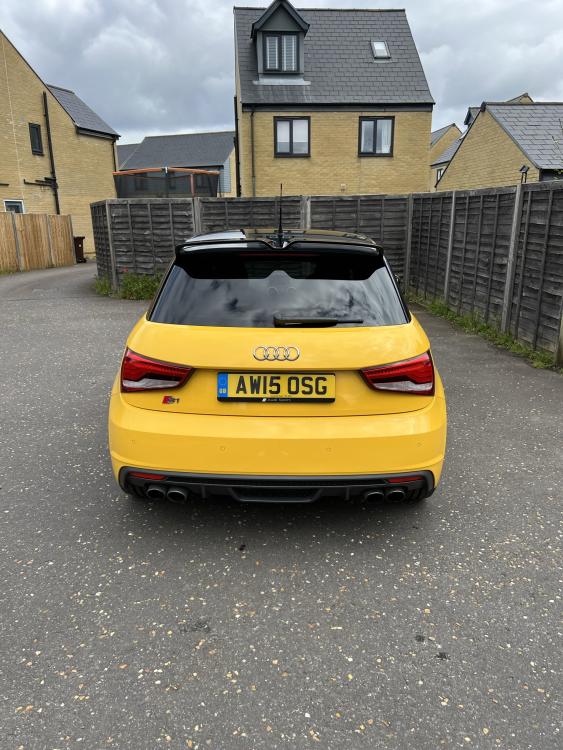
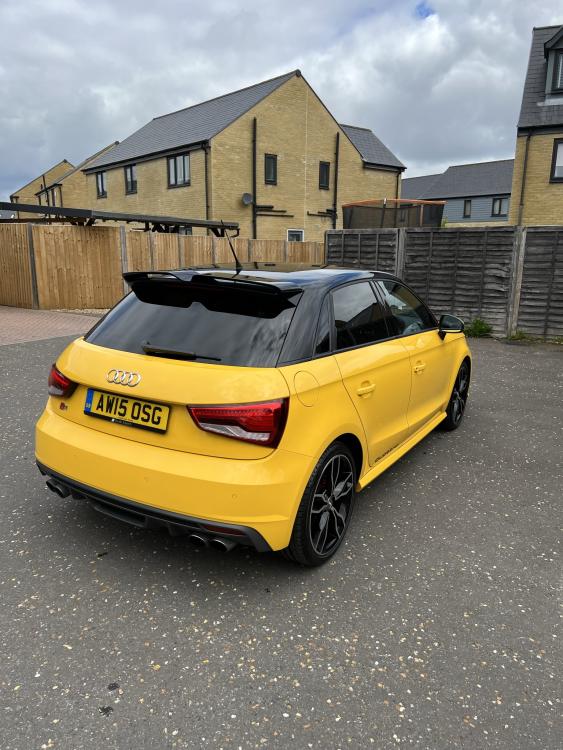
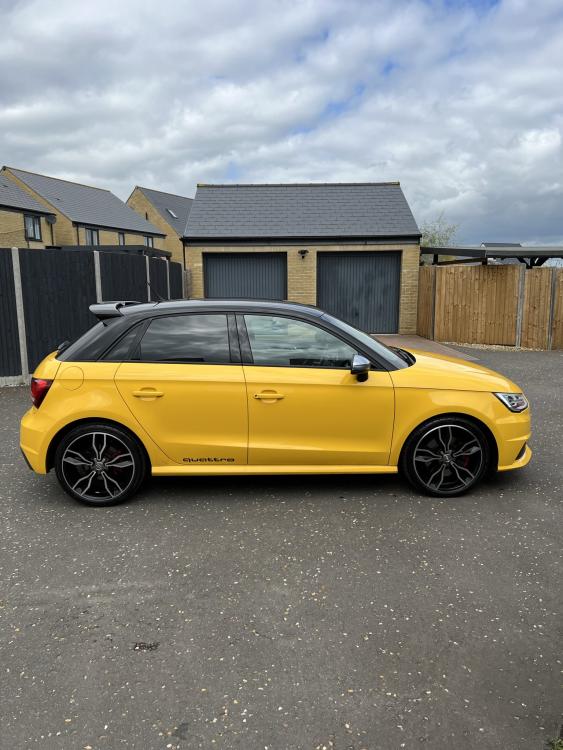
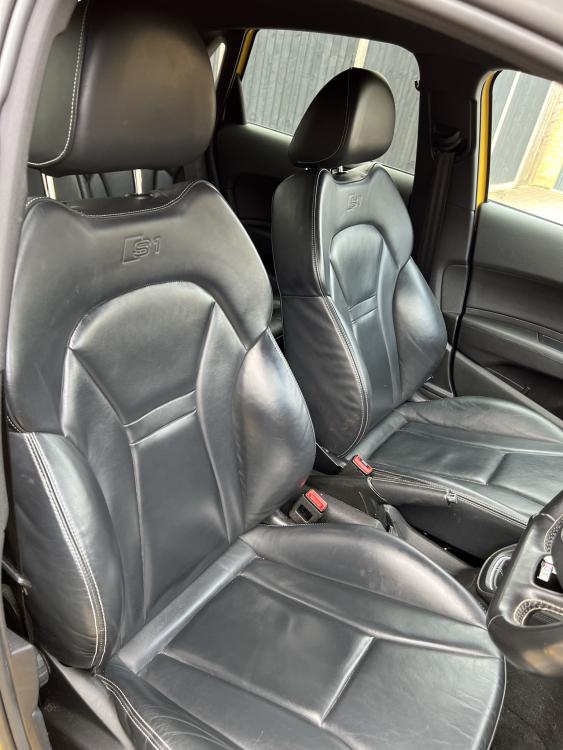
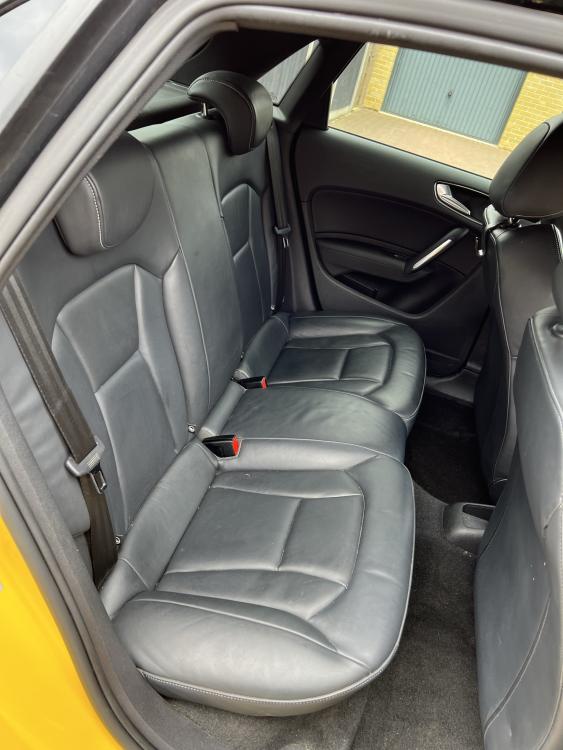
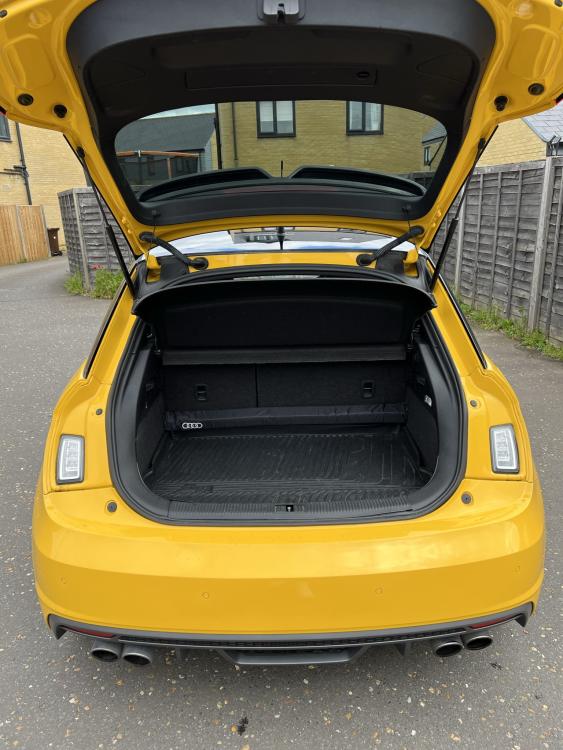
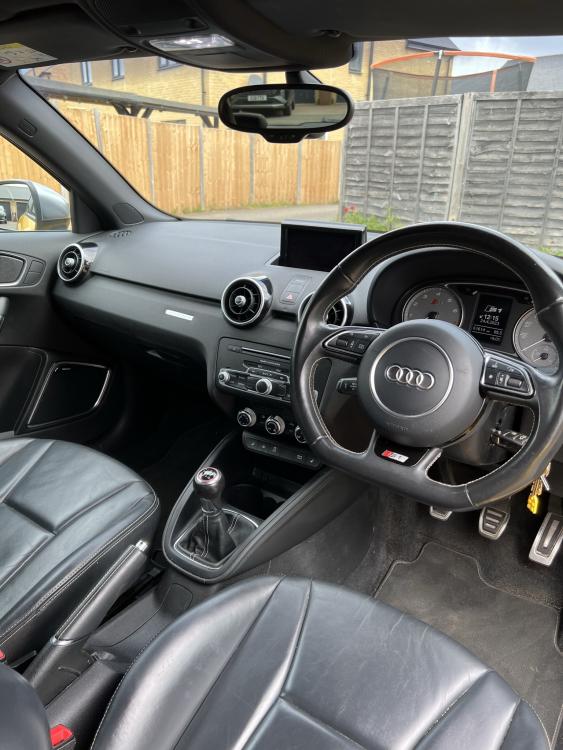
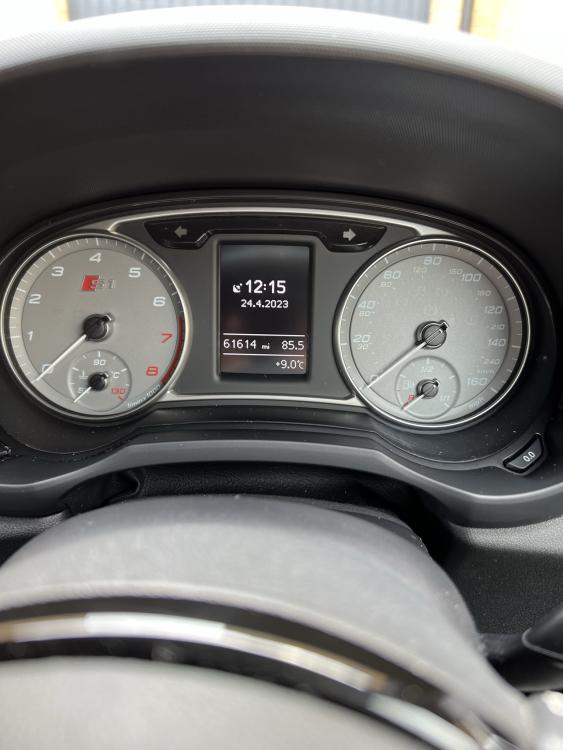
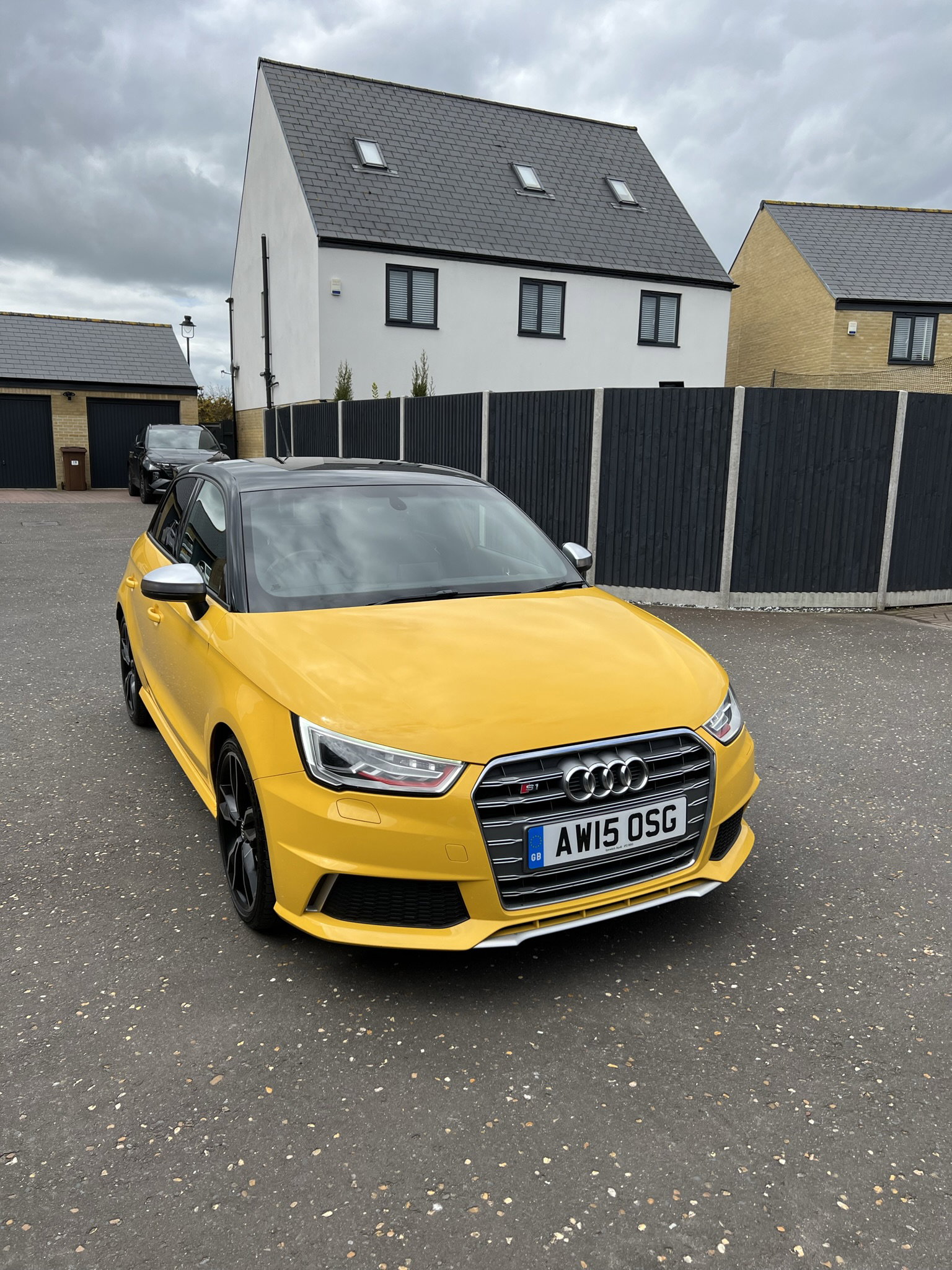
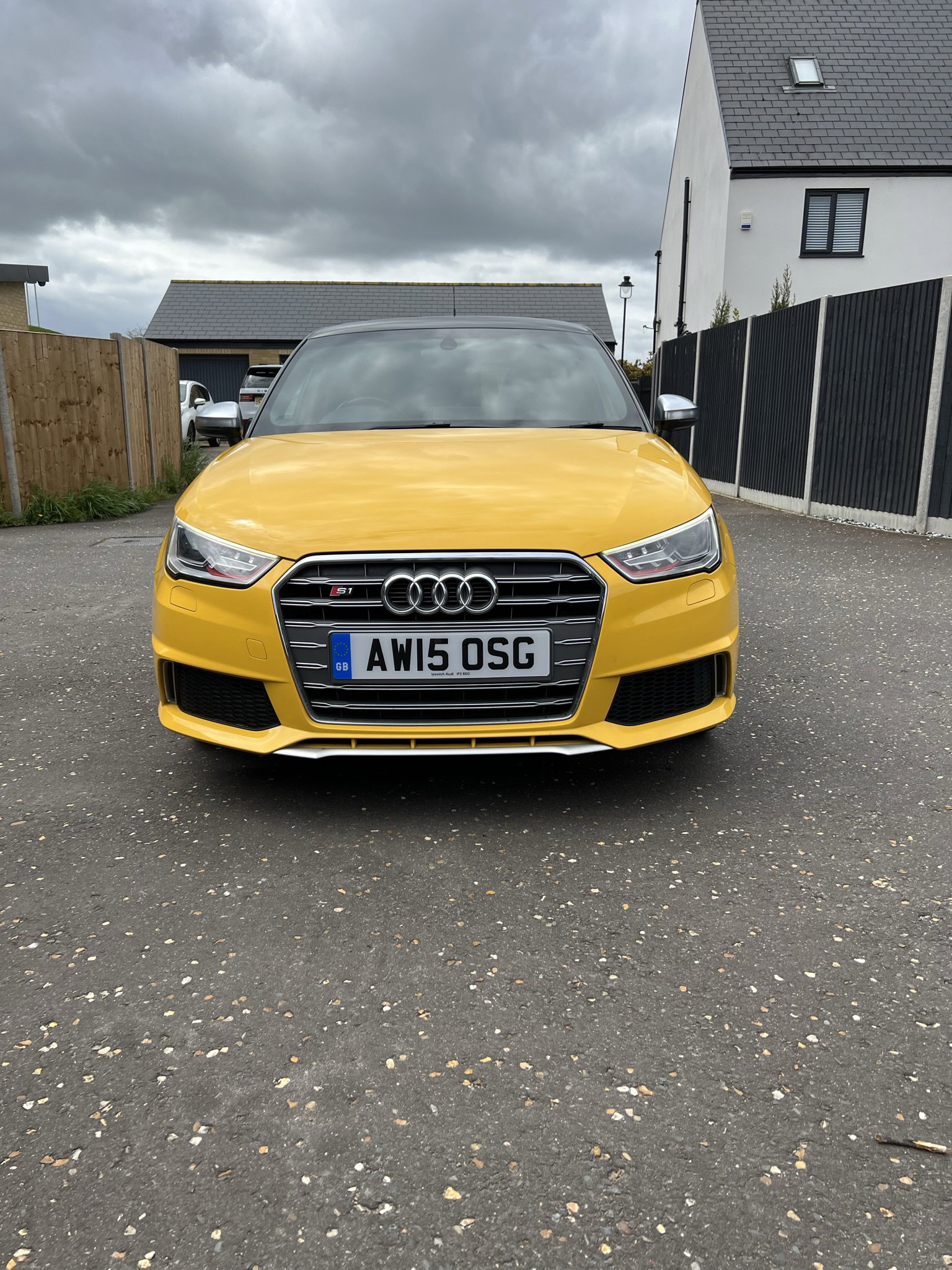
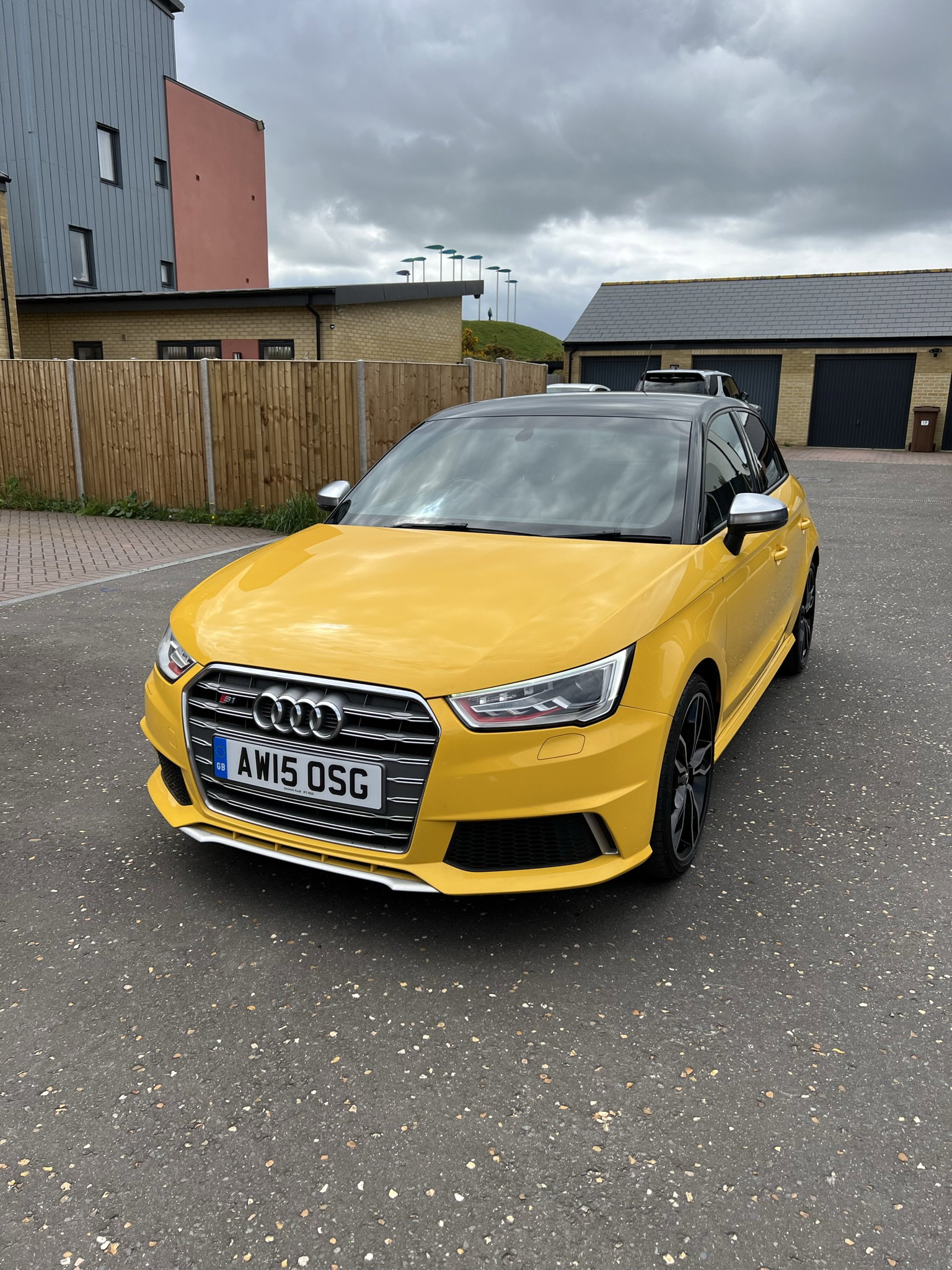
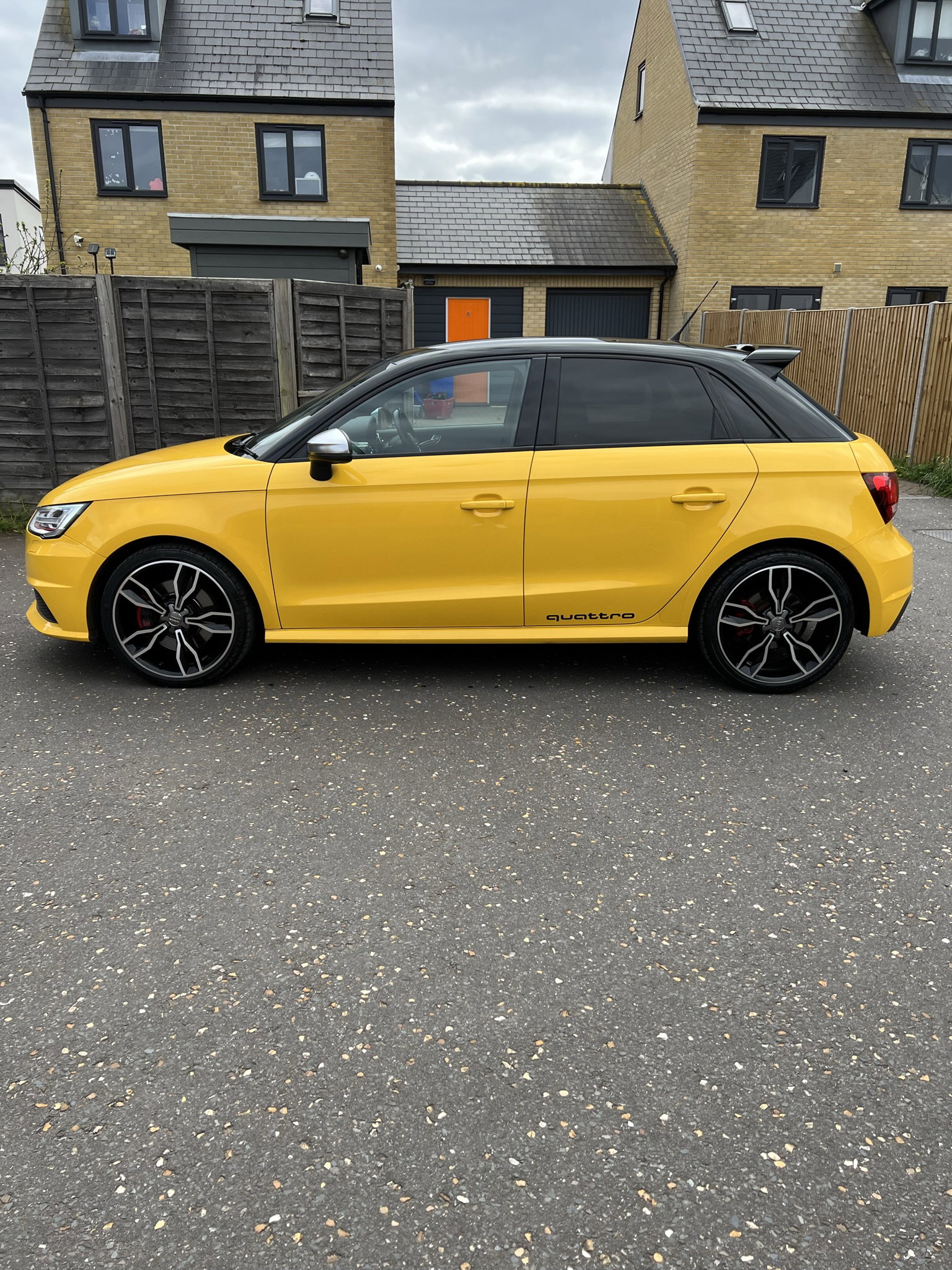
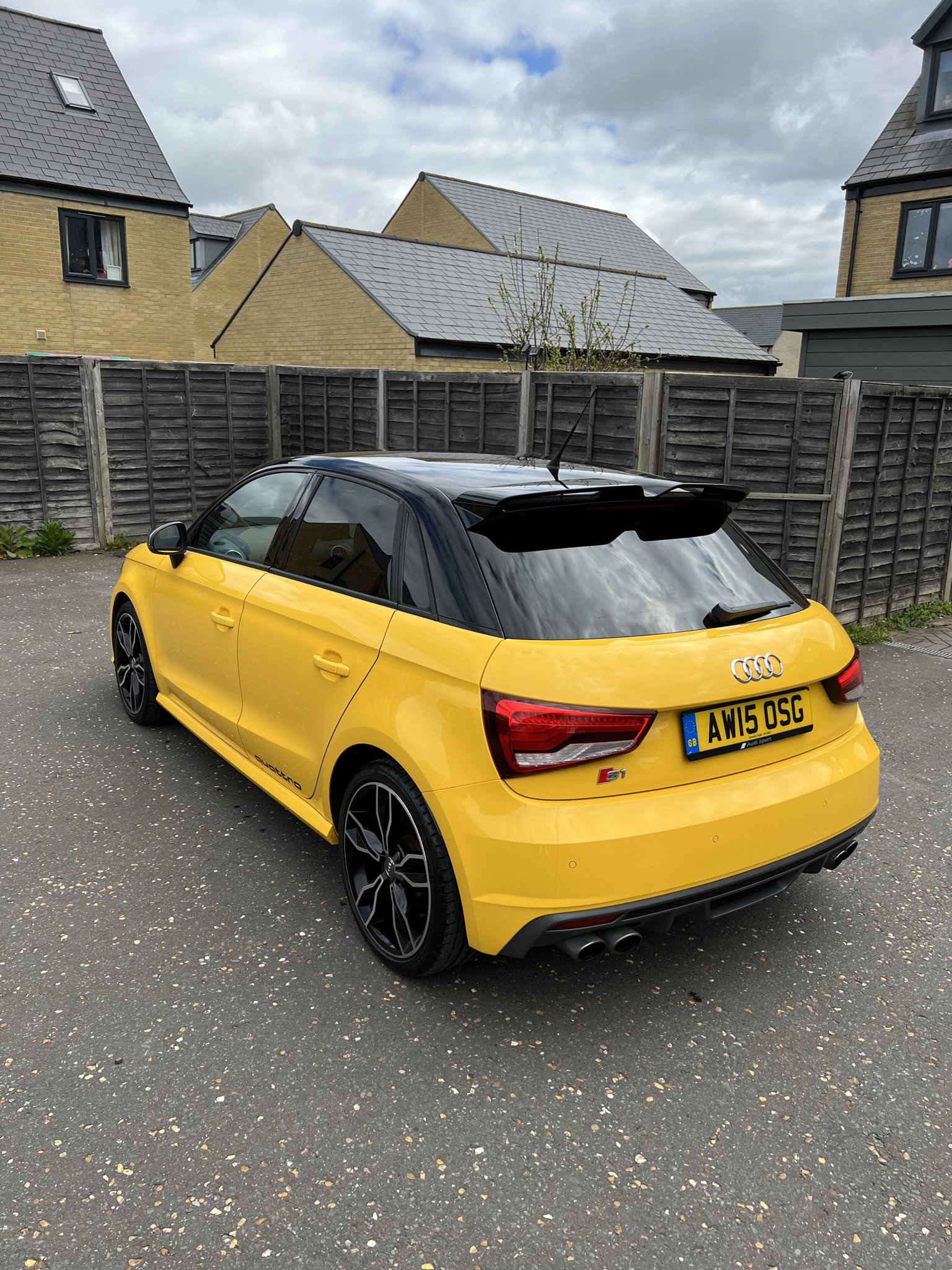
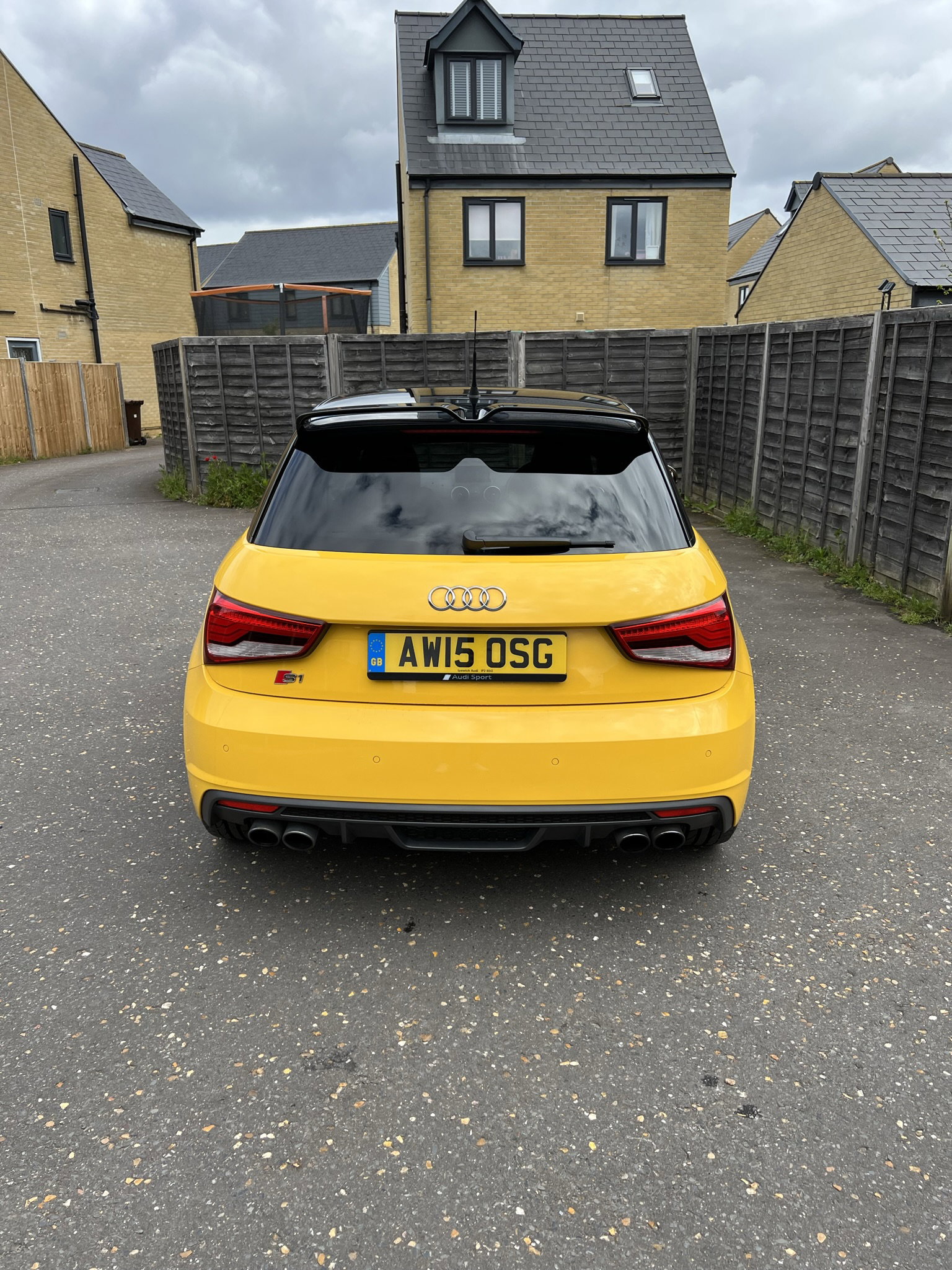
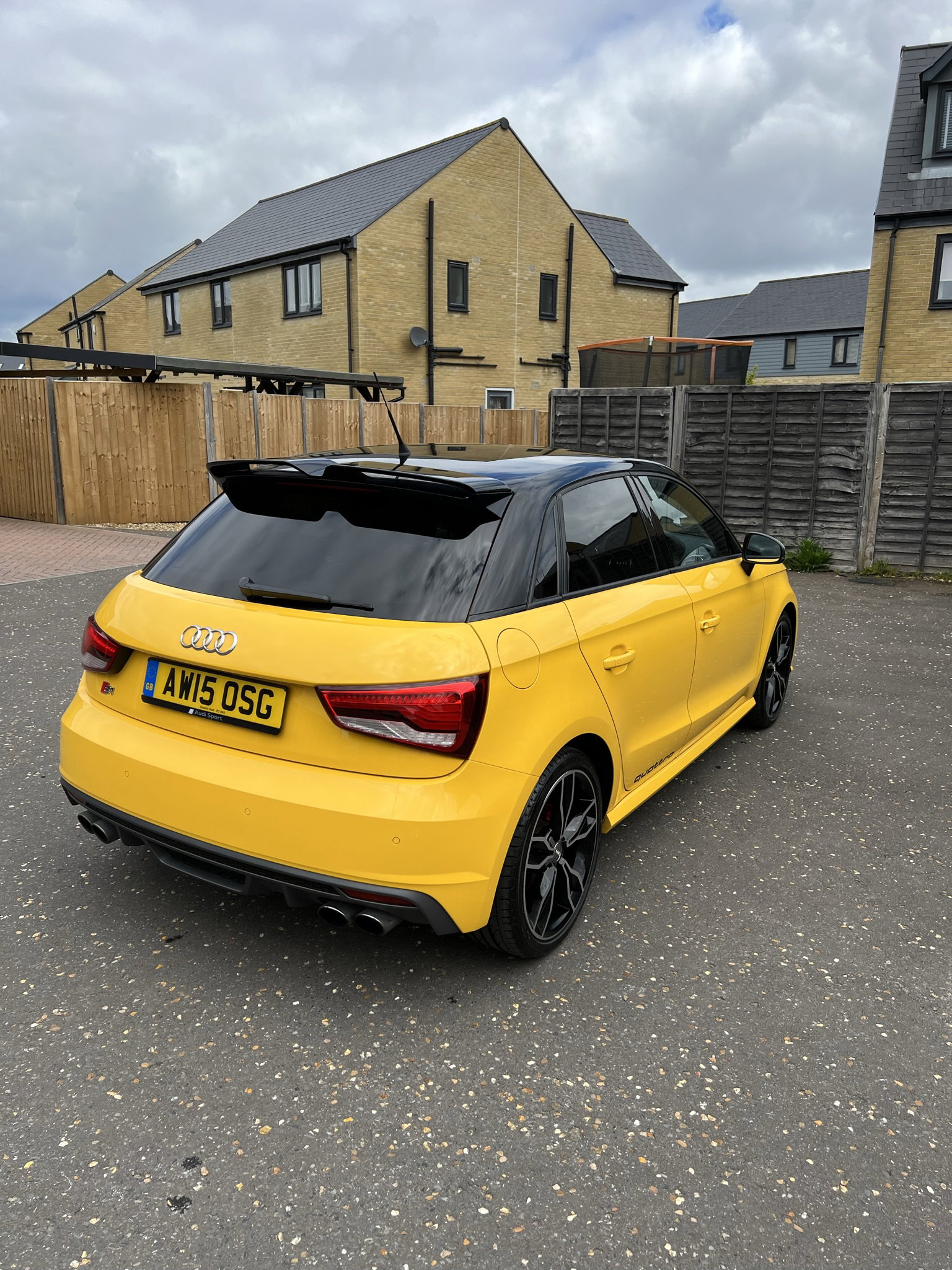
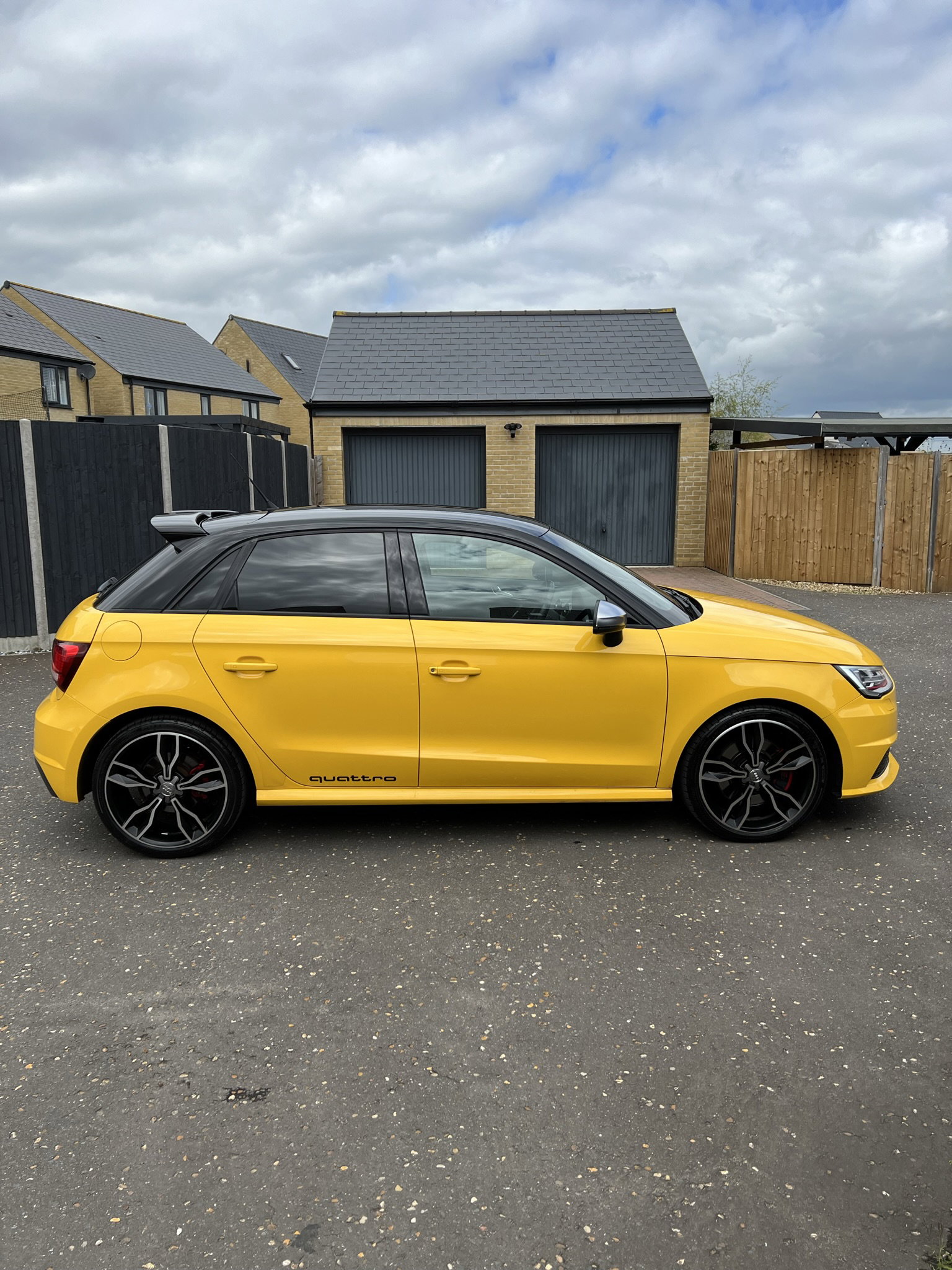
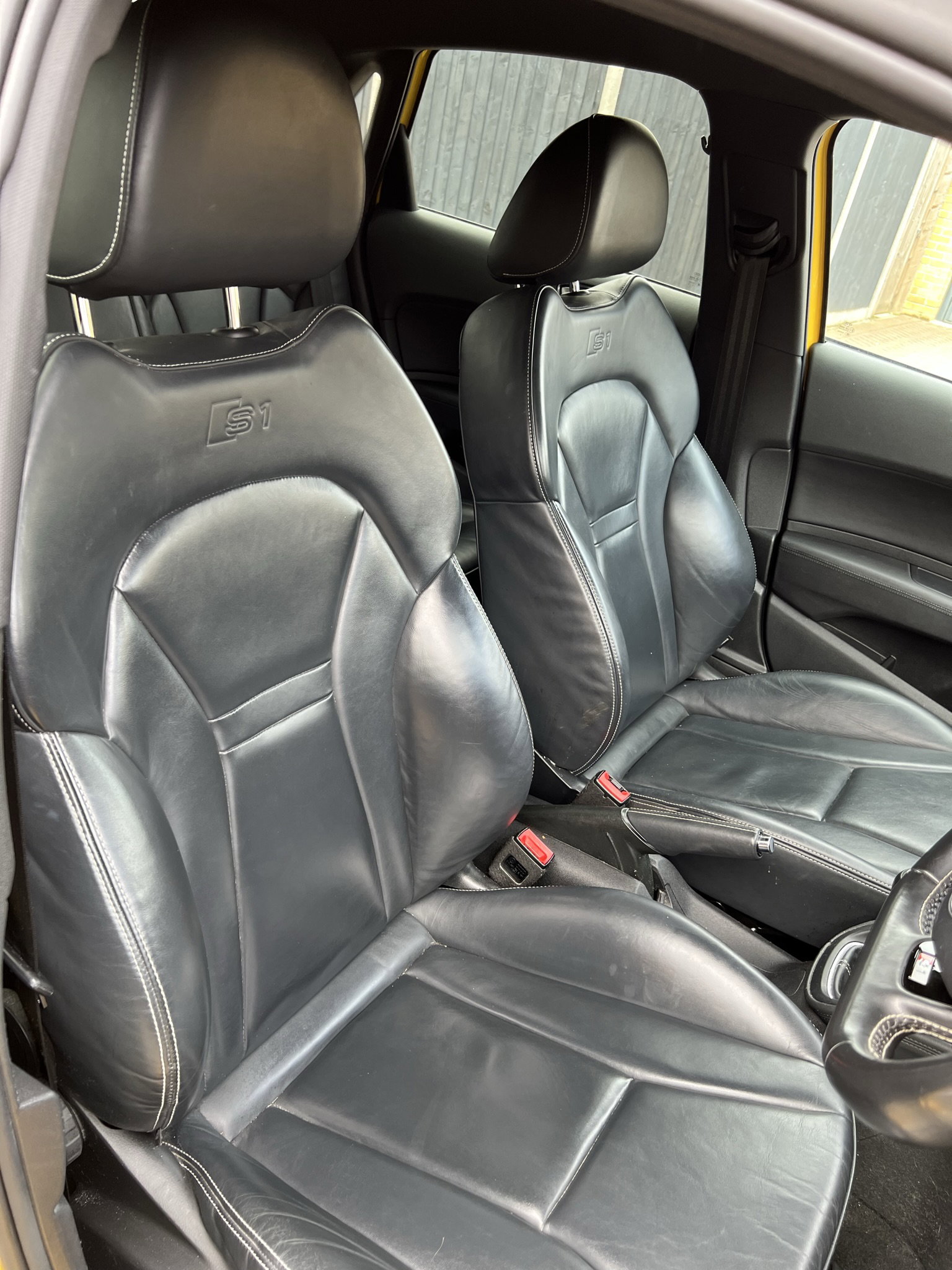
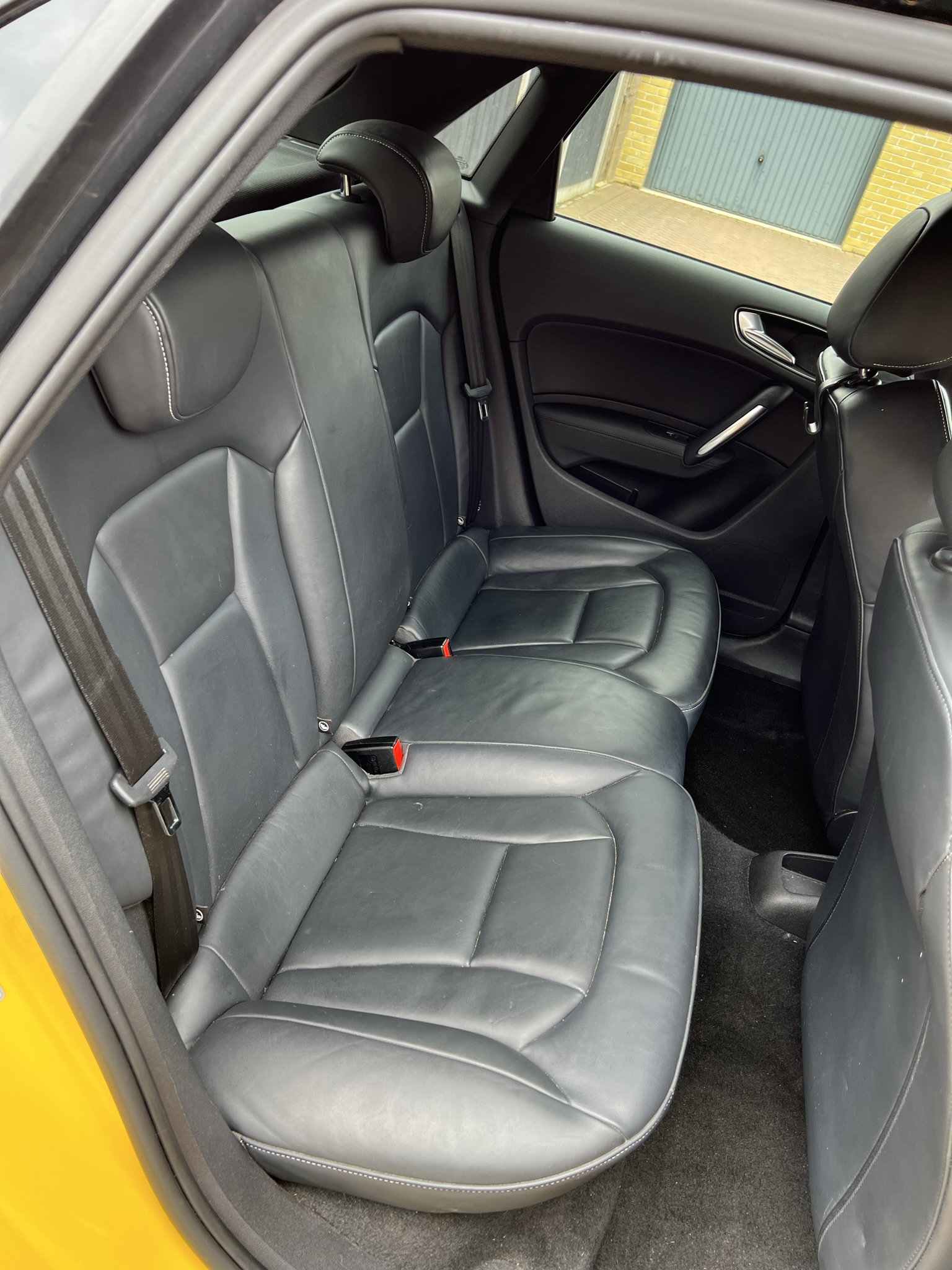
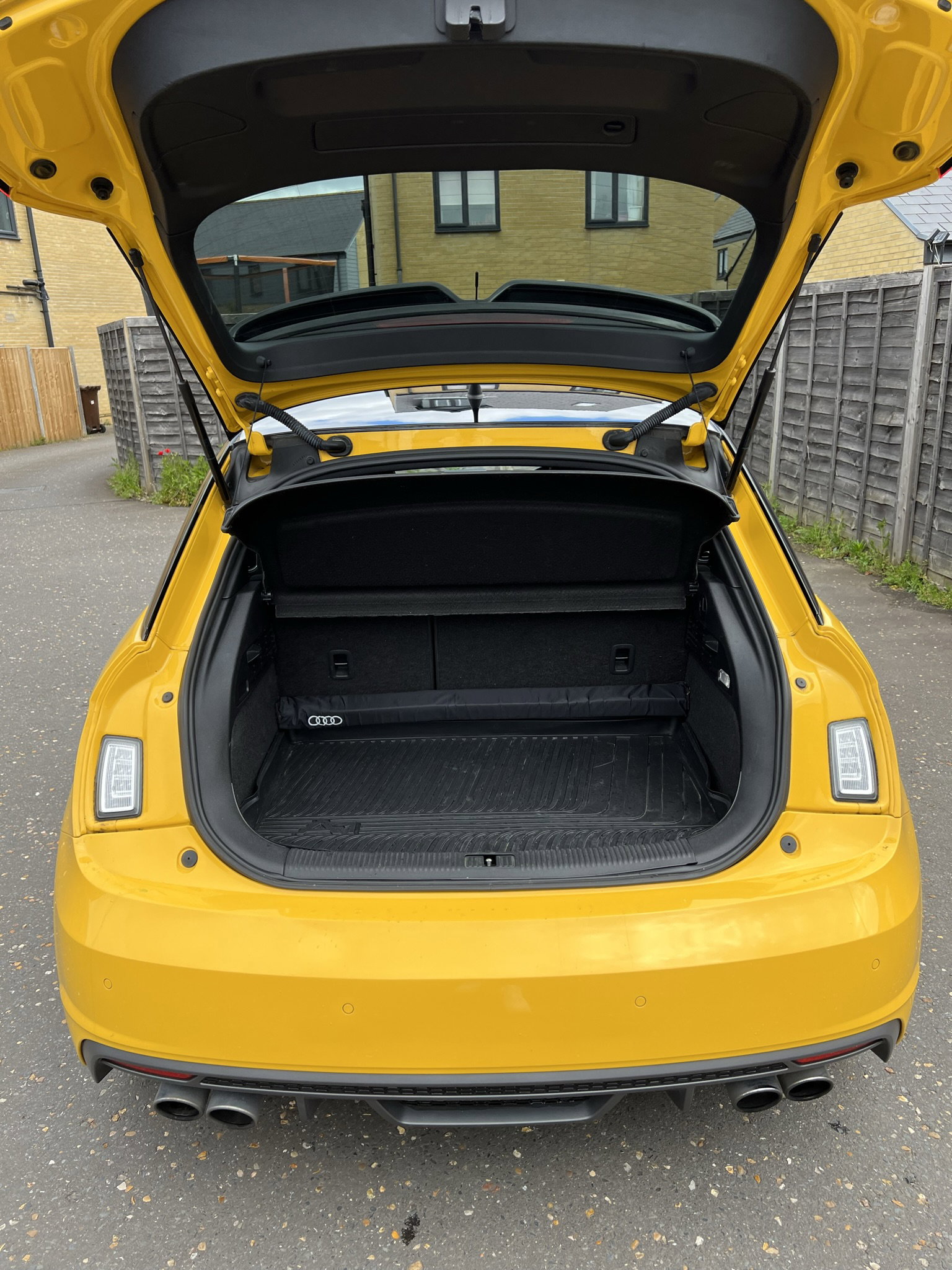
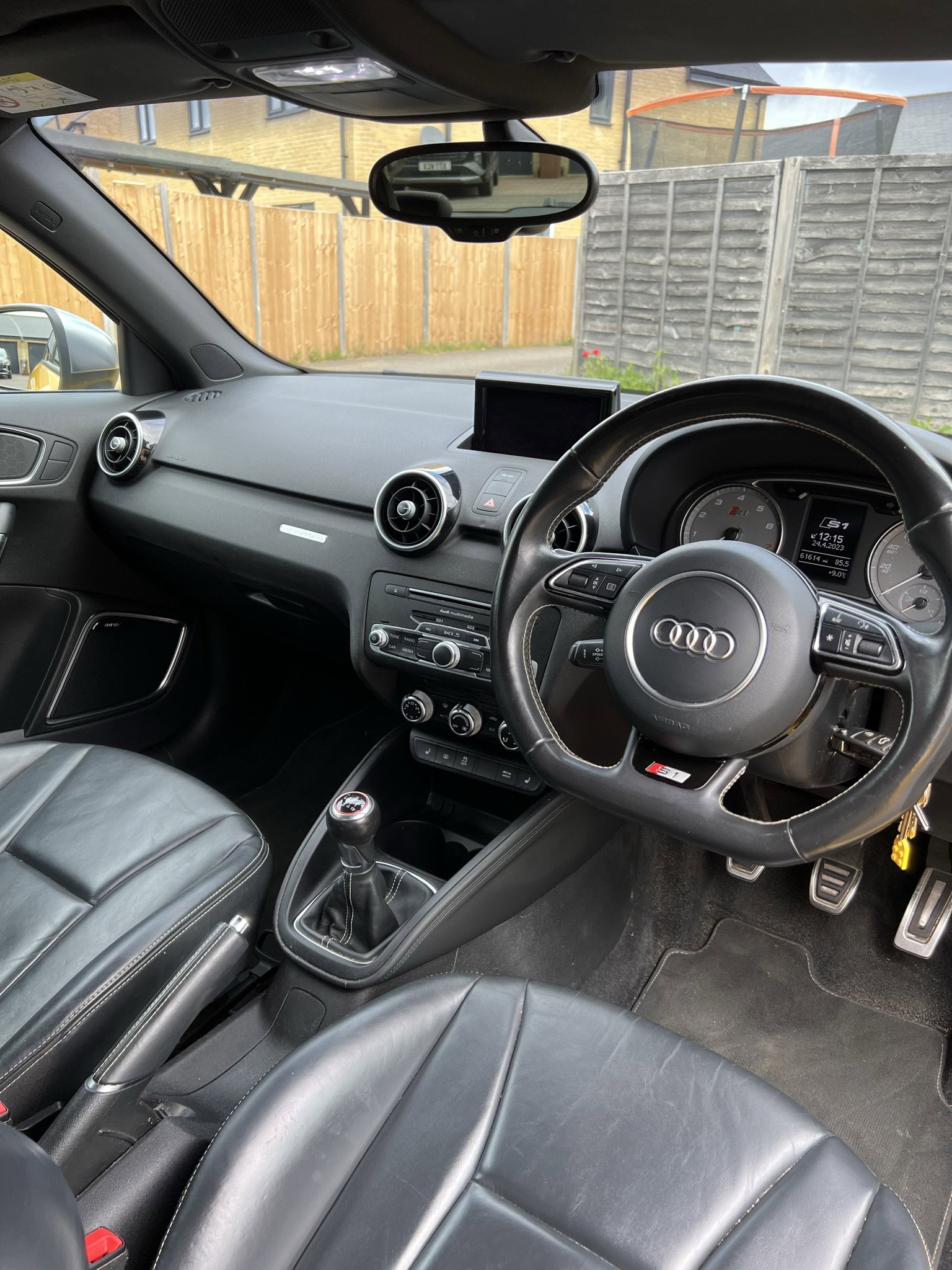
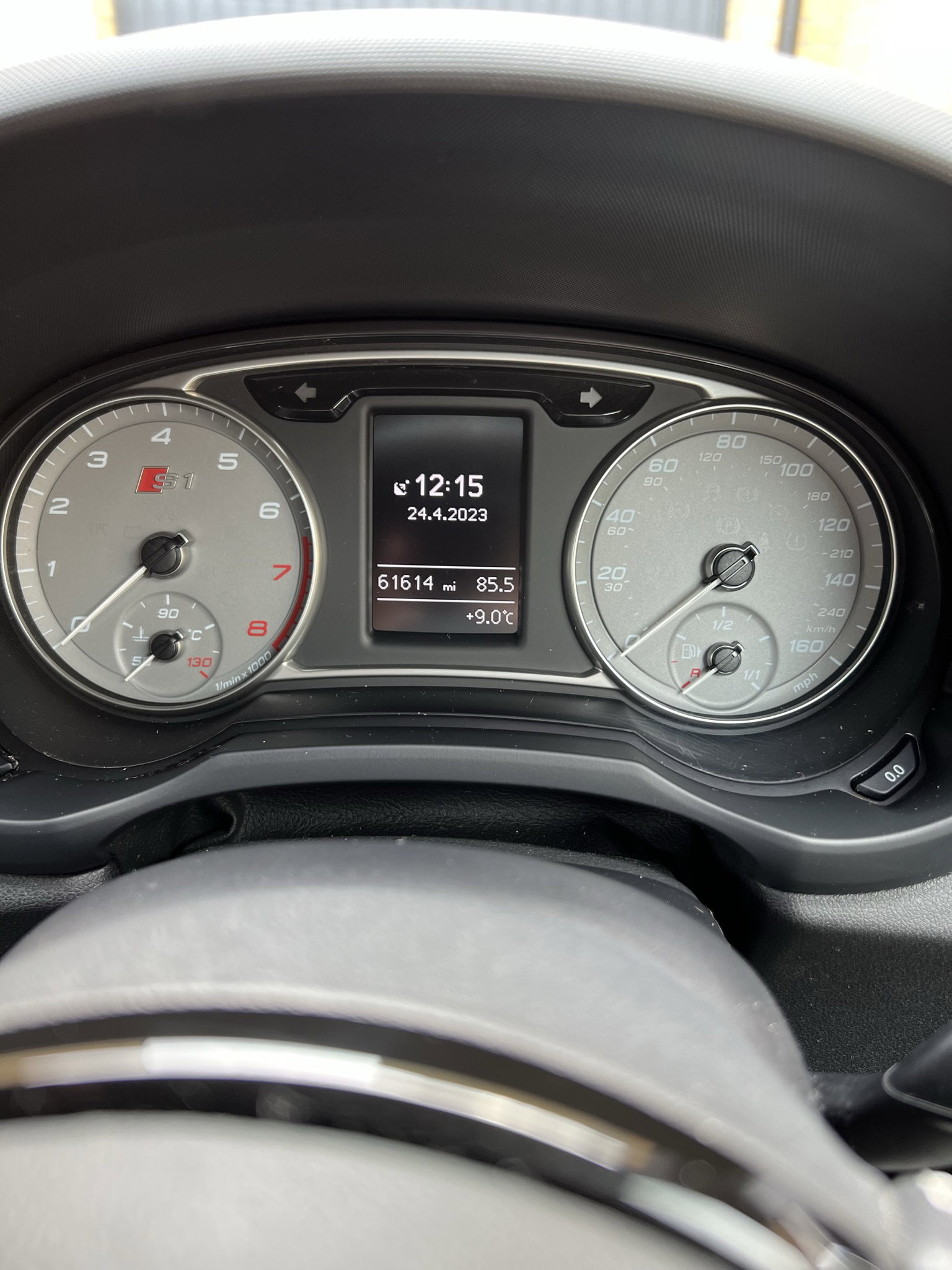
Hi all, I am putting up for sale my 2015 Audi S1 which I have had for 4 and a half years now and is a lovely example of an S1 with condition and optional extras. This car has had 2 previous owners (including myself for 4 and a half years). Full manufacturers service history with the last service completed in August 2022 and MOT due 19th August 2023. The options on this car are: Quattro exterior styling pack, full leather heated seats, Sat Nav, Bose sound system, cruise control, flat bottom steering wheel, black contrast roof, tinted rear windows, automatic headlights and dimming main beams, automatic wipers, automatic dimming rear view mirror. The alloys have been refurbished, recently fitted Potenza tires and new front brake pads. There are some age related marks on the car. The mileage will increase slightly due to continued use. Next MOT due 19/08/2023. £16000. I am based in Ipswich, Suffolk. For further information please DM me.