




Skip to content
View in the app

A better way to browse. Learn more.

Audi Owners Club (UK)

A full-screen app on your home screen with push notifications, badges and more.

To install this app on iOS and iPadOS
  1. Tap the Share icon in Safari
  2. Scroll the menu and tap Add to Home Screen.
  3. Tap Add in the top-right corner.
To install this app on Android
  1. Tap the 3-dot menu (⋮) in the top-right corner of the browser.
  2. Tap Add to Home screen or Install app.
  3. Confirm by tapping Install.

Quark

Members
  • Joined

  • Last visited

  1. Thanks for the reply - I have had it in the garage and the switches seem ok. Also replaced the amp with one from e-bay and it still had the same problem :( I've now pulled the fuses so it stops discharging the battery but it's still not fixed and I haven't got enough dosh to take it back to Audi..........
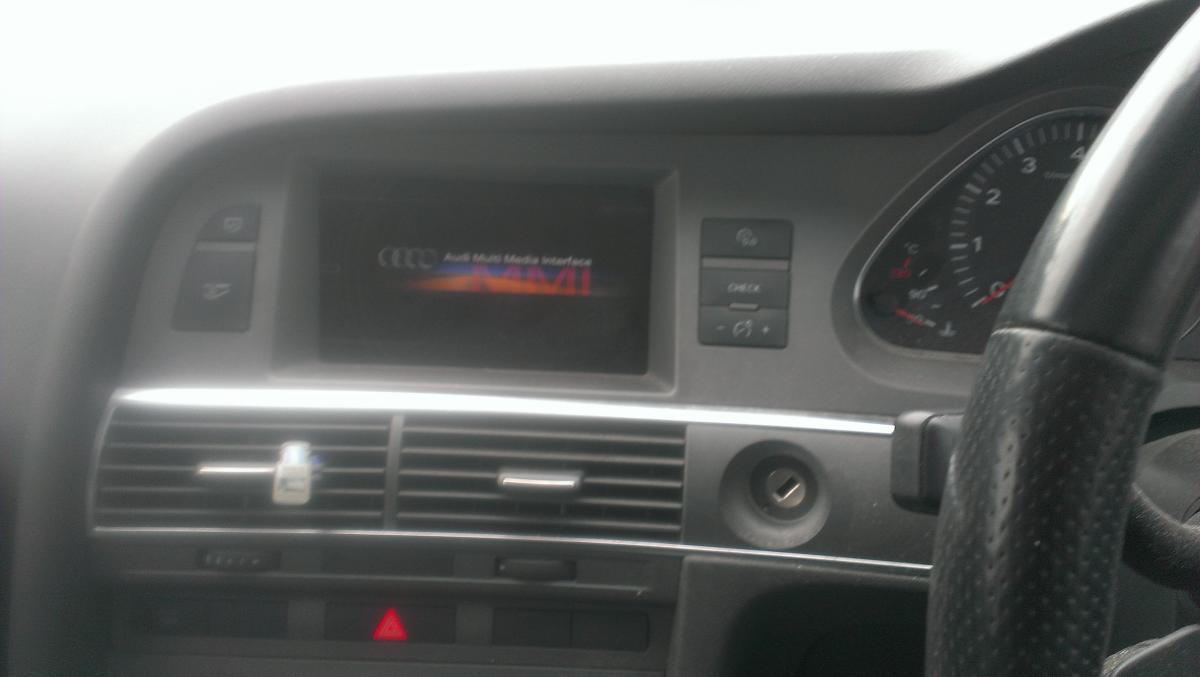
  2. The MMI in my '55 plate A6 4.2 keeps constantly rebooting, even when the car is switched off and locked. I have to disconnect the battery to stop it discharging overnight. I have tried the three button reboot and holding the mute button down for ages but it just boots up again then turns itself off and then reboots constantly. Help please, it's driving me nuts...... When it latches on, all the components seem to be working fine but then it turns itself off and reboots again... grrrr see pic: MMI booting and no key in the ignition........


Background Picker
Customize Layout

Account

Navigation

Search

Search

Configure browser push notifications

Chrome (Android)
  1. Tap the lock icon next to the address bar.
  2. Tap Permissions → Notifications.
  3. Adjust your preference.
Chrome (Desktop)
  1. Click the padlock icon in the address bar.
  2. Select Site settings.
  3. Find Notifications and adjust your preference.