Skip to content
View in the app

A better way to browse. Learn more.

Audi Owners Club (UK)

A full-screen app on your home screen with push notifications, badges and more.

To install this app on iOS and iPadOS
  1. Tap the Share icon in Safari
  2. Scroll the menu and tap Add to Home Screen.
  3. Tap Add in the top-right corner.
To install this app on Android
  1. Tap the 3-dot menu (⋮) in the top-right corner of the browser.
  2. Tap Add to Home screen or Install app.
  3. Confirm by tapping Install.

JDavies1

Members
  • Joined

  • Last visited

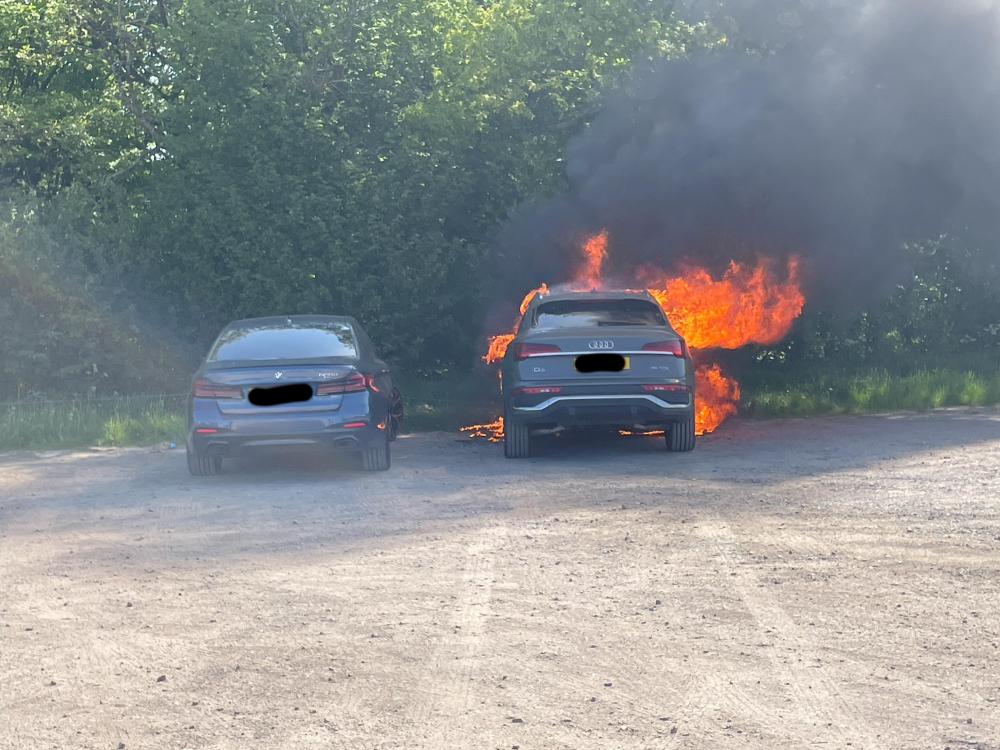
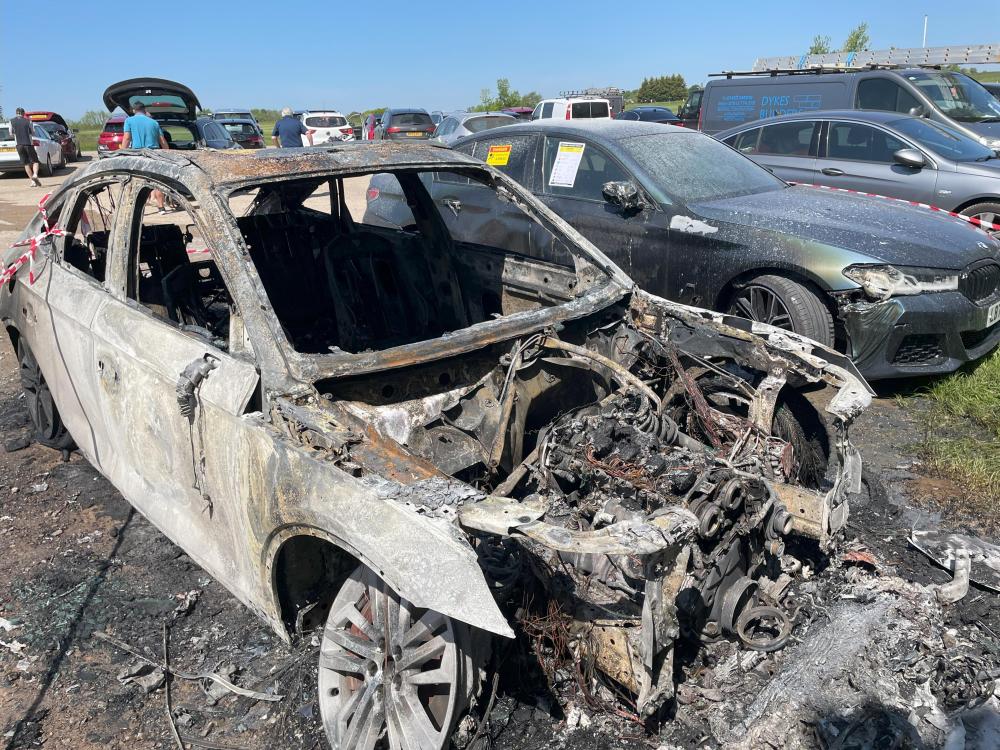
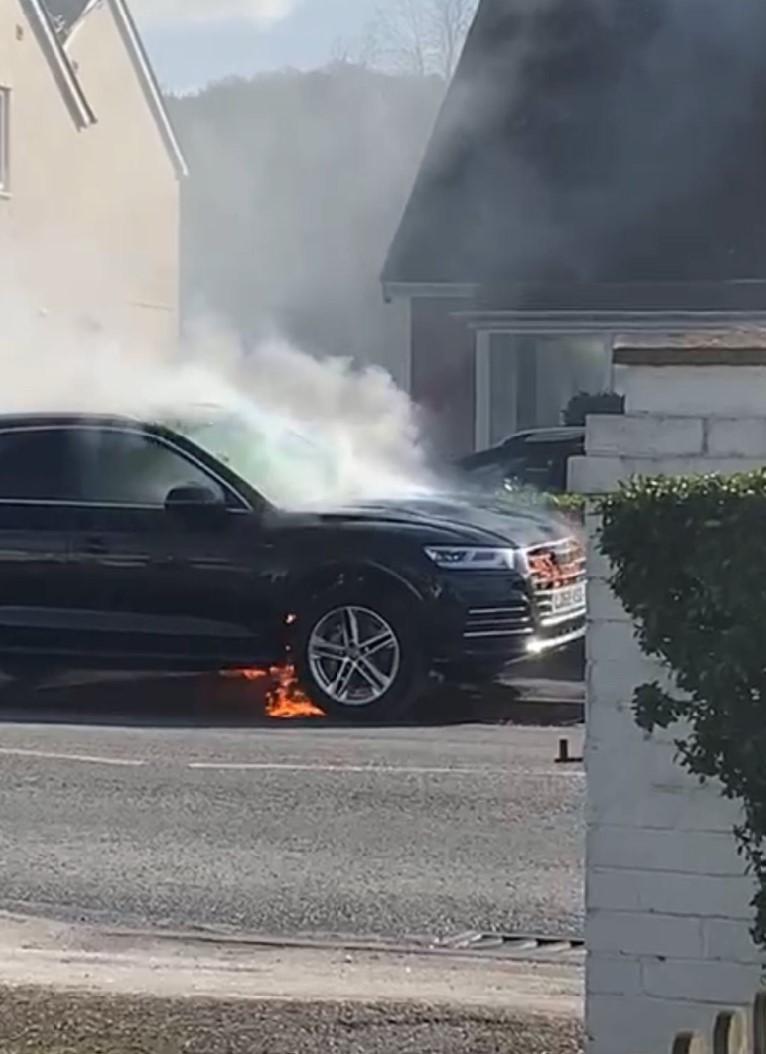
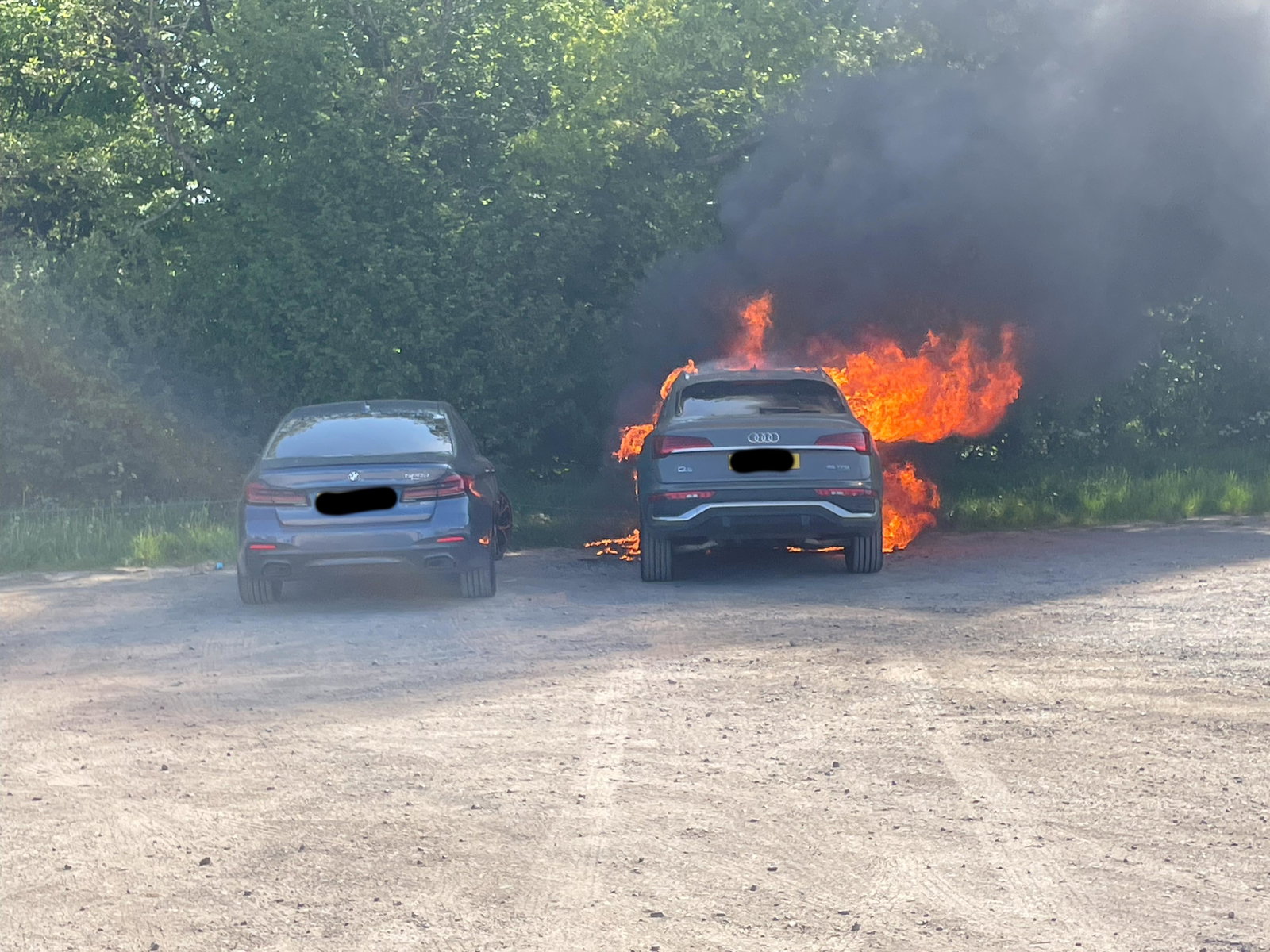
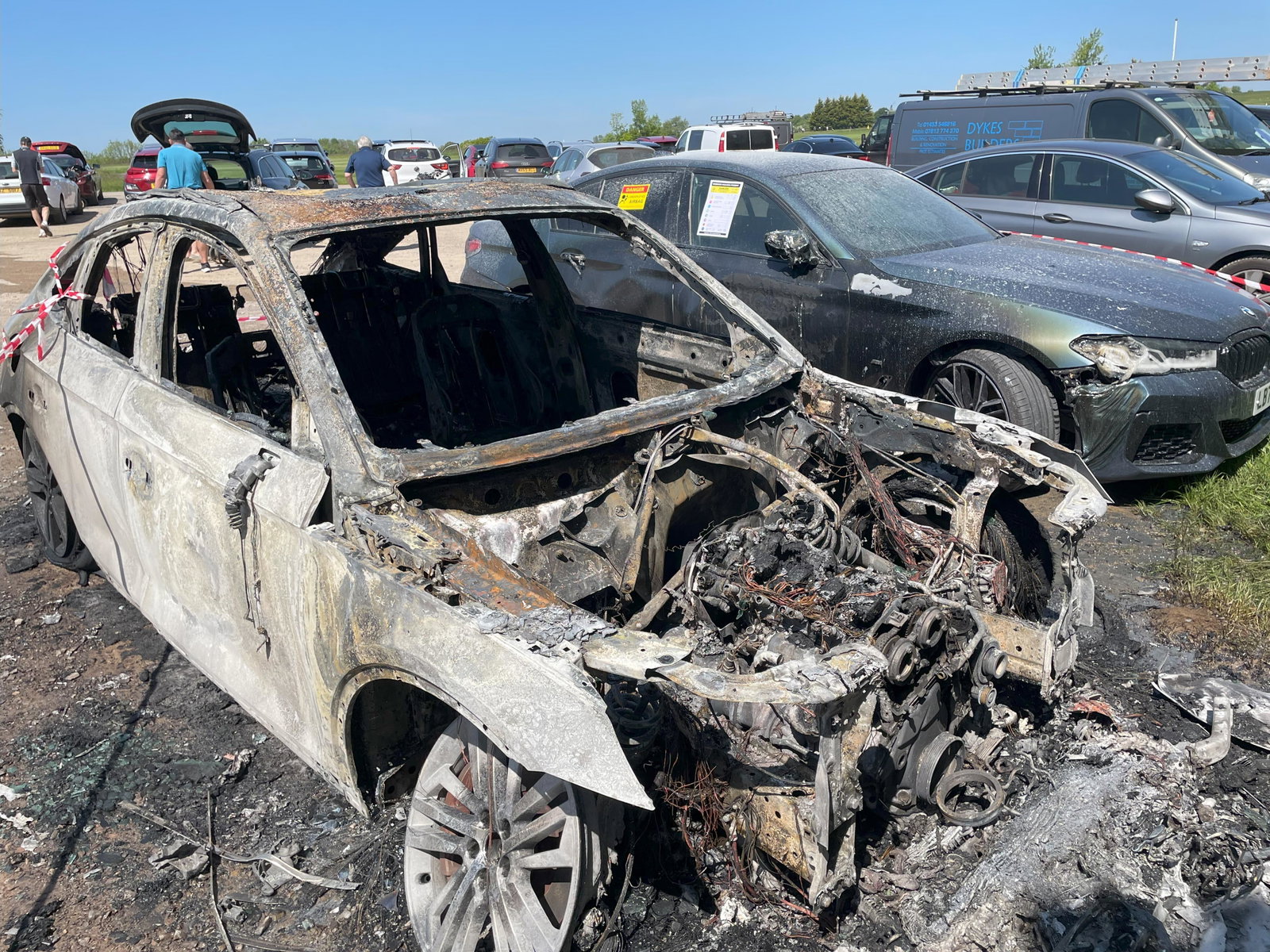
  1. Hi Steve Q, Fire service just put out fires as I think its down to manufacturers to forensically examine car wrecks ....both these cars are new (I know the second one below was Nov 22 - S Line 45 TFSI model) but cars shouldn't just catch fire....not even 1 In US and Canada it appears Q5 have been recalled due to "potential fire risk" although I cant be certain this is related I'm just caught up having lost £10k because the Q5 parked next to me and think this is not right and Audi need to respond to prevent any future events
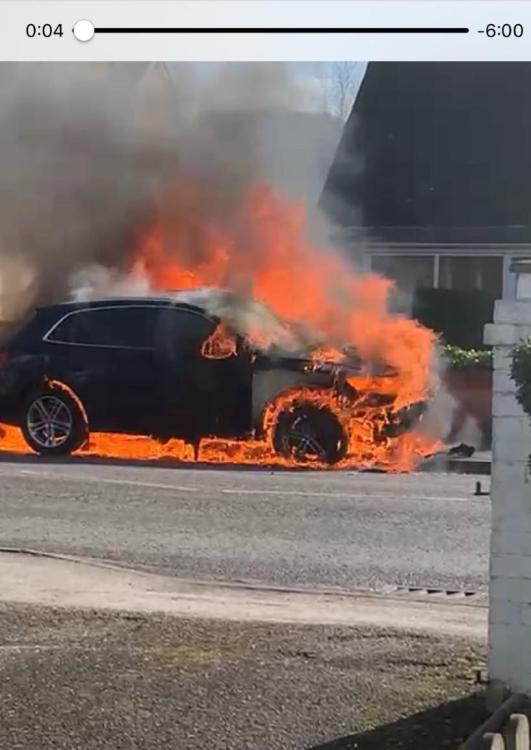
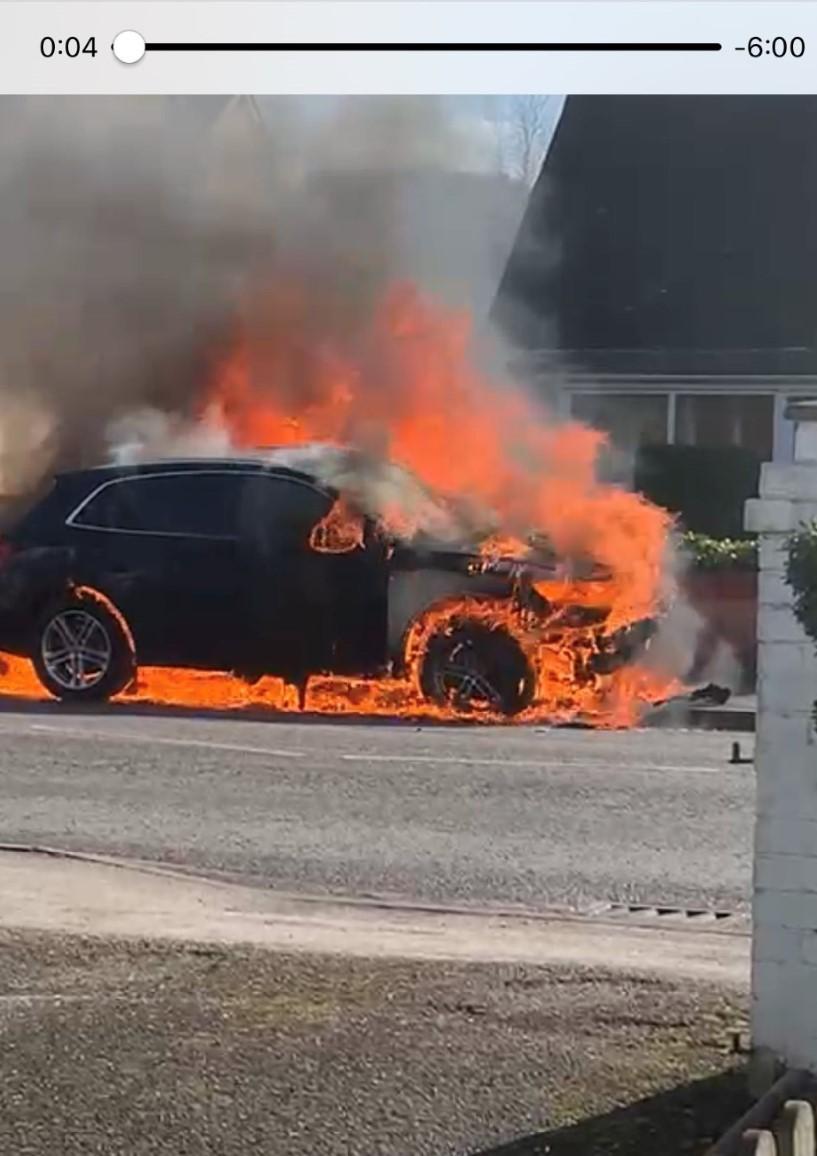
  2. I have evidence of two new Audi Q5 vehicles written off within 15 mins after catching fire for no reason.....Audi havnt issued a recall yet
Background Picker
Customize Layout

Account

Navigation

Search

Search

Configure browser push notifications

Chrome (Android)
  1. Tap the lock icon next to the address bar.
  2. Tap Permissions → Notifications.
  3. Adjust your preference.
Chrome (Desktop)
  1. Click the padlock icon in the address bar.
  2. Select Site settings.
  3. Find Notifications and adjust your preference.