Tamim
Members
-
Joined
-
Last visited
Everything posted by Tamim
-
Hi Guys, The guys in the garage were just wasting time. At the end, a reset of the driver door module fixed everything. Anyways they told me if it happens again then I better replace the whole unit. regards, tamim
-
It has been in a workshop for the past 4 days. They still have not fixed it 😞
-
Thank you Steve. I will take it to a workshop tmr.
-
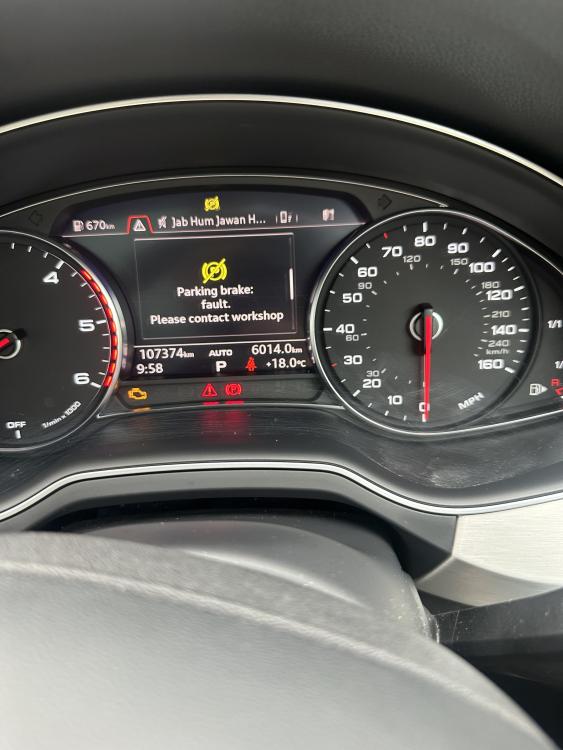
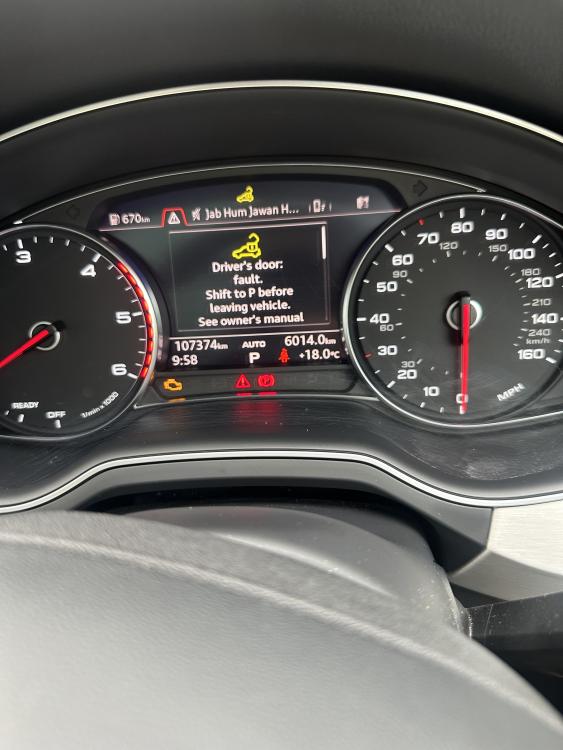
All the Controls on my Audi Q7 that are on the driver door has stopped working. The same is true for the rear door that is just behind it. Other two doors are fine. so I cannot open and close the windows on the two affected doors and also I cannot lock it using the fob or when I sit inside the car. I cannot fold my side mirrors or activate child lock. When I switch the ignition I get a warning stating that driver door lock problem on my dash. Any ideas what could be causing this.