Kitkat0910
Members
-
Joined
-
Last visited
-
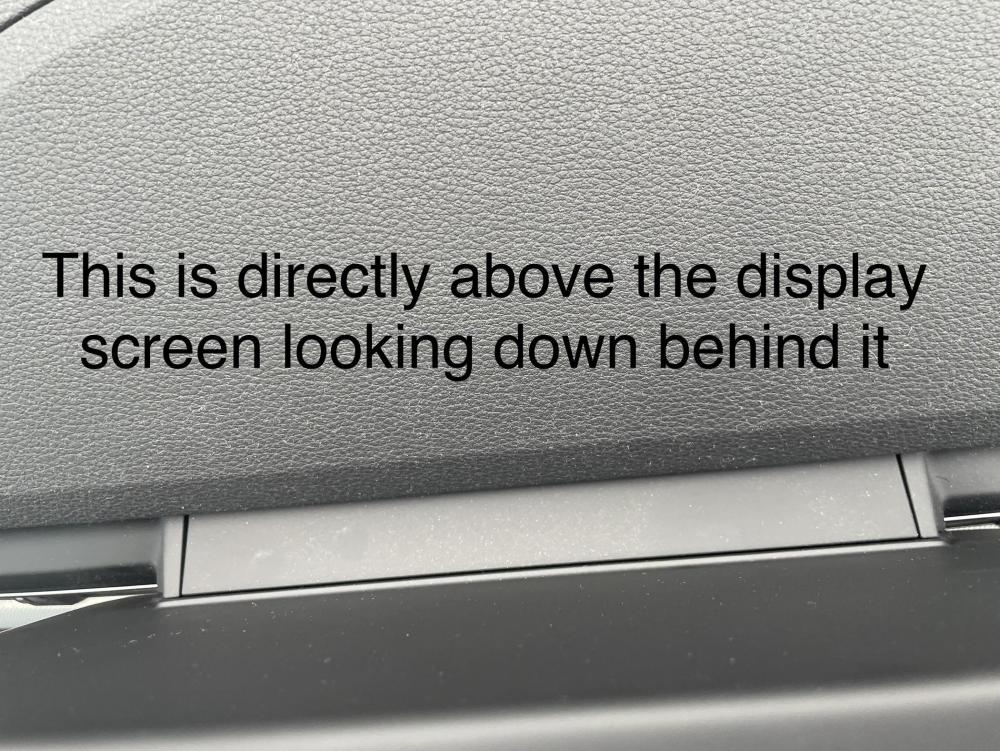
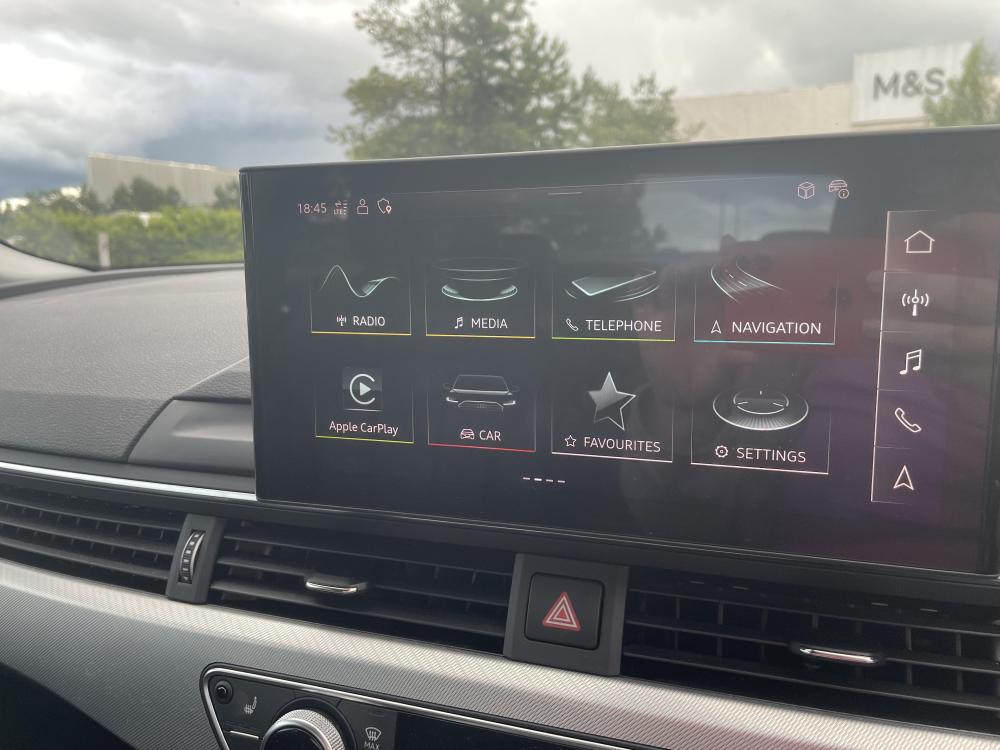
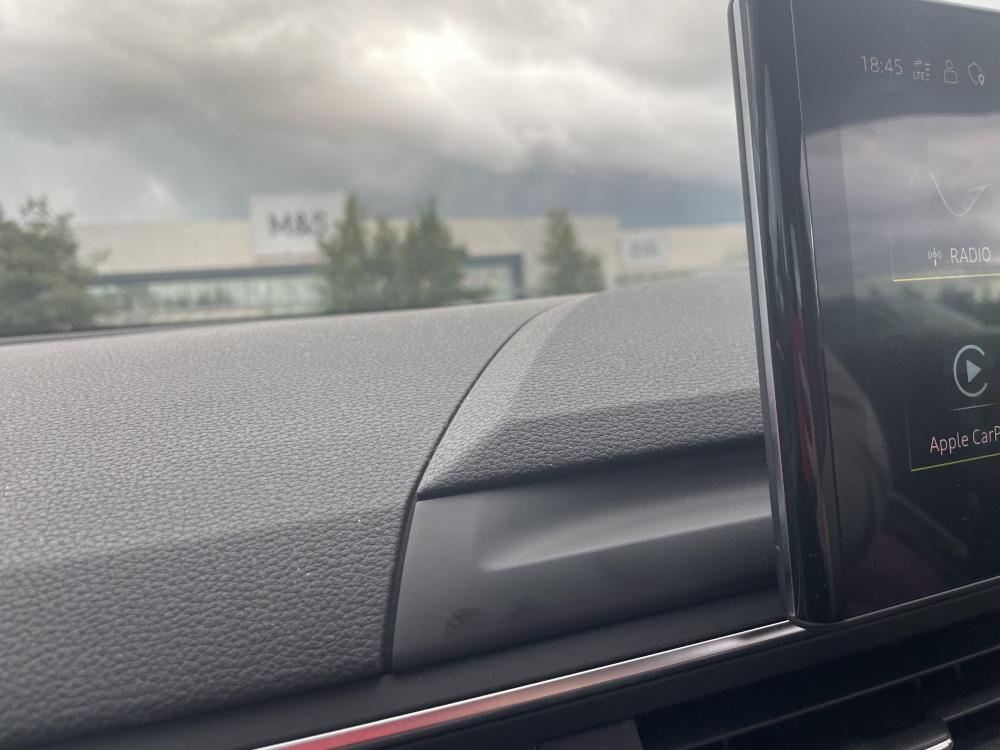
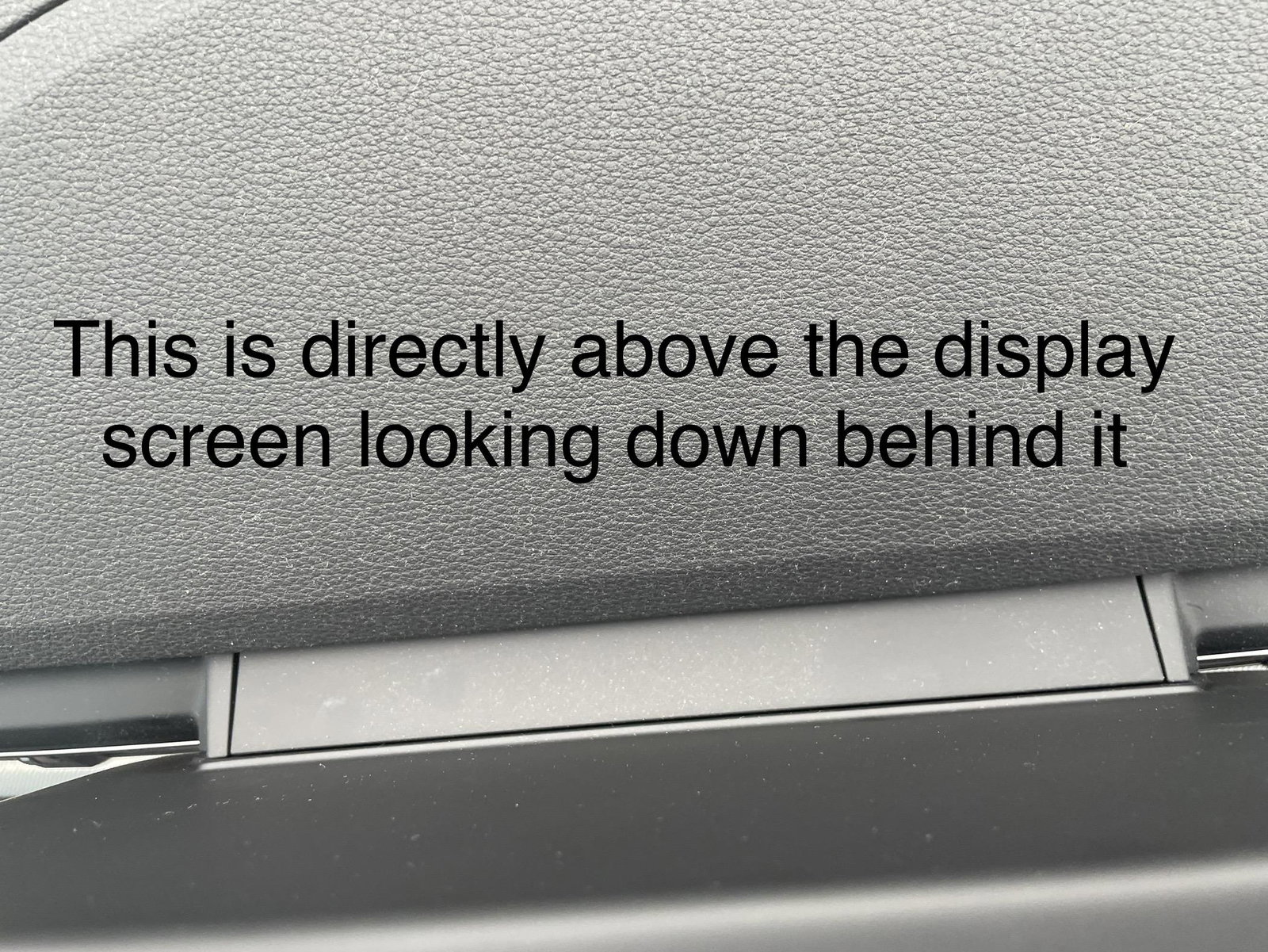
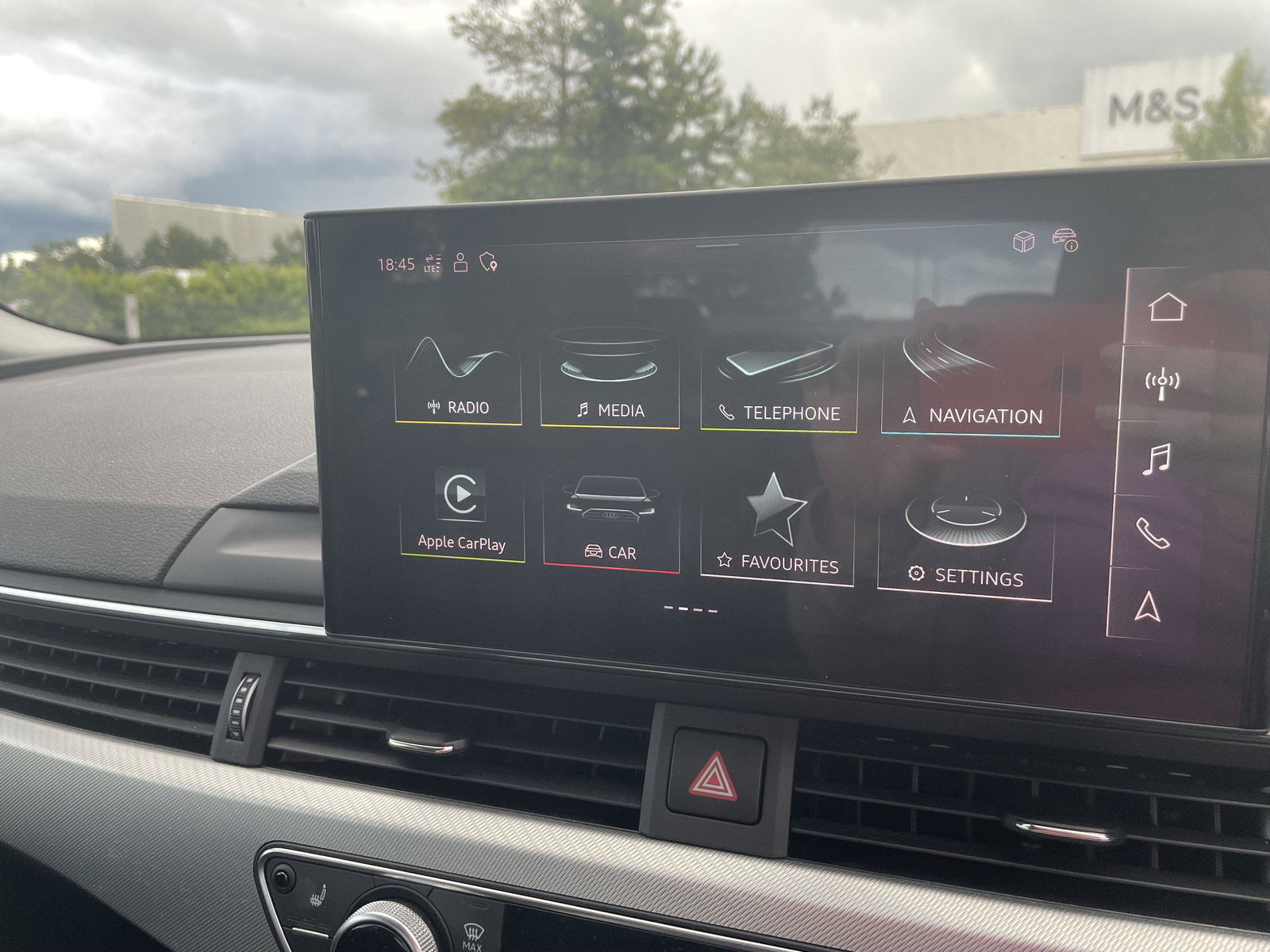
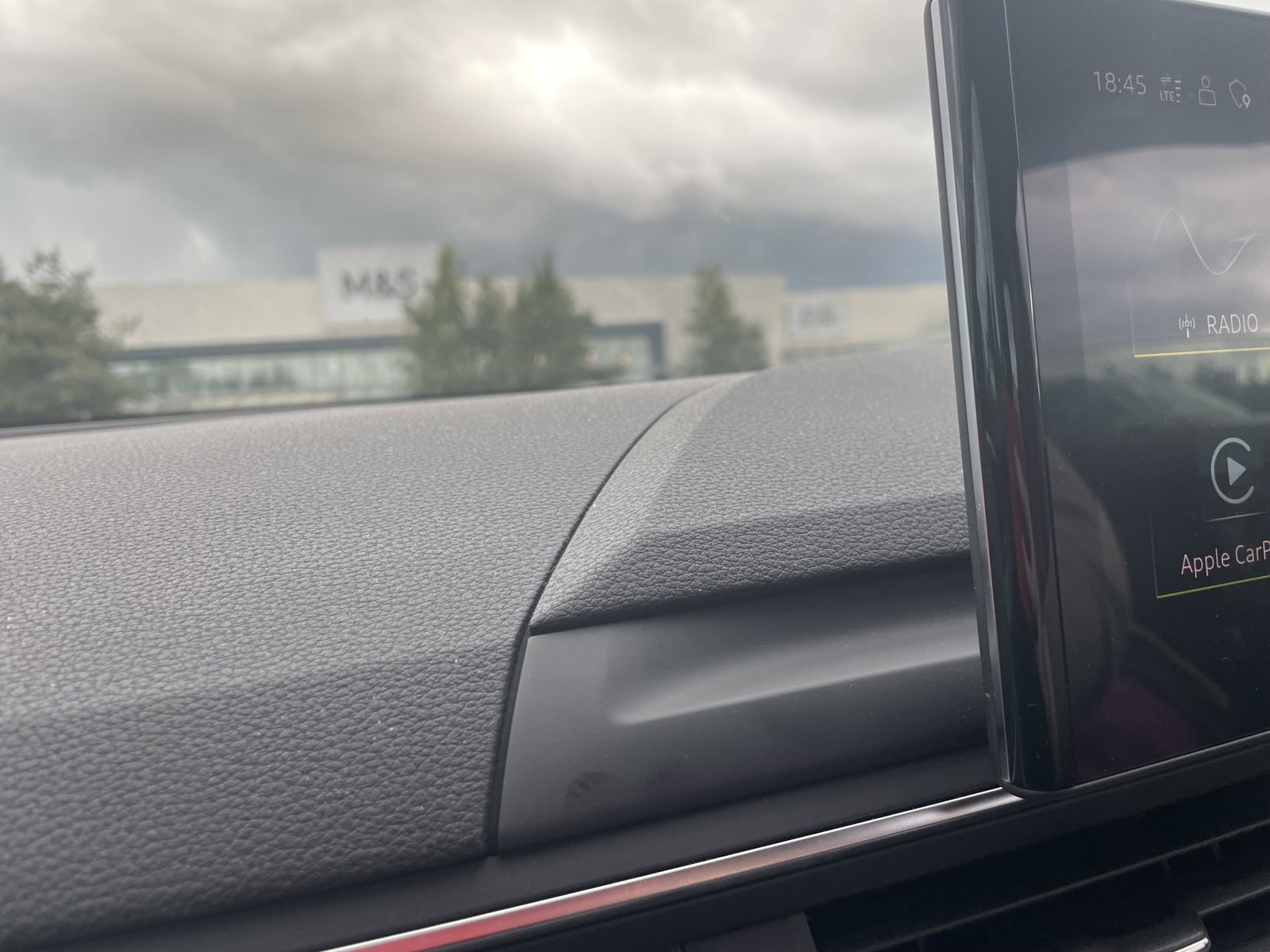
Hi, I bought a 2022 A5 TFSI brand new in Nov 2022. In the last month or so it’s started making a creaking noise when I’m driving, and it’s coming from either the display screen or the bit of plastic trim directly behind the screen. It’s as if two bits of plastic are rapidly tapping against one another. The noise stops if I apply pressure to the trim or the screen with my hand but starts again as soon as I stop. I don’t know whether to take it in to Audi, is this the sort of thing they’re going to say is just part and parcel of owning a car? It’s a really annoying/distracting noise and not something I can see a way of fixing myself. I had the car in a few months ago for loud squealing brakes which they dismissed, saying it was normal - so I don’t want another wasted trip if they’re likely to say the same about this. Anyone have any similar issues/experience? Thanks! IMG_5054.mov