Alexltw
Members
-
Joined
-
Last visited
Everything posted by Alexltw
-
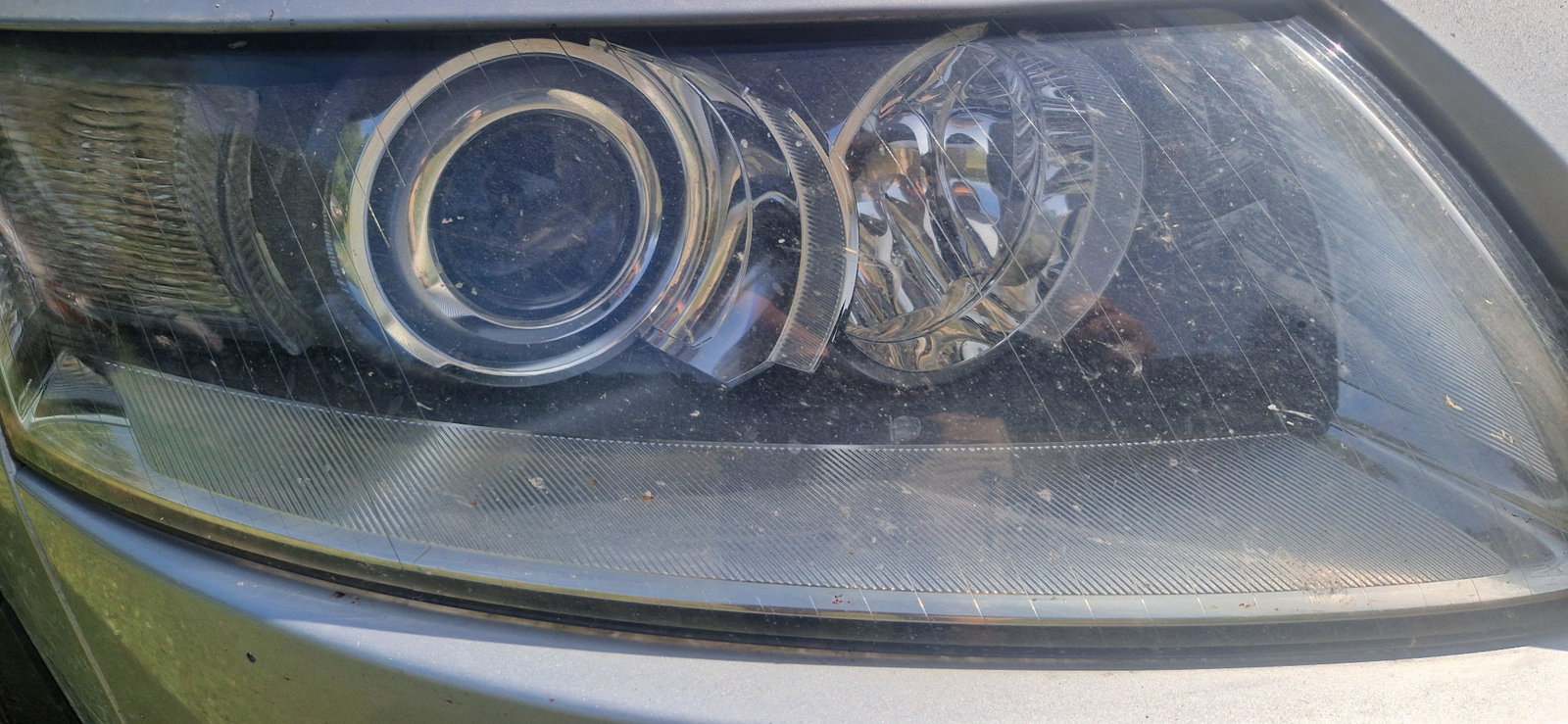
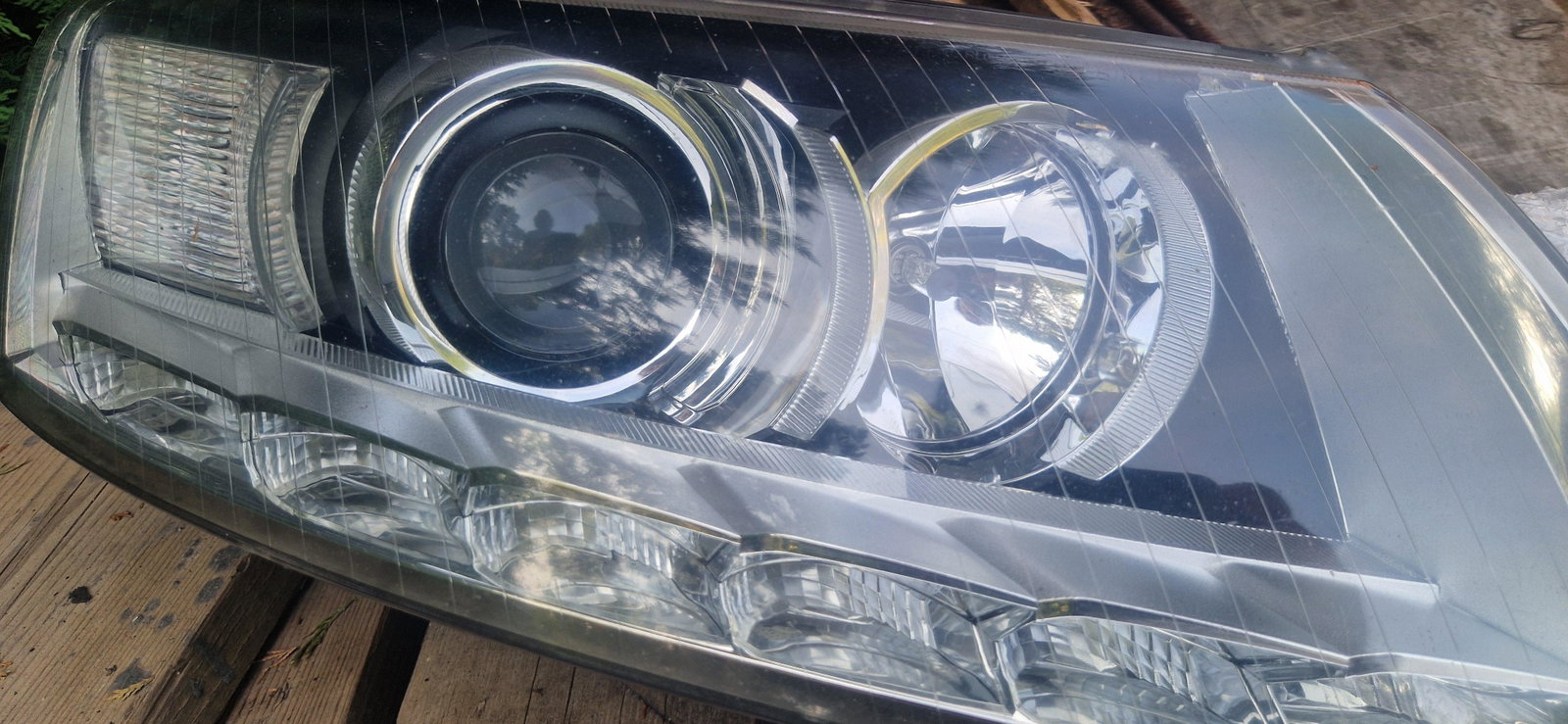
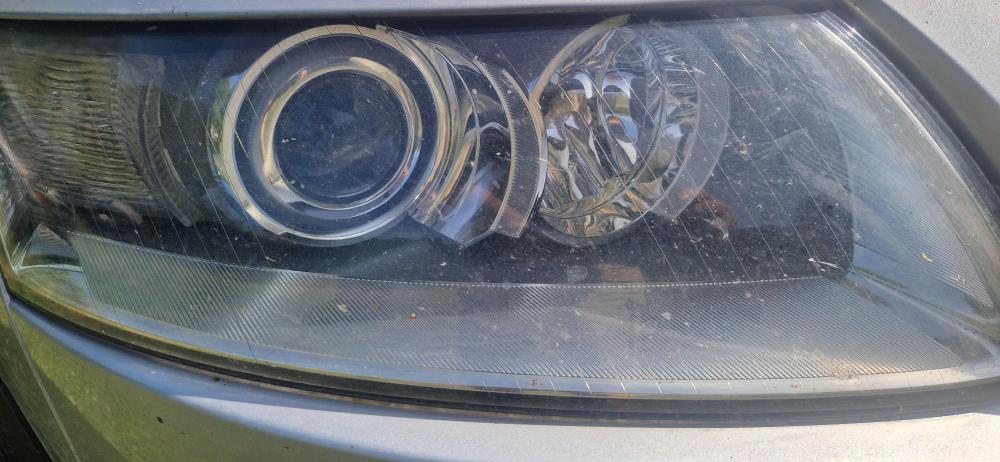
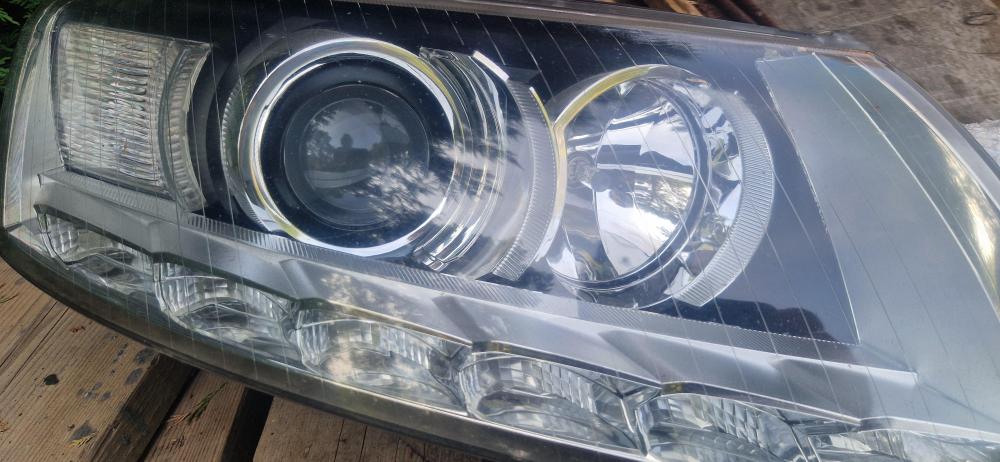
Morning can I and if so how change from d2s to 3ds headlights audi a6 c6 4f allroad 2008 thanks
-
Hi just replaced bose amplifier with a second hand one. does anyone know where I can get security removed in East Sussex apart from audi main dealer thanks
-
Thank you Looks like I will have to loosen front seats to get the hight to get to the connecters . yellow connect I believe
-
Hello a bit confused! My air bag light has come on .Have Scaned with a garage reader no code ??? Cheers in advance
-
sussed it (being a tit) the USB port has a power button on the top.face 🤣 sorry
-
Hi USB x2 under arm rest no power checked fuses in the boot all fine.Removed a d replaced fuses usb now works red background light. after 20mins nothing check fuse all ok upon replacing usb works 20 mins later goes of repeat. any ideas please