Lightbulb001
Members
-
Joined
-
Last visited
Everything posted by Lightbulb001
-
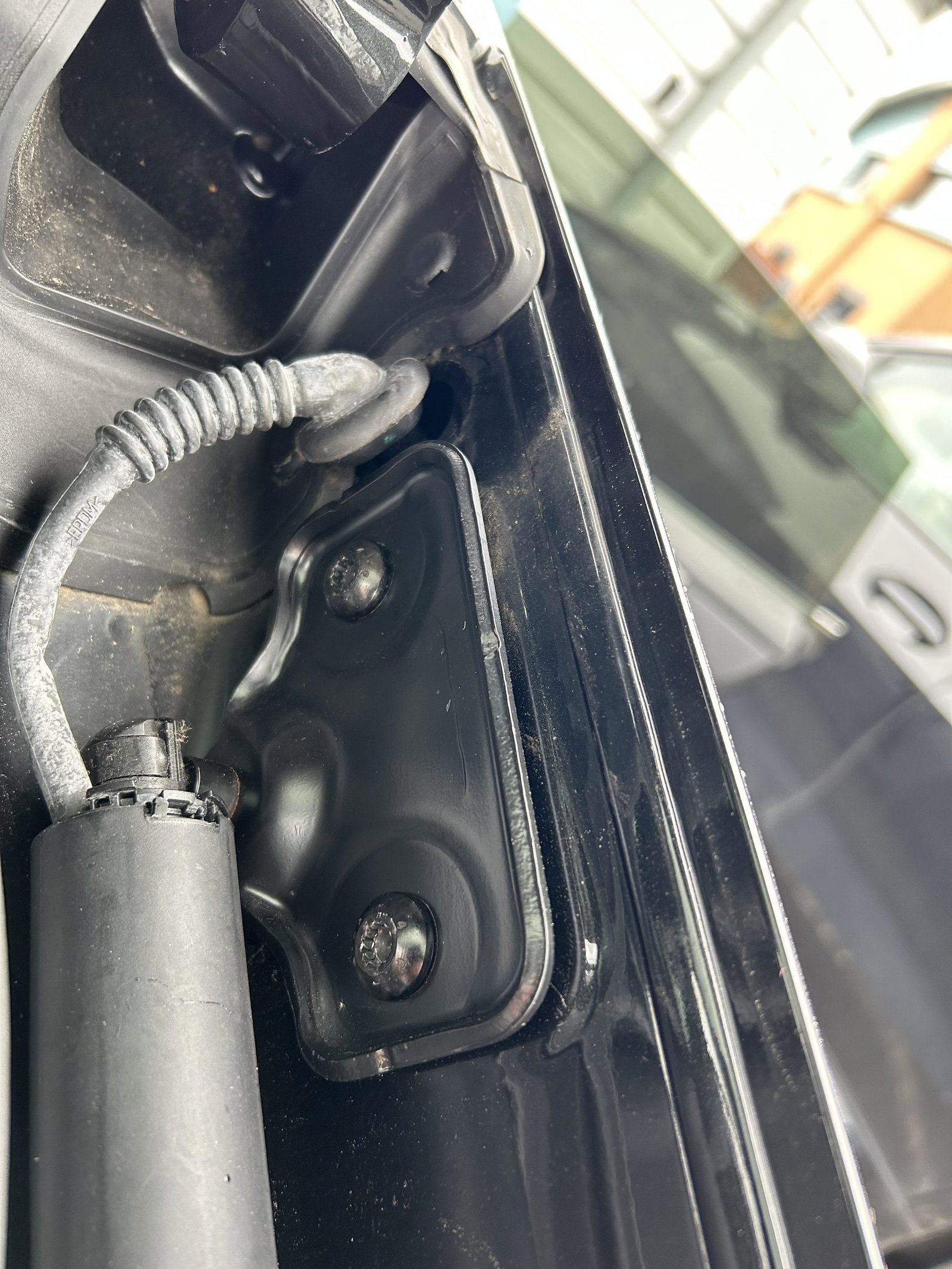
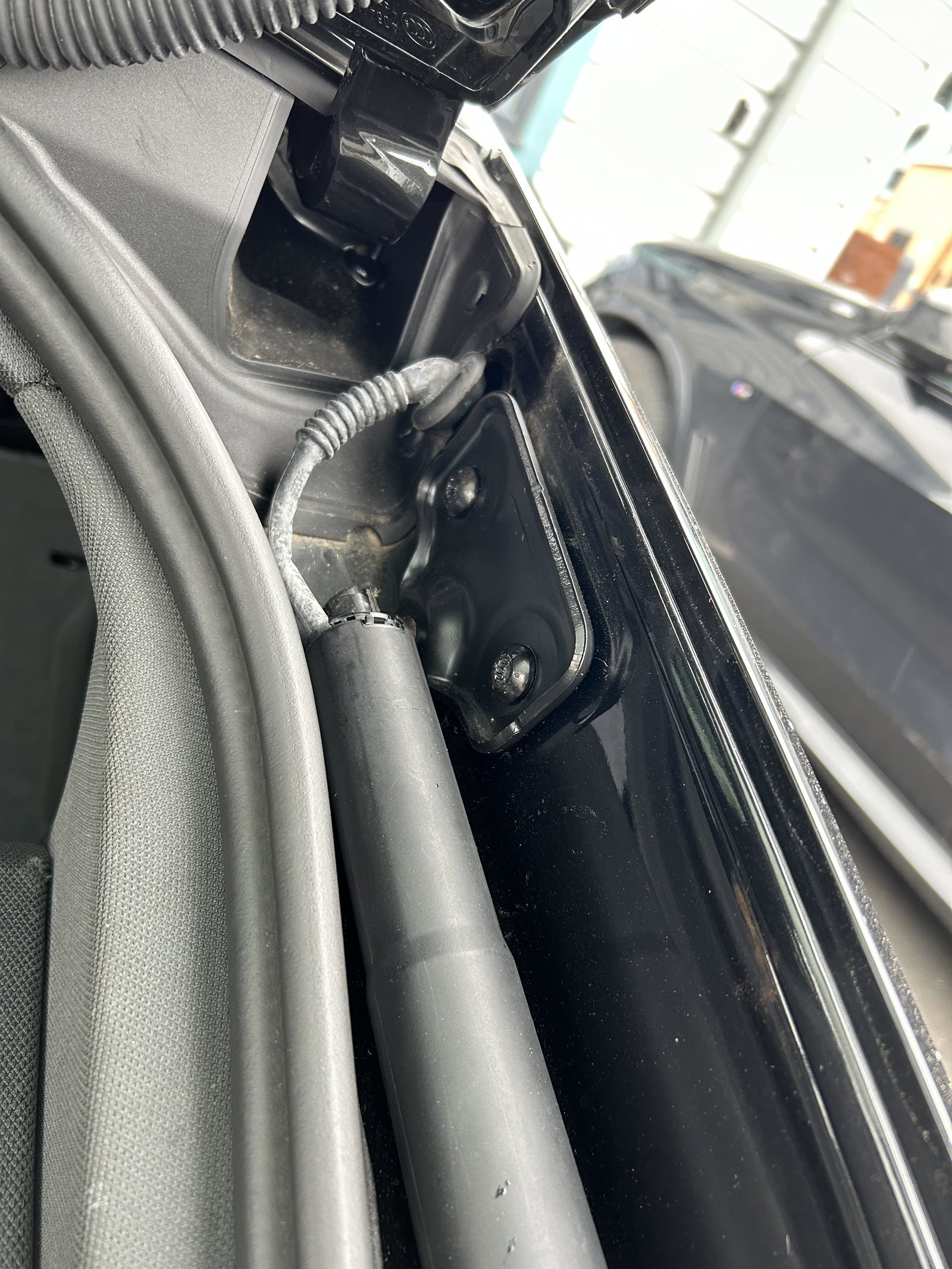
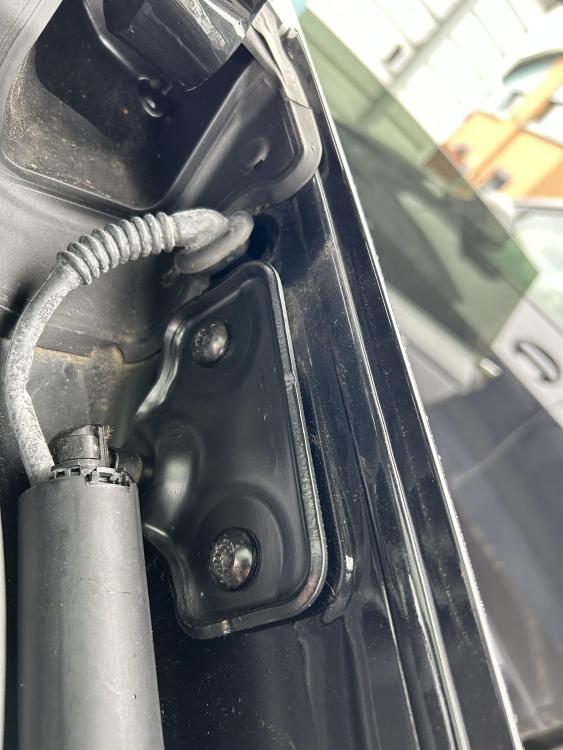
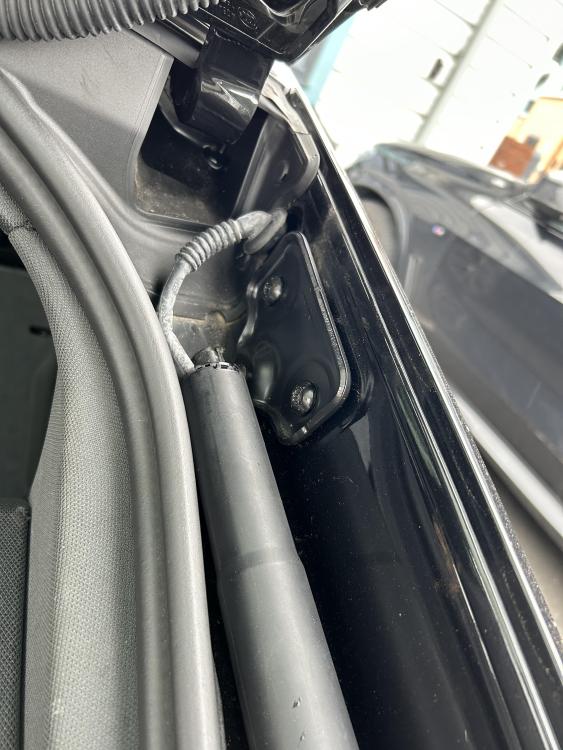
Hi Gareth do you mean the torq screws holding the mounting bracket to the bodywork? I haven’t removed them and I did think that there maybe was a void behind? The cable length is about 200mm from where it goes into the body and the plug on the end, I just don’t know which way ( up or down ) the cable runs once inside the bodywork
-
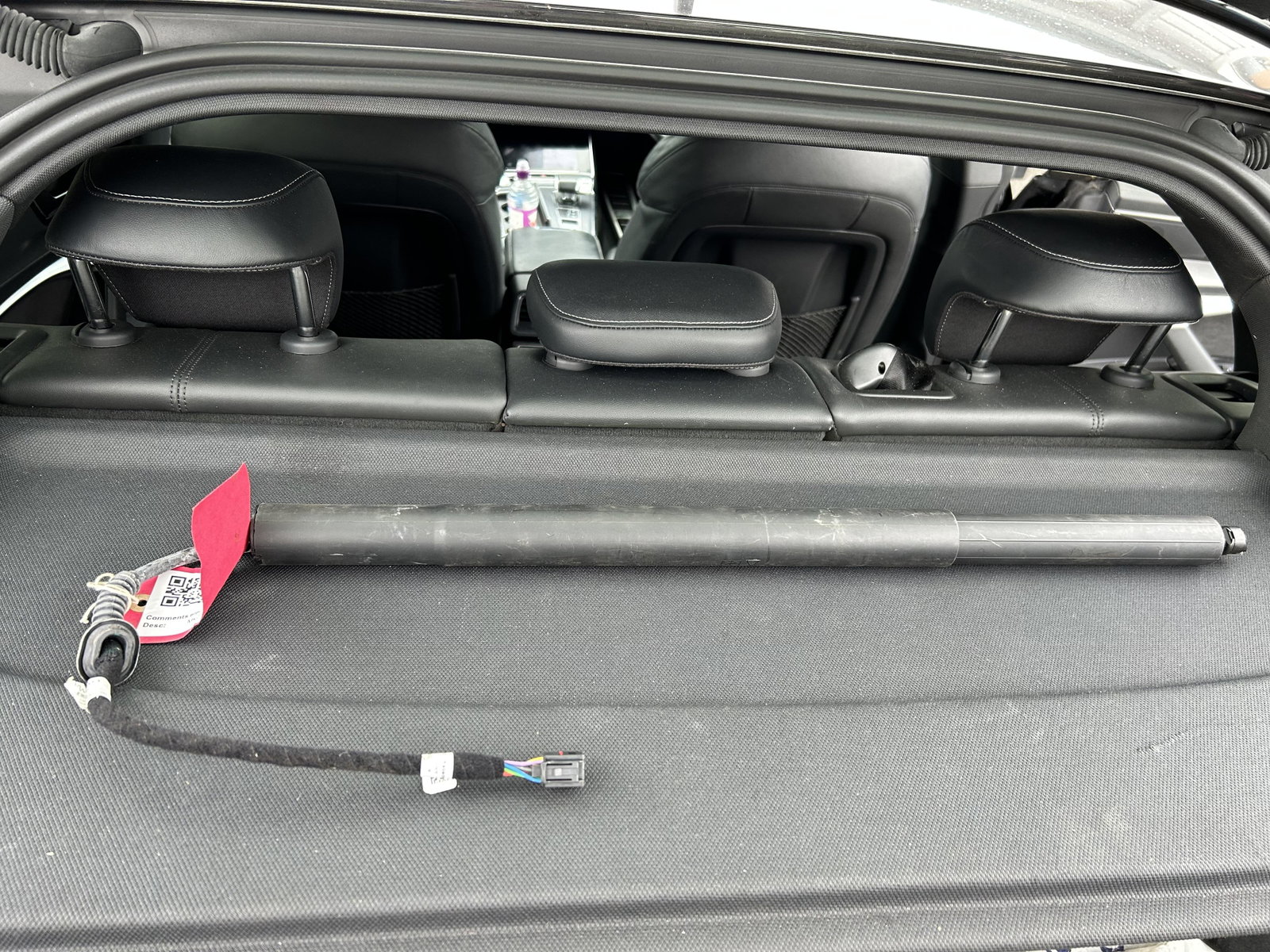
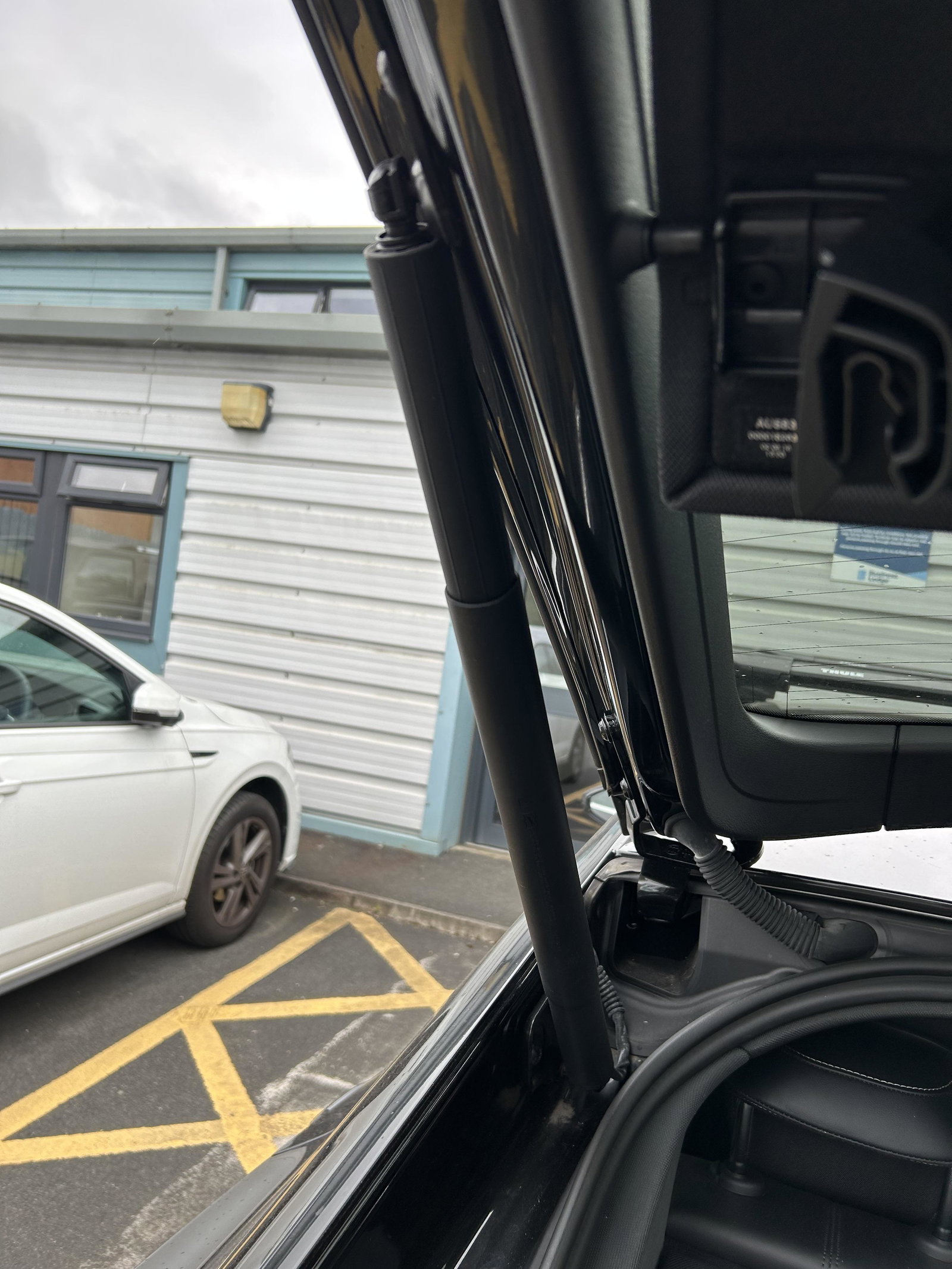
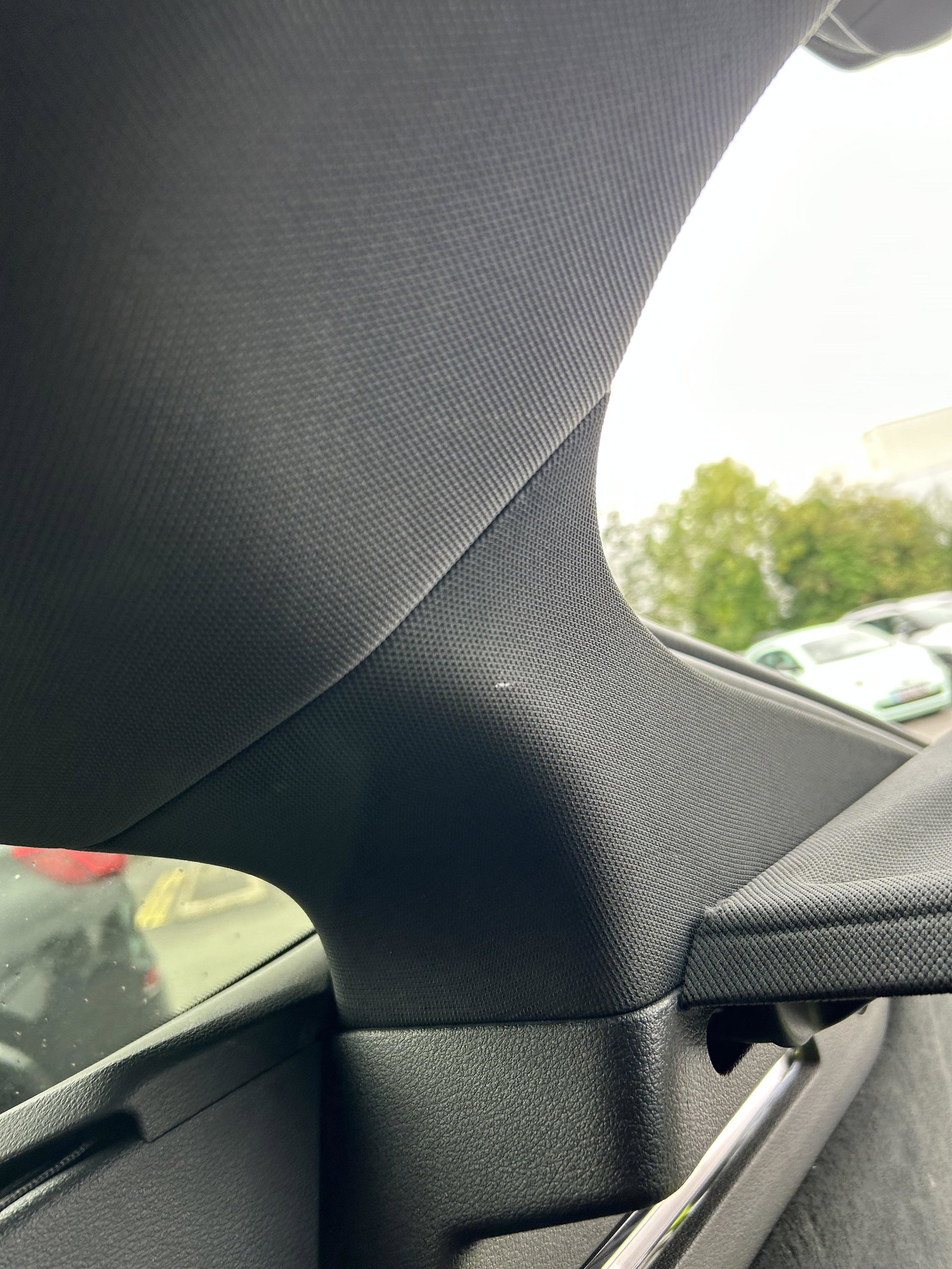
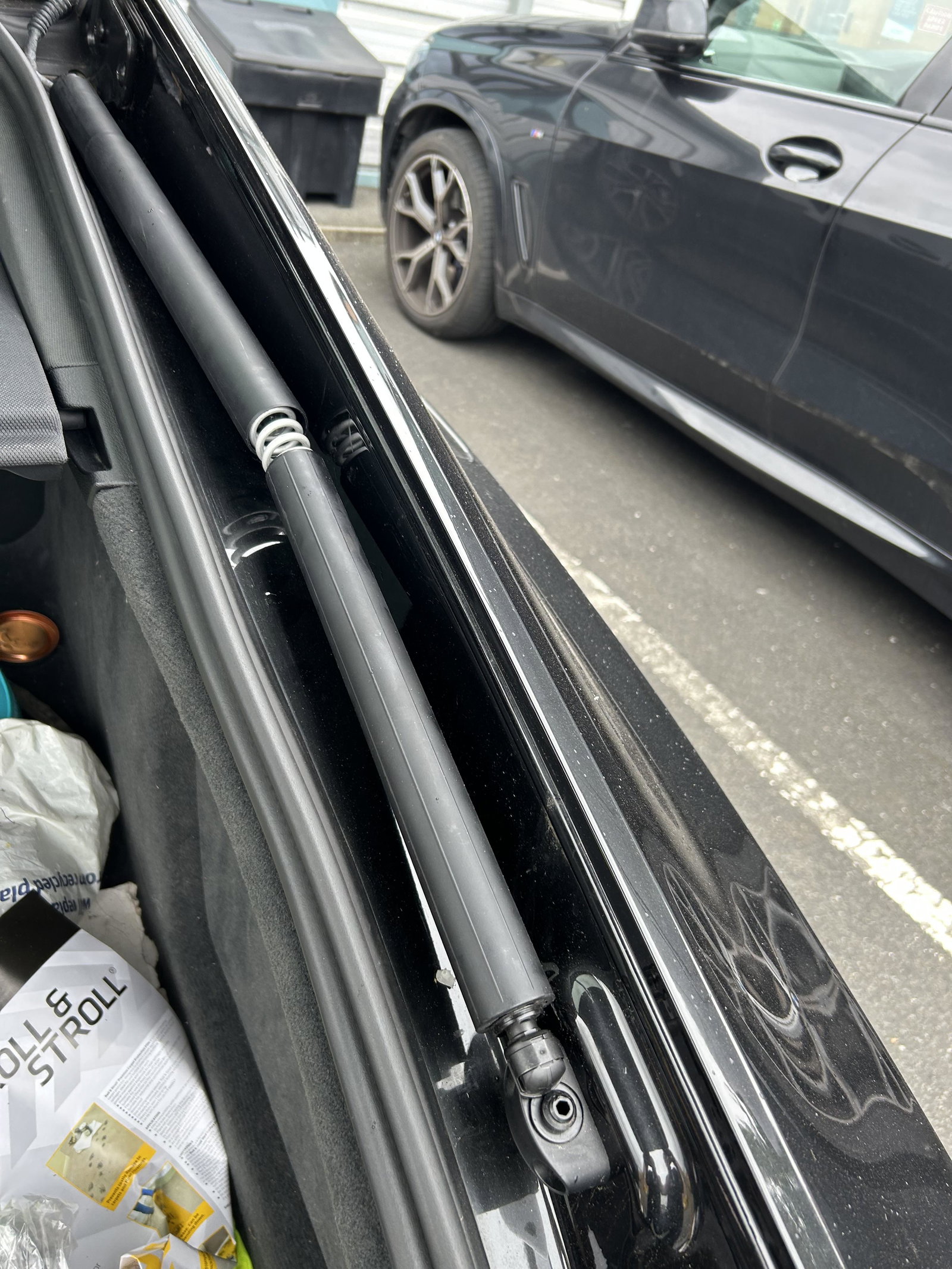
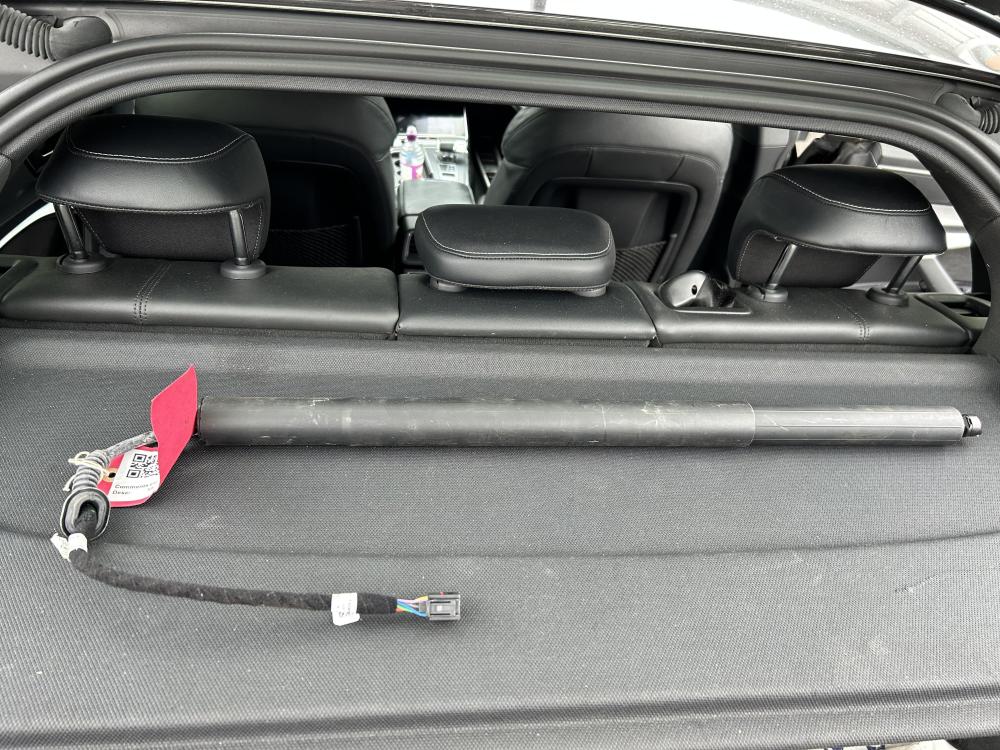
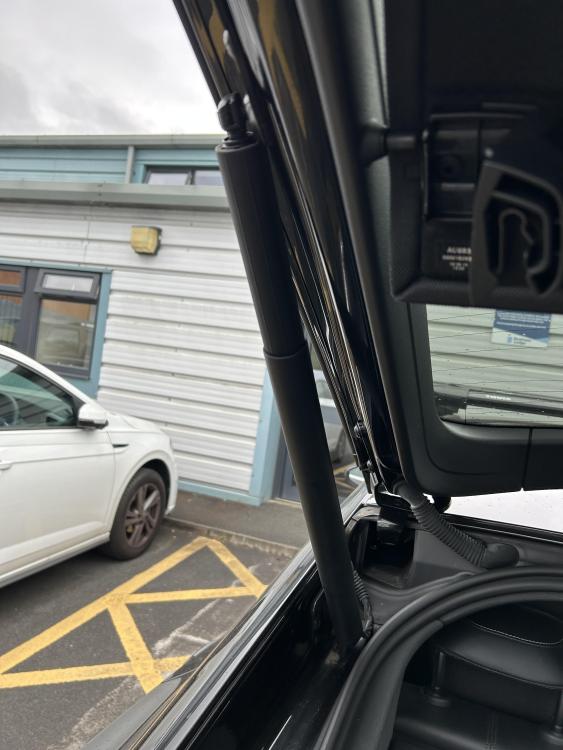
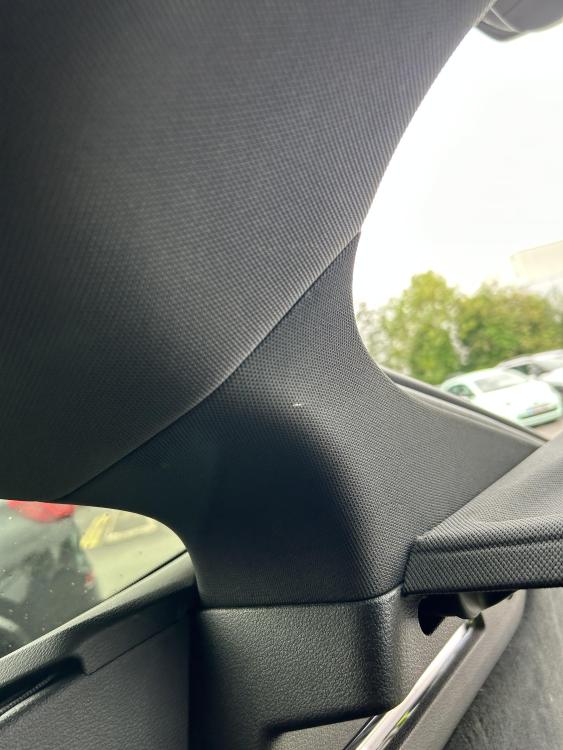
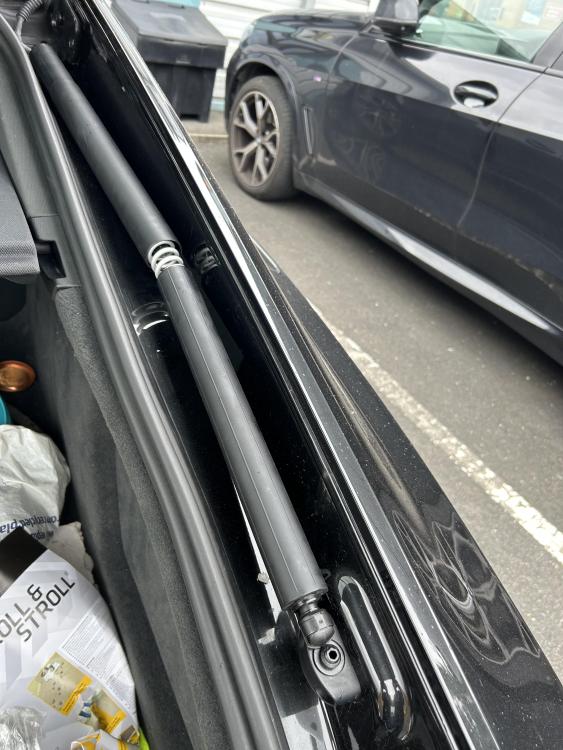
Hi Steve apologies for the late reply, please see attached photos of where the power goes through the bodywork and the replacement t strut I have bought. I am assuming I would need specialist tools to remove the trim on the inside of the car?
-
Good afternoon, i was wondering if anyone can help, I have a 2018 A7 50 TDI and one of my tailgate ( boot ) struts has failed. I couldnt afford a new one from Audi £502 plus fitting!! I have sourced a second hand one. It looks relativly easy to fit however i do not know how to get at the plug on the end of the cable, it goes into the bodywork but i dont know what trim i will need to remove. Could anyone help please