Simon Bailey
Established Member
-
Joined
-
Last visited
-
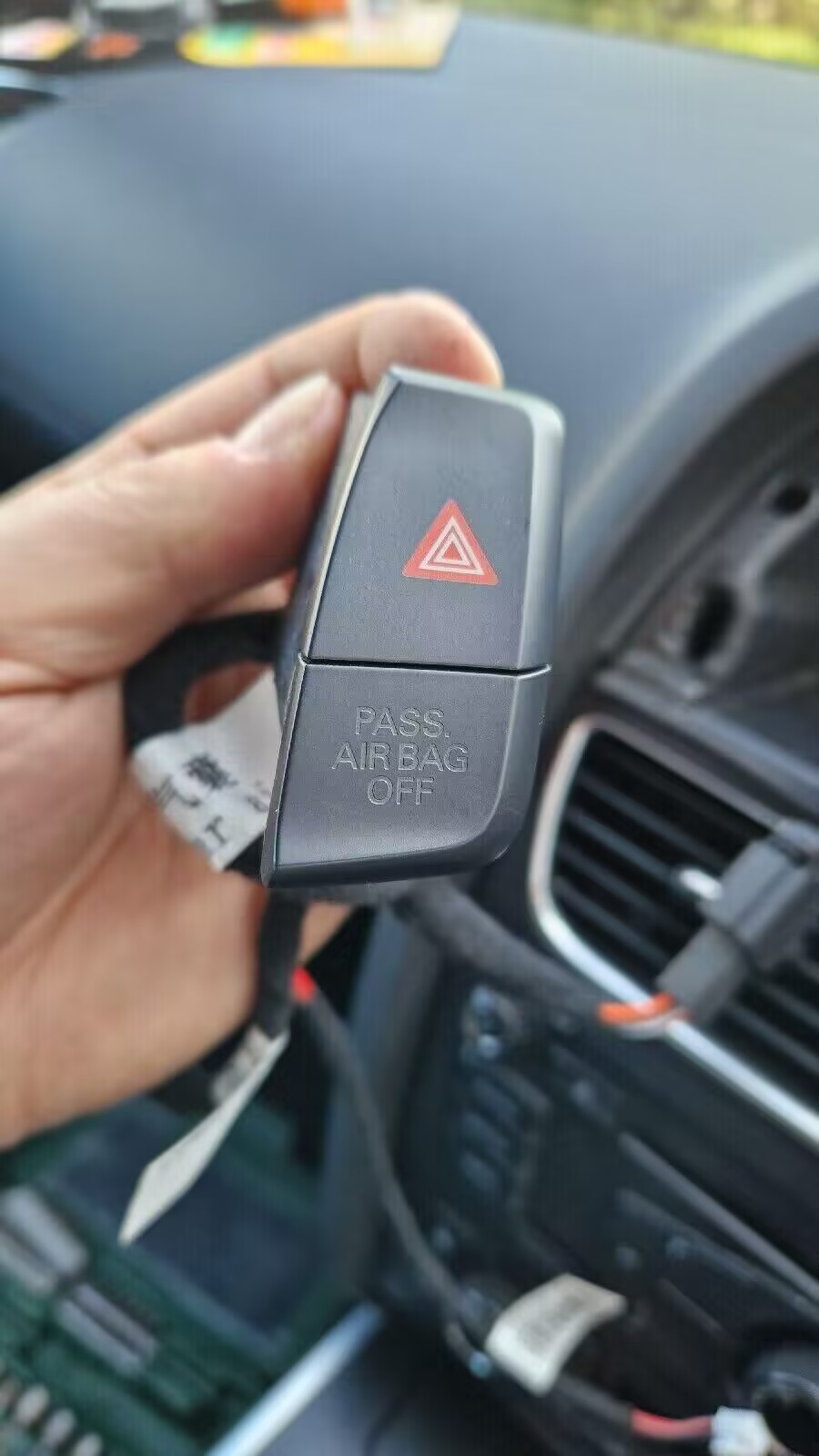
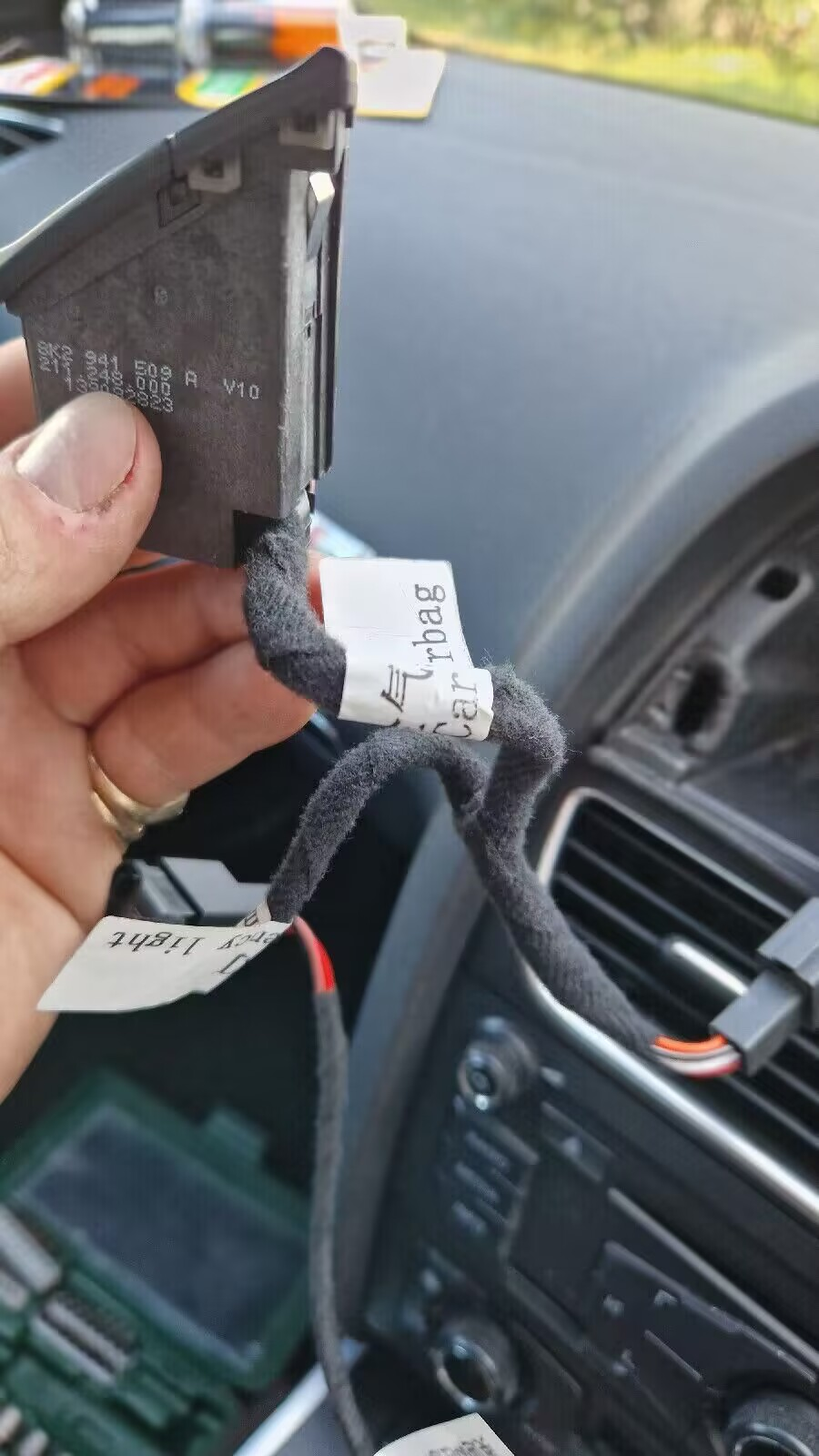
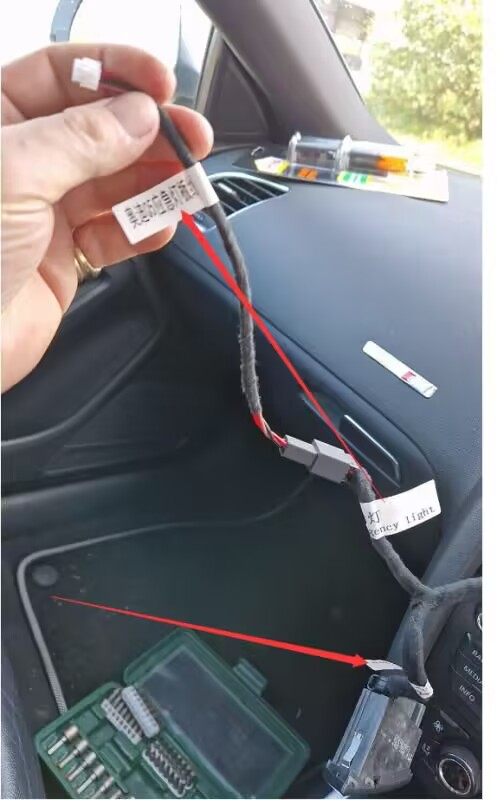
If i remember right your original you plug one end into the original button and the other into the new button.You hide the old button in the dash behind the new installThanks for reply was that on s different vehicle though as really wanted to know if any real difference in sound.I had a vectra v6 gsi done by powerflow years ago was very happy with itHas anyone had a custom exhaust on aa SQ5 TDI.I was going to have the speakers replaced but now wondering if it worth having a custom exhaust by powerflow or someone similar.I hear that it wont really make a difference in sound etc having this done.Well thanks to Mark's recommendation I finally got Audi drive select to work properly on my SQ5 thank you againHi thanks for replies I really didn't want to spend hundreds on buying vcds as really only want to enable audi drive select.I have carista but it hasn't seemed to have enabled it properly.I happened to come across someone on ebay selling just the software for around £25 but was unsure of what cable I would require to use it.Hi guys I have seen on ebay someone selling different versions of vcds software.I have a 2014 Audi SQ5 and was wondering which version to get think the latest one he has is 25.3.0 and which obd cable i would need to buy to use it on my laptopThanks Mark I may invest in vcds or see if garage i use can do this for meOn carista site it makes out it so easy to enable the drive select all it seems to do is put the Audi drive select screen onKufatec do a retrofit drive select systemThanks guys for replies yes mine does have individual mode on it mine has comfort,auto,dynamic and individual I may have to invest in vcds or the aftermarket addon button you can buyYes mine stays in D mode on dash.I wanted to put the drive select on as going to get speakers replaced in exhaust and fit the kauftec sound booster.Thanks for the answer I also thought if I select dynamic transmission and engine enters sports modeHi guys I have enabled the Audi drive select on my 2014 SQ5 using carista however I am not sure it is working as it should.If I select say dynamic it tells me on the dash that dynamic has been selected but the the transmission still says D and not S for Sport.Is this normal or should it enter Sport mode in transmission or do I have to stll knock the stick down to Sport mode.I could not select the suspension part in carista as I get the headlight fault as dont have correct suspension fitted.However I did enable engine and transmission. Thanks in advance for any adviceThe sq5 tdi have speakers to make them sound like a v8 however water gets into the speakers and they eventually fail.You have to cut the speaker pod open and replace the speakers and reweld them up