Skip to content
View in the app

A better way to browse. Learn more.

Audi Owners Club (UK)

A full-screen app on your home screen with push notifications, badges and more.

To install this app on iOS and iPadOS
  1. Tap the Share icon in Safari
  2. Scroll the menu and tap Add to Home Screen.
  3. Tap Add in the top-right corner.
To install this app on Android
  1. Tap the 3-dot menu (⋮) in the top-right corner of the browser.
  2. Tap Add to Home screen or Install app.
  3. Confirm by tapping Install.


Tango68

Members
  • Joined

  • Last visited

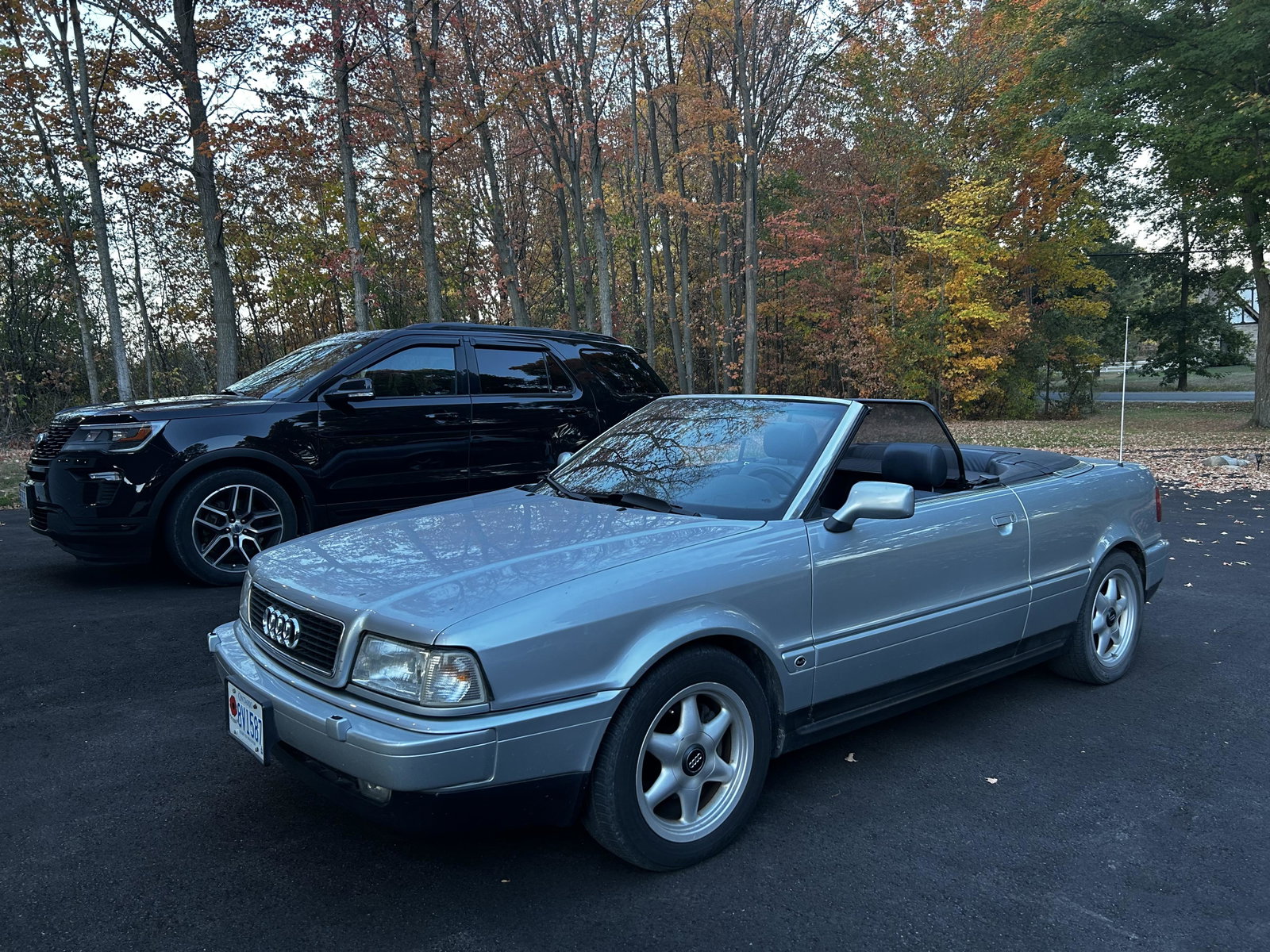
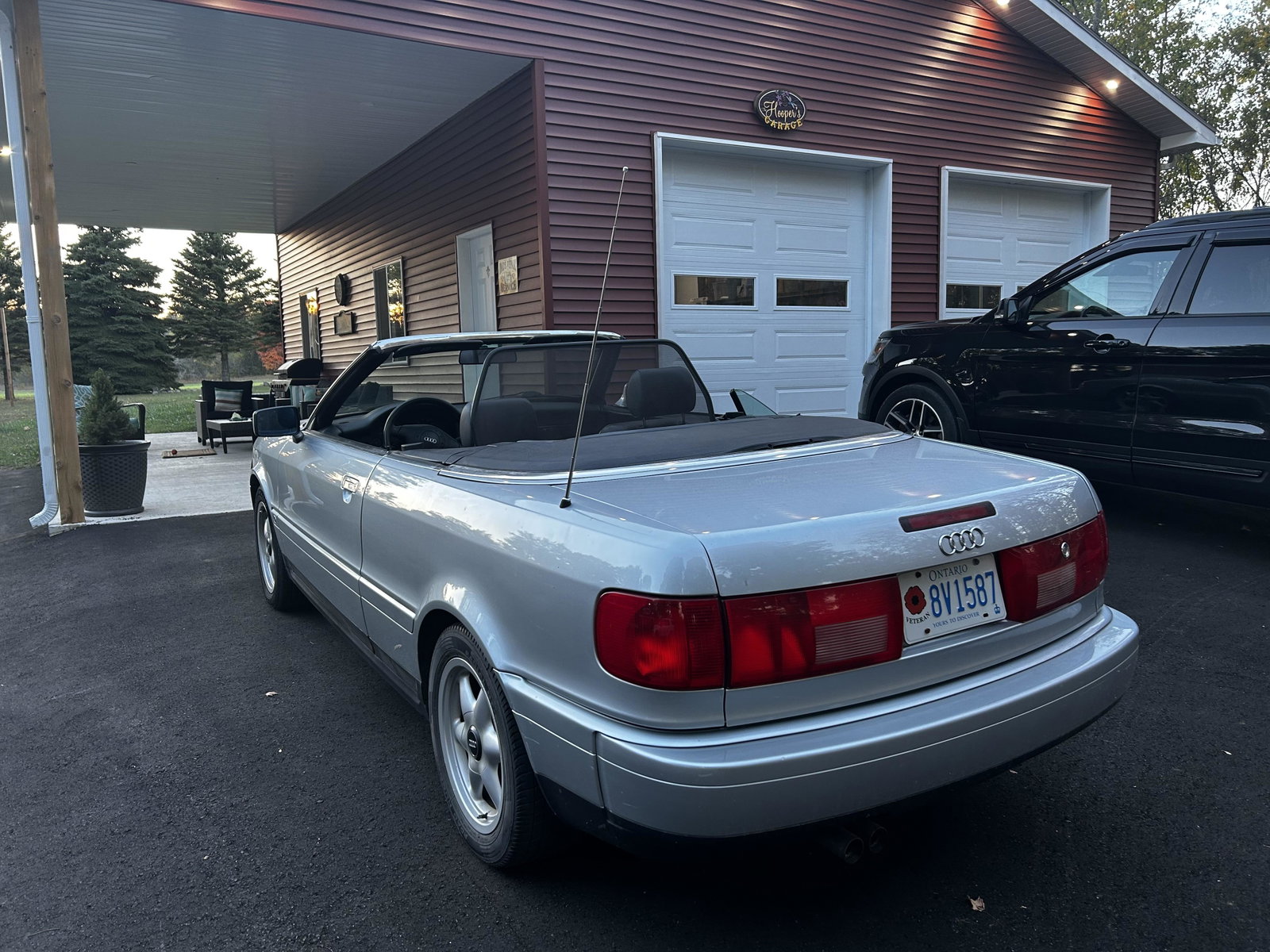
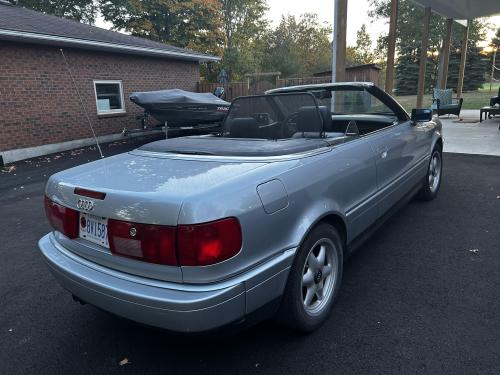
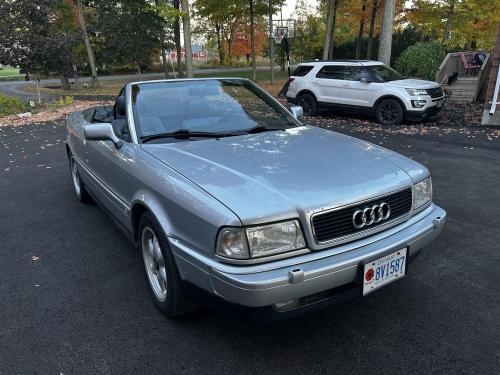
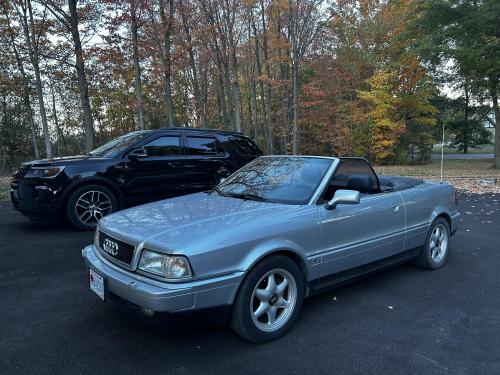
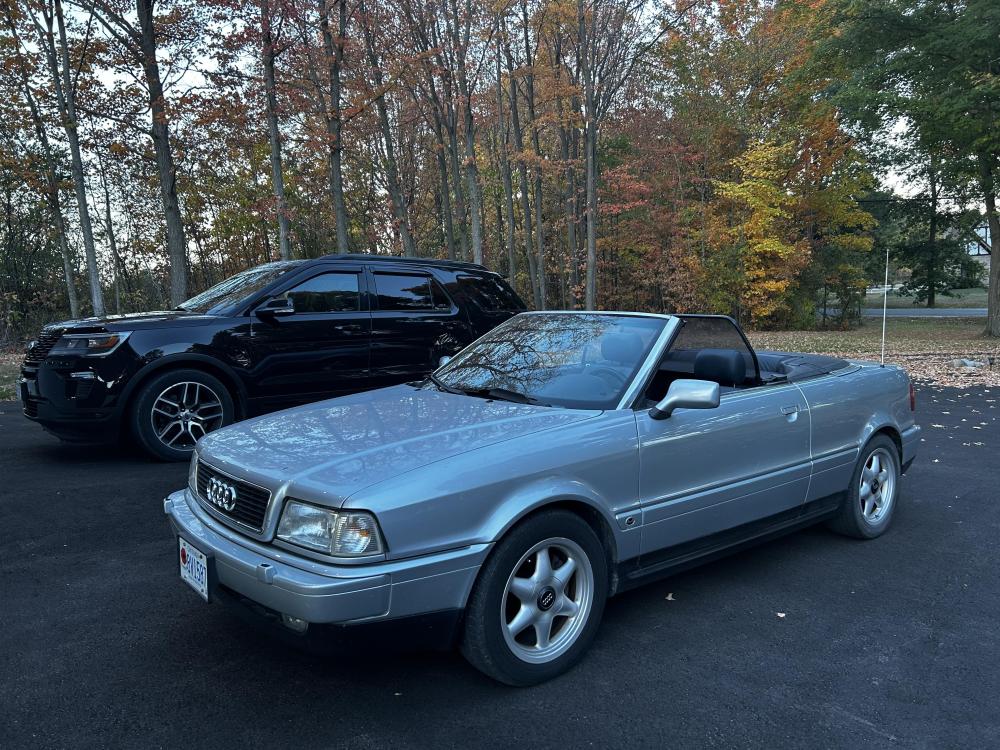
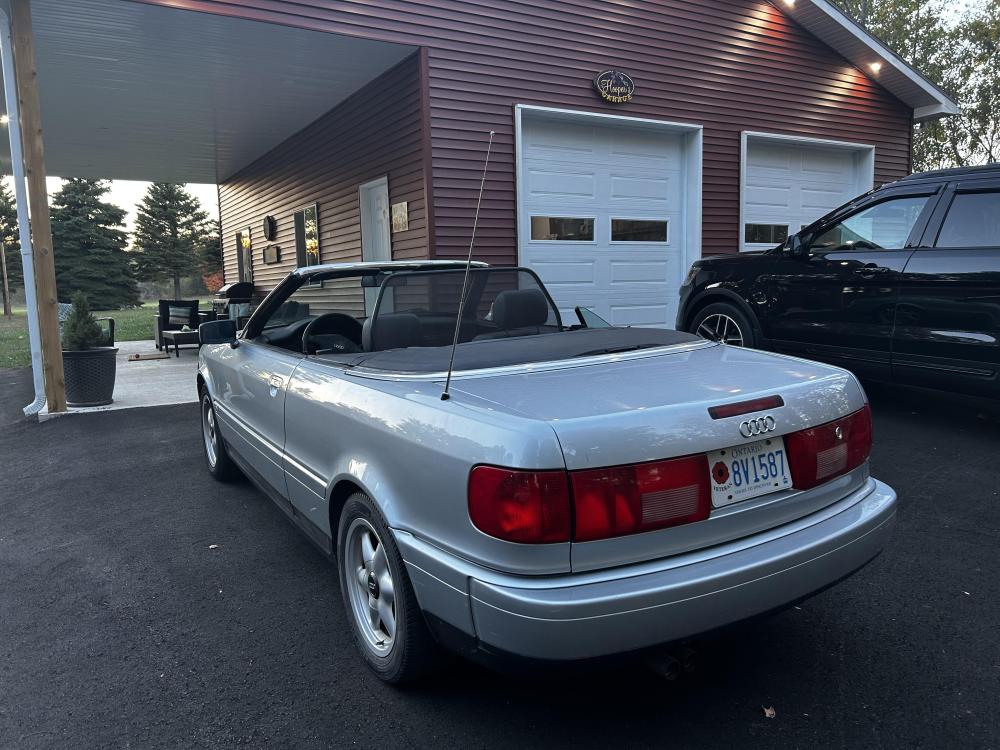
  1. Hi Everybody Having owned several Audi cars in the past during my service with the British Army and ten years in Germany I recently purchased a 1997 Audi Cabriolet as my second car. The person I purchased it from gave me the Bentley Publishers CD's but unfortunately I cannot get these to work due to password restriction. I also purchased the Emanuals ONline service/repair manual but the content was way less than expected with very little informayion. If anyone can assist I would be very grateful. The Car details are: 1997 Audi Cabriolet V6 VIN - WAUAA88G8VN006640 Thank you. Colin


Background Picker
Customize Layout

Account

Navigation

Search

Search

Configure browser push notifications

Chrome (Android)
  1. Tap the lock icon next to the address bar.
  2. Tap Permissions → Notifications.
  3. Adjust your preference.
Chrome (Desktop)
  1. Click the padlock icon in the address bar.
  2. Select Site settings.
  3. Find Notifications and adjust your preference.