MattLNUFC
Members
-
Joined
-
Last visited
Everything posted by MattLNUFC
-
press the mic button on the camera itself
-
On several occasions I've noticed that there has been loads of water in the boot, under the removable flooring. After the recent heavy rain, this was really bad! Any suggestions on where it could be coming in from? Seals look good all around, and the boot floor isnt wet, so can only assume it's coming in from underneath somewhere....
-
Hello everyone!
-
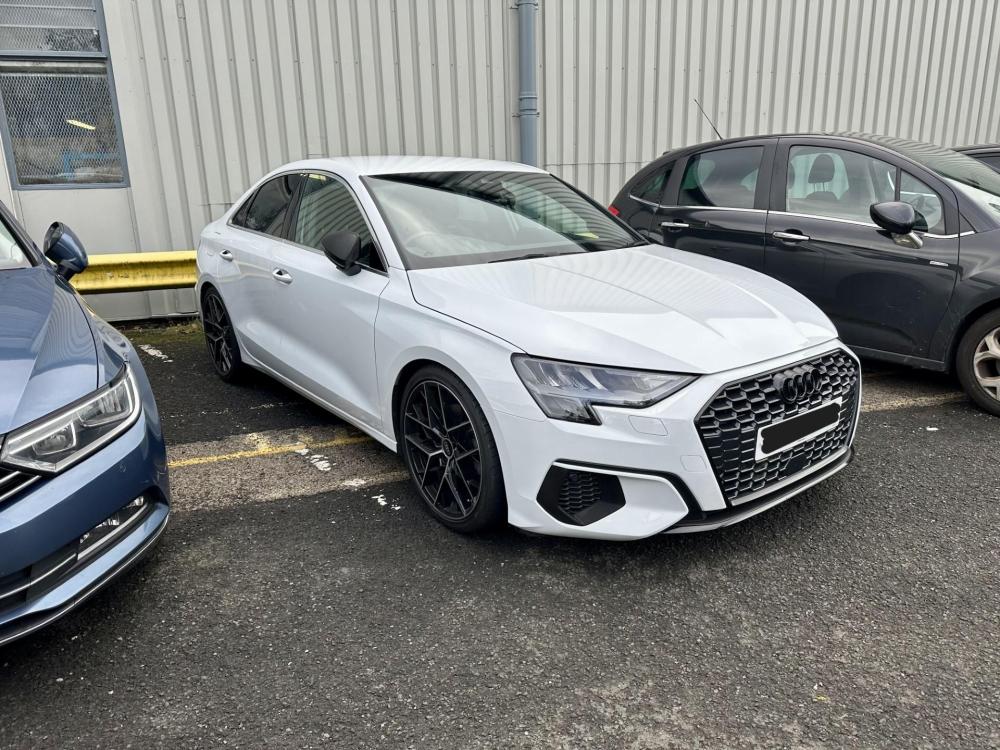
Hi, I have a 2020 30 TFSI Saloon, non SLine edition and was wondering if anyone knows if an original SLine bumper from either the Saloon, Sportback or Hatchback will fit my car as a direct replacement? Mine doesnt have actual exhaust exits on the bumper, assuming the exhaust just points downwards behind the bumper...
-
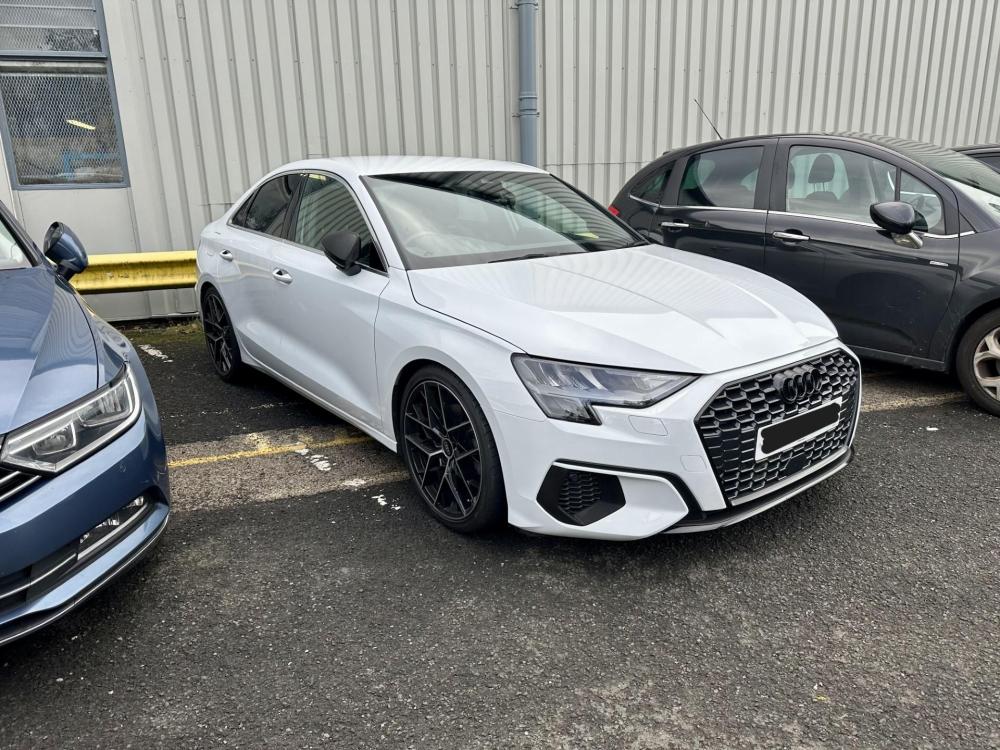
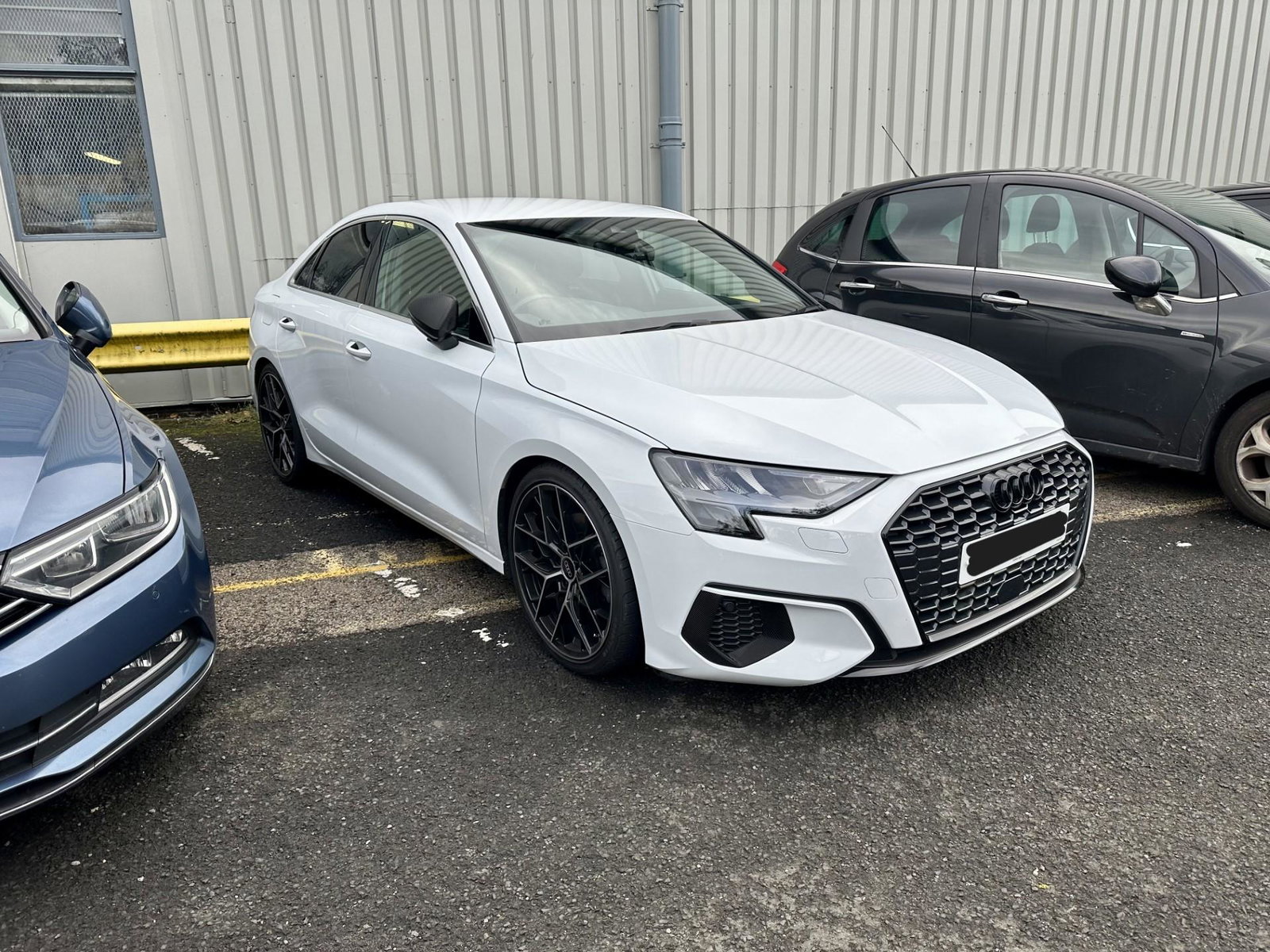
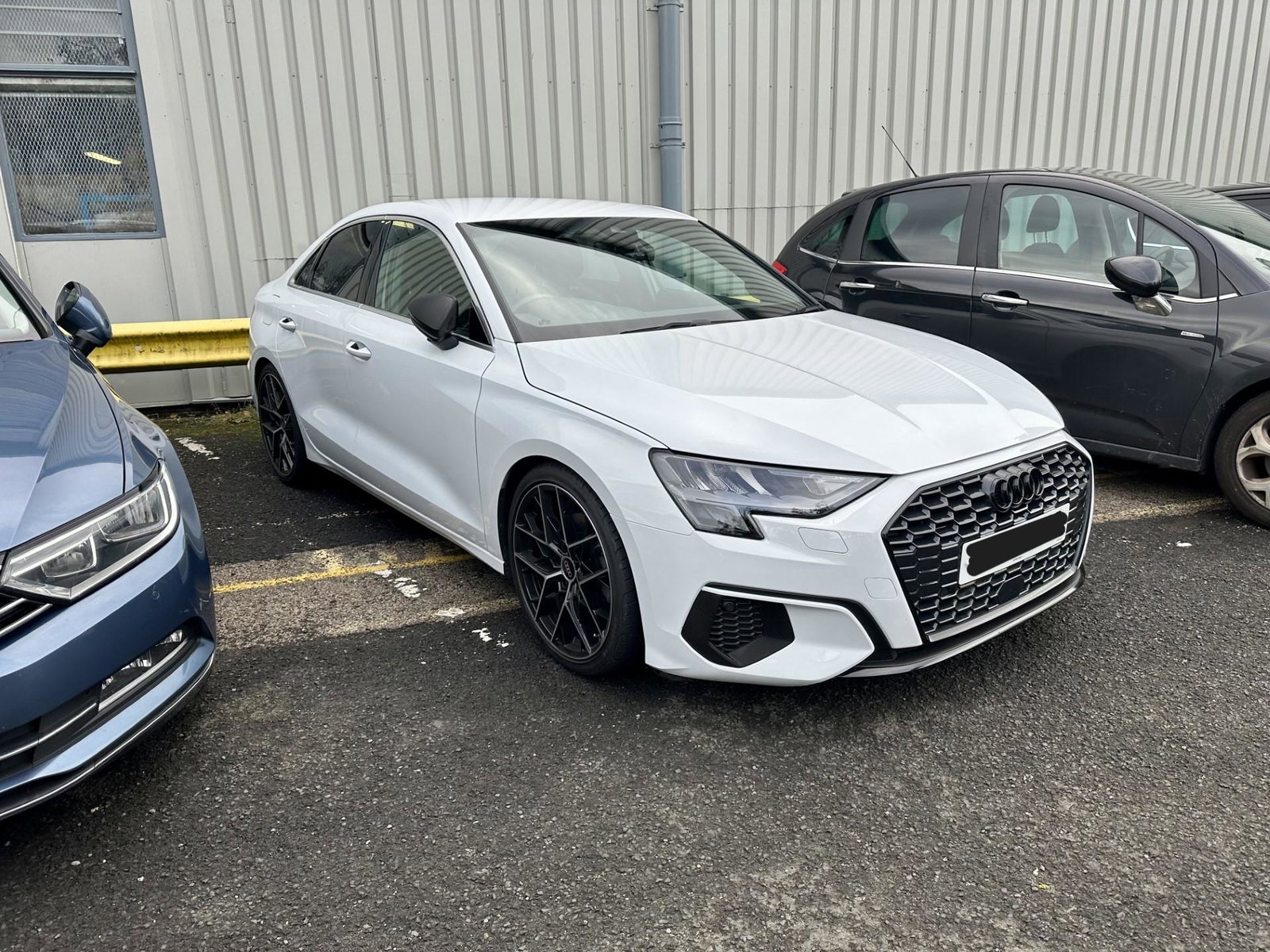
Hi, I've started the de-chrome process. Had the front and rear Audi badges replaced with black ones and had the front chrome/silver parts wrapped as suggested. It does look so much better!